


Bridal gowns
Wedding dress photography with AI
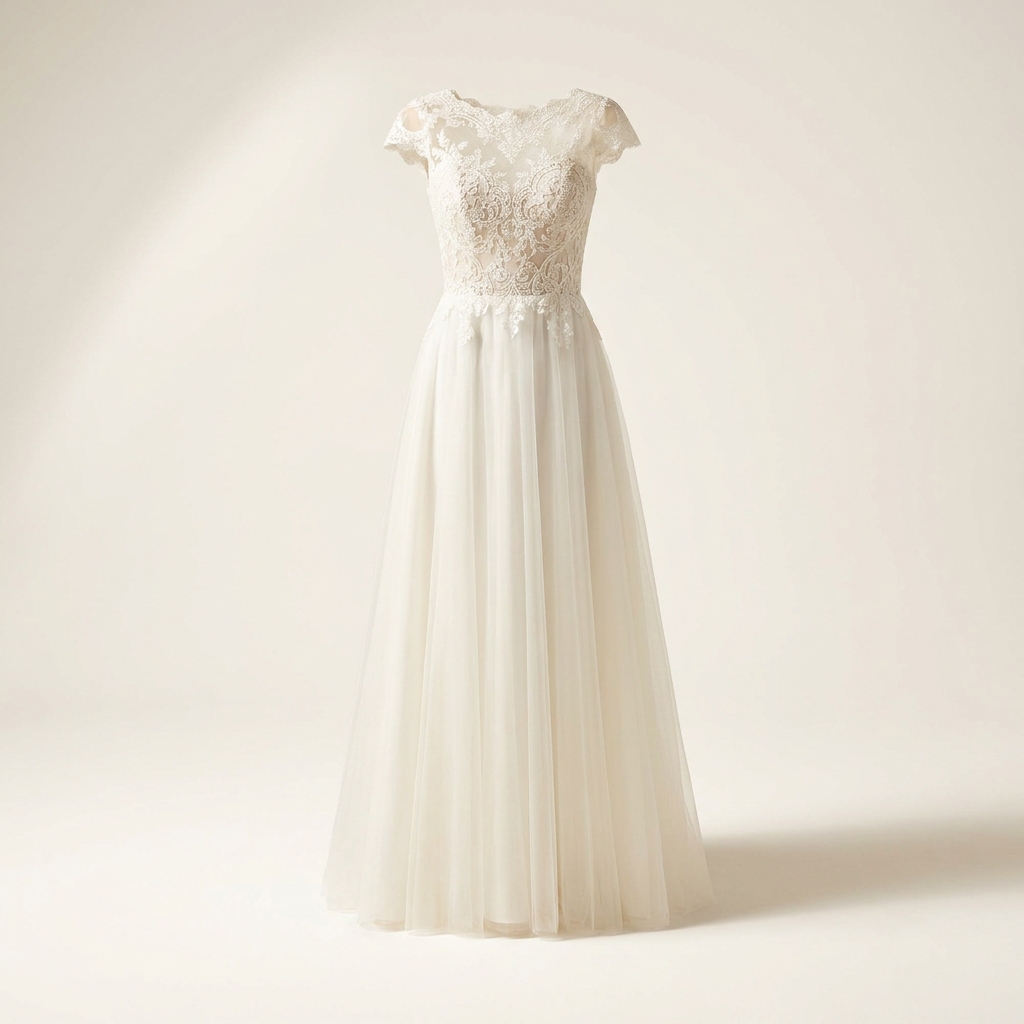
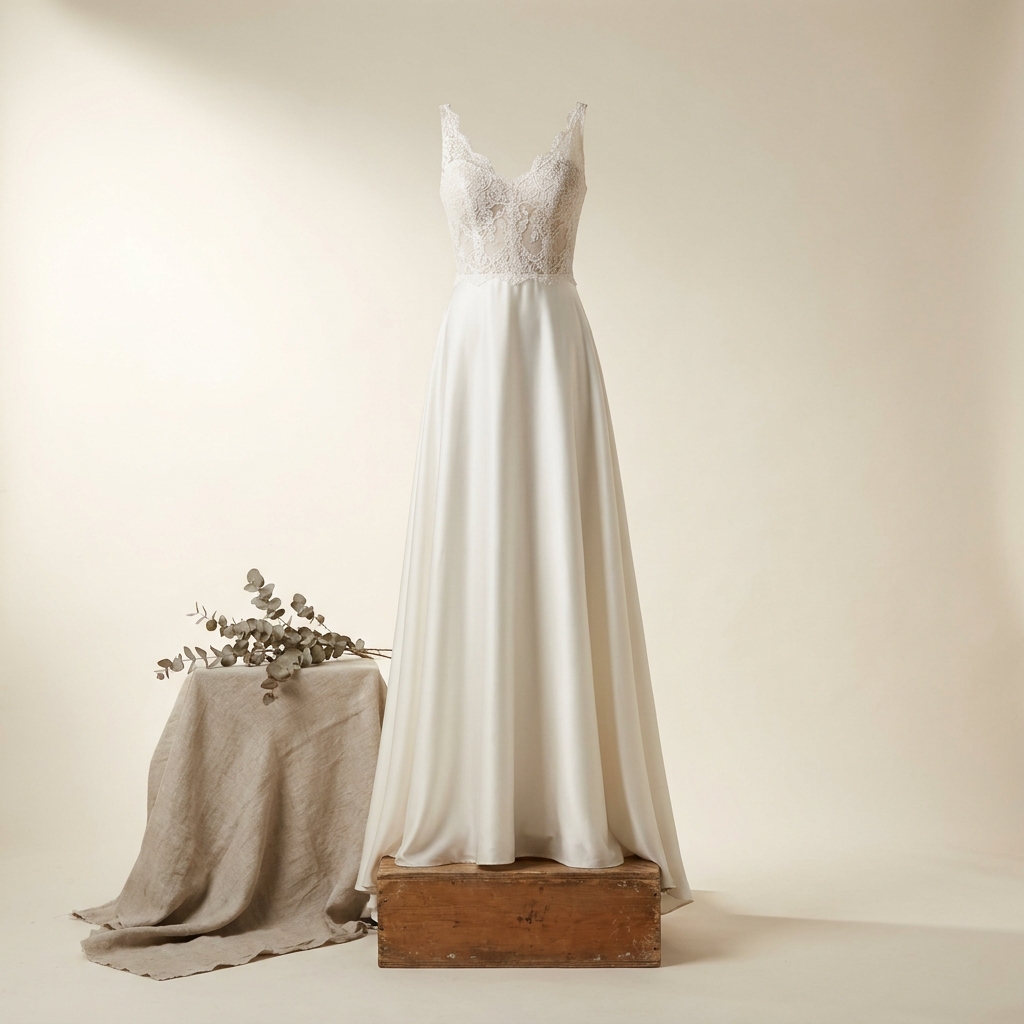
An ivory gown on a white background loses its own edge. Separate the two, then hold the highlight so the folds keep detail. Crop close on the lace. Show the train from behind, at a length a buyer can measure. Every picture keeps your brand's look, at any volume.
Last updated
Who it is for
Does that sound like you?
Scaling without compromising quality.
You need more pictures every week for the shop, the ads and the socials. Anyone can make an AI picture. Making hundreds that still look like your brand is the hard part. A shoot for every product costs weeks, and every new generator returns a different look.
- A template or a workflow you build once, with your brand rules
- One run on one product, or a batch over your whole catalogue
- Every result in Assets, with the same look on the first and the last
Cut the waiting time and budget for deliverables.
You make this for clients, and every client has their own look. A shoot for each one costs weeks and most of the budget. A different generator for each one returns a different look, so somebody fixes it by hand before it is delivered.
- Each client's brand rules, saved once and used on every run
- A workflow you build once and run for every client
- A batch over a client's whole catalogue, delivered from Assets
Wedding dresses
Wedding dress photography is a contrast problem. An ivory gown against a white wall has almost no edge, so the veil and the tulle disappear. Set the background one or two shades away from the fabric, or add a rim light behind the gown. Expose so the brightest silk stays below pure white, because a clipped highlight erases the fold it sits in. Then rake a light across the lace and crop close.
Four problems in bridal photography
What an ivory gown asks for that a coloured garment does not.
White on white
A white gown on a white background has no edge to find. The cutout eats the veil, the tulle and any sheer sleeve. Set the background a shade or two off the fabric. A light behind the gown also works, because a thin rim of brightness draws the outline.
Highlights that keep the folds
Silk and satin reach pure white long before the rest of the frame does. Once a highlight clips, the fold under it is gone and no edit restores it. Expose for the brightest fabric, then raise the shadows. A gown with detail in the highlight looks expensive.
Lace, beadwork and pearls
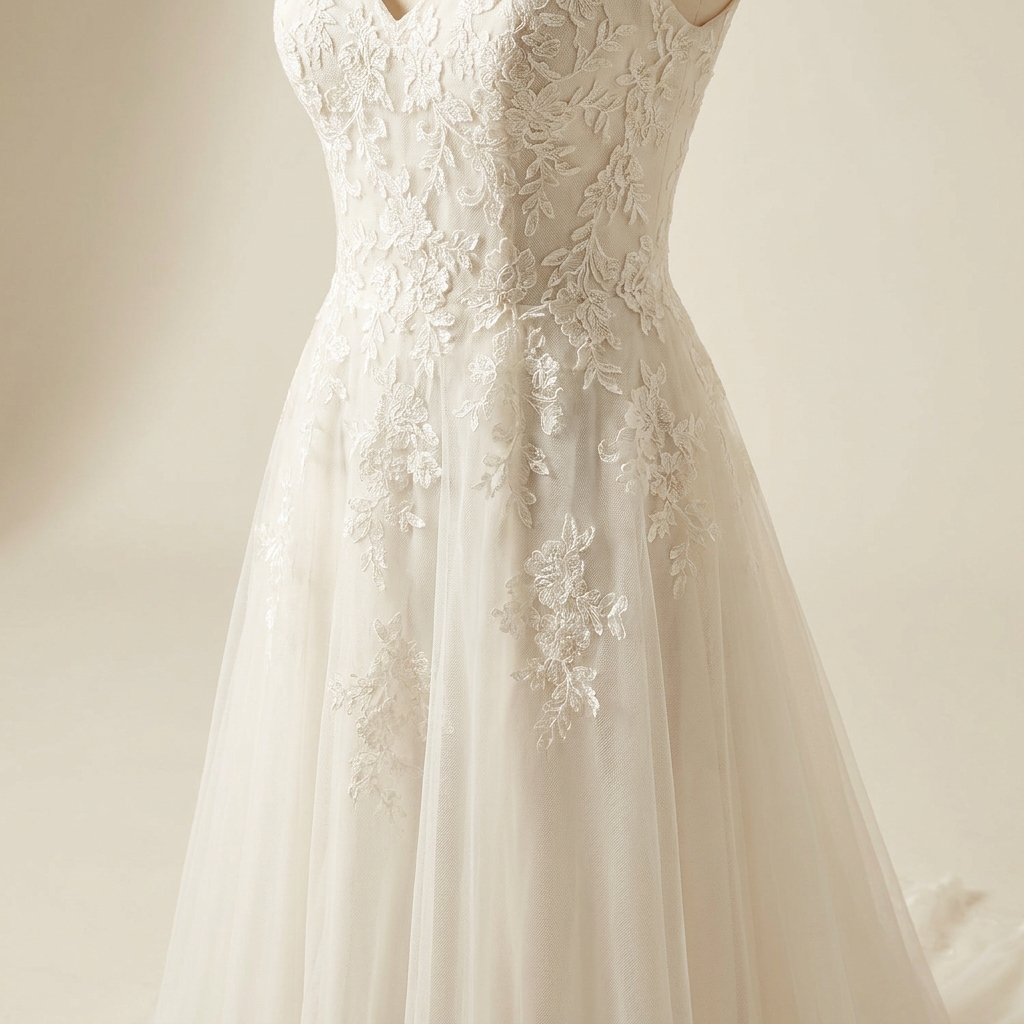
At listing size a beaded bodice reads as noise. It needs a light raked across the surface so each bead casts a small shadow, and it needs resolution. Crop tight and generate at the highest setting the model allows. Then raise the file to 4K before you publish it.
The train, shown and measured
Sweep, chapel and cathedral are different products, and a buyer cannot judge them from a front view. Photograph the gown from behind with the train laid flat on the floor. Include something of known size in the frame so the length is readable.
The shot list, in order
Four steps from your gown photos to a finished bridal gallery.
Settle the background tone before anything else, because white on white cannot be repaired later. One or two shades of separation is enough. Remove the background next and repair the veil and tulle edges by hand if the mask has hardened them. Light the lace after that, low and from the side. Check the highlight on the brightest silk in the same pass. Angles and the train shot come last, since they copy the lighting you approved. Upscale at the end, once the gown is correct, so you are not enlarging an image you will replace.
What a bridal listing needs
The four files to have ready before you publish a gown.
Full-length front view
The whole gown, shoulder to hem, on a background a shade away from the fabric. This frame carries the silhouette. Keep space at the bottom so the hem never touches the edge of the picture.
Back view with the train
The gown from behind with the train laid flat, shot from high enough that the whole length is in frame. This is where the buttons, the lacing and the train length are decided. It belongs in every bridal set.
Lace and beadwork macro
One tight frame on the bodice or the sleeve, lit across the surface and delivered at 4K. A bride reads the quality of a gown from this image. A soft or small version of it reads as a cheap copy.
Shade reference
One frame that shows the real shade, whether the gown is bright white, ivory, champagne or blush. Photograph it beside a plain white card so the difference is visible. Screens vary, and a shade name alone settles nothing.
Questions about wedding dress photography
What bridal sellers ask before they photograph a gown.
How do I photograph an ivory gown without losing the edge?
The beadwork looks like noise at small sizes. What do I do?
How should I show the train length?
Will ivory look right on every screen?
Can I show a gown in a shade I do not stock?
What resolution do the detail crops need?
The business behind a bridal label
This page is about photographing a gown. The fashion brands page is a different one. It covers how a label keeps one model and one look across a whole collection.
Other categories
The same craft, written for a different product.
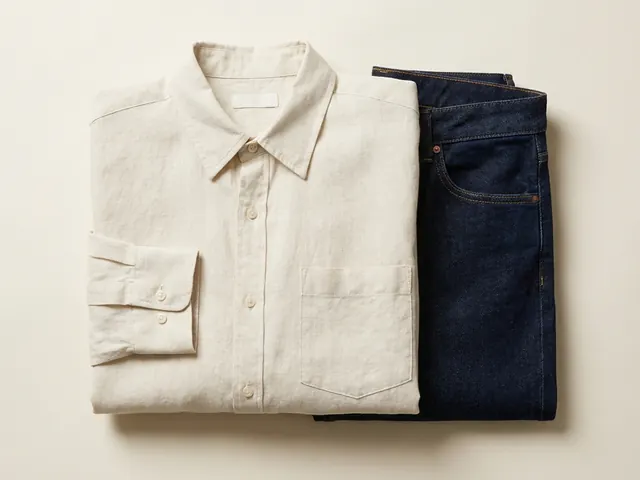
Fashion and apparel
Drape, fabric weight and true colour, held across every image in a clothing listing.
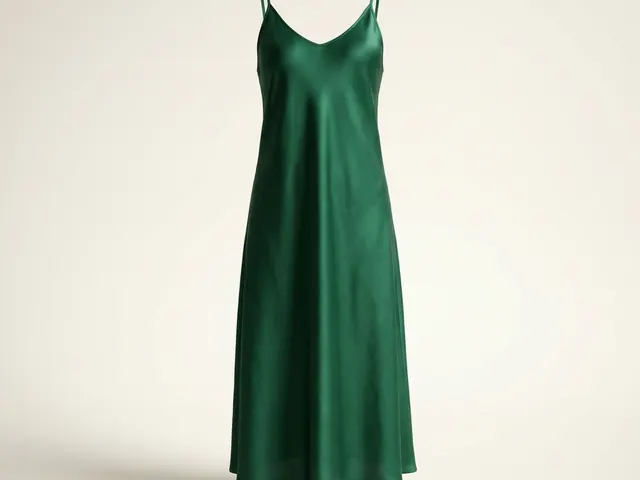
Dresses
Hem line, the fall of a skirt, and a full-length garment inside a square crop.
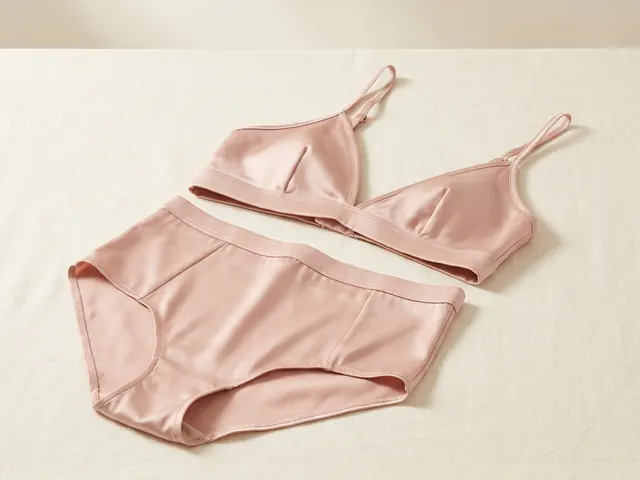
Lingerie photography
Flat lay sets, open lace cut-outs, sheer mesh backing and true nude colour.

Swimwear photography
On-body fit, location light, wet colour shift and the print shown flat.
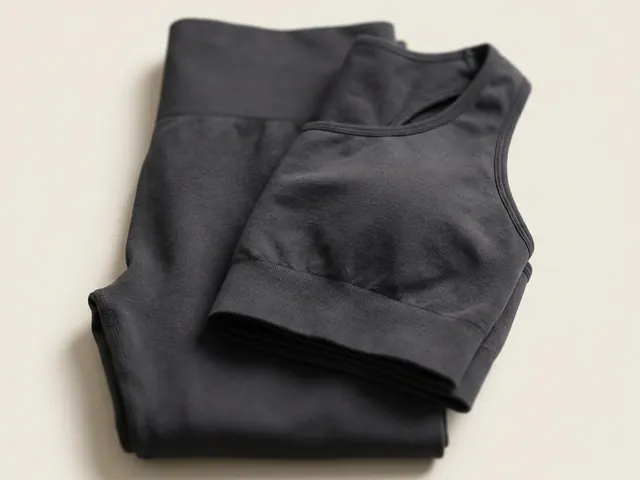
Activewear photography
Compression under tension, seam detail in raking light, and the back view buyers open.
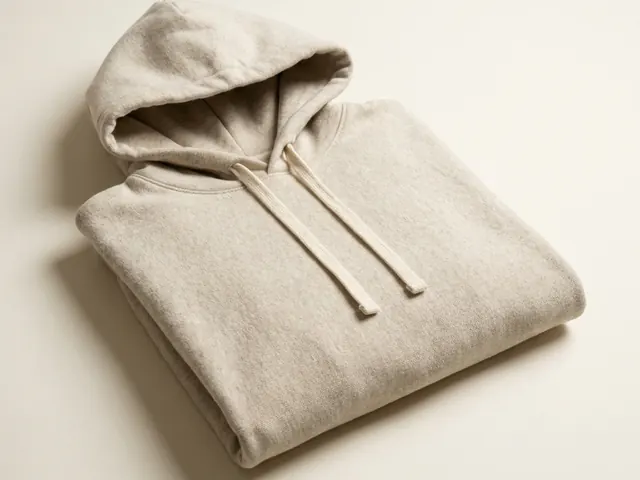
Hoodie photography
Fleece weight, hood shape, print legibility and the drop shoulder.
Everything you need, in one place
The full workflow from the first product photo to the finished ad, in one subscription.
Scale content without limits.
Generate content for your products or services with AI, starting today, and keep your brand on every piece.








