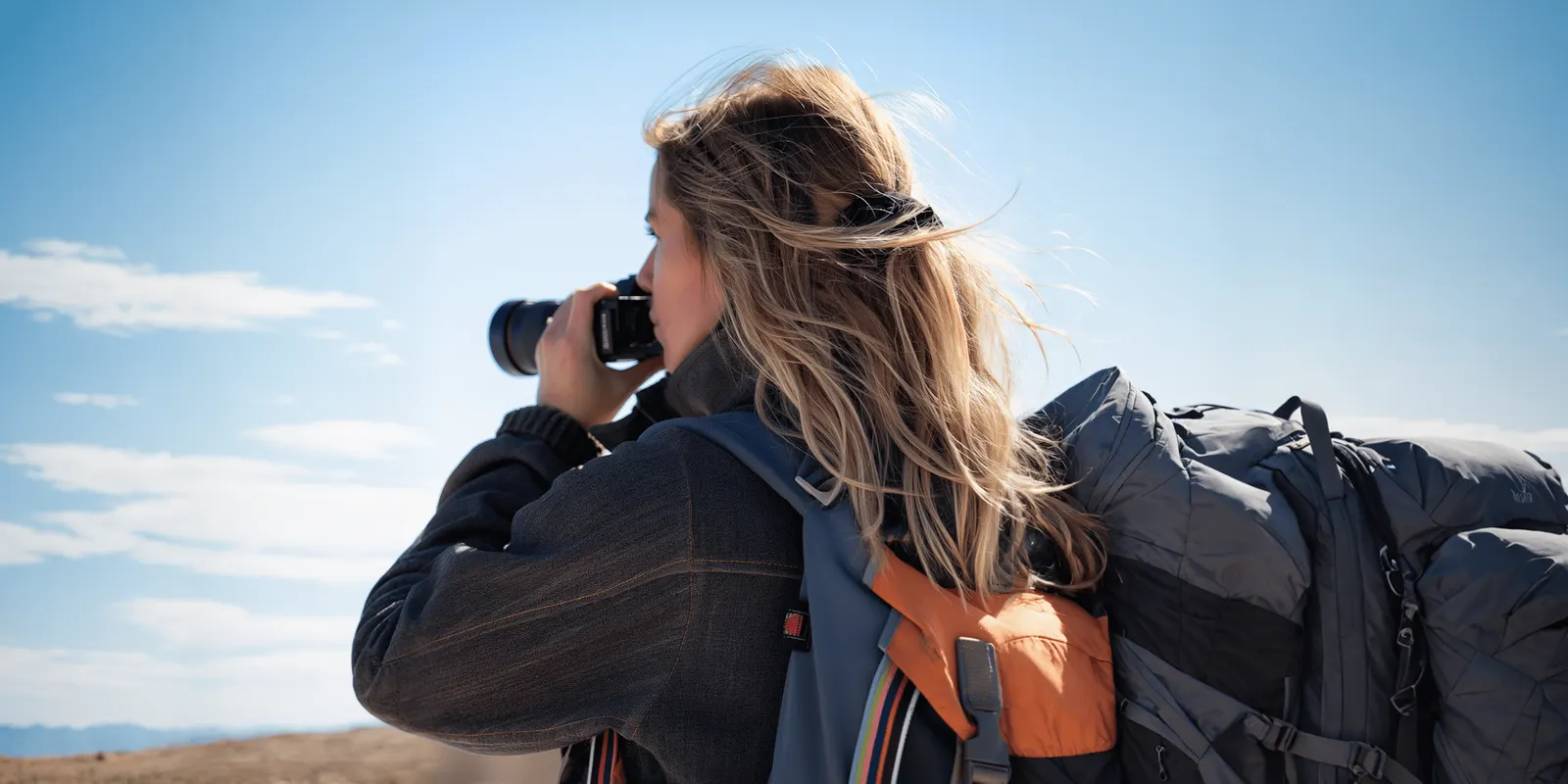
AI in photography works at three stages. At capture, the camera uses it to find the subject and to merge several frames into one. In editing, software uses it to select, clean, enlarge or redraw parts of a photo. In generation, a model draws the whole image with no camera. For a brand, one question matters at every stage: does the picture still show the photographed product?
That question decides which metadata value a file carries and whether a label rule can apply. This guide covers the three stages from the makers’ own documentation, then provenance and the rules for commercial images in 2026.
Key Takeaways
- Three stages, three different jobs. Capture AI helps the camera record a real scene. Editing AI changes a photo you already have. Generation AI draws a new picture.
- One line matters most. An edit keeps the photographed product. A generation redraws it.
- Some cameras now sign their photos. Leica, Sony, Nikon and Canon each list camera models that write Content Credentials at capture.
- Google Merchant Center has a hard rule. Images created with generative AI must keep metadata that says so.
- EU Article 50 has applied since 2 August 2026. A real product on an AI background is usually outside the deep fake rule. A redrawn product that misleads can be inside it.
What does AI in photography mean in 2026?
AI in photography means a trained model makes a decision that a person or a fixed formula used to make. The model may decide where to focus, which pixels belong to the product, or what a missing corner should contain.
A focus decision cannot change the product. A fill decision can. So the useful way to sort the topic is by what the model is allowed to change.
IPTC, the standards body for news metadata, already sorts images this way. Its Digital Source Type list has one value for each case (IPTC NewsCodes, October 2026).
The three stages of AI in photography
| Stage | What the AI does | Closest IPTC source type | Is the product redrawn? |
|---|---|---|---|
| Capture | Finds the subject, merges several frames | Digital capture, or multi-frame computational capture | No |
| Editing, corrective | Sharpens, removes noise, selects | Algorithmically-altered media | No |
| Editing, generative | Fills, removes or extends areas | Edited using generative AI | Only where you let it |
| Generation | Draws the whole image | Created using generative AI | Yes |
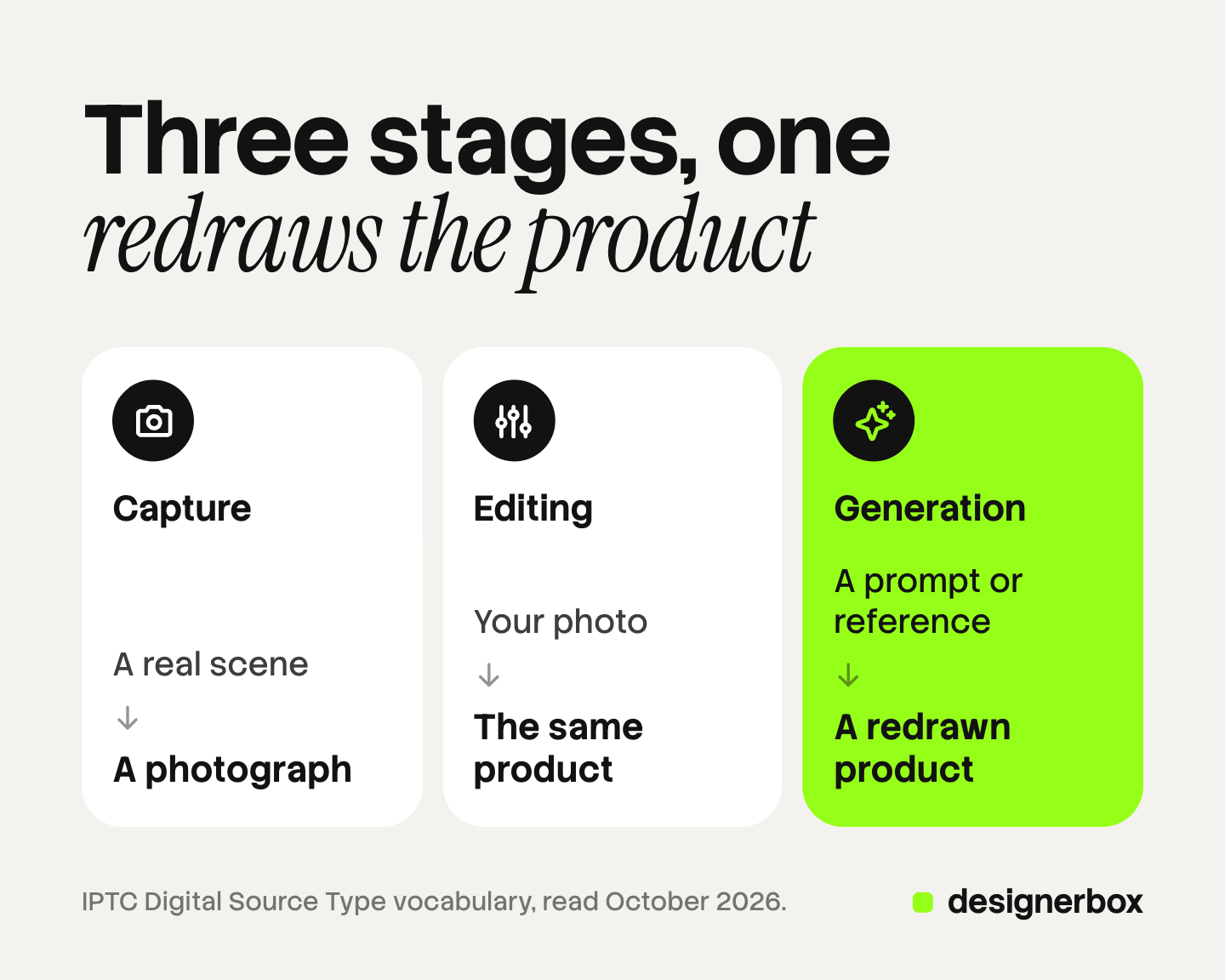
The first two rows record or clean what the lens saw. The third depends on where you point the fill. The fourth holds a drawing of the product.
IPTC defines the corrective row as a change “without changing the main content of the media”, and gives sharpening and noise reduction as examples. It defines the generative edit row with “inpainting or outpainting operations”.
Stage 1: Capture, where the camera uses AI
Subject detection. Cameras recognize what is in the frame and focus on it. Sony says its Alpha 7R V has “AI-powered Real-time Recognition AF”, run by a dedicated AI processing unit (sony.com, October 2026). Canon describes “deep learning-based subject detection” on the EOS R5 Mark II (Canon Snapshot, October 2026). Nikon says the Z6III supports nine types of subject detection (nikon.com, June 2024).
Multi-frame capture. Phones take several frames and merge them. Apple says the iPhone camera “takes several photos in rapid succession at different exposures and blends them together” for HDR (support.apple.com, October 2026). Google Research describes the Pixel method: between 2 and 15 raw frames are aligned and merged into one image (research.google, April 2021).
IPTC calls this second job “multi-frame computational capture” and says it uses signal processing or non-generative AI. The camera combines light it recorded. It adds no product detail of its own.
For a product shoot, capture is the low-risk stage. AI for product photography covers the source photo a beginner needs.
Stage 2: Editing, where a photo you took gets changed
AI in photo editing covers two kinds of work.

Corrective edits keep the content. A model finds the product edge for a cutout, removes sensor noise, sharpens a soft frame or enlarges the file. The main content stays the same.
Generative edits create pixels that the camera never recorded. Generative fill adds an object or a surface. Object removal deletes something and paints what might be behind it. Outpainting extends the frame past its original border. People often call this AI photo manipulation.
You set the scope of a generative edit. Google’s documentation gives an inpainting pattern that asks the model to change one named element and keep everything else the same (ai.google.dev, October 2026).
So point generative edits at the background, the floor, the shadow or the empty edge of the frame. Keep them off the product.
The channel rules for each edit sit in ecommerce image editing by channel. For software by job, see the best AI photo editors compared.
Stage 3: Generation, where no camera is involved
A generated image has no capture step. A model draws it from a text prompt, a reference image or both. IPTC labels this “Created using Generative AI”.
Generation takes two forms in commercial work. In the first, the model draws a scene and you place a real product photo into it. In the second, the model draws the product too, from your reference. The first keeps the photographed product. The second redraws it, even when the two look alike.
Vendors mark generated files at the source. Google states that all images from its Gemini image models include a SynthID watermark (ai.google.dev, October 2026).
What does AI editing still get wrong on product images?
Four areas need a human check. We found no reliable error rate for any of them, so no percentage appears here.
- Text. OpenAI’s own guide says its image models “can still struggle with precise text placement and clarity” (platform.openai.com, October 2026). Check every word on a label and a box.
- Logos and brand marks. The same guide says the model may struggle to keep “brand elements” consistent across several generations. Compare each logo with the original file.
- Transparent materials. Researchers note that transparent objects take their appearance from the background, which makes their edges hard to separate (arXiv, March 2020). Check glass, clear packaging and liquids after a cutout.
- Color and reflections. A model that redraws a surface also chooses its color. A reflective surface shows the room around it, so a new background implies a new reflection. Compare the result with the physical product.
The Commission’s guidelines list an AI product image that makes the product “appear not identical to the real product” as a possible deep fake (European Commission, July 2026).
How do you prove where an image came from?
Provenance is the record of how an image was made. Two systems carry it. IPTC metadata is a field inside the file, and its Digital Source Type holds one of the values in the table above.
Content Credentials are signed records defined by the C2PA standard. C2PA describes an open technical standard to establish “the origin and edits of digital content” (c2pa.org, October 2026). A credential can state the origin of a file, the edits made to it and any use of AI (C2PA explainer, October 2026).
Four camera makers list models that sign photos at capture:
- Leica lists six cameras with Content Credentials, the M11-P and the SL3-S among them (leica-camera.com, October 2026).
- Sony lists ten bodies that accept a signature license for still images, as of May 2026. The list includes the Alpha 1 II, the Alpha 9 III and the Alpha 7 IV (sony.net, October 2026).
- Nikon says the Z6III has been compatible with its authenticity service since 27 August 2025 (nikonusa.com, October 2026).
- Canon names the EOS R1 and the EOS R5 Mark II as C2PA enabled. Canon says the function needs paid activation, and its system is built for news organizations (global.canon, May 2026).
Google says the Pixel 10 adds Content Credentials to images in its camera app (blog.google, May 2026). Samsung says the Galaxy S25 series supports them (news.samsung.com, February 2025).
Two limits apply. Most of these camera features need a license, a registration or a firmware update first. The record can also be lost. C2PA states that it “does not offer any protection against the complete removal of C2PA manifests from assets” (C2PA security considerations, October 2026). Check the file at the end of your pipeline.
Which rules apply to AI images in 2026?
Four sources set most of the rules a brand meets. This is general information, not legal advice.
Google Merchant Center. Google states: “All images created using generative AI must contain meta data indicating that the image was AI-generated.” Its example is the IPTC value for trained algorithmic media. Google also tells merchants not to remove those tags (support.google.com, October 2026). This rule covers product images in Merchant Center.
EU AI Act, Article 50. The Commission’s FAQ says Article 50 “applies as from 2 August 2026”. Tool makers must mark AI results in a machine-readable way. Tool makers whose systems were on the market before 2 August 2026 have until 2 December 2026 to add the marks. A brand that publishes a deep fake must label it so people can see the label. The FAQ adds that a brand cannot rely on the hidden mark alone (European Commission FAQ, October 2026).
The Commission’s guidelines say color correction, background replacement “for clearly aesthetic purposes” and re-scaling in product ads are likely to have only a minor impact. They list a real product on an AI-generated background as outside the deep fake definition, as long as the ad does not mislead about the product. The guidelines are not binding.
Meta. Meta adds an “AI info” label when you use its own generative features to create or significantly edit an ad image. It also labels ads when it detects third-party generative AI, and it names C2PA as one detection method (Meta Business Help, October 2026).
US Copyright Office. The Office says AI results can be protected “only where a human author has determined sufficient expressive elements”. Creative arrangement or modification can qualify, but not “the mere provision of prompts”. Using AI to assist creation does not bar copyright (copyright.gov, January 2025).
Image licensing and usage rights explains what that means for a contract. For label rules by channel, read marketplace rules for AI product photos. Ad platforms add their own labels, covered in the four layers of AI in advertising.
Brand images, ads and video from one source photo
Anyone can make an AI picture. Making hundreds that still look like your brand is the hard part.
DesignerBox is AI creative production for brands and agencies. It makes images, ads and video, and a product photo is one input among several. You save the steps once as a workflow, with your brand rules, and run it again on the next product. A batch runs one workflow over a sheet of up to 200 rows, so row one and row two hundred follow the same rules.
The same line applies inside DesignerBox. The image editor makes one edit after another on a picture you already have. A workflow that builds a new scene is a generated result, so check the product in it against the real one. The cost is shown before the run.
The full workflow from the first product photo to the finished ad, in one subscription.
Three limits are worth knowing. DesignerBox does not send finished work to a store or an ad account: you download the results, or send them with a webhook or an S3 step. Every plan below Ultra is one seat. Virtual try-on works for garments only.
Uploading your own photos and the commercial license start on the Pro plan. AI video, virtual try-on, upscaling, the image editor and the video editor start on the Premium plan. Plans and credits are on the pricing page.
There is a free plan, and it runs on sample products. Get started free
FAQ
How is AI used in photography?
AI is used at three stages. Cameras use it to detect subjects and to merge several frames into one photo. Editing software uses it to select objects, reduce noise, enlarge files and fill or remove areas. Image models use it to draw a complete picture from a prompt or a reference, with no camera involved.
Is a phone photo an AI image?
Usually no. A phone merges several real frames into one photo. IPTC calls this multi-frame computational capture and says it uses signal processing or non-generative AI. The phone records a real scene. A feature that adds or removes content afterwards is a generative edit.
What is the difference between AI photo editing and AI photo manipulation?
None of the rules in this guide defines either term. A useful split comes from IPTC. A corrective edit, such as sharpening or noise reduction, keeps the main content. A generative edit, such as inpainting or outpainting, creates new content. People usually mean the second kind when they say AI photo manipulation.
Do I have to label an AI-edited product photo?
Not always, and the rule changes with the edit and the market. In the EU, the label duty for brands covers deep fakes. The Commission’s guidelines say color correction and aesthetic background changes in product ads are likely to have a minor impact. A redrawn product that misleads buyers can be covered. Google Merchant Center separately requires AI metadata on generated images.
Which cameras write Content Credentials?
Leica, Sony, Nikon and Canon each list supported models on their own pages. Examples are the Leica M11-P, the Sony Alpha 1 II, the Nikon Z6III and the Canon EOS R5 Mark II. Most need a license, a registration or a firmware update first. Google’s Pixel 10 and Samsung’s Galaxy S25 series also support Content Credentials.
Sources
- IPTC Digital Source Type vocabulary, definitions of digital capture, multi-frame computational capture, algorithmically-altered media, edited using generative AI and created using generative AI (cv.iptc.org, accessed 7 October 2026)
- Sony Alpha 7R V product page, AI-powered Real-time Recognition AF and the AI processing unit (sony.com, accessed 7 October 2026)
- Canon Snapshot, deep learning-based subject detection on the EOS R5 Mark II (snapshot.asia.canon, accessed 7 October 2026)
- Nikon news release on the Z6III, nine types of subject detection (nikon.com, 17 June 2024)
- Apple iPhone User Guide, HDR camera settings (support.apple.com, accessed 7 October 2026)
- Google Research, HDR+ with Bracketing on Pixel Phones, 2 to 15 frames merged (research.google, 23 April 2021)
- Google Gemini API image generation documentation, the inpainting pattern and the SynthID statement (ai.google.dev, accessed 7 October 2026)
- OpenAI image generation guide, limitations on text rendering and consistency (platform.openai.com, accessed 7 October 2026)
- Xie et al., Segmenting Transparent Objects in the Wild (arXiv 2003.13948, 31 March 2020)
- C2PA home page, explainer and security considerations, version 2.4 (c2pa.org, explainer, security considerations, accessed 7 October 2026)
- Leica Content Credentials page, list of cameras (leica-camera.com, accessed 7 October 2026)
- Sony Camera Authenticity Solution, supported camera bodies as of May 2026 (sony.net, accessed 7 October 2026)
- Nikon Authenticity Service, Z6III compatibility since 27 August 2025 (nikonusa.com, accessed 7 October 2026)
- Canon news release, Authenticity Imaging System for news organizations, EOS R1 and EOS R5 Mark II (global.canon, 11 May 2026)
- Google, Content Credentials in the Pixel 10 camera app (blog.google, 19 May 2026)
- Samsung, Galaxy S25 series support for Content Credentials (news.samsung.com, 7 February 2025)
- Google Merchant Center Help, image link attribute, AI image metadata (support.google.com, accessed 7 October 2026)
- European Commission FAQ on Article 50 of the AI Act, last updated 24 July 2026 (digital-strategy.ec.europa.eu, accessed 7 October 2026)
- European Commission guidelines on the Article 50 transparency obligations, C(2026) 5054, published 20 July 2026 (digital-strategy.ec.europa.eu, accessed 7 October 2026)
- Meta Business Help Center, AI info on ads created or edited with generative AI tools (facebook.com, accessed 7 October 2026)
- US Copyright Office, NewsNet 1060, release of Part 2 of the report on copyright and artificial intelligence (copyright.gov, 29 January 2025)
- DesignerBox workflows, batch, image editor and plan gates: DesignerBox product and pricing pages (designerbox.ai/pricing), October 2026
Camera, phone, standards and platform facts were read on each organization’s own pages on 7 October 2026. Camera support lists change with firmware, so check the maker’s page for your model. This is general information, not legal advice. Individual results vary.