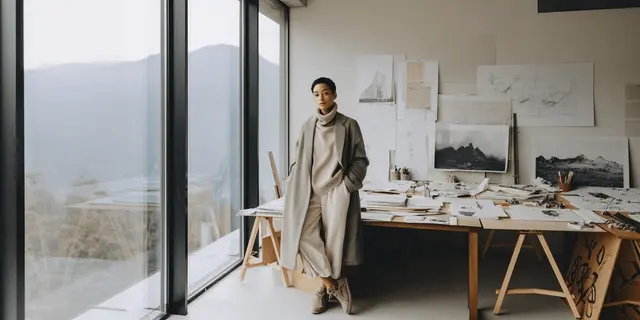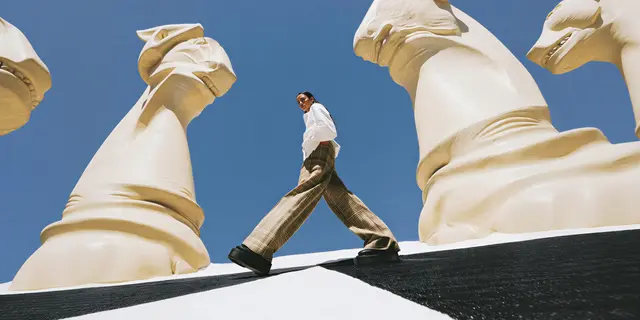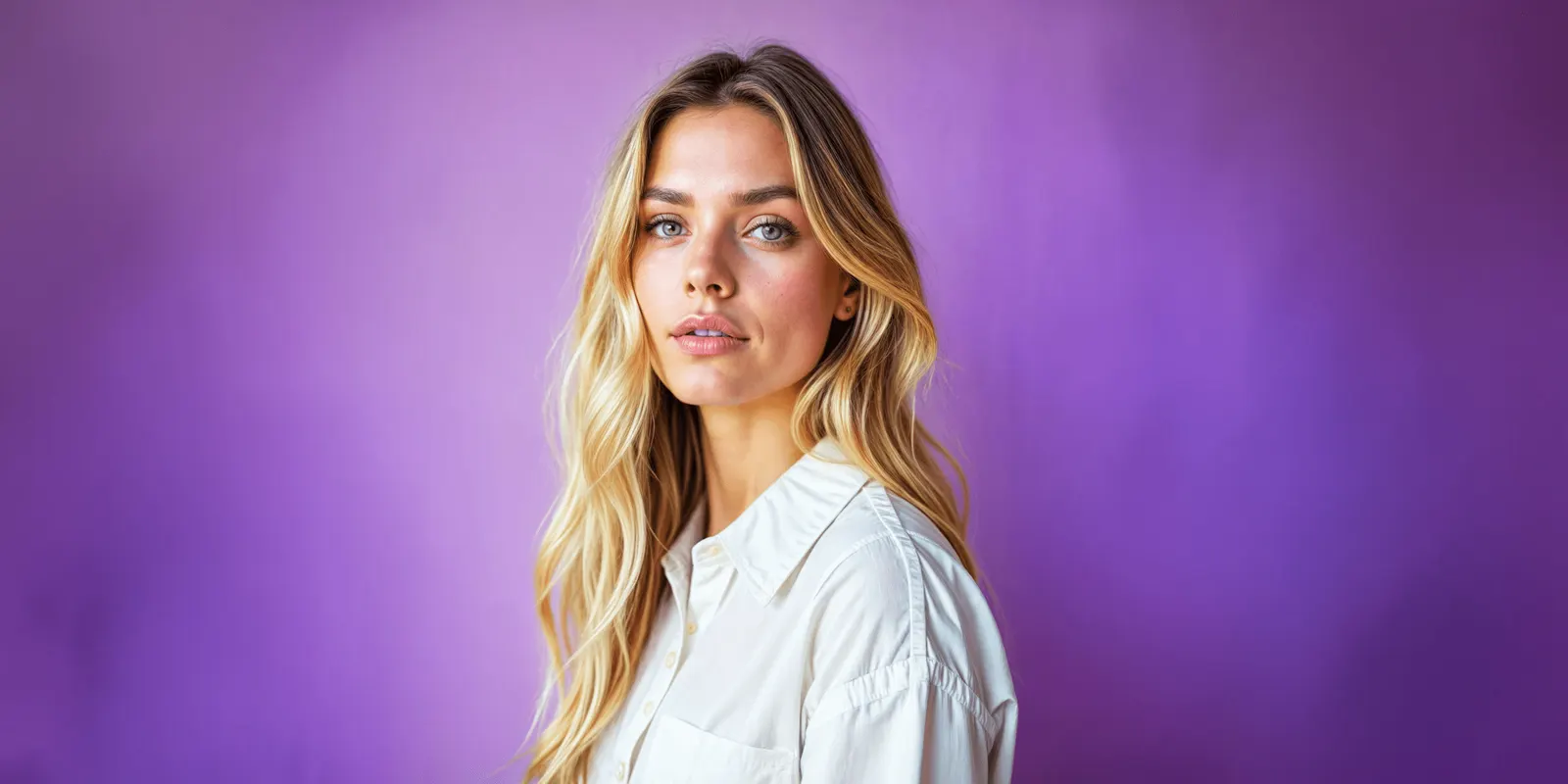
Botika AI is a tool that puts clothing on AI fashion models. It takes three kinds of photo: a garment worn by a person, a flat lay, or a mannequin shot. It also turns those images into short video. Botika says it focuses on clothing only, and its FAQ says it does not take custom models or text prompts. Its terms license each result for display and say the rights stay with Botika and its licensors.
This Botika AI review reads Botika’s own site, help center, terms and App Store listing, all on 7 October 2026. It prints no Botika price, because Botika lists its plans on its own pricing page. It quotes no user reviews and no star ratings.
We did not test image quality. One garment on one day proves little about your catalog. This review gives you a test to run on your own garments instead. DesignerBox publishes this review and also sells tools for this job, so read our section with that bias in mind.
Key Takeaways
- Botika has three input routes. A photo on a person, a flat lay, or a mannequin shot, plus video made from any of them.
- Clothing is the listed scope. Botika’s FAQ says “we only focus on clothing”. It says accessories are not officially supported yet.
- The models are Botika’s own. Its FAQ says they are “100% AI-generated, no stock models, no real people”. Its pricing page lists “Exclusive AI models” on the Enterprise plan.
- There are no text prompts. You pick a model, a pose and a background from Botika’s library.
- Results are licensed. The terms call them “Licensed Photos” and grant a license to display them, for your “own fashion business”.
- Amazon asks for a tag. Amazon says images with photorealistic AI-generated people must carry a metadata keyword before upload.
- Test six garments first. A print, a logo, a knit, a dark garment, a fitted cut and a loose cut.
What is Botika AI?
Botika describes itself as “a generative AI platform that helps clothing brands and retailers make beautiful and realistic fashion photos using virtual models” (botika.com/resources/faqs, October 2026). The older address botika.io now leads to botika.com.
You upload a clothing photo. Botika returns the garment on one of its AI models. Its FAQ says processing takes “about 15 minutes”. The help center says you get an email when a project is ready.
Botika says it built the technology itself: “We developed our own foundation models, trained on fashion-specific data”. It runs as a web app. There is also an iPhone app, “Botika - AI Models for Fashion”, sold by Botika E.Y LTD (apps.apple.com, October 2026).
It is an AI clothing model tool with a narrow job. That narrow job is the main thing to judge.
Botika AI review: what each route does
Botika’s menu lists four products: On Model, Flat Lay, Mannequin and Video (botika.com, October 2026).
| Route | What you upload | What you choose | What Botika says |
|---|---|---|---|
| On model | A photo of a person wearing the garment, “professional, casual, cropped or headless” | Model and background | ”Pose and size stay the same for maximum on model accuracy” |
| Flat lay | ”front or back shots of your product” | Model, pose and background | ”Garments remain flawless in every texture and pattern” |
| Mannequin | A mannequin photo that is “smooth, wrinkle free”, with “a simple background” | Model, pose and background | The same garment claim as the flat lay route |
| Video | ”any photo (on model/flat lay photo/mannequin)“ | A motion style, such as “zoom in, casual, runway walk” | You can “swap in a new model or background” |
The quotes in the table are Botika’s claims about itself. We found no accuracy rate on its pages.
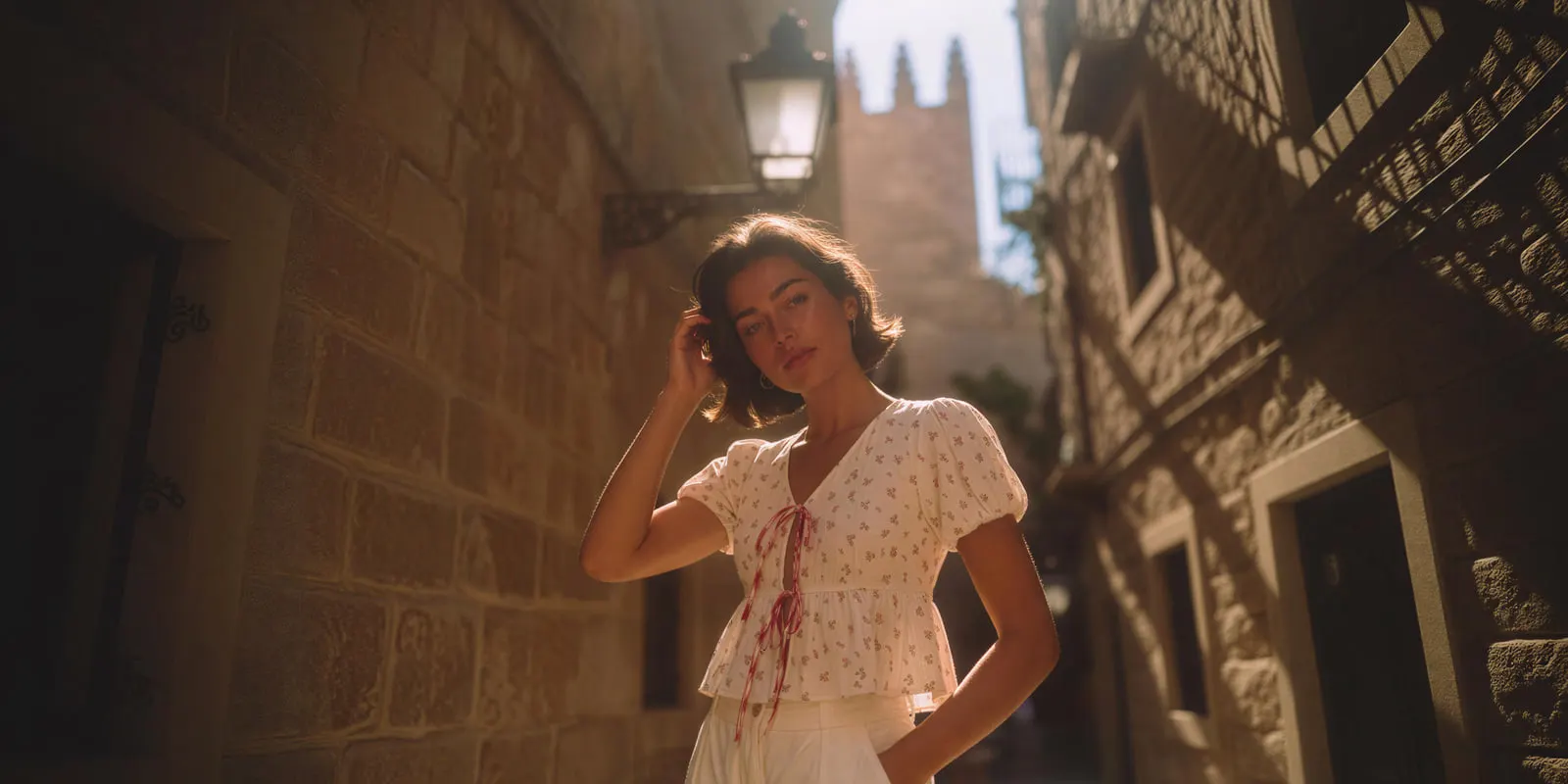
Files. Botika takes “PNG, JPG, and WEBP formats, with up to 4K resolution depending on your plan”. Results come as JPG and PNG files.
Volume. The FAQ says there is no daily cap. On the on-model route you “upload and process multiple images in bulk”. On the flat lay and mannequin routes, “each look is created one by one”.
Outfits and back views. The Looks feature takes front and back views of each garment, and several garments in one look. The help center adds a rule: “If you upload both front and back for a top, you’ll also be asked to upload both views for the bottom” (help.botika.com, October 2026).
A fix service. Botika has people behind the tool. On annual plans you press a “Photo Issue” button and its team corrects the image. The FAQ says “the fix service is available on annual plans”.
Plan features. The pricing page lists three plans: Pro, Advanced and Enterprise. Pro lists a limited selection of models and backgrounds and 2K resolution. Advanced lists all models, 4K resolution and “Team collaboration”. Enterprise lists “Exclusive AI models” and “Custom retouching briefs” (botika.com/pricing, October 2026). There is a free trial.
Who Botika fits
Botika’s listed scope fits some teams well. For others it is outside scope. The table shows what its own pages say for each case.
| Team or job | Does Botika’s listed scope cover it? | What to check |
|---|---|---|
| A brand with worn photos from an old shoot | Yes. The on-model route swaps the model and the background, with bulk upload | Does the pose and the fit stay the same on your photos? |
| A brand with only flat lays or mannequin shots | Yes. Each look is created one by one | How long does a full collection take, with front and back views? |
| A brand that sells footwear, jewelry or bags | No. The FAQ says “we only focus on clothing” | Advanced lists “Upload your own footwear” for flat lay outfits. Ask what it covers |
| A childrenswear brand | Not yet. Kids and youth models are marked “coming soon” | Ask Botika for a date |
| A brand that wants its own face or a signed real model | The FAQ says “We don’t support custom models”. Enterprise lists “Exclusive AI models” | Ask which of the two applies to your plan |
| A team that wants scenes from a text prompt | No. “We don’t offer the ability to make images from text or custom prompts” | Use a prompt-based tool for campaign scenes |
| An agency that produces images for several clients | Unclear. The terms limit use to the customer’s “own fashion business” | Get written permission before client work |
Botika’s scope also has a safety filter. The FAQ says it “may flag semi-transparent garments or certain lingerie photos by mistake”. Those photos are marked unsupported, and Botika says they do not use credits.
What Botika’s terms say about image rights
This section is general information, not legal advice. Botika’s terms were last updated on 1 June 2026 (botika.com/legal/terms-of-service, October 2026).
Results are licensed. The terms call generated photos “Licensed Photos”. They say all rights in those photos belong “to the Company and its licensors”. You receive “a non-exclusive, limited, worldwide license to display each Licensed Photo”.
The license has an end. It lasts “until the later of” two years from the date of the photo, or the end of your subscription. It applies “solely in connection with the Customer’s own fashion business”.
Three texts say three things. The FAQ says you can use the photos “freely for commercial use”, with limits on reselling and on presenting the models as real. The App Store listing says “you own every image you create”. The terms say the photos are licensed. All three are Botika’s own text. Ask Botika which one governs your account, and get the answer in writing.
Agencies should read one clause. The terms do not allow you to “sublicense” your rights or use the platform “in any service bureau arrangement”. An agency works for other brands, so ask first.
Your uploads stay yours. “All rights in the Customer Data shall remain with Customer.” You grant Botika a license to use that data for “developing, maintaining, marketing and providing the Platform”. The terms do not use the word training.
Your name and your content. Botika may use your name and logo, and “may use any User Content” in its social media marketing. You can revoke that right by email. An agency under a client’s confidentiality clause should do that on day one.
The models. The terms say the models are “not intended to depict, represent, or resemble any actual, identifiable, or living person”. Our guide on whether AI fashion models are real people explains why that matters.
What Botika’s public pages leave open
We could not find these points on botika.com or help.botika.com on 7 October 2026. A missing page is no proof that a feature is missing. It tells you what to ask.
- An API. No public page documents one.
- A connection to an AI chat. No Botika page mentions an MCP server.
- A Shopify app. The FAQ describes billing for accounts that started in the “Shopify app”. On 7 October 2026 the Shopify App Store page for Botika read “This app is not currently available on the Shopify App Store” (apps.shopify.com, October 2026). Ask Botika for the current status.
- Body shape choice. The flat lay page says “Body shape options launching soon”.
- An accuracy rate. The terms say results “should be evaluated for accuracy”, including by “human review”.
- Security certificates. We found no SOC 2 or ISO statement on the pages we read.
A test to run on your own garments
No review can tell you how a tool handles your products. A one-hour test can. Botika has a free trial, so the test costs time and no money. Run the same six garments through every tool on your shortlist.
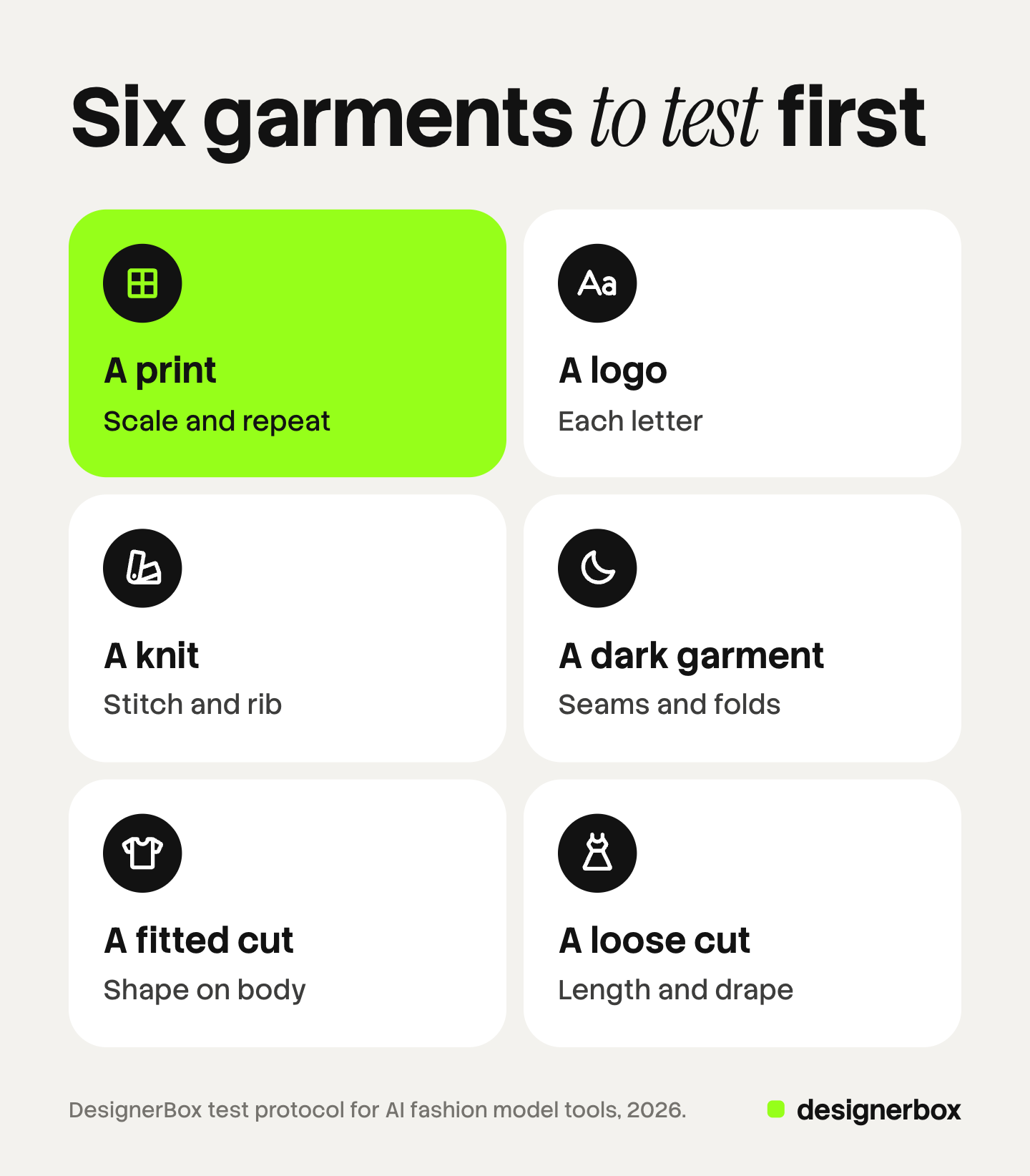
- A print. Check the scale and the repeat against the real fabric.
- A logo or text. Read each letter at full size.
- A knit. Zoom in on the stitch and the rib at the cuff.
- A dark garment. Look for seams, pockets and folds that vanish into black.
- A fitted cut. Compare the shape on the body with a real worn photo.
- A loose cut. Check the length and the drape at the hem.
For each result, compare color, shape, detail and length with the product in your hand. Record a pass or a fail per garment. Our guide to AI product photo accuracy lists the checks in full, and the AI proof of concept guide shows how to score a larger trial. On-model photography with AI adds a tile test for whether a new shot belongs next to your archive.
Platform rules a result must meet
A good picture can still fail a listing rule. Check these before you upload.
- Amazon clothing. A main image “must be photographed on a model”, on a pure white background, and “the color in the image must match the product for sale” (Amazon clothing image guide, October 2026). A visible mannequin is not allowed in a main image.
- Amazon and AI people. “If your image includes photorealistic AI-generated people, you must tag that image with the appropriate metadata before uploading it to Amazon” (Amazon product image guide, October 2026). Botika’s models are fully AI-generated, so this applies.
- Google Merchant Center. “All images created using generative AI must contain meta data indicating that the image was AI-generated.” The photo must also reflect “the exact color, pattern, finish, and material” of the variant (Google Merchant Center image requirements, October 2026).
- Size on Google. From 31 January 2027, Google requires at least 500 x 500 pixels for all product images (Google Merchant Center Help, October 2026).
Ask each vendor whether its files carry the AI metadata, or whether you must add it.
4 Botika alternatives by job
Each tool below fits a different job. The facts come from each vendor’s own page, read on 7 October 2026. Pages are cited by domain and not linked.
1. FASHN: consistent models and an API
FASHN lists product photos, virtual try-on, AI models and fashion videos, with an API. It states its fidelity aim with care: it is “built to keep product details like color, print, logos, materials, and construction intact”, and “AI can still get small details wrong”. It also says it does not use your uploads to train models “unless you expressly opt in” (fashn.ai, October 2026).
Fits: teams that want an API and one saved model across stills and video.
2. Claid: your own model and a prompt for the pose
Claid lets you “choose from 100+ AI models”, or “upload your own”. You pick one of eight set poses “or write a prompt”. It says flat lays and ghost mannequin shots work best as input, and it has an API for fashion models (claid.ai/clothing-on-models, October 2026). Our Claid AI review covers its data terms.
Fits: teams that hold rights to a model’s likeness and work through an API.
3. Photoroom: on-model shots inside a wider editor
Photoroom’s fashion model tool starts from “a shot of someone wearing your products or simple flat lays”. It sits beside batch editing, an API, team workspaces and a connector for Claude (photoroom.com/tools/virtual-model, October 2026). It offers a free trial.
Fits: teams that also edit backgrounds and sizes for many listing photos in one app.
4. Uwear: saved art direction and back views
Uwear takes “flat lays, packshots, ghost mannequin shots, and supplier or warehouse photos”. You “add a photo of the back when you want back views”. One saved art direction “anchors casting, light, and framing across every run”. It lists batch workflows, an API and use inside Claude and ChatGPT over MCP (uwear.ai, October 2026).
Fits: catalog teams that need the same view set on every style.
Our own tool: DesignerBox, on-model shots as one step of a wider job
DesignerBox is our own tool, listed after the four alternatives. The next section describes it with its limits.
Botika and the alternatives, side by side
| Tool | Inputs it lists | Your own model | API | AI chat connection |
|---|---|---|---|---|
| Botika | Worn photo, flat lay, mannequin | FAQ says no. Enterprise lists exclusive models | None on its pages | None on its pages |
| FASHN | Product photos | A real person, with permission | Yes | Not on the page we read |
| Claid | Flat lay, ghost mannequin | Yes, upload your own | Yes | Not on the page we read |
| Photoroom | Worn photo, flat lay | Not on the page we read | Yes | Connector for Claude |
| Uwear | Flat lay, packshot, ghost mannequin, supplier photo | A saved model | Yes | Claude and ChatGPT over MCP |
| DesignerBox | Model photo and garment photos | Yes, with try-on from Premium | No public API | Claude, ChatGPT or Cursor over MCP |
Source: each vendor’s own pages, read 7 October 2026. “Not on the page we read” means we did not find it there.
Prices are left out on purpose. Each vendor lists its own, and the units differ. For a longer list, see the best AI fashion photography tools and the AI fashion model generators compared.
Images, ads and video on one brand
Anyone can make an AI picture. Making hundreds that still look like your brand is the hard part.
DesignerBox is AI creative production for brands and agencies. It makes images, ads and video, and a product photo is one input among several. Botika is built for one job, clothing on a model. DesignerBox treats that shot as one step in a longer job.
You build the job once as a workflow: the on-model shot, the angles, the ad and the clip. You set the brand once, and the workflow reads it on every run. Batch runs the workflow over a sheet of up to 200 rows, so row one and row two hundred follow the same rules. The cost is shown before the run.
The full workflow from the first product photo to the finished ad, in one subscription.
The limits matter for a fashion team, so here they are:
- Try-on is for garments only. Shoes, bags and jewelry are outside it.
- No fix service. Botika lists a human fix service on annual plans. DesignerBox has critic steps that score results and keep the best one. Nobody retouches your image for you.
- Seats. Every plan below Ultra is one seat.
- Delivery. DesignerBox does not send finished work to a store or a marketplace. You download the results, or send them with a webhook or an S3 step.
- No accuracy figure. Run the six-garment test here too.
Uploading your own photos and the commercial license start on the Pro plan. AI video, virtual try-on, upscaling, the image editor and the video editor start on the Premium plan. Plans and credits are on the pricing page. There is a free plan, and it runs on sample products.
FAQ
Is Botika AI good for fashion brands?
Botika is built for clothing brands. It puts a garment on an AI model from a worn photo, a flat lay or a mannequin shot, and it makes short video. Its FAQ says it covers clothing only. Whether it suits your garments is a question for a test, so run six of your own products through the free trial first.
Does Botika have a free trial?
Yes. Botika’s FAQ says you can sign up for a free trial at any time. Its plans are on its own pricing page (botika.com/pricing, October 2026). Check the terms before a trial result goes on a product page.
Can I upload my own model to Botika?
Botika’s FAQ says “We don’t support custom models or backgrounds”. Its pricing page lists “Exclusive AI models” on the Enterprise plan, built by Botika for one brand. Ask Botika which applies to you.
Who owns the images Botika makes?
Botika’s terms call results “Licensed Photos” and say the rights belong to Botika and its licensors. You get a license to display each photo for your own fashion business. Its FAQ allows commercial use, and its App Store listing says you own the images. Ask Botika in writing. This is general information, not legal advice.
Does Botika work for shoes, bags or jewelry?
Botika’s FAQ says “Right now, we only focus on clothing”. It says accessories in a photo “might be removed, slightly changed, or look just like the original”. Its Advanced plan lists uploading your own footwear to complete a flat lay outfit.
Can I use Botika images on Amazon?
Amazon requires clothing main images on a model and on a pure white background. It also says images with photorealistic AI-generated people must carry a metadata tag before upload. Botika’s models are fully AI-generated, so add the tag. The color must match the product for sale.
What are the best Botika alternatives?
Each alternative fits a different job. FASHN fits teams that want an API and consistent models. Claid fits teams with their own licensed model. Photoroom fits teams that edit many listing photos in one app. Uwear fits catalog teams that need back views. DesignerBox, our own tool, fits teams that need images, ads and video from one workflow.
Sources
Competitor pages are cited by domain and date, not linked.
- Botika’s description, three routes, file formats, processing time, models, accessories, clothing-only scope, bulk upload, safety filter, text prompts, fix service, free trial and commercial use: (botika.com/resources/faqs, October 2026)
- Route pages and their claims: (botika.com/products/on-model, botika.com/products/flat-lay-photos, botika.com/products/mannequin-photography, botika.com/products/ai-fashion-video, October 2026)
- Plan names and plan features, no prices used: (botika.com/pricing, October 2026)
- Looks, front and back views, and email notice: (help.botika.com, articles updated 15 September 2025 and 23 June 2026, read October 2026)
- Licensed Photos, license term, own fashion business, sublicense and service bureau clause, customer data, name and logo, and the model clause: (botika.com/legal/terms-of-service, last updated 1 June 2026, read October 2026)
- iPhone app, seller and the ownership line in the listing: (apps.apple.com, “Botika - AI Models for Fashion”, October 2026)
- Shopify App Store status: (apps.shopify.com/botika, read 7 October 2026)
- Amazon clothing main image rules: Amazon clothing image guide, October 2026
- Amazon metadata tag for AI-generated people: Amazon product image guide, October 2026
- Google rules on AI image metadata, variant accuracy and image size: image link attribute and image too small, Google Merchant Center Help, October 2026
- FASHN tools, API, fidelity statement and training statement: (fashn.ai, October 2026)
- Claid models, own model upload, poses, inputs and API: (claid.ai/clothing-on-models, October 2026)
- Photoroom inputs, batch, API, workspaces, Claude connector and free trial: (photoroom.com/tools/virtual-model, October 2026)
- Uwear inputs, back views, art direction, batch, API and MCP: (uwear.ai, October 2026)
- DesignerBox workflows, batch of 200 rows, plan gates and the cost shown before a run: DesignerBox workflows, batch and pricing pages (designerbox.ai/product/workflows, designerbox.ai/product/batch, designerbox.ai/pricing), October 2026
Botika features, plan features and terms verified from Botika’s own pages on 7 October 2026. Alternatives verified from each vendor’s own page on the same day. We did not test image quality. Features and terms change often, so check the vendor’s page before you buy.