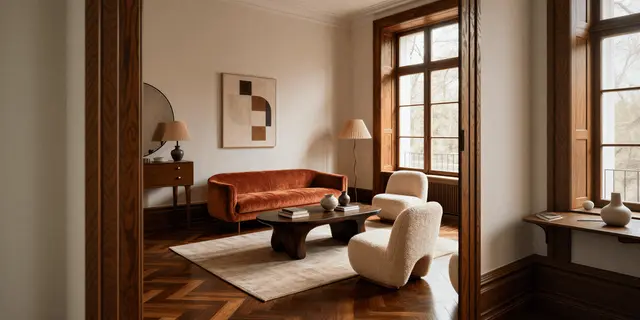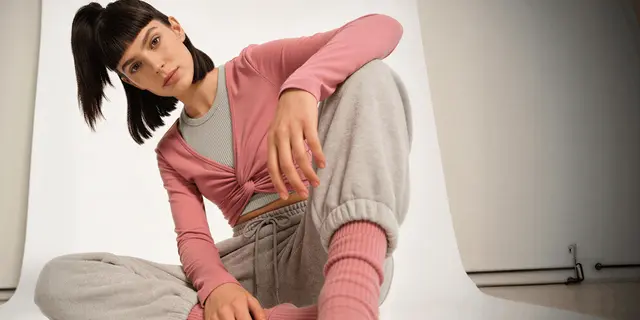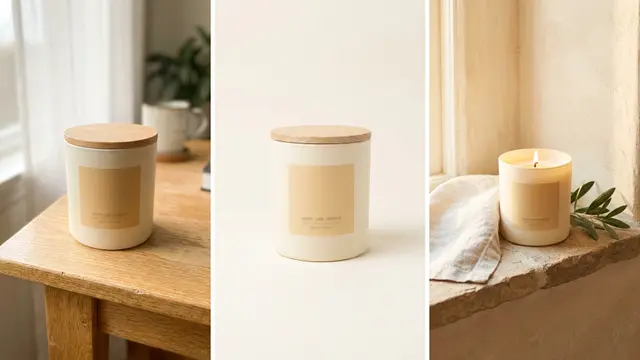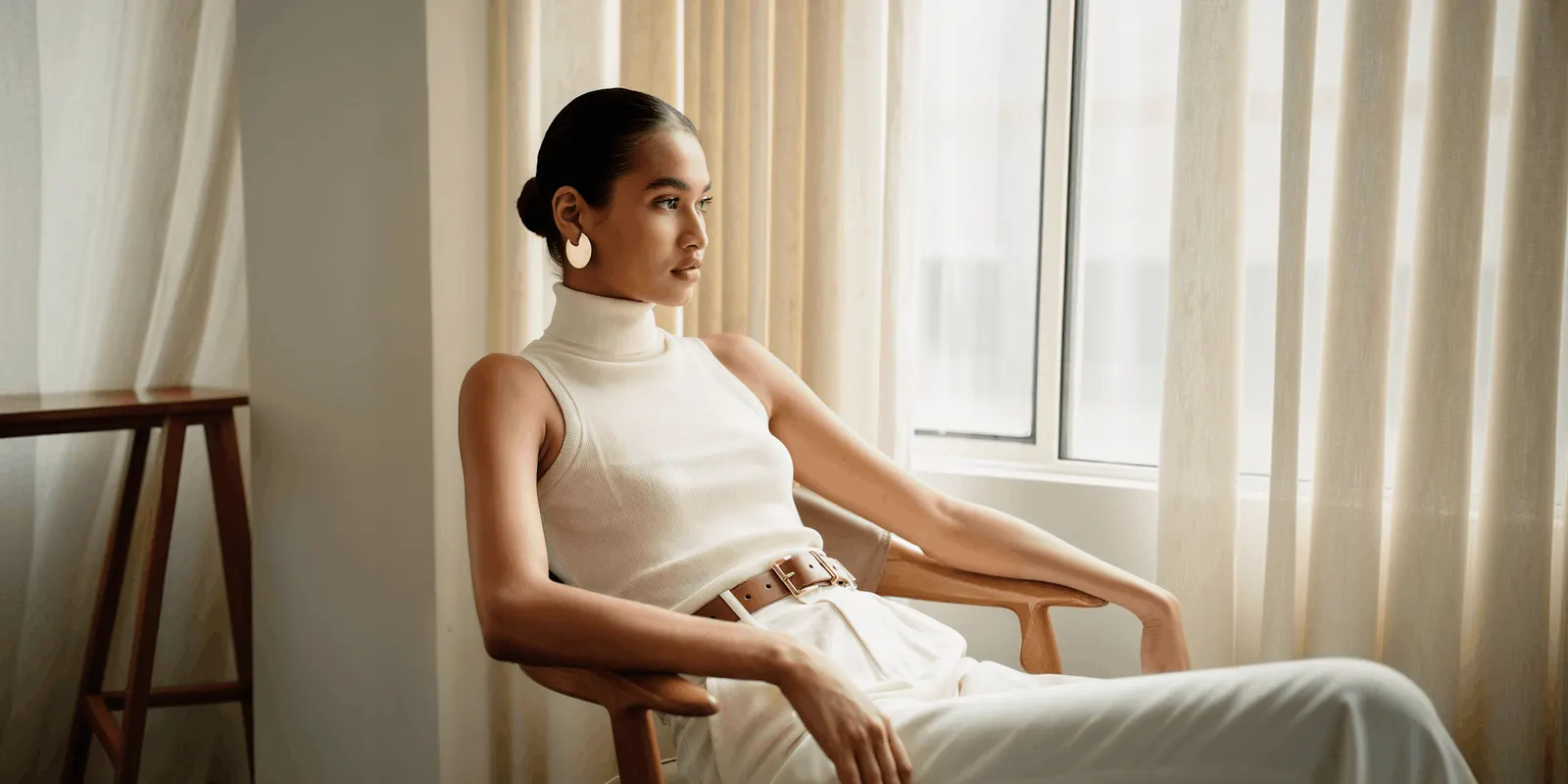
Lifestyle product photography shows a product in a real setting: a lamp on a bedside table, a jacket worn in a street, a pan on a stove. The setting tells the buyer the size of the product, how people use it and where it belongs. A lifestyle photo supports the plain product photo on white. On most sales channels it cannot replace that photo.
One good lifestyle photo is not hard to make. Forty that look like one brand are hard. This guide is for a brand with 20 to 500 products, and for the agency that produces its images. Every platform rule below was read on the platform’s own page in October 2026.
Key Takeaways
- A lifestyle photo is a supporting image. Amazon’s main image needs a pure white background. Lifestyle product photos go in the additional slots and in A+ Content.
- Google has its own slot. The lifestyle image link attribute takes up to 5 images for each product.
- Plan one scene for many products. Fix the setting, the light direction and the prop list once.
- Three routes make the image. A shoot, a real product photo in an AI scene, or a fully generated image. Each risks product accuracy in a different way.
- Six checks protect the product. Shape, color, scale, shadow, props and labels.
What is lifestyle product photography?
Lifestyle product photography is a product photo taken, or made, in a setting where the product is used. The product is still the subject. The room, the surface, the props and sometimes a person are there to give it context.
It answers questions that a photo on white cannot answer, such as the size of a bag on a shoulder. Baymard’s testing found that 42% of users try to judge the size of a product from the product page images (Baymard Institute, updated March 2026, read October 2026).
The broad term “lifestyle photography” also covers portraits with no product at all. This guide covers only lifestyle images for products, where a buyer must still recognize the exact item for sale.
Two neighbors are easy to confuse with it:
- The packshot shows the product alone on a plain background. Our guide to packshot photography covers its rules. It is one of the seven types of product photography, and most channels require it.
- The UGC-style photo aims to look like a customer took it. A lifestyle photo is planned and art-directed. Our guide to UGC-style product photography explains the legal line between the two.
A person may appear in a lifestyle photo. The subject is still the product in its setting.
Where can a lifestyle product photo appear?
A lifestyle product photo can appear in the additional image slots on Amazon, Google and eBay, in Amazon A+ Content, on your own store and in ads. The main image is the exception. Amazon requires a pure white background there for most product types, and Google asks for a clear view of the product alone.
| Channel and slot | Lifestyle photo allowed? | The published rule |
|---|---|---|
| Amazon, main image | Only for six product types | Pure white background, RGB 255, 255, 255. The product shows as 85% of the image |
| Amazon, additional images | Yes | Variant slots cover “product in use”. Every image must represent the product accurately and match the title |
| Amazon, A+ Content | Yes | A+ Content “can include lifestyle photography that showcases how a product may be used” |
| Google, main image | Keep it on the product | A clear view of the main product, with no promotional overlays. The product fills 75% to 90% of the image |
| Google, additional images | Yes | Up to 10 additional images, for other angles or “product staging elements” |
| Google, lifestyle image | Yes, this is its slot | Up to 5 lifestyle images, each 600 x 600 pixels or more, with no promotional elements or text |
| eBay | Yes, if it is accurate | No added text, artwork, borders or watermarks. At least 500 pixels on the longest side |
| Shopify store | Yes | No content rule. Keep one aspect ratio for all featured images |
Amazon. The rules are on the product image guide (October 2026). Six product types may use a lifestyle main image: bed, bed frame, mattress, rug, rug pad and sofa (Amazon product page style guide, October 2026). Amazon recommends at least six additional images for each product, and lifestyle product shots go there. The A+ rule is on Amazon’s A+ Content page (October 2026).
Google Merchant Center. The rules are on the image link, additional image link and lifestyle image link pages (October 2026). Google’s examples for the lifestyle slot include “clothing worn by a model, furniture staged within a room”.
eBay and Shopify. The eBay picture policy (October 2026) does not allow “photos that don’t accurately represent the item”. Shopify’s product media page (October 2026) sets file limits and no content rule.
Plan the white-background photo and the lifestyle photo as two separate deliverables, and take the white-background specs for five channels from ecommerce product photography. One file cannot serve both slots.
How to plan a lifestyle product shoot
Planning decides whether 40 products look like one brand. Make five decisions before anyone picks up a camera or writes a prompt.
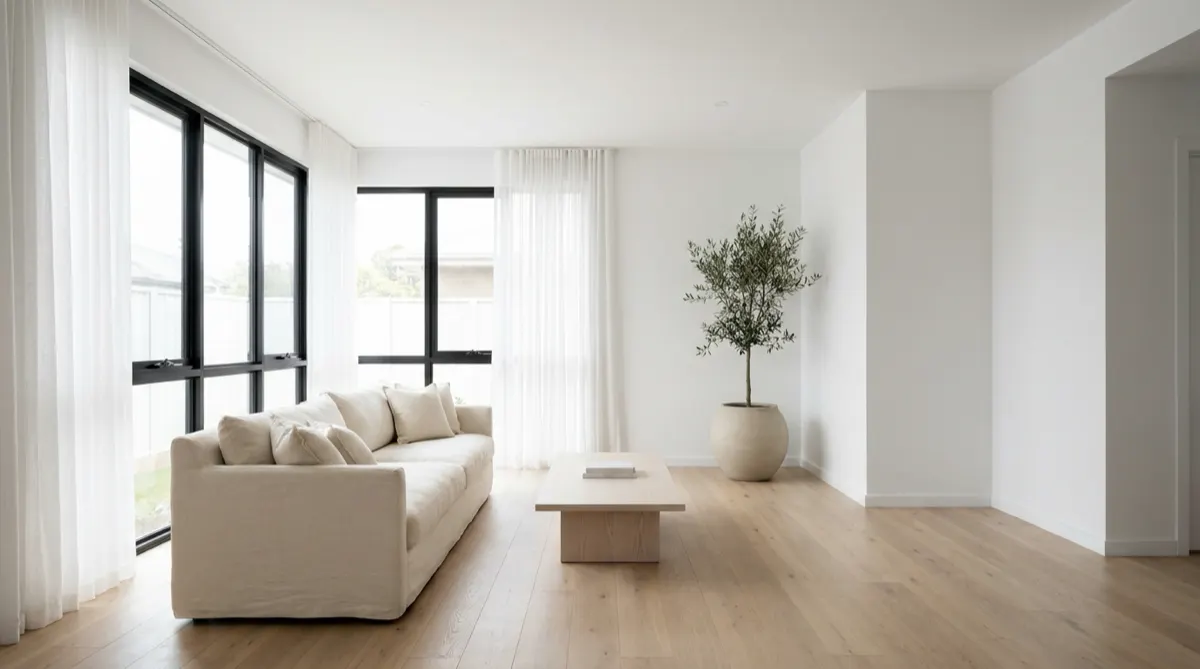
1. The buyer. Name one buyer and one moment of use. “A runner at 6 am” gives a different scene from “a parent on a weekend walk”.
2. The setting. Choose one or two settings for a whole product line. One oak table in morning light, used for every product, reads as one brand.
3. The props. A prop has one job: to explain the product. Three rules keep props under control.
- No prop is larger, brighter or sharper than the product.
- No prop covers the label, the logo or the edge of the product.
- No prop looks like part of the offer. A buyer who sees two glasses beside a jug may expect two glasses in the box.
Our guide to product staging gives eight prop rules for a physical set.
4. The shot list. Write the shots for each product before the shoot. Most products need two lifestyle shots: one in use and one in place. A shot list template keeps the same shots in the same order for every product.
5. The repeatable scene. Write the scene as a rule that a second person can follow. It names the surface, the light direction, the camera height and the allowed props. Put it in your product photography style guide, next to the rules for the photo on white.
Test the rule on three products first: the smallest, the largest and the shiniest.
Shooting basics: light, scale and frame share
Three choices decide whether a lifestyle product photo reads clearly at thumbnail size.
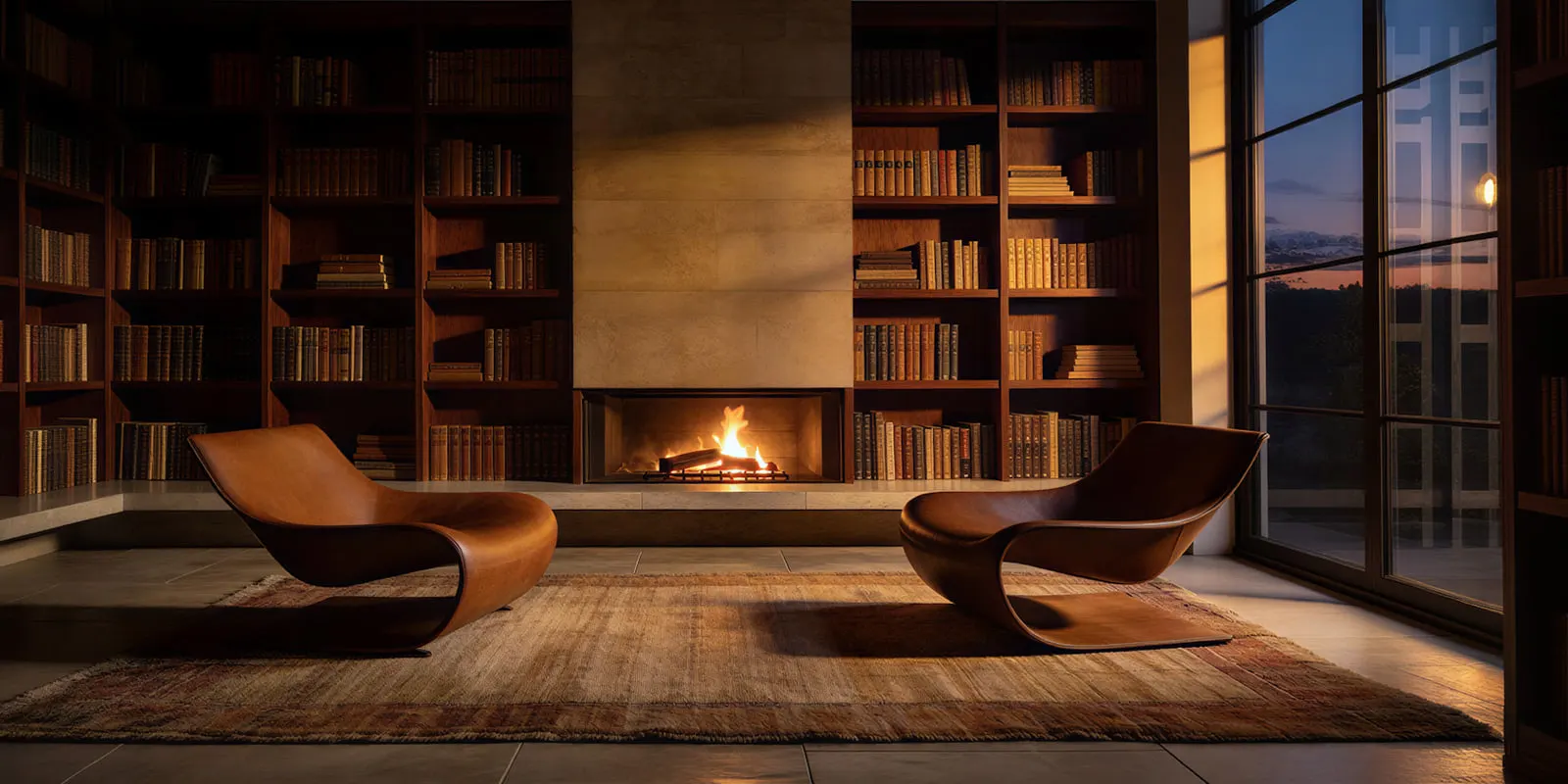
Light direction. Use one main light from one side. A window works well. Keep the same side for every product in the set.
Scale cues. Place one object of known size near the product. A hand, a cup or a chair works. The cue must sit at the same distance from the camera as the product. An object far behind the product gives a false size.
Product share of frame. The platforms set a share for the main image only: 85% on Amazon and 75% to 90% on Google. A lifestyle photo has no published number. As a working rule of ours, keep the product the largest sharp object in the frame. Then crop a phone-sized thumbnail and check that the product is still clear.
Two smaller habits help. Keep the whole product sharp, and let the background go softer. Leave empty space around the product, because a feed ad and a product page need different crops.
Three routes to make lifestyle product photos
There are three routes to a lifestyle image. They differ in what stays real, and that decides the risk to product accuracy.
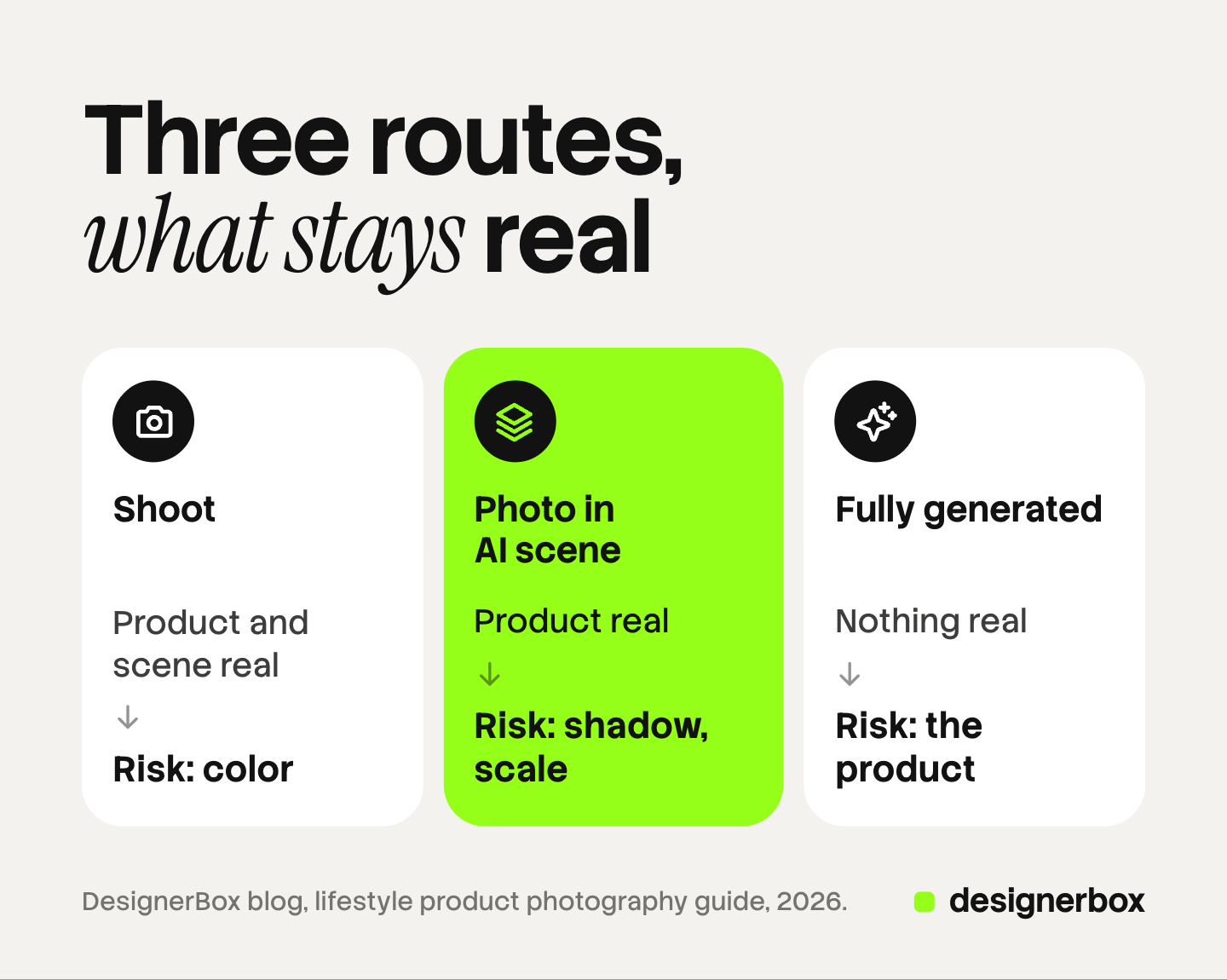
| Route | What is real | Main risk to accuracy | Best for |
|---|---|---|---|
| Location or studio shoot | The product, the scene and the light | Low for the product. Color can shift under mixed light | Hero products, hard materials, anything worn by a person |
| Real product photo in an AI scene | The product pixels | The join: wrong shadow, wrong light direction, wrong scale | Repeat scenes across a catalog |
| Fully generated image | Nothing. The model redraws the product | The product itself: print, logo, shape, stitching | Concept tests and mood images, with a strict check |
A location or studio shoot records the real product in real light. It is the most accurate route and the slowest to repeat. Glass, polished metal and liquids are safest here, because their reflections come from the real room.
A real product photo placed in an AI scene keeps the product from your own photo and builds the setting around it. The risks move to the join. The shadow may fall the wrong way, or the product may look too big for the table. This route needs a clean product photo, lit from the same side as the scene you plan.
A fully generated image asks a model to draw the product and the scene together from a photo and a prompt. It gives the most freedom and puts the product at risk, because the model redraws every detail.
The tools for the second and third routes differ in how they build the scene. Our comparison of AI lifestyle photo generators sorts them by route.
The routes combine well. Shoot the hero products, place the rest of the catalog in AI scenes, and keep fully generated images for testing ideas. The lead image of a campaign is planned on its own, and our guide to the hero shot covers it.
Six checks before a lifestyle photo goes live
Run these six checks on the full-size file, with the real product photo open beside it.
- Shape and detail. Count the parts: buttons, handles, straps, stitches. Read every word on the label. A generated scene can change any of them.
- Color. Compare the product color with the photo on white. Warm scene light is fine. A different product color can lead to a return.
- Scale. Check the product against the scale cue. A mug as tall as a kettle fails.
- Shadow and light. The shadow falls away from the light, and it touches the product. A product with no contact shadow looks like it floats. The image compositing guide covers the full list for a product placed in a scene.
- Props. Nothing in the frame looks like part of the offer unless it ships with the product.
- Labels and metadata. Google requires images made with generative AI to keep the metadata that says so, and it lists the IPTC value CompositeSynthetic for a composite with synthetic elements. Amazon requires a metadata tag when an image shows a photorealistic person made entirely by AI.
Our guide to AI product photo accuracy covers the first check in more depth. This section is general information about platform rules. It is not legal advice.
Lifestyle scenes from a saved workflow
DesignerBox is AI creative production for brands and agencies. It makes images, ads and video, and a product photo is one of the inputs. For the product side of the job, see AI product photography.
Anyone can make an AI picture. Making hundreds that still look like your brand is the hard part. In DesignerBox the scene rule from your plan becomes a saved workflow. You build the workflow once with your brand rules and your product photo. It places the product in the scene and reads the same rules on every run.
A batch runs that workflow over a sheet, with one product in each row and up to 200 rows in a sheet. Row one and row two hundred get the same scene standard. The cost is shown before the run. You keep or discard each result yourself, so the six checks above stay with a person.
The full workflow from the first product photo to the finished ad, in one subscription.
The limits are worth stating. Nothing publishes to a store or a marketplace. You download the results, or send them with a webhook or an S3 step. Virtual try-on covers garments only, so shoes and accessories on a person need the scene route. Every plan below Ultra is one seat. The free plan runs on sample products.
Uploading your own photos and the commercial license start on the Pro plan. AI video, virtual try-on, upscaling, the image editor and the video editor start on the Premium plan. Plans and credits are on the pricing page.
Start with one scene and one sample product, and check the result against the six checks. Get started free
FAQ
What is the difference between lifestyle and product photography?
Product photography on white shows the product alone, so the buyer can see what it is. Lifestyle product photography shows the same product in a setting, so the buyer can see its size and use. Most product pages need both.
Can a lifestyle photo be the main image on Amazon?
Only for six product types: bed, bed frame, mattress, rug, rug pad and sofa. For every other product, Amazon’s main image needs a pure white background with the product at 85% of the image. Lifestyle photos go in the additional image slots and in A+ Content.
How many lifestyle photos does a product need?
No platform sets a number. Two is a practical start: one photo of the product in use and one of the product in place. Google’s lifestyle image slot takes up to 5 for each product.
Can I make lifestyle product photos without a photoshoot?
Yes. You can place a real product photo in an AI scene, or generate the whole image. The second redraws the product, so it needs a stricter check. Both routes still need one clean, accurate photo of the real product to start from.
Can DesignerBox make lifestyle product photos for a whole catalog?
Yes, for the scene route. A saved workflow places a product photo in a scene with your brand rules, and a batch runs it over a sheet of up to 200 rows. You see the cost before the run and you review each result yourself. Uploading your own photos starts on the Pro plan.
Sources
- Amazon main image rules, additional images, variant slots, rules for all images and the AI-generated people tag: Amazon Seller Central, product image guide, accessed October 2026
- The six product types allowed a lifestyle main image: Amazon Seller Central, product page style guide, accessed October 2026
- Lifestyle photography in A+ Content: Amazon, A+ Content, accessed October 2026
- Google main image rules, the 75% to 90% frame guidance and AI image metadata: Google Merchant Center Help, image link, accessed October 2026
- Up to 10 additional images and product staging elements: Google Merchant Center Help, additional image link, accessed October 2026
- Up to 5 lifestyle images, 600 x 600 pixels minimum, no promotional elements or text: Google Merchant Center Help, lifestyle image link, accessed October 2026
- eBay picture rules: eBay, picture policy, accessed October 2026
- Shopify image limits and aspect ratio guidance: Shopify Help Center, product media types, accessed October 2026
- 42% of users try to judge product size from product page images: Baymard Institute, the current state of product page UX, updated March 2026, accessed October 2026
- DesignerBox batch, 200 rows a sheet and the cost shown before the run: DesignerBox batch page (designerbox.ai/product/batch), October 2026
- DesignerBox plan gates: DesignerBox pricing page (designerbox.ai/pricing), October 2026
Amazon, Google, eBay, Shopify and Baymard facts verified on each publisher’s own page in October 2026. The frame share rule for lifestyle photos and the two-photo starting point are our working advice, not platform rules. Platform rules change often, so check each page before a large upload. Individual results vary.