
Pixelz alternatives fall into three routes. A managed retouching service, such as Path or soona, edits your files for you. A self-serve editor, such as Pixelcut, Pixc or Adobe Photoshop, lets your own team make the edit. A batch platform, such as Claid, Photoroom or DesignerBox, runs one saved set of edits over many products. Pick the route first, then the tool.
DesignerBox publishes this article, so read the DesignerBox section with that in mind. Every fact about another company was read on its own site in October 2026. This article prints no prices.
Key Takeaways
- Pixelz is a managed service with a hybrid method. Its Specialist Assisted Workflow pairs retouchers with automated AI steps (pixelz.com, October 2026).
- The first question is who does the work. A retoucher, your own team, or a saved workflow. The tool comes second.
- Pixelz now makes AI content too. Wanting AI is not, on its own, a reason to switch.
- Software moves the check to you. A service checks each file before delivery. With software, your team is the check.
What Pixelz does well
Pixelz is a photo retouching service for product images, built for volume. Its site lists background removal, retouching, clipping, color services, invisible mannequin and shadows (pixelz.com, October 2026).
A hybrid method. Pixelz calls its method the Specialist Assisted Workflow. In its own words, it “combines expert retouchers with automated AI-driven steps to handle repetitive tasks at scale”.
Stated turnaround. Pixelz says it delivers in 12 to 24 hours, usually the next morning for Professional customers. Its Expedite option processes product images in 3 hours. Re-edits take 5 hours on the Professional plan and 3 hours on Enterprise (pixelz.com/pricing, October 2026).
Guaranteed capacity. The Professional plan is described as ideal for teams processing more than 150 images a month. It carries a guaranteed capacity of 200 images a day. Enterprise carries a minimum of 600 images a day and a dedicated account manager.
A review tool. Its CloseUp tool lets a team mark up assets and view them in high resolution without a download.
Integrations. Pixelz lists partner and tech integrations for studio production management, asset management and tethered shooting software. It also offers an API for digital asset managers and workflow tools, plus SFTP and FTPS transfer (pixelz.com/partners, October 2026).
Pixelz also does more than retouching now. Its site lists product videos, AI-generated content, AI models and digital twins. It says every image or video is quality checked and edited before delivery.
Our guide to product photo editing services covers how services like this set minimums, turnaround and extras.
Why do teams look for a Pixelz alternative?
Your volume sits below the plan’s fit. The Professional plan is aimed at teams above 150 images a month. Pixelz points businesses under 1,000 images a year to a separate option (pixelz.com/pricing, October 2026).
You want the edit in the same hour. A managed service returns files in hours. Software returns a result while you wait.
Your work goes past the product image. Pixelz says it only photo-edits product images. Path lists headshot, portrait and sports photography as well (pathedits.com, October 2026).
A hybrid service with guaranteed capacity suits a team that ships hundreds of images a day. Many teams keep a service for the hard images and move the simple ones to software.
Three routes away from Pixelz
The routes differ in one thing: who does the work.
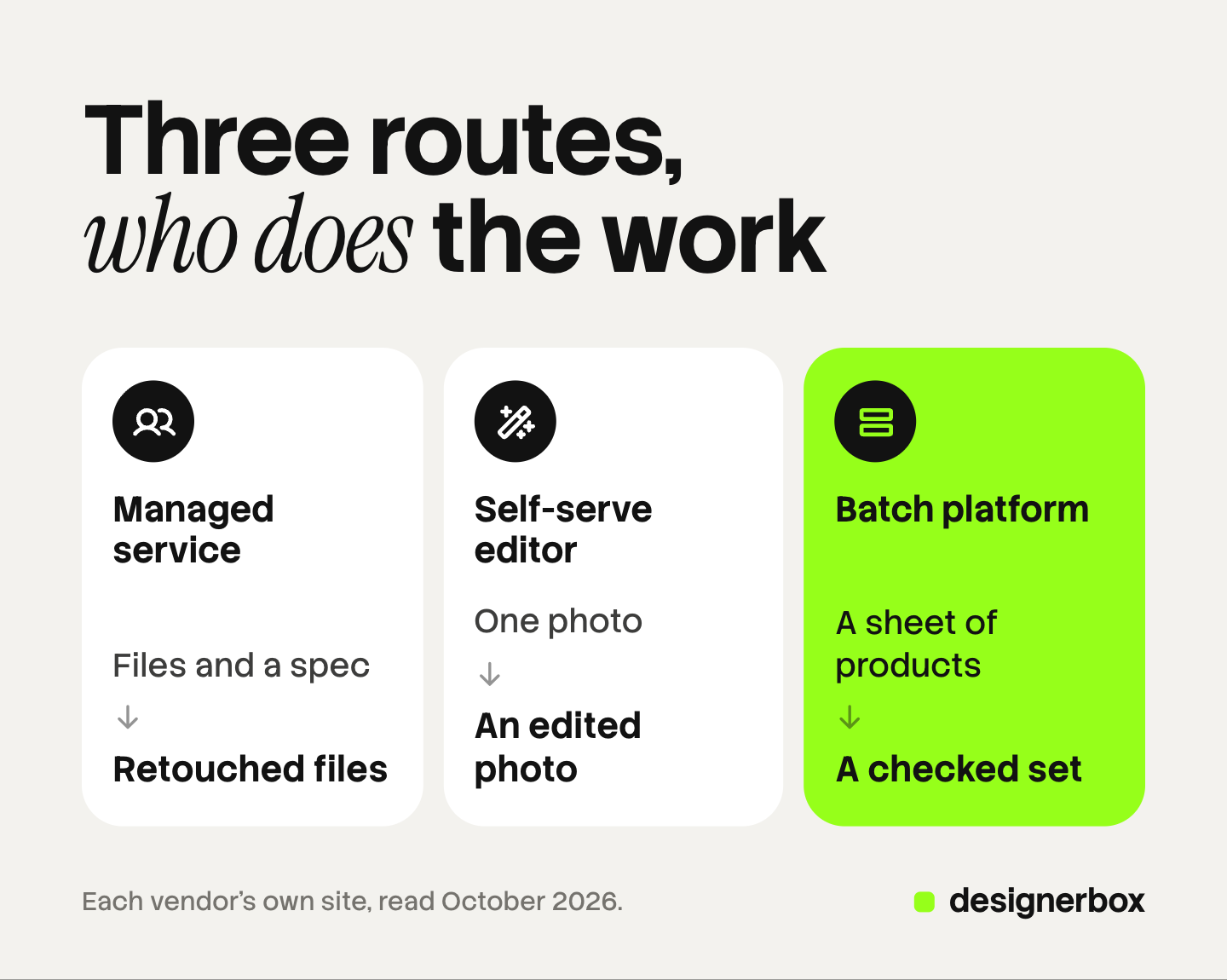
| Route | What you hand over | Who does the work | Who checks the result |
|---|---|---|---|
| Managed retouching service | Files, a written spec and a reference image | A retoucher at the vendor | The vendor first, then you |
| Self-serve editor | One photo at a time, or a folder | Your own team, with software | Your team |
| Workflow or batch platform | A sheet or folder of products and one saved set of edits | The software, on every product | Your team, result by result |
The fourth column is easy to forget. A service includes a quality check in what it sells. Software hands that check to you, so count it when you compare. Our guide to bulk image editing sorts edits into those a script can check and those a person must see.
Managed retouching services
These are the closest like-for-like alternatives. You still send files, and a person still edits them.
Path
Path is a hand-editing service. Its site says edits are “all done by hand by pro designers”, and each image is double-checked before delivery (pathedits.com/pages/how-it-works, October 2026).
Its services are clipping path, background removal, image masking, shadow, ghost mannequin, symmetrical edit, color change, photo retouching, vector conversion and multi-clipping path. You select a service and upload your images, and Path prices the order with no wait for a quote.
The default turnaround is 24 hours, and Path says it can run in as little as six hours. You can add instructions and attach supporting files for the designer.
Scope difference. Path takes orders one at a time, with no plan fit stated on the pages we read. It also edits headshot, portrait and sports photography. Path lists its rates on its own pricing page (pathedits.com, October 2026).
soona
soona covers the shoot as well as the edit. Its site calls it an all-in-one platform to make, manage and optimize photo and video content for ecommerce channels (soona.co, October 2026).
You plan a shoot, attend it live from the platform, and give approvals in real time. soona lists an edit turnaround of 24 to 72 hours. It also lists visual analytics, auto-resizing, and AI scenes and props.
Scope difference. soona creates the photograph. Pixelz edits a photograph you supply. soona lists its rates on its own pricing page (soona.co/pricing, October 2026).
Self-serve editors
Here your own team makes the edit, with no brief and no queue.

Pixelcut
Pixelcut is an AI photo editor. Its site lists background removal for both image and video, and upscaling up to 16x resolution. It also lists an expand tool to reframe an image, and AI retouch that erases or edits with generative fill (pixelcut.ai, October 2026).
The same page lists AI product photos and AI UGC ads.
Scope difference. Pixelcut is software, with no retoucher behind it. Pixelcut lists its plans on its own pricing page (pixelcut.ai/pricing, October 2026).
Pixc
Pixc builds Shopify apps. Its site lists five: Photo Resize, AI Image Editing, AI Auto Alt Text, Lifestyle Photos and Visual Merchandising (pixc.com, October 2026). The AI Image Editing app covers background removal, retouching and enhancement.
Pixc also edits outside Shopify. Its site says it has delivered product photo editing for over 12 years, and that the work is “now powered by AI, delivered instantly”.
Scope difference. The apps live inside a Shopify store. Pixc lists its rates on its own site (pixc.com, October 2026).
Adobe Photoshop
Photoshop is the in-house route: your own retoucher, your own files, full manual control.
For volume, Photoshop has the Image Processor. Adobe’s help page says it can batch convert, resize and save multiple files. It can resize each image to fit a width and height, and convert the color profile to sRGB. Each processed file is saved with a unique name and is not overwritten (helpx.adobe.com, last updated February 23, 2026, read October 2026 in a web.archive.org copy).
Scope difference. Photoshop is a tool, and you supply the retoucher. That fits a team with a skilled editor and color-critical products. Our guide on how to edit product photos walks through the edits in order. For AI help with a single image, see our list of AI photo retouching tools.
Workflow and batch platforms
These tools apply one set of edits to many products, so nobody briefs each order. Our roundup of the best AI product photography tools covers the wider field.
Claid
Claid is an AI product photography suite with an API. Its site lists AI Photoshoot, AI Fashion Models, AI videos, background removal, upscale, and a tool to fix light and colors (claid.ai, October 2026).
Claid says its AI checks and edits images to platform requirements in 2 to 3 seconds. Claid offers a free trial.
Scope difference. An API needs a developer to connect it. That suits a marketplace or a large catalog with an engineering team. Our Claid AI review covers the web app, the API and its data terms.
Photoroom
Photoroom has a batch editor. Its batch page says you upload your images, set the edits, and download the new photos. The edits it names are backgrounds, lighting fixes, retouching and framing (photoroom.com/batch, October 2026).
Its AI tools also run in bulk. Photoroom says Ghost Mannequin, Virtual Model, Recolor, Flat Lay, Beautify, Product Staging and Edit with AI work on a single image or up to 250 images at once.
Scope difference. The batch applies edits you choose to files you upload, in one sitting. Photoroom lists its plans on its own pricing page (photoroom.com/pricing, October 2026).
DesignerBox is the third tool on this route. It has its own section below.
Pixelz alternatives compared
| Tool | Route | What you hand over | Who does the work |
|---|---|---|---|
| Pixelz | Managed service, hybrid | Product photos and a spec | Retouchers with automated AI steps |
| Path | Managed service | Images, a service choice and instructions | Designers, by hand |
| soona | Managed service with a shoot | The product and a shoot plan | A photographer and editors |
| Pixelcut | Self-serve editor | One image at a time | Your team, with AI tools |
| Pixc | Self-serve Shopify apps | A Shopify catalog, or images in bulk | Automated AI |
| Adobe Photoshop | Self-serve desktop editor | Your files, on your own computer | Your retoucher |
| Claid | Batch platform with an API | Images sent through the API or web app | Automated AI |
| Photoroom | Batch editor | Up to 250 images at once | Automated AI, set by your team |
| DesignerBox | Workflow and batch platform | A sheet of up to 200 products | A saved workflow, checked by your team |
Every row was read on the vendor’s own site in October 2026.
How do you choose a route?
Work down this list and stop at the first line that fits.
- Your hardest images need a person. Jewelry, glass, fur and color-matched fabric need judgment. Stay with a managed service: Pixelz or Path.
- Your images do not exist yet. You need photography. soona runs the shoot and the edit.
- You have a retoucher on the team. Keep the work in Photoshop, and batch the fixed edits.
- You need one fix now and then. A self-serve editor such as Pixelcut covers it.
- Your store is on Shopify and the edits are simple. Pixc’s apps run inside the store.
- You have developers and a large catalog. Claid’s API puts the edits inside your own system.
- The same set repeats at every product drop. A batch platform fits: Photoroom or DesignerBox.
On any route, test on your five hardest images first. Write the spec from each channel’s rules before you start. Our guide to ecommerce image editing lists those rules for Amazon, Google Shopping, Shopify and Etsy.

DesignerBox for repeat creative work
DesignerBox is AI creative production for brands and agencies. It makes images, ads and video, and a product photo is one of the inputs. It is not a retouching service.
Anyone can make an AI picture. Making hundreds that still look like your brand is the hard part.
A retouching brief handles that with a spec and a reference image. DesignerBox handles it with a saved workflow. You build the steps once with your brand rules, and the workflow reads them on every run.
There are four ways to run it: a template, your own workflow, an app with a form for a colleague, or a batch. A batch runs one workflow over a sheet of products, up to 200 rows a sheet. Row one and row two hundred read the same rules.
For one picture that needs several changes, the image editor makes one edit after another. The cost is shown before the run.
The full workflow from the first product photo to the finished ad, in one subscription.
The honest limits. No retoucher works on your files, and no person at DesignerBox checks each image. Your team looks at every result. For color-critical work and hard materials, a managed service such as Pixelz remains the right route. DesignerBox does not send finished work to a store or a marketplace. You download the results, or send them with a webhook or an S3 step. Every plan below Ultra is one seat. There is no public API.
Uploading your own photos and the commercial license start on the Pro plan. AI video, virtual try-on, upscaling, the image editor and the video editor start on the Premium plan. Plans and credits are on the pricing page.
There is a free plan, and it runs on sample products.
FAQ
What is the closest alternative to Pixelz?
Path is the closest in kind. It is also a managed service, and its designers edit by hand with a 24-hour default turnaround (pathedits.com, October 2026). Pixelz sells plans with guaranteed daily capacity, and Path takes orders one at a time.
Who are the main Pixelz competitors?
They sit in three groups: managed services such as Path and soona, self-serve editors such as Pixelcut, Pixc and Adobe Photoshop, and batch platforms such as Claid, Photoroom and DesignerBox.
Can AI replace a product photo retouching service?
For repeat work such as cutouts and resizes, often yes. For color-critical products and hard materials, a retoucher’s judgment still matters. Pixelz itself pairs retouchers with automated AI steps.
Is there a photo editing service for ecommerce with no monthly plan?
Path takes orders one at a time and prices each order when you upload (pathedits.com/pages/how-it-works, October 2026). Pixelz points businesses under 1,000 images a year to a separate option on its pricing page.
Does DesignerBox retouch photos by hand?
No. DesignerBox is software, and no retoucher works on your files. You build a workflow once and run it on each product, or on a sheet of up to 200 products. The cost is shown before the run. Your team checks each result.
Sources
Competitor pages are cited by domain and date and are not linked.
- Pixelz services, Specialist Assisted Workflow, CloseUp, Expedite, turnaround, product-image scope and AI content: (pixelz.com, October 2026)
- Pixelz plan fit, daily capacity, re-edit times and the under-1,000-images option: (pixelz.com/pricing, October 2026)
- Pixelz partner and tech integrations, API, SFTP and FTPS: (pixelz.com/partners, October 2026)
- Path services, photography types and six-hour turnaround: (pathedits.com, October 2026). Hand editing, order pricing, 24-hour default and instructions: (pathedits.com/pages/how-it-works, October 2026)
- soona platform, live shoot, approvals, edit turnaround and AI tools: (soona.co, October 2026)
- Pixelcut background removal, upscale, expand, retouch, AI product photos and AI UGC ads: (pixelcut.ai, October 2026)
- Pixc Shopify apps and bulk product image editing: (pixc.com, October 2026)
- Adobe Photoshop, convert files with the Image Processor: (helpx.adobe.com, last updated February 23, 2026, read October 2026 in a web.archive.org copy)
- Claid tools, API, 2 to 3 second edits and free trial: (claid.ai, October 2026)
- Photoroom batch editor, batch steps and AI tools on up to 250 images: (photoroom.com/batch, October 2026)
- DesignerBox batch, 200 rows a sheet: DesignerBox batch page (designerbox.ai/product/batch), October 2026
- DesignerBox plan gates: DesignerBox pricing page (designerbox.ai/pricing), October 2026
Vendor features verified on each vendor’s own site in October 2026. This article prints no prices. Services, turnaround times and plans change often, so check each page before you buy. DesignerBox publishes this article.