
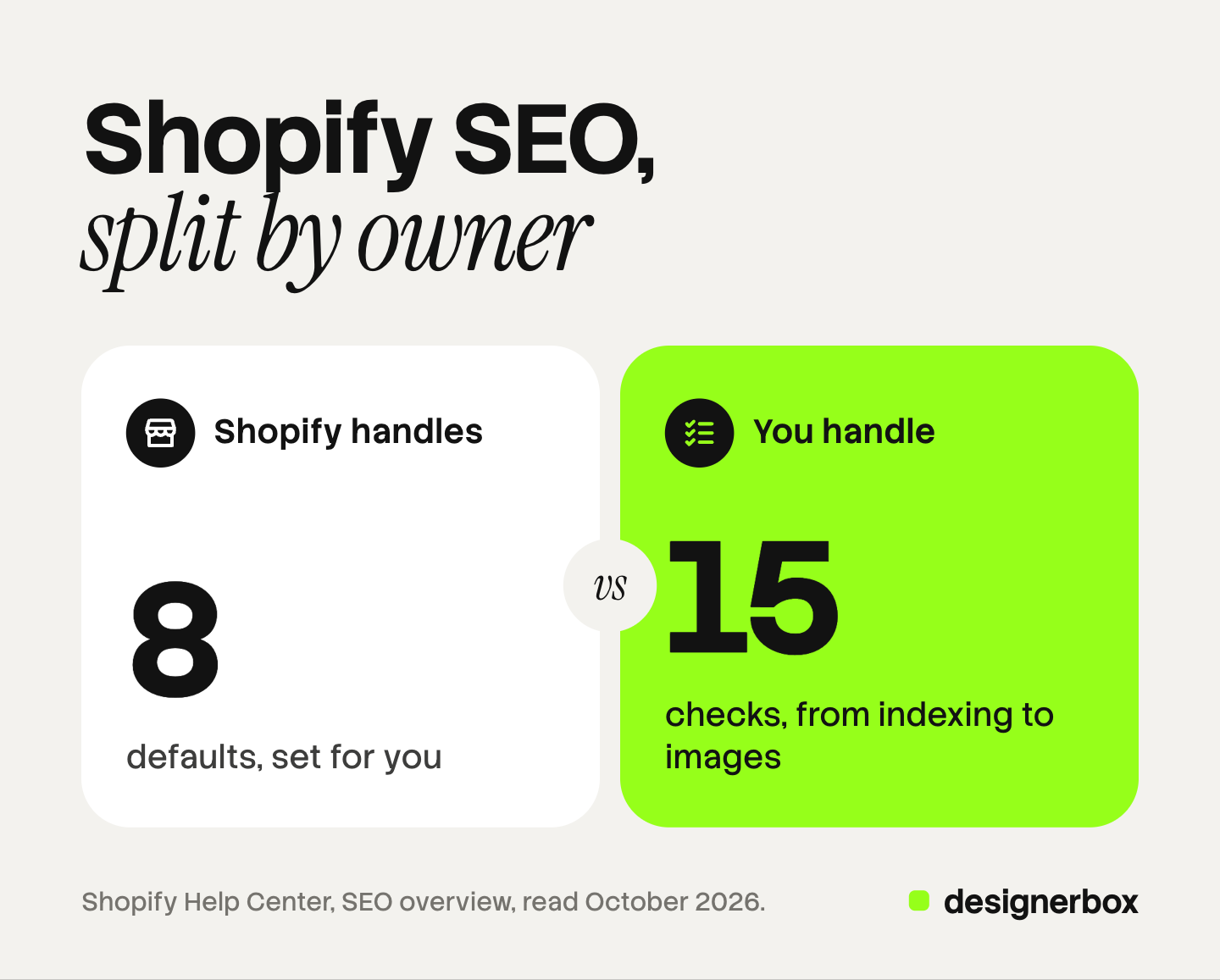
A Shopify SEO checklist has two parts. Shopify handles the first part for every store: the sitemap, robots.txt, canonical tags, a TLS certificate, product structured data and image delivery. The second part belongs to you. It has 15 checks: indexing, duplicate product URLs, titles and descriptions, collection copy, internal links, structured data, image SEO and page speed.
This guide is for a brand with 20 to 500 products on Shopify. Every item names the Shopify setting or the Google document behind it, read on October 7, 2026. No checklist can promise a position in search results.
Key Takeaways
- Shopify handles eight things by default. The sitemap, robots.txt, canonical tags, the TLS certificate, the title tag, the H1, product structured data and image formats are in place before you start.
- Fifteen checks stay with you. Five cover indexing and URLs, four cover text and links, one covers structured data, four cover images and one covers speed.
- Two character limits differ. The title field takes 70 characters and Shopify advises 60. The description field takes 320 and Shopify recommends 160.
- Image SEO starts before the upload. Shopify says you need to rename an image file before you upload it.
- AI search needs no extra markup. Google states this in its own documentation.
What is a Shopify SEO checklist?
A Shopify SEO checklist is a list of the settings and content that help search engines find, read and show a Shopify store. A useful one separates the work by owner.
Shopify names four things that affect a store’s position: links from other sites, authority, the age of the domain, and structure and content (Shopify Help Center, October 2026). This checklist covers the fourth.
What does Shopify handle for SEO by default?
Shopify lists the SEO elements it handles automatically. The table gives eight of them.
| Item | What Shopify does | What is left to you |
|---|---|---|
| Sitemap | Every store generates a sitemap.xml file at the root of the domain. It updates when you add a product, a collection, an image, a page or a blog post | Submit it once in Google Search Console |
| Robots.txt | Every store has a default file. The cart page is one of the pages it asks crawlers to skip | Nothing, in most stores |
| Canonical tags | Shopify adds them to pages to keep duplicate content out of search results | Check the product links in your theme |
| TLS certificate | Shopify provides one for every domain you add. A third-party domain can take up to 48 hours | Check that the domain status is Connected |
| Title tag | If the title is blank, the theme uses the content title and the store name | Write your own |
| H1 heading | Shopify makes the H1 from the title you enter | Put the main keyword in the title |
| Structured data | Themes from the Theme Store include product markup by default | Test it after a theme or app change |
| Image delivery | Shopify picks the file format and serves WebP or AVIF when the browser supports it | Upload a good source file |
Sources: Shopify Help Center pages on the SEO overview, the sitemap, robots.txt, secure connections, keywords and images, read October 2026.
Two details matter.
Robots.txt can be edited, with care. You add a robots.txt.liquid template to the theme and change the rules there. Shopify says to work with a Shopify Partner, or to have expertise in code edits and SEO, before you edit it.
Images are resized by the theme. The theme asks for each image at a width, up to 5,760 px, and the image tag carries a srcset attribute (shopify.dev, October 2026). Our guide to Shopify product image size covers what gets served.
Checks 1 to 5: indexing and URLs
1. Open the store. Shopify gives three reasons why a store is absent from search results. The store is too new, the store is in private mode, or the store is on a trial account. Shopify states that search engines do not index trial stores. Remove the password and choose a plan first.
2. Submit the sitemap. Verify the domain in Google Search Console. Then go to Indexing, click Sitemaps and enter sitemap.xml.
3. Use one URL per product. A Liquid filter named within makes a product URL inside a collection path, such as /collections/sale/products/blue-shirt. Shopify warns that the standard product page and this page have the same content on separate URLs (shopify.dev, October 2026). Google asks for the same URL in internal links, sitemap files and canonical tags (Google Search Central, October 2026). Open a collection page and hover over a product. If the link contains the collection path, ask a developer to change the theme.
4. Keep the wrong pages out of search. Shopify gives three ways to hide a page that is still live. You can add a noindex meta tag in the theme. You can create a metafield with the key seo.hidden and set it to 1. You can set a product to unlisted (Shopify Help Center, October 2026).
5. Redirect every URL you retire. Shopify redirects work only from a broken URL, one that returns a 404 page. A store can hold a maximum of 100,000 redirects, and more on the Plus plan (Shopify Help Center, October 2026). When you delete a product or change its URL handle, create the redirect in the same session.

Checks 6 to 9: titles, descriptions and links
6. Write a page title for each product and collection. The field accepts 70 characters. Shopify advises 60 or fewer, with the most important keyword near the start. Each title must be unique.
7. Write a meta description for each page. The product page warns that text may be cut after 320 characters. Shopify’s keyword page recommends 160. Use the shorter number. Google can rewrite both in its results.
8. Add copy to collection pages. A collection page with a grid and no text gives a search engine little to read. Shopify advises at least 250 words of descriptive text on every page. It also says to avoid text copied from a manufacturer, because other sites may use it too.
9. Check menus and internal links. Shopify’s guidance has three parts. Each page should have a link in the store menus. No page should be more than 3 clicks from the home page, where possible. Link text should describe the target page (Shopify Help Center, October 2026).

The listing fields themselves are a separate job. Our guide to Shopify product page optimization goes through all nine fields in order.
Check 10: Product structured data
10. Test one product page per template. Shopify’s Liquid filter prints a schema.org Product for a product with no variants and a Product Group for a product with variants (shopify.dev, October 2026).
Google lists name, image and offers as the required properties for a merchant listing. It says to validate the code in the Rich Results Test and fix any critical errors (Google Search Central, October 2026).
Paste a product URL into the Rich Results Test. Check that one Product item appears, that the price and availability match the page, and that the image URL opens the correct photo. Run the test again after each theme update and each new app.
Checks 11 to 14: Shopify image SEO
Image SEO is the practice of helping search engines understand and show your images. On Shopify it has four checks.
11. Name the file before the upload. Shopify says you need to rename the file before you upload it. Google says the file name gives very light clues, and that a short, descriptive name is better than a camera name (Google Search Central, October 2026). Use the product, the color and the view: linen-shirt-white-front.jpg.
12. Write alt text for every product image. Google calls alt text the most important attribute for giving more information about an image. Shopify says to use readable phrases that describe what the image shows. The product page guide linked above has the character limits and examples.
13. Give each variant one true image. Google’s merchant listing rules say images must represent the marked-up content. A blue variant that shows the white product fails that rule. Google recommends several high-resolution images per product, at a minimum of 50K pixels each when you multiply width by height. Our guide to Shopify product images covers which image appears where.
14. Upload a large, clean source file. Shopify does not compress an image on upload, and it picks the delivery format for each browser. So the format question is mostly answered for you. The audit in Shopify image optimization covers what Shopify cannot fix.
For a catalog that needs new files and new alt text, the routes are in our guide to a Shopify bulk upload of images.
Check 15: Core Web Vitals
15. Measure the three numbers on your slowest template. Core Web Vitals are Google’s three measures of page experience:
| Metric | What it measures | Good result |
|---|---|---|
| Largest Contentful Paint (LCP) | Loading | Within 2.5 seconds |
| Interaction to Next Paint (INP) | Response to a tap or click | 200 milliseconds or less |
| Cumulative Layout Shift (CLS) | Visual stability | 0.1 or less |
Google measures each one at the 75th percentile of page loads, on mobile and on desktop separately (web.dev, October 2026).
Shopify serves product images in a modern format already. The parts you control are the theme and the apps that add scripts. Shopify advises you to monitor page speed in its built-in analytics.
What changes for AI search?
Little changes. Google’s documentation on AI Overviews and AI Mode says this: “There are no additional requirements to appear in AI Overviews or AI Mode, nor other special optimizations necessary.” It adds that you do not need new machine-readable files, AI text files or special schema.org markup (Google Search Central, October 2026).
The same page lists two checks that matter to a store. Structured data should match the visible text on the page. Merchant Center information should be current. Check 10 covers the first one.
One older tactic has ended. Google’s FAQ rich result stopped appearing for all sites on May 7, 2026 (Google Search Central updates, October 2026). An FAQ on a product page can still help a shopper.
Shopify’s own page on AI recommends detailed specifications, structured data, product attributes and images with descriptive alt text (Shopify Help Center, October 2026). Our guide to agentic commerce optimization covers the feeds and the shopping features in AI chats.
Shopify SEO tips the checklist does not replace
Two Shopify SEO tips sit outside any checklist.
- Time. Shopify says an edit can take a couple of weeks to appear in search results.
- Links. Links from other sites are the first factor Shopify names. No setting creates them.
The image set behind the checklist
Four of the 15 checks depend on images that exist. A brand with 200 products and three colors each needs hundreds of consistent files before any file name matters.
Anyone can make an AI picture. Making hundreds that still look like your brand is the hard part.
DesignerBox makes the listing kit per product: the white-background hero, the angles, the detail shot and the lifestyle scene. You build the set once as a workflow with your brand rules. A batch then runs it over a sheet with one product per row. Row one and row two hundred get the same light and framing. The cost is shown before the run.
The page for Shopify stores shows the set for one product, and the page on AI product photography covers the shot types.
The full workflow from the first product photo to the finished ad, in one subscription.
DesignerBox does not send finished work to Shopify. You download the results, or send them with a webhook or an S3 step. You name the files, write the alt text and attach each image to its variant. Every plan below Ultra is one seat.
There is a free plan, and it runs on sample products. Uploading your own photos and the commercial license start on the Pro plan. AI video, virtual try-on, upscaling, the image editor and the video editor start on the Premium plan. Plans and credits are on the pricing page.
FAQ
Does Shopify do SEO automatically?
Shopify handles the technical base. It generates the sitemap and robots.txt, adds canonical tags, provides a TLS certificate and includes product structured data in its themes. Titles, descriptions, collection copy, alt text and file names stay with the store owner.
How long should a Shopify page title and meta description be?
The title field takes up to 70 characters, and Shopify advises 60 or fewer. The product page warns that a description may be cut after 320 characters, and Shopify’s keyword page recommends 160. Google can still rewrite both in its results.
Does Shopify create duplicate content?
It can. Some themes link to products through a collection path, which gives one product two URLs. Shopify adds canonical tags, and Google also asks for the same URL in internal links. Check the links on your collection pages.
What is image SEO on Shopify?
Image SEO on Shopify has four parts: a descriptive file name set before the upload, alt text on every product image, one accurate image per variant, and a large source file. Shopify handles the delivery format and the resized versions through its CDN.
Do I need special markup for Google AI Overviews?
No. Google states that AI Overviews and AI Mode have no additional requirements and need no special schema.org structured data.
Can DesignerBox do SEO for my Shopify store?
No. DesignerBox makes the product images. It does not send finished work to Shopify or change any store setting. In DesignerBox you see the cost before each run.
Sources
- Shopify Help Center, SEO overview: the elements handled automatically, the four ranking factors, structured data in themes (help.shopify.com, read October 7, 2026)
- Shopify Help Center, finding and submitting your sitemap: automatic sitemap.xml, Search Console steps, microdata in themes (help.shopify.com, read October 7, 2026)
- Shopify Help Center, editing robots.txt.liquid: the default file, the template, the advice to work with a Partner (help.shopify.com, read October 7, 2026)
- Shopify Help Center, hiding a page from search engines: the cart page, noindex, the seo.hidden metafield, unlisted products (help.shopify.com, read October 7, 2026)
- Shopify Help Center, adding keywords: the 70 and 60 character title limits, the 160 character description, the H1, 250 words per page, alt text, rewritten titles (help.shopify.com, read October 7, 2026)
- Shopify Help Center, adding and updating products: the 70 and 320 character warning in the search engine listing, the URL handle field (help.shopify.com, read October 7, 2026)
- Shopify Help Center, optimizing your site structure: menus, 3 clicks, link text, renaming image files before upload (help.shopify.com, read October 7, 2026)
- Shopify Help Center, URL redirects: broken URLs only, the 100,000 maximum (help.shopify.com, read October 7, 2026)
- Shopify Help Center, secure connections: TLS certificates for all domains, up to 48 hours (help.shopify.com, read October 7, 2026)
- Shopify Help Center, uploading images: no compression on upload, WebP and AVIF delivery (help.shopify.com, read October 7, 2026)
- Shopify Help Center, SEO questions: private mode, trial stores, missing titles (help.shopify.com, read October 7, 2026)
- Shopify Help Center, optimizing your store for AI (help.shopify.com, read October 7, 2026)
- Shopify developer documentation: the within filter (shopify.dev), the structured_data filter (shopify.dev), the image_url filter (shopify.dev) and the image_tag filter (shopify.dev), read October 7, 2026
- Google Search Central, AI features and your website (developers.google.com, read October 7, 2026)
- Google Search Central, documentation updates: the FAQ rich result ended on May 7, 2026 (developers.google.com, read October 7, 2026)
- Google Search Central, merchant listing structured data: required properties, image rules, the Rich Results Test (developers.google.com, read October 7, 2026)
- Google Search Central, image SEO best practices: file names and alt text (developers.google.com, read October 7, 2026)
- Google Search Central, ecommerce URL structure: one URL in links, sitemaps and canonical tags (developers.google.com, read October 7, 2026)
- web.dev, Web Vitals: the LCP, INP and CLS thresholds and the 75th percentile (web.dev, read October 7, 2026)
- DesignerBox for Shopify stores and DesignerBox batch (designerbox.ai/for/shopify-stores, designerbox.ai/product/batch), October 2026
Shopify and Google statements were read on their own help and developer pages on October 7, 2026. The 200-product, three-color figure is example arithmetic, not a measurement. Both platforms change their documentation often, so check each page before you act on it. No checklist can promise a search position. Individual results vary.