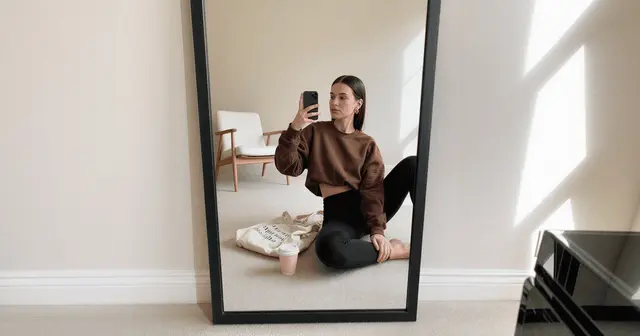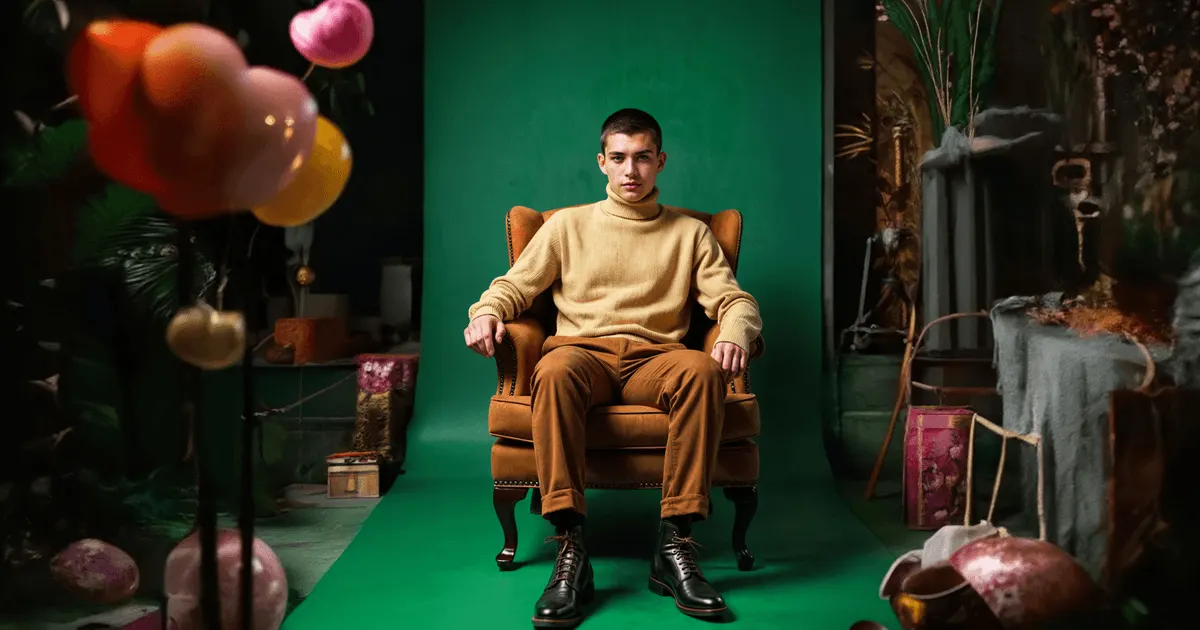
An AI autumn lookbook, or fall lookbook, is a set of on-model images for an autumn winter collection, generated from photographs of the real garments instead of booked in a studio. You upload flat lays or ghost mannequin shots, lock a model and a set, then render every look. The output covers the product page, wholesale line sheets and social, without waiting for the weather.
It is tempting to treat the season as a mood word: swap florals for foliage and the beach for a park. That works for spring, because a spring look is usually one garment lying flat against a body in bright, even light.
In autumn, generated on-model imagery fails more often, and for reasons you can name in advance. A look has three garment layers instead of one. The fabrics have structure at stitch level. The light has to be low and warm, where spring light is high and flat. This guide covers what breaks, the four things to lock so it does not, and the EU disclosure rule that has applied since 2 August 2026.
Key Takeaways
-
The calendar is inverted. Autumn winter goods land in stores roughly three to four months after the February and March shows, so a brand needs campaign assets in June and July (apparelmagic.com, 2026). You are shooting wool in summer.
-
Layers are the failure mode, not the season. A coat over a knit over a shirt is three garments with occlusion. Most output loses the layer order or the cuff reveal before it loses anything else.
-
Texture breaks before shape does. Cable knit, bouclé, shearling and suede have structure at a scale that generation averages away. A raised stitch that renders as a printed pattern is instantly wrong to a merchandiser.
-
Lock four things: the garment reference, the face, the set language, the crop set. Everything else can vary per look.
-
The published evidence for generated imagery is narrow. The one retrievable controlled experiment measured around 15% higher click-through from generated backgrounds on retargeting campaigns, mostly apparel (arxiv.org/abs/2408.12392, RecSys ‘24, October 2024).
-
Article 50 of the EU AI Act has applied since 2 August 2026. A realistic model who never existed can still count as a deep fake. A real garment shown as a packshot or flat lay is not one, as long as it does not mislead about the product.
Why the autumn lookbook is the hard one
The fashion calendar puts the shoot in the wrong weather. Autumn winter collections are shown in February and March, wholesale orders land between March and May, and goods reach shop floors around three to four months before the season, with markdowns starting in late October (apparelmagic.com and retaildogma.com, 2026).
Work backwards from that and your campaign assets are due in June or July. A traditional autumn shoot means putting a model in a wool coat in summer heat, in a location where the trees are still green, under light that sits too high in the sky. Studios solve it with control and money. Brands without that budget often shoot late and ship the collection with placeholder imagery.
Generating the lookbook removes the weather from the schedule entirely. The garments are real and already photographed. The season is a set decision, not a booking.
Where autumn garments break generated imagery
Autumn garments break generated imagery in four places: layer order, stitch-level texture, weight and drape, and light temperature. These four decide whether the images ship.
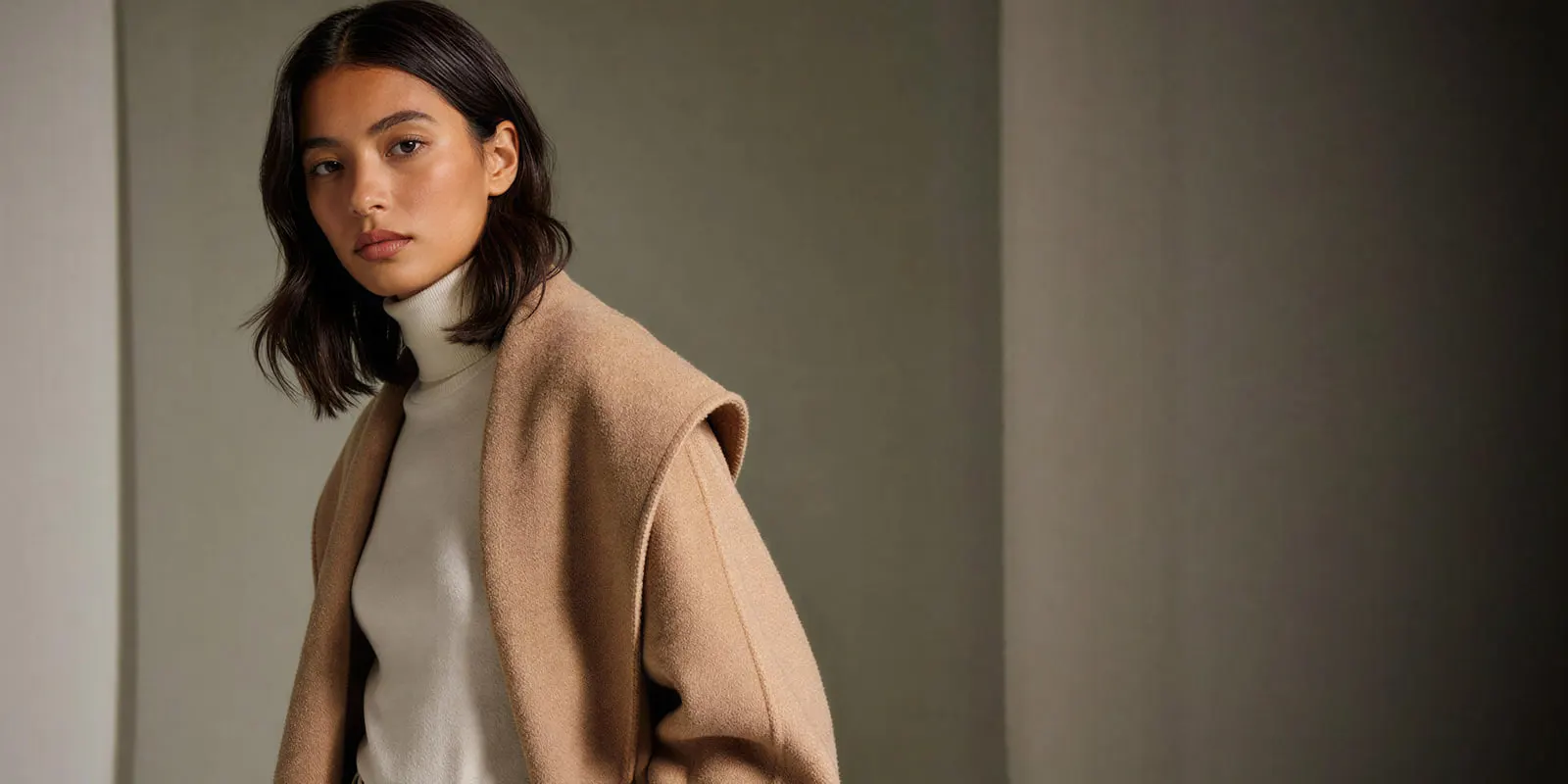
Layer occlusion. A summer look is one garment. An autumn look is a coat over a knit over a shirt, and the model has to hold which layer sits on top, how much cuff and collar show, and the fact that the outer piece hides most of the inner one. Get the order wrong and merchandisers reject it before they reach the fabric.
Structure at stitch level. Cotton and linen forgive averaging. Cable knit, bouclé, shearling and brushed wool do not, because their detail sits at a scale the model tends to smooth into a flat pattern. Suede is worse again: its nap changes tone with the direction of the light, and generated suede usually comes back looking like matte plastic.
Weight and drape. A wool coat hangs away from the body. Jersey clings. Generated outerwear that drapes like jersey reads as costume even when every other detail is right. Jacket photography covers the outerwear shot list and where AI fails on it.
Light temperature. Autumn campaign light is low, warm and directional. Summer set language is high, flat and bright. Hold the wrong one and every image says the wrong season no matter what the model is wearing.
The four locks
The four locks for an AI autumn lookbook are the garment reference, the face, the set language and the crop set. Lock them before you generate anything. Everything else varies per look. Generating each look as a photo set rather than as separate frames is what keeps that variation inside the shot instead of inside the model’s face.
Lock the garment reference. Photograph every layer separately, flat or as a ghost mannequin shot, including the pieces that will be mostly hidden. A model given a real reference for the shirt under the coat renders a believable collar. A model asked to invent one renders a generic collar.
Lock the face. Forty pieces on forty faces is not a lookbook. One identity across the drop is a separate mechanic from good output, and our guide to consistent on-model images drop to drop covers the two routes to it. In DesignerBox, Kontext Multi runs FLUX.1 Kontext. Black Forest Labs says Kontext preserves the identity of a reference character across multiple scenes and environments (bfl.ai, accessed September 2026). That is the job here. The model list shows the other models.
Lock the set language. Write one sentence describing the light and the location, then reuse it verbatim on every look. Not paraphrased. The same words. This is what stops look 12 from arriving in a different season than look 3.
Lock the crop set. Decide the ratios each placement needs before you render, so the framing leaves room for all of them. Recropping a 4:5 into a 9:16 afterwards costs you the shoes.
How to build it
An AI autumn lookbook takes six steps, and only the first one needs a camera.
- Shoot the garments flat. Every piece, every layer, consistent lighting, color-accurate. This is the only part that still needs real photography, and it is a table and a window.
- Write the season in one sentence. Something like: low afternoon light, overcast, brick and stone, muted palette. Save it.
- Pick a starting point. An editorial model shoot template or a fashion campaign template already carries a light and an environment, so you adjust it and do not describe it from blank.
- Generate one hero look and stop. Review it at 100%. Check the stitch, the layer order, the drape, the shoes. Fix the prompt, not the image.
- Run the rest against the locked settings. The Dress my model app puts each garment on your locked model. Save the pass as a workflow, and it runs the same way for the next drop without retyping anything.
- Cut the crops and the flat lays. A flat lay template handles the styling shots that sit between the on-model looks.
The second drop reuses the first. You build the pass once as a workflow, with your garments, your face and your set language. The saved workflow runs the same way on the next garment. The model, the light and the framing stay the same, because nothing is retyped in between. Batch runs that workflow over a whole sheet of garments at once. Take an autumn drop of 20 looks, each cut to a 4:5 and a 9:16 crop: that is 40 files from one pass. The same count for a whole catalog is in catalog photoshoot: count the images before you shoot. For the winter drop, you run the same workflow with new garment photos and a new set sentence. The rest of the shoot plan is in how to plan a clothing brand photoshoot with AI tools.
What it costs
DesignerBox shows the cost of a run before you press Run, so you know what a pass costs before it starts. There is a free plan. Annual billing costs less per month, and the monthly credits reset each month either way. On the pricing page, check which view you are reading before you budget.
Uploading your own photos and the commercial license start on the Pro plan. AI video, virtual try-on, upscaling, the image editor and the video editor start on the Premium plan. Plans and credits are on the pricing page.
If a team makes and approves the lookbook together, check the seats. Team features, shared brand kits and white label are on the Ultra plan, and every plan below Ultra is one seat.
Sort the shot list by production cost instead of by theme. Then the season is easier to budget. The three tiers in fashion photoshoot ideas, shoot it or generate it show which autumn frames need the studio day and which do not.
Compare against the assets you do not make today. Your photographer’s invoice is the wrong baseline. The clearest published numbers in this category, covered in our breakdown of what fashion brands using AI models actually shipped, show the gain as extra volume more than as a smaller bill.
The EU disclosure rule from 2 August 2026
This is general information, not legal advice. Article 50 of the EU AI Act has applied since 2 August 2026 (digital-strategy.ec.europa.eu, accessed September 2026). Under Article 50(4), deployers must disclose deep fakes clearly and the first time people see them. Usually the brand is the deployer when it uses the AI tool. A hidden machine-readable mark does not count as the label: people must see it without special tools.
The trap is assuming an invented person is exempt. The Commission’s Article 50 Guidelines, published 20 July 2026, treat realistic AI-generated human avatars or personas as persons, and say it is enough that the person could plausibly exist (Commission guidelines, accessed September 2026). The guidelines are not binding. So a realistic generated model in your autumn lookbook likely counts as a deep fake and needs a visible label in the EU. A real garment against a generated background, with no person in frame, is not a deep fake, as long as the image does not mislead about the product.
Under Article 50(2), companies that provide AI tools must mark the results in a machine-readable way. That is the tool maker’s duty, not the brand’s. Do not strip the marks. AI providers that sign the EU Code of Practice must forbid users, in their terms, from removing them on purpose. Our guide to labeling AI-generated fashion images covers the wording and placement.
Scale content without limits.
Generate content for your products or services with AI, starting today, and keep your brand on every piece.
Autumn is a harder run than spring, for four reasons you can name and check. Lock the garment reference, the face, the set language and the crops, and the season is no longer a scheduling problem. Anyone can make an AI picture. Making hundreds that still look like your brand is the hard part.
The image editor, the video editor, your brand rules, your Assets and the AI models are in the same account. The full workflow from the first product photo to the finished ad, in one subscription. Pick a template, add your brand and one look in one fabric, and run it. Check the result at full resolution before you run the rest. See the templates.
FAQ
Can I make an autumn lookbook from summer product photos?
Only if the garments themselves were photographed. You cannot generate a wool coat that was never shot. What you can change is everything around the garment: the season, the light, the location and the model. If the AW pieces exist and someone has laid them flat under a window, you have what you need.
Will knitwear and suede actually look real?
Test before you commit. Cable knit, bouclé, shearling and suede are the four that fail most often, because their detail sits at stitch level and generation tends to flatten it into a printed pattern. Run one piece from each fabric family first and review it at full resolution before you plan the whole drop.
When should a brand shoot its autumn winter lookbook?
A brand needs its autumn winter campaign assets in June or July. Autumn winter collections are shown in February and March, and wholesale orders land between March and May. Goods reach shop floors about three to four months before the season. That puts a traditional shoot in summer heat, with green trees and high light.
How many images does an autumn lookbook need?
Count the looks in the drop, then multiply by the crops each placement needs. An autumn drop of 20 looks, each cut to a 4:5 and a 9:16 crop, makes 40 files. Budget for the crop count, not the look count, because the crop count is where the number grows.
Do AI lookbook images work for wholesale line sheets?
For the styled context shots, yes. Buyers still want accurate flat or ghost mannequin imagery alongside them, because a line sheet is a buying document and fabric and construction have to read plainly. Use generated on-model for the story, real flats for the spec. The full split between the two documents, and which frames each one needs, is in our guide to fashion lookbook photography. Wholesale platforms such as JOOR and NuORDER now link the two, and digital lookbook tools covers how.
Do I have to disclose that the lookbook is AI-generated?
In the EU, likely yes, if a realistic person appears in it. The Commission’s Article 50 Guidelines, published in July 2026, say an invented person can count as a deep fake when the person could plausibly exist, so the visible disclosure likely applies. A real garment against a generated background, with no person in frame, is not a deep fake as long as it does not mislead about the product.
Can I use the same AI model as last season?
Yes. Carrying one identity from the spring drop into autumn makes the two drops read as one brand. It needs a deliberate consistency method. Typing the same prompt twice is not enough.
Sources
- Autumn winter show dates, wholesale order windows, the three to four month lead to shop floor and the late-October markdown point: apparelmagic.com and retaildogma.com, 2026
- EU AI Act Article 50 transparency obligations, applicable since 2 August 2026, and the deployer disclosure duty: European Commission FAQ (accessed September 2026)
- The Commission’s Article 50 Guidelines, C(2026) 5054, published 20 July 2026 and not binding: guidelines text (accessed September 2026)
- The EU Code of Practice on marking AI-generated content: Code of Practice (accessed September 2026)
- FLUX.1 Kontext character consistency: bfl.ai (accessed September 2026)
- Around 15% higher click-through from generated backgrounds on retargeting campaigns, mostly apparel: Czapp et al., arxiv.org/abs/2408.12392, RecSys ‘24, October 2024
- DesignerBox plans and feature gating: DesignerBox pricing page (designerbox.ai/pricing), September 2026