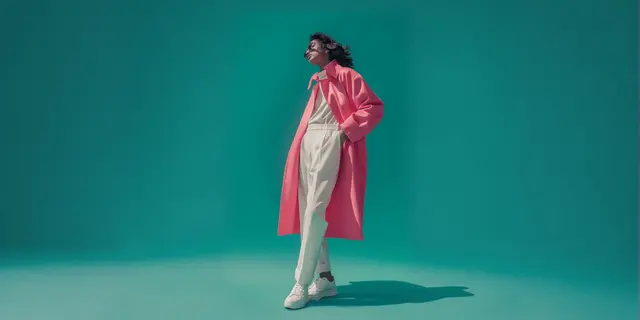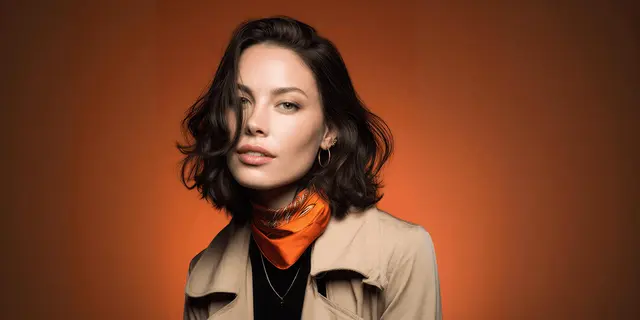
AI models for product photos are generated people who wear, hold or use your product, built from the product photo you already own. They exist to solve one problem: a shopper cannot judge size from a floating object on white. Baymard’s research names apparel, accessories such as bags, jewelry and watches, and cosmetics as the categories that need a human for scale.
Whether to put a person in the shot at all is the decision that matters. It is the one that costs money when you get it wrong.
Two questions come before the tool. Which of your products need a person, and which part of a person do they need. Answer those and the brief is easy to write. Skip them and you generate a full fashion model for a candle that needed a hand.
Key Takeaways
- The person is usually a hand, not a model. Full-body models are an apparel requirement. For skincare, drinkware, jewelry and small tech, a hand or a partial body answers the scale question with a much smaller brief.
- Baymard names three categories that require a human. Apparel, accessories such as bags, jewelry and watches, and cosmetics. Everything else needs an in-scale reference, which a person is only one way to provide.
- 42% of shoppers try to judge size from images, and 37% of the sites in Baymard’s 2026 benchmark give them no in-scale image (baymard.com, updated March 2026, accessed October 2026).
- The platform decides whether the person belongs in the first slot. Amazon wants adult clothing main images on a standing model, and shoe main images as a single shoe with no model. The rule flips by category, not by taste.
- A hand is a smaller booking than a full model. The cost an AI hand competes with is a hand model’s session, not a studio day.
- A generated person in a catalog photo is not an endorsement. It becomes one when the person appears to give an opinion, which is where the FTC guides and the FTC’s testimonial rule apply.
What are AI models for product photos?
An AI model for product photos is a generated person rendered wearing, holding or using your product, produced from your own product image rather than a text description. The output is a still that fills a gallery slot: a hand presenting a serum bottle, a wrist wearing a watch, a body carrying a bag. The product stays anchored to the real photograph. Only the person around it is generated.
That anchoring is the whole point. A model generated from a prompt alone produces a plausible bottle that is not your bottle, with a label that is not your label. A model generated from your photo produces your bottle, held. The difference decides whether the image can ship to a product page or only to a mood board.
Which products need a person in the frame
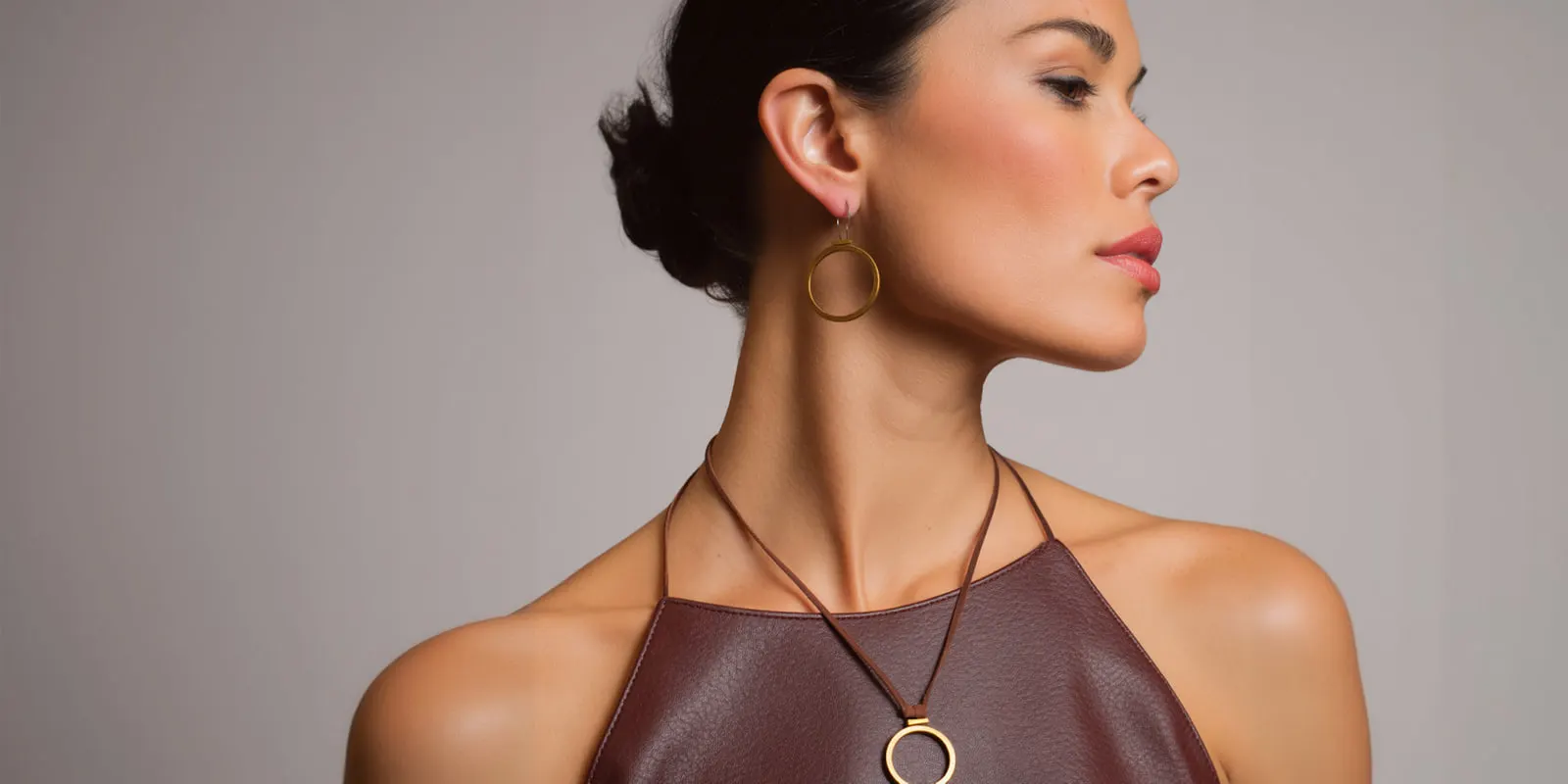
Baymard’s product page research is specific about this, and it is narrower than the category assumes. Products designed to be worn require the context of a human model to give the truest sense of the product: apparel, accessories such as bags, jewelry or watches, and cosmetics (baymard.com, accessed October 2026). For cosmetics the guidance goes further, asking that shades be viewable on multiple models of diverse skin tones rather than shown only as swatches. Not every tool handles every worn type: AI on-model photography tools by product lists which tools name bags, jewelry, eyewear and held products.
The scale problem underneath it is measured. 42% of users attempt to gauge the overall scale and size of a product from its images. The same research found that 56% of test subjects began exploring product images as their first action on arriving at a product page (baymard.com, accessed October 2026). In Baymard’s 2026 product page benchmark, 37% of sites provide no in-scale image at all (baymard.com, updated March 2026, accessed October 2026).
Everything outside those three categories needs an in-scale reference, and a person is only one way to supply it. A stand mixer reads correctly beside a kitchen counter. A candle reads correctly beside a book. A speaker reads correctly on a bookshelf, which is the scale frame in a tech product photography shot list. Reaching for a generated model when a known object would do is how a simple brief turns expensive.
| Product type | What the shopper cannot judge | The cheapest fix |
|---|---|---|
| Apparel | Fit, drape, length | Full body, standing |
| Bags, watches, jewelry | Size against a body | Partial body: wrist, neck, shoulder |
| Skincare, supplements, drinkware | Bottle or jar size, how it is held | A hand |
| Cosmetics | Shade on real skin | Multiple hands or faces, varied tones |
| Homeware, tools, electronics | Size in a room | A known object, no person needed |
The four levels of person, and what each one replaces
Treat the person as a ladder rather than a switch. Each rung answers a different question and carries a different production cost in the physical world, which is the cost an AI version is competing against.
Level one is a hand. It answers “how big is this and how do I hold it”. It is the correct level for most non-apparel products. A booked hand model is usually a short session for hands and forearms, with a manicure booked as well, so the physical cost is smaller than a full model and a studio day.
Level two is a partial body. A wrist, a neck, a shoulder, an ear. It answers scale for worn accessories without committing to a face, which keeps casting, likeness and disclosure simpler. Watches and jewelry live here. The watch product photography shot list and the jewelry product photography one both turn on this rung.
Level three is a full body without a held pose. The garment or bag is worn, the person is present, the product is still the subject. This is the level Amazon requires on adult clothing.
Level four is a full body in a scene. Now you are producing lifestyle and ad creative, not catalog. The person carries mood, and the product competes with the room for attention. Useful for paid social, wasteful for a listing image.
Pick the lowest rung that answers the shopper’s question. Every rung above it adds a casting decision, a consistency problem across the range, and a disclosure obligation you did not need.
Where the shot goes, and what the platform allows
Producing the image is the easy half. The gallery slot it can occupy is set by the marketplace, and the rule inverts between categories on the same platform.
Amazon’s product image guide says main images for clothing in adult sizes show the item on a model, and the model must be standing. Children’s and baby underwear, leotards, swimwear and other tight-fitting items must be shown flat, with no model. Accessories and multipacks are shown flat, with no model. Footwear main images show a single shoe, facing left, at a 45-degree angle, so no model appears at all. The specs a shoe listing has to hit go further than that on fill and format. Main images must not show any part of a mannequin (Amazon product image guide, accessed September 2026).
The same guide asks sellers to tag images that show a photorealistic person made fully by AI. You add the keyword contains-synthetic-performer to the XMP dc:subject field before you upload, and Amazon adds a disclosure where needed. Real people edited with AI do not need the tag.
So the same generated person is required in one category, not used in another, and irrelevant in a third. Decide the slot before the brief. A model shot produced for a slot that shows no model is a wasted generation. The same trap runs through handbag product photography, where the platform wants the bag alone and the shopper wants a body.
The practical order is: name the slot, check the category rule, then pick the rung from the ladder above. Not the reverse.
How to brief an AI model so the product survives
The failure mode is a convincing person holding a product that no longer matches what ships. For clothing, where the person wears the product, the casting choice comes first: choosing an AI virtual model for a clothing brand covers the body range and the two tests. The tools that dress a model in your garment are in AI fashion model generators compared.
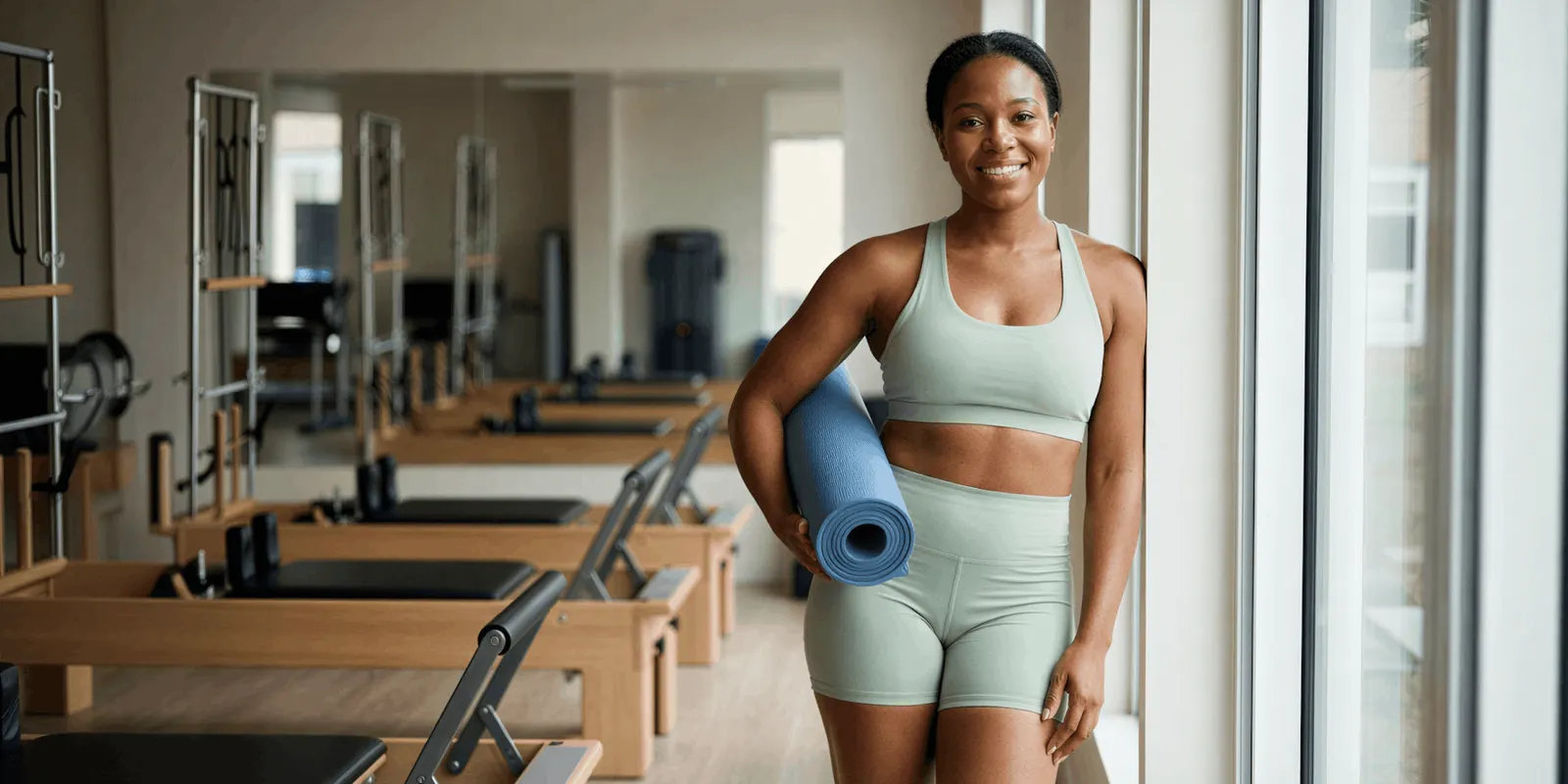
Start from the product photograph, never a description of it. The generation should treat your image as the fixed element and the person as the variable. If the tool asks you to describe the product in words, the output will be a lookalike.
Read the product first when the image comes back, not the face. Check the label text, the closure, the finish and the proportions against the real item. A hand shot fails on grip before it fails on skin: fingers wrapped around a label that should be readable, or a jar held at a size that contradicts the dimensions in your listing copy. The three ways a held product breaks, and the composite fix, are in AI virtual models for product photos: three failures to fix.
Fix the shot list rather than the image. When one image is wrong, the brief is usually wrong for the whole set. Regenerating a single frame hides a problem that will reappear across the range. A shot list template for a product shoot gives you one row per image to correct.
Hold the person consistent when the range needs it. A skincare line photographed across six SKUs with six different hands reads as six different brands. The same anchoring problem in fashion is covered in how to create an AI fashion model, and the mechanics transfer directly to hands.
Set that anchor once and it becomes the job you run again. You fix the hand, the light, the crop and the brand rules at the start as a workflow. The same workflow then runs on the next SKU, and the one after that. That is the reason to standardize the person in the first place. Batch runs one workflow over a full range in one pass.
The full workflow from the first product photo to the finished ad, in one subscription. A hand shot, a listing still and the ad that follows it come out of the same setup.
Cost of a hand or on-model run
In DesignerBox you start from your product photo, so the product in frame is the product you sell. A model pose set template covers the worn and held shots, and an avatar run returns nine fixed poses for 25 credits. The AI product photography page shows the packshots, extra angles and styled scenes one photo becomes.
The cost of each run depends on the model you pick, and the cost is shown before the run, so you check a full range against your plan before you start it.
Two gates matter for this work. Uploading your own photos and the commercial license start on the Pro plan, which is the plan most catalog work needs. AI video, virtual try-on, upscaling, the image editor and the video editor start on the Premium plan. For non-apparel products the try-on gate is not the one you meet, because a hand holding a bottle is an image job rather than a garment fitting job. Plans and credits are on the pricing page.
If you are choosing between models rather than plans, the model list names the image models DesignerBox runs, and our Seedream 5 guide covers one model built for photographic images.
Start from a template, add your product photo and your brand, and run it on one SKU first.
Disclosure, and what changed on 2 August 2026
Several separate obligations apply, and they are often confused. This is general information, not legal advice.
The EU AI Act’s Article 50 transparency rules have applied since 2 August 2026, and they split the duty in two. Providers of AI tools must mark the output in a machine-readable way, so it is detectable as AI-generated (AI Act Service Desk, accessed September 2026). The AI Omnibus, Regulation (EU) 2026/1744, in force since 27 July 2026, gives tool makers whose systems were on the market before 2 August 2026 until 2 December 2026 to add those marks. Deployers, usually the brand publishing the image, must disclose deep fakes. The Commission’s guidelines, published 20 July 2026 and not binding, treat realistic AI-generated people as persons, so a photorealistic AI model can count even though nobody real is shown. A hidden machine-readable mark does not count as your label (Commission FAQ, accessed September 2026). None of this replaces what your marketplace asks of you separately.
In the US, New York’s synthetic performer law has applied since 9 June 2026. If you make an ad and you know it contains a synthetic performer, a digital person who is not recognizable as any real performer, the ad must say so in a way people will notice (nysenate.gov, accessed September 2026).
Endorsement is a separate question. The FTC defines an endorsement as an advertising message that consumers are likely to believe reflects the opinions or experience of someone other than the advertiser. The endorser can be a real person or only appear to be one (ftc.gov, accessed September 2026). A generated hand holding your serum expresses no opinion, so it is product photography. The same generated person presented as a customer describing a result is a testimonial. The FTC’s rule on consumer reviews and testimonials, in effect since 21 October 2024, prohibits a testimonial that falsely suggests the reviewer exists or used the product. The FTC says the rule does not ban AI avatars in marketing; an avatar breaks it only if the testimonial behind it is fake or false (ftc.gov, accessed September 2026).
The line is whether the synthetic person appears to be vouching. Staying on the photography side of it is a briefing choice, made before the generation, not a caption added afterwards. Platform-level labeling rules are covered separately in labeling AI-generated fashion images.
FAQ
Do I need an AI model for every product photo?
No. Baymard’s research names apparel, accessories such as bags, jewelry and watches, and cosmetics as the categories requiring a human model. Other products need an in-scale reference, which a known object can provide as well as a person. Adding a model to a homeware or electronics listing adds production cost without answering a question the shopper was asking.
Can I use an AI hand instead of a full model?
Yes, and for most non-apparel products a hand is the correct choice. It answers size and handling, which is what the shopper is checking, without a face, a casting decision or a likeness question. The physical shoot it replaces is a hand model session, a smaller line item than a studio day.
Will marketplaces accept product photos with an AI model?
It depends on the slot and the category. Amazon wants adult clothing main images on a standing model, children’s tight-fitting items such as underwear and swimwear flat with no model, and footwear as a single shoe with no model at all. Amazon also asks you to tag images of photorealistic people made fully by AI with contains-synthetic-performer. Check the category rule for the specific image slot before producing the shot, because the requirement inverts between categories.
How do I keep the same model across a whole product range?
Anchor every image to one reference frame rather than regenerating the person each time. This applies to hands as much as faces. Six SKUs shot with six different hands reads as six different brands, which undoes the reason for using a consistent model in the first place.
Do AI models for product photos need a disclosure label?
Sometimes. Since 2 August 2026, the EU AI Act has required the model provider to mark outputs in a machine-readable way, and the brand that publishes a deep fake to label it visibly. A photorealistic AI model can count as a deep fake. In New York, an ad with a synthetic performer must say so. Amazon asks for a metadata tag on images of photorealistic AI people. If the generated person appears to vouch for the product, US endorsement and testimonial rules apply on top.
Does an AI model in a catalog photo count as an endorsement?
Not on its own. The FTC defines an endorsement as an advertising message consumers would believe reflects the opinions of someone other than the advertiser. A person who only wears or holds a product conveys no opinion. Framing the same person as a customer sharing a result crosses into endorsement territory.
What does it cost to produce these on DesignerBox?
There is a free plan, and it runs on sample products. Uploading your own photos and the commercial license start on the Pro plan, which is the plan a live product page needs. The cost of each run depends on the model you pick, and the cost is shown before the run, so run one SKU before you budget a full catalog.
Sources
- Baymard Institute, product categories requiring a human model: https://baymard.com/research-articles/human-model
- Baymard Institute, in-scale product images research, the 42% and 56% figures: https://baymard.com/research-articles/in-scale-product-images
- Baymard Institute, product page benchmark updated 18 March 2026, the 37% figure: https://baymard.com/research-articles/current-state-ecommerce-product-page-ux
- FTC, The FTC’s Endorsement Guides: What People Are Asking: https://www.ftc.gov/business-guidance/resources/ftcs-endorsement-guides-what-people-are-asking
- FTC, Consumer Reviews and Testimonials Rule: Questions and Answers: https://www.ftc.gov/business-guidance/resources/consumer-reviews-testimonials-rule-questions-answers
- AI Act Service Desk, Article 50 transparency obligations: https://ai-act-service-desk.ec.europa.eu/en/ai-act/article-50
- European Commission, transparency obligations under Article 50: https://digital-strategy.ec.europa.eu/en/faqs/transparency-obligations-under-article-50-ai-act
- European Commission, AI Omnibus enters into force, 27 July 2026: https://digital-strategy.ec.europa.eu/en/news/ai-omnibus-enters-force
- New York General Business Law 396-b, synthetic performer disclosure: https://www.nysenate.gov/legislation/laws/GBS/396-B
- Amazon Seller Central, product image guide: https://sellercentral.amazon.com/help/hub/reference/external/G1881
- DesignerBox plans and feature gating: DesignerBox pricing page (designerbox.ai/pricing), September 2026
Platform rules and disclosure requirements verified from the sources above as of September 2026. The three Baymard pages were re-checked on 2 October 2026. Marketplace image requirements change by category and region, so confirm the rule for your specific listing slot before producing a set. This is general information, not legal advice. Individual results vary.