
Shopify works as a division of labor. You pay a monthly subscription, and Shopify runs the store: hosting, themes, product records, checkout, payments, image delivery, apps and sales channels. You supply what goes inside it. For every product, that means a title, a description, photos, variants and alt text. Shopify gives you the fields. You complete them, and that work repeats with each new product.
A feature list does not tell you where your hours will go. A store with 60 products has 60 titles, 60 descriptions and several hundred photos. Shopify shoots none of them.
This guide explains how Shopify works in two lists: what Shopify does, and what stays with you. Every fact comes from Shopify’s own pages, read in October 2026.
Key Takeaways
Shopify is a hosted store on a subscription. You do not install software or rent a server. Shopify reports 99.9% uptime over the past 90 days.
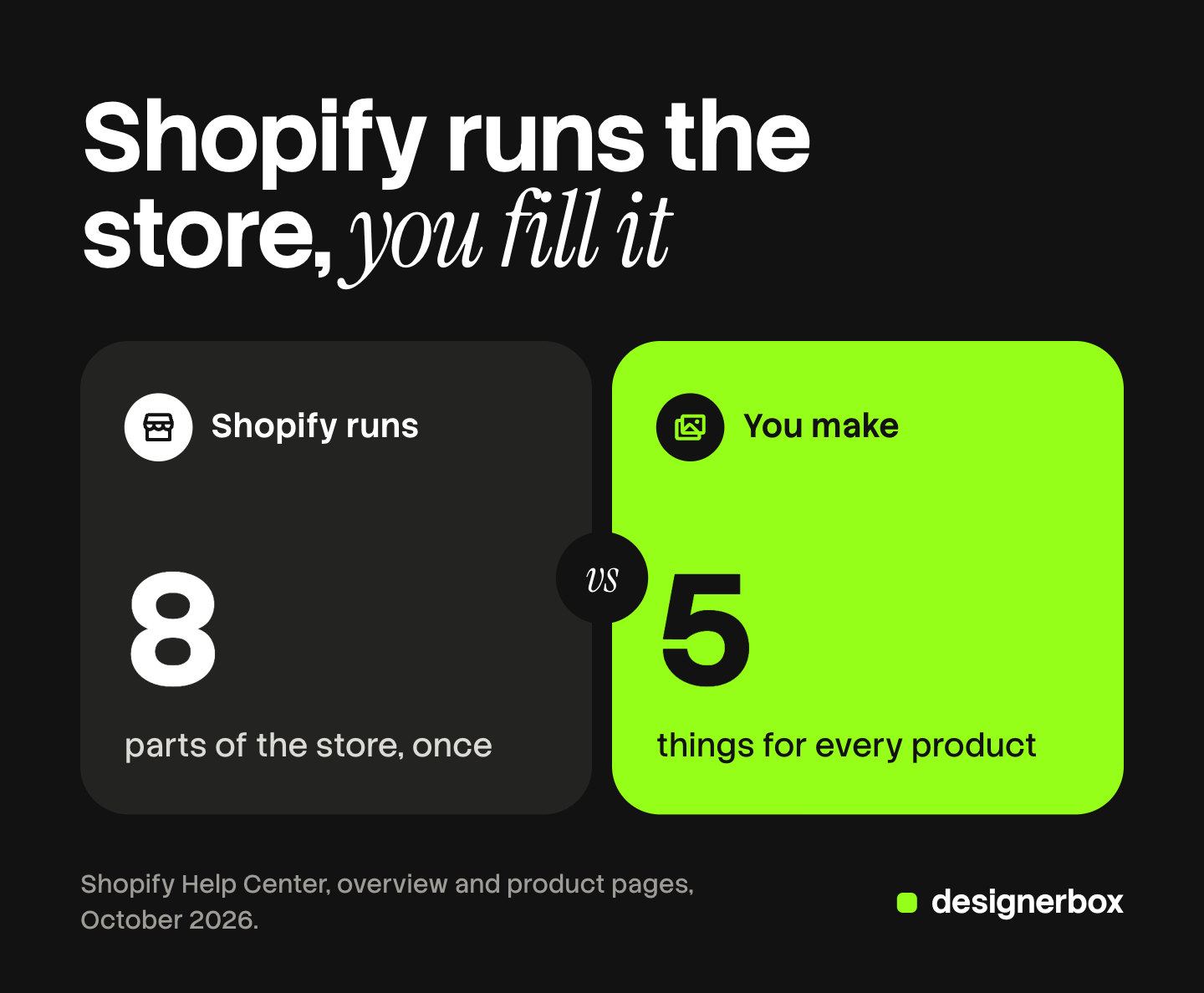
Shopify runs eight parts of the store. Hosting, themes, product records, checkout, payments, image delivery, apps and sales channels.
You make five things for every product. A title, a description, photos, variants and alt text.
The limits are high. A product holds up to 250 media items and 2,048 variants.
Shopify does not bring shoppers by default. A marketplace does. You can use both, because Shopify can connect to marketplaces as sales channels.
What is Shopify?
Shopify is a hosted commerce platform. You pay a subscription, and you get an online store, an admin to manage it, and a checkout that takes payments. Shopify hosts everything on its own servers. Shopify’s own guide says it runs stores and retail businesses in more than 175 countries (shopify.com, October 2026).
You do not install a program or buy a server. You sign in to the Shopify admin in a browser and work there.
Shopify is different from a marketplace. On a marketplace, your listing sits next to other sellers’ listings. On Shopify, the store is yours.
How does Shopify work, step by step?
Shopify works in six steps, and most of them happen once. You create an account, choose a theme, add products, turn on payments, connect sales channels and then fulfill orders. Only two steps repeat: adding products and fulfilling orders.
- Create an account. Shopify gives your store a “myshopify.com” address when you sign up. You can add a domain you buy from Shopify or from another provider (help.shopify.com, October 2026).
- Choose a theme. A theme sets the style and layout of the store. The Shopify Theme Store has free and paid themes (help.shopify.com, October 2026).
- Add products. Each product is a record in the admin, with fields for text, media, price, inventory and variants.
- Turn on payments. Shopify Payments is Shopify’s own payment provider, so you do not need a separate merchant account.
- Connect sales channels. The same product records can feed social platforms and marketplaces.
- Fulfill orders. Orders from every channel arrive in the same admin.
Before the store opens, the Shopify launch checklist covers the checks that block a first sale.
What Shopify does for you
Shopify takes eight jobs. Each row below is checked against Shopify’s documentation.
| Shopify’s part | What it means for you | Source |
|---|---|---|
| Hosting | The store runs on Shopify’s servers. Shopify reports 99.9% uptime over the past 90 days | Help Center overview |
| Themes | Free and paid designs that you customize to match your brand | Themes |
| Product records | One record for each product, managed in the admin | Product details page |
| Checkout | Shoppers enter shipping and payment details in Shopify Checkout | Checkout settings |
| Payments | Shopify Payments accepts cards without a third-party provider | Shopify Payments |
| Image delivery | A content delivery network (CDN) serves and converts your images | Theme images |
| Apps | Extra features from the Shopify App Store | Apps |
| Sales channels | The same products sell on other platforms from one admin | Sales channels |
Hosting. Shopify states that it “has maintained a 99.9% uptime as a platform” over the past 90 days (help.shopify.com, October 2026).
Checkout and payments. After a shopper adds products to a cart, “they use your checkout to enter their shipping information and payment details, and then place their order” (help.shopify.com, October 2026). Shopify Payments is available only in certain countries and regions, so check the list for yours (help.shopify.com, October 2026).
Image delivery. You upload one file. Shopify’s CDN serves it, and it sends modern formats such as WebP and AVIF to browsers that support them (help.shopify.com, October 2026). Our guide to Shopify product image size shows what is served from the file you upload.
Apps. Shopify says that “most apps for Shopify stores are built by third-party developers, not by Shopify” (help.shopify.com, October 2026). The guide to the best Shopify apps by job covers which jobs need one.
Sales channels. Shopify’s list includes Facebook, Instagram, TikTok, Google, Amazon and the Shop app (help.shopify.com, October 2026).
What you still make for every product
Shopify provides the fields of a product record, and you provide the content. Five things are yours to make, and Shopify publishes a rule or a limit for each one.
| Your part | Shopify’s rule or limit |
|---|---|
| Title | ”The name for your product that you want to display to your customers” |
| Description | Written in a rich text editor. Shopify can draft it from a title and at least 2 features |
| Photos | Up to 250 media items. Each image up to 5000 x 5000 px and under 20 MB |
| Variants | Up to 2,048 variants from up to 3 options |
| Alt text | 512 characters at most, 125 or fewer recommended |
Title and description. Shopify’s Sidekick can suggest a description. Shopify asks for “a product title and at least 2 product features or keyword items” first. It also says to “read all generated content closely to ensure accuracy before publishing” (help.shopify.com, October 2026). The facts in the draft are still your claim to the buyer.
Photos. A product takes “a maximum of 250 images, 3D models, or videos” (help.shopify.com, October 2026). For a square image, Shopify says 2048 x 2048 px “usually displays best” (help.shopify.com, October 2026). The first image matters most, because Shopify shows it on collection pages, in the cart and at checkout. Our guide to Shopify product images covers that first image in detail.
Variants. Shopify allows up to 2,048 variants for a product, built from up to three options (help.shopify.com, October 2026). Each color a shopper can choose needs a photo that shows it. The guide to AI product images for Shopify works through the numbers.
Alt text. Alt text describes an image for a shopper who cannot see it. Shopify’s maximum is 512 characters, “but 125 or less is recommended” (help.shopify.com, October 2026).
The full order of fields on a listing, with the search fields included, is in our guide to Shopify product page optimization.
Where a small seller’s time goes
The eight jobs on Shopify’s side are done once, or done for you. The five jobs on your side come back with every product.

Here is an illustration, with numbers chosen for the example. A brand has 40 products. Each product has 3 colors and needs 6 images for each color.
| Item | Count for 40 products |
|---|---|
| Titles | 40 |
| Descriptions | 40 |
| Variants with their own look | 120 |
| Images | 720 |
| Alt texts | 720 |
The text is 80 items. The images and their alt text are 1,440. Shopify stores and serves every one of them, and it makes none of them.
A fixed shot list reduces the load: you decide the image set once, then repeat it. The upload routes are in our guide to Shopify bulk upload images.
What is Shopify used for?
Shopify is used for selling in three places: an online store, in person, and on other platforms.
Online, shoppers buy on your own website. In person, Shopify POS processes sales “in a retail store and at mobile locations, such as fairs, pop-ups, and markets”, according to Shopify’s overview. On other platforms, sales channels carry the same products.
With the Digital Products app installed, the product record also has a block for digital products, so a store can sell files as well as physical goods (help.shopify.com, October 2026).
What Shopify costs, in kinds of fee
Shopify’s main plans are named Basic, Grow, Advanced and Plus, and a Starter plan also exists. Shopify says the plans “have different monthly fees, transaction fees, and store features”. Prices differ by country and by billing period, so read the current numbers on Shopify’s pricing page (October 2026).
Expect four kinds of cost.
- The subscription. A monthly or yearly plan fee.
- Card fees. A rate on each card payment. The rate differs by plan.
- Third-party transaction fees. Shopify does not charge these on orders processed through Shopify Payments. They apply when you use another payment provider.
- Extras. Paid themes and paid apps, each billed by its own maker.
No invoice shows the fifth cost: the time and money to make the five things for every product.
Is Shopify worth it?
Shopify is worth it when you want your own store and you can bring your own shoppers. It is less suited to a seller who needs an audience on day one.
| Shopify fits when | A marketplace fits better when |
|---|---|
| You want your own domain, design and customer list | You want shoppers who are already searching the marketplace |
| You have, or plan to build, your own traffic | You have no audience and no ad budget yet |
| Your catalog will grow, and you want one admin for it | You sell a few items now and then |
| You sell on several channels and want one product record | One channel is enough for now |
A store on its own domain starts with no visitors. You bring them through search, ads, social posts or email. A brand that sells this way is a DTC brand, and that model moves the retailer’s work to you. A marketplace such as Etsy or Amazon already has shoppers, and it charges its own selling fees for that access. If handmade goods are your category, our guide to Etsy product photos covers the listing rules there. For the two side by side, read Shopify vs Etsy.

You can also do both. Shopify lists Amazon among its sales channels, so one product record can serve your store and a marketplace.
For a small business, the honest test is the content load: five things, kept current, for every product.
The listing kit, built once
Shopify’s side of the split is finished the day you open the store. Your side repeats, and photos are the largest part of it. Anyone can make an AI picture. Making hundreds that still look like your brand is the hard part.
DesignerBox is AI creative production for brands and agencies. For a brand with 20 to 500 products, the job is the listing kit: the same image set for every product. You build that set once as a workflow. You choose the background, the light, the framing and the list of shots. Your brand rules sit in a brand profile, and the workflow reads them on every run.
Batch runs the workflow over a sheet of products. Row one and row two hundred get the same set, and you keep or discard each row. The cost is shown before the run.
An image model draws a new presentation of a real photo. It cannot show a side the camera never saw, so check each result against the product. You download the results and upload them to Shopify yourself. The titles, the variants and the alt text stay in the Shopify admin.
The same product photo also feeds your ads and video: the full workflow from the first product photo to the finished ad, in one subscription.
Uploading your own photos and the commercial license start on the Pro plan. AI video, virtual try-on, upscaling, the image editor and the video editor start on the Premium plan. Plans and credits are on the pricing page.
There is a free plan, and it runs on sample products. Start from a template and run it. Get started free.
FAQ
How does Shopify work for beginners?
You create an account, choose a theme, add products, turn on payments and start selling. Shopify hosts the store and runs the checkout. You write the product text and supply the photos. Shopify says you can customize a theme to match your brand and business needs.
What is Shopify used for?
Shopify is used to sell products online, in person and on other platforms. The online store is the main use. Shopify POS handles sales in a shop or at a market, and sales channels send the same products to social platforms and marketplaces.
Is Shopify worth it for a small business?
It is worth it when you want your own store and can bring your own shoppers through search, ads, social posts or email. A marketplace is a better first step when you have no audience yet. A small business can use both, with Shopify as the main record of its products.
Does Shopify take product photos for you?
No. Shopify stores, converts and serves the images you upload, through its content delivery network. You supply the files. A product holds up to 250 media items, and each image can be up to 5000 x 5000 px and must be under 20 MB.
How much does Shopify cost a month?
Shopify charges a plan fee every month or every year, and the amount differs by country, plan and billing period. Shopify’s main plans are Basic, Grow, Advanced and Plus. Card fees, paid apps and paid themes come on top of the plan fee. Shopify’s pricing page shows the current numbers for your region.
Sources
- Shopify Help Center, Shopify overview: key features, ways to sell, uptime and pricing plans, read October 2026.
- Shopify, Pricing: plan names and what each plan includes, read October 2026.
- Shopify, What Is Shopify and How Does It Work?: the 175 countries figure, dated November 2025, read October 2026.
- Shopify Help Center, Domains: the default store address and custom domains, read October 2026.
- Shopify Help Center, Themes: what a theme controls, read October 2026.
- Shopify Help Center, Checkout settings and Shopify Payments: checkout, payments and third-party transaction fees, read October 2026.
- Shopify Help Center, Theme images: the CDN and image formats, read October 2026.
- Shopify Help Center, Apps and Online sales channels: third-party apps and the list of channels, read October 2026.
- Shopify Help Center, Product details page: the fields of a product record, read October 2026.
- Shopify Help Center, Generating product descriptions: the minimum prompt and the review advice, read October 2026.
- Shopify Help Center, Adding product media and Product media types: the 250 media limit and image sizes, read October 2026.
- Shopify Help Center, Adding variants: 2,048 variants and three options, read October 2026.
- Shopify Help Center, Adding alt text to media: the 512-character limit, read October 2026.
- DesignerBox pricing, October 2026.
Shopify facts verified from Shopify’s own help and pricing pages as of October 2026. Platform rules, plans and fees change often. Individual results vary.