
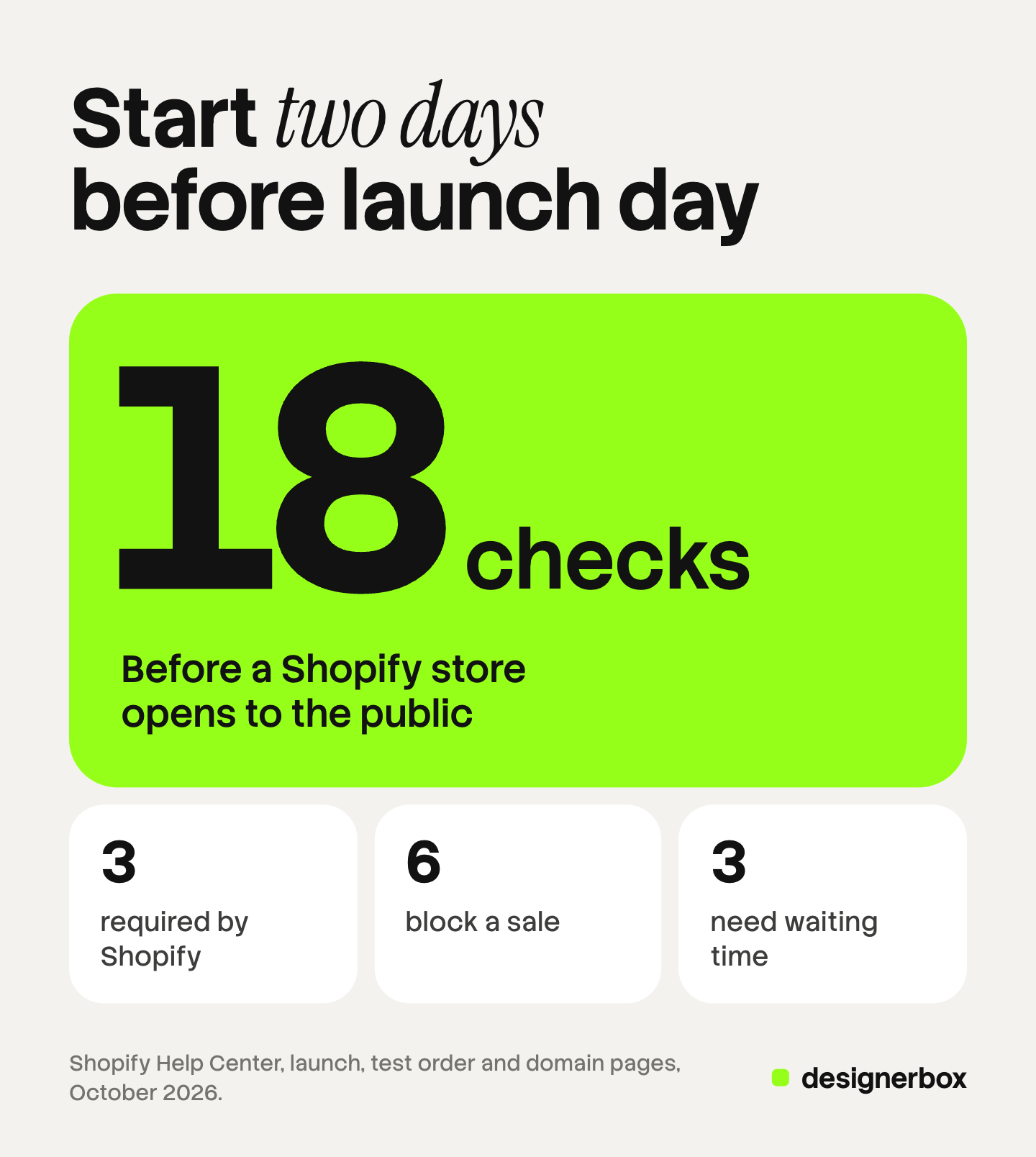
A Shopify launch checklist has 18 checks in six groups. Shopify itself requires three steps before a store can open: a subscription plan, a store address and a payment method. Six more checks decide whether a first order completes. Three need up to two days to take effect. The other six cover products, search basics and the launch itself.
This guide sorts the checks by what happens if you skip them. A checkout that cannot take a card stops a sale. A missing blog does not. The facts come from Shopify’s own help pages, read in October 2026. The guide is written for a brand with 20 to 500 products, solo founders included.
Key Takeaways
Shopify requires three steps before launch. You select a plan, add a store address, and add a payment method with test mode turned off.
Six checks decide whether an order completes. They are shipping rates, taxes, policies, one successful test order, one failed test payment, and test mode.
Three checks need waiting time. A domain can take up to two days to connect. The security certificate and the email records can each take up to 48 hours.
A new store starts in private mode. Its pages are hidden from visitors and from search engines until you switch access to public.
What is a Shopify launch checklist?
A Shopify launch checklist is the list of settings and pages you confirm before you open a store to the public. On Shopify, a new store starts in private mode. Shopify says that in private mode all of the store’s pages “are hidden from visitors and search engines”, and the store shows a landing page with a password (help.shopify.com, October 2026).
Launch is the moment you change that access from private to public. Some checks matter on order one. Others can wait a month. That difference is the reason to group them.
The Shopify launch checklist at a glance
Here are the 18 checks, in six groups. The timeline later in this guide gives the order to work in.
| Group | Checks | If you skip it |
|---|---|---|
| Required by Shopify | 1. Plan, 2. Store address, 3. Payment method | The store cannot launch |
| Blocks a sale | 4. Shipping, 5. Taxes, 6. Policies, 7. Test order, 8. Failed payment test, 9. Test mode off | An order fails, or completes at the wrong amount |
| Needs waiting time | 10. Domain, 11. Security certificate, 12. Sender email | The store opens on a temporary address, or emails land in spam |
| Products and images | 13. Minimum listing, 14. First image, 15. Image set and fields | Shoppers arrive and cannot decide |
| Search basics | 16. Homepage title and description, 17. URL handles | Search engines index pages you will change later |
| Launch | 18. Preview, then public | Nobody can visit |
Checks 1 to 3: the steps Shopify requires
Shopify lists three required steps on its page about preparing a store for launch (help.shopify.com, October 2026). You cannot launch until all three are complete.
- Select a subscription plan. Shopify states that if you pick a plan during a free trial, you are not charged subscription fees until the trial expires. You also need a paid plan before you can test a payment gateway.
- Add a store address. It goes in the Business details section, under Settings and then General.
- Add a payment method. Shopify’s wording is “set up a payment method, and make sure that test mode is deactivated”. This guide makes test mode its own check, number 9.
Checks 4 to 9: what blocks a sale
These six checks decide whether an order completes, and whether it completes at the right amount. Do them in order, because the test order uses the settings in checks 4 to 6.
- Shipping rates and one package. Shopify offers flat rates, rates calculated by the carrier, and free shipping based on order value (help.shopify.com, October 2026). Save the size and weight of the package you use most. Shopify says calculated rates are more accurate when you do.
- Taxes. Shopify can calculate common sales taxes for you. Its general checklist is direct about the limit: “Tax compliance is your responsibility.” Shopify does not file or pay tax for you unless you use the automated filing in Shopify Tax (help.shopify.com, October 2026). Shopify advises checking your rates with a tax accountant or a local tax authority.
- Four policies. Add a return policy, a privacy policy, terms of service and a shipping policy under Settings and then Policies. Shopify can insert a template, and it adds this warning: “you’re responsible for following your published policies” (help.shopify.com, October 2026). Shopify links them in the checkout footer. Add them to a store menu as well.
- One successful test order. Shopify says to place at least one test order during setup, and again each time you change payment settings. A test order confirms the checkout, order processing, inventory, shipping, email notifications and taxes (help.shopify.com, October 2026). Charges do not apply to test orders.
- One failed payment. Shopify Payments has test card numbers for a declined card, insufficient funds and an expired card (help.shopify.com, October 2026). Use one to see the error message your customer would see.
- Test mode off. While test mode is on, Shopify captures no real payments. Turn it off after the last test order.
Tax and policy rules differ by country. This section is general information, not legal advice.

If you do not use Shopify Payments, Shopify has a Test payment gateway. On it, the card number 1 gives an approved transaction and the card number 2 gives a declined one (help.shopify.com, October 2026). After each test, read the order confirmation email.
Checks 10 to 12: what needs two days
These three checks are quick to do and slow to take effect. Start them at least two days before launch.
- Custom domain. Every store starts on a myshopify.com address. Shopify says a matching domain name can help build trust (help.shopify.com, October 2026). When you connect a domain from another provider, the change “usually happens within two hours, but can take up to two days” (help.shopify.com, October 2026).
- Security certificate. Shopify issues a TLS certificate for free for every domain you add. For a domain connected from another provider, Shopify says it “might take up to 48 hours” to be issued. The certificate is ready when the domain status reads Connected on the Domains page (help.shopify.com, October 2026).
- Sender email. The sender email is the address on your order confirmations. If its authentication records are missing, Shopify rewrites the address to one that ends in shopifyemail.com. Shopify also says that Gmail and Yahoo require a DMARC record, and that record changes can take up to 48 hours (help.shopify.com, October 2026).
A domain you buy through Shopify is faster. Shopify configures the certificate and the email records for you.
Checks 13 to 15: products and images
Shopify’s own minimum for a product is low. Its general checklist states that “products require at least a title and a price” (help.shopify.com, October 2026). A shopper needs more, so this group has three checks.
- Every product is complete and easy to find. Each one has a title, a price, an inventory count and a place in a collection. Each collection has a link in a menu. Shopify says menu links help customers find and view collections (help.shopify.com, October 2026).
- The first image holds one standard. A collection page shows one image for each product. Use the same background, crop and shape on all of them. The guide to Shopify product images covers the jobs of that image. The guide to Shopify product image size covers the file to upload.
- Each listing has its image set and its fields. A shopper wants a second angle, the material, the scale and each color. Our guide to Shopify product page optimization lists the nine fields of a listing in order. The product photography checklist covers the shots themselves.
With 200 products, uploading by hand is slow, and the guide to bulk image upload on Shopify compares the routes. If AI made some of your images, read the guide to AI photos on Shopify before you launch.

Checks 16 and 17: search basics
Search engines cannot see a store in private mode, so nothing is indexed before launch. Two checks are worth doing before the first page is read. The Shopify SEO checklist lists the other search checks Shopify leaves to you.
- Homepage title and description. Shopify lets you enter up to 70 characters in a page title and suggests keeping it to 60. It recommends 160 characters for the meta description (help.shopify.com, October 2026). Write both for the homepage.
- URL handles. A handle is the last part of a page address. Shopify’s general checklist advises against changing product URL handles often, because that can affect search rankings. Decide them now. If you move from another platform, Shopify says you may need URL redirects to keep your rankings.
Check 18: the launch itself
In the Shopify admin, open Online Store and select Preview store. Open it on a phone as well, and go from the homepage to the cart.
Then launch. On the Online Store page, select Private, choose Public, then select Launch store. From that moment, visitors and search engines can see every page.
What can wait until after launch
Shopify’s general checklist includes tasks that do not block a first sale.
- More sales channels. Shopify places these after launch in its own checklist. The Google & YouTube channel needs contact information on the store, and refund and terms of service policies in the footer. If a marketplace is on your list, the guide to Shopify vs Etsy compares the two models. If your own store stays the main channel, the guide to the DTC brand model lists what to make in the first six months.
- A blog. It does nothing for order one.
- Apps. Add one when you can name the problem it solves. The guide to the best Shopify apps by job gives an order.
- Trust badges. A badge is believed only when the page supports it, so the policies in check 6 come first. See the guide to trust badges.
- Customer accounts, staff accounts and extra markets. Add each one when you need it.
One decision does not wait. Shopify says you can change your myshopify.com domain only 1 time (help.shopify.com, October 2026), so choose it with care.
A timeline for launch week
The waiting times in checks 10 to 12 set the schedule. The time limits are Shopify’s, and the day plan below is ours.
| When | Checks | Why then |
|---|---|---|
| Seven days before | 13, 14, 15 | Products and images take the most hours |
| Three days before | 1, 2, 3, 10, 12 | The domain and email records can need two days |
| Two days before | 4, 5, 6, 16, 17 | Settings must exist before you test them |
| One day before | 7, 8, 11 | Test orders read every earlier setting |
| Launch day | 9, 18 | Test mode off, then access to public |
| First week | The tasks that can wait | Nothing here blocks a sale |
The listing kit for every product
Checks 14 and 15 take the longest for a catalog of 20 to 500 products. Each product needs a listing kit: a first image, more angles, a scene and the crops each channel asks for. Anyone can make an AI picture. Making hundreds that still look like your brand is the hard part.
DesignerBox is AI creative production for brands and agencies. You build the listing kit once as a workflow. You choose the background, the light, the framing and the shots. The workflow reads your brand rules on every run.
Batch runs that workflow over a sheet of products. Row one and row two hundred get the same kit. You keep or discard the result on each row. The cost is shown before the run.
Three limits matter for a launch. You download the results, or send them with a webhook or an S3 step, and you upload them to Shopify yourself. A new image shows only what the source photo shows, so compare each result with the real product. Every plan below Ultra is one seat.
After launch, the same product photos feed your first ads. The full workflow from the first product photo to the finished ad, in one subscription.
Uploading your own photos and the commercial license start on the Pro plan. AI video, virtual try-on, upscaling, the image editor and the video editor start on the Premium plan. Plans and credits are on the pricing page.
There is a free plan, and it runs on sample products. Get started free.
FAQ
What do I need to do before launching a Shopify store?
Shopify requires three steps: select a subscription plan, add a store address, and add a payment method with test mode turned off. Then confirm shipping, taxes and policies, place a test order, connect your domain and complete your listings. This guide counts 18 checks.
How do I launch a Shopify store after setup?
Open Online Store in the Shopify admin. Select Private, choose Public, and then select Launch store. You can also turn off private mode under Online Store and then Preferences. After that, visitors and search engines can see the store.
How do I place a test order on Shopify?
With Shopify Payments, turn on test mode and pay with one of Shopify’s test card numbers. With another provider, use Shopify’s Test payment gateway or the provider’s own test mode. You need a paid plan to test a payment gateway. Turn test mode off when you finish.
How long does a domain take to connect to Shopify?
Shopify says a domain from another provider usually connects within two hours, and that it can take up to two days. The TLS certificate can then take up to 48 hours to be issued.
How many product images do I need for launch?
Shopify requires only a title and a price for a product, so it sets no image count. Give each product a clear first image. Then add a second angle, the material, the scale and each color. In DesignerBox, you see the cost of an image run before you start it.
Sources
- Shopify Help Center, Preparing your Shopify store for launch: the three required steps, test orders, preview and the launch steps, read October 2026.
- Shopify Help Center, General checklist for starting a new Shopify store: tax responsibility, the product minimum, URL handles, redirects and sales channels, read October 2026.
- Shopify Help Center, Restrict access to your online store: private mode and public access, read October 2026.
- Shopify Help Center, Placing a test order, Activating a payment gateway in test mode and Testing Shopify Payments: what a test order confirms, test cards and test mode, read October 2026.
- Shopify Help Center, Setting up shipping and order fulfillment and Choosing your store management settings: rate types and package sizes, read October 2026.
- Shopify Help Center, Taxes: default rates and the advice to check with a tax authority, read October 2026.
- Shopify Help Center, Adding store policies: the policy types, templates and checkout links, read October 2026.
- Shopify Help Center, Domains, Connecting a third-party domain to Shopify and Enabling secure connections to your Shopify store: connection times and TLS certificates, read October 2026.
- Shopify Help Center, Domains, troubleshooting: the limit on changing the myshopify.com domain, read October 2026.
- Shopify Help Center, Setting up your email: sender email and authentication records, read October 2026.
- Shopify Help Center, Collections: collections and menu links, read October 2026.
- Shopify Help Center, Adding keywords for SEO to your Shopify store: page title and meta description lengths, read October 2026.
- DesignerBox pricing, October 2026.
Shopify settings and limits verified from the Shopify Help Center as of October 2026. Platform rules change often. Tax and policy notes are general information, not legal advice. Individual results vary.