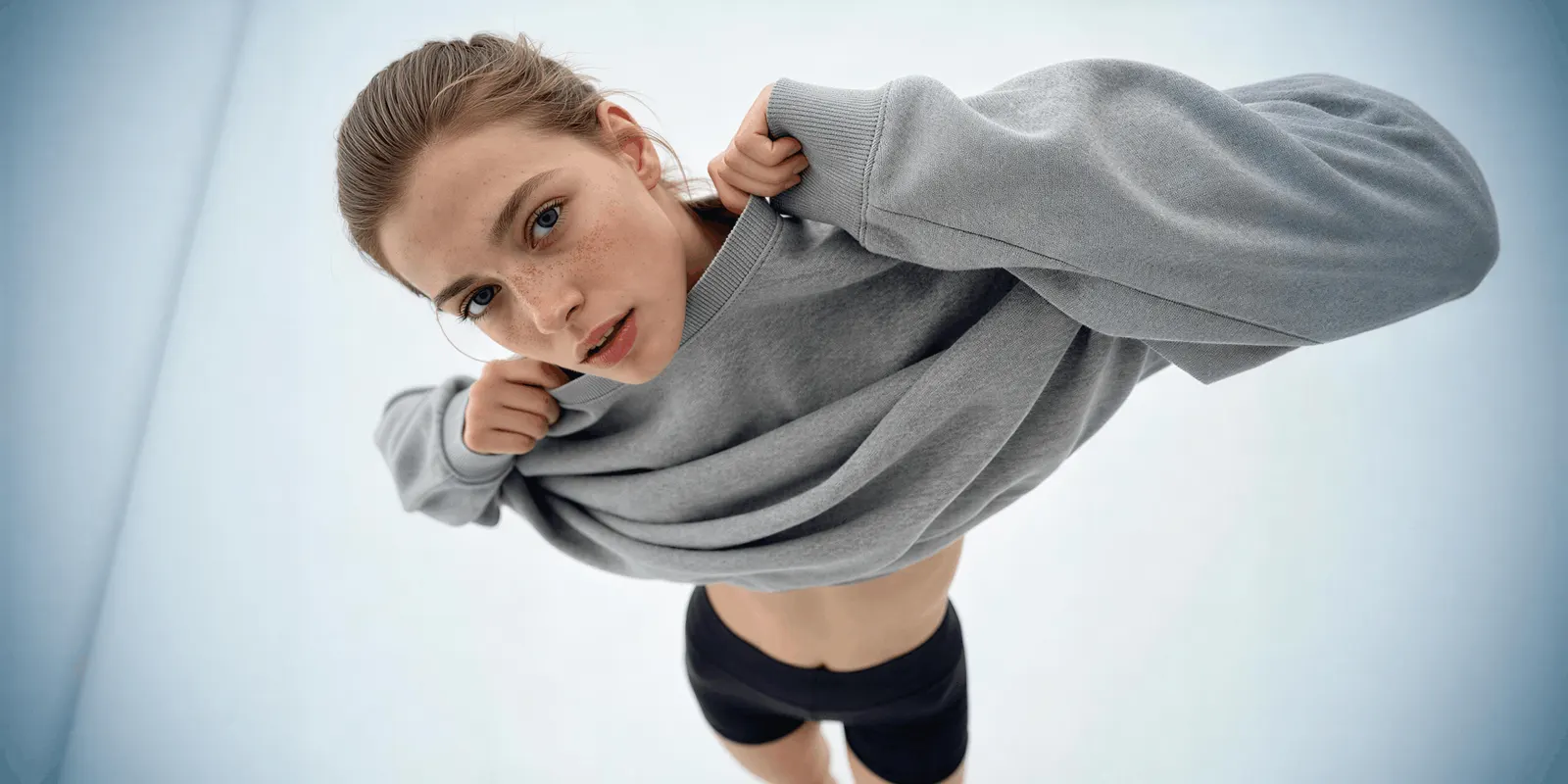
AI Influencer Studio is Higgsfield’s character builder for short-form video. You set a character from 19 menu settings, with no prompt, and get a close-up portrait and a full-body shot of the same person. A Motion tab then turns that character into a clip. For a brand, the builder solves the face. Consent, product accuracy and the AI label stay with you.
Higgsfield rebuilt the tool in its latest update. The old version asked which species the character was. The new one asks how unusual the face should look, and it lets you upload a real person’s photo. Those two changes matter more to a brand than the longer settings list.
This guide is for an agency or a brand team that wants a recurring face for ads. It covers what the update changed, what the menus control, how the character becomes a video, and five checks to run before the character appears in a paid ad.
Key Takeaways
- A character comes from 19 menu settings. Higgsfield says no step needs a written prompt.
- Character type is now a scale. Average, Bold and Extreme set how far the face departs from an ordinary look.
- You can upload a photo of a real face. The character keeps the facial features, so written consent from that person comes first.
- Video sits in the same tool. The Motion tab takes one reference video of 4 to 30 seconds and up to 30 images.
- The builder makes the face, and the identity lock is a second step. Higgsfield’s own guide trains a Soul ID on 20 or more photos to hold the face across posts.
- The label is your duty. Higgsfield’s terms ask you to disclose AI content where the law requires it.
What is AI Influencer Studio?
AI Influencer Studio is a tool inside Higgsfield where you build a persona from menus and turn it into a video on the same screen. Higgsfield calls it the character stage of its creative suite. The finished character carries over to its video tools as an image (higgsfield.ai/blog, October 2026).
The tool has two tabs. The builder tab holds the settings, shows your current choices, and has a Randomize button that fills every field at once. The Motion tab runs Genjutsu, Higgsfield’s tool for rebuilding part of an existing clip.
One run returns two pictures of the same character: a close-up portrait and a full-body shot. The result page lists every setting behind the character, so you can run the same settings again. Higgsfield says the credit cost shows before you confirm.
Our Higgsfield AI review covers the rest of the suite, the plans and the terms.
What changed in the AI Influencer update?
The main change is the meaning of Character type. Before the update it selected a species: human, mammal, reptile, fish, hybrid or alien. Now it sets how far the character departs from an ordinary look, on three levels.
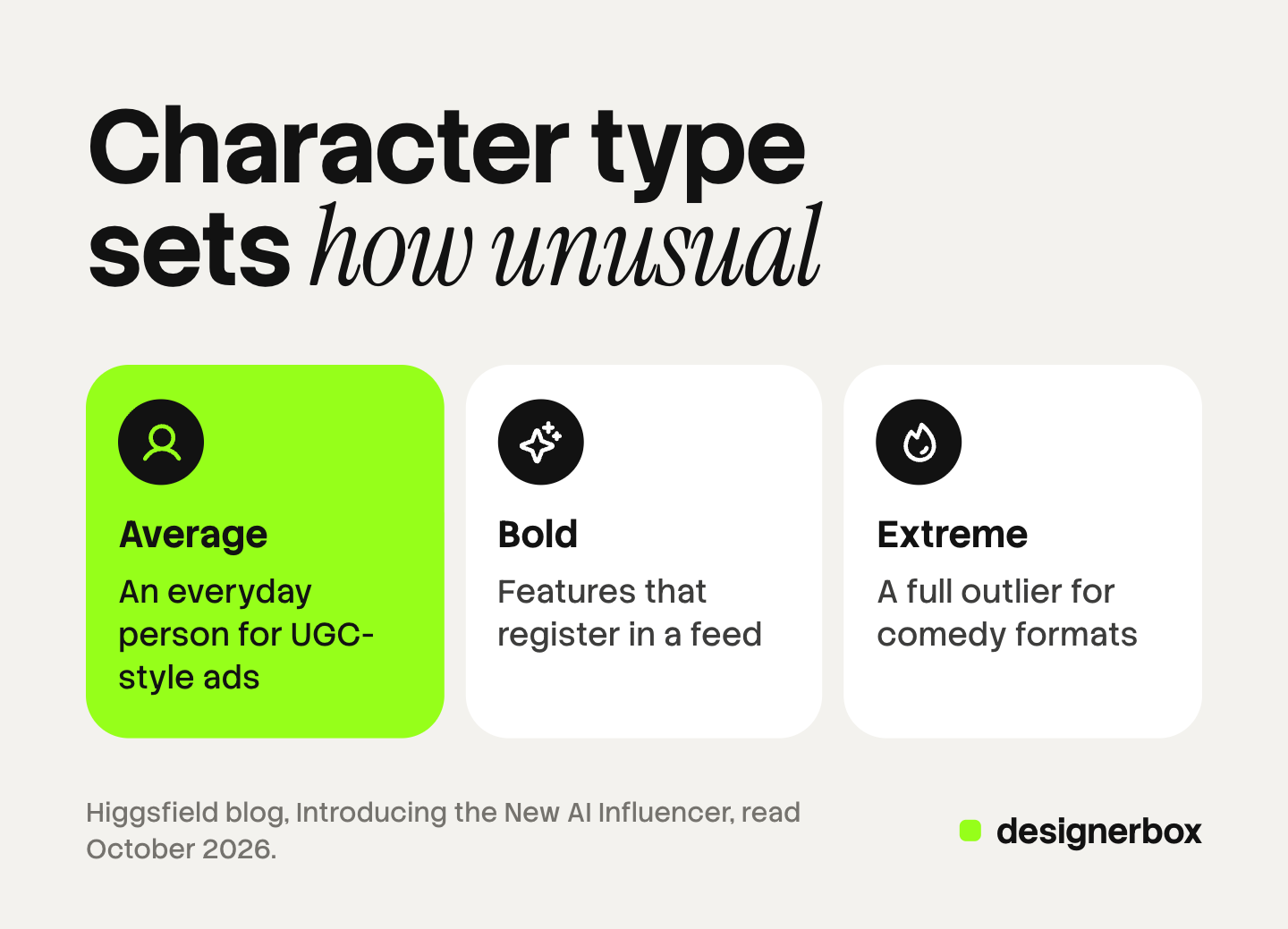
- Average builds an everyday person. Higgsfield names lifestyle posts, UGC-style ads and host formats.
- Bold adds features that register in a feed, while the character stays approachable.
- Extreme makes a full outlier. Higgsfield names comedy, sketches and meme formats.
Four more things changed, and each one has a consequence for a brand.
| Change | What a brand should note |
|---|---|
| One panel with 19 settings replaces a builder plus three advanced tabs | A colleague with no prompt skill can build the character |
| An optional photo upload keeps the facial features of a real person | You need that person’s written consent before you upload |
| One run returns a portrait and a full-body shot | Two pictures are a start, and a campaign needs many more of the same face |
| Genjutsu sits inside the tool as a Motion tab | The character and the clip come from one place |
| Finished characters appear in a tab inside Cinema Studio | One character can hold a role across several shots |
Most brand work sits at Average. A recurring spokesperson has to look like someone your buyers could meet. Extreme is built for a joke, and a joke is a different job from a product ad.
What do the 19 settings control?
The settings cover identity, body, face, hair and style. Colors come from palettes. Several fields accept more than one option, so one character can carry freckles and braces together.
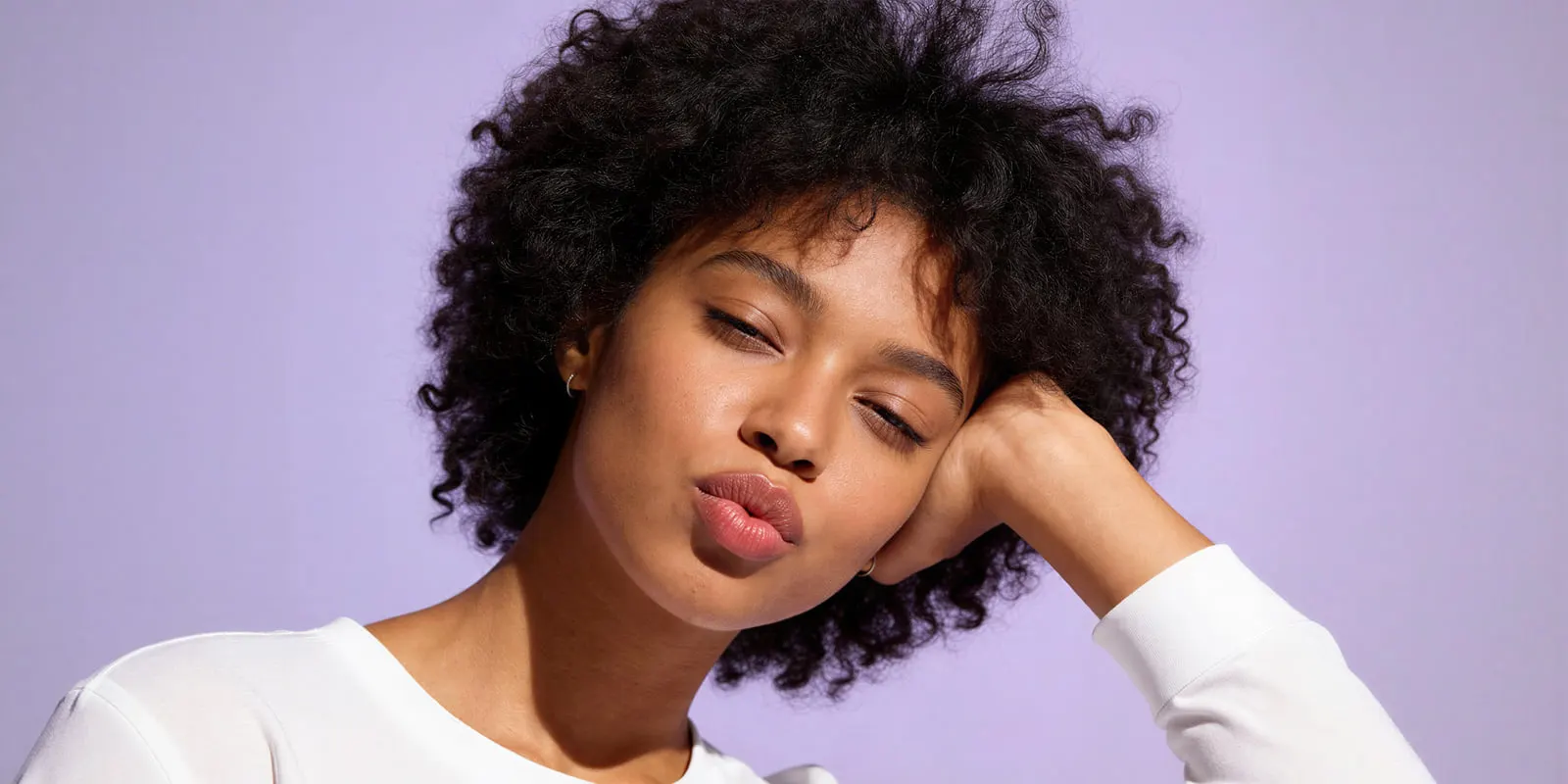
Higgsfield lists these groups (higgsfield.ai/blog, October 2026):
- Identity and body: character type, gender, ethnicity, age, skin color, height and build, proportions.
- Face: features such as freckles or blush, facial hair, head shape, neck, eye shape, eye color.
- Hair: hair color and 21 hairstyles.
- Style: 14 distinctive features such as braces or a face tattoo, 7 styles from Retro to Goth, and 6 accessories.
The menus have one practical benefit for a team. The character is a list of choices, and a list can be written into a brand document. A prompt cannot be handed over that cleanly.
The menus also have a limit. They describe a person. They do not hold your product, your brand colors or your ad format. Those come later, in the video step or in another tool.
How does the character become a video?
The character becomes a video in the Motion tab, through Genjutsu. It has two modes.
- Motion transfer takes the movement from a reference video and gives it to your character.
- Objects swap replaces one element in a clip, such as a product, an outfit or a prop, and keeps the rest of the footage.
One run takes one reference video of 4 to 30 seconds and up to 30 images of characters, products or clothes. The result comes back at 480p, 720p or 1080p. A prompt is optional in both modes (higgsfield.ai/blog, October 2026).
This is a real strength. You record a movement once, and several characters can perform it. Our guide to AI influencer marketing explains how to test a few characters on one script and read the result.
Objects swap is the mode a product team will reach for. Treat its result like any AI product shot. Compare the label, the logo and the shape against the real product before the clip goes into an ad.
Where does a menu-built character stop?
A menu builder makes a face quickly. It does not, on its own, keep that face identical across forty assets. Higgsfield’s own guide says so. It describes the builder as the first of four stages, and the second stage locks the identity.
That second stage is Soul ID. The guide says you make a batch of portraits of the finished character, train a Soul ID on 20 or more photos in about 3 to 5 minutes, and use that identity for later content (higgsfield.ai/blog, October 2026). So plan for two steps: build the face, then lock it.
The same guide lists three more limits, in Higgsfield’s words or close to them.
- The face, and nothing after it. The studio gives you a consistent character. Ideas, scripts, hooks and a posting calendar “are still on you”.
- One platform. A Soul ID “only runs on higgsfield.ai”. A character you build there stays there.
- Disclosure from day one. The guide says TikTok and Instagram require a label on realistic synthetic media.
None of this is a fault in the tool. It is the scope. A character builder answers “who is on screen”. A brand also has to answer “is the product right”, “does every asset match” and “who approved it”. Our guide to AI influencer generators compares four kinds of tool on those questions.
Five checks before a character fronts a brand ad
Run these five checks in order. Each one takes minutes, and each one is cheaper before the campaign than after it. This is general information, not legal advice.
- Consent for any uploaded face. Higgsfield’s terms say you confirm that you hold “all necessary rights, releases, and consents” for any person’s likeness (higgsfield.ai/terms-of-use-agreement, October 2026). Get the release in writing, and name paid ads in it.
- Resemblance to a known person. A menu-built face can still look like someone famous. Show the portrait to three colleagues. If one names a real person, change the settings.
- Ten pictures of the same face. Make ten images in different scenes after you lock the identity. Put them side by side. If the eyes, the jaw or the hairline move, the character is not ready.
- The product in the frame. Run one clip with your product. Read the label letter by letter, and count the fingers on the hand that holds it.
- The label and the script. Decide where the AI disclosure appears on each channel. Remove any line where the character says it used the product.
Agencies have a sixth point. By default, Higgsfield’s terms allow it to train on your content, and the no-training term sits in an Enterprise agreement. Check your client contract against that clause. Our review linked above quotes it in full.
Which rules apply to an AI character in an ad?
No rule read for this guide bans an AI character in an ad. The rules ask you to tell viewers the person is synthetic and to keep the claims true.
- EU. Deployers must disclose deep fake content “upon first exposure at the latest”, and they cannot rely only on the machine-readable mark in the file (European Commission FAQ on Article 50, read October 2026).
- New York. A business that produces an ad “shall conspicuously disclose” that a synthetic performer is in it, where it has actual knowledge (nysenate.gov, read October 2026).
- FTC, US. Staff say the reviews and testimonials rule “has no blanket prohibition on the use of AI-generated avatars in marketing”. An avatar’s testimonial is prohibited when the testimonial behind it is fake or false (ftc.gov, read October 2026).
- TikTok ads. AI-generated ad content needs the AIGC label or your own clear disclaimer. Undisclosed AI content means “your ad will be rejected or restricted” (ads.tiktok.com, read October 2026).
Our guide to AI disclosure in advertising goes through each rule and each placement.
A saved character in a DesignerBox workflow
Anyone can make an AI picture. Making hundreds that still look like your brand is the hard part.
DesignerBox is AI creative production for brands and agencies. It starts from a different place than a character builder. The character is one saved part of a job that also holds your products and your brand rules.
In the app, the page is called AI Characters. You press Create Character and describe the person. An avatar run returns nine fixed poses for 25 credits. Each saved character shows its nine poses and how many times you used it, and you can open or edit it later. The character can also speak your script with lip sync. The AI UGC page shows that presenter job from product photo to finished clip.
Your logo, colors, fonts and rules sit in a brand profile, and the workflow reads it on every run. Three critic steps score the results of a run, and best-of-N keeps the best one. A person still checks the hands and the label.
You save the steps once as a workflow. The next product then gets the same character, light and framing. Batch runs that workflow over a sheet of products, and row one and row two hundred get the same standard. You see the cost before you press Run. For an agency, Reviews sends a client a page of pictures, and the client chooses with no account.
The full workflow from the first product photo to the finished ad, in one subscription.
Higgsfield is the stronger pick in three cases, and DesignerBox has limits you should know.
- No motion transfer. DesignerBox has no step that copies movement from your recording onto a character. Genjutsu does that.
- No menu scale for unusual faces. If you need an Extreme character for a comedy format, the Higgsfield builder is made for it.
- No publishing to a social account. You download the results, or send them with a webhook or an S3 step.
- One seat below Ultra. Team features, shared brand kits and white label are on the Ultra plan.
Uploading your own photos and the commercial license start on the Pro plan. AI video, virtual try-on, upscaling, the image editor and the video editor start on the Premium plan. Plans and credits are on the pricing page.
There is a free plan, and it runs on sample products. Start from a template and see how a character and a product step fit together: Get started free.
FAQ
What is AI Influencer Studio?
AI Influencer Studio is Higgsfield’s character builder for short-form video. You set a character from 19 menu settings and get a close-up portrait and a full-body shot. A Motion tab then turns the character into a clip through Genjutsu (higgsfield.ai/blog, October 2026).
Do you need to write a prompt in Higgsfield AI Influencer?
No. Higgsfield says the character is set entirely through menus. In the Motion tab a prompt is optional in both modes. A Randomize button fills all 19 fields at once if you want a starting point.
Can a brand upload a real person’s face?
The tool accepts a photo, and the character keeps the facial features from it. Higgsfield says to use a picture of yourself or of someone who gave you permission. For a brand, that means a written release that names paid ads. This is general information, not legal advice.
What is the difference between Average, Bold and Extreme?
The three levels set how far the character departs from an ordinary look. Average builds an everyday person. Bold adds features that register in a feed. Extreme makes a full outlier for comedy and meme formats. Most brand spokesperson work sits at Average.
Does AI Influencer Studio keep the same face in every post?
The builder returns two pictures of one character. To hold the face across many posts, Higgsfield’s own guide adds a second step: train a Soul ID on 20 or more photos of the character, then use that identity for later content.
Do you have to label an AI influencer in an ad?
In several places, yes. The EU asks deployers to disclose a deep fake at first exposure. New York requires a conspicuous disclosure for a synthetic performer in an ad. TikTok rejects or restricts ads with undisclosed AI content. Higgsfield’s terms also ask you to disclose where the law requires it.
What does a saved character cost in DesignerBox?
An avatar run returns nine fixed poses for 25 credits. An 8-second clip costs 40 to 560 credits, depending on the model. For every other step, the cost is shown before the run. AI video starts on the Premium plan.
Sources
Competitor pages are cited by domain and date, not linked.
- Higgsfield blog, Introducing the New AI Influencer: the 19 settings, Character type levels, photo upload, the portrait and full-body result, the Motion tab, the Cinema Studio tab (higgsfield.ai/blog/new-ai-influencer, October 2026)
- Higgsfield blog, Meet Higgsfield Genjutsu: Motion Transfer, Object Swap, the 4 to 30 second input, up to 30 reference images, up to 1080p (higgsfield.ai/blog/higgsfield-genjutsu, October 2026)
- Higgsfield blog, How to Create a Consistent AI Influencer: the four-stage pipeline, Soul ID training on 20 or more photos, the stated limits (higgsfield.ai/blog/how-to-create-ai-influencer, October 2026)
- Higgsfield terms of use: likeness consents and AI disclosure (higgsfield.ai/terms-of-use-agreement, October 2026)
- European Commission, FAQ on transparency obligations under Article 50 of the AI Act: digital-strategy.ec.europa.eu, read October 2026
- New York General Business Law section 396-b, synthetic performer disclosure: nysenate.gov, read October 2026
- FTC, Consumer Reviews and Testimonials Rule questions and answers: ftc.gov, read October 2026
- TikTok advertising policies, misleading and false content: ads.tiktok.com, read October 2026
- DesignerBox AI UGC and pricing pages (designerbox.ai, October 2026)
- Keyword demand for “ai influencer studio”: DataForSEO, US, October 2026
Higgsfield features verified from its own blog and terms as of October 2026. Individual results vary.