




To create TikTok video ads with AI, you need three things: one clear product photo, a video model to animate it, and TikTok’s AI-generated content toggle switched on before you submit. The generation is the quick part. The parts that decide whether the ad runs are the 9:16 spec, the safe zone, and the label.
The generation step works well today. What is not solved is everything downstream. The spec you build to changes with the ad product you buy. The safe zone is not a fixed number. One checkbox gets your ad rejected if you miss it. It also resets itself without warning when you duplicate a campaign.
This guide covers the five steps. Every TikTok number comes from TikTok’s own published pages, read in September and October 2026. The guide also checks two common numbers, the ad length and the safe-zone margins, against those pages.
Key Takeaways
- The AI part is the easy part. Approval, specs, and disclosure decide whether a TikTok ad runs.
- TikTok’s video advertising guide says 21 to 34 seconds performs best for In-Feed ads (ads.tiktok.com, accessed October 2026). The 9 to 15 second figure repeated across this category does not appear on that guide or on TikTok’s creative best practices page. The technical limit is 10 minutes for non-Spark ads, and no restriction at all on Spark Ads (ads.tiktok.com, accessed September 2026).
- The minimum vertical spec is 540x960. 720p is TikTok advice, and 540x960 is the actual floor. Do not confuse the two (ads.tiktok.com, September 2026).
- The safe zone is variable. TikTok says it depends on dimension, caption length, and add-ons, and ships it as downloadable files.
- Undisclosed AI content gets the ad rejected or restricted. For non-Spark ads, TikTok’s toggle reads “This ad contains AI-generated content”, and it resets when you duplicate a campaign (ads.tiktok.com, accessed September 2026).
- The model you pick moves the cost of a clip more than anything else.
- The 90% headline is from IAB’s July 2025 release. IAB’s July 2026 release says nearly two in three buyers use GenAI for video creative. It says one-third of their ad assets will use it in 2026, below the 40% buyers projected a year earlier (IAB, July 2026).
What do you need to create TikTok video ads with AI?
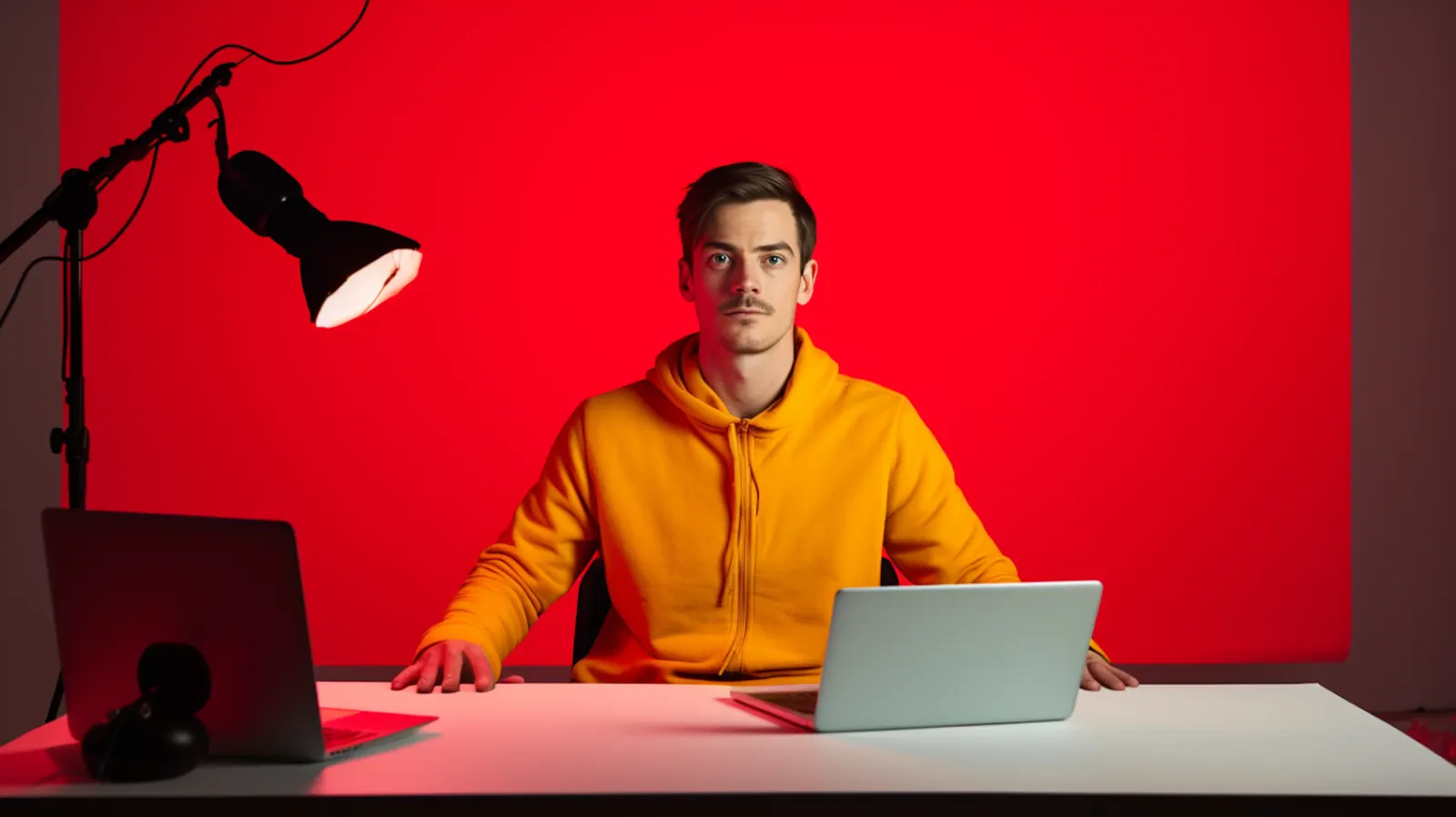
A TikTok video ad made with AI needs less than the tool marketing suggests. You need a product photo that is sharp and correctly lit, an offer worth stating in the first two seconds, a video model, and a TikTok Ads Manager account to submit through.
You do not need a script, a creator, a studio, or a voiceover artist. Those are the parts AI covers well now. The same source photo can feed the still, the vertical video, and the variants, which matters more than it sounds when you are filling a test.
What you cannot skip is the ad account. Everything interesting in this guide happens in the submission step.
Step 1: Start from the product photo, not a prompt
This is the decision that determines whether the output is your product or something that resembles your product.
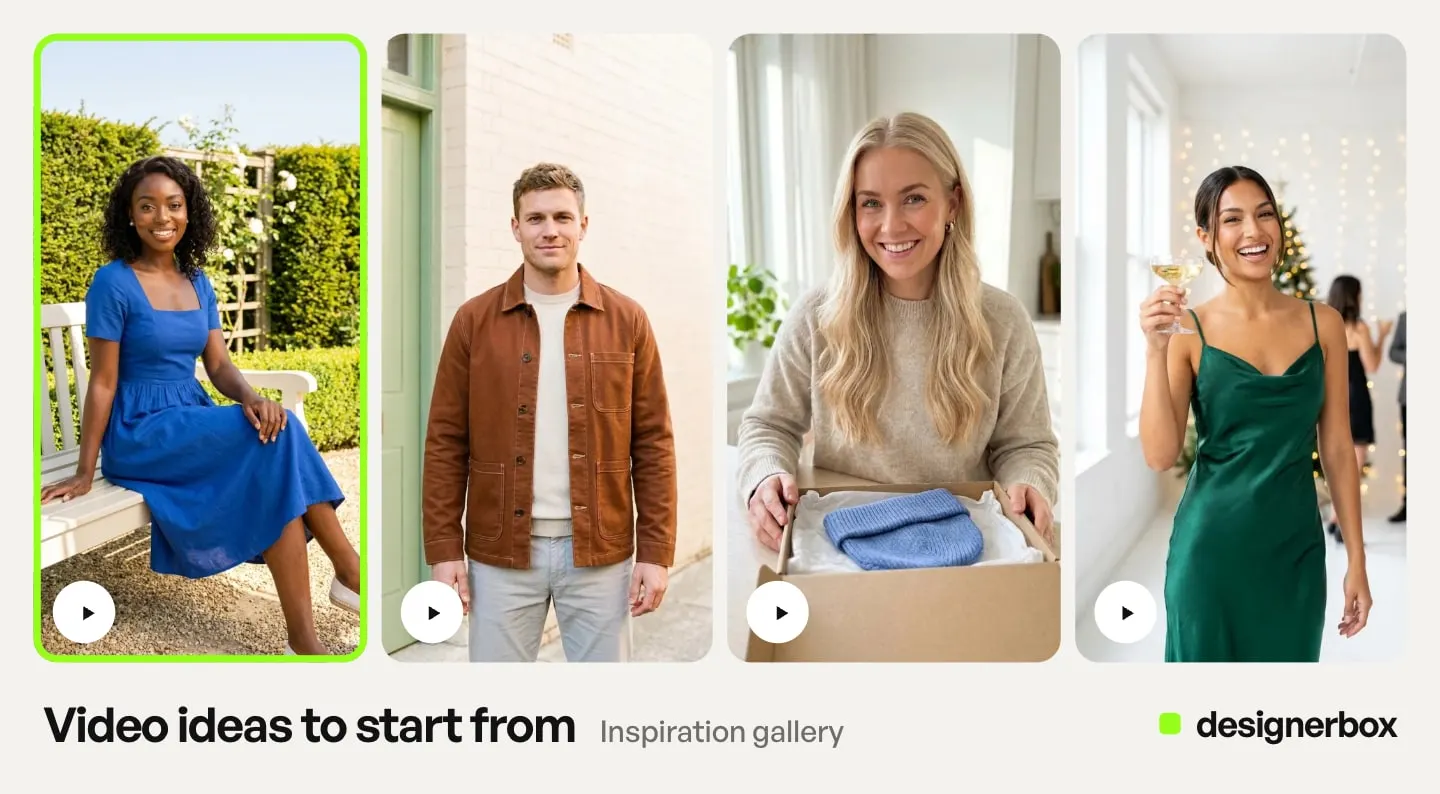
A generator that starts from a text prompt gives you a plausible item in a nice scene. A generator that starts from your uploaded photo gives you the SKU you ship, with your label, your finish, and your proportions. For organic content that distinction is cosmetic. For a paid ad pointing at a product detail page, it is the difference between an ad and a mismatch the buyer notices on arrival. Organic posts on a brand account have their own guide: AI TikTok video generator.
Shoot or pick the cleanest photo you have. Even lighting, no motion blur, product filling most of the frame, background you do not care about. The background is the part AI replaces well. The product is the part it should not be inventing.
If you do not have a usable source photo yet, that problem has its own cost, and we broke the numbers down in what a product photoshoot costs. If the same product also has a TikTok Shop listing, the gallery beside the ad runs on its own spec, set out in TikTok Shop product images. The listing video runs on a file cap far tighter than any ad spec, covered in TikTok Shop product videos.
Step 2: Choose the length, then the model
TikTok’s video advertising guide recommends 21 to 34 seconds for most ads, and says that length performs best for In-Feed ads (ads.tiktok.com, accessed October 2026). TikTok’s creative best practices page covers sound, vertical orientation, resolution, and the safe zone, and says nothing about how long your ad should be (ads.tiktok.com, page last updated June 2025, accessed September 2026). A 9 to 15 second range is also often quoted as TikTok’s guidance, and it does not appear on either page. It may still be reasonable advice. It is not what TikTok publishes, and you should know which is which before you build a media plan on it.
TikTok’s help center also lists a limit, and the limit is conditional:
| Ad type | Published duration limit |
|---|---|
| Auction In-Feed, non-Spark | Up to 10 minutes |
| Spark Ads | No restrictions |
Source: ads.tiktok.com, accessed September 2026.
So start from TikTok’s 21 to 34 seconds, and set your final length from your offer and your budget. Then pick the model, because in AI product video the model moves the cost of a clip more than anything else.
Length also decides how many shots you generate. Most models return one continuous take per generation, so anything past a single beat usually means animating several stills and cutting them together. Seedance 2.0 and Kling 3.0 can also cut between shots inside one generation (kling.ai, accessed September 2026). The shot-by-shot pipeline from one product photo walks through that sequence.
DesignerBox runs video models, and you pick one per shot. For a TikTok ad, the questions that matter are vertical output, clip length and sound. Here is what the vendors document for each one (vendor docs, accessed September 2026):
| Model | Vendor | 9:16 | Clip length | Native audio |
|---|---|---|---|---|
| Veo 3.1 and Veo 3.1 Fast | Yes | 4, 6 or 8 seconds | Always on | |
| Kling 2.6 Pro | Kuaishou | Yes, in text-to-video | 5 or 10 seconds | At 1080p, off by default, speech in Chinese and English |
| Seedance 2.0 | ByteDance | Yes | 4 to 15 seconds | On by default |
| Runway Gen-4.5 | Runway | Yes, in image-to-video | 2 to 10 seconds | Not documented as shipped |
Read that table before you write a brief. A clip with no sound needs a music pass on the timeline, and among these four, a take longer than 10 seconds narrows the choice to Seedance. Test a lower-cost model first. Use a higher-cost model when the shot needs it. The model list shows every model DesignerBox runs.
Step 3: Build to TikTok’s published spec
The specs are boring and they are also where ads die in review. These are from TikTok’s auction In-Feed ads page (ads.tiktok.com, accessed September 2026):
| Requirement | Value |
|---|---|
| Vertical (recommended) | 9:16, at least 540x960 |
| Horizontal | 16:9, at least 960x540 |
| Square | 1:1, at least 640x640 |
| File size | 500 MB or less |
| Bitrate | 516 kbps or more |
| File types, non-Spark | .mp4, .mov, .mpeg, .3gp, .avi |
| File types, Spark | .mp4 or .mov |
Two details in that table are easy to misread.
Vertical is recommended, not required. 16:9 and 1:1 are both accepted formats. Build 9:16 anyway, since it is what the feed is shaped like, but do not believe anyone who tells you TikTok rejects a square ad.
And 720p is not the minimum. TikTok’s best practices page suggests shooting at least 720p, while the spec page sets the actual vertical floor at 540x960 (ads.tiktok.com, accessed September 2026). One is advice, one is a rule. Generate at 720p or above because it looks better, and not because you think 540x960 will bounce.
Step 4: Declare the AI, or the ad does not run
This step decides whether the ad runs at all.
TikTok’s ads policy allows ads with AI-generated or significantly AI-modified media, as long as you disclose it. It counts images, video or audio that are completely AI-generated, and media that shows people doing things they did not do. You disclose with the AIGC label, or with your own clear disclaimer, caption, watermark or sticker. If TikTok identifies AI-generated content that has not been disclosed, the ad is rejected or restricted (TikTok ads policy, accessed September 2026). Small edits such as lighting changes or background removal do not need a label.
Read that policy against what you just built. A clip a video model makes from your product photo is, in our reading, AI-generated video. Treat it as in scope. This is the ordinary output of the process this article describes. This section is general information, not legal advice.
For non-Spark ads, the mechanism is a toggle in Ads Manager during ad creation, worded “This ad contains AI-generated content”. Switching it on adds a disclaimer to the ad. That disclaimer shows at the bottom of the in-feed video for the duration of the ad, and viewers can tap it for an explanation (ads.tiktok.com, accessed September 2026). TikTok says the feature may not be available to every advertiser.
The next detail can cost you a campaign. Once you submit, you cannot change the toggle unless you change the video or image. And new or duplicated campaigns reset the toggle automatically, even when you are reusing creative you already marked (ads.tiktok.com, accessed September 2026).
Think about that in an AI workflow. The point of generating ads with AI is volume: twelve variants, duplicated across ad groups, relaunched next week. Duplication is the default motion. And duplication is exactly what silently clears your disclosure. Put it on the launch checklist.
Step 5: Sound, captions, and the safe zone

TikTok’s own best practices list is short: use sound or music, orient vertically at 9:16, shoot at least 720p, and keep your content inside the UI safe zone (ads.tiktok.com, accessed September 2026). All four are decided on the timeline more than in the prompt, which is why the edit pass on generated clips is worth planning as its own step.
Sound is first on that list and it is the thing AI video makes easy to neglect. A silent clip in a sound-on feed reads as an ad before anyone processes what it is selling. Not every video model returns native audio with the clip, as the table in Step 2 shows, so check the model before you generate. Otherwise you owe yourself a music pass you did not schedule.
Add captions in any case. They carry the message for anyone who watches with the sound off.
TikTok does not publish exact pixel margins. It says the safe zone is determined by the dimension, the ad caption length, and any additional formats used, and it ships the geometry as downloadable files (ads.tiktok.com, accessed September 2026).
The practical rule that falls out of TikTok’s own framing: the longer your caption, the smaller your safe zone. Your product and your text need to survive a UI that grows to fit copy you have not written yet. Keep the important pixels centered and give yourself margin. For text-led clips, motion graphics for social media shows how to plan the words on a 9:16 frame.
Spark Ads change every number above
Spark Ads are TikTok’s native format for running paid spend behind an organic post (ads.tiktok.com, accessed September 2026). They behave differently in ways that matter to this workflow.
The duration limit disappears. The accepted file types narrow to .mp4 or .mov. Clicks on the profile photo or nickname go to the creator’s profile, and users can follow directly from the ad. You also get metrics that do not exist on standard In-Feed: Paid Followers, Paid Profile Visits, and anchor click rate. Posts by other creators also need the creator’s authorization, which is a scheduling dependency more than a technical one.
The reason this belongs in an AI guide: Spark runs through an organic post, so your AI creative has to work as a post first. That is a higher bar than working as an ad. The disclosure path changes too. The Ads Manager toggle is for non-Spark ads. Spark ads follow TikTok’s Community Guidelines, which require creators to label AI-generated or significantly edited content that shows realistic scenes or people (TikTok Community Guidelines, accessed September 2026). A creator who sells through a product link has a third rule set, covered in the TikTok Shop affiliate program guide. Decide Spark or non-Spark before you generate, because it changes the spec, the limits, and the approval path.
What does an AI TikTok ad cost?
The number moves with the model you pick more than with the plan.
In DesignerBox, an 8-second clip costs 40 to 560 credits, depending on the model. An image costs a different number of credits on each model. In both cases, the cost is shown before the run. For a creator-style ad, the Video with a person app and Avatars give you one presenter in nine fixed poses.
There is a free plan. It runs on sample products and cannot make video. Uploading your own photos starts on the Pro plan. AI video and the video editor start on the Premium plan. Plans and credits are on the pricing page.
So if the plan is to test twelve variants, pick the model that lets you run twelve. If every take runs on the most expensive model, a twelve-variant test becomes a much smaller one. How AI video credits work covers that planning in more detail. Which number each variant has to move is in improve ROAS with product video.
Everything above covers one ad. Running TikTok on a schedule is a different build. It breaks in three places this guide does not touch: the clip-length stitch, the video cost against a monthly cadence, and a disclosure step that reruns do not carry. Those are covered in where an AI TikTok content pipeline breaks at volume.
IAB figures on GenAI in video ads
The “nearly 90% of advertisers will use GenAI to build video ads” headline and the “40% of all ads by 2026” figure come from IAB’s July 2025 release on its 2025 report. The 40% was a projection about 2026, not a measurement of it. The 90% headline also blended buyers using GenAI with buyers only planning to: the figure in the release is 86% “using/planning to use it” (IAB, July 2025).
IAB’s newer data came in lower. Its 14 July 2026 release on the Full Report says nearly two in three buyers now use GenAI for digital video creative, up from half in 2025. It says one-third of their ad assets will use GenAI in 2026, up from one-fourth in 2025, and it now projects 43% by 2027 (IAB, July 2026). Separately, IAB found that two in three digital video buyers are live, testing, or planning to use agentic AI for their campaigns in 2026 (IAB, 2026 Digital Video Ad Spend & Strategy Report Part One, May 2026).
The category is growing fast enough without the inflated version. If you are building a case on it, use the 2026 numbers, and leave out the 2025 forecast.
That growth also does not change what the tools are for. They are strong at the twelfth variant of a concept that already works, and no help at all in finding the concept. Volume is the thing AI gives you here. Judgment is still yours.
Finding the concept is a separate job, and the six shapes that keep working are set out in TikTok product ad examples and the formats behind them.
The work you repeat every week
Build the first ad once, then save the job as a workflow. You set the brand once, and the workflow reads it on every run. Each new product gets the same framing, the same light and the same crop. Critic steps score the results, and best-of-N keeps the best one. Batch runs one workflow over a sheet of up to 200 products, and you keep or discard each result.
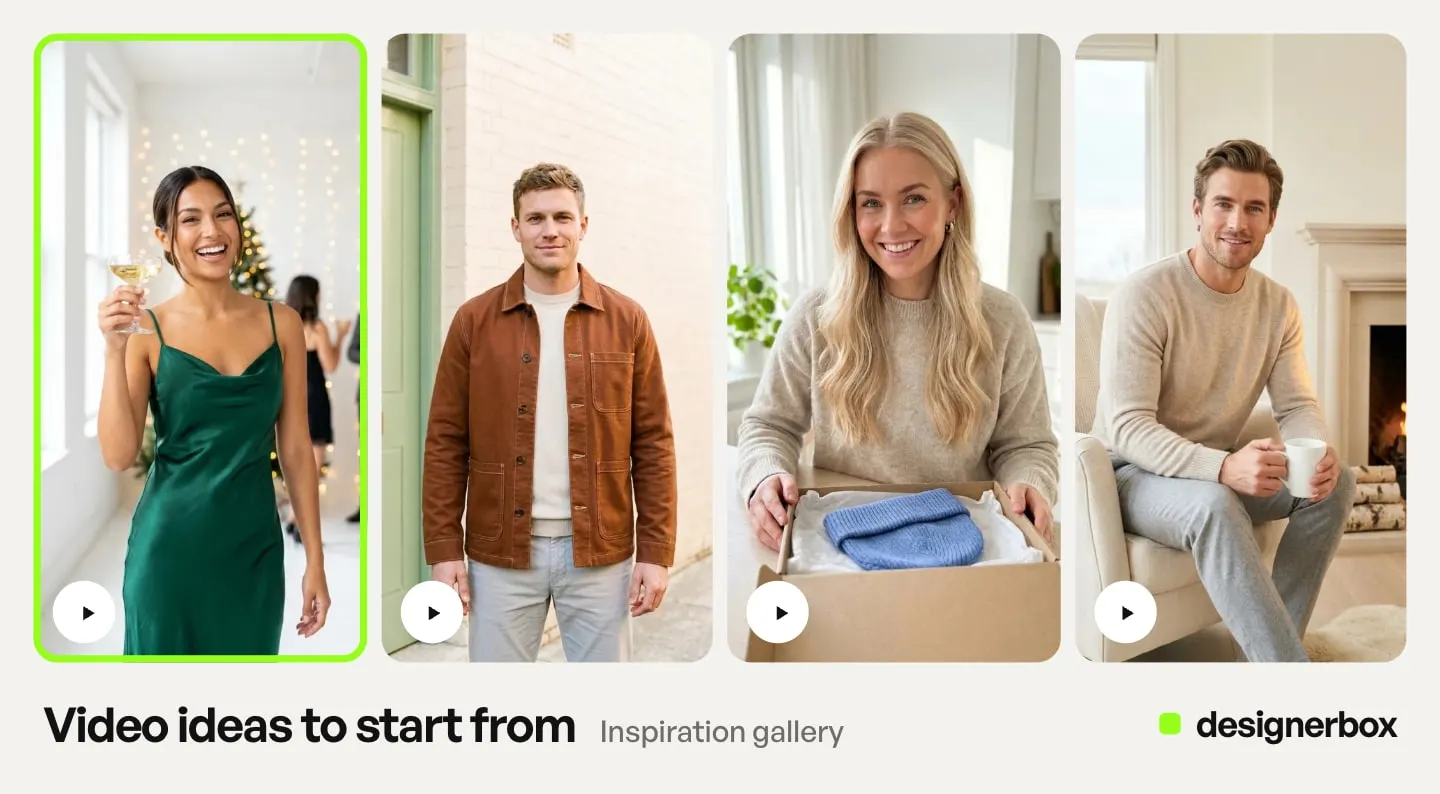
For the ad build itself, a template for static and video ads from a product photo is a starting point, and static ad templates cover the wider campaign set. Social creative templates cover vertical formats. For other placements, templates and workflows make one ad in every size the ad platforms need, and the Ad in other sizes app turns one ad into four sizes. The stills, the video cut and the resized versions all come from the same account and the same brand rules.
If you are still deciding what class of tool you need, start with what an AI ad generator is. DesignerBox has 75 tools over MCP, so an AI chat such as Claude, ChatGPT or Cursor can run the same workflows, as the DesignerBox MCP launch explains.
For your first TikTok ad, start from a template, add your brand and your product, and run it.
FAQ
Can I make a TikTok ad with just a product photo?
Yes. One clear product photo is enough input for a vertical video ad: a video model animates it, and the edit cuts it to 9:16. The photo quality sets the ceiling, so use sharp, evenly lit source material with the product filling most of the frame. Starting from your real photo, and not a text prompt, is what keeps the ad showing the SKU you ship.
What length should a TikTok video ad be?
TikTok’s video advertising guide recommends 21 to 34 seconds for most ads (ads.tiktok.com, accessed October 2026). The 9 to 15 second range often attributed to TikTok does not appear on that guide or on its creative best practices page. The technical limit is up to 10 minutes for non-Spark auction In-Feed ads, and no restriction on Spark Ads (ads.tiktok.com, accessed September 2026). Start from the recommended range, then pick your length from your offer and your budget. Clip length and the model you pick both change what the video costs.
Do I have to label an AI-generated TikTok ad?
Yes, if the ad contains images, video or audio that are completely AI-generated or significantly modified by AI. TikTok asks for the AIGC label or your own clear disclaimer, caption, watermark or sticker, and it rejects or restricts undisclosed AI content. For non-Spark ads, turn on the “This ad contains AI-generated content” toggle in Ads Manager. Spark ads follow TikTok’s Community Guidelines (ads.tiktok.com, accessed September 2026). In our reading, a video a model makes from your product photo is in scope. If your ad shows a real, identifiable person re-synced or dubbed with AI, read when you need AI lip sync for the consent and disclosure rules that apply.
What are the TikTok video ad specs?
For auction In-Feed ads: vertical 9:16 at 540x960 or larger, horizontal 16:9 at 960x540 or larger, or square 1:1 at 640x640 or larger. File size 500 MB or less, bitrate 516 kbps or more. Non-Spark accepts .mp4, .mov, .mpeg, .3gp and .avi. Spark accepts .mp4 or .mov (ads.tiktok.com, accessed September 2026). Vertical is recommended rather than required.
What is the TikTok safe zone for ads?
There is no single answer, so a fixed pixel margin does not fit every ad. TikTok states the safe zone is determined by the dimension, the ad caption length, and any additional formats used, and distributes it as downloadable files (ads.tiktok.com, accessed September 2026). The longer your caption, the smaller your safe zone, so keep key elements centered.
How much does it cost to make a TikTok ad with AI?
The model sets most of the cost of a clip. One 8-second clip in DesignerBox costs a different number of credits on each model, and the cost is shown before the run.
How many TikTok ad variants should I test?
TikTok’s creative best practices guidance suggests three to five different creatives per ad group, and three to five diversified ad groups per campaign (ads.tiktok.com, accessed September 2026). That guidance ties refresh to delivery that keeps declining, or to low daily new users. TikTok’s video advertising guide says to refresh creatives every 2 to 4 weeks, or sooner if click-through rate or view-through rate declines (ads.tiktok.com, accessed October 2026).
Your budget and the model you pick decide the rest. A lower-cost model lets the same monthly credits cover more variants. Choose the model with the variant count in mind. What a video ad pack costs before it runs covers the planning.
Sources
- TikTok auction In-Feed ad specifications, duration limits, accepted file types and safe-zone guidance: ads.tiktok.com, TikTok auction In-Feed ads, accessed September 2026
- Spark Ads mechanics, metrics and creator authorization: ads.tiktok.com, Spark Ads, accessed September 2026
- TikTok AI-generated content toggle, its conditions, and its reset on duplicated campaigns: ads.tiktok.com, add disclaimers to ads, accessed September 2026
- Where the disclaimer shows and the tap-to-explain label: ads.tiktok.com, about ad disclaimers, accessed September 2026
- TikTok ads policy on AI-generated content, disclosure options and enforcement: ads.tiktok.com, misleading and false content, accessed September 2026
- TikTok Community Guidelines on labelling realistic AI content: tiktok.com, integrity and authenticity, accessed September 2026
- TikTok creative best practices on sound, vertical orientation, 720p, the safe zone, and creatives per ad group: ads.tiktok.com, creative best practices, accessed September 2026
- TikTok’s recommended length for most ads and its creative refresh interval: ads.tiktok.com, video advertising guide, accessed October 2026
- Veo 3.1 duration, aspect ratio and audio: ai.google.dev, Veo, accessed September 2026
- Kling 2.6 duration, ratios and audio: kling.ai, capability map, accessed September 2026
- Kling 3.0 multi-shot clips: kling.ai, Kling 3.0 API, accessed September 2026
- Seedance 2.0 duration, aspect ratios and audio: docs.byteplus.com, ModelArk video API, accessed September 2026
- Runway Gen-4.5 duration and inputs: docs.dev.runwayml.com, API, and aspect ratios: help.runwayml.com, Creating with Gen-4.5, accessed September 2026
- The “nearly 90%” headline, 86% of buyers using or planning to use GenAI, and the 40% projection for 2026: IAB, 2025 Video Ad Spend & Strategy Full Report release, 15 July 2025
- Share of buyers using GenAI for video creative, the share of ad assets using GenAI in 2025 and 2026, and the 43% projection for 2027: IAB, Digital Video Ad Spend & Strategy Full Report release, 14 July 2026
- Agentic AI use among digital video buyers: IAB, 2026 Digital Video Ad Spend & Strategy Report Part One release, 5 May 2026
- DesignerBox plan gates, the video cost range and the avatar price: DesignerBox pricing page (designerbox.ai/pricing), September 2026
TikTok ad specifications, Spark Ads mechanics, safe zone guidance and AI disclosure rules checked against TikTok’s auction In-Feed ads, Spark Ads, creative best practices, ad disclaimer and ads policy pages as of September 2026. TikTok’s video advertising guide was read on 7 October 2026. Platform rules on AI labels change often, so check the live pages before you launch. Model facts from each vendor’s documentation, September 2026. Industry figures from IAB’s 2025 Full Report release (July 2025), its 2026 Digital Video Ad Spend & Strategy Report Part One (May 2026) and the 2026 Full Report release (July 2026). Competitor pricing is deliberately not quoted. DesignerBox plan gates and the model list were re-checked on 2 October 2026, and the TikTok links were moved to TikTok’s current addresses the same day.