Six TikTok product ad examples cover most ecommerce categories: the demo open, the problem open, the shelf proof, the creator review, the before and after, and the unboxing reveal. Each one is a different hook on the same product truth. TikTok’s own creative research says the hook carries most of the measurable effect, so the hook is the variable worth testing.
Most example galleries in this category are scene ideas. A matcha pour, a fridge grab, a hand reaching into a snack aisle. They look useful and they are hard to act on, because a scene is the interchangeable part of an ad. Swap the matcha for a serum and the ad still works or still fails for the same reason it did before.
TikTok publishes the reason. Its Creative Codes break a top-performing ad into three slots, hook, body and close, and attach a measured effect to each one. The six formats below are built on that structure. This guide covers what each format opens on and which product types it suits. It also covers the safe zone rule, which most spec guides state as a fixed percentage when TikTok says it moves, and how to batch variants you can read afterwards. For the static side, and the formats that ship to Meta and Google as well as TikTok, see our product ad examples guide.
Key Takeaways
- The hook carries the effect. TikTok states that 90% of ad recall impact is captured within the first six seconds (ads.tiktok.com, accessed September 2026). Test first frames, not scenes.
- Keep the product on screen. TikTok reports that ads showing the product on screen drive a 65% increase in brand affinity and a 25% uplift in recall (ads.tiktok.com, accessed September 2026). A product used as set dressing gives up both.
- Close on a CTA card. TikTok’s analysis puts CTA cards at a 45% lift in recall and a 19% increase in likeability (ads.tiktok.com, accessed September 2026).
- The safe zone is not 10% and 20%. TikTok says the safe zone size is determined by the dimension, the ad caption length, and any additional formats used. It ships downloadable safe zone files per case (ads.tiktok.com, accessed September 2026). A longer caption shrinks it.
- Sound is not optional. 88% of TikTok users say sound is vital to the experience, per TikTok’s Kantar research (ads.tiktok.com, accessed September 2026).
- The spec ceiling and the creative advice disagree. In-feed auction ads accept video up to 10 minutes (ads.tiktok.com, accessed September 2026), while TikTok’s own recall data lands in the first six seconds. Build short.
- Label AI creative before you submit. TikTok asks advertisers to add its AIGC label or their own clear disclaimer to ads with AI-generated or heavily AI-edited media. It rejects or restricts ads with undisclosed AI content (ads.tiktok.com, as of September 2026).
What makes a TikTok product ad work?
TikTok’s Creative Codes describe a three-part structure: a hook that communicates the value proposition early, a body that keeps additive branding cues on screen, and a close that ends on a call to action. Each slot has a number attached. The hook holds 90% of ad recall impact inside six seconds. Product on screen raises brand affinity 65% and recall 25%. A CTA card adds 45% to recall.
That is worth reading as a set of constraints rather than tips. Two of the three numbers are about what is visible, not what is said. An ad that opens on a logo bumper spends the highest-value seconds it has on something the research does not credit. An ad where the product is a background prop gives up the affinity and recall lift outright.
One honest caveat. These are TikTok’s own marketing science studies, run by Ipsos, Kantar, Lumen, Marketcast and Neuro-Insight, and TikTok footnotes each one. They are first-party research about TikTok’s own product. Treat them as the best published guidance on the platform rather than as independent findings, and confirm the direction against your own account data.
The rest of the Creative Codes cover production and sound. Shoot vertical, use high-resolution footage, respect the safe area, refresh creative often, and treat sound as part of the ad rather than a layer on top of it.
Six TikTok product ad examples that work
Every format below opens on something different and lands on the same three slots. Read the first-frame line as the brief, because that is the part you are testing. For the same product on Meta, see our Facebook ad examples by funnel job, and for a new product see the five stages of product launch ads.
1. The demo open
First frame: the product mid-use, already in motion. No intro, no reveal, no hand entering the shot.
The demo open starts at the action the viewer came to understand. It suits anything with a visible step: a serum being applied, a supplement dissolving, a cleaner lifting a stain, a bag being packed. It carries TikTok’s product-on-screen finding for free, because the product cannot leave the frame without the ad losing its subject. Supplement ads also carry claim rules, covered in the supplement advertising guide.
Hold constant: the routine step and the claim. Vary the camera distance and the opening line.

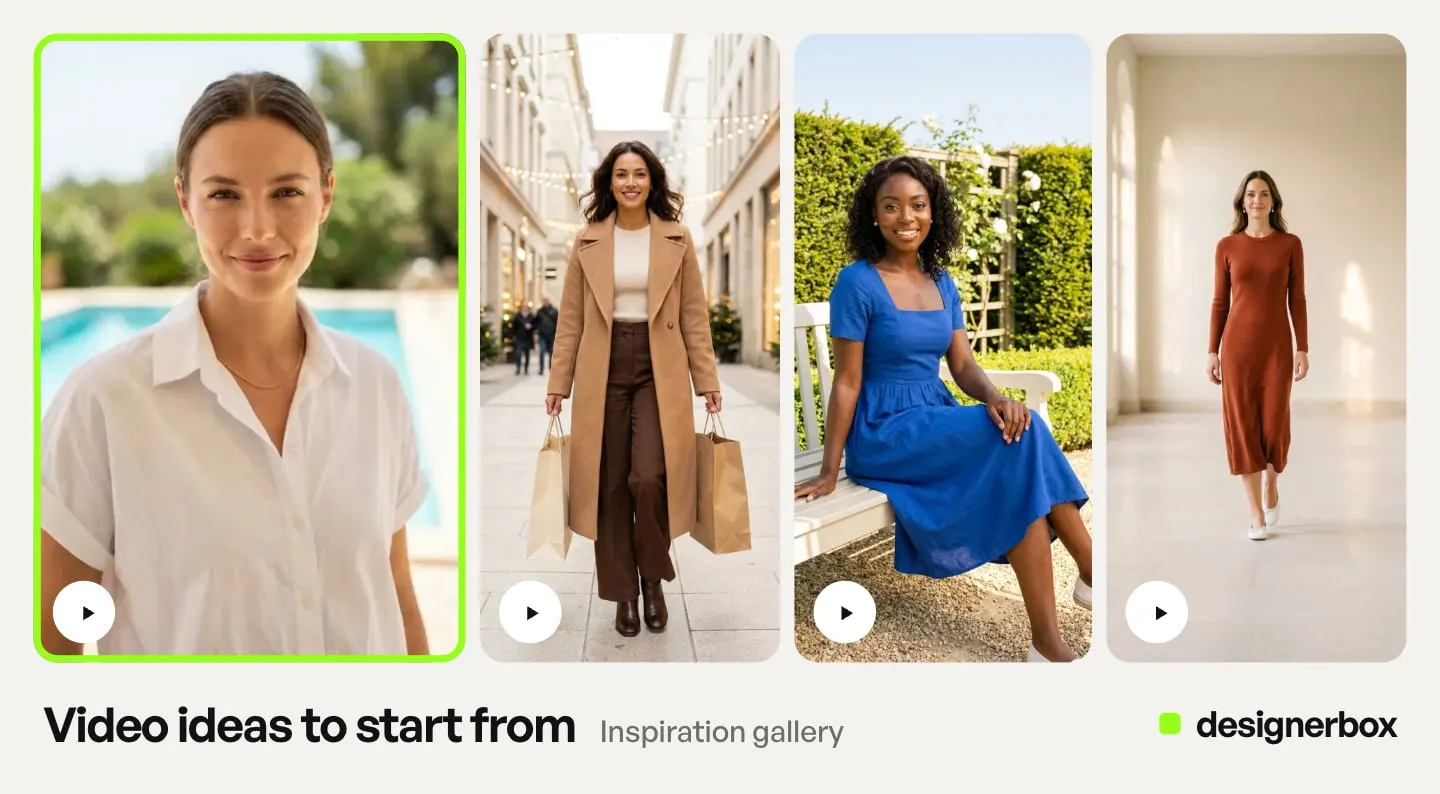
A first frame like that one is doing the whole job of the demo open: the product is in the shot, the action has already started, and nothing has been spent on an introduction.
2. The problem open
First frame: the need state, with the product already visible in the corner of the shot.
This one names the friction before it names the product. The afternoon slump, the third failed packing attempt, the shelf you cannot read. It works when the problem is recognizable in under a second, which rules out anything that needs a caption to explain it.
The common failure is holding the product back for a reveal. That spends the recall window on the setup. Put the product in the first frame and let the copy carry the problem.
Hold constant: the product, the offer and the destination. Vary the need state.
3. The shelf proof
First frame: the product in a retail context, being picked up.
Retail familiarity does a job that studio lighting cannot. A pack that reads clearly on a shelf reads clearly in a feed, and the context tells the viewer what category they are looking at without a word. It suits snacks, drinks, grocery, beauty and anything sold physically alongside competitors. Food and drink ads also carry claim rules, covered in the food advertising guide.
Keep this one honest. Retail context signals availability, not popularity, and implying volume you cannot evidence is a claim problem rather than a creative one.
Hold constant: the aisle context. Vary the hook line across flavor, price and format.
4. The creator review
First frame: a person talking to camera with the product held at chest height.
The review format is the most TikTok-native of the six, and TikTok’s data supports the instinct. In that data, 77% of users say they like it when brands use trends, memes or challenges to make new content. TikTok-first ads catch the attention of 74% of viewers (ads.tiktok.com, accessed September 2026). A person speaking to camera reads as content before it reads as an ad.
The constraint is approval. Use one short quote you have permission to use, keep the product in the same frame as the person, and do not paraphrase a review into something the reviewer did not say. When creators post the clip with their own affiliate link, shoppable video clips for LTK and Mavely creators covers what a brand hands them. The rules those creators follow on TikTok Shop are in how the TikTok Shop affiliate program works.
Hold constant: the quote and the SKU. Vary the framing and the delivery.
5. The before and after
First frame: the before state, held just long enough to register.
This is the format TikTok’s editing research most directly supports. TikTok says faster scene changes typically draw viewers in early (ads.tiktok.com, accessed September 2026), and a before and after is a scene change with a reason. It suits anything with a visible outcome: cleaning, skincare, organization, repair, styling.
The two frames have to differ in something a camera can see. A color grade change between before and after is not a result, and viewers read it correctly as one.
Hold constant: the transition timing. Vary which outcome you lead with.
6. The unboxing reveal
First frame: the sealed pack, hands already on it.
Unboxing answers the question a product page usually answers badly, which is what physically arrives. Pack count, size relative to a hand, what the texture looks like, whether the thing is bigger or smaller than the photo suggested. It suits first purchases and gift categories.
Show only what is in the box. An unboxing that implies an extra the buyer will not receive is the fastest way to turn a good ad into a returns problem.
Hold constant: the contents and the pack count. Vary the reveal order.
Which TikTok ad format fits which product
| Format | Best for | Opens on | Watch for |
|---|---|---|---|
| Demo open | Skincare, supplements, cleaning, food prep, tools | The action, already underway | Nothing visible happens in the first second |
| Problem open | Beverages, snacks, wellness, daily-routine products | The need state, product in frame | Holding the product back for a reveal |
| Shelf proof | Grocery, drinks, beauty, anything sold in aisles | The pick-up moment | Implying popularity you cannot evidence |
| Creator review | Apparel, beauty, accessories, considered purchases | A person and the product together | Using a quote you have not cleared |
| Before and after | Cleaning, skincare, organization, repair, styling | The before state | A difference only a grade can explain |
| Unboxing reveal | Gifting, subscription, multi-item packs, first purchase | Hands on a sealed pack | Showing an extra that is not included |
Formats are not exclusive. A creator review that ends on a demo is one ad, not two, and the format label only matters because it tells you which variable you changed.
The safe zone is not a fixed percentage
Most TikTok spec guides publish a fixed rule: keep text out of the top 10%, the right 10% and the bottom 20%. TikTok does not publish that number.
What TikTok publishes is this. The safe zone size is determined by the dimension, whether vertical, horizontal or square, by the ad caption length, and by any additional formats used. It then provides downloadable safe zone files for each case: in-feed standard, in-feed with anchor, and separate right-to-left versions for Arabic regions (ads.tiktok.com, accessed September 2026, page last updated June 2026).
The practical consequence is the part that gets missed. A longer ad caption shrinks the safe area from the bottom. Two ads built on one template, one with a short caption and one with a long one, do not have the same usable frame. The second one can lose its CTA text under the caption bar while passing review.
Design the text layer once against the downloaded overlay for the exact configuration you are running, then keep the caption length fixed across the batch. Caption length becomes a creative variable the moment you let it move.
The rest of the in-feed auction spec is stable: 9:16 at 540 x 960 pixels or larger, MP4 or MOV among other accepted formats, 500MB or less, and a bitrate of at least 516 kbps. Spark Ads inherit the organic post and have no duration restriction at all. The full step-by-step build, including the parts that change between Spark and non-Spark, is in how to create TikTok video ads with AI.
How to brief a TikTok product ad
Video duration on in-feed auction ads runs up to 10 minutes. TikTok’s own recall data lands inside six seconds. Both facts are published by TikTok and they point in opposite directions, which is why a spec sheet is a bad brief.
Build in this order.
- Pick the product truth. One claim, one SKU, one destination. This is the thing every variant in the batch shares.
- Pick the format. One of the six above, chosen from the table by product type.
- Write the first frame. Describe what is visible at second zero, not what is said. If the description works with the sound off, it is a hook. The first frame is one of the three layers of a video hook.
- Place the text against the real safe zone. Download the overlay for your configuration, not a percentage from a blog.
- Choose the length last. Length is a cost variable, not a creative one, and it should follow the edit rather than lead it.
- Close on a CTA card. TikTok credits it with a 45% recall lift and a 19% likeability lift, and it costs one frame.
The order matters because step five is where most budget goes. Video models bill per second of output. A 30-second cut of an ad that made its point in nine seconds costs more than three times as much, and by TikTok’s own recall numbers it buys very little for the difference. How length and cost work together for generated video is in the six rules for AI product video. The steps before the brief, from the offer to the review rules, are in how to make an ad in 7 steps.
Batch hooks you can read
Creative volume only helps when you can tell what changed. The rule is one product truth, several hooks, everything else locked. That is the opposite of handing a platform a pile of parts and letting it assemble them at impression time, which is what dynamic creative optimization does.
| Locked across the batch | Free to vary |
|---|---|
| SKU, offer, price, landing destination | The first frame and the opening line |
| Aspect ratio and caption length | Camera distance and framing |
| Claim and approval status | Scene context and time of day |
| CTA card and button | Delivery, pacing and sound bed |
Three to five hooks per product truth is a workable batch. Beyond that you are usually generating variants faster than the platform can allocate enough spend to separate them, which produces a report about delivery rather than a result about creative. Ad creative testing and why most tests cannot be read works through what volume a readable test needs, and how many ad variants you need a month covers the monthly cadence benchmark data supports.
Refresh on the same signals TikTok names in its production principle: creative fatigue arrives for every ad, so the batch after this one should already be briefed. Repeated questions in the comments are the cheapest brief you will get, because they name the thing the current creative failed to show. The other cheap brief is what your category is already running, which the free platform ad libraries list without a subscription.
What producing the batch costs
Generating six formats from one product photo is a different cost shape to shooting them.
Video is metered by length and by model, and the model you pick moves the price further than the length does. In DesignerBox, an 8-second clip costs 40 to 560 credits, depending on the model. The cost is shown before the run, so the model is a choice you make with the price in front of you.
That makes the hook the cheap experiment. Several short variants of one format on a low-cost model tell you more than one long premium cut nobody watches to the end.
Two gates matter for this work. AI video starts on the Premium plan, and the commercial license you need to run a result as a paid ad starts on the Pro plan. DesignerBox does not publish ads into TikTok Ads Manager. You download the results and upload them yourself. Current plans are on the DesignerBox pricing page.
The production route is the same for all six formats. Start from the real product photo, so the pack, color and proportions stay accurate across every variant. Make the still first, then animate it. The Ads from a product photo template builds vertical ad frames with room for the copy, and the Versions of an ad app turns one ad into variants. To check a finished ad before you spend, attach it to the Analyze ad skill in Create. It reviews hook, hierarchy, brand, offer, craft and fit.
Six formats for one SKU is the first job. The second is the same six for the next forty products. Build the job once on one product, with the pack framing, the safe zone template and the CTA card settled, and save it as a workflow. A saved workflow runs the same way on the next product, so the fortieth SKU gets the same framing as the first and nobody rewrites the brief. Batch runs one workflow over a whole sheet of products. The stills, the video cuts, your brand rules and your Assets stay in one account. The workflow reads the brand on every run, so ad forty carries the same surface and type as ad one.
Starting from the product photo rather than a text prompt is what keeps the pack readable at the moment a viewer decides whether to tap, and it is the same source file the listing uses. Keeping ad creative and TikTok Shop listing images traceable to one product source is what stops the tap from landing on something that looks different.
Start from a template, add your brand and your products, and run it. The cost is shown before the run. See the templates.
Label the AI before you submit
TikTok’s ads policy allows ads with AI-generated or heavily AI-edited media. You add TikTok’s AIGC label, or your own clear disclaimer, caption, watermark or sticker. If TikTok finds AI content that has not been disclosed, it rejects or restricts the ad (ads.tiktok.com, as of September 2026). Small edits such as lighting or color changes, background changes and denoising need no label. For organic posts, TikTok requires creators to label AI-generated or heavily edited content that shows realistic people or scenes (tiktok.com, accessed September 2026). This is general information, not legal advice.
Two operational details follow from that.
TikTok reads C2PA Content Credentials, the provenance metadata standard, and adds an AI label itself when content carries them. Content produced outside TikTok can arrive already carrying that metadata, and you cannot remove a label TikTok adds automatically.
For non-Spark ads, the disclosure is a toggle in Ads Manager, and every new or duplicated campaign resets it (ads.tiktok.com, as of September 2026). So the labeling step belongs in the same checklist as the safe zone, and a launch-day sweep is too late. Spark Ads follow TikTok’s Community Guidelines. The full sequence is in how to create TikTok video ads with AI.
FAQ
What are the best TikTok product ad formats?
Six formats cover most ecommerce categories: the demo open, the problem open, the shelf proof, the creator review, the before and after, and the unboxing reveal. Choose by what the product does rather than by what looks good. A visible process suits the demo open, a recognizable friction suits the problem open, and a physical pack that surprises people on arrival suits the unboxing reveal.
How long should a TikTok product ad be?
TikTok’s in-feed auction ads accept video up to 10 minutes, but its own creative research states that 90% of ad recall impact is captured within the first six seconds. The ceiling is not the target. Build the ad to make its point inside the recall window and let the total length follow the edit, which also keeps the per-second generation cost down.
What is the TikTok ad safe zone?
TikTok states that the safe zone size is determined by the dimension, the ad caption length, and any additional formats used, and it provides downloadable safe zone files for each configuration. It is not a fixed percentage. A longer ad caption shrinks the usable area from the bottom, so two ads on the same template can have different safe frames.
Can I use AI-generated video for TikTok ads?
Yes, with disclosure. TikTok’s ads policy allows AI-generated or heavily AI-edited media when you add its AIGC label or your own clear disclaimer, and it rejects or restricts ads with undisclosed AI content, as of September 2026. TikTok also labels content that carries C2PA Content Credentials automatically. For non-Spark ads, turn the disclaimer toggle on again for every new or duplicated campaign.
How many TikTok ad variants should I test at once?
Three to five hooks per product truth, with the SKU, offer, destination, caption length and CTA locked. Past that, spend rarely spreads far enough across variants for the report to separate creative performance from delivery allocation.
What should stay the same across a TikTok hook test?
The product, the claim and its approval status, the offer, the landing destination, the aspect ratio, the caption length and the CTA card. Caption length matters more than teams expect, because it changes the safe zone and therefore the frame each variant is really working in.
Do TikTok product ads need sound?
Plan for it. 88% of TikTok users say sound is vital to the TikTok experience in TikTok’s Kantar research, and a silent clip in a sound-on feed reads as an ad before anyone processes what it sells. Build the ad so it still parses with sound off, using captions and on-screen text, then treat the audio as part of the creative rather than a layer added at the end.
Sources
- TikTok For Business, Creative Codes: 6 principles for creating on TikTok: ads.tiktok.com (accessed September 2026)
- TikTok Ads Manager Help Center, TikTok Auction In-Feed Ads, last updated June 2026: ads.tiktok.com (accessed September 2026)
- TikTok Support, About AI-generated content: tiktok.com (accessed September 2026)
- TikTok Ads Policy, Misleading and false content: ads.tiktok.com (accessed September 2026)
- TikTok Ads Manager Help Center, Add disclaimers to ads: ads.tiktok.com (accessed September 2026)
- DesignerBox plans, credits and the video cost range: DesignerBox pricing page (designerbox.ai/pricing), September 2026
TikTok specifications, creative research figures and AI-labeling requirements verified against TikTok’s own published pages as of September 2026. The creative percentages are TikTok’s first-party marketing science studies conducted by Ipsos, Kantar, Lumen, Marketcast and Neuro-Insight, and TikTok footnotes each one on the Creative Codes page. TikTok updates ad specifications and policies without notice, so confirm against Ads Manager before a launch. Individual results vary.