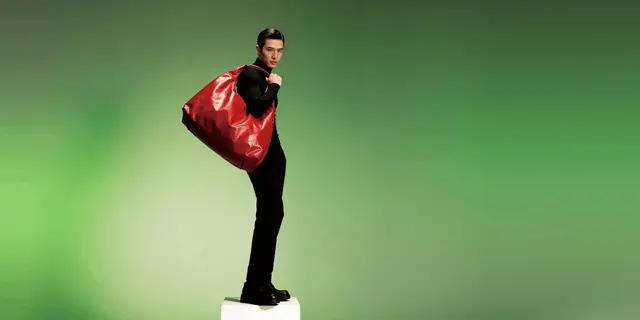
A product photo becomes a video ad in two hops, not one. Image-to-video models animate the frame you give them and return one continuous shot, usually 4 to 15 seconds long. An ad is three to five shots. So you generate a still for each shot first, animate each still separately, then cut them together. The still list is the step that decides whether the ad works.
The one-hop method is to upload the photo, write a motion prompt, and generate. What comes back is a slow push-in on the same composition you started with. Generate five of those and you have five slow push-ins on the same composition, which cuts together into one long shot that happens to change speed.
Before the pipeline, there is a format decision that determines whether any of it applies. Some shots generate from a still and some have to be filmed, and the split is covered in how to make a product video without a studio shoot.
This guide covers the build that produces an ad: what to check in the source photo, how to derive a shot list of stills from it, how to animate each one, what the run costs in credits before you start it, and the disclosure rules that decide whether the finished ad goes live. It also covers running the same build on the next product instead of starting over.
Regulated categories tighten the disclosure step. In real estate, California’s AB 723 requires a disclosure on digitally altered listing images, on top of the platform rules. AI real estate video marketing covers what that means for listing video. The steps around the build, from the brief to the labels, are in how to make AI ads in six steps.
Key Takeaways
- One image makes one shot. Veo 3.1 generates clips of up to 8 seconds (ai.google.dev, September 2026). Seedance 2.0 runs 4 to 15 seconds (docs.byteplus.com, September 2026). None of those is an ad on its own.
- The missing step is stills, not prompts. Derive three to five still frames from your one photo first, then animate each.
- Your source photo caps everything downstream. Motion cannot add detail that is not in the frame. A soft, cropped, or low-resolution original produces a soft, cropped, low-resolution clip.
- The model moves the price, and you see the cost before the run.
- AI video starts on the Premium plan.
- The four beats do not change between products. Save the set as a workflow and the same standard applies to the next SKU, and the fiftieth.
- Meta labels many ads for you. TikTok asks you to label. Meta’s ad policy says that from 1 June 2026 it detects media made with third-party AI tools and labels those ads itself when it finds a signal (transparency.meta.com, September 2026). TikTok asks advertisers to disclose AI media, and duplicating a campaign resets the toggle (ads.tiktok.com, September 2026).
Why one product photo makes a shot, not a video ad
A video model reads your still frame and predicts motion forward from it. It holds one camera, one composition, one lighting setup, because that is all the frame gave it. What comes back is a shot.
The published limits make this concrete. Google’s Veo 3.1 makes clips of 4, 6 or 8 seconds at 720p, 1080p or 4K, with audio always on (ai.google.dev, September 2026). Seedance 2.0 and Kling 3.0 run up to 15 seconds. OpenAI’s video guide lists sora-2-pro clips of up to 20 seconds, extended to a total of 120 seconds (developers.openai.com, September 2026). OpenAI removed Sora 2 and Sora 2 Pro from its API on 24 September 2026 (OpenAI API deprecations, accessed September 2026), and what replaces Sora 2 by job covers where that work moves. Those are shot lengths.
Google lists 22 October 2026 as the earliest shutdown date for the Veo 3.1 preview models in the Gemini API, and names Gemini Omni Flash as the replacement (Gemini API deprecations, October 2026).
A product ad that holds attention cuts. It opens on the product in context, moves to a detail, shows the product in use or on a model, and lands on the offer. Four beats, four compositions, four camera positions. One frame cannot supply four camera positions, no matter how the motion prompt is worded.
So the question changes. It stops being “what prompt turns this photo into an ad” and becomes “what four photos do I need, and how do I get them from the one I have”.
Step 1: Check the photo before you animate it
Motion is generative, detail is not. The model invents plausible movement, but it cannot invent the label text it never saw or the stitching that was already blurred. Every flaw in the source gets carried into the clip and then held on screen for eight seconds instead of glanced at in a feed. Catching it here also keeps the job quick, and a realistic time budget for AI video shows where the minutes go.
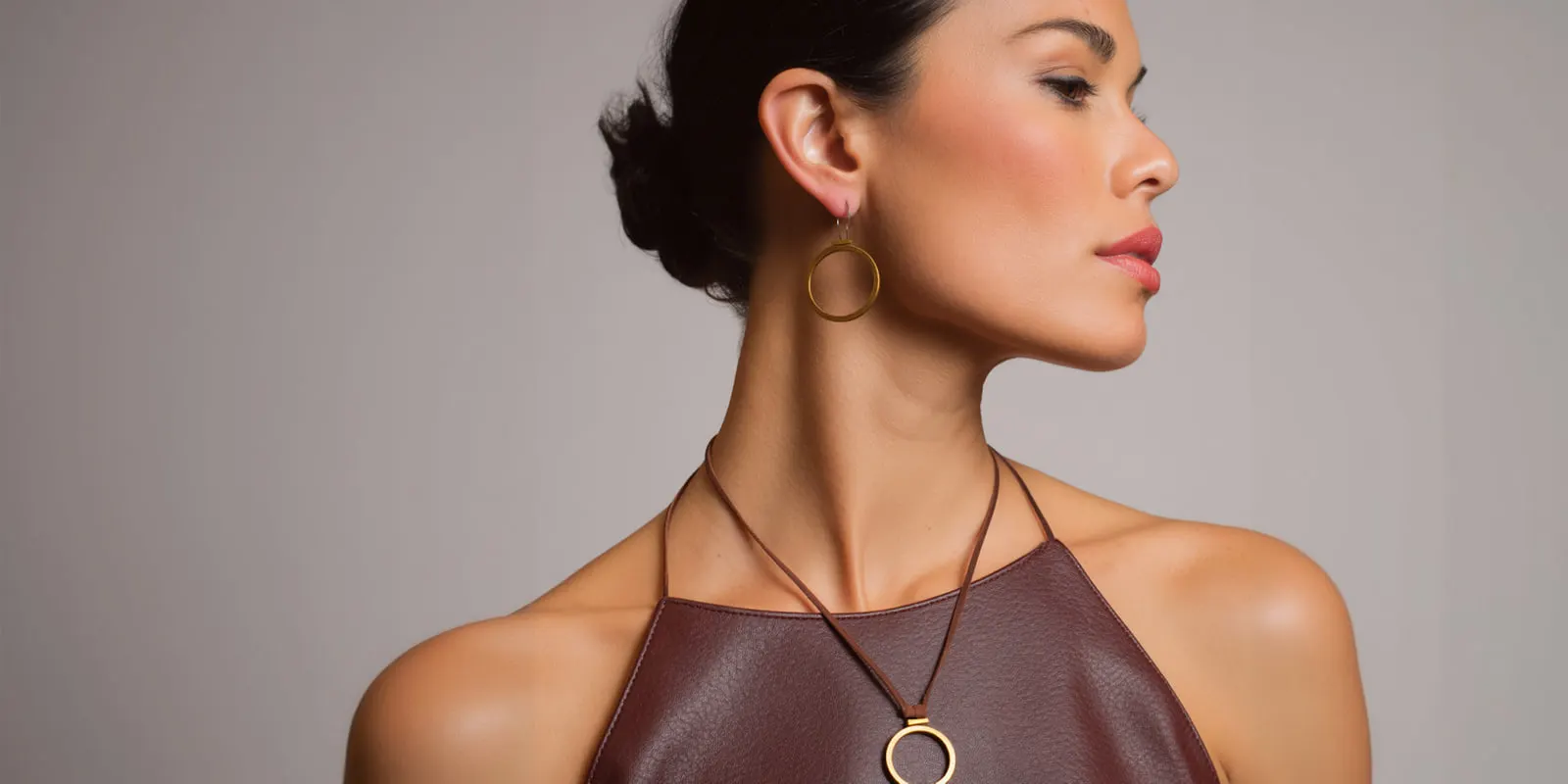
Check four things before you spend anything:
| Check | What passes | Why it matters |
|---|---|---|
| Resolution | 1080px on the short edge, minimum | The clip inherits the source detail. Upscaling after does not recover it |
| Product edges | Clean separation from the background | Soft edges become warping artifacts once the camera moves |
| Label and logo legibility | Readable at 100% | Text is what models distort first, and what buyers check |
| Crop | Product fully in frame with margin | The model cannot extend what was cropped out |
If the photo fails on resolution, decide whether to fix it or reshoot before you build on it. We covered that trade-off in what to do with low resolution product images. If it passes, the rest of the build is worth running.
One more check that costs nothing: look at the photo and ask whether it is your product or a product like yours. Generated backgrounds and generated scenes are fine. A generated product is a different item that resembles yours, and buyers notice on delivery. Product photo accuracy covers what to verify before shipping. That check gets harder when the photo comes from a supplier listing. What to verify before animating a product you have never held covers the dropshipping version.
Step 2: Build the shot list as stills
This is the hop that makes the result read as an ad.
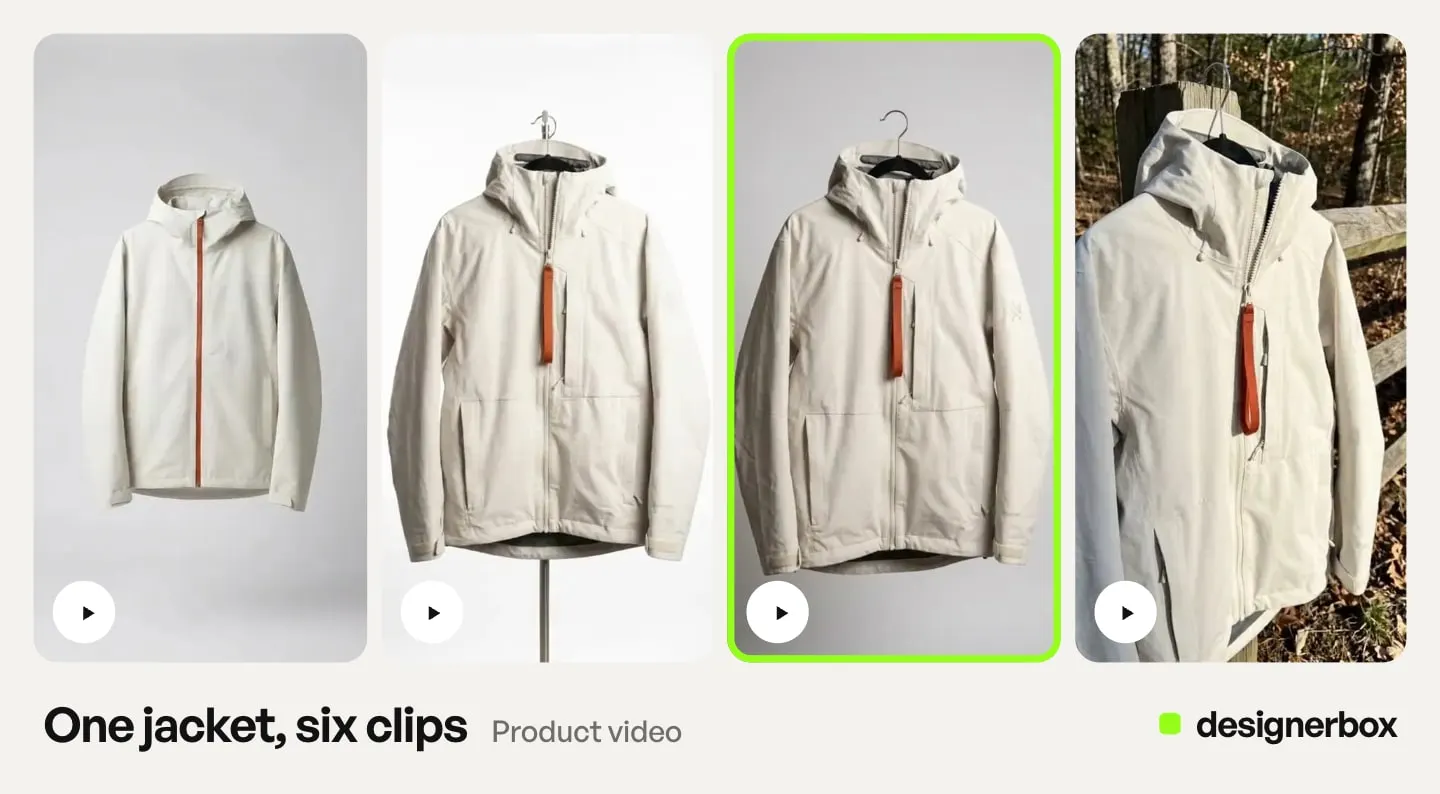
Write your four beats first, as compositions rather than as copy. A workable default for a product ad:
- Hero. The product in a clean or styled context.
- Detail. A close crop on the material, the texture, the mechanism, the finish. Proves quality.
- Context. The product in use, on a model, or in the room it belongs in. Shows the outcome.
- Offer. The product framed with space for the price, the claim, or the CTA overlay.
Now generate each beat as a still image from your source photo. Angle generation gives you the hero and the detail from the same product, since the Photo angles app makes several camera angles from a single photo. Scene generation gives you the context beat. The offer beat is usually the hero shot recomposed with negative space.
Two reasons this order is right. Stills are cheap: a still costs less than an 8-second clip on any model. And a still is quick to review, while a clip takes longer to generate and to watch.
Approve the four stills as a set. If the product looks like the same item in all four, with the same color and the same finish, the ad will cut together. If it drifts between frames, fix it here, because motion will not hide it. Our guide to keeping characters and products consistent across clips covers what causes the drift.
For the shot list itself, the complete product photography shot list is a longer reference on which angles earn their place.
Step 3: Animate each still, one shot at a time
Now you animate. One still in, one shot out, four times. The tools that take a still as the first frame are sorted in the AI product video generator guide.
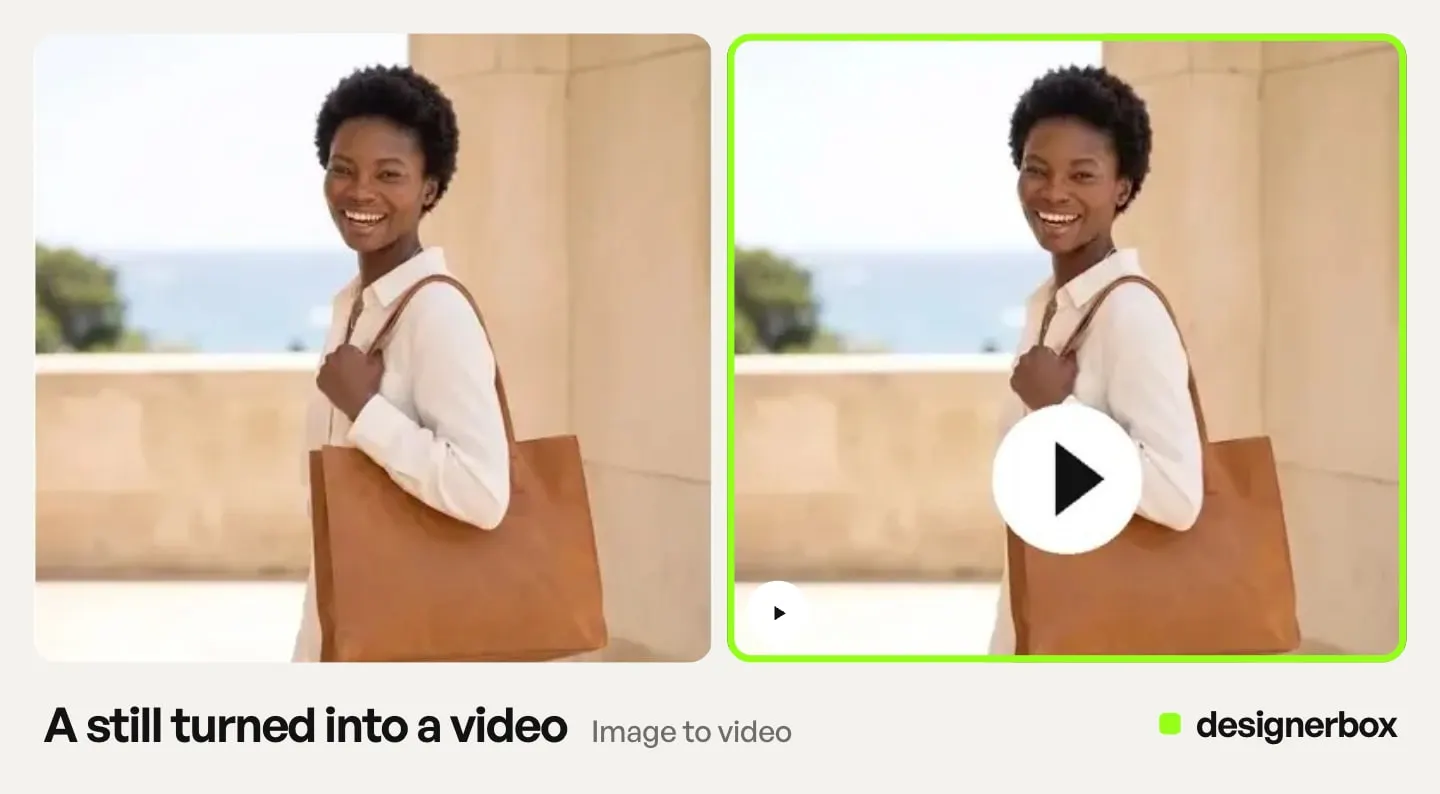
Keep the motion small. The frame already contains the composition you approved, and the job of the motion is to make it live rather than to reinvent it. Push-in, slow orbit, rack focus, a hand entering frame. Camera moves that stay inside the geometry the still established will hold. Moves that ask the model to reveal something outside the frame will invent it, and what it invents is the part that looks generic AI.
The one motion to block carefully is a hand touching the product. Contact frames carry the most occlusion and are where current models still distort, so check the grip before you approve the take. The tells to look for and the fixes that work cover what to watch and how to repair it in the still instead of the clip.
Name four things in each motion prompt: the camera move, the speed, the light behavior, and what stays still. The last one does more work than the other three, because it tells the model which pixels are the product. How to write realistic AI video prompts breaks the full structure down layer by layer.
Model choice is per shot, not per campaign. A detail shot on a static product wants a model that holds texture. A context shot with a person moving wants a model that handles bodies. The video models compared for ecommerce covers which holds what. DesignerBox runs video models, the model list shows what each one does, and you pick the model for each step.
Generate each shot once on a cheaper model first. Watch it. Move that shot to a more expensive model only when the composition is right and you want the fidelity. The six rules for AI product video collect the limits that decide whether a generated clip works.
Step 4: Assemble, then cut for the placement
Four 5-second shots is 20 seconds of footage. That is your master, not your ad.
Cut the master to the placement. A feed ad and a Reels ad want different lengths and different first frames, and the first frame is the one that decides whether the rest gets watched. Lead with whichever of your four shots survives being seen at thumbnail size with the sound off.
Aspect ratio is a crop decision, and it is why the margin in Step 1 mattered. A 9:16 crop of a 1:1 composition loses the sides. If you generated the stills with margin, you crop. If you did not, you regenerate.
Assembly is also where the ad gets its copy, its price, and its CTA, none of which the video model produces. The offer, the message and the copy are steps in how to make an ad in seven steps. A video ad template handles the assembly from clips and images. When the cut needs transitions, picture in picture, animated text, audio or a color LUT, use the video editor. It is a real timeline with several tracks.
For platform-specific specs, the TikTok video ad walkthrough covers the published dimensions, the safe zone, and the length limits. If the clip is destined for a Shop listing rather than an ad, the listing video cap is stricter again and sets the length for you.
What the run costs before you start it
The model sets the cost of a clip, and the length adjusts it. An 8-second clip costs 40 to 560 credits, depending on the model. That spread is the biggest number in the build.
You make the model decision per shot. The cost is shown before the run, so you can price a detail shot on a cheaper model against a context shot on a premium one.
The stills decide whether the ad works. Spend your iterations there, before any motion exists.
Uploading your own photos starts on the Pro plan. AI video and the video editor start on the Premium plan. Plans and credits are on the pricing page. Budget by model rather than by minute, and check the provider price breakdown by model before committing a campaign to one. You can test the still steps on the free plan, on sample products.
The label rules that decide whether it runs
Meta’s published policies do not require every advertiser to disclose AI-generated content. A disclosure process built around such a rule puts the effort on the wrong platform.
What Meta documents is narrower. It applies its own AI info label to ads created or significantly edited with its own generative AI tools. Meta’s ad policy says that from 1 June 2026 it also uses automated detection to find media made with third-party generative AI tools, with no advertiser action required (transparency.meta.com, September 2026). When Meta finds signals such as C2PA metadata, it adds an “AI info” label under “About this ad” in the three-dot menu. Meta says this may not be available in every region (facebook.com/business/help, September 2026). Advertiser self-disclosure is required for ads about social issues, elections, or politics. For a product ad, the labeling is largely something the platform does.
TikTok is the opposite, and it is where the process work belongs. TikTok asks advertisers to disclose ads with images, video or audio that are fully AI-generated or significantly modified by AI. If TikTok finds undisclosed AI content, it rejects or restricts the ad (ads.tiktok.com, September 2026). For non-Spark ads, the mechanism is a toggle in Ads Manager reading “This ad contains AI-generated content”. Creating or duplicating a campaign resets that toggle, even when you reuse creative you already marked (ads.tiktok.com, September 2026). That reset is what catches people scaling a winner.
The industry standard points the same way. The IAB published its AI Transparency and Disclosure Framework on 15 January 2026. It is deliberately risk-based instead of universal: disclosure is required only when AI materially affects authenticity, identity, or representation in ways that could mislead. Routine production work, background AI tooling, and clearly stylized creative do not trigger it (iab.com, accessed September 2026). The framework is industry guidance, not law.
An animated photo of a product you sell likely sits at the low-risk end of that framework. A synthetic person presenting it likely does not. Know which one you built.
This article is general information, not legal advice.
The same build on the next product
The four beats do not change between products. Hero, detail, context, offer is the same brief for the next SKU and the one after that, with the same lighting rule, the same margin, the same model per shot. The first ad takes longest, because you are deciding the compositions. The tenth takes mostly render time and a check of the results, because the decisions are already made.
Save the approved sequence as a workflow, swap the source photo, and run it again. A saved workflow runs the same way on the next product, which gives shot three of product fifty the same brief as shot three of product one. Nothing in the process changes at volume except how many times you run it, which is the whole reason to get the still list right before the first render.
You set the brand once, and the workflow reads it on every run. The stills, the clips, the video editor and the brand record stay in one account. You download the finished cut and upload it to TikTok or Meta yourself. To turn the approved still into a clip, use the Video from a photo app or the Animated ad skill in Create.
Start from a template and add your product photo.
FAQ
Can you turn a product photo into a video ad with one prompt?
You can turn it into one shot with one prompt. A shot is not an ad. Image-to-video models return a single continuous take from the frame you supply. Published limits sit at 8 seconds for Veo 3.1 and 15 seconds for Seedance 2.0 and Kling 3.0 (ai.google.dev, docs.byteplus.com and kling.ai, September 2026). Sora 2 Pro reached 20 seconds until OpenAI removed it from its API on 24 September 2026. An ad that holds attention cuts between three to five compositions, which means three to five source frames.
How many shots does a product video ad need?
Three to five works for most placements. A workable default is hero, detail, context, and offer: what the product is, why it is well made, what it does for the buyer, and what you want them to do. Fewer than three tends to read as a moving photo. More than five inside 15 seconds tends to read as rushed.
What resolution does the source product photo need to be?
At least 1080px on the short edge, with the product fully in frame and clean edges against the background. Motion is generative but detail is not, so the model cannot add sharpness the original never had. Whatever softness exists in the still gets held on screen for the length of the clip.
Why do AI product videos look generic?
Usually because the motion prompt asked the model to reveal something outside the source frame. Inside the frame, the model has real pixels to work from. Outside it, the model invents, and the invented part is what reads as generic AI. Keep camera moves within the geometry the still already established, and name explicitly what should stay still.
How much does a 15-second AI video ad cost?
The price depends almost entirely on the model. An 8-second clip costs 40 to 560 credits, depending on the model, so a 15-second ad built from several shots can land anywhere in a wide range. The cost appears before you start the run. AI video starts on the Premium plan.
Do you have to label an AI product video ad?
On TikTok, yes. TikTok asks advertisers to disclose ads with fully AI-generated or significantly AI-modified images, video or audio, and it rejects or restricts undisclosed ones. Use the “This ad contains AI-generated content” toggle, and re-check it after duplicating a campaign, because duplication resets it (ads.tiktok.com, September 2026). On Meta, the platform detects third-party AI and adds its own AI info label. Meta requires advertisers to disclose AI content themselves in ads about social issues, elections or politics (transparency.meta.com, September 2026).
Is it cheaper to generate stills first or go straight to video?
Stills first, by a wide margin. On every model, a still costs less than an 8-second clip. Getting the composition wrong in stills costs almost nothing. Getting it wrong in video costs the whole clip.
Sources
- Veo 3.1 clip lengths, resolutions and audio: (ai.google.dev, September 2026)
- Veo 3.1 preview models, earliest shutdown date of 22 October 2026: (Gemini API deprecations, October 2026)
- Seedance 2.0 clip lengths: (docs.byteplus.com, September 2026)
- Kling 3.0 clip lengths: (kling.ai, September 2026)
- sora-2-pro clip lengths and extension to a 120-second total: (developers.openai.com, September 2026)
- Sora 2 and Sora 2 Pro API removal on 24 September 2026: (OpenAI API deprecations, September 2026)
- TikTok’s AI disclosure rule for ads and the rejection or restriction of undisclosed AI content: (ads.tiktok.com, September 2026)
- TikTok’s Ads Manager toggle and its reset on campaign duplication: (ads.tiktok.com, September 2026)
- Meta’s automated detection of third-party AI from 1 June 2026 and the self-disclosure rule for social issue, election and political ads: (transparency.meta.com, September 2026)
- Meta’s AI info label placement and regional availability: (facebook.com/business/help, September 2026)
- The IAB AI Transparency and Disclosure Framework of 15 January 2026 and its risk-based disclosure threshold: (iab.com, accessed September 2026)
- California AB 723 on digitally altered real estate images: (leginfo.legislature.ca.gov, accessed September 2026)
- DesignerBox plan allocations and video gating (DesignerBox pricing page, designerbox.ai/pricing, September 2026)
Model clip limits and platform disclosure rules re-checked as of September 2026. Platform rules change often. Individual results vary.