Skip to main content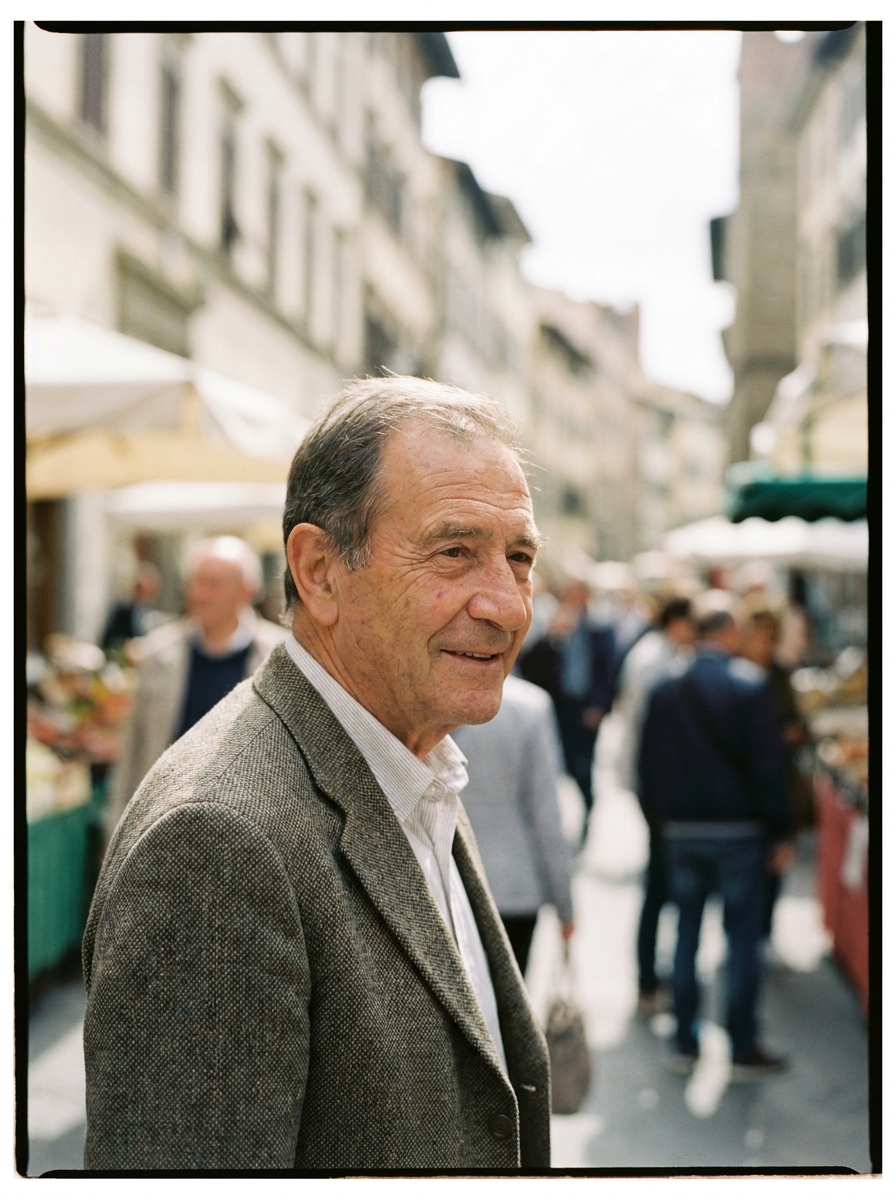
Products
AI Image GeneratorAI Image UpscalerBackground RemoverPhoto AnglesFlat Lay StudioVirtual Try-OnFashion FactoryOutfit to ImageAI Character CreatorSkin RetouchAI Video GeneratorVideo EditorFashion Video CreatorProduct Ad GeneratorStyled Scene GeneratorSpotlightDesign EditorSolutions
Product PhotographyAI product photographyAd CreationSocial Media ContentAI AvatarsThumbnailsFor E-commerceShopify storesEtsy sellersAmazon FBA sellersTikTok Shop sellersInstagram-first brandsFor CreatorsFor AgenciesFashionBeautyJewellery and watch brandsWho it's forApps
Background RemoverPhoto AnglesSpotlightOutfit to ImageFlat Lay StudioSkin RetouchProduct Ad GeneratorStyled Scene GeneratorFashion Video Creator35mm Film Aesthetic AI Photoshoot
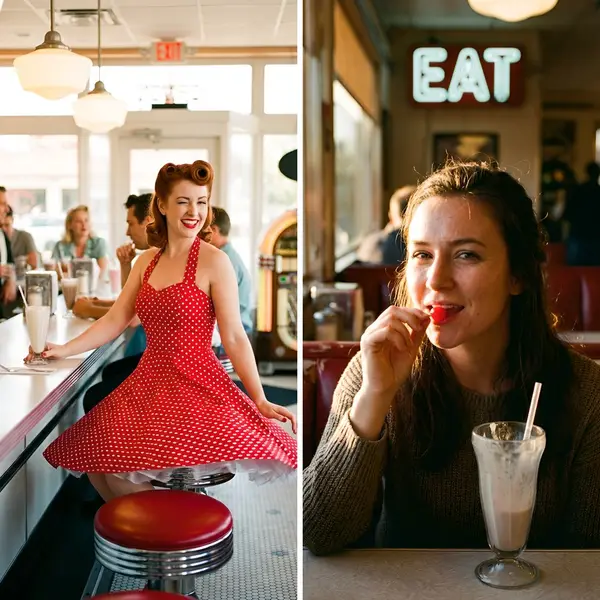
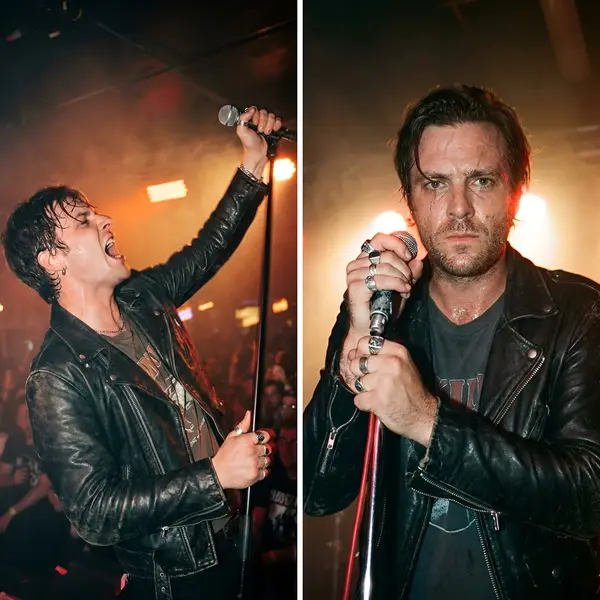
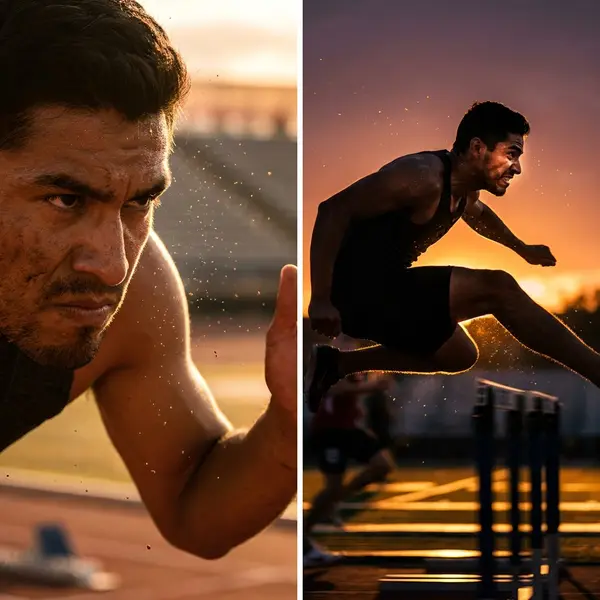
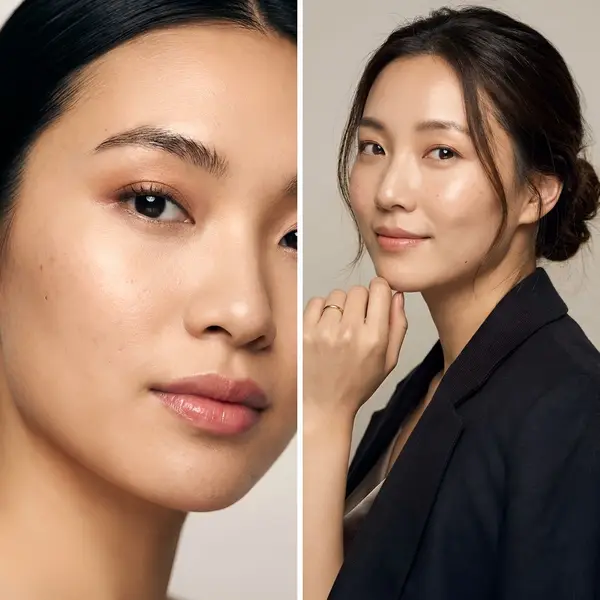
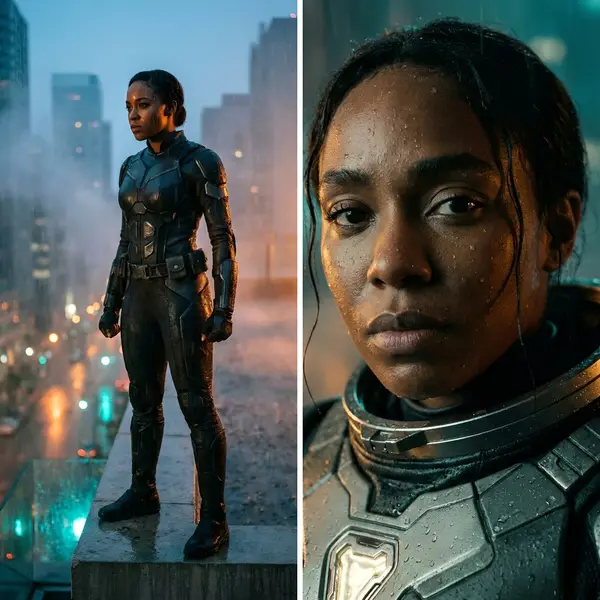
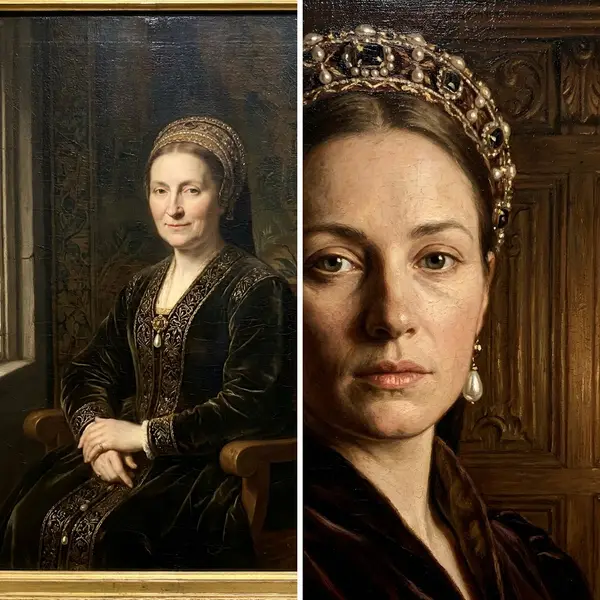
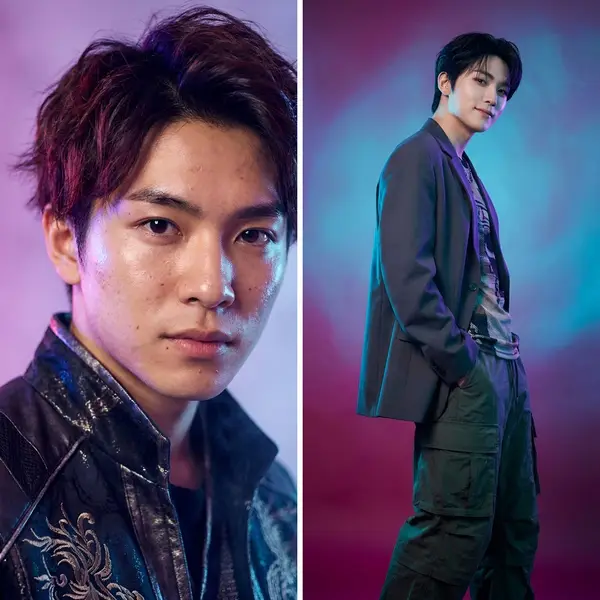
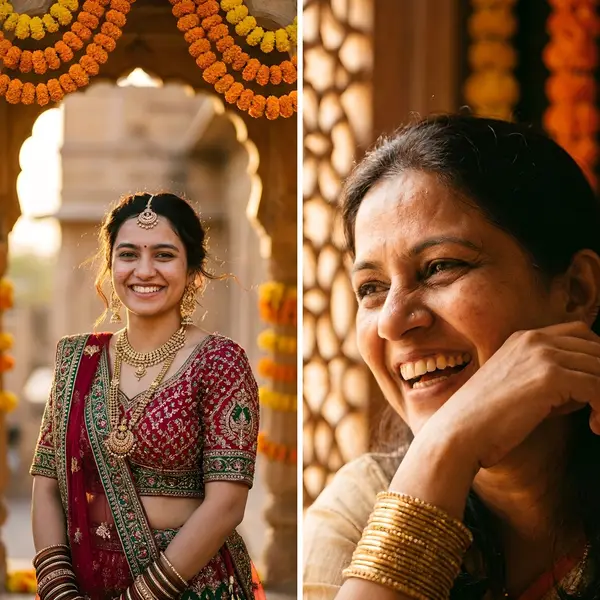
Turn any photo into a timeless 35mm Kodak Portra film look — warm tones, soft pastels and fine grain. Reusable vintage filter for any uploaded image.
Sign up to generateHow to create this look
- Upload your photo to the DesignerBox AI studio.
- Apply the 35mm Film Aesthetic AI Photoshoot template — it keeps your face and identity and restyles the rest.
- Generate in seconds and download your images.
Frequently asked questions
What is the 35mm Film Aesthetic AI Photoshoot template?
35mm Film Aesthetic AI Photoshoot turns your uploaded photo into a 35mm look while keeping your facial features and identity. Turn any photo into a timeless 35mm Kodak Portra film look — warm tones, soft pastels and fine grain. Reusable vintage filter for any uploaded image.
How do I create a 35mm Film Aesthetic AI Photoshoot?
Create a free DesignerBox account, open the AI studio with this template applied, upload a photo, and generate.
Is it free to try?
You can start for free — sign up and generate your first images, then upgrade for more.
What photo works best?
A clear, well-lit photo where your face is visible gives the most faithful, natural-looking result.