


Turn iPhone HEIC photos into JPG
An iPhone saves photos as HEIC, and many upload forms reject that format. Convert them to JPG or PNG here, or set your phone to save JPG from now on.
Your files stay in your browser. Nothing is sent to a server.
This browser cannot open HEIC files
Safari can read HEIC. Chrome, Firefox and Edge cannot, and the conversion needs the browser to open the file first. Any one of these three fixes works.
- Open this page in Safari, on a Mac or on an iPhone, and convert the files there.
- On your iPhone, open Settings, then Camera, then Formats, and choose Most Compatible. New photos are then saved as JPG.
- On a Mac, open the file in Preview, then choose File, then Export, and pick JPEG. On Windows, open it in the Photos app and use Save as. Windows may ask you to install its HEIF extension first.
This browser cannot run the tool
The tool needs a current browser. Update Chrome, Firefox, Safari or Edge, then load this page again.
What this converter does
A format shops accept
JPG is read by every store back end and marketplace uploader. HEIC is not, which is why a good photo can be rejected for no obvious reason.
The photo stays upright
Phone photos carry a rotation flag that many converters ignore, which is why pictures come out sideways. This tool reads the flag and applies it.
A batch at once
Choose 20 files at most. Each one keeps its original name and gets the new extension.
Nothing leaves your phone or computer
The conversion happens inside this page. Your photos are never sent to us, so there is nothing to delete afterwards.
How to convert HEIC to JPG
Choose your HEIC files
Click the box or drop files onto it. Both .heic and .heif files work.
Pick the format you need
JPG suits almost every upload form. Choose PNG only if you need a lossless file.
Set the quality
Around 85 keeps a product photo looking the same as the original at a much smaller file size.
Download
Download one file, or all of them together, then upload the JPG files to your store.
HEIC or JPG, by what matters
| What matters | Which one wins |
|---|---|
| Being accepted by upload forms | JPG. Many store and marketplace forms do not read HEIC at all. |
| File size at the same quality | HEIC, by a wide margin. That is the reason Apple uses it. |
| Opening on Windows or Android | JPG. HEIC often needs an extra extension installed first. |
| Working in older software | JPG. Support for HEIC arrived recently in many programs, and is still missing from some. |
Why do iPhone photos upload as HEIC?
Apple made HEIC the default camera format in iOS 11, on iPhone 7 and later, because it stores the same picture in about half the space of a JPG. The cost of that saving is compatibility. Plenty of store back ends, marketplace uploaders and older programs still expect JPG or PNG, and they either reject a .heic file or ignore it. Nothing is wrong with the photo. The form cannot read that format.
How do I stop my iPhone saving HEIC?
Open Settings, then Camera, then Formats, and choose Most Compatible. From then on the camera saves JPG instead of HEIC. Photos you already took stay as HEIC, so convert those separately. The trade is file size: the same photo as a JPG takes up more space on your phone.
Does converting HEIC to JPG lose quality?
Converting re-encodes the picture, so there is a small loss the first time. At a quality setting of 85 or higher it is not visible in a product photo. Two habits keep it that way. Convert from the original HEIC rather than from a JPG somebody already converted, and convert once rather than repeatedly.
What comes after converting?
A converted file is still a phone photo of a product on a table. The format problem is solved and the photo problem is not. DesignerBox templates rebuild the shot from your product photos: a clean cut-out, a studio background, an image on a model, or a product video.
HEIC to JPG questions
Is this HEIC to JPG converter free?
Yes. It is free to use with no account and no watermark. The conversion runs in your own browser, so there is no cost for us to pass on.
Are my photos uploaded anywhere?
No. The file is read by this page and converted on your own device. It is never sent to DesignerBox or to any other server.
Why does the tool say my browser cannot open HEIC?
Safari can read HEIC files and Chrome, Firefox and Edge cannot. The conversion needs the browser to open the file first. Open this page in Safari, or change the camera format on your iPhone, or export the file to JPG on your computer.
What is the difference between HEIC and HEIF?
HEIF is the container format and HEIC is an image stored inside it using HEVC compression. In everyday use the two names mean the same thing, and this tool takes both.
Can I convert several photos at once?
Yes. Choose 20 files at most, each 40 MB or smaller. They all use the same format and quality setting, and you can download them together.
Should I convert to JPG or PNG?
JPG for photographs, which is almost always the right answer for a product photo. PNG only when you need a lossless file or a transparent background, and it will be a much larger file.
Apps that finish one job
Fill the fields, press Run, and the result comes back. Each app does one job with the model already chosen.




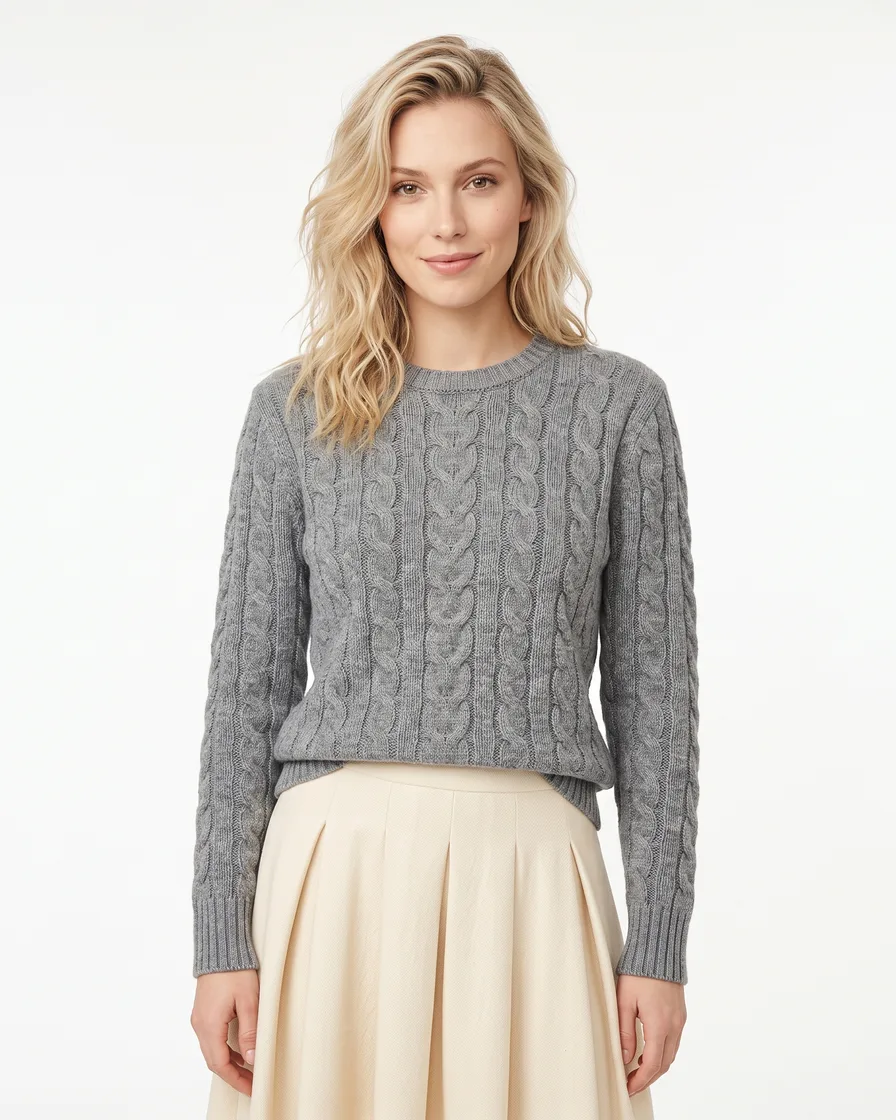



The file is a JPG. Now make it a better photo.
DesignerBox templates turn your product photos into angles, studio scenes, on-model images, ads and video. Uploading your own photos starts on the Pro plan. Video starts on the Premium plan.