Social Media Ad Studio
Most posts are a photograph plus layout, and the layout is the part that gets skipped when time is short. Social Media Ad Studio composes the post with your type and palette in the exact size the placement runs.
Open the toolWhen the feed is the storefront, the content schedule is the trading calendar. Posting slows down, sales slow down, and no small brand can shoot at the rate the schedule wants. Build it from what you already photographed.
Start freePlatform rules on AI-generated and AI-modified content are real, enforced and changing, and several platforms apply automatic labels. Check the current policy before you publish, and where an image shows a product for sale, it must represent what a customer actually receives.
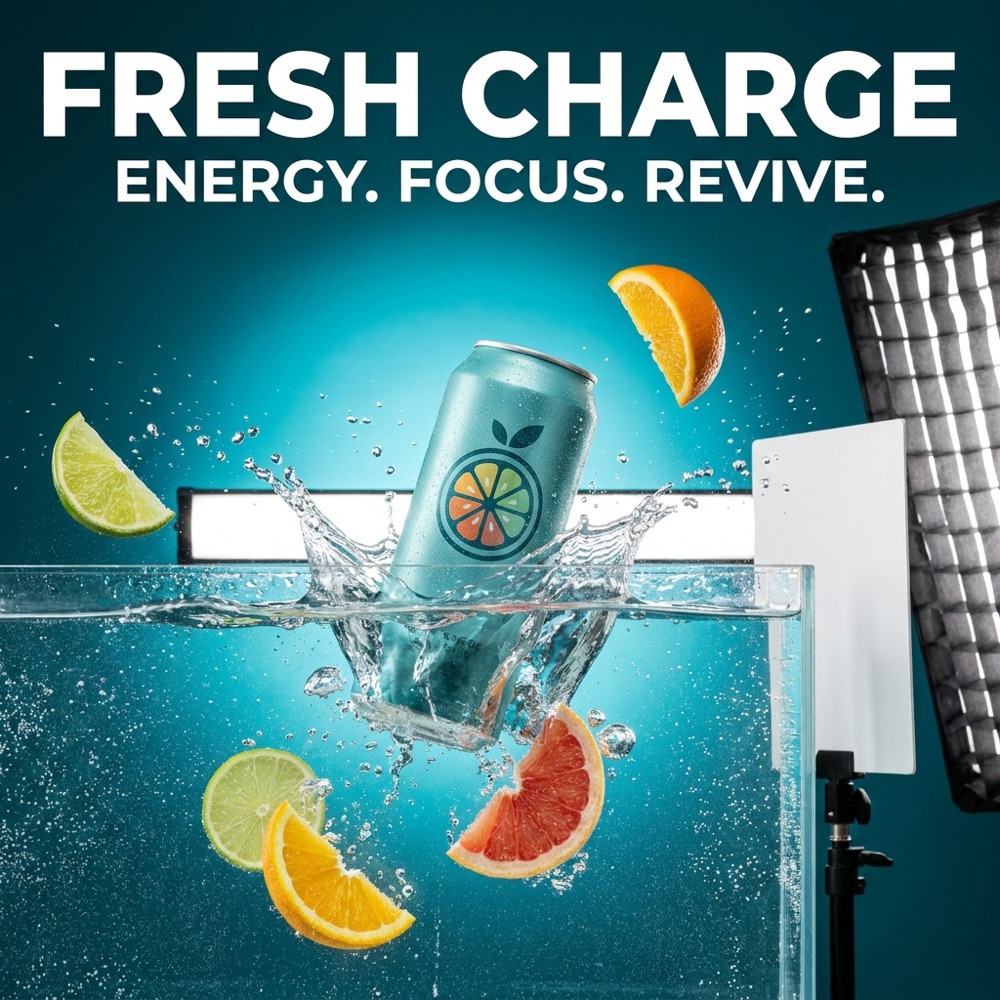
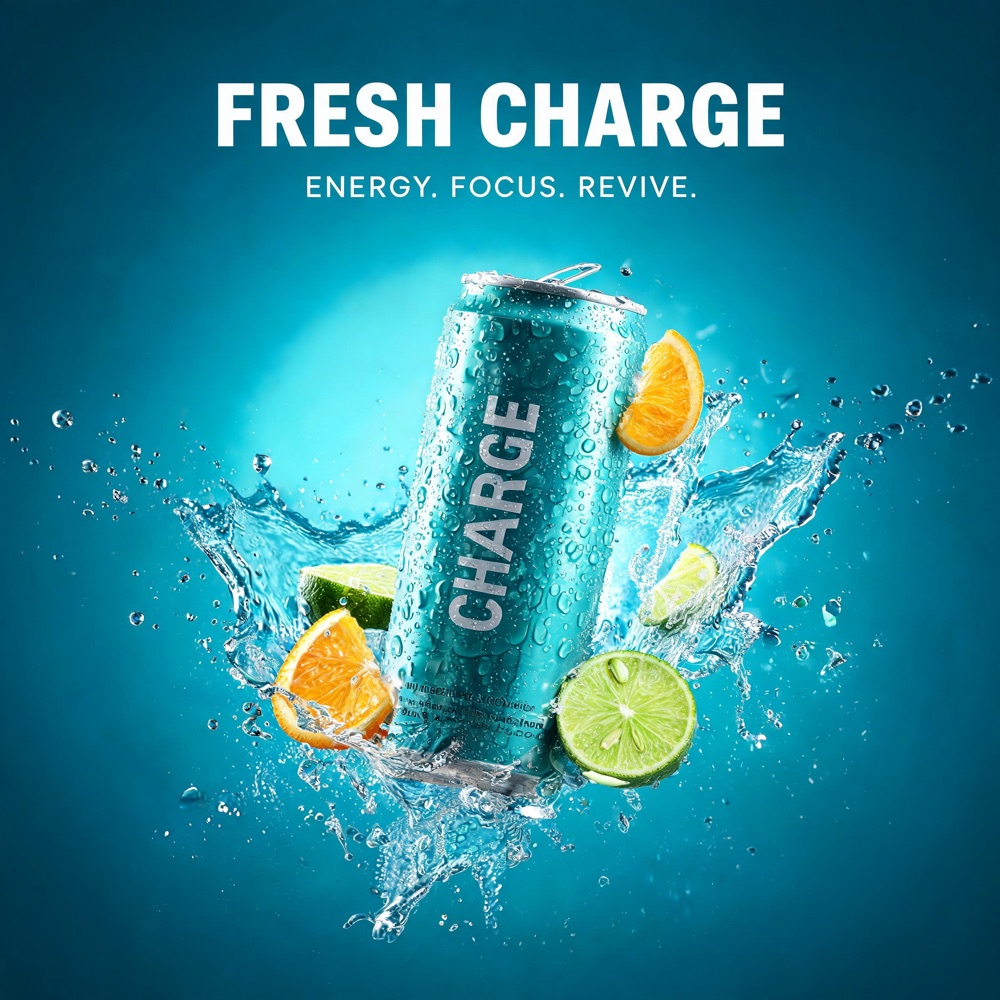
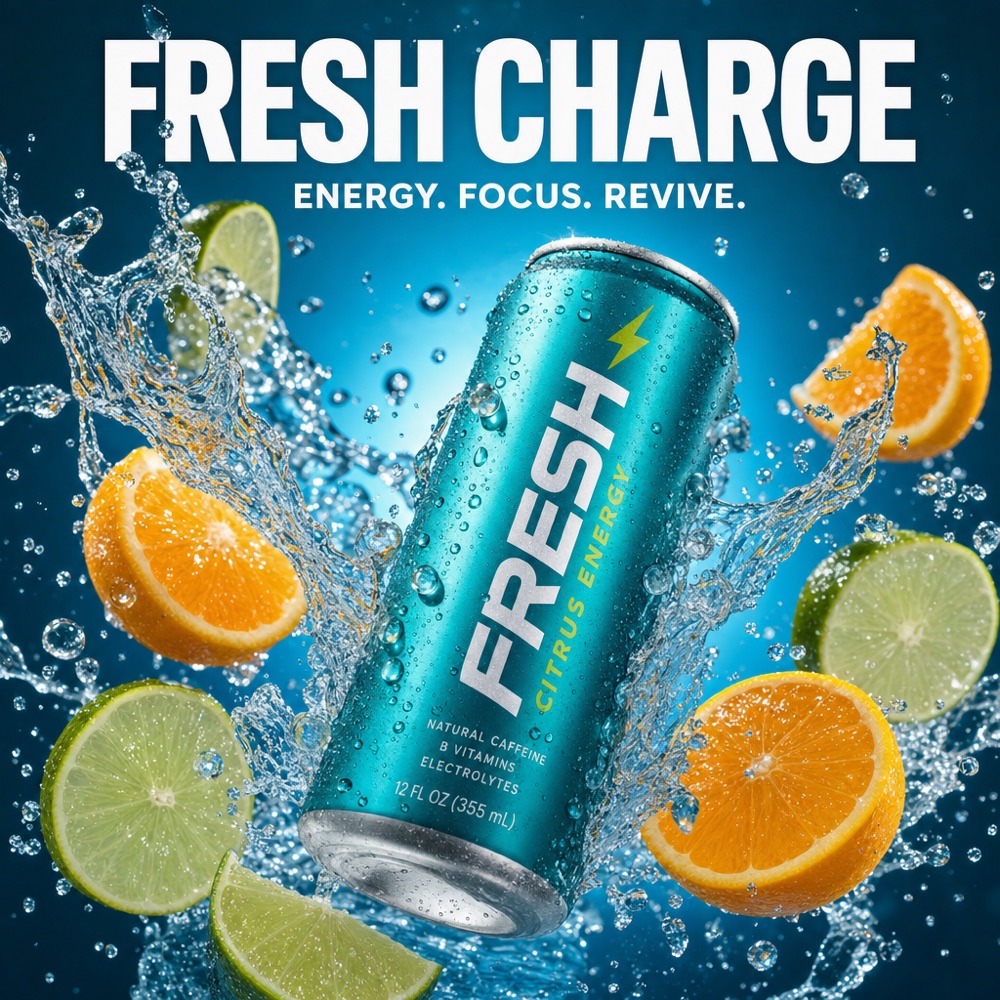
Nano Banana Pro
Seedream 5
GPT Image 2
Styled lookThis page is for brands whose storefront is a feed rather than a website, where the grid does the work a shop window used to do. Two problems come with that. The schedule is relentless, because a feed that goes quiet loses reach it does not get back, and the grid is judged as a whole, so posts made in different months under different light visibly do not belong together. DesignerBox produces the volume and the consistency from photography you already have: restaged product frames, story crops, carousel sets, short clips and a saved look that every post inherits.
Four jobs a posting schedule creates and a shoot budget cannot cover.
A profile is seen as nine squares at once, long before any single post. Applying one treatment to everything is what makes months of unrelated posts look like a considered account rather than a camera roll.
A feed that goes quiet loses reach that takes far longer to rebuild than it did to lose. Restaging photography you already own into new scenes and crops is how a small brand posts consistently without a shoot every fortnight.
Feed, stories, Reels covers and carousels all want different shapes, and cropping one image four ways by hand is the reason posts go out badly framed. Produce each format properly from the same source.
Video gets the reach and stills get the grid, and most small brands can only produce one of the two. Turn finished frames into short clips so the account can do both without adding a filming day.
Four tools, each aimed at the volume the schedule demands.

Most posts are a photograph plus layout, and the layout is the part that gets skipped when time is short. Social Media Ad Studio composes the post with your type and palette in the exact size the placement runs.
Open the tool
A recognisable account is a set of visual decisions repeated, not a series of good individual posts. Brand Story Creator builds that set once so every post afterwards inherits it instead of being designed from nothing.
Open the tool
The same product in the same setting five weeks running is what makes an account feel stale. Styled Scene Generator restages a finished product frame into new environments, so the schedule has variety without new stock or a new shoot.
Open the tool
Reels get the reach and paid amplification needs its own cuts. Video Ad Composer assembles both from finished frames, so the video side of the account does not stall whenever nobody is available to film.
Open the toolEach before and after above demonstrates the tool named on the card, using that app's own sample image, so the subject you see may not be from this industry. Run the same tool on your own photos to see it on your work.
Four steps that turn a small amount of photography into a schedule.
One account, four formats with different rules.
Posts run at 1080 by 1350 and are judged twice: once in the feed and once as part of a grid of nine. Plan for both. A post that works alone but breaks the grid still costs you, because the profile view is where someone decides whether to follow.
Everything vertical runs at 1080 by 1920, with the top and bottom of the frame covered by interface. Keep type and product inside the safe area, and produce the vertical version deliberately rather than letting the platform crop a square post badly.
In-app product surfaces crop hard and display small, so a busy lifestyle frame turns to mush where a clean product image survives. Build the shopping image separately from the editorial one, because they are answering different questions.
The organic winners get spend put behind them and creators need reference material to match the brand. Both want assets in the same look as the account, which is far easier when the look is a saved profile rather than something reconstructed each time.
Accounts that sell consistently are almost never the ones producing the most striking individual posts. They are the ones that post on schedule, in a recognisable look, for years. That is a production problem rather than a creative one, and it is why so many small brands start strongly and fade after four months: the first posts were made with enthusiasm and the twentieth needed a system. A saved workflow supplies the system. One shoot becomes a month of scheduled content, restaged into different settings, cut for each format, with the palette and type inherited rather than re-decided. What has to stay honest is the commerce part. Where an image shows a product for sale it must represent what the customer receives, and platform rules on AI-generated content and labelling apply and are changing, so check them before publishing rather than after a post is restricted.
Where social-first brands go next.
The core of this workflow: feed, story, carousel and cover formats produced properly from one source.
Short clips from finished frames, so the account can cover the video formats that carry the reach.
For everything that is not a product photograph: announcement graphics, backgrounds, seasonal sets, in your own palette.
Hold the palette, type and references in one profile so every post inherits the look instead of re-deciding it.
Save the monthly sequence once so next month is production rather than a scramble.
Single purpose tools for one job: scenes, layouts, cutouts, for when one post needs fixing before it goes out.
A social-first account posts across more visual registers than a product page does: clean product frames, styled scenes, graphic posts with legible text, and short video. Those are four different strengths and no single model has all of them. DesignerBox carries them in one workspace on one subscription rather than a licence each: Nano Banana Pro and Nano Banana 2 from Google, GPT Image 2 from OpenAI, Seedream 5 from ByteDance, and FLUX 2 Flex, FLUX Pro 1.1 and Kontext Multi from Black Forest Labs. Video runs on Veo 3.1 and Veo 3.1 Fast, Sora 2 Pro, Seedance 2.0, Kling 2.6 Pro and Runway Gen-4.5. Use a fast one for the weekly volume and a stronger one for the posts you will put spend behind.
Compare text rendering and speed before you build a schedule on one.
What content-led brands ask before they change how they produce posts.
Neighbouring sectors that hit the same production problem from a different angle.
Clean up inherited supplier photography into consistent listing images and ad creative.
Drop campaigns, lookbooks and on-model content built from one sample photograph.
Small-run and made-to-order imagery built from one sample, without producing stock for the camera.
Consistent listing photos for one-of-one stock, with wear and repairs shown honestly.
Take the photographs you already have, restage them, cut them for every format, and schedule the week. The free plan covers the image side.
Start free