Skip to main content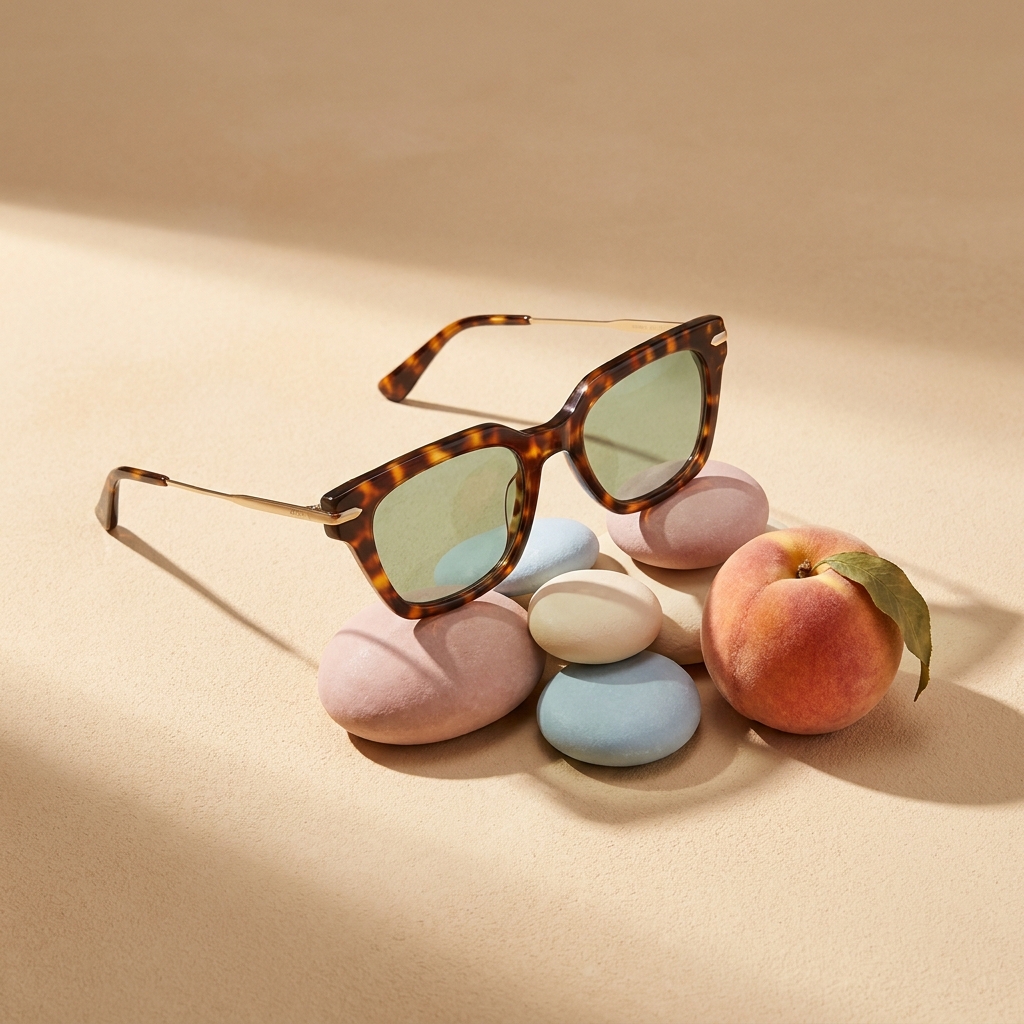
Products
AI Image GeneratorAI Image UpscalerBackground RemoverPhoto AnglesFlat Lay StudioVirtual Try-OnFashion FactoryOutfit to ImageAI Character CreatorSkin RetouchAI Video GeneratorVideo EditorFashion Video CreatorProduct Ad GeneratorStyled Scene GeneratorSpotlightDesign EditorSolutions
Product PhotographyAI product photographyAd CreationSocial Media ContentAI AvatarsThumbnailsFor E-commerceShopify storesEtsy sellersAmazon FBA sellersTikTok Shop sellersInstagram-first brandsFor CreatorsFor AgenciesFashionBeautyJewellery and watch brandsWho it's forApps
Background RemoverPhoto AnglesSpotlightOutfit to ImageFlat Lay StudioSkin RetouchProduct Ad GeneratorStyled Scene GeneratorFashion Video CreatorEyewear Campaign Set — 6 Shots
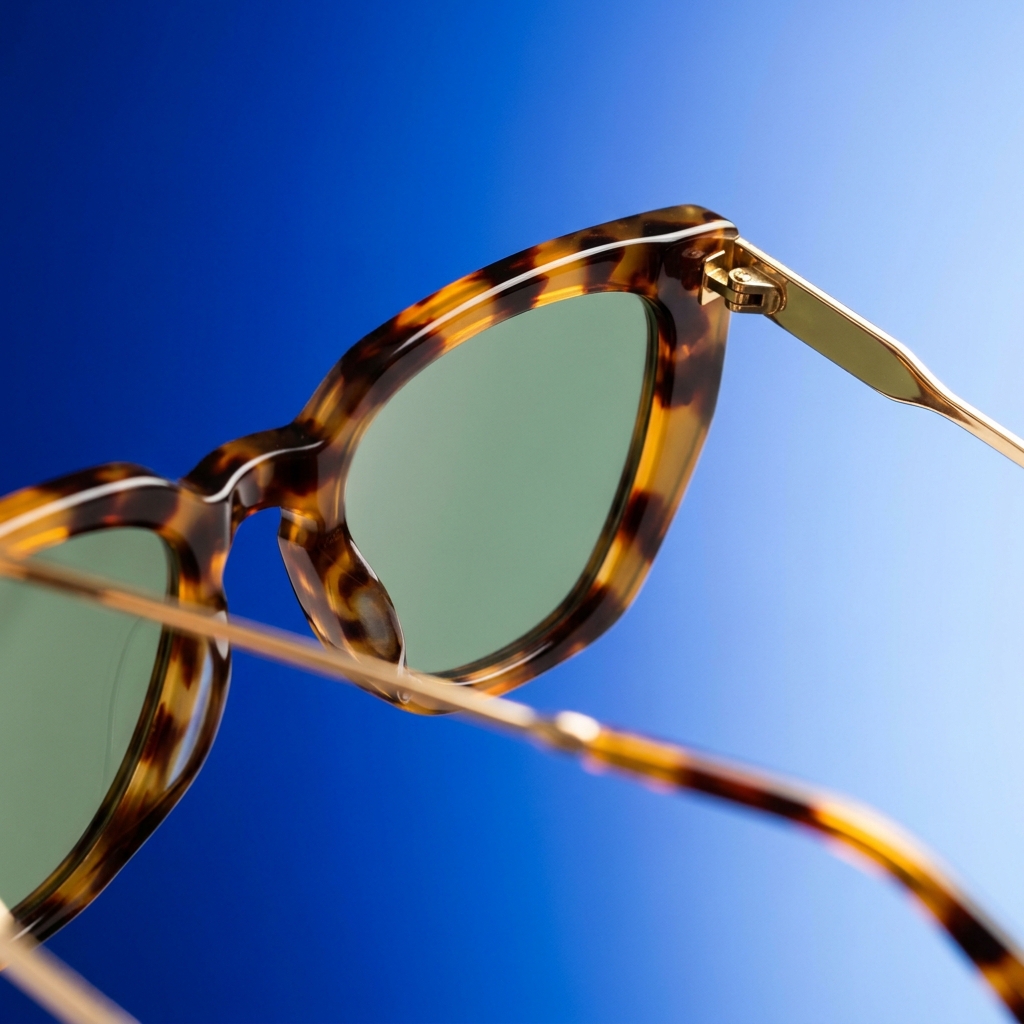
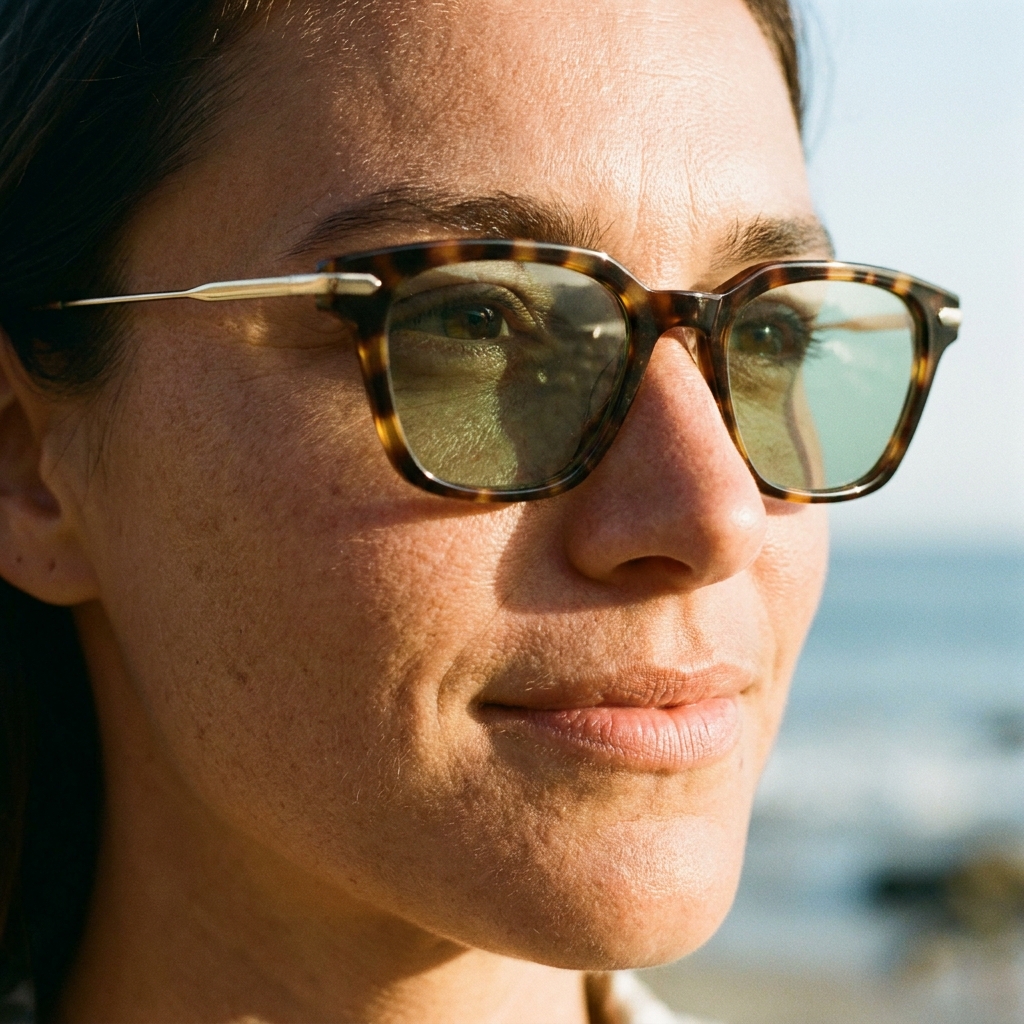
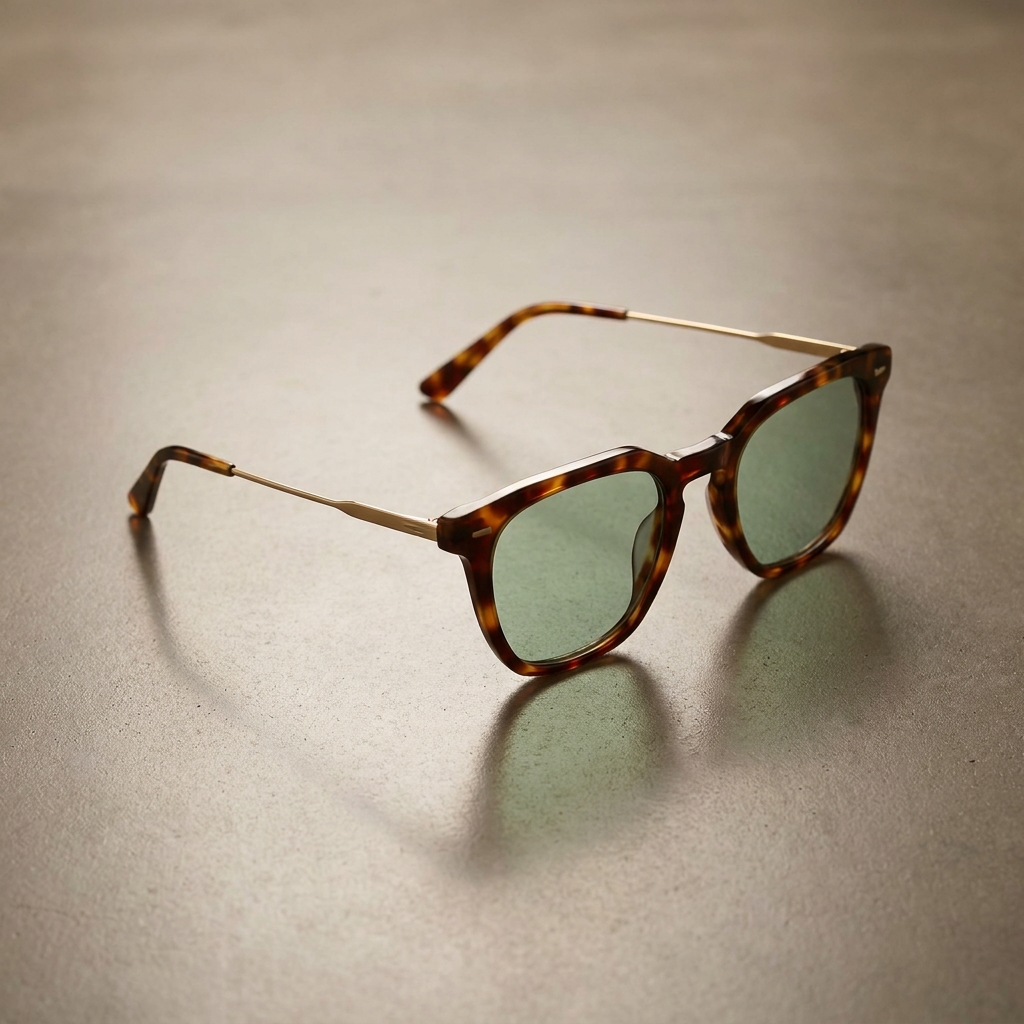
Upload one pair of glasses or sunglasses and get a full 6-shot campaign: surreal conceptual still-life, bold colour-block macro, on-face editorial close-up, three-quarter reflective hero, a temple/hinge macro and an outdoor lifestyle shot — your frames kept exactly identical in every image.
Sign up to generateHow to create this look
- Upload your photo to the DesignerBox AI studio.
- Apply the Eyewear Campaign Set — 6 Shots template — it keeps your face and identity and restyles the rest.
- Generate in seconds and download your images.
Frequently asked questions
What is the Eyewear Campaign Set — 6 Shots template?
Eyewear Campaign Set — 6 Shots turns your uploaded photo into a product look while keeping your facial features and identity. Upload one pair of glasses or sunglasses and get a full 6-shot campaign: surreal conceptual still-life, bold colour-block macro, on-face editorial close-up, three-quarter reflective hero, a temple/hinge macro and an outdoor lifestyle shot — your frames kept exactly identical in every image.
How do I create a Eyewear Campaign Set — 6 Shots?
Create a free DesignerBox account, open the AI studio with this template applied, upload a photo, and generate.
Is it free to try?
You can start for free — sign up and generate your first images, then upgrade for more.
What photo works best?
A clear, well-lit photo where your face is visible gives the most faithful, natural-looking result.