
AI background removal separates a product from its background and returns a transparent PNG in seconds. A segmentation model predicts which pixels belong to the subject, then writes that prediction into an alpha channel. The cutout is rarely the finished asset. What you put behind the product is what decides whether a marketplace accepts the listing or suppresses it.
The step after the cutout is the one that costs you money. A cutout is an intermediate file. It becomes a listing hero, an ad, or a lifestyle shot, and those three destinations have three different sets of rules. Get the rules wrong and the listing gets suppressed, the Shopping feed gets disapproved, or the ad gets rejected. This guide covers the failure cases, the platform specs, the decision you make after the background is gone, and what the pass costs, one product at a time.
Key Takeaways
- The cutout is a compliance artifact. What replaces the background determines whether Amazon, Google, or eBay accepts the image. Amazon’s main image must be pure white, RGB 255,255,255 (sellercentral.amazon.com, September 2026).
- Four categories of image break segmentation: fine hair and fur, transparent and reflective materials, low contrast between subject and backdrop, and motion blur. All four fail at the edge, not the middle.
- Amazon changed the rules in July 2026. Any product image containing a photorealistic AI-generated person now needs a metadata tag before upload (Amazon Seller Central, September 2026).
- Google does not require white. Its image link page names no background color, and it does not accept promotional overlays, watermarks or borders (support.google.com/merchants, October 2026).
- What follows the cutout is the real budget: the angle set, the relight and the lifestyle scene.
- Set the pass once and rerun it per SKU. Cutting 200 products one at a time is where the white drifts and the catalog stops matching.
- A dedicated cutout API is the right shape if a transparent PNG is the entire deliverable. The case for one workspace is what happens to the file next.
How does AI background removal work?
A segmentation model classifies every pixel as subject or background and stores that decision as an alpha channel, the fourth channel in a PNG alongside red, green, and blue. Values run from fully opaque to fully transparent. Edge quality comes from how well the model handles partial transparency, where a single pixel is part hair and part backdrop.
That last point explains almost every result you will ever complain about. The model estimates a coverage value for millions of pixels independently rather than tracing an outline, and the pixels it gets wrong cluster wherever the boundary is ambiguous.
Older tools solved this with chroma key, which needed a green screen, or with manual masking, which needed an operator and an afternoon. Segmentation models removed both requirements. They did not remove the ambiguity.
Which images break AI background removal
Four kinds of image break AI background removal: fine hair and fur, transparent and reflective materials, low contrast at the boundary, and motion blur. Knowing them before you shoot a catalog saves the reshoot.
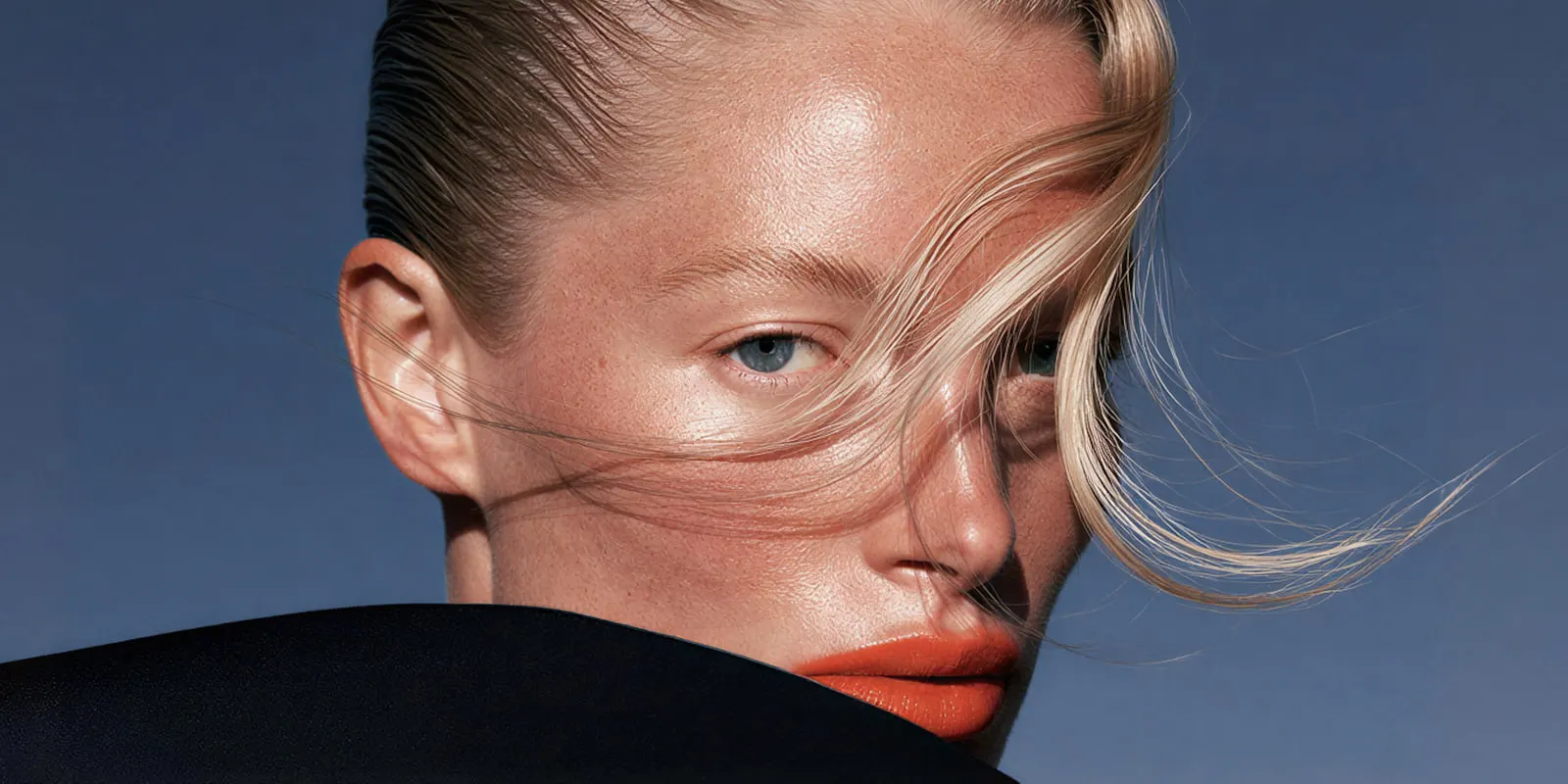
Fine hair, fur, and fiber. Flyaway strands, wool, feathers, and brush bristles occupy pixels that can be 40% subject and 60% background. Models either cut them off, which looks shaved, or keep a halo of the old background, which looks dirty on any new color.
Transparent and reflective materials. Glass, acrylic, water bottles, jewelry, and polished chrome carry the background inside the subject. A perfect cutout of a clear bottle still contains a picture of the room it was shot in. Move it to white and the trapped reflection reads as a smudge. Bottle product photography covers the glass-specific shot list and where models break on labels. Cars combine glass, chrome and paint in one subject, and car dealership photography covers the cutout rules for vehicle listings. The dealer tools that do the background edit are compared in AI car photography tools.
Low contrast at the boundary. A white ceramic mug on a white sweep, or a black jacket on a dark gray backdrop, gives the model almost no signal to work with. Contrast at the edge matters far more than lighting quality overall.
Motion blur and shallow depth of field. A soft edge is ambiguous by construction. If the boundary is out of focus in the source, no model can decide where it sits.
The pattern across all four: the model is confident in the middle and uncertain at the edge. Inspect edges at 100% zoom against a color that contrasts with the original background, never against the background you plan to use. A gray halo is invisible on gray and obvious on white.
If your source files are also small or soft, fix that first. The order matters, and we covered which legacy files are worth saving in low resolution product images.
What to put behind the product
A transparent PNG has three destinations, and each one answers to a different rulebook.
White, for the marketplace hero. This is the strictest slot and the least creative. Amazon wants pure white and nothing else. Getting this right is a spec exercise, not a design one.
A flat brand color, for ads and social. No marketplace approval involved, so the constraint is brand consistency rather than compliance. The risk here is the halo. A cutout that looked clean on white will show every fringe pixel the moment it lands on a saturated color.
A photographic scene, for the PDP lifestyle slot. The hardest of the three, because a composite fails on physics before it fails on taste. Shadow direction, contact shadow, color temperature, and perspective all have to agree between the subject and the new scene. A product floating with no contact shadow reads as fake even when the cutout is perfect. This is the scene mockup job, and the three mockup jobs and how they differ sets out what separates it from wrapping a design onto a blank template.
Marketplaces treat these slots differently. Amazon applies its strictest rules to the main image. It uses the other image slots for extra angles, the product in use and product details. The sequence your gallery runs in is its own decision, which is why which shot goes in which gallery slot is worth settling before you generate anything.
What each marketplace requires
Amazon requires a pure white main image. Google’s image link page names no background color, and its clothing and accessories guide recommends solid white or transparent. eBay and Shopify set no background color. The table below was verified against each platform’s own documentation in September 2026, and the Google row was read again in October 2026. Check before a bulk upload, because these move.
| Platform | Main image background | Minimum size | Prohibited on the image |
|---|---|---|---|
| Amazon | Pure white, RGB 255,255,255 | 500 px on the longest side; 1,000 px turns on zoom | Placeholders, props not included with the product, packaging that is not a product feature, any part of a mannequin |
| Google Shopping | No color named on the image link page; solid white or transparent recommended for clothing and accessories. Lifestyle images go in a separate attribute | 500 x 500 px for all products from 31 January 2027. Until then, 250 x 250 px for clothing and 100 x 100 for other products. 16 MB and 64 MP maximum | Promotional overlays, calls to action, price text, watermarks, logos not inherent to the product, borders, placeholder images |
| eBay | No color requirement | 500 px on the longest side; about 1,600 x 1,600 px recommended | Borders, added text, artwork, marketing material, placeholder images, watermarks of any type |
| Shopify | Your decision, the theme sets the frame | Up to 5,000 x 5,000 px or 25 MP, under 20 MB | No presentation rules found. Consistency across the catalog is your job |
Sources: sellercentral.amazon.com, ebay.com and help.shopify.com, September 2026. Google: the image link page, the clothing and accessories guide and the “Image too small” page, October 2026.
Two things surprise people in that table. Google does not require white. Its image link page names no background color, and only its clothing and accessories guide recommends solid white or transparent (Google Merchant Center Help, October 2026). Google also has a separate lifestyle image attribute for a product shown in a real setting, and a product can carry up to five lifestyle images (Google Merchant Center Help, October 2026). So the pure-white habit borrowed from Amazon is not a Google rule. And Shopify sets file limits, but we found no rules about what sits behind the product. Catalog drift there is entirely self-inflicted. The four ways to load a finished set into a Shopify store are in Shopify bulk upload images.
Google adds one rule that is easy to miss on a generated image. Each AI product image must keep metadata that says AI made it, and Google’s example is the IPTC DigitalSourceType value TrainedAlgorithmicMedia. Google says not to remove embedded metadata tags (support.google.com/merchants, October 2026).
The Amazon rule that changed in July 2026
In July 2026, Amazon started asking sellers to tag AI-generated people in listing images. Any product image containing a photorealistic person made entirely by AI must carry the keyword “contains-synthetic-performer” in the dc:subject field of its XMP metadata. Amazon says to add it with an IPTC-compatible metadata editor before upload (Amazon Seller Central, September 2026). Amazon told sellers on 22 July 2026, and CNBC reported it the next day (cnbc.com, 23 July 2026). Where a disclosure is needed on the listing, Amazon adds it.
Amazon says some laws require this disclosure, and CNBC reports that the change followed New York’s synthetic performer law, which took effect on 9 June 2026. That law does not cover ads for films, TV shows, streaming content or video games when the AI use matches the work. An edited photo of a real, recognizable person is not a synthetic performer under it (nysenate.gov, September 2026). This is general information, not legal advice.
That last point is what matters for background work. Swapping the background behind a real model does not trigger the tag. Generating a synthetic model to wear the garment does. If your workflow includes on-model imagery, the distinction decides whether you have a metadata step to add. The same synthetic-performer line runs through moving pictures, and the disclosure rules for AI video ads set out where it lands on each platform.
The cutout step in DesignerBox
DesignerBox is AI creative production for brands and agencies. Scale your images, ads and video with AI and keep your brand on every piece: build the workflow once with your brand rules, run it on every product, see the cost before each run, and keep everything from the first product photo to the finished ad in one place.
A clean white background template takes one product photo and returns a transparent cutout.
- Add the product photo. One file, no brief needed.
- Run it. The result is a transparent PNG.
- Inspect the edges at 100% against a contrasting color before you approve it.
- Use the cutout in the next steps. They relight it, place it in a photographic scene and build the other views.
Step four is the reason to run this inside one workspace rather than a single-purpose tool. The cutout stays in Assets with everything built from it, so the ad, the listing hero, and the lifestyle shot all trace back to one source photograph of your real product. The editor, the scene steps and the brand rules are in the same workspace, so the file never leaves the place it was cut. AI product photography covers the rest of that pass.
Before you commit a model to a whole catalog, run the accuracy checks on your hardest product first. Color shift on a branded pack is a returns problem, not a design one.
One saved pass for every SKU
Cutting one product is a button. Cutting 200 is where the catalog drifts.

The drift is small and it compounds. The white behind SKU 4 is a few points off the white behind SKU 90, because two people ran it in two sessions with two different follow-on steps. Neither image fails a marketplace check. Side by side in a category grid they look like two different shops.
Fix the pass instead of the file. Decide the cutout, the background value, the relight and the crop once, save that as the workflow for the category, and run it again for the next product. The settings stay set, so the two-hundredth cutout runs through the same steps as the first. That is what makes a catalog look shot rather than assembled. A marketplace listing set template is the prebuilt version of that pass.
You can run the saved workflow per product, or hand the whole sheet to batch in one pass.
What AI background removal costs at catalog scale
The budget lives in what happens after the cutout: the angle set, the relight, the lifestyle scene and the ad crop, each one a step in the same workflow.
In DesignerBox, run the angle set and the scene on one product first. Check what that run cost before you commit the catalog to it.
Uploading your own photos and the commercial license start on the Pro plan. AI video, virtual try-on, upscaling, the image editor and the video editor start on the Premium plan. Team features, shared brand kits and white label are on the Ultra plan, and every plan below Ultra is one seat. Plans and credits are on the pricing page.
Standalone cutout APIs are the other shape of this purchase. Photoroom sells background removal through its own API and meters it per image. That is the right fit when a transparent PNG is the entire deliverable and nothing happens to the file afterwards (photoroom.com/api/pricing, September 2026). remove.bg, another cutout service, says it is moving into Canva. Its self-service API stops accepting requests on 1 December 2026, and its background removal API is now available through Leonardo.ai, also part of Canva (remove.bg/faq, September 2026). For a side-by-side of cutout tools by job, see the best AI background removers for product photos. Photoroom vs Canva for product photos compares two tools that do the cutout and other listing jobs. The case for running the cutout in a workspace is the other frames it turns into.
One habit worth keeping regardless of tool: archive the original. The cutout is a derived file. When a marketplace changes its spec, and they do, you rebuild from the source rather than from a PNG you already cut once.
Start from a template, add your brand and your products, and run it.
FAQ
Does AI background removal work on hair and fur?
Modern segmentation models handle hair far better than chroma key ever did, but flyaway strands remain the hardest case because those pixels are partially transparent. Results depend heavily on contrast between the hair and the original backdrop. Dark hair on a light sweep works well. Dark hair on a dark backdrop usually needs manual cleanup.
What image format keeps a transparent background?
PNG and WebP support an alpha channel and preserve transparency. JPEG does not, and saving a cutout as JPEG fills the transparent area with white or black. Keep the working file as PNG and convert only at the point of upload, if the destination requires JPEG.
Can I use AI-generated backgrounds on Amazon listings?
On the images after the main one, usually. Amazon uses those slots for extra angles, the product in use and product details, and every image must accurately represent the product. The main image is the exception and must show the real product on pure white. Since July 2026, any image containing a fully AI-generated photorealistic person also needs the contains-synthetic-performer metadata tag (Amazon Seller Central, September 2026).
Why does my cutout have a white or gray outline?
That fringe is leftover background pixels the model kept along the boundary, and it only becomes visible once you place the subject on a color that differs from the original backdrop. Inspecting cutouts against the old background hides the problem. Always check against a contrasting color instead.
Do I need a white background for Google Shopping?
No. Google’s image link page names no background color. Its clothing and accessories guide recommends solid white or transparent, and a separate lifestyle image attribute takes a product shown in a real setting. Google does not accept product images with promotional overlays, price text, watermarks, borders, or logos that are not part of the product itself (support.google.com/merchants, October 2026).
Is background removal enough to make a listing image compliant?
Rarely. Removing the background solves the background. Minimum pixel dimensions, frame fill percentage, file size caps, and prohibited overlays are separate checks, and each platform sets its own. Run the spec table above before a bulk upload.
How much does AI background removal cost per image?
Standalone cutout APIs meter per image, so a transparent PNG has a per-file price there, and that is the right shape when the PNG is the whole job. In DesignerBox the cutout is one step inside a workflow, and the cost of a run is shown before you start it. Budget the frames that follow the cutout, the angles, the relight and the lifestyle scene, as part of the same run.
Sources
All accessed September 2026.
- Amazon main image requirements, pure white RGB 255,255,255, the 1,000 px zoom threshold, prohibited image content and the contains-synthetic-performer keyword: sellercentral.amazon.com
- The July 2026 start date for the synthetic performer tag, and the New York law behind it, as reported by CNBC: (cnbc.com, 23 July 2026)
- New York General Business Law section 396-b, synthetic performers in advertising, effective 9 June 2026: nysenate.gov
- Google Shopping image rules, AI metadata, size limits and the overlay, watermark and border rules: support.google.com/merchants, read again October 2026
- Google’s background recommendation for clothing and accessories: support.google.com/merchants, October 2026
- Google’s lifestyle image attribute, up to five images per product: support.google.com/merchants, October 2026
- Google’s interim minimum image sizes until 31 January 2027: support.google.com/merchants, October 2026
- eBay picture policy, the 500 px minimum and what eBay does not allow on a photo, watermarks of any type included: ebay.com picture policy, and eBay’s recommended size: ebay.com adding pictures
- Shopify image dimension and file size limits: help.shopify.com
- Photoroom’s standalone background removal API, metered per image: (photoroom.com/api/pricing, September 2026)
- remove.bg’s move into Canva, the end of its self-service API on 1 December 2026 and its background removal API on Leonardo.ai: (remove.bg/faq and remove.bg/api, September 2026)
- DesignerBox pricing page (designerbox.ai/pricing), September 2026
Platform image specifications verified against Amazon Seller Central, Google Merchant Center Help, eBay’s picture policy, and the Shopify Help Center as of September 2026. The Google Merchant Center rules were re-checked on 2 October 2026. This is general information, not legal advice. Platform rules change; verify before a bulk upload.