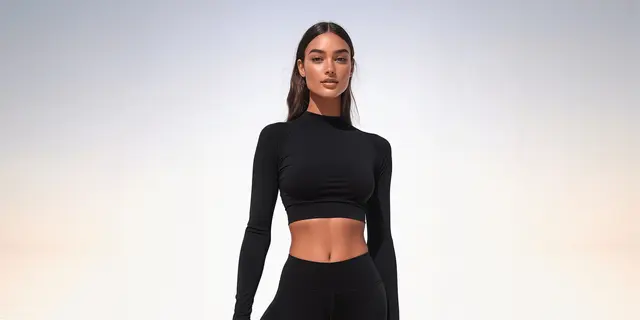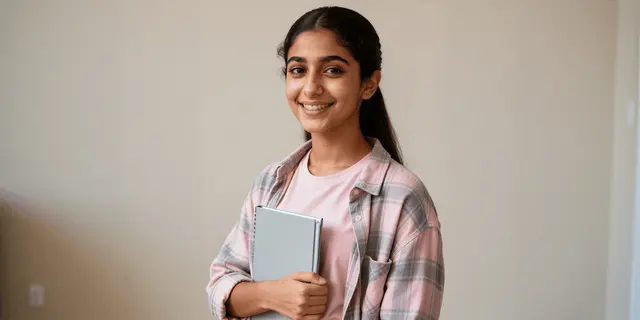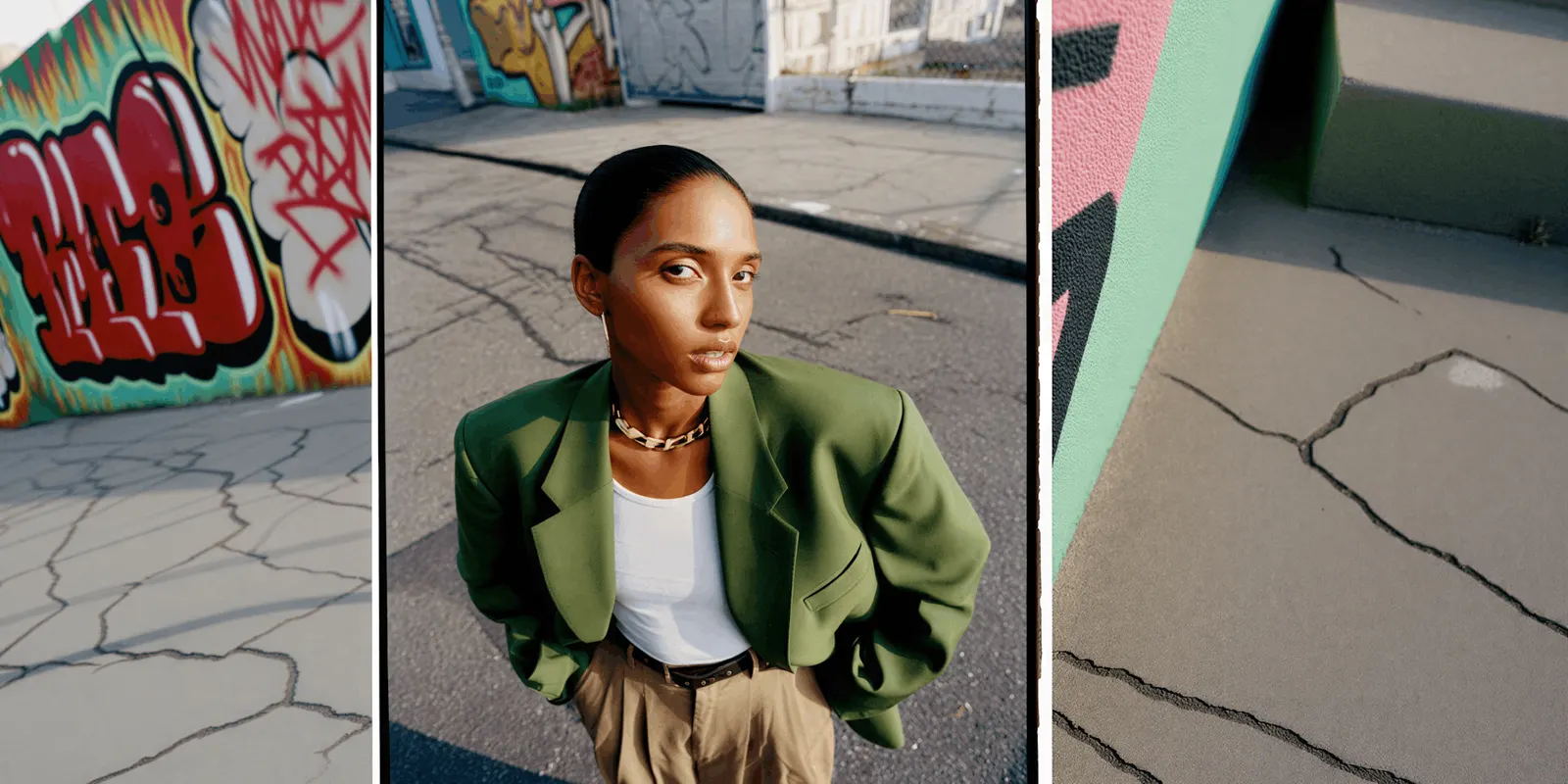
To plan a clothing brand photoshoot, start from the files you need, not from the shoot day. List every style and the images each sales channel asks for. Mark each shot as camera, AI or both. Then write the brief, cast the model, choose the set, send the call sheet, shoot the source photos, and check every result against the real garment before it goes live.
You have 30 new styles and a launch in five weeks. Amazon wants each adult style on a standing model in the main image, and it accepts up to eight more images per SKU. Your own store wants a back view and a detail. The ads team wants a vertical crop and a short clip. The studio has one free day.
Most guides to planning a clothing shoot assume that every image comes from one day with one crew. In 2026, part of the list can come from AI tools, and part of it still needs a camera. This guide covers the eight planning steps, the AI tools that fit each step, the photos the AI needs from your camera, and the consent and label rules for real and AI models. We sell DesignerBox, which does part of this job, so read its lines as our own case.
Key Takeaways
- Count the files first. A shot list per style and per channel tells you how many images the shoot must produce before you book anyone.
- Split every shot into camera, AI or both. The garment source photos always need a camera. Many on-model shots, backgrounds and crops can come from AI tools.
- Each AI tool fits one step. Moodboard tools such as Midjourney and Adobe Firefly Boards help the brief. Garment-to-model tools such as Claid, Photoroom, Botika and FASHN make the product photos.
- Shoot for the AI, not only for the page. A flat front, a flat back, a detail and a color reference give an AI tool the whole garment.
- Consent comes before casting. New York requires a model’s written consent before you make or use their digital replica. Amazon asks you to tag photorealistic AI people.
- Check against the sample, not the screen. Read every letter of a print, and hold the garment next to the result in daylight.
How do you plan a clothing brand photoshoot?
A clothing brand photoshoot is planned in eight steps: count the files, write the brief and moodboard, cast the model, choose the set, write the call sheet, shoot the source photos, finish the images and deliver them. Each step produces one document or one set of files. Plan them in this order, because each step uses what the step before it produced.
| Step | What you decide | What it produces | Where an AI tool fits |
|---|---|---|---|
| 1. Count the files | Styles, channels, shots per style | The shot list | Nowhere. This is a count |
| 2. Brief and moodboard | Mood, light, poses, styling | The brief and a moodboard | Moodboard tools: Midjourney, Adobe Firefly Boards, Canva |
| 3. Casting | Real model, AI model or both | A booking, or a saved AI model | Garment-to-model tools: Claid, Photoroom, Botika, FASHN |
| 4. Set and location | Studio, location or generated scene | A set list | Background tools: Pebblely, Mokker, LightX, Flair |
| 5. Call sheet | Who, where, when, in what order | The call sheet | Nowhere. This is logistics |
| 6. Shoot day | What the camera captures | Source photos and on-model shots | Nowhere. The camera works here |
| 7. Post-production | Retouch, crops, color check | Finished stills | Photoshop Generative Fill, Topaz Photo, Canva |
| 8. Delivery | File names, metadata, labels, video | One final set per channel | Image-to-video tools such as Veo 3.1 |
The planning guides that rank for this search list steps such as merchandise, models, moodboard, location and photographer. They stop at the shoot. The steps that changed in 2026 are the ones around it: which shots an AI tool can make, which photos it needs from you, and what each marketplace and each law asks of the result.
Step 1: Count the files before you book anything
The shot list is the first document, and it is a count. Write down every style, every channel you sell on, and the images each channel wants for one style. The total tells you whether one shoot day is enough and which shots you can move to an AI tool.
Each channel has its own slots:
- Amazon. For clothing in adult sizes, the main image shows the item on a model, and “the model must be standing”. No part of a mannequin may show, and the background is pure white (Amazon product image guide, accessed September 2026). Amazon’s clothing guide allows “up to eight alternate images for each parent or child SKU” (Amazon clothing image guide, accessed September 2026).
- Google. Merchant Center recommends images of clothing worn by people. This is a best practice, not a minimum requirement (Google Merchant Center image requirements, accessed September 2026).
- Your own store. A front, a back, a detail and one styled scene is a common set. Use one aspect ratio for the whole drop.
- Ads and social. A vertical crop of the hero shot, and a short clip for the styles you will promote.
An illustrative count: 30 styles with six stills each (main, back, side, detail, scene and a vertical crop) make 180 stills, before any video. Write your own number down. It decides the rest of the plan. The shot list template gives you a sheet to fill in, and clothing product photography lists the shots Amazon asks for, garment by garment.
Which shots need a camera, and which can AI make?
The garment source photos always need a camera, because every AI result starts from them. Fabric close-ups and color references need a camera too, because an AI tool guesses texture it cannot see. On-model shots, backgrounds, crops and scene variants can come from AI tools, as long as you check each result against the real garment.
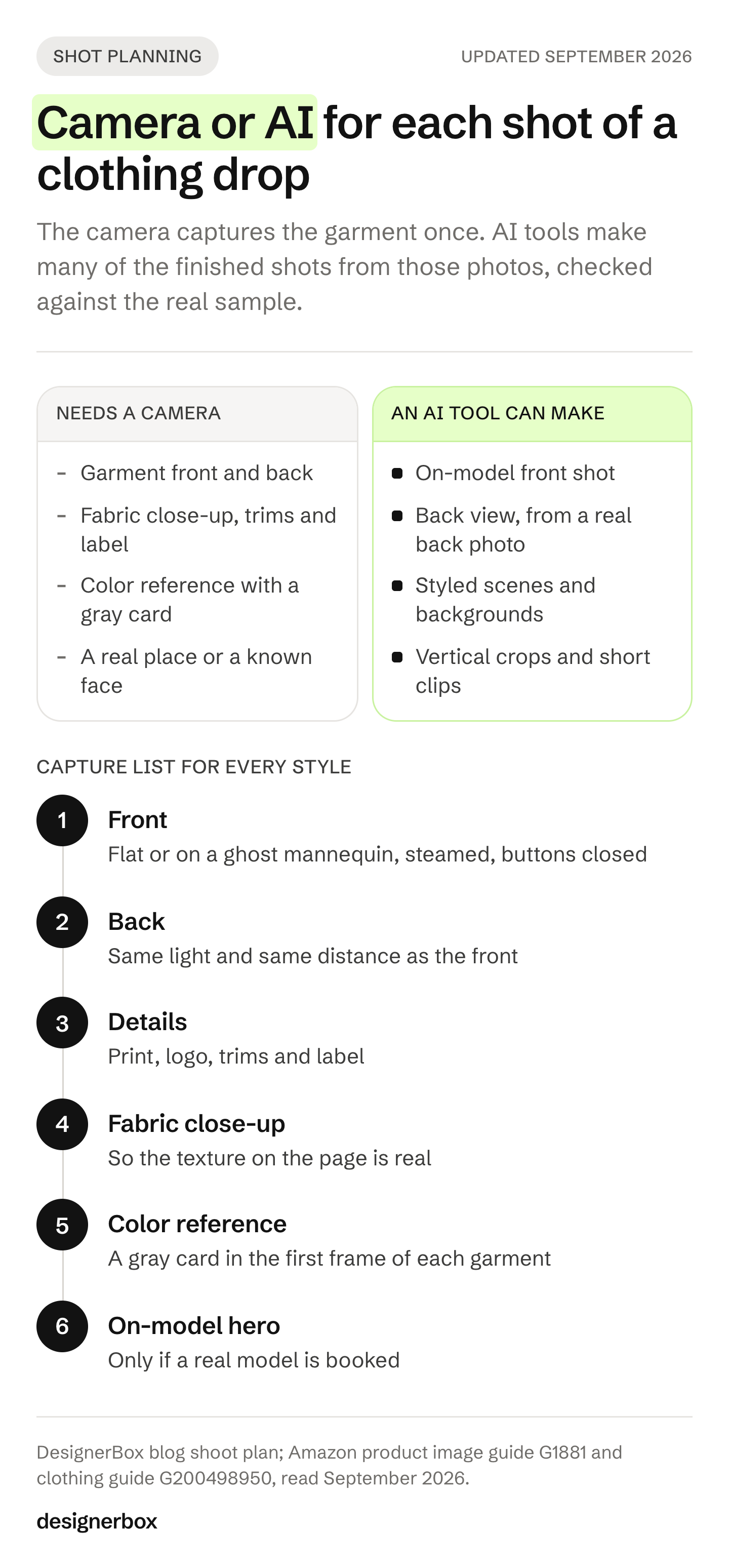
| Shot | Camera | AI tool | Why |
|---|---|---|---|
| Garment front and back, flat or on a ghost mannequin | Always | No | Every AI result starts from these |
| Fabric close-up, trims and label | Yes | Not advised | The AI invents texture it has not seen |
| Color reference with a gray card | Yes | No | You check every result against it |
| On-model front shot | Either | Garment-to-model tool | Check print, logo, collar and hem |
| On-model back and side | Either | Only with a real back photo | Without one, the tool guesses the back |
| Styled scene | Either | Background or scene tool | On Amazon, scenes go in the alternate images only |
| Campaign at a real place, or with a known face | Yes | For the moodboard only | The place is real, and the person must consent |
| Vertical crops for ads | Either | Expand tools | The garment itself must not change |
| Short clip | Either | Image-to-video from an approved still | Check the garment frame by frame |
Two notes on the AI column. Amazon’s clothing guide says “Only photos are allowed” and bans sketches and drawings, but it does not say whether a photorealistic AI image counts as a photo (Amazon clothing image guide, accessed September 2026). Some ideas also need a real shoot for creative reasons. Fashion photoshoot ideas sorts 20 ideas by whether you can generate them from a garment photo.
How do you write the brief and the moodboard?
The brief is one page that everyone on the shoot reads, and every AI tool gets the same facts. It names the styles, the story of the drop in one sentence, the mood in three words, the light, the poses, hair and makeup, the styling pieces, and what is not allowed. “No prop covers the logo” is a useful line. The creative brief template has the fields, and a product photography style guide turns the look into rules you can check.
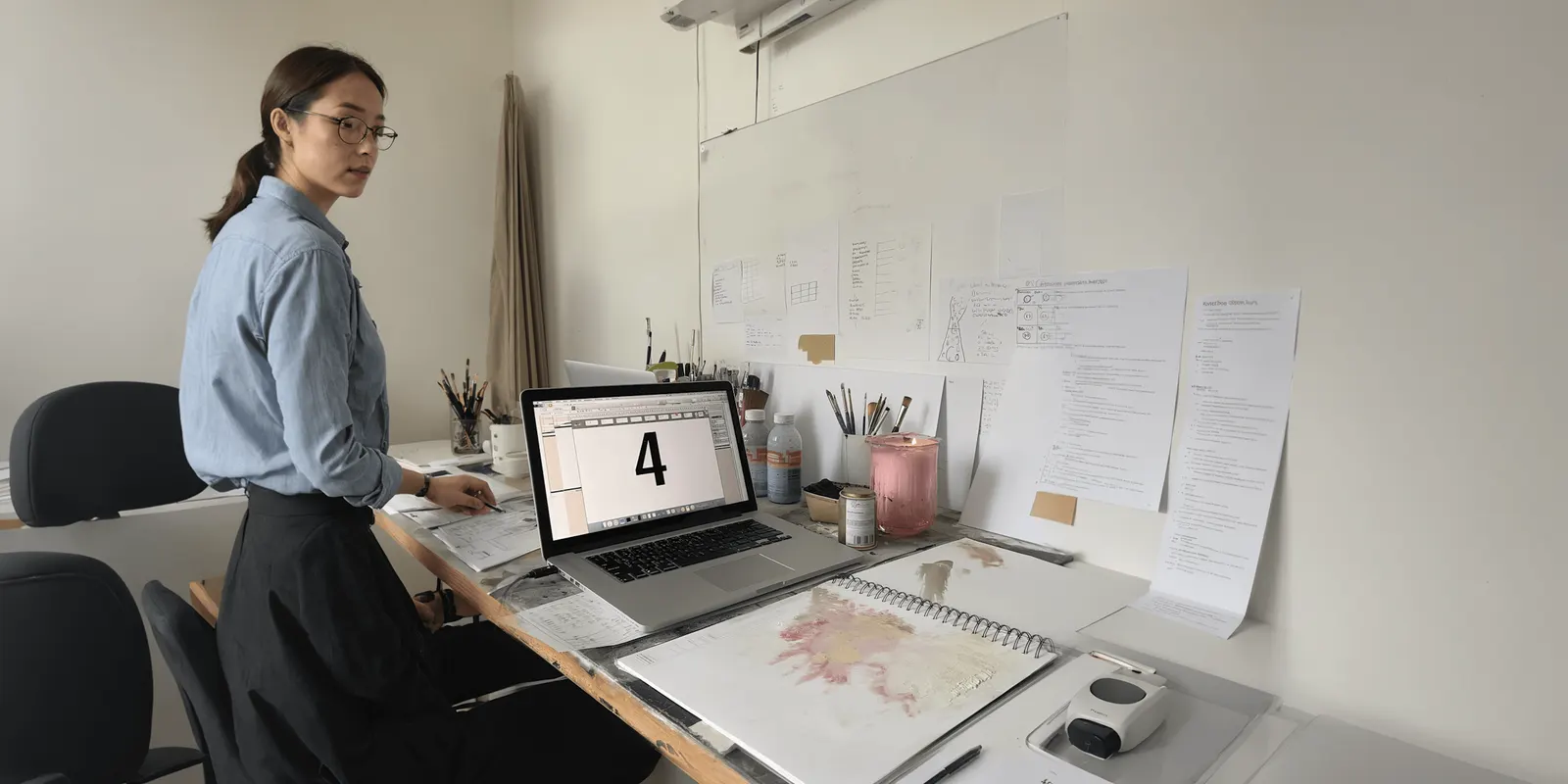
The moodboard shows the look that the brief describes. Three AI tools are common here:
- Midjourney. Its moodboards are “a type of Midjourney personalization that lets you select specific images to create a unique style” (docs.midjourney.com, September 2026). The default model is V8.2. One point matters for an unreleased collection: Midjourney says every image you create “can potentially be found on the Explore page”, and Stealth mode is only on its Pro and Mega plans (docs.midjourney.com, September 2026).
- Adobe Firefly Boards. Adobe describes it as a place to “explore early ideas, craft moodboards, develop storyboards, or create pitch materials”, with images and video from Adobe and partner models (helpx.adobe.com, September 2026).
- Canva. Canva offers mood board templates you fill with your own references (canva.com/create/mood-boards, September 2026).
A garment made from a prompt on a moodboard is a reference, never a product photo. The buyer must receive the garment in the picture. Moodboard generators compares the moodboard tools in more detail.
Casting: real models, AI models and consent
You have three routes. You can book a real model for everything. You can make every on-model shot with an AI model from garment photos. Or you can mix them: a real model for the campaign, and AI models for catalog variants. Each route has its own paperwork.
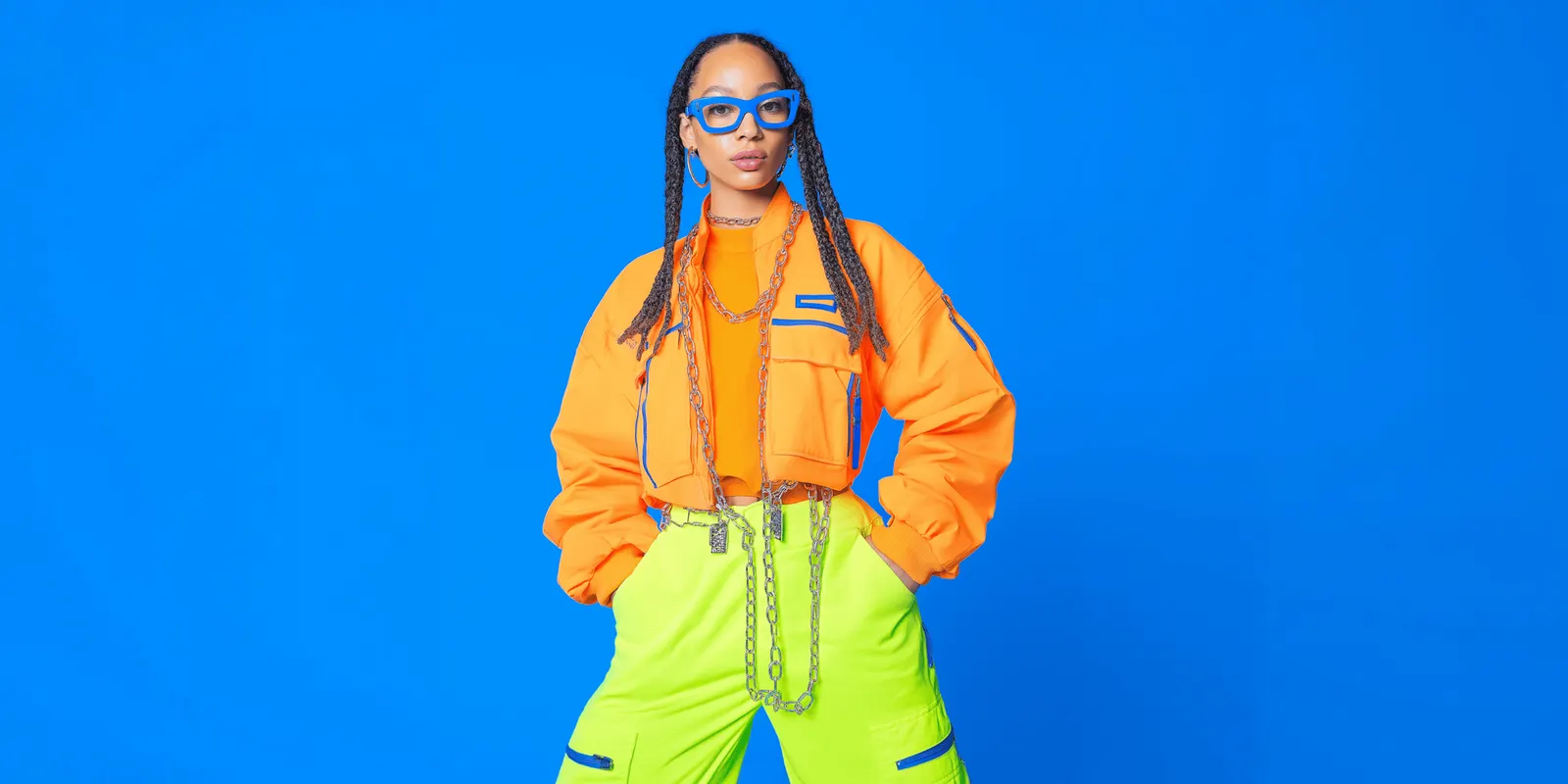
A real model. Put the usage rights in the booking: where the images run, and for how long. Fashion photoshoot cost covers usage and buyouts, and the model release form covers the signature. In New York you need a person’s written consent before you use their name, picture or likeness in advertising (New York Civil Rights Law 50, accessed September 2026). California requires prior consent too (California Civil Code 3344, accessed September 2026).
An AI version of a real model. Since 19 June 2025, New York’s Fashion Workers Act requires separate written consent before a model’s digital replica is made or used. The consent states the scope, the purpose, the pay and how long the replica will be used. Routine edits such as color correction are not digital replicas (New York State Department of Labor FAQ, accessed September 2026). Ask for this consent at booking, not after the shoot.
A fully AI-generated model. Three rules apply to the images:
- Amazon. If an image shows photorealistic people made entirely by AI, add the keyword contains-synthetic-performer to the XMP dc:subject field before you upload (Amazon product image guide, accessed September 2026).
- New York ads. Since 9 June 2026, whoever produces an ad and knows it contains a synthetic performer must disclose that clearly. The penalty is $1,000 for a first violation and $5,000 for each later one (New York General Business Law 396-b, accessed September 2026). California signed a similar law on 16 September 2026, and it takes effect on 1 January 2027 (California SB 1050, accessed September 2026).
- The EU. Article 50 of the EU AI Act has applied since 2 August 2026. A realistic AI person is likely in scope of the deep fake rule, and a deep fake must be labeled when people first see it (European Commission FAQ on Article 50, accessed September 2026).
This section is general information, not legal advice. How to label AI-generated fashion images covers the labels platform by platform.
The garment-to-model tools differ mostly in what they accept. Claid says flat lays, ghost mannequin images and hanger shots work well, and you can pick from its AI models or upload your own (claid.ai/clothing-on-models, September 2026). Photoroom takes flat lays or a photo of someone wearing the product (photoroom.com/tools/virtual-model, September 2026). Botika has three routes, from a flat lay, a mannequin photo or an on-model photo, and says “pose and size stay the same” on the on-model route (botika.com, September 2026). FASHN offers product to model, model creation and model swap, with an API (fashn.ai, September 2026). Best AI fashion photography tools compares 15 of them job by job.
Set and location
The set decides the light, and the light has to match across the drop. Choose one of three: a studio with a plain backdrop, a real location, or a generated scene behind a studio shot. On Amazon, the main image stays on pure white, so scenes and locations belong in the alternate images.
A real location earns its cost when the place is part of the story, such as a city, a coast or a store opening. For catalog scenes, background tools can place a studio shot in a new setting:
- Pebblely creates backgrounds from your uploaded image and adds shadows and reflections, with bulk generation. Its pages show product scenes, not garments on models (pebblely.com, September 2026).
- Mokker removes the background from a single product image and places it in a scene from its templates. Its site says Mokker is joining forces with soona (mokker.ai, September 2026).
- LightX calls its clothing tool a “model-less AI clothing brand photoshoot” for flat-lay backgrounds, with a separate try-on tool for on-model shots (lightxeditor.com, September 2026).
- Flair is a canvas where you stage scenes with drag-and-drop props, and it can also fit clothing onto AI models (flair.ai, September 2026).
Whichever you choose, write the light direction and the color temperature into the brief. A scene with light from the left next to a studio shot lit from the right looks like two brands. Consistent AI fashion images covers how to hold one light and one model across a catalog.
The call sheet and the shoot day
A call sheet is “a daily outline for a shoot” with call times, the schedule, the locations and the cast and crew list (StudioBinder, accessed September 2026). For a clothing shoot, add two things: the order of the garments, and the capture list for the AI steps that come later.
The capture list is what makes one shoot day feed many AI results. For every style, shoot:
- The front, flat or on a ghost mannequin, steamed, with every button closed.
- The back, in the same light and at the same distance.
- The details: the print, the logo, the trims and the label.
- A fabric close-up, so the texture on the page is real.
- A gray card or color reference in the first frame of each garment.
- The on-model hero shots, if a real model is booked.
Keep the light, the camera height and the framing fixed for the whole day. A clean back photo matters most: without it, a garment-to-model tool has to guess the back of the garment. How to set up a clothing product shoot gives the light and camera settings, and ghost mannequin photography covers the mannequin shots.
Post-production and delivery
Post-production turns the source photos and the AI results into one finished set. Three tools are common at this step:
- Photoshop Generative Fill edits an image with a text prompt. Its model picker includes Adobe’s Firefly models and partner models such as FLUX.2 pro and Gemini (helpx.adobe.com, September 2026). Adobe attaches Content Credentials to content made or changed with its qualifying generative AI tools, and you cannot turn this off (helpx.adobe.com, September 2026).
- Topaz Photo upscales, denoises and sharpens, as a desktop app or a plugin. It replaces Topaz Photo AI, which Topaz now calls a legacy app, and it needs a subscription (topazlabs.com, September 2026).
- Canva turns finished stills into social and ad layouts. Magic Expand changes the framing, and its background remover is on paid plans only (canva.com/help, September 2026).
Then check every image against the physical sample. Read every letter of a print. Hold the garment next to the screen in daylight. Count buttons, and check the collar, the seams and the hem. Compare the back view with the real back. Open the file at full size, the way a buyer zooms on a product page. Amazon turns on zoom for images of 1,000 pixels or more on the longest side (Amazon product image guide, accessed September 2026).
Keep the AI metadata. Google Merchant Center requires AI-generated product images to carry metadata that says so, such as the IPTC DigitalSourceType value TrainedAlgorithmicMedia, and it can disapprove a product whose image has lost it (Google Merchant Center image requirements, accessed September 2026). Name each file by style and slot, and put one folder per channel.
Video comes last, from an approved still. Veo 3.1 can make a clip between a first and a last frame. Image-to-video with people allows adults only, and in the EU and the UK only the adult setting is allowed (Google Gemini API Veo docs, accessed September 2026). How to make AI video for a clothing brand covers the specs for each channel.
AI tools for a clothing photoshoot, by step
The tools below are sorted by the planning step they fit. Each line comes from the vendor’s own page, read on 24 September 2026. No single tool covers all eight steps, and none of them replaces the camera for the source photos.
| Tool | Step | What its own page says it does | What you give it |
|---|---|---|---|
| Midjourney | Brief | Moodboards that set a style from images you pick | Prompts and reference images |
| Adobe Firefly Boards | Brief | Moodboards and storyboards with Adobe and partner models | Prompts and images |
| Canva | Brief, finish | Mood board templates, Magic Edit, Magic Expand | Your own images |
| Claid | Casting | Garment on an AI model or your own model, set poses | Flat lay, ghost mannequin or hanger shot |
| Photoroom | Casting | Virtual model from flat lays or worn shots, 2K and 4K | Flat lay or on-model photo |
| Botika | Casting | Finished on-model images from three input routes | Flat lay, mannequin or on-model photo |
| FASHN | Casting | Product to model, model creation, model swap, an API | Product photo |
| Fotor | Casting | Flatlay to Model, with preset models or your own | Flat lay |
| Ayna | Casting | On-model photos and a product video from one garment photo | Flat lay or mannequin photo |
| Flair | Set | Drag-and-drop scenes, clothing on AI models | Product photo |
| Pebblely | Set | Backgrounds with shadows and reflections, in bulk | Product photo |
| Mokker | Set | A scene from one product image, from templates | Product photo |
| LightX | Set | Flat-lay backgrounds with no model | Flat lay |
| Photoshop Generative Fill | Post | Prompt edits with Firefly and partner models | A finished image |
| Topaz Photo | Post | Upscale, denoise and sharpen | A finished image |
| Veo 3.1 | Delivery | Image-to-video, with first and last frame | An approved still |
Sources: fotor.com/features/flatlay-to-model, getayna.com and flair.ai, read September 2026, plus the vendor pages cited in the sections above.
Two tools on older lists have changed. VModel now describes itself as a platform to “deploy and run AI models with an API”, and virtual try-on is one model on it (vmodel.ai, September 2026). Topaz Photo AI is now a legacy app, as the post-production section says. Most tools above have a free plan or a free start, but none of the pages we read says plainly that free results may be used commercially. Read the terms before a free result goes live. AI fashion model generators maps the casting tools to the five shots a drop needs.
One workflow for every style
Anyone can make an AI picture. Making hundreds that still look like your brand is the hard part. The plan above repeats with every drop, and most of the work after the camera is the same each time. DesignerBox is AI creative production for brands and agencies. It turns that part of the plan into a workflow you build once.
You save the brand profile once, with the light, the framing and the rules from your brief. You save the model once. Every run reads both, so the whole drop is worn by the same person in the same light. Clothing catalog turns one garment into four shots: front, three-quarter, back and a fabric close-up. Dress my model puts that job behind a short form, so a colleague adds the garment photos from the shoot and presses Run.
Batch runs one workflow over a whole spreadsheet of styles. You review the results in one pass, keep or discard each row, and run one row again on its own. Three critic steps score the results, and best-of-N keeps the best one. You see the cost before each run. The full workflow from the first product photo to the finished ad is in one subscription, including the image editor and the video editor.
The limits, stated plainly:
- DesignerBox does not replace the camera for the source photos. Shoot the capture list above first.
- The commercial license starts on the Pro plan. Virtual try-on and AI video start on the Premium plan.
- Team features and the API are on the Ultra plan, and every plan below Ultra is one seat.
- Delivery is a download, or a webhook or an S3 step that sends the results to your own systems.
- We make no accuracy claim. Check every result against the sample, the same as for every tool above.
DesignerBox for fashion brands shows the results from one garment photo. Plans and credits are on the pricing page.
The first job, built once
Start from a template, add your brand and your products, and run it. The cost is shown before the run.
FAQ
How do you plan a photoshoot for a clothing brand?
Count the files first: every style, every channel and the shots each channel wants. Then write the brief and the moodboard, cast the model, choose the set, send a call sheet, shoot the source photos, finish the images and deliver one set per channel. Decide early which shots come from the camera and which from AI tools.
How many photos do you need for each clothing style?
It depends on your channels. Amazon takes a main image plus up to eight alternate images per SKU. Most stores show at least a front, a back and a detail. Add a styled scene and a vertical crop if you run ads. Six stills per style is a common starting count.
Can AI replace a clothing brand photoshoot?
Not completely. The garment source photos, the fabric close-ups and the color references still need a camera, because every AI result starts from them. AI tools can make many of the on-model shots, backgrounds, crops and clips from those photos. Check each result against the real garment before it goes live.
What photos does an AI tool need from the shoot?
A flat or ghost mannequin front, a back in the same light, close-ups of the print, logo, trims and label, a fabric close-up, and a color reference. Claid says flat lays, ghost mannequin images and hanger shots work well. Without a back photo, a tool has to guess the back of the garment.
Do I need consent to make an AI version of my model?
In New York, yes. The Fashion Workers Act requires a model’s separate written consent before a digital replica is made or used, naming the scope, the purpose, the pay and the duration. Ask for it when you book the model. This is general information, not legal advice.
Do I have to label AI models in clothing photos?
Often, yes. Amazon asks you to tag images of fully AI-generated photorealistic people with contains-synthetic-performer. New York requires ads with a synthetic performer to say so, and California’s similar law starts on 1 January 2027. In the EU, a realistic AI person is likely in scope of the deep fake label.
Which AI tool is best for a clothing photoshoot?
No single tool covers the whole shoot. Moodboard tools such as Midjourney and Adobe Firefly Boards fit the brief. Garment-to-model tools such as Claid, Photoroom, Botika and FASHN fit the product photos. Retouch and upscale tools fit post-production. Pick one tool per step, and test each one on your hardest garments first.
Sources
- Amazon product image guide (G1881), accessed September 2026
- Amazon clothing image guide (G200498950), accessed September 2026
- Google Merchant Center image requirements, accessed September 2026
- Google Gemini API: Veo documentation, accessed September 2026
- New York State Department of Labor: Fashion Workers Act FAQ, accessed September 2026
- New York General Business Law 396-b, accessed September 2026
- New York Civil Rights Law 50, accessed September 2026
- California Civil Code 3344, accessed September 2026
- California SB 1050, accessed September 2026
- European Commission FAQ on Article 50 of the AI Act, accessed September 2026
- StudioBinder: What is a call sheet?, accessed September 2026
- Vendor pages read 24 September 2026 (not linked): docs.midjourney.com, helpx.adobe.com (Firefly Boards, Generative Fill, Content Credentials FAQ), canva.com, claid.ai/clothing-on-models, photoroom.com/tools/virtual-model, botika.com, fashn.ai, fotor.com, getayna.com, flair.ai, pebblely.com, mokker.ai, lightxeditor.com, topazlabs.com, vmodel.ai
- DesignerBox for fashion brands, Dress my model and Batch (designerbox.ai, September 2026)
Tool features verified from each vendor’s own pages, and laws from their official texts, as of September 2026. Features change often, so check each vendor’s page before you buy. Individual results vary.