




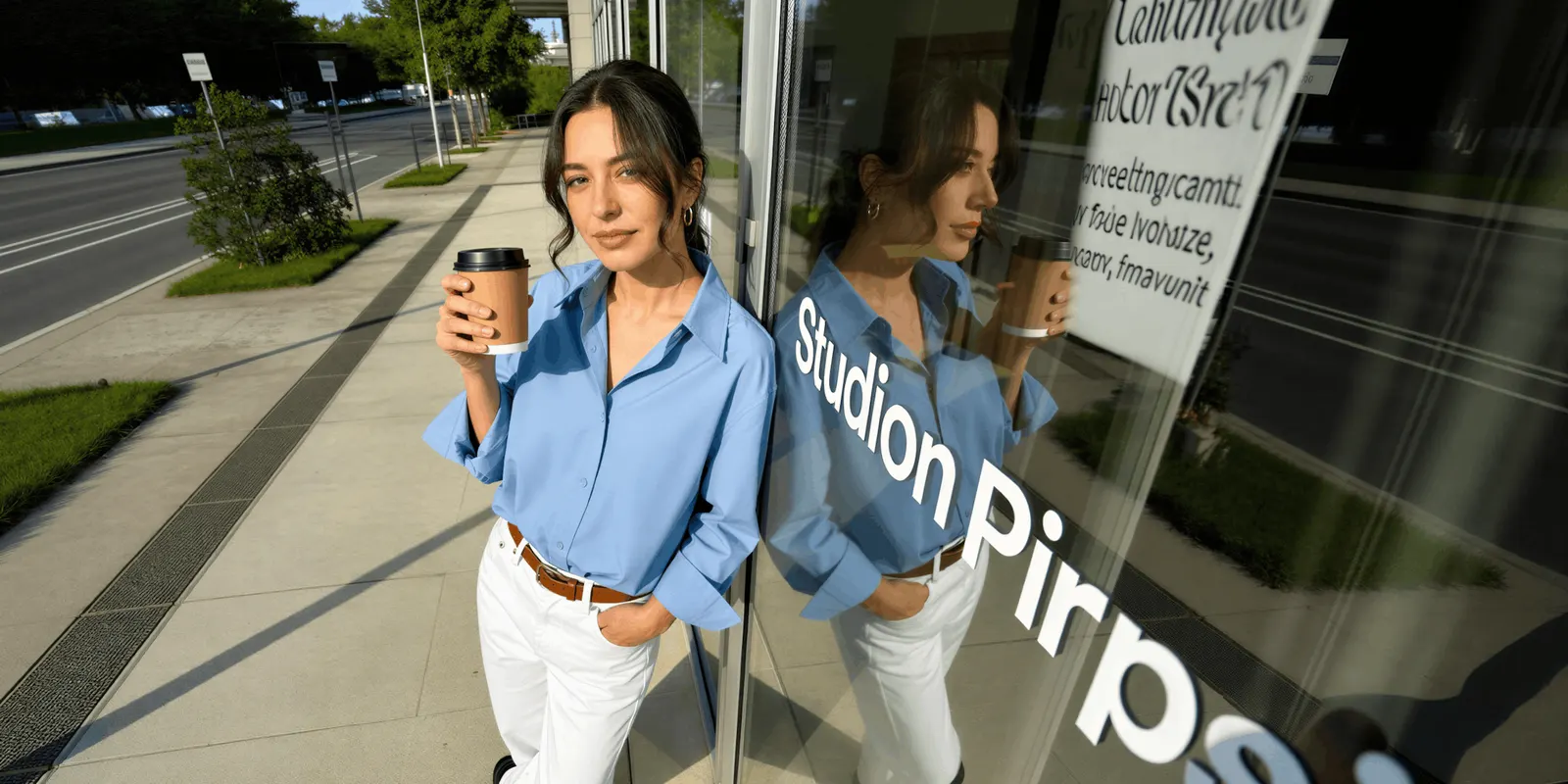
Yes, you can use AI photos on Shopify. We found no Shopify policy that restricts AI-generated product images, and Shopify’s Acceptable Use Policy has no rule about AI images, as of September 2026. Shopify’s Terms of Service make you responsible for your own store content instead. The rules that bind a Shopify store come from Google Shopping, Meta ads and the EU AI Act, and all three changed in 2026.
Your Shopify store is your own storefront. No marketplace reviews your listings before they go live. The constraints arrive later, from the channels you feed and the law you sell under. This guide names the four rulebooks, Shopify’s own included. It quotes what each one says and gives the dates.
Key Takeaways
- Shopify’s Acceptable Use Policy has no AI clause. It covers legality and good faith. Nothing in it addresses how an image was made (shopify.com/legal/aup, accessed September 2026).
- Shopify’s Terms of Service make you responsible. Section 4.2 makes you responsible for your Materials, including anything you make with Shopify’s own tools. Section 4.3 has you warrant compliance with all applicable laws and third-party rights (shopify.com/legal/terms, last updated 1 August 2026).
- Google asks you to keep the AI metadata. Every image made with generative AI must carry metadata saying so, for example the IPTC DigitalSourceType value TrainedAlgorithmicMedia. Google says not to remove it (support.google.com, accessed October 2026).
- Meta may label AI ad creative without asking you. Meta’s ad standards say automated detection of third-party AI in ad media started on 1 June 2026, and the “AI info” label sits in About this ad (transparency.meta.com, accessed September 2026).
- EU AI Act Article 50 has applied since 2 August 2026. Deployers must disclose deep fakes, and tool makers must mark generated output in a machine-readable format (digital-strategy.ec.europa.eu, accessed September 2026).
Can you use AI photos on Shopify under its own rules?
Shopify’s own rules do not restrict AI photos, because they do not mention them. Shopify’s Acceptable Use Policy is short and general. It covers illegal activity, payment terms, channel rules and acting in good faith. There is no clause on image provenance, no AI section, and no disclosure requirement for generated product photos. If you read it looking for permission, you are looking for something nobody wrote.

The Terms of Service carry the weight instead. Section 4.2 states you are responsible for the creation and operation of your Shopify store and your Materials, including any Materials you create using Shopify’s own services and tools. Section 4.3 has you represent and warrant that you will comply with all applicable laws, rules, regulations and rights of third parties. Shopify last updated those terms on 1 August 2026.
Read those two together and the position is clear. We found no Shopify rule about how your images are made. Shopify makes you responsible for your store and what it sells.
Shopify also ships AI image editing in the admin. Media generation in the file editor removes and recolors backgrounds, rewrites a scene from a prompt, and extends the frame. It processes at 1 megapixel by default, scaling larger images down. Shopify says it does not claim ownership of images you make with the tool, and that it applies an invisible watermark to every generated image, which cannot be removed and does not restrict commercial use. Shopify does not call that watermark metadata. Free platform AI tools compares this editor with the free tools from Google and TikTok.
That 1 megapixel figure matters more than it sounds. Shopify says 2048 by 2048 pixels usually displays best for square product images, which is about four times the pixel count. If you plan to use the built-in editor a lot, check the output against Shopify’s variant and media limits, the size Shopify serves and where each product image gets reused before you use it for a whole catalog.
Shopify’s free AI also writes product descriptions and Inbox replies. The Shopify apps a clothing store needs starts from what Shopify Magic and Sidekick already cover.
Google Shopping has the strictest rule you will hit
Many Shopify stores send their products to Google Merchant Center, and Merchant Center sets the most detailed image rules of the four. Google’s image requirements say the main product image must show the whole product with little or no staging, and that it must not be a generic image or illustration of the product (accessed September 2026).
Note what that rule governs. It governs staging and accuracy, and it applies identically to a photograph shot in a studio. A heavily styled generated scene where the product is small in frame fails the same test as an over-art-directed photograph.
Six Merchant Center rules are worth writing down:
| Merchant Center rule | What it says | What it means for generated images |
|---|---|---|
| AI metadata | Every image made with generative AI must carry metadata saying so, for example the IPTC DigitalSourceType value TrainedAlgorithmicMedia. Do not remove it | Check that your tool writes the tag, and that your export pipeline keeps it |
| Unobstructed view | Google does not accept borders, watermarks, promotional text or added logos, unless the logo is part of the product | Keep generated scenes clean, no badges baked into the pixels |
| AI disclosure labels | Google says AI labels added for disclosure do not break its rules against text overlays and watermarks | An AI label for the EU does not break Google’s overlay rules |
| Product staging | The main image must show the whole product with little or no staging | Lifestyle scenes belong in secondary slots, not the main image |
| Variant images | Google recommends showing the correct variant, with the correct color, pattern and material | Generated colorways must match what ships |
| Minimum size | Google will require at least 500 by 500 pixels from 31 January 2027. Until then the minimum is 100 by 100 pixels, or 250 by 250 for clothing | Shopify’s 1 MP editor output clears the coming floor |
The variant recommendation matters most for generated catalogs. Recoloring one photo into eight colorways is fast, and it is a misrepresentation the moment the generated teal is not the teal in the warehouse. Keeping generated output true to the physical product is the whole compliance question, restated.
What Meta does with AI ad creative
Meta may apply an “AI info” label to ads created or edited with generative AI. When Meta detects third-party AI, the label sits in the three-dot menu under “About this ad”. It moves next to the “Ad” label only for ads made with Meta’s own AI tools that show a photorealistic AI person, or when an advertiser in the European Region, California, New York, India or Taiwan chooses to disclose. Meta’s ad standards say it started using automated detection of third-party generative AI in ad media on 1 June 2026, with no advertiser action required, and Meta says the feature may not be available in every region (accessed September 2026).
Advertiser self-disclosure is mandatory in one category only. Ads about social issues, elections or politics must disclose photorealistic images or video, or realistic audio, created or edited with third-party AI tools. A product ad for a candle does not fall in that category.
The practical read for a Shopify store: Meta asks for no AI disclosure on ordinary product ads, as of September 2026, and a label may appear anyway. Plan for the label. An ad with no label today may get one later.
Photorealistic people are the line worth watching. On Meta, the label moves next to “Ad” only when an ad made with Meta’s own AI tools shows a photorealistic AI person. For ads made with other tools, the label stays in About this ad. An AI model wearing your garment matters more for the EU rule covered next.
The EU AI Act rule that started on 2 August 2026
Article 50 of the EU AI Act has applied since 2 August 2026 (digital-strategy.ec.europa.eu, accessed September 2026). Two paragraphs matter for product imagery. Paragraph 2 requires providers of a generative AI system to mark its output in a machine-readable format, detectable as artificially generated or manipulated. Paragraph 4 requires deployers who publish a deep fake to disclose that the content is AI-generated or AI-edited, clearly, and by the time a person first sees it. This is general information, not legal advice.
The marking obligation in paragraph 2 sits with the tool maker, not with you. Tool makers whose systems were on the market before 2 August 2026 have until 2 December 2026 to add those marks, and that grace period covers only their marking duty. Do not assume metadata alone settles it either: the EU’s Code of Practice on transparency asks providers for two layers, signed metadata and an invisible watermark.
Paragraph 4 is yours. It covers deep fakes. The Commission’s guidelines treat realistic AI-generated human avatars or personas as persons, and say it is enough that the person could plausibly exist. So an AI model wearing your dress, rendered photorealistically, is likely in scope. The rule does not cover every AI image: a packshot with no misleading change is not a deep fake. The Commission’s guidelines on Article 50 were published on 20 July 2026 and are not binding.
If you sell into the EU and your imagery includes realistic synthetic people, add a visible AI label near the image. A hidden machine-readable mark does not count as your label. Google says an AI label added for this purpose does not break its rules against text overlays and watermarks. For marketplaces, what Amazon, Etsy and Walmart ask for covers their rules one by one.
Where AI photos create risk for a store
None of the four rulebooks above names AI use alone as a reason to close a Shopify store, as of September 2026. The bigger risks are consumer protection law and your payment processor. Both focus on the same thing: a gap between the picture and the parcel.
A generated image that flatters the product can create returns. Returns can lead to chargebacks. Chargebacks draw attention from your payment processor. In section 4.3 of Shopify’s Terms of Service, you promise to comply with all applicable laws, so a misleading image is your responsibility.
Three habits keep that gap closed:
- Generate from your actual product photo, never from a text description. A prompt-only image of a “ceramic mug” is a mug that does not exist. An edit of your mug is your mug.
- Keep the main image plain and honest. Put generated lifestyle scenes in secondary slots where staging rules are looser and expectations are different.
- Check color against a physical sample before publishing a generated colorway. Color is an easy thing for a generated image to get wrong.
A checklist before you publish AI photos on Shopify
- Confirm the generated image derives from a real photo of the product you ship.
- Check the main image shows the whole product with minimal staging, for Merchant Center.
- Remove any baked-in text, badge or watermark from the pixels.
- Verify generated variant colors against a physical sample.
- Add a visible AI label near the image if it contains a realistic synthetic person and you sell into the EU.
- Confirm your generation tool grants commercial rights on the plan you are on.
- Keep the source photo and the generated file together, so you can show the derivation later.
Step six is easy to miss. Each tool sets commercial rights in its own terms, so read the terms for your plan.

Cost before the run
In DesignerBox, what a run costs depends on the model behind that step. The cost of a run is shown before you start it. The commercial license starts on the Pro plan. Check your license before the images go on a live store. Team features, shared brand kits and white label are on the Ultra plan, and every plan below Ultra is one seat. Plans and credits are on the pricing page.
DesignerBox product templates start from your uploaded product photo, which is the habit this guide recommends. A scene placement template builds lifestyle shots from that source image for the secondary slots. A product video template turns the same photo into listing video, and AI video starts on the Premium plan. The AI product photography page shows what a store can make this way, and the page for Shopify stores covers the Shopify side. The Shopify product photos guide shows the steps for the main shop image, the extra angles and the room scenes.
The checks cost more as a catalog grows, because someone repeats them by hand. Get the rules right on one product. Then save the job as a workflow, with the crop and the staging already set. A saved workflow runs the same way on the next product, and batch runs it over the whole sheet at once. You still check each result against the rules above. The full workflow from the first product photo to the finished ad, in one subscription. The templates, the image editor, the video editor and your brand rules are in the same place. You set the brand once, and the workflow reads it on every run. Product forty in the catalog then carries the same light and crop as product one. Start from a template, add your product photo and run it.
FAQ
Can I use AI photos on Shopify?
Yes. We found no Shopify rule that restricts AI-generated product images, and Shopify’s Acceptable Use Policy has no rule about AI images, as of September 2026. Shopify’s Terms of Service make you responsible for your store, your content and your compliance with the law, which is the duty that replaces a platform rule.
Does Shopify require me to label AI-generated product images?
No. We found no AI disclosure requirement for product photos in Shopify’s policies, as of September 2026. Labeling duties come from elsewhere. Article 50(4) of the EU AI Act requires deployers to disclose deep fakes, and a realistic AI person is likely in scope. That applies if you sell into the EU, whatever platform you use.
Will Shopify ban my store for using AI images?
We found no Shopify rule against AI images, as of September 2026. The risk comes from images that misrepresent the product. A generated image that shows a product accurately is in the same position as a photograph of it.
Can I run AI product photos in Facebook and Instagram ads?
Yes. Meta asks advertisers to disclose AI only in ads about social issues, elections or politics, as of September 2026. Ordinary product ads have no disclosure duty. Meta may add an “AI info” label itself in About this ad after it detects third-party AI, with no action needed from you.
Do AI product images get disapproved in Google Shopping?
Only for the same reasons a photograph would, plus one extra. The main image must give a clear view of the product being sold, with nothing in the frame that is not sold with it, and it must not be a generic image of the product. The extra rule is metadata: an image made with generative AI has to keep the metadata that says so. Extra products in the main image and a missing AI metadata tag are the two things to check first.
Do I need to disclose AI photos if I sell into the EU?
If the image contains a realistic synthetic person, likely yes. Article 50(4) of the EU AI Act requires deployers to disclose deep fakes, and it has applied since 2 August 2026. A product photo with no misleading change is not a deep fake.
Who owns images made with Shopify’s built-in AI editor?
Shopify says it does not claim ownership of images you make with media generation. It applies an invisible watermark to every generated image, which cannot be removed and does not restrict commercial use. Ownership and licensing terms differ at every tool, so check the plan-level terms of whichever generator you use before publishing to a live store.
Sources
- Shopify Acceptable Use Policy, shopify.com/legal/aup, accessed September 2026
- Shopify Terms of Service sections 4.2 and 4.3, shopify.com/legal/terms, last updated 1 August 2026
- Media generation in the file editor, help.shopify.com, accessed September 2026
- Merchant Center image requirements, staging, overlays, variants and AI metadata, support.google.com, accessed September 2026
- Merchant Center image size change and enforcement date, support.google.com, accessed September 2026
- Merchant Center guidance on AI disclosure labels, support.google.com, accessed September 2026
- Meta ad standards for social issue, election and political ads, including the 1 June 2026 detection date, transparency.meta.com, accessed September 2026
- Meta Business Help, AI info labels on ads and where the label appears, facebook.com/business/help, accessed September 2026
- European Commission FAQ on Article 50 transparency obligations, digital-strategy.ec.europa.eu, accessed September 2026
- European Commission guidelines on Article 50, published 20 July 2026, non-binding, digital-strategy.ec.europa.eu, accessed September 2026
- Code of Practice on Transparency of AI-generated Content, digital-strategy.ec.europa.eu, accessed September 2026
- DesignerBox plans and feature gating (designerbox.ai/pricing), September 2026
Platform policies were read from Shopify, Google Merchant Center, Meta and European Commission pages in September 2026. Rules in this area changed several times in 2025 and 2026, so check the current page before you publish. This is general information, not legal advice. Individual results vary.

