An honest framework for personal AI photos

When personal AI photos are OK, and when they are not

The looks-like-you-on-a-good-day rule. Where the line sits across dating apps, LinkedIn, family photos, travel photos, and personal branding. The honest framework that protects from misrepresentation while keeping the cost savings real.

An honest guide to personal-use AI photographyAn honest framework for personal AI photos
The problem

Looks like you, on a good day

AI can make a photo of you look sharper, better lit, and more confident in seconds. The pull is to keep pushing the sliders until the person in the frame is thinner, younger, and better looking than you are. That is the moment a helpful edit turns into a small lie. Anyone who meets you in person notices the gap, and on a dating app or a sales call that gap costs you trust before you have said a word.

The fix fits in one sentence: a personal photo is honest when it still looks like you on a good day, and dishonest when it looks like someone else. This guide gives you a five-question test for that line, shows where the line sits across dating apps, LinkedIn, family photos, and travel photos, and points to what the dating platforms already say. Keep the polish, drop the deception.

Five personal-use categories where AI photos make sense

Distinct use cases with distinct authenticity expectations. The right answer differs by context.

LinkedIn and professional headshots

Professional context where polish is expected. AI photos that look like you on a good day are appropriate; AI photos that look like a different (better-looking) person cross into deception. The looks-like-you principle holds.

Dating app profile photos

Dating audiences meet you in person. Misrepresentation here causes direct harm (in-person letdown, breach of trust). AI photos appropriate only when looks-like-you; not appropriate when looks-like-someone-else.

Personal branding (coaches, consultants, executives)

Professional brand presence on websites, speaker bios, podcast covers. Looks-like-you AI photos work; looks-like-someone-else crosses the line. The line is the same as for LinkedIn.

Family and personal photos

Family portraits, holiday cards, personal milestones. AI enhancement (lighting, color, minor cleanup) is generally fine. AI generation of family members or events that did not happen crosses into misrepresentation.

Travel photos (with care)

AI-generated travel photos of places you have not been is the clearest misrepresentation case. Even tasteful AI travel photos trigger audience and platform backlash. Save travel photos for travel you actually took.

The honest framework

Five questions to ask before posting any AI-generated personal photo.

01

Will people meeting me in person recognize me?

This is the primary test. Looks-like-you photos pass; looks-like-someone-else photos fail. Self-perception is unreliable here; ask a friend who knows you.

02

Am I representing where I was or what I did?

AI-generated locations or events that did not happen cross from personal-use into misrepresentation. Especially relevant for travel and life-milestone content.

03

What is the in-person consequence if the photo overstates?

Dating: in-person letdown and breach of trust. LinkedIn: less direct but still trust-erosion if you misrepresent significantly. Family photo for a card: usually low stakes.

04

Would I disclose this is AI if asked directly?

If you would dodge the question, the photo crosses the line. Honest AI photo use survives the question (yes, AI-enhanced, looks like me).

05

What does platform policy say?

Dating apps (Hinge, Bumble) have published AI photo principles. LinkedIn is evolving its stance. Follow platform guidance; it usually aligns with the looks-like-you principle.

Drag to compare

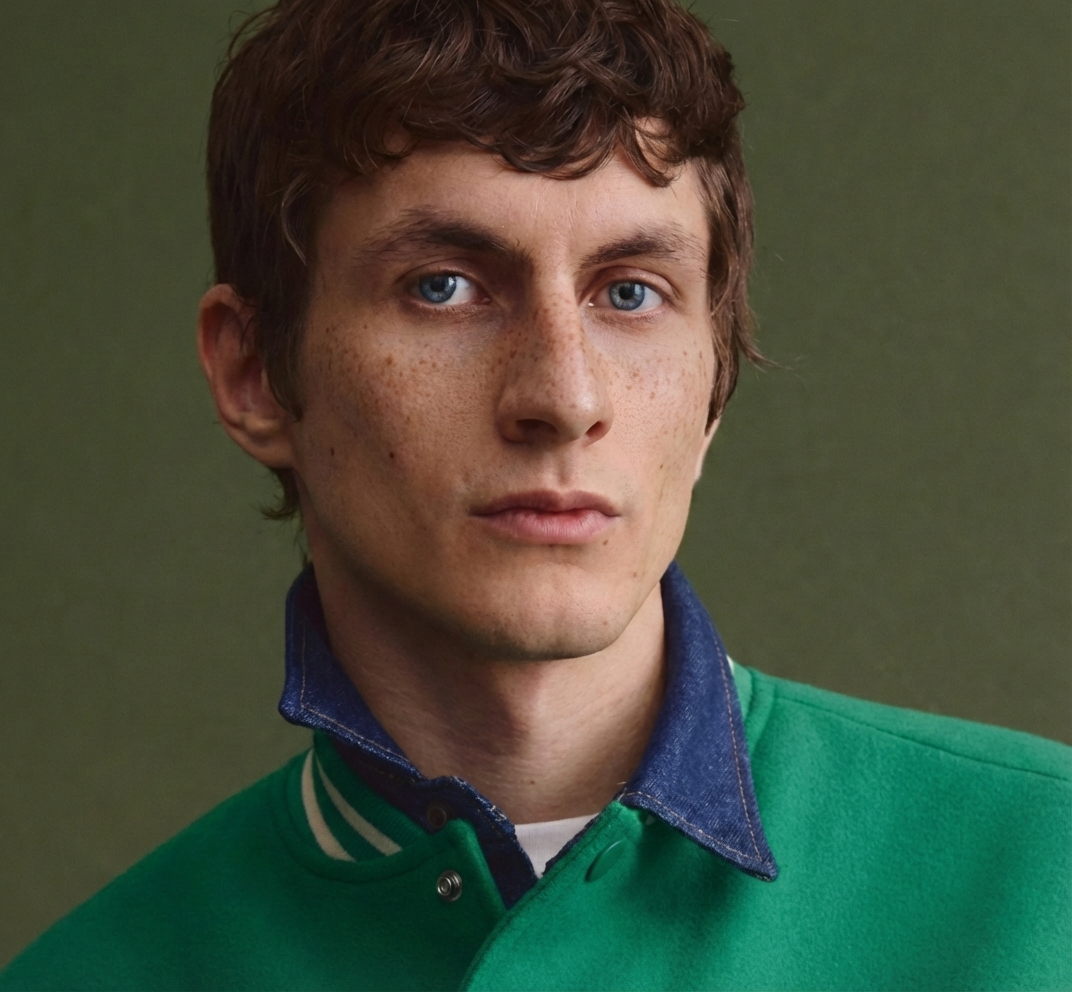
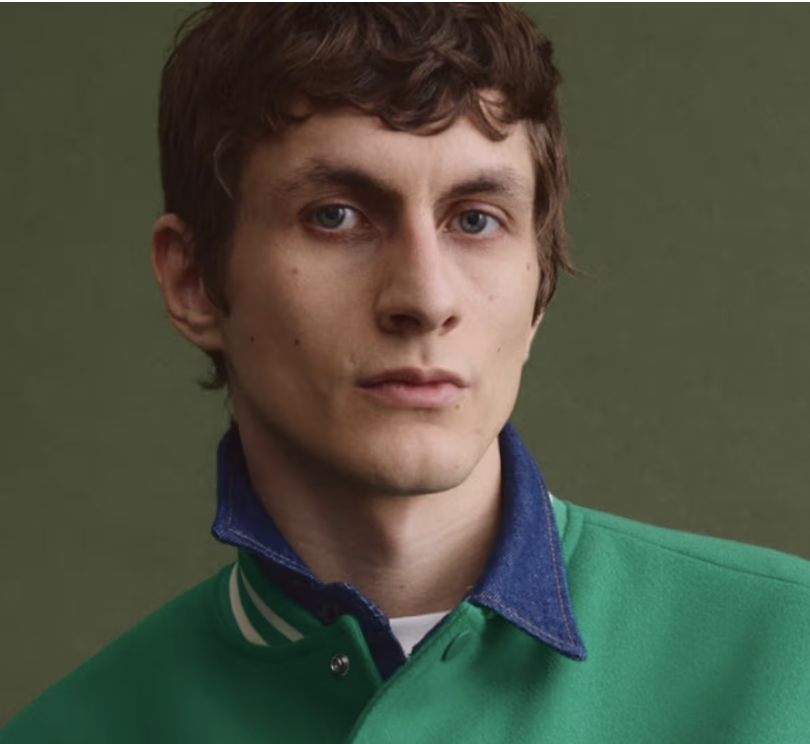
An honest edit, before and after

Lightly enhanced, still recognisableOriginal portraitBeforeAfter
A new angle from the same photoOriginal angleBeforeAfter

Where the line sits in specific cases

Six concrete scenarios with honest assessments.

LinkedIn headshot with generous lighting

OK. Professional polish that shows you on a good day is appropriate for professional context. Audiences expect this level of polish in professional photography.

Dating profile with significantly altered body

Not OK. In-person meeting reveals the gap immediately. Hinge AI Principles (March 2025) explicitly address this; their guidance aligns with the looks-like-you boundary.

Family photo with color correction and lighting fixes

OK. AI enhancement of real photos is generally appropriate. The people in the photo are still the real people; the enhancement does not misrepresent the moment.

Travel photo of a place you have not been

Not OK. Especially when posted as travel content (you in Paris when you have not been to Paris). The category has experienced significant audience and platform backlash.

Personal-brand photo for speaker bio

OK when looks-like-you. Professional polish that you would not afford in studio photography is appropriate. The speaker walking onto stage should look recognizable as the photo.

Mixed AI plus real photos on dating profiles

OK and recommended. 2 to 3 AI photos plus real recent photos is the typical balance. AI-only profiles read as off; mixed profiles read as polished.

2 to 3AI photos plus real recent photos is the typical balance
Who this is for

Who should read this before posting AI photos

Four people who gain the most from getting the honesty line right.

On dating apps

You will meet these matches in person. A photo that overshoots sets up a letdown at the first date and breaks trust before the conversation starts.

Job seekers on LinkedIn

A clean, recognisable headshot helps you stand out. One that looks like a different person is exposed the moment you walk into the interview or join the video call.

Coaches and consultants

Your face sits on speaker bios, podcast covers, and sales pages. Clients book the person in the photo, then meet you. Recognisable is what wins the second meeting.

Parents and families

Fixing the light on a real family photo is fine. Generating a moment that never happened, or changing how your kids look, is where most people want to stop.

How DesignerBox solves it

Recognisable photos of you, no studio required

DesignerBox starts from your real photos and enhances them instead of inventing a new face. The portrait and headshot apps improve lighting, framing, and background while keeping your features intact. Skin Retouch clears a blemish or a tired-eye day without smoothing you into a stranger. Photo Angles turns one good shot into a few usable variations, and the background remover cleans up a busy setting. The honest trade-off: because these apps stay close to the real you, they will not make you look ten years younger or two sizes smaller, and that is the point.

  • Every result stays recognisable as you, so it holds up when you meet someone in person.
  • One subscription covers headshots, retouching, angle variations, and background cleanup.
  • Credits are shown before you generate, so you know the cost of each edit up front.
  • A shared asset library keeps your approved photos in one place, ready to reuse.
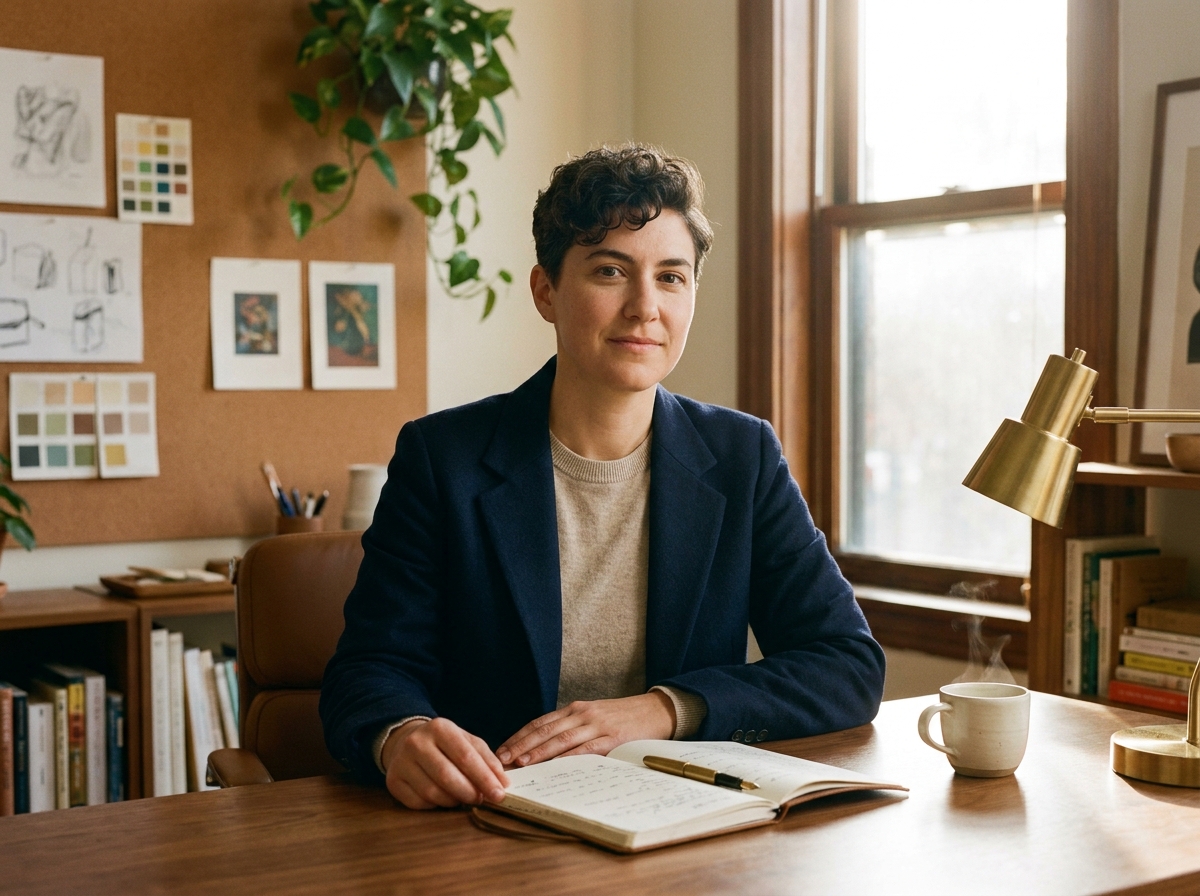
A natural, recognisable AI portrait

Frequently asked questions

Honest answers to common personal-use AI photography questions.

Are AI dating photos ethical?
When they look like you on a good day, yes. When they show someone who is not quite you, no. Dating apps (Hinge, Bumble) align with this principle. The in-person meeting is the test.
Will LinkedIn detect AI photos?
Detection technology is improving. Looks-like-you AI photos that match your real appearance do not trigger the same concerns as obviously-fake photos. The honest workflow positions AI photos as professional polish.
Is it OK to enhance real photos with AI?
Light enhancement (color, lighting, minor cleanup) is generally OK. Heavy modification that changes how you look crosses into the misrepresentation zone. The boundary is the same: would people meeting you in person recognize you.
Can I use AI photos for paid work (acting, modeling)?
Personal-use AI is different from professional likeness work. Paid acting and modeling have likeness contracts, union rules, and rights restrictions. Consult representation; do not use personal-use workflow output for paid likeness without permission.
What about AI photos of my kids?
Children cannot meaningfully consent to AI-generated versions of themselves. Conservative practice avoids AI generation or modification of children's photos. Real photos as-is respect the consent boundary.
What does Hinge AI Principles actually say?
Hinge published AI Principles (March 2025) that focus on supporting users with AI tools without enabling misrepresentation. Their guidance aligns with the looks-like-you principle on this page. Check their current guidance for specifics.
What if I am uncertain whether a photo crosses the line?
Ask a friend who knows you in person to look at the photo. Their honest reaction (yes that looks like you, or hmm that does not quite look like you) is the most reliable signal. Self-perception is unreliable here.
How does this differ from creator content guidelines?
Creator content (paid affiliate, branded content, monetized social) has different rules than personal-use. Creator audiences expect transparency about AI use. Personal-use is about not misrepresenting yourself to specific people; creator-use is about not misleading audiences.

Use AI photos honestly and save the cost

The looks-like-you-on-a-good-day principle protects from misrepresentation while preserving the cost savings vs traditional photography. Personal-use AI photo workflows when applied honestly.