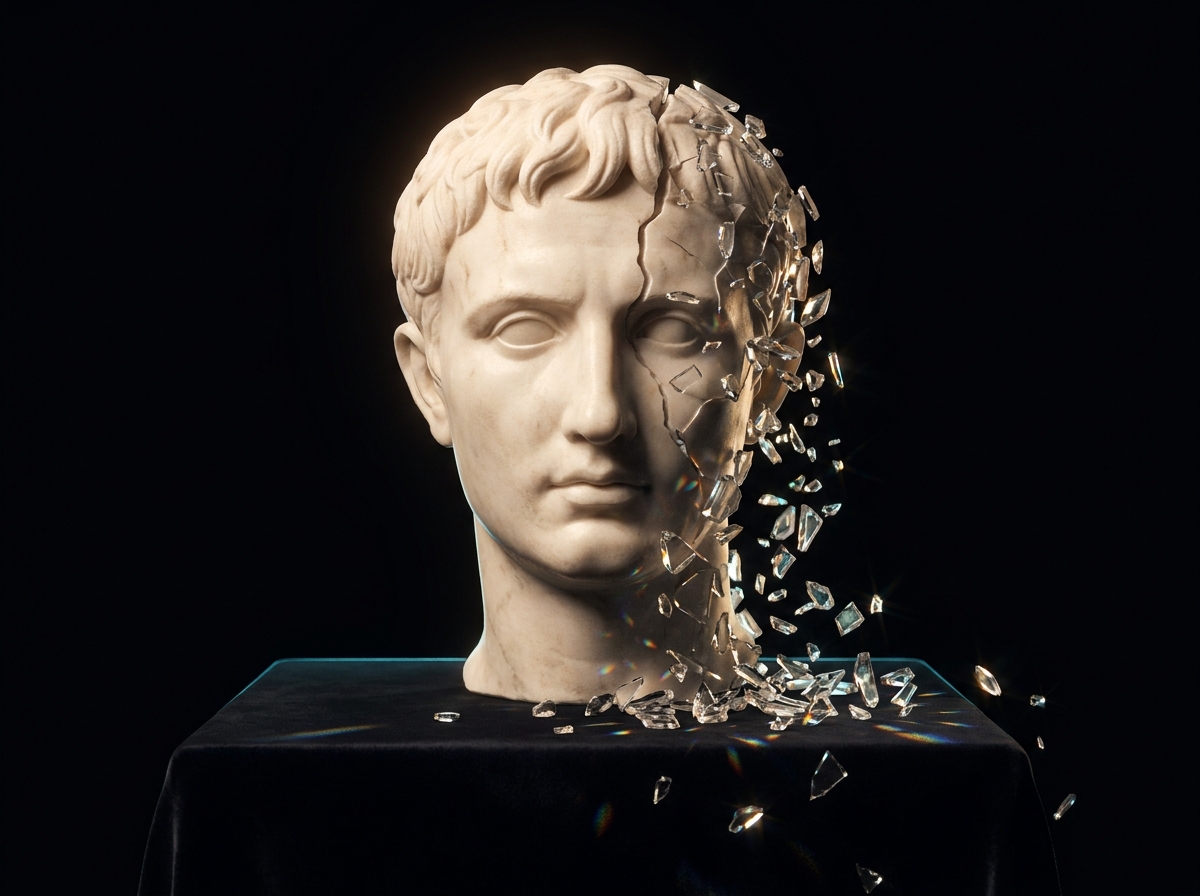
An honest limitations catalog

What AI creative tools still cannot do well in 2026

Working creatives discover limitations through painful trial and error in client projects with deadline pressure. This is the catalog you wish someone had given you before you committed to AI-augmented timelines.

Common AI creative failure modes and fixesAn honest limitations catalog
The problem

Where AI creative breaks in production

AI creative does not fail randomly. It fails in the same five places on almost every project: continuity drift between adjacent shots, hallucinated brand elements that invent a logo or a label nobody approved, motion artifacts in cloth, hair and liquid, lip-sync misses outside English, and colour-grade collapse where two shots from the same prompt land two stops apart. Each one has a cause. Most of them ship anyway, because they survive a fast review and only show up when the client watches the cut on a large screen.

The fix is a mix of two things: design the brief so the hardest failures never get attempted, and repair the ones that are actually repairable instead of burning credits on a full regeneration. This guide names each failure mode, explains what causes it, and gives the prevention step and the repair step for each. It also marks which limitations are structural and which are current-version, so you know what to plan around for the next year and what to expect to improve.

Five categories of failure that working creatives still hit

Each category is real, current as of early 2026, and likely to remain true for 12 to 18 months. Some will resolve over time; many will not.

The 'almost but not quite' failures

Output looks correct on first inspection but reveals errors on closer examination. Hands and fingers in detailed shots. Specific text accuracy. Reflections, mirrors, and complex optics. Specific numbers on objects (clocks, signs, jersey numbers). Background characters at distance. The hardest failure category to plan around because it ships if QA is rushed.
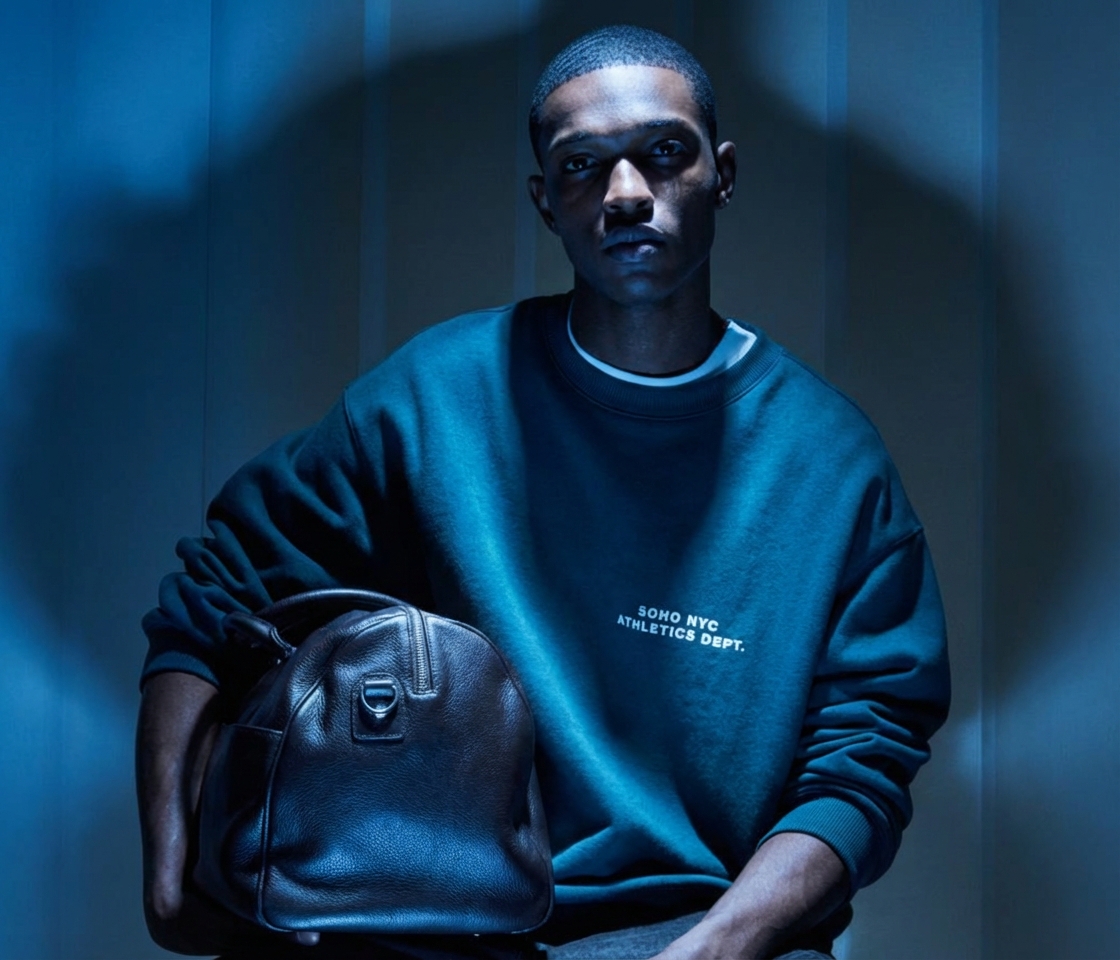

Character consistency walls

Multi-character interaction at high fidelity drifts more than single-character work. Long sequences (50+ shots) typically have 5 to 10 shots where character identity drifts noticeably. Character aging across time. Profile and three-quarters views drifting from front-trained LoRAs. Real walls, not just current-version glitches.

Motion and continuity failures

Continuity between adjacent generated shots (color, lighting, framing). Specific camera moves at exact speed. Object physics in motion (cloth, hair, liquids). Lip-sync at native-language quality across many languages. Long-duration coherence beyond 8 to 15 seconds. Each fails in production-noticeable ways.

Color, lighting, and post-grade

Color-managed pipelines (Rec.709, Rec.2020, DCI-P3) handled inconsistently. Specific brand color reproduction across generations. Match-grade between AI shots and plate footage. The handoff to a real colorist is often necessary because AI tools alone do not deliver finished color.

Editing and refinement gaps

Specific surgical edits (move this object 2 inches left, change this single color) often regenerate the whole image with broader changes. Region-of-interest editing is improving but is not yet as precise as traditional retouch. Plan refinement passes in your existing post tools rather than expecting AI to land surgical edits.

How working creatives plan around these failures

Five workflow practices that mitigate the failure modes above without abandoning AI-augmented production.

01

Budget extra QA time for known failure shots

Hands in featured shots. Text in brand-mark work. Reflective surfaces. Background characters. The shots most likely to fail get the most QA review. Plan 20 to 40% extra QA time on these shots specifically rather than hoping for clean output.

02

Pre-conceive around limitations, not against them

If a story requires character aging across time, plan workarounds (different actors, time-jumps) in pre-production. If a campaign requires specific text accuracy, plan post-rendering text overlay. Fighting structural limitations in production wastes credits; designing around them in pre-production saves the project.

03

Break complex scenes into pairwise compositions

Multi-character interactions degrade faster than single-character work. Generate pairs, composite in post. Three-or-more character scenes are typically out of reach for current tools; assembly is the workflow.

04

Maintain backup-model strategies

Some shots fail consistently in one model and land in another. Keep alternate model assignments per shot type. The honest workflow is multi-model, not single-model. Platforms that bundle models eliminate the per-tool friction.

05

Finish color and post outside AI tools

Hand off to DaVinci, Resolve, or your colorist for final grade. AI tools deliver useful raw material; finished color is post pipeline work. Match-grade with plate footage requires colorist judgment.

Drag to compare

One broken product shot, repaired step by step

Relit to studio standardFlat, collapsed studio lightingBeforeAfter
The same frame after a clean repairAI output with visible artifactsBeforeAfter

Specific shot types where the failure modes show up most

Six recurring shot patterns that hit failure modes hardest. Knowing them up front saves credits and timeline.

Hands holding specific objects

Object-finger relationship is where image AI most often fails. Plan QA time. Consider compositing the object onto a clean hand shot in post.

Brand text on hero shots

Brand-mark accuracy at character-level is structurally hard. Render text in post layer for any shot where text legibility matters. Always verify pre-publish character by character.

Reflective surfaces (mirrors, glass, water)

Physical impossibility shows up in reflections more than any other element. Volume produced will exceed volume usable. Plan a higher iteration ratio for shots with reflective elements.

Multi-character action scenes

Two characters interacting drift faster than one. Three or more become inconsistent. Break into pairwise compositions or single-character generations and assemble in post. Do not attempt full-scene generation for these.

Time-of-day continuity across adjacent shots

Generated shots in a sequence drift in lighting and color even with identical prompts. Color-grade in post to unify. Do not rely on AI to maintain perfect continuity across many shots without grading.

Lip-sync at native-language quality

English lip-sync is reasonable. Other languages vary widely; some languages remain markedly worse. Verify lip-sync quality in the target language before promising native-feel localization.

12 to 18 monthsThis catalog documents the failure modes that are likely to remain…
20 to 40%Plan extra QA time on these shots specifically rather than hoping…
5 to 10Long sequences (50+ shots) typically have shots where character…
8 to 15Long-duration coherence beyond seconds
Who this is for

Who should read this before shipping AI creative

Anyone who signs off on AI output, or has to explain it to a client after it goes out.

Creative directors

You are the last review before work reaches a client. Knowing which shot types fail, and how the failure looks, turns a vague gut check into a specific list of things to inspect.

Freelance designers

Deadline pressure is where failure modes get waved through. Knowing the failure list up front lets you quote realistic QA time instead of absorbing the rework.

Video and motion editors

Continuity drift, motion artifacts and lip-sync are the failures you inherit after generation is finished. Knowing their causes changes what you ask for at the brief stage.

In-house marketing teams

Volume outruns review capacity fast. A per-shot-type QA rubric is the difference between scaling output and scaling the number of off-brand assets in circulation.

How DesignerBox solves it

Repair the failures that are fixable, design around the rest

DesignerBox does not claim to remove these failure modes. No tool does. What it changes is the cost of dealing with them. Instead of regenerating an entire frame because one hand is wrong or a hallucinated label crept in, Retouch edits that region and leaves the rest of the shot alone. Spotlight relights a frame when the lighting does not match the shot next to it, which is the usual first symptom of colour-grade collapse. Skin Retouch cleans the almost-real face detail that passes a quick look and fails a close one. The consistent-character tools hold identity across a sequence, and the shared asset library keeps your approved references in one place so the second batch matches the first. Final grade and match-grade against plate footage still belong in your post pipeline. That part is honest work, not a gap in the product.

  • Retouch repairs hands, stray objects and hallucinated brand elements region by region, without regenerating the whole frame or paying for a full render again.
  • Spotlight relights a shot so lighting and colour read consistently against the shots around it, catching grade drift before it reaches post.
  • Consistent-character tools hold face and identity across a sequence, which is where long multi-shot projects usually start to drift.
  • The shared asset library keeps approved references, characters and looks in one place, so a repeat batch weeks later matches the original instead of re-rolling the dice.
A clean, corrected result on DesignerBox

Frequently asked questions

What working creatives ask after hitting the failure modes above on a real project.

Will these failure modes resolve over time?
Some will (hand rendering has improved dramatically). Many will not in 12 to 18 months because they are structural to how current AI tools work. Multi-character action, long-duration coherence, character aging, and specific surgical edits are unlikely to be solved soon.
Does this mean AI is not ready for professional work?
AI is ready for professional work that is designed around the limitations. It is not ready for projects that ignore the limitations and hope they get fixed before delivery. The honest read is selective deployment, not blanket adoption or rejection.
How do we make QA scale at AI production volume?
Per-shot QA rubrics based on the failure modes. Specific shot types (hands, text, reflections, multi-character) get specific review. Avoid bulk-approve workflows. Most off-brand or visually broken outputs that ship come from QA that did not match production volume.
What is the highest-risk shot to attempt with AI?
A multi-character action scene with hands holding objects, specific text in frame, and reflective surfaces, all at high fidelity, with character continuity required across many cuts. This shot fails every category at once. Pre-conceive around it or expect heavy post.
Can we ship AI work as-is or do we always need post?
For simple shots (single character, static background, no text, no reflections), often yes. For complex shots, post is required. The honest workflow assumes some post on most professional work; treat AI generation as a step in the pipeline, not the finished asset.
What tools handle which failures best?
Hands: Flux Pro and GPT Image 2 lead. Text: Ideogram and GPT Image 2 lead. Multi-character: Kling leads. Long-duration: Sora 2 leads. Continuity: dedicated post grade. No single tool wins all categories; multi-tool workflows reflect this.
Should we tell clients about these limitations?
Yes. Clients who understand the failure modes participate constructively in the workflow (pre-conceiving around limitations) rather than expecting magic. Clients who do not understand them produce timeline pressure that worsens output. Transparency reduces project risk.
Is there a model that handles all of these well?
No. Picking the right model per shot is the working creative practice. End-to-end platforms that bundle multiple models reduce the friction; they do not eliminate the model-picking discipline.

Plan production around the real limitations, not the marketing

DesignerBox bundles the multi-model library so you can pick the right tool per shot category and route around the failure modes above. Start free with credits and build a workflow that respects the real limits of AI creative work in 2026.