
An AI video agency is a company that makes video for clients with AI video models and keeps people on the brief, the edit and the approval. It delivers ad cuts, product clips, presenter videos and versions for each platform. The platform it runs on is decided by three plan facts: team seats, how client work stays separate, and what the terms say about client work.
Take a five-person agency with twelve clients. A second editor needs a login. One client’s files must stay out of another client’s project. A client’s legal team asks who owns the finished video.
This guide is for agencies that sell AI video, and for brands that hire one. It compares seven AI video platforms on those three facts, read on each vendor’s own pages in October 2026.
Key Takeaways
-
An AI video agency sells finished video. The models make the footage. The agency owns the brief, the edit, the review and the delivery.
-
Three plan facts decide the platform. Team seats, how client work stays separate, and what the terms say about work made for a client.
-
Client separation often sits on a higher plan. On several of the seven platforms, a separate space for each client is an enterprise feature or a second paid plan.
-
Read the terms for your plan. Two of the seven pages name client work directly. One restricts stock avatars in paid ads.
-
Disclosure is part of delivery. New York, California, the EU and TikTok each have a rule for realistic AI people or scenes.
What is an AI video agency?
An AI video agency is a service company that produces video for clients with generative AI. It writes the brief, picks the model for each shot, edits the clips into a finished video and manages the client’s approval. An AI video production company does the same work under a different name. Both sell a finished file, and the client never opens the software.
Video is one layer of a wider stack. The AI ad agency guide covers the four layers of an AI ad agency stack.
What does an AI video agency deliver?
An AI video agency delivers finished video files and the versions around them. The models produce raw clips of a few seconds each. A typical order includes these items:
- Ad cuts. A short video ad in each length the client’s platforms take.
- Product clips. A product in motion, made from the client’s own photos.
- Presenter video. A generated or licensed presenter who speaks a script. The AI UGC agency guide covers that format on its own.
- Format versions. The same video in vertical, square and wide frames.
- A usage note. Which shots are AI, which model made them and what the license allows.
The AI creative agency guide covers copyright and the client contract in depth.
The three plan facts that decide an agency’s platform
Three plan facts decide an agency’s platform before model quality does: seats, client separation and client terms. Many platforms now run several vendors’ models, so the plan around the model is where they differ. For the tools around video, see content creation tools sorted by job.
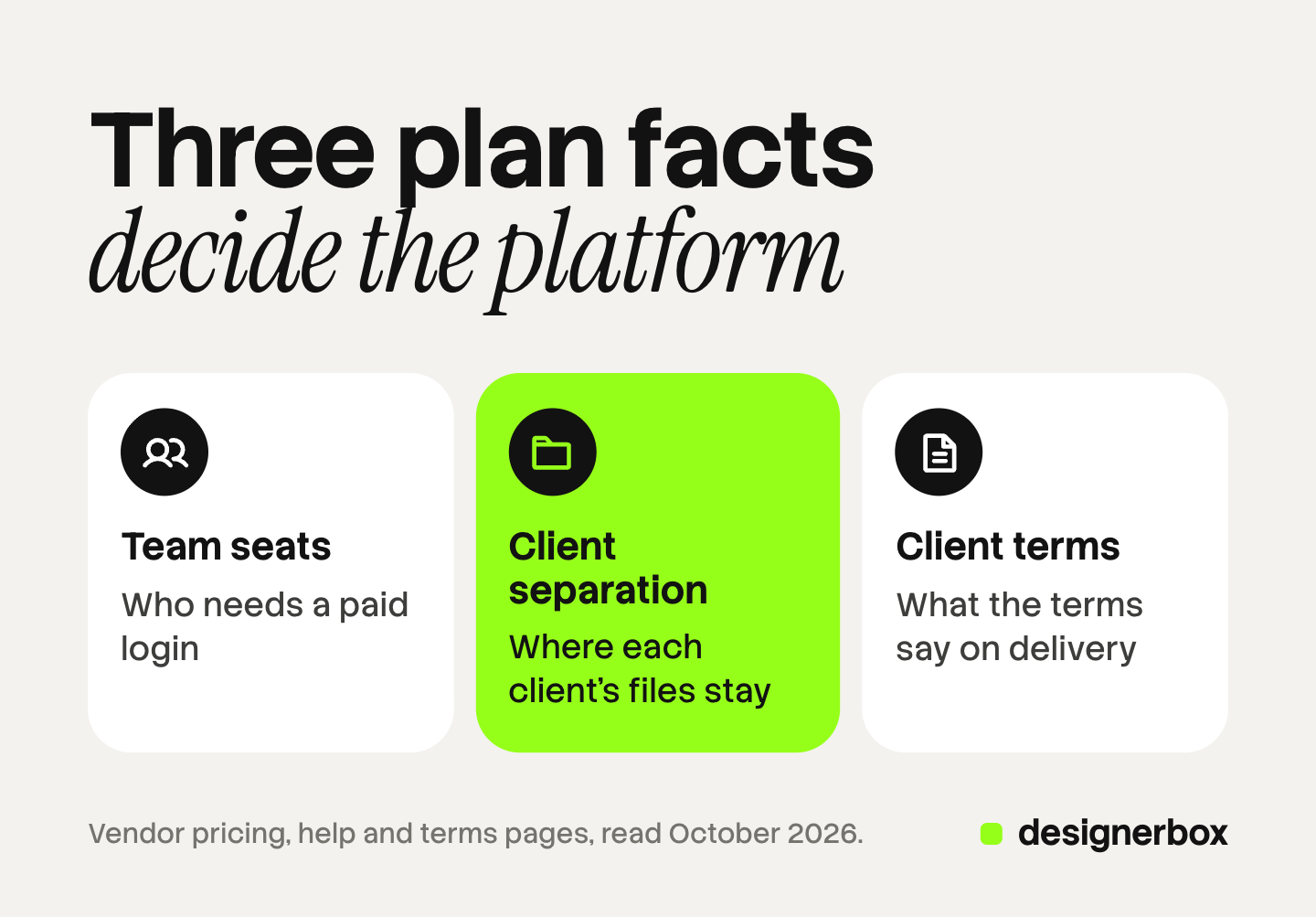
1. Team seats. A seat is a paid login. Count the people who make video, then the people who only review it. Ask whether a reviewer needs a paid seat, and whether the team shares one pool of credits.
2. Client separation. One client’s footage, brand files and drafts must never appear in another client’s work. Platforms separate work in different ways: a folder, a project, a workspace or a second account. Ask which one the plan gives you, and whether a freelancer can enter one client’s space only. Managing creative for multiple clients covers the three things that must stay separate.
3. Client terms. A commercial license lets you use the video in business. Client work needs one more thing: the right to hand the video to someone else. Ask whether the terms name client work, and whether any asset, such as a stock avatar, has its own limits.
AI video platforms for agencies: seats, client work and terms
The table lists seven AI video platforms in no ranked order. Each cell paraphrases the vendor’s own pricing, help or terms page, read in October 2026. Where a page was silent, the cell says so. Plans change, so read the page again before you buy.
| Platform | Known for | Team seats | How client work stays separate | What the terms say on client work |
|---|---|---|---|---|
| Runway | Its own video models | The Team plan charges for each Editor or Admin. Viewers do not count as seats | Projects inside one workspace. Editors and Viewers see only projects they are invited to. A second workspace needs its own plan, except on Enterprise | You keep ownership, with no non-commercial restrictions. Transfer to a client: not stated on the page |
| Kling | Its own video models, with a Team Space | A Team has an Owner, Administrators and Collaborators. Seat numbers: not stated on the page | Each Team Space is independent. Assets and credits do not move between spaces | Team assets belong to the Team Owner unless a written agreement says otherwise. Client delivery: not stated in the section read |
| HeyGen | Avatar video and video translation | The Business and Enterprise plans take more than one seat. The lower plans list one | One shared workspace on Business. Multi-workspace control is listed under Enterprise | Paid plans grant commercial rights, and a HeyGen model page names client deliverables |
| Synthesia | Presenter video for training and company communication | One editor on the self-serve plans, with 3 or 5 guests on the paid ones. Custom on Enterprise | A separate space for each client: not stated on the page | The acceptable use policy bars stock avatars in paid or boosted social ads without written consent |
| Luma | Its own models plus third-party models | Guest collaborators on individual plans. Team members on business plans, through sales | Projects and team organization on business plans. A separate space for each client: not stated on the page | Commercial use is listed on paid plans. Transfer to a client: not stated on the page |
| Adobe Firefly | Generative video inside Adobe’s creative apps | Firefly for teams manages seats in the Admin Console | Not stated on the page | Results from features without the beta label can go in commercial projects. Client transfer: not stated on the page |
| Higgsfield | Many video and image models in one shared workspace | Team lists 2 to 9 seats and Scale lists 5 to 15. Enterprise is custom | One shared workspace on Team and Scale. Sub-workspaces are an Enterprise feature | The terms do not restrict commercial use. You may transfer or sublicense your rights to clients |
The Runway facts come from its help center pages on workspaces and commercial use. The Kling facts come from section 5 of its user policy. Every page is listed under Sources.
Two patterns show in the table.
A space for each client is often a step up. Runway’s help center says each extra workspace needs its own plan below Enterprise. HeyGen and Higgsfield list their multi-workspace features under Enterprise. On a smaller plan, a project or a folder is the dividing line.
Client work is rarely named. Only the Higgsfield terms and a HeyGen page mention clients directly. A silent page is a question for the vendor, and the answer belongs in writing. Synthesia’s avatar rule sits in a separate policy, so read past the plan page.
For presenter-style ad tools, the AI UGC video tools for agencies comparison runs a similar check on six products. If you plan to sell video under your own name, read the three levels of white label AI video as well.
A setup checklist for a new client
A new client needs six things in place before the first clip is made. The list works on any platform in the table.
- Write the usage scope. List where the video will run: paid social, organic, a website, TV. Check each one against the terms of the plan you use.
- Open the client’s space. Use the strongest separation your plan gives: a workspace, a project or a folder. Name files by client, campaign, format and version.
- Load the brand files. Add the logo, fonts, colors, product photos and two or three approved reference videos.
- Set the people and the budget. Give each maker access to this client only, and set a monthly credit limit. To see what one deliverable cost, keep a cost ledger with a row for each take.
- Agree the review path. Name one approver on the client side, and write the number of rounds in the statement of work.
- Write the disclosure default. Decide once whether this client’s video carries an AI label, and where.
Steps 1 and 6 are easy to skip. Both are short at the start and slow to fix after launch.

How revisions and approvals move
Revisions on AI video move in three stages: the look, the cut and the versions. Each stage has one approver and one yes.

Stage 1: the look. Show still frames or a storyboard before any motion. The client approves the product, the person, the setting and the light. A change here costs one image.
Stage 2: the cut. Show one full video in one format. The client approves the script, the pace and the sound. A change here costs one or two clips and a new edit.
Stage 3: the versions. After the cut is approved, make the other formats and languages. The client checks them for errors only. A change to the idea goes back to stage 2. For the language versions, see AI dubbing for video ads.
AI video has one revision problem that filmed video does not. A new run of the same prompt gives a different clip. So a small note, such as a new product color, can change the whole shot. Keep the approved frames and the prompt for every shot, and record every yes in writing.
What must an AI video agency disclose?
An AI video agency has two disclosure duties: one to the client and one to the viewer. This is general information, not legal advice.
The duty to the client is a contract matter. Say in the statement of work which deliverables use generated people, voices or scenes.
The duty to the viewer depends on the platform and the place:
- New York. If you make an ad and you know it contains a synthetic performer, the ad must say so in a way people will notice. The law took effect on 9 June 2026 (General Business Law 396-b, October 2026). It covers the person who produces or creates the ad, which includes an agency.
- California. A similar law, SB 1050, was signed on 16 September 2026 and takes effect on 1 January 2027 (California SB 1050, October 2026).
- European Union. Article 50 of the AI Act has applied since 2 August 2026. A deployer who publishes a deep fake must disclose that it is AI-generated or manipulated (European Commission, October 2026).
- TikTok. Ads with AI-generated or significantly edited media are allowed if you “apply the AIGC label, or by adding a clear disclaimer, caption, watermark, or sticker of your own” (TikTok ads policy, October 2026).
The working rule is step 6 of the checklist: set the label once for each client.
Agency video production in DesignerBox
Anyone can make an AI picture. Making hundreds that still look like your brand is the hard part. An agency has to do that for every client it carries, in images, ads and video.
DesignerBox is AI creative production for brands and agencies. You save one brand record for each client: logo, fonts, colors, voice, rules, products and reference pictures. You build a job once as a workflow, and the workflow reads that client’s brand rules on every run. A template gives you a finished starting point. You publish a workflow as an app, which is a workflow with a form, so a junior completes the form and presses Run. Batch runs one workflow over a whole sheet, with the same standard on row one and row two hundred.
For video, the workflow picks the model for each step. The video editor is a timeline with several tracks, animated text, audio and transitions. Text to speech and a talking avatar with lip sync cover presenter clips. The cost is shown before the run. An 8-second clip costs 40 to 560 credits, depending on the model.
The full workflow from the first product photo to the finished ad, in one subscription.
Here are the limits, by plan fact.
- Seats. Every plan below Ultra is one seat. Team features, shared brand kits and white label are on the Ultra plan.
- Client separation. The dividing line is the brand record. Each workflow reads one client’s record, so name every workflow and app with the client’s name.
- Approvals. Reviews sends your client a page of pictures. The client opens the link with no account, chooses the pictures and sends the choice back. It covers pictures, so video approval stays in your own process.
- Delivery. You download the results, or send them with a webhook or an S3 step.
Uploading your own photos and the commercial license start on the Pro plan. AI video, virtual try-on, upscaling, the image editor and the video editor start on the Premium plan. Plans and credits are on the pricing page.
See how one workflow for each client brand works on DesignerBox for agencies.
FAQ
What is an AI video agency?
An AI video agency is a company that makes video for clients with AI video models. People still write the brief, edit the clips and manage approval. An AI video production company does the same work under a different name.
What is the best AI video platform for agencies?
No single platform is best for every agency. Compare team seats, how client work stays separate, and what the terms say about client work. The best fit is the platform whose plan answers all three for your number of people and clients.
Can an agency give AI video to a client?
It depends on the platform’s terms and the plan. Of the seven pages read for this guide, two name client work directly. Others speak only about ownership or commercial use. Ask the vendor in writing when the page is silent.
Does an AI video agency have to label its video as AI?
Often, yes. New York requires a disclosure when an ad contains a synthetic performer. The EU requires disclosure of deep fakes. TikTok has its own label. Check the rule for each market.
Can an agency use DesignerBox for client video?
Yes, with limits. AI video starts on the Premium plan, and every plan below Ultra is one seat. You save one brand record for each client, and the workflow reads it on every run. The cost is shown before each run.
Sources
- Runway Help Center, Introduction to workspaces: help.runwayml.com, accessed October 2026
- Runway Help Center, Introduction to projects: help.runwayml.com, accessed October 2026
- Runway Help Center, Can I use the content I made in Runway for commercial purposes: help.runwayml.com, accessed October 2026
- Kling AI user policy, section 5, Team and Team Space management: kling.ai, accessed October 2026
- HeyGen plan comparison page and Seedance 2.0 model page (heygen.com/pricing and heygen.com/models/seedance-2), October 2026: features and license wording only
- Synthesia plan comparison page and acceptable use policy (synthesia.io/pricing and synthesia.io/legal/acceptable-use-policy), October 2026: features and policy wording only
- Luma plans page (lumalabs.ai/pricing), October 2026: features only
- Adobe Firefly FAQ (helpx.adobe.com/firefly), October 2026
- Higgsfield help center, team and business plans, changelog and terms of use section 4.4 (higgsfield.ai), October 2026: features and terms wording only
- New York General Business Law section 396-b: nysenate.gov, accessed October 2026
- California SB 1050, approved 16 September 2026: leginfo.legislature.ca.gov, accessed October 2026
- European Commission, Transparency obligations under Article 50 of the AI Act: digital-strategy.ec.europa.eu, accessed October 2026
- TikTok ads policy, misleading and false content: ads.tiktok.com, accessed October 2026
- DesignerBox for agencies and DesignerBox pricing (designerbox.ai/for/agencies and designerbox.ai/pricing), October 2026: plan gates and seats
Platform seats, workspaces and terms verified on each vendor’s own pages, and disclosure rules on the regulator and platform pages, as of October 2026. This is general information, not legal advice.