





Content creation tools are the software a team uses to write, design, make video, edit, add voice and schedule its content. A brand team of 1 to 10 people needs one main tool for each of those six jobs. Pick each tool with three checks: the commercial-use terms on the plan you buy, whether your brand rules carry between pieces, and how a result leaves the tool.
A team of five cannot run fifteen products. Each one adds a login, a bill, and one more place where the brand can drift.
This guide is for brand and agency marketing teams that make images, ads and video every week. It names two or three well-known tools for each job, then gives three checks to run before you buy.
Key Takeaways
-
One main tool for each job. Six jobs cover the work: plan and write, design stills, generate video, edit and repurpose, voice and dubbing, schedule and automate.
-
Check the license on your plan. Commercial-use terms can change with the plan. ElevenLabs states that its free plan has no commercial license and that all paid plans include one.
-
Check where brand rules live. Canva’s Brand Kit manages up to 5 separate brands. A tool with no saved brand record needs the rules typed again for each piece.
-
Check the exit. Buffer publishes to 12 channels, and Zapier connects more than 9,000 apps. Some tools only give you a file to download.
What are content creation tools?
Content creation tools are software for making and shipping content: text, images, video and audio. For a marketing team, the term covers six jobs: plan and write, design stills, generate video, edit and repurpose, voice and dubbing, schedule and automate. AI content creation tools do the same jobs with a model that makes the first version.
The reader changes what “best” means. A solo creator picks content creator tools for speed and for one account. The guide to AI tools for content creators covers that reader and the disclosure rules for creator posts. A brand team has a different problem. Several people make content under one brand, and every piece has to look and sound the same.
Content creation tools by job
The table lists the six jobs, well-known tools for each one, and the first thing to check. The named tools are examples, in no ranked order.
| Job | Well-known tools | What to check first |
|---|---|---|
| Plan and write | ChatGPT, Jasper | Where the brand voice is saved, and who on the team can use it |
| Design stills | Canva, Adobe Firefly, Midjourney | Who owns the result on your plan, and what the model trained on |
| Generate video | Runway, Google Flow with Veo, Higgsfield | Whether a product or character stays the same between clips |
| Edit and repurpose | Descript, OpusClip | Whether your fonts, colors and logo apply to every clip |
| Voice and dubbing | ElevenLabs, HeyGen | Whether your plan includes a commercial license |
| Schedule and automate | Buffer, Meta Business Suite, Zapier | Which channels it posts to, and whether a draft needs approval |
An agency has more jobs than these six: clients, approvals, reporting and billing. The marketing agency tools guide covers that wider stack in seven layers.
AI content creation tools for each job
Every fact below was read on the vendor’s own site in October 2026. Features and terms change, so read the page again before you buy.

1. Plan and write
This job turns a brief into outlines, scripts, captions and ad copy. ChatGPT keeps long-running work together in Projects, which group chats, reference files and custom instructions in one place. Business, Enterprise and Edu users can share a project with teammates (help.openai.com, October 2026).
Jasper is built around brand voice. It flags text where the tone is off-brand and suggests a change (jasper.ai/brand-voice, October 2026). The brand voice sits in the tool, so a new colleague does not have to learn it first.
2. Design stills
This job makes the images: social posts, ad stills, banners and product visuals. Canva’s Brand Kit holds logos, colors, fonts, imagery, templates and guidelines in one place, and Canva’s AI reads the kit when it makes a design. On Canva Pro, Brand Kit manages up to 5 separate brands (canva.com/pro/brand-kit, October 2026).
Adobe Firefly’s own models are trained on licensed Adobe Stock content and public domain content. Firefly also offers Custom Models that you train on your own assets (adobe.com/products/firefly, October 2026). Midjourney’s Style Reference takes the look of one image, such as its colors, textures and lighting, and applies it to new images (docs.midjourney.com, Style Reference, October 2026).
3. Generate video
This job makes clips from a prompt, an image or a reference. Runway generates and edits video, images and audio in one workspace. Its Team plan adds shared projects and Brand Kits for 2 to 9 seats (runwayml.com, October 2026).
Google’s Veo 3.1 accepts reference images of a scene, a character or an object, and it generates audio with the video. You can use it in Google Flow (deepmind.google, October 2026). Higgsfield describes itself as an AI-native creative suite. One of its video features takes the motion from a clip and recasts it with your characters, locations and products (higgsfield.ai, October 2026).
4. Edit and repurpose
This job cuts raw footage and turns one long video into many short ones. Descript gives you a transcript of a recording, and you edit the video by editing the text (descript.com, October 2026).
OpusClip finds short clips in a long video. Its reframe model resizes a video for each platform and keeps a moving subject centered. Its brand templates save your font style, color, logo, intro and outro (opus.pro, October 2026).
5. Voice and dubbing
This job adds a voiceover or a second language. ElevenLabs dubs content across more than 90 languages and accents, and it delivers each translation in a voice clone of the original speaker (elevenlabs.io/dubbing, October 2026). HeyGen translates videos into more than 175 languages with AI voices, lip sync and subtitles (heygen.com/translate, October 2026). The three levels of AI dubbing explains when an ad needs each one.
6. Schedule and automate
This job sends finished content to the channels. Buffer publishes to 12 channels and includes drafts on every plan, with approvals on its Team plan (buffer.com/publish, October 2026). Meta Business Suite schedules posts to Facebook and Instagram from one screen (facebook.com/business/help, October 2026).
Zapier makes no content. It connects more than 9,000 apps, so a finished file in one tool can start a step in another (zapier.com/apps, October 2026). The content batching guide shows how to fill a week of slots in one sitting.
Three checks before a team buys a content creation tool
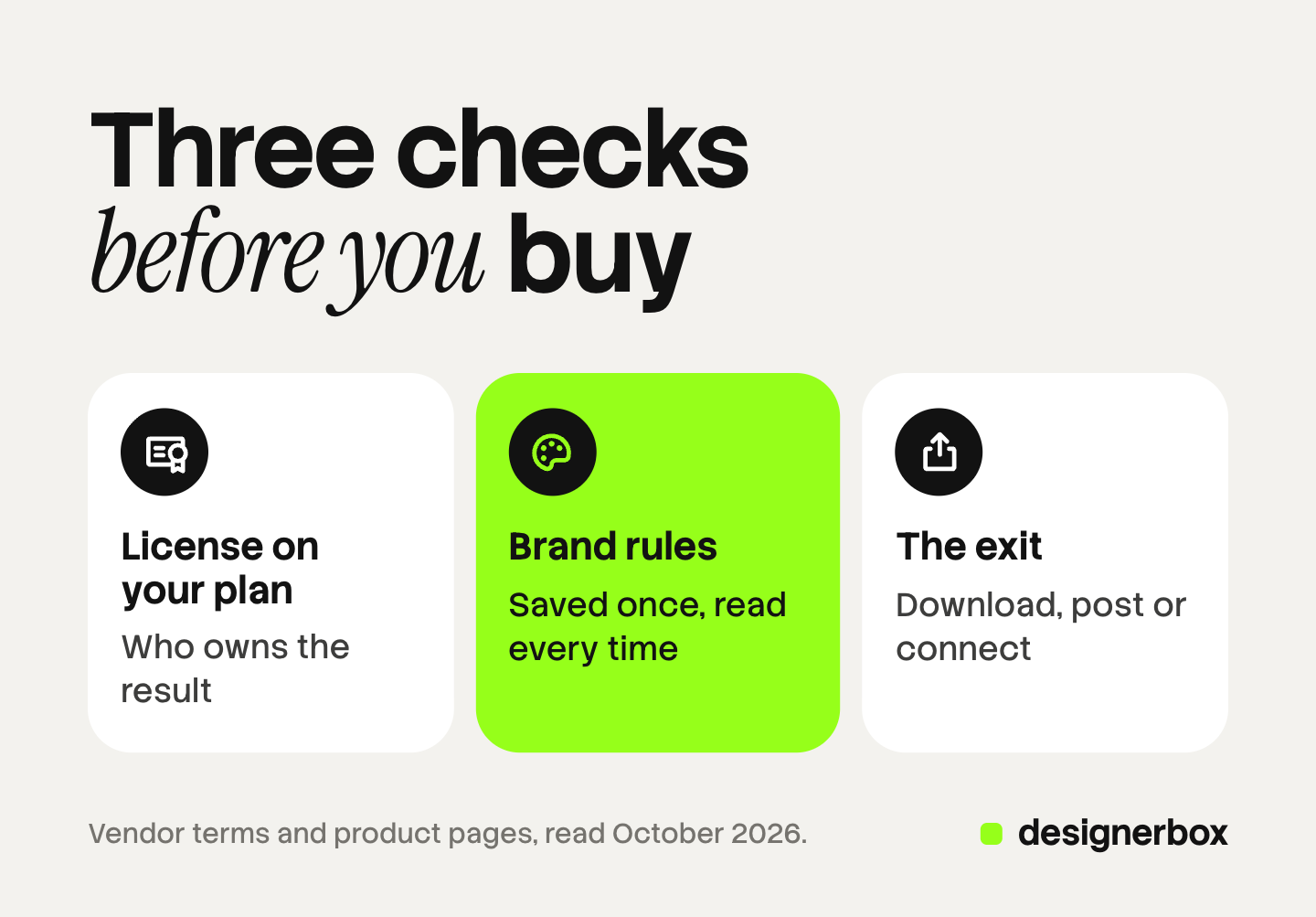
Three checks decide whether a tool fits a brand team: the commercial-use terms on your plan, where the brand rules live, and how a result leaves the tool. Run all three on every job in the table.
1. Commercial-use terms on the plan you buy
The terms can differ between plans of the same tool. Read them for the plan you will pay for. Four examples from the vendors’ own pages, read in October 2026:
- OpenAI. The Terms of Use say you own what the service produces for you, and OpenAI assigns its rights to you. They also say a result may not be unique (openai.com, October 2026).
- Canva. The AI Product Terms say you own what you make with Canva’s AI. The exception is a result that includes Canva library content, which stays under Canva’s license (canva.com/policies/ai-product-terms, October 2026).
- Midjourney. The Terms of Service say you own the assets you create, with exceptions. A company above a stated yearly revenue must be on the Pro or Mega plan to own its assets (docs.midjourney.com, Terms of Service, October 2026).
- ElevenLabs. The free plan has no commercial license. All paid plans include one, except for beta services (help.elevenlabs.io, October 2026).
Runway states that content you create is yours to use, with no non-commercial restrictions from Runway (help.runwayml.com, October 2026). A vendor’s permission is one question. Copyright in AI results is a separate one, and the guide to commercial use of AI images covers it. This section is general information, not legal advice.
2. Brand rules that carry between pieces
Ask where the brand lives in the tool. A saved brand record means the tool applies your logo, fonts, colors and voice to each new piece. With no record, someone types the rules into every prompt, and each person types them a little differently.
Canva saves a kit, Jasper saves a voice, OpusClip saves a clip template, and Firefly trains a custom model. Each record stays inside its own tool. Five tools means five copies of your brand to keep in step. The AI brand consistency guide explains why assets drift when the copies differ.
3. How a result leaves the tool
Every tool ends in an exit. Some tools post to a channel for you. Some give you a file to download. Some send the file to the next tool through a connection. Each exit is a place where someone exports, renames and uploads.
For each tool, write down the formats it exports, the channels it posts to, and whether another tool can connect to it.
How does a team choose an AI content creation platform?
Choose an AI content creation platform by job first and by brand second. Put one main tool on each job your team does every week. Then run the three checks.

Follow these steps:
- Write one job next to each tool you pay for. Two tools on one job means one of them goes.
- Read the license page for your plan. Save the link and the date you read it.
- Find the brand record in each tool. If a tool has none, write down who types the rules.
- Count the exits. Fewer file moves matter more than fewer tools.
A list of the best AI tools for content creation usually ranks by features. For a team, the fit between the tools matters more than the rank. The AI tool stack cost guide shows what a six-tool stack costs for each product you sell.
Images, ads and video in DesignerBox
Anyone can make an AI picture. Making hundreds that still look like your brand is the hard part. That is the second check, at volume.
DesignerBox is AI creative production for brands and agencies. In the table above, it covers three jobs: design stills, generate video, and edit. You save your brand rules once: logos, fonts, palette and voice. You build a job once as a workflow, and the workflow reads those rules on every run. You can start from a template, publish a workflow as an app for a colleague, and run it over a whole sheet with batch. The standard is the same on row one and row two hundred.
The full workflow from the first product photo to the finished ad, in one subscription. That includes text to speech, transcription, a talking avatar with lip sync, and a video editor with a real timeline. The cost is shown before each run. An AI chat such as Claude, ChatGPT or Cursor can run the same workflows over MCP.
Here are the limits. DesignerBox is not a writing tool or a scheduler, and it does not post to social channels for you. You download the results, or send them with a webhook or an S3 step. It does not dub existing footage or clone a voice. Every plan below Ultra is one seat. Uploading your own photos and the commercial license start on the Pro plan. AI video, virtual try-on, upscaling, the image editor and the video editor start on the Premium plan. Plans and credits are on the pricing page.
There is a free plan, and it runs on sample products. Get started free.
FAQ
What are the best content creation tools for a small team?
No single product is best, because no tool does all six jobs well. Pick one main tool for each job your team does every week. Then check the license on your plan, where the brand rules live, and how a result leaves the tool.
What is an AI content creation platform?
An AI content creation platform is a tool that covers several content jobs in one place, with AI models that make the first version. Some focus on text, some on design, and some on video. Check which of the six jobs a platform covers before you count on it for all of them.
Can a business use AI content commercially?
It depends on the tool and the plan. ElevenLabs states that its free plan has no commercial license and that all paid plans include one. Read the terms for the plan you buy, and save the link and the date.
What is the difference between content creator tools and tools for a brand team?
Content creator tools serve one person and one account, so speed matters most. A brand team has several people who make content under one brand. For a team, saved brand rules, shared access and clear license terms matter more than speed.
Where does DesignerBox fit among content creation tools?
DesignerBox covers images, ads and video. You save your brand rules once, and each workflow reads them on every run. You see the cost before each run. It does not write long text or schedule posts, so a team keeps a writing tool and a scheduler next to it.
Sources
- OpenAI Help Center, Projects in ChatGPT: help.openai.com, accessed October 2026
- OpenAI Terms of Use, ownership of content: openai.com, accessed October 2026
- Google DeepMind, Veo 3.1 model page: deepmind.google, accessed October 2026
- Runway home page, Team plan announcement: runwayml.com, accessed October 2026
- Runway Help Center, commercial use of content: help.runwayml.com, accessed October 2026
- Meta Business Help Center, Create and manage posts in Meta Business Suite: facebook.com/business/help, accessed October 2026
- Jasper brand voice page (jasper.ai/brand-voice), October 2026
- Canva Pro Brand Kit page (canva.com/pro/brand-kit), October 2026
- Canva AI Product Terms, effective 26 June 2026 (canva.com/policies/ai-product-terms), October 2026
- Adobe Firefly product page (adobe.com/products/firefly), October 2026
- Midjourney documentation, Style Reference and Terms of Service (docs.midjourney.com), October 2026
- Higgsfield home page (higgsfield.ai), October 2026
- Descript home page (descript.com), October 2026
- OpusClip home page (opus.pro), October 2026
- ElevenLabs Help Center, publishing content made on the platform (help.elevenlabs.io), October 2026
- ElevenLabs dubbing page (elevenlabs.io/dubbing), October 2026
- HeyGen video translator page (heygen.com/translate), October 2026
- Buffer publishing page (buffer.com/publish), October 2026
- Zapier app directory (zapier.com/apps), October 2026
- DesignerBox pricing (designerbox.ai/pricing), October 2026: plan gates and seats
Tool features and license terms verified on each vendor’s own site as of October 2026. Terms change, so read the page for your plan before you buy. General information, not legal advice.


