





An AI video generator for social media is software that makes or edits short video for feeds such as TikTok, Instagram Reels, YouTube Shorts and LinkedIn. No single product is best at every clip. The right one depends on the kind of video: a product clip from a photo, a presenter clip, an effects short, an edit of your footage, a repurposed long video, or a script turned into video.
This guide sorts the field by kind of video. Each section names one or two tools and one feature that the vendor states on its own page, read in October 2026. Then it covers what four platforms accept, when a clip needs an AI label, and what breaks at volume.
Key Takeaways
- Pick by kind of video. A product clip, a presenter clip, an effects short, a footage edit, a repurposed cut and a script-to-video draft each start from a different input. The effects short has its own guide: AI video effects.
- Nine tools, six kinds. Runway and Adobe Firefly for product clips, HeyGen and Synthesia for presenters, Pika and Higgsfield for effects, CapCut and Descript for edits and cuts, Canva for script-to-video.
- Vertical is the safe shape. TikTok recommends 9:16, Reels accept up to 9:16, and YouTube sorts square or vertical uploads of up to three minutes into Shorts.
- Realistic AI video needs a label. TikTok, YouTube and Meta each ask for one when AI made or changed realistic video.
- Volume is the hard part. Clip 40 has to look like clip 1, and most generators make one clip at a time.
What is the best AI video generator for social media?
The best AI video generator for social media is the one built for the kind of clip you post most. A generator that animates a product photo does a different job from one that puts a presenter on screen.
So start with your calendar. Count how many posts a month fall into each kind. Then choose one tool for the largest group and add a second only when a second kind grows.
For a ranking of the video models themselves, see the AI video generator comparison of six models. This guide is about products and jobs.
Six kinds of social media video
Each kind starts from a different input, and the input decides which tool fits.
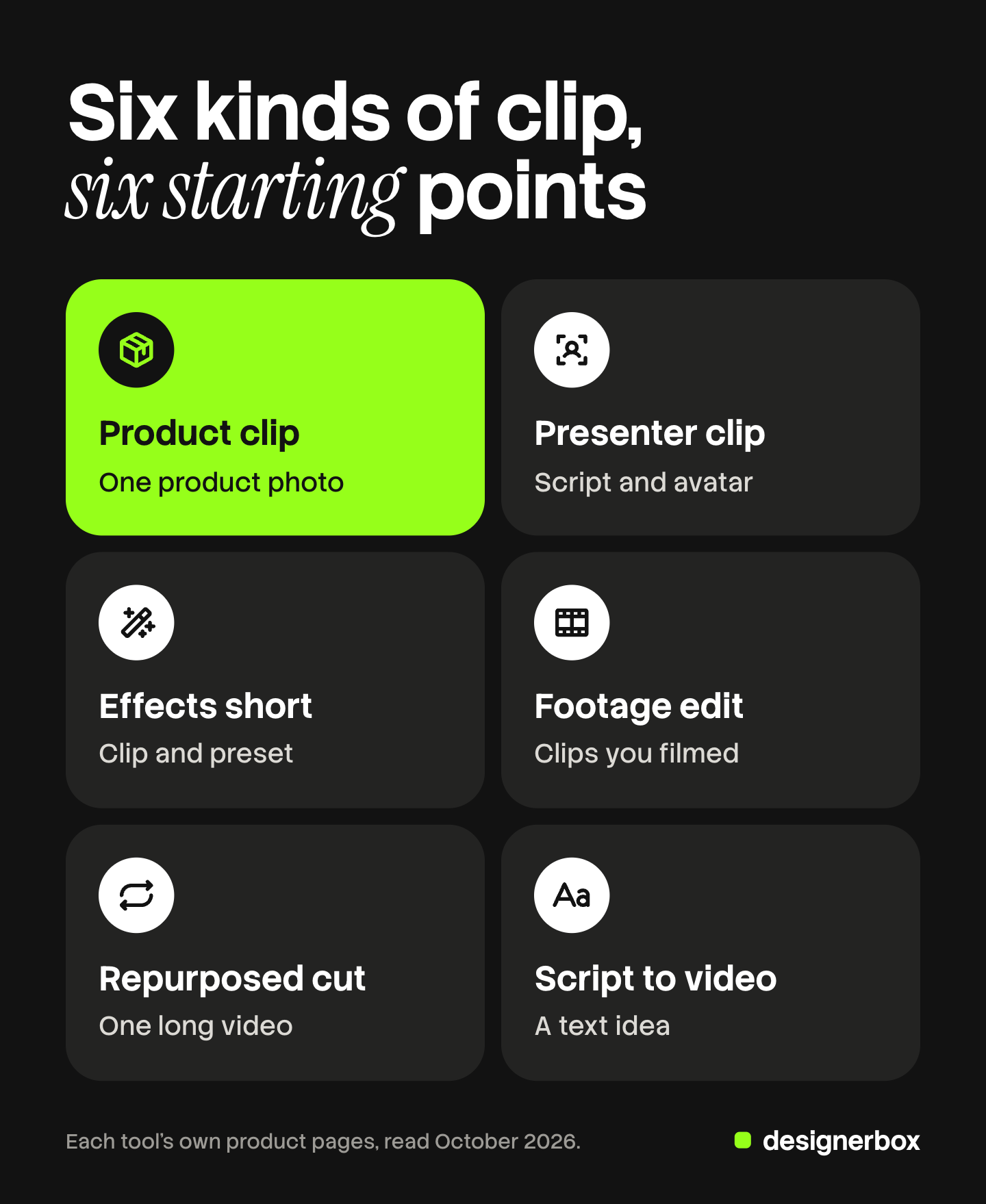
| Kind of video | You start from | Tools named in this guide |
|---|---|---|
| Product clip | One product photo | Runway, Adobe Firefly |
| Presenter clip | A script and an avatar | HeyGen, Synthesia |
| Effects short | A clip or image and a preset | Pika, Higgsfield |
| Footage edit | Clips you filmed | CapCut |
| Repurposed cut | A long video or podcast | Descript |
| Script to video | A text idea | Canva |
Product clips from a photo
A product clip starts from a still. The generator adds motion: a slow turn, a pour, a hand that lifts the item.
Runway is a model vendor, and its tools take more than a text prompt. Its product page lists a video tool that uses “text, image, video or audio to generate videos”. The same page lists Aleph 2.0 with this line: “Edit a frame in a video, apply it to the rest of the video” (runwayml.com, October 2026).
Adobe Firefly offers Text to Video and Image to Video, and its page names “animated product shots” as a use. Adobe says the Firefly Video Model “is trained on licensed content, such as Adobe Stock, and public domain content”. It adds that commercial eligibility “depends on the model used” (adobe.com, October 2026).
The check for this kind is the product itself. Compare the label text, the color and the shape in the clip with the photo. Clothing has extra failure points, which the guide to an AI video generator for Instagram clothing brands covers.
Presenter and talking-head clips
A presenter clip shows a person who speaks to the camera. With AI, you type the script and an avatar says it.

HeyGen makes a video from a script with a voiceover, visuals and an avatar. It also translates video across “175+ languages and dialects”. Its page says every custom avatar “requires on-camera identity verification from the person depicted” (heygen.com, October 2026).
Synthesia lists 240+ avatars and translation into 160+ languages on its homepage. It also turns documents, PDFs and website links into video (synthesia.io, October 2026). Its listed use cases include training, sales enablement and marketing.
This kind fits founder updates, feature explainers and local-language versions of one message. The AI video tools for LinkedIn guide compares seven products for that feed.
Effects-led and restyled shorts
An effects short is built around one visual trick. An object melts, a scene changes style, or a character repeats across shots.
Pika describes its video app as able to make “anything from a short clip to 3-minute multi-shot” video. It also has a tool to customize a character “who can be repeatedly used in your creations” (pika.art, October 2026).
Higgsfield has a restyle tool that it describes as “Keep the motion, change the world”. The tool takes the motion from a video and recasts it “with your characters, locations, and products” (higgsfield.ai, October 2026). The guide to Higgsfield AI alternatives lists products with a similar scope.
Edits of footage you already have
Many brands already own footage: a shoot, a founder video, customer clips. Here the job is to cut, caption and resize. AI does the slow parts.
CapCut is a social media video maker in the editor sense. Its online editor lets you “trim, crop, split, reverse, or mirror clips”, and it can resize a video, remove a background and write captions. The same page lists “long-to-short-form video conversion” (capcut.com, October 2026).
Repurposed long-form video and AI shorts
A repurposed cut takes one long recording and returns several short ones. An AI shorts generator is this kind of tool. It finds the moments, crops them to vertical and adds captions.
Descript edits video through the transcript. Its homepage says you “edit your video by editing the text”. It also says it turns “long-form video or podcast into clips” and reformats one video for “YouTube, TikTok, LinkedIn” (descript.com, October 2026).
This kind suits a brand with a podcast, webinars or long demos. The AI TikTok content pipeline guide shows where the handoffs between clips fail at volume.
Script-to-video drafts
Script-to-video starts from text alone. You describe the scene, and the product returns a clip.
Canva has a video clip feature that it says is “powered by Google’s Veo-3”. It makes “a 16:9 video for up to eight seconds, with synchronized audio”. Canva adds: “One video is generated per prompt.” You then add the clip to a Canva design and edit it there (canva.com, October 2026).
A 16:9 clip is horizontal, so plan a crop before you post it as a Reel or a Short. Text-only video also knows nothing about your real product. Use it for mood shots and backgrounds. Use a photo-based generator for anything that shows the item you sell.
What each platform accepts
A clip that fits one feed may fail on another. These limits come from each platform’s own help page.
| Platform | Aspect ratio | Length |
|---|---|---|
| TikTok in-feed ads | 9:16 recommended, 16:9 and 1:1 accepted | Up to 10 minutes |
| Instagram Reels | Between 1.91:1 and 9:16 | 3 minutes or less to reach new viewers |
| YouTube Shorts | Square or vertical | Up to 3 minutes |
| LinkedIn Pages | Between 1:2.4 and 2.4:1 | 3 seconds to 10 minutes |
TikTok’s specification for standard in-feed ads recommends vertical 9:16 at 540 by 960 pixels or more (ads.tiktok.com, October 2026).
Instagram says a reel can have “an aspect ratio between 1.91:1 and 9:16”, with at least 30 frames per second and 720 pixels (help.instagram.com, October 2026). Instagram also says it recommends “videos to unconnected audiences that are 3 minutes or less” (creators.instagram.com, October 2026).
YouTube sorts uploads “with a square or vertical aspect ratio up to three minutes in length” into Shorts (support.google.com, October 2026). LinkedIn’s limits for Pages are on its help page (linkedin.com, October 2026).
One vertical master at 9:16 fits all four. AI for social media content explains how to cut that one master again for each feed.
When a social video needs an AI label
Three platforms ask you to label realistic AI video in posts. The rules differ in wording, so read each one.
- TikTok. TikTok says it requires creators “to label all AI-generated content that contains realistic images, audio, and video”. It may also add an “AI-generated” label itself when a file has Content Credentials attached (tiktok.com, October 2026).
- YouTube. YouTube requires creators “to disclose when they use AI to meaningfully alter or generate photorealistic content”. You answer the “AI use” question at upload. Content that is clearly unrealistic needs no disclosure (support.google.com, October 2026).
- Meta. On Facebook, Instagram and Threads, Meta “may require an AI label when content has photorealistic video or realistic-sounding audio” that was digitally created or altered. Meta says this requirement does not apply to images (meta.com, October 2026).
LinkedIn shows a C2PA icon on image and video content that carries Content Credentials. It says the feature is still being made available gradually (linkedin.com, October 2026).
Ads follow separate rules on each platform. A label is set per post, so a batch of 40 clips needs 40 checks.
What breaks at volume
One good clip is easy to make. The fortieth is where the work shows.

Three things drift when a team makes clips one at a time.
- The look. Each prompt is written again, so the light, the background and the framing change from clip to clip.
- The product. A logo bends or a color shifts, and nobody compares clip 31 with the photo.
- The text. Captions use a new font and a new position each week.
The fix is a written standard. Set the model, the light, the framing, the caption style and the product check once. Then apply the same standard to every clip, whoever makes it.
The same brand look on every clip
DesignerBox is AI creative production for brands and agencies. Anyone can make an AI picture. Making hundreds that still look like your brand is the hard part.
In DesignerBox you build a workflow once with your brand, your products and your rules. The workflow reads the brand profile on every run. So the clip for product 40 gets the same light, framing and text style as the clip for product 1. The AI video ads page shows the video workflows.
Batch runs one workflow over a sheet of up to 200 rows. Row one and row two hundred follow the same steps, and you keep or discard each result. The video editor is a timeline with several tracks, transitions, animated text and audio. The full workflow from the first product photo to the finished ad, in one subscription.
An 8-second clip costs 40 to 560 credits, depending on the model. You see the cost of a run before you press Run.
Here are the limits. DesignerBox does not post to social accounts. You download the results, or send them with a webhook or an S3 step. Every plan below Ultra is one seat. Uploading your own photos and the commercial license start on the Pro plan. AI video, virtual try-on, upscaling, the image editor and the video editor start on the Premium plan. Plans and credits are on the pricing page.
A free plan for your first run
There is a free plan, and it runs on sample products. It cannot make video, so use it to see how a workflow and a template work. Get started free
FAQ
What is an AI video generator for social media?
It is software that makes or edits short video for feeds such as TikTok, Instagram Reels, YouTube Shorts and LinkedIn. Some products create new footage from a photo or a text prompt. Others cut, caption and resize footage you already have.
Which AI social media video generator fits a product brand?
Choose one that starts from your product photo, because the photo carries the real label, color and shape. Runway and Adobe Firefly both accept an image as input (runwayml.com and adobe.com, October 2026). Compare every clip with the photo before it goes live.
What does an AI shorts generator do?
It takes one long video and returns several short vertical clips with captions. Descript describes this as a way to turn long-form video or a podcast into clips (descript.com, October 2026). YouTube treats square or vertical uploads of up to three minutes as Shorts.
What size should a social media video be?
Vertical 9:16 is the safe choice. TikTok recommends it for in-feed ads, Instagram Reels accept it, and YouTube sorts vertical clips of up to three minutes into Shorts. LinkedIn Pages accept ratios between 1:2.4 and 2.4:1 (ads.tiktok.com, help.instagram.com, support.google.com and linkedin.com, October 2026).
Do I have to label AI video on social media?
In many cases, yes. TikTok, YouTube and Meta each ask for a label or a disclosure when AI made or changed realistic video. Read the rule for each platform, and set the label on each post.
Does DesignerBox post videos to social accounts?
No. DesignerBox makes the clips, and you post them. You download the results, or send them with a webhook or an S3 step. AI video starts on the Premium plan.
Sources
- Runway, product page: video tool inputs and Aleph 2.0: runwayml.com, October 2026
- TikTok Ads Manager, TikTok Auction In-Feed Ads specifications (last updated June 2026): ads.tiktok.com, October 2026
- Instagram Help, Reel size and aspect ratios: help.instagram.com, October 2026
- Instagram for Creators, FAQ on recommendations for reels over 3 minutes: creators.instagram.com, October 2026
- YouTube Help, three-minute YouTube Shorts: support.google.com, October 2026
- YouTube Help, disclosing use of GenAI content: support.google.com, October 2026
- TikTok Support, About AI-generated content: tiktok.com, October 2026
- Meta Help, how to identify AI content on Meta products: meta.com, October 2026
- LinkedIn Help, video specifications for LinkedIn Pages: linkedin.com, October 2026
- LinkedIn Help, Content Credentials: linkedin.com, October 2026
- Vendor pages for Adobe Firefly, HeyGen, Synthesia, Pika, Higgsfield, CapCut, Descript and Canva (adobe.com, heygen.com, synthesia.io, pika.art, higgsfield.ai, capcut.com, descript.com, canva.com), October 2026
- DesignerBox plans and feature gating: DesignerBox pricing page (designerbox.ai/pricing), October 2026
Platform and vendor features checked against each company’s own pages as of October 2026. This is general information, not legal advice. Individual results vary.


