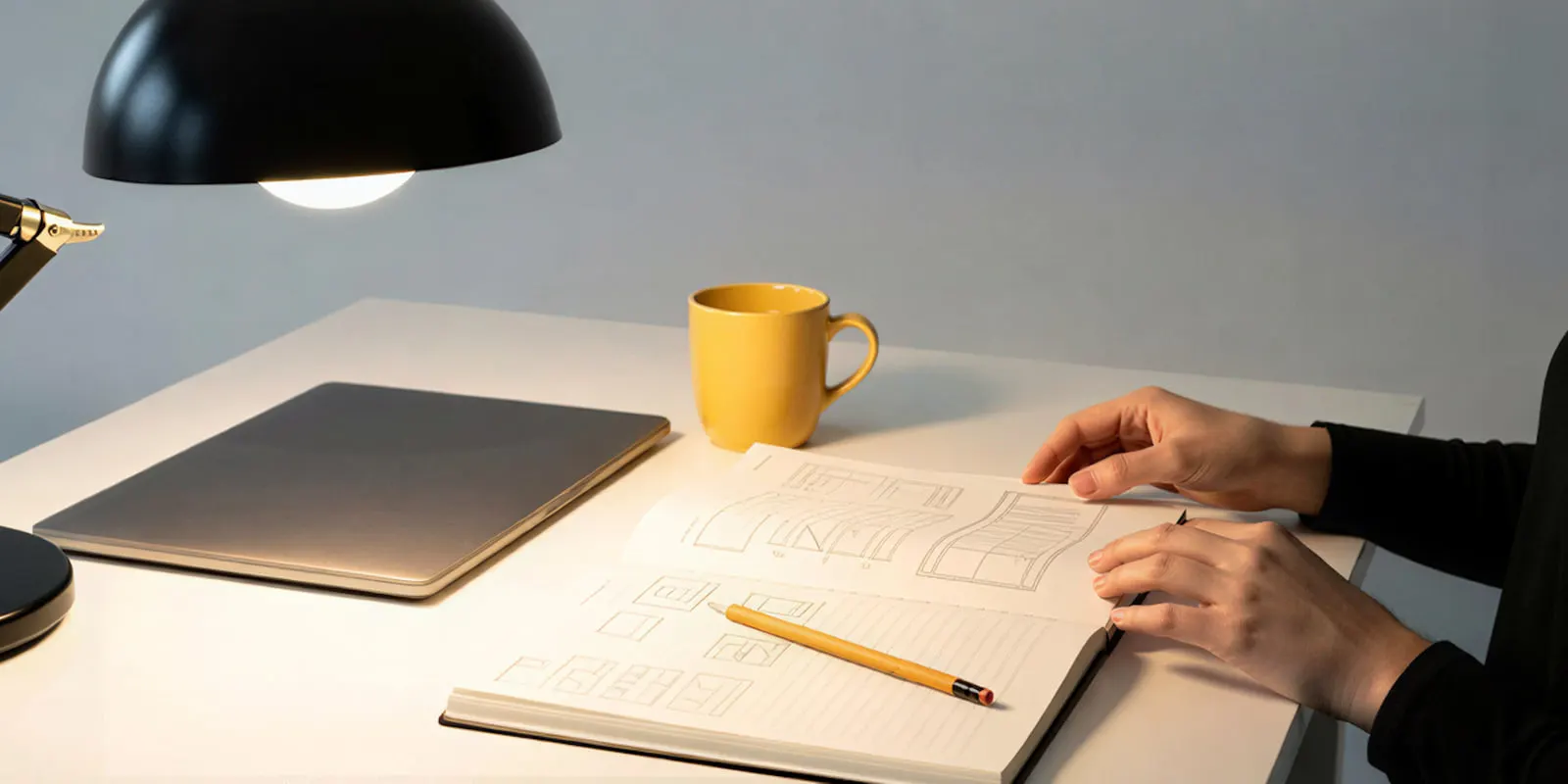
An animatic is a storyboard cut to time. You place the storyboard frames in order on a video timeline, hold each frame for as long as the shot will last, and add rough sound: a temporary voice, music and a few effects. The result is a rough video of the whole piece. It shows pace, length and order before anyone shoots or animates.
The word comes from film and animation, but the method fits a 15-second video ad as well as a feature film. A team that makes video ads uses an animatic to answer one question early: whether the idea fits in the time the placement allows.
Key Takeaways
- An animatic is storyboard frames on a timeline with rough sound. It tests timing. A storyboard tests framing and order.
- It sits between the storyboard and the shoot or the animation. A change at this stage is a change on a timeline. After the shoot, the same change can mean a new shoot day.
- Previz is a different thing. Previz builds rough shots in 3D to plan the camera and the space. An animatic is flat frames and a clock.
- Five steps make one. Frames, a scratch voice, a timeline, simple moves, then a review against the real ad length.
- AI changes who can make each part. An image model makes the frames, a video model tests motion on one shot, and text to speech reads the script.
What is an animatic?
An animatic is a rough video made from storyboard images, timed shot by shot, usually with sound. Merriam-Webster defines it as “a preliminary sequence of shots, images, or sketches” that is “filmed or arranged usually with a sound track and viewed to determine its effectiveness before being finalized” (merriam-webster.com, October 2026).
The dictionary says the word is probably a blend of “animated” and “schematic”, and dates its first known use to 1977. The practice is older. Adobe’s guide to animatics dates it to the 1930s and the storyboarding process at Walt Disney Productions (adobe.com, October 2026).
Film schools describe it the same way. ESMA, a French animation school, calls the animatic an “animated storyboard” that is “sometimes accompanied by a sound track, dialogue and music” (esma-artistique.com, October 2026).
Three parts appear in every definition:
- Frames. Still images, one or more for each shot. They can be pencil sketches, photos or rendered pictures.
- Time. Each frame stays on screen for the length of its shot.
- Scratch audio. A temporary voice, music and effects. “Scratch” means the team will replace it later.
The pictures do not need to look finished. Adobe says the images “are mainly used to judge the timing of a piece” (adobe.com, October 2026).
Where an animatic sits in production
An animatic comes after the storyboard and before the shoot or the animation. The script becomes a shot list. The shot list becomes a storyboard. The storyboard becomes an animatic. Only then does the expensive work start.
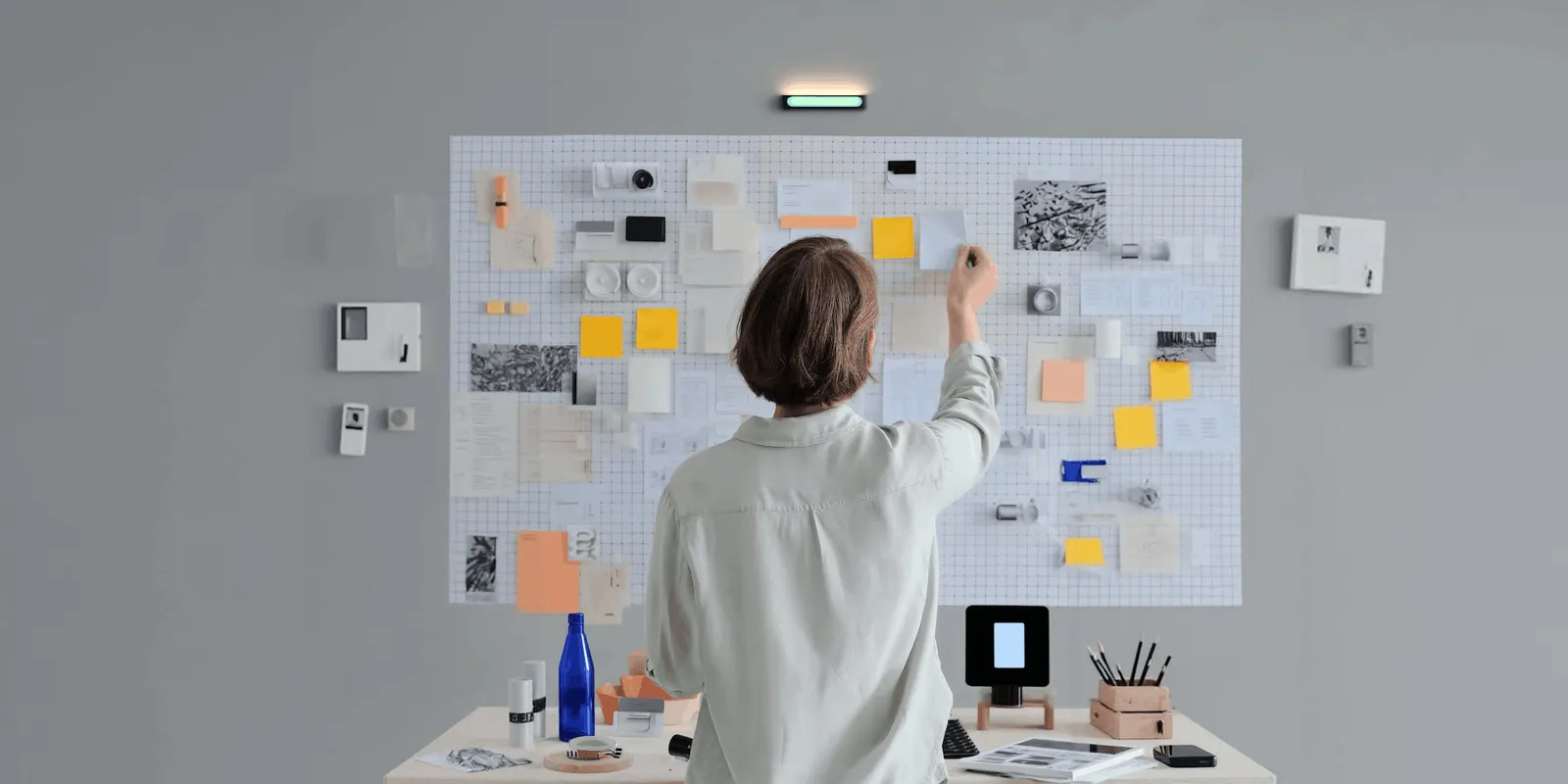
Animation uses animatics on most projects, because every second of finished animation takes a lot of work. Live action uses them less often. StudioBinder notes that “even live action films will use them, especially for complex action or visual effects scenes” (studiobinder.com, October 2026).
ESMA explains what the stage is for. Animatics “preview the editing process, allowing adjustments to be made to the rhythm before moving on to the production stage”. The school adds that voices, sound effects and the first music often enter the project at this stage (esma-artistique.com, October 2026).
For advertising, Boords puts it in one line. For “video agencies and production teams, animatics bridge the gap between storyboard and final edit” (boords.com, October 2026). An ad has a fixed length, so the animatic is the first moment the team sees whether the script fits.
Storyboard vs animatic vs previz
The three are steps on one path, and each one answers a different question. A storyboard shows what each shot looks like. An animatic shows how long each shot lasts and how the shots play together. Previz shows where the camera and the subjects are in space.
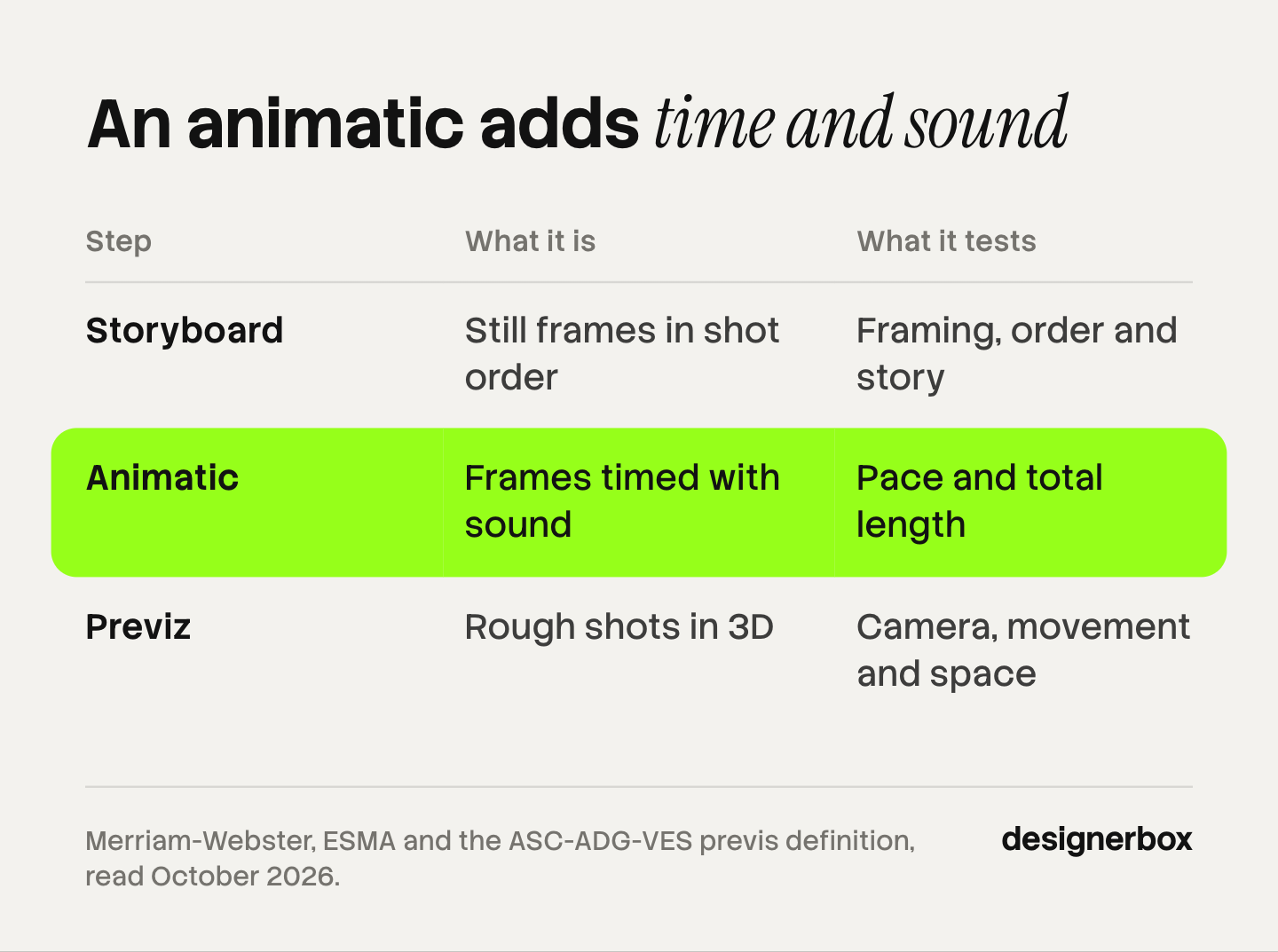
| Storyboard | Animatic | Previz | |
|---|---|---|---|
| What it is | Still frames in shot order | The same frames on a timeline with sound | Rough shots built mostly in 3D |
| What it tests | Framing, order and story | Pace, shot length and total length | Camera position, movement and space |
| Sound | None | Scratch voice, music and effects | Optional |
| Format | A page, a PDF or a board | A video file | A video file from a 3D scene |
| Typical use | Every film, animation and ad | Animation, ads and complex scenes | Visual effects and action scenes |
The previz row has a formal source. A joint committee of three Hollywood craft groups, the ASC, the ADG and the VES, defined previs in 2009. It is “a collaborative process that generates preliminary versions of shots or sequences, predominantly using 3D animation tools and a virtual environment”. A University of Alaska Fairbanks course document quotes the full definition (uaf.edu, October 2026).
A 3D animatic and a previz sequence can look alike. The useful test is your question. If the question is time, make an animatic. If the question is space, make previz.
“Animatic storyboard” is a common search phrase for the same thing: a storyboard that plays as video. AI storyboard generators covers the products that make the board itself.
How to make an animatic in five steps
You need storyboard frames, a script and any video editor with a timeline. A script breakdown gives you the shot list those frames come from.
- Collect one frame for each shot. Number the frames to match the shot list. A long shot with a change in it gets two or three frames.
- Record the scratch audio. Read the script aloud at the speed you want. Add a temporary music track if the ad depends on music. The voice sets the clock for everything else.
- Place the frames on the timeline. Put the audio on one track and the frames on another. Stretch or shorten each frame until the picture changes where the voice needs it to change.
- Add simple moves and text. A slow zoom or a pan on a still frame shows the planned camera move. Put the main on-screen text in place, because text takes reading time.
- Watch it at full speed and cut. Compare the total length with the length of the placement. Remove or shorten shots until the piece fits, then export a video file for review.
Storyboard software often does step 3 for you. In Toon Boom Storyboard Pro, the panels arrive on the timeline “already timed to last one second each”, and the help page says: “Therefore, your storyboard is already a basic animatic” (docs.toonboom.com, October 2026).
Here is an illustrative example. A 15-second ad has six shots. An even split gives each shot 2.5 seconds. The animatic shows that the product shot needs 4 seconds and the opening needs 1.5. No one can see that on a printed storyboard.
How AI changes the animatic for a video ad
AI does not change what an animatic is. It changes who can make each part and how fast. For the finished form, see the guide to animated ads.
| Part of the animatic | Before | With AI |
|---|---|---|
| Frames | A storyboard artist draws them | An image model makes them from the script and a product photo |
| Motion test | A camera move on a still frame | An image-to-video model animates one frame for a few seconds |
| Scratch voice | Someone on the team reads the script | Text to speech reads it, in each language you need |
| The cut | A video editor timeline | The same timeline |
Frames from an image model. An image model can make a frame for each line of the shot list. Start from the real product photo, so the product in the frame is the product in the ad. Script to storyboard covers how to break a script into shots and keep a character the same across frames.
Motion tests from an image-to-video model. Some shots depend on movement: a pour, a turn, a garment in motion. A still frame cannot test those. An image-to-video model takes the frame as its start. Google’s documentation for Veo 3.1 says “Veo uses the input image as the initial frame”, lists clip lengths of 4, 6 and 8 seconds, and says the model generates audio with the video (ai.google.dev, October 2026). Google lists 22 October 2026 as the earliest shutdown date for the Veo 3.1 preview models in the Gemini API (Gemini API deprecations, October 2026). AI image to video for ecommerce compares more models for this step.
A scratch voice from text to speech. Text to speech reads the script in seconds, and it reads the next draft as fast. That helps most with translated ads. A translated script can be longer or shorter than the original, so each language needs its own timing check. AI voiceover for UGC ads covers the voice options for the finished ad.
For an agency, the gain is the number of versions. One campaign often needs a 15-second and a 6-second cut, a vertical and a horizontal frame, and several languages. An animatic for each version shows which ones fit before the team makes any final clip.
What an AI animatic cannot tell you
An animatic tests timing only.
- It does not prove the final look. A model can make a frame today and a slightly different one tomorrow. Treat the frames as a plan.
- It does not prove a performance. A text to speech voice gives the length of a line. An actor or a creator will read it at a different speed, so leave some room.
- A motion test is not the final shot. Many models make clips of a few seconds, so a long shot needs several clips and an edit. How to edit AI-generated video covers that stage.
The client also needs a clear label. Mark the file as an animatic, so nobody judges the rough pictures as the finished ad.
Animatics as a saved workflow
DesignerBox is AI creative production for brands and agencies. Anyone can make an AI picture. Making hundreds that still look like your brand is the hard part.
For an agency, the animatic is a job that repeats for every client and every campaign. In DesignerBox you build that job once as a workflow, with the client’s brand rules and product photos. The brand storyboard template makes the frames. A text to speech step reads the script. A video step animates the shots that need a motion test.
The cut happens in the same place. The video editor is a real timeline, with several tracks, transitions, animated text and audio. You place the frames and the voice on it and set the length of each shot. The full workflow from the first product photo to the finished ad, in one subscription.
You see the cost of a run before you press Run. An 8-second clip costs 40 to 560 credits, depending on the model, so test motion only where the shot needs it.
Here are the limits. DesignerBox makes the files, and you download the results, or send them with a webhook or an S3 step. Every plan below Ultra is one seat. Uploading your own photos and the commercial license start on the Pro plan. AI video, virtual try-on, upscaling, the image editor and the video editor start on the Premium plan. Plans and credits are on the pricing page.
See how agencies use DesignerBox
FAQ
What is an animatic in simple words?
An animatic is a rough video made from storyboard frames. Each frame stays on screen for the length of its shot, and a temporary soundtrack plays under the frames. Teams use it to check pace and total length before they shoot or animate.
What is the difference between a storyboard and an animatic?
A storyboard is a set of still frames in shot order. An animatic puts those frames on a timeline and adds time and sound. The storyboard shows what each shot looks like. The animatic shows how long each shot lasts and whether the whole piece fits its length.
Is an animatic the same as previz?
No. An animatic uses flat frames on a timeline. Previz builds rough versions of shots, mostly with 3D animation software, to plan the camera and the space. That wording comes from the 2009 definition by the ASC, ADG and VES committee (uaf.edu, October 2026).
How do you make an animatic?
Collect one frame for each shot, record a scratch voice, and place both on a video timeline. Change the length of each frame to match the voice. Add simple camera moves and the main text, then watch it at full speed and cut it to the right length.
Can AI make an animatic?
AI can make the parts. An image model makes the frames, an image-to-video model tests motion on single shots, and text to speech reads the script. A person still sets the cut on a timeline and decides what stays.
Do video ads need an animatic?
A simple ad with one shot does not. An ad with several shots, a voiceover and a fixed length benefits from one, and so does a campaign with many versions. In DesignerBox, the cost of a run is shown before the run, so you can check timing before you pay for final clips.
Sources
- Merriam-Webster, “animatic”: definition, word history and first known use (1977): merriam-webster.com, October 2026
- ESMA, an animation school, “Animatics: definition”: esma-artistique.com, October 2026
- ASC-ADG-VES Joint Technology Subcommittee on Previsualization, 2009 definition of previs, quoted in a University of Alaska Fairbanks course document: uaf.edu, October 2026
- The same previs definitions in the SIGGRAPH Asia 2012 course notes “Previsualization”: dl.acm.org, October 2026
- Google, Veo in the Gemini API: image-to-video, clip lengths and audio: ai.google.dev, October 2026
- Google, Gemini API deprecations: ai.google.dev, October 2026
- Vendor guides and help pages on animatics from Adobe, Toon Boom, StudioBinder and Boords (adobe.com, docs.toonboom.com, studiobinder.com, boords.com), October 2026
- DesignerBox plans and feature gating: DesignerBox pricing page (designerbox.ai/pricing), October 2026
Definitions and model features checked against each source’s own pages as of October 2026. The 15-second example is illustrative. Individual results vary.