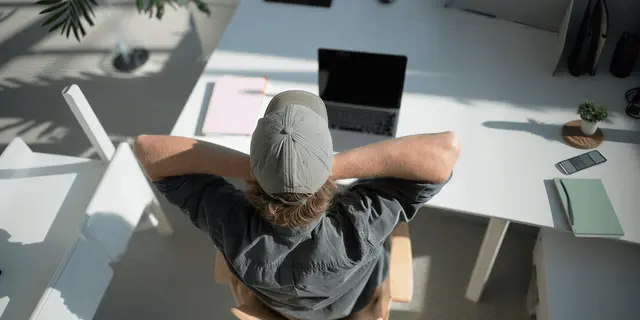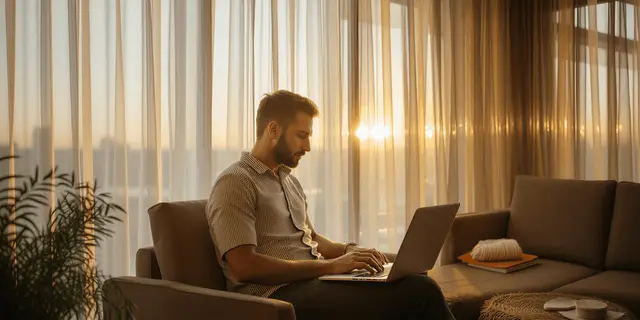
Location consistency in AI shots means the same room reads as the same room in every shot. To get it, build one establishing image of the set first, approve it, then feed that plate into every shot as a reference. A location is four variables: geometry, light, materials, and dressing. Each drifts on its own, so name the one that moved before you touch the prompt.
You lock the presenter. Every clip returns the same face, and it looks like a win. Then you cut the sequence together and the room is wrong. The window has moved to the other wall, the oak counter has turned walnut, the light that came from the left in shot one comes from behind in shot three, and a plant nobody asked for is now in frame.
Nobody notices a face that holds. Everybody notices a room that does not. This guide covers what drifts in a location, why a prompt cannot pin it, how to build a plate that every shot inherits, which models hold a set and how far, and what the whole thing costs. It is written for agencies and brand teams producing multi-shot campaigns. The catalog version of the same problem, one room reused across every SKU, is in furniture product photography, and AI furniture product photography tools compares the tools that build the room scene.
Key Takeaways
- A location is four variables. Geometry, light, materials, and dressing drift independently. Fixing the wrong one wastes a generation.
- Diagnose before you re-prompt. Name which axis moved, then apply that axis’s fix. “Write a better description” is not a fix for any of the four.
- Words cannot pin a room. “A cozy kitchen with morning light” describes ten thousand kitchens. The model picks a different one each run. Show it the room instead.
- Build the plate once, then inherit it. One establishing image of the set becomes the reference every later shot and clip is anchored to, and the same plate comes back for the next drop.
- Reference budgets differ by model. Google documents up to 14 reference images for Nano Banana Pro, Seedance 2.0 takes up to 9, and Veo 3.1 up to 3. The budget decides how many axes you can anchor at once.
What is location consistency in AI generation?
Location consistency means the same place reads as the same place across every shot in a campaign. The room keeps its layout, the light keeps its direction and temperature, the surfaces keep their material, and the props stay where they were. It is measured across shots, so a clip that looks perfect alone can still fail the moment it sits next to the shot before it.
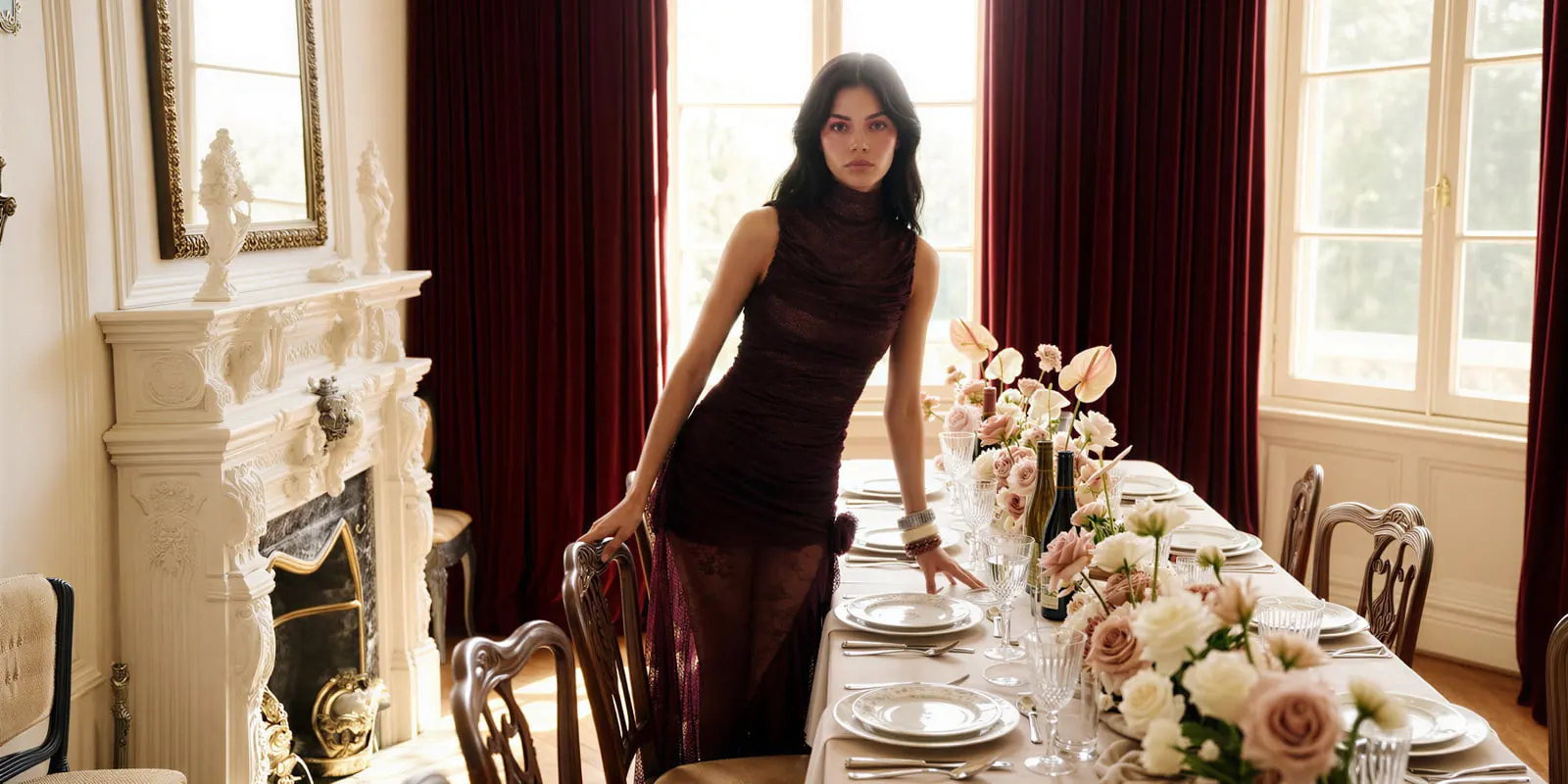
That cross-shot framing is how the research community treats it as well. The VideoMemory benchmark splits multi-shot consistency into character-persistent, prop-persistent, and background-persistent scenarios across 54 cases, and notes that current models “often fail to preserve entity identity and appearance when scenes change or when entities reappear after long temporal gaps” (arXiv:2601.03655, January 2026). Background gets its own category because it fails on its own terms.
Why does a location drift when a character holds?
A face is one object with one set of proportions. Anchor it and the model has one thing to keep still. A location is an entire frame of information, and every part of it is negotiable on every generation.
FilmBench, published by Alibaba Group, Moku Lab, and the Beijing Film Academy, evaluates a scene across separate sub-metrics for environment, foreground and background match, and tone and color, and reports that “the gap opens further down the ranking, where weaker models struggle to keep a coherent, consistently lit environment across shots” (arXiv:2607.24241, July 2026). Degradation concentrates on cross-shot spatial consistency. That is three named failure surfaces for one location, from one benchmark, and it maps closely onto what goes wrong in production.
In practice a location drifts on four axes. Learn to name the one that moved and the fix becomes obvious.
Geometry: the room reflows
The window jumps to another wall. A doorway appears. The counter runs the other direction, or the camera is suddenly two meters further back than the shot it cuts from. Geometry is the axis viewers catch fastest, because a room that reflows breaks the sense that the shots were filmed in one place.
The fix: anchor to a plate that shows the spatial relationships, and keep camera language identical across shots. Change the subject and the action in the prompt, never the room description.
Light: direction and temperature move
Shot one has soft light from the left. Shot four has hard light from behind, half a stop warmer. Each shot is defensible alone. Cut together, the sequence looks like it was shot across three days.
The fix: state direction, hardness, and color temperature in the same words on every generation, and generate a location’s shots in one sitting rather than across sessions.
Materials: surfaces quietly restyle
Oak becomes walnut. Matte paint goes eggshell. Marble veining redraws itself, which is the one clients spot in a hero image. Material drift is subtle per shot and obvious in a grid.
The fix: materials are the axis words fail hardest at. This one is reference-only. Feed the plate and leave the surface out of the prompt.
Dressing: props come and go
A bowl appears on the counter. The plant from shot two is gone by shot five. Signage rewrites itself. Dressing drift reads as carelessness rather than as a different room, which makes it the cheapest to prevent and the easiest to ignore. The providers treat it as its own thing too: OpenAI’s Sora 2 prompting guide describes an image input as locking “character design, wardrobe, set dressing, or overall aesthetic,” listing dressing separately from the subject (developers.openai.com, September 2026). OpenAI removed Sora 2 and Sora 2 Pro from its API on 24 September 2026 (OpenAI API deprecations, accessed September 2026), and the advice holds for any model that takes a reference.
The fix: keep the prop list short and frozen. Every prop you name is a thing the model can reinterpret, so name only the ones that carry the shot.
Build the plate before you build the campaign
The move that fixes all four axes at once is a plate: a single establishing image of the set, approved before any shot is generated, then fed as a reference into everything that follows.
Build it as a wide, well lit, neutral frame showing the spatial relationships and the key surfaces. No subject, or a placeholder one. This is the set, and the shots come later. In DesignerBox, a product scene placement template builds a styled scene from your references. An image run costs less than even the cheapest 8-second clip. Spend your indecision here.
Then inherit it. Every product still, every on-model frame, and every clip takes the approved plate as a reference alongside whatever else the shot needs. The prompt stops carrying the room and carries only the subject and the action, which is the split that makes the room stop moving.
Two rules make the plate hold. Generate the shots for one location in a single pass, because a set generated in one sitting drifts less than the same set rebuilt on Thursday. And when a sequence runs long, export the strongest finished frame and use it as the plate for the next run, so the location carries forward from the version you approved. The same chaining logic that holds a face holds a room, and the identity-side version is in our guide to keeping a character consistent across clips. A brand character that returns in every campaign follows the same rule, covered in keeping one AI mascot consistent. Both sit inside a wider taxonomy: the four ways AI video distorts separates them from the failures no reference can fix.
Which models hold a location, and how
Most current models accept an anchor, either reference images or a first frame, but the reference budget differs, and the budget is what decides how many axes you can pin at once. Three references means a character, a product, and a plate, with nothing left for a style board. A budget near ten means you can anchor the room from several angles. The limits below are what each vendor documents for its own API, and a tool that runs a model can set a lower limit. In a workflow, you pick the anchor per shot instead of rebuilding the setup every time the shot changes.
| Model | Provider | How you anchor a location | Best for |
|---|---|---|---|
| Nano Banana Pro | Up to 14 reference images, including up to 6 high-fidelity object images and up to 3 style images (ai.google.dev, September 2026) | Building the plate, and holding a set across a still campaign | |
| FLUX.2 [flex] | Black Forest Labs | Up to 8 reference images through BFL’s API (docs.bfl.ai, September 2026) | Building a plate from several angles of the same room |
| Seedance 2.0 | ByteDance | Up to 9 images, 3 video clips and 3 audio clips as reference, in takes of up to 15 seconds (seed.bytedance.com, September 2026) | Longer multi-shot takes that must hold one room |
| Kling 3.0 | Kuaishou | Elements: up to 3 per clip, each built from 2 to 4 reference images or a video (kling.ai, September 2026) | Multi-shot clips that carry the same elements |
| Veo 3.1 | Up to 3 reference images of a person, character or product, plus first and last frame control (ai.google.dev, September 2026) | Narrative shots needing matched audio | |
| Kling 2.6 | Kuaishou | A first frame and an optional last frame, and no reference images (kling.ai, September 2026) | Starting a clip on the approved plate |
| Runway Gen-4.5 | Runway | A first frame only. Runway’s three-image references run on its image model, and Runway publishes no reference count for Gen-4.5 (docs.dev.runwayml.com, September 2026) | Animating a frame built on the plate |
| Sora 2 Pro | OpenAI | One reference image anchors the first frame, locking “character design, wardrobe, set dressing, or overall aesthetic” (developers.openai.com, September 2026) | Removed from OpenAI’s API on 24 September 2026 |
Read that table as a budget. Veo 3.1 names a person, character or product as its reference types, so a room goes in as the first frame there. On a three-reference model the plate is competing for a slot with the character and the product. That is the real reason to build the location on the image side first, where the budget is wider, rather than asking one video generation to hold all three.
The cost of holding a location
Holding a location costs image runs for the plate, and the plate saves expensive video re-runs. The cheap step and the expensive step sit at opposite ends of the workflow.
In DesignerBox, the cost of an image depends on the model, and the cost is shown before the run. Iterate the plate until geometry, light, materials, and dressing are all what the campaign needs. A lower-cost image model is usually enough here, because you are approving layout and surfaces before you ship a frame.
Video costs more, and the model sets the price. An 8-second clip costs 40 to 560 credits, depending on the model. Block the sequence on a lower-cost video model to confirm the room holds through the motion, then run the premium model once on the take you ship.
Regenerating a clip because the counter changed material is the expensive version of the same mistake. A plate is one image run, and it prevents that re-run.
The order that follows: lock the plate on the image step, block the sequence on a cheap model, then spend premium credits once. There is a free plan, and it cannot make video. Uploading your own photos and the commercial license start on the Pro plan. AI video, virtual try-on, upscaling, the image editor and the video editor start on the Premium plan. Plans and credits are on the pricing page, and the rest of the budget is in our breakdown of what AI video costs.
Where locations still drift, and the fix
Even with a plate in place, specific failures recur. Each maps to one axis, and none is fixed by rewriting the prompt.
| What you see | Axis | The fix |
|---|---|---|
| The window or doorway moves between shots | Geometry | Feed the plate into every shot and freeze the camera language. Change only subject and action. |
| Shadows fall the other way after a cut | Light | Describe direction, hardness, and temperature identically, and generate the location’s shots in one sitting. |
| Wood, stone, or paint changes character | Materials | Reference only. Remove the material adjectives and let the plate carry the surface. |
| Props appear or vanish across the sequence | Dressing | Cut the prop list to what the shot needs, then keep it word for word identical. |
| The room resets after a scene cut | Geometry and light together | Export the last approved frame and use it as the reference for the next clip. |
| A long take slowly warps the background | All four, compounding | Shorten the clip. Build the move across several linked clips instead of one long generation. |
| Two locations bleed into each other | Geometry | Anchor each location with its own plate and generate them in separate passes. |
The last two rows are the current frontier. Long single takes and rapid location changes are where cross-shot spatial consistency degrades in the benchmarks, and no reference budget removes that. Shorter clips anchored to one plate are the reliable shape today.

One set for every product
Location consistency is a chain: build the plate, hold it across stills and clips, keep every asset in one place, and run the same setup again for the next product or client. DesignerBox is AI creative production for brands and agencies. It is built around the whole chain.
The full workflow from the first product photo to the finished ad, in one subscription. The plate, the stills, the clips, the brand rules and Assets are in one place. The plate gets built on an image model with a wide reference budget, and the clip runs on the video model that fits the shot, inside the same workflow. Each model is one step, and the model list shows what each one does. Assets keeps the plate next to the shots it produced, so the set is still there when the next drop needs it. Your brand rules sit in one record, and the workflow reads them on every run. The location then stays on brand across every shot in the set.
A saved workflow runs the same location setup again for the next product, so the room you approved in March returns in June, and nobody rebuilds it. Publish the workflow as an app, and a colleague completes a form and presses Run without touching the set. Batch runs one workflow over a whole sheet of products. That is the structural version of the argument in our piece on why AI brand assets drift and how to stop it, and the apparel version is in holding one look across a fashion drop.
The honest limit: a plate keeps a location close to the approved set, with some drift left. Check every shot against the plate before it ships, the same way you would check a face.
What the set feeds decides the next step. For clips built on an approved plate, see the video ad templates. For the stills that come off the same set, see AI product photography. For interiors, the real estate photographer template covers the repeatable version, and DesignerBox over MCP lets an AI chat such as Claude, ChatGPT or Cursor run the same workflow.
Start from a template, add your brand and your products, and run it. See the templates.
FAQ
Why do AI models struggle with location consistency more than character consistency?
Because a character is one object and a location is a whole frame of negotiable information. Geometry, light, materials, and dressing each drift independently, so a single anchor has four things to hold instead of one. Benchmarks reflect this by scoring environment, background layout, and lighting as separate dimensions rather than as one score (arXiv:2607.24241, July 2026).
Can I keep the same location across separate AI shots?
Yes. Generate one establishing image of the set, approve it, then feed that plate as a reference into every later shot and clip. Keep the room out of the prompt and let it carry only the subject and the action. Generate the shots for one location together where you can.
How many reference images do I need for a location?
One good plate holds a set for most campaigns. Where a sequence moves through a room, anchor two or three angles of the same set. Reference budgets cap this. In their own APIs, Google documents up to 14 reference images for Nano Banana Pro, BFL up to 8 for FLUX.2 [flex], ByteDance up to 9 images for Seedance 2.0, and Google up to 3 for Veo 3.1. Kling 2.6 and Runway Gen-4.5 take a first frame only.
Can I keep a character and a location consistent at the same time?
Yes, but it costs reference slots. On a three-reference model, a character plus a plate leaves one slot for everything else, so a shot that also needs a product gets tight. Build the location on the image side with a wider reference budget first, then carry the approved frame into video as a single anchor.
Why does my background change even when the prompt is identical?
Because an identical text prompt is still a description, and a description is reinvented on every run. “A sunlit loft with concrete floors” matches thousands of rooms, and the model picks a different one each time. Only a reference image removes the choice.
Does a location have to be a real place?
No. A generated set works the same way as a photographed one, because the plate is doing the anchoring either way. Build the room you want once, approve it, then treat that image as the location for every shot that follows.
How do I keep a location consistent across campaigns months apart?
Save the approved plate and the setup as a workflow, and keep both in Assets with the shots they produced. Rebuilding a set from a written description months later reintroduces every axis of drift at once, which is the failure a saved reference exists to prevent.
Sources
- FilmBench sub-metrics for environment, foreground and background match, and tone, plus cross-shot degradation in weaker models: arXiv:2607.24241 (arxiv.org, July 2026)
- VideoMemory multi-shot benchmark and its background-persistent scenarios: arXiv:2601.03655 (arxiv.org, January 2026)
- Nano Banana Pro reference-image limits: ai.google.dev, September 2026
- Veo 3.1 reference-image limit and first and last frame control: ai.google.dev, accessed October 2026
- FLUX.2 [flex] reference limit through BFL’s API: docs.bfl.ai, September 2026
- Sora 2 image input locking character design, wardrobe, set dressing and overall aesthetic: OpenAI Sora 2 prompting guide, September 2026
- Sora 2 and Sora 2 Pro removal from OpenAI’s API on 24 September 2026: OpenAI API deprecations, accessed October 2026
- Seedance 2.0 reference inputs and take length: seed.bytedance.com, September 2026
- Kling 3.0 Elements and Kling 2.6 first and last frame input: Kling capability map, September 2026
- Runway Gen-4.5 first-frame input and the absence of a published reference count: docs.dev.runwayml.com, September 2026
- DesignerBox plans, credits and feature gating: DesignerBox pricing page (designerbox.ai/pricing), September 2026
Model reference limits and consistency features verified from provider documentation (Google, OpenAI, ByteDance, Kuaishou, Black Forest Labs, Runway) and from the FilmBench and VideoMemory benchmarks as of September 2026. Both benchmark papers, Google’s Veo guide and OpenAI’s deprecations page were re-checked on 2 October 2026. This category moves monthly; re-verify a model’s reference budget before you rely on it. Individual results vary.