Two characters in one AI image blend because most models bind identity to the whole frame rather than to a named person inside it. Give each character its own reference slot, separate them by position in the prompt, and keep them from touching. For still images, Google publishes the clearest per-character number: Nano Banana Pro documents up to 5 character reference images.
You locked your presenter weeks ago. She holds across twelve shots. Then the brief asks for her handing the product to a customer, and both faces arrive wrong: her jaw on the customer, his jacket color bleeding onto her sleeve, and in one output the same woman twice.
Nothing about your reference set changed. The second person did. Everything that makes one character hold works against you the moment a second one enters the frame, and almost no provider documents what happens next.
This covers why identity bleeds between two subjects, the number that is easy to misread in a model’s specs, what nine models document, the four ways a two-character shot fails, and the shot order that gets both faces through. It is written for marketing teams and agencies producing multi-person creative.
Key Takeaways
- Reference image counts are not people counts. Providers publish how many files you may upload. Almost none publish how many distinct people the model will hold. Reading the first number as the second is an easy mistake in multi-character work.
- Google is the exception, twice over. Nano Banana Pro documents up to 5 character reference images inside a 14-image total, and Google’s launch post describes maintaining “the consistency and resemblance of up to 5 people” (ai.google.dev and blog.google, September 2026).
- Video documentation points the other way. Veo 3.1 accepts up to three asset images of “a single person, character, or product” (ai.google.dev, September 2026). OpenAI’s Sora guide allowed up to two characters per video, and only non-human ones. OpenAI removed Sora 2 and Sora 2 Pro from its API on 24 September 2026 (OpenAI API deprecations, accessed September 2026).
- Identity bleeds at contact points. Side by side holds. Facing each other holds less. Touching, hugging, or handing something over is where traits cross, and it is also where hands fail.
- Build each character alone before they meet. Two locked single-character sets, generated and approved separately, then combined. Debugging a blended pair shot without them tells you nothing about which reference is at fault.
- Budget for retries. A two-character shot needs several times the generations of a single-character shot, and that volume is what a multi-person campaign costs.
Why do two characters in one AI image blend?
An image model does not hold a roster of people. It holds one description of a picture, and identity is one property of that description among many.
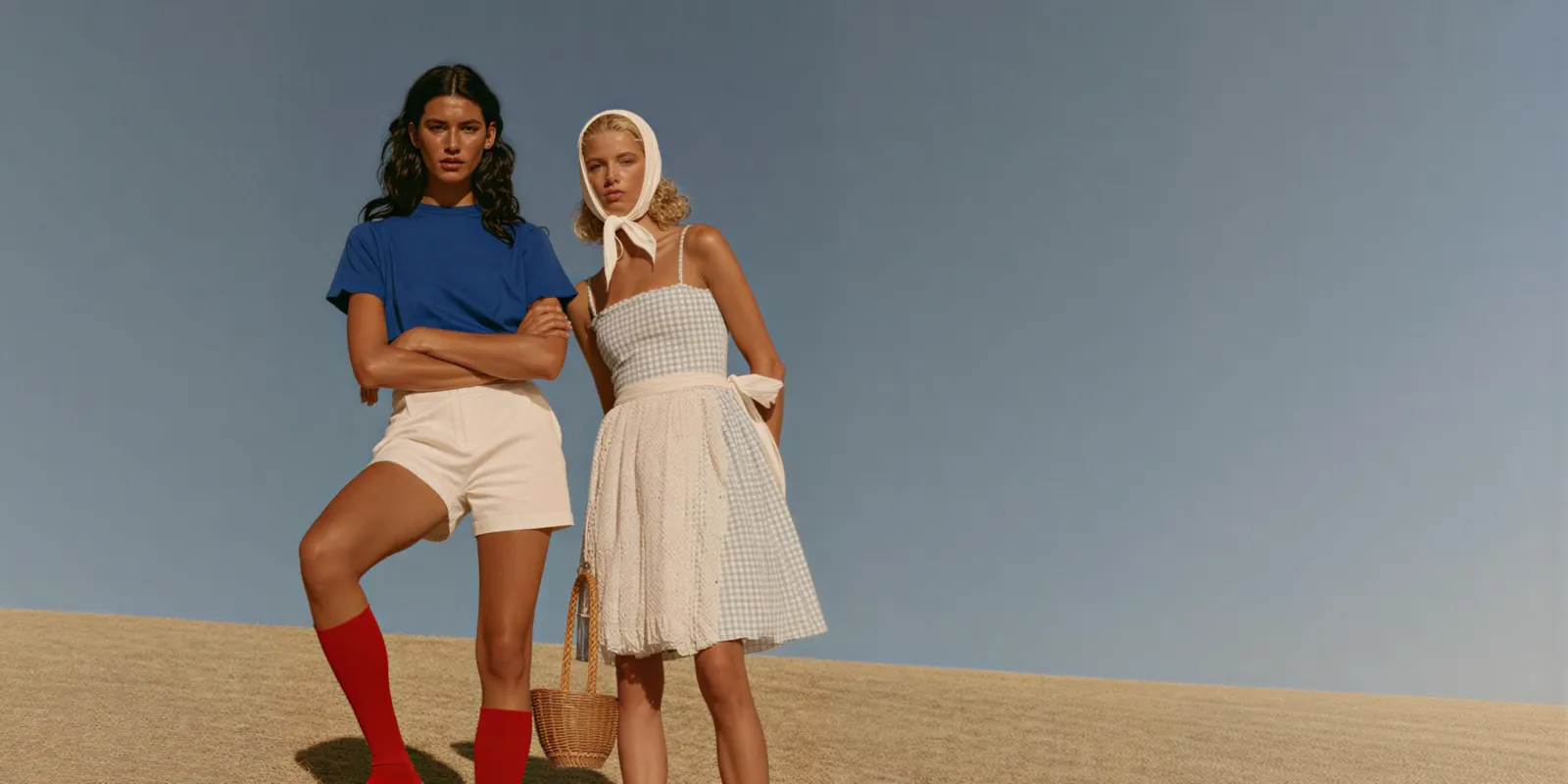
When you supply a single reference, the model has one identity to satisfy and the whole frame to spend it on. Add a second person and the model has to decide which features belong to which body, using a prompt that describes both in the same sentence and reference images that arrive as a flat set with no labels attached. Nothing in that input says which face goes where.
So the model does what it does with any ambiguity: it averages. The result is a plausible picture containing features from both references distributed across two bodies, which is precisely the failure you are looking at.
OpenAI names the general version of this in its own documentation, noting that the model “may occasionally struggle to maintain visual consistency for recurring characters or brand elements across multiple generations” (developers.openai.com, September 2026). Add a second character and the surface area for that struggle roughly doubles.
This is a different problem from single-character drift across a sequence. If your character changes between shots while alone in frame, the fix is the reference discipline in the guide to building an AI brand character. A drawn character follows the same rule, and the model sheet that keeps an AI mascot consistent comes before any shared frame. If two characters change into each other inside one frame, keep reading.
Reference images are not people
A model’s reference-image limit is not the number of people it can hold.
Every provider publishes a reference-image count. Almost none publish a people count. These are different numbers, and the gap between them is where multi-character projects get planned wrong.
“Up to 10 reference images” tells you how many files the endpoint accepts. It does not tell you whether those ten files may show ten different people, or whether they should all show one person from ten angles. For most models the documentation stops before answering, and the reader fills the silence with the more useful interpretation.
Google crosses the gap most explicitly. Its API reference counts images, listing “Up to 5 images of characters to maintain character consistency” for Nano Banana Pro (ai.google.dev, September 2026). Its Nano Banana Pro launch post counts people, describing “the consistency and resemblance of up to 5 people” (blog.google, September 2026).
ByteDance asserts the capability in prose without a number, describing how Seedream 5, “given several separate photos of different people”, extracts each person’s features and combines them into a single scene (seed.bytedance.com, September 2026). That is a clear statement that distinct people work, attached to no ceiling. What Seedream 5 does best on a product catalog covers the rest of what ByteDance publishes.
Everyone else publishes a file cap and stops. Treat a reference count as a budget for your inputs, never as a guarantee about your cast.
What each model documents
Assembled from provider documentation, accessed September 2026. Where a provider is silent, that silence is reported rather than filled.
| Model | What the provider documents | Read it as |
|---|---|---|
| Nano Banana Pro | ”Up to 5 images of characters to maintain character consistency”, inside a 14-image total, plus up to 6 high-fidelity object images and up to 3 style references (ai.google.dev) | The clearest per-character allowance of the nine |
| Nano Banana 2 | ”Up to 4 images of characters to maintain character consistency”, up to 10 object images, no style references (ai.google.dev) | A smaller character budget than Pro |
| Seedream 5 | Up to 10 reference images on the Pro variant (docs.byteplus.com). ByteDance describes combining “several separate photos of different people” into one scene (seed.bytedance.com) | Distinct people stated in prose, no count published |
| GPT Image 2 | Up to 16 input images for GPT Image models, but no character or subject count published. OpenAI notes the model “may occasionally struggle to maintain visual consistency for recurring characters” (developers.openai.com) | Silent on multi-character |
| Kontext Multi | Can “precisely preserve identity (of e.g. a reference character or object) across multiple scenes and environments” (bfl.ai). BFL’s own Kontext API takes up to 4 input images and labels images 2 to 4 “Experimental Multiref” (docs.bfl.ai) | Singular wording throughout |
| Veo 3.1 | Up to three asset images “of a single person, character, or product” (ai.google.dev) | Documented for one subject |
| Kling 3.0 | Elements of 2 to 4 images each, up to 3 per clip (kling.ai) | A published subject ceiling for video |
| Sora 2 Pro | ”A single video can include up to two characters”, and those characters are non-human subjects (developers.openai.com). OpenAI removed it from its API on 24 September 2026 | Not a pick for people |
| Seedance 2.0 | Accepts up to 9 input images. At launch ByteDance noted “room for optimization regarding multi-subject consistency” (seed.bytedance.com, February 2026) | Multi-subject named as a known limit |
Three things worth pulling out of that table.
The 14 is a total, not an object budget. Nano Banana Pro’s object allowance is 6. The 14 is the ceiling across every input type combined, so a two-character scene with products in it spends from one pool. Nano Banana 2 against Nano Banana Pro for product photos compares the two reference budgets shot by shot.
Video is documented more conservatively than stills. Google’s video reference wording is singular. Until 24 September 2026, OpenAI’s guide allowed up to two characters per Sora video, and OpenAI blocked characters that show human likeness (OpenAI video generation guide, September 2026). Kling 3.0 publishes a ceiling of 3 Elements per clip (kling.ai, September 2026). Plan multi-person video around two people, and read the video-side character consistency guide before committing a sequence.
Element features are version-specific. Kling’s capability map marks Elements and multi-image input as unsupported on Kling 2.6. Elements belong to Kling 3.0 (kling.ai, September 2026). Check the generation, not the family name.
The model list shows the image and video models DesignerBox runs, so you can test more than one on the same pair.
The four ways a two-character shot fails
A two-character shot fails in four ways: trait bleed, the same-face collapse, one character that dominates, and drop and duplicate. Diagnose which one you have before you change the prompt. They have different fixes and they look similar at thumbnail size.
Trait bleed. Features cross between the two people. Her hair color lands on him, his jacket appears on her sleeve, one person inherits the other’s jawline. The references are competing for the same slot, usually because they arrived as an unlabeled set.
The same-face collapse. Both characters render as the same person, sometimes twice in the same pose. The model resolved two identities into one average rather than holding both. This is the most common failure with text-only character descriptions, because “a woman in her thirties with dark hair” describes both of your characters equally well.
One dominates. Character A holds perfectly. Character B arrives as a hybrid, carrying most of their own reference and the rest borrowed. Usually the stronger reference set wins, so the fix is leveling the two sets rather than reweighting the prompt.
Drop and duplicate. One character vanishes from the frame entirely, or a third person appears who was never referenced. Crowded prompts and complex staging both raise the odds.
Trait bleed and the same-face collapse concentrate where the two people meet. A handover, an embrace, an arm around a shoulder: every one of those puts two identities inside overlapping pixels, and it is also where hands go wrong. The hand and face failure patterns compound here rather than sitting alongside.
How to put two characters in one AI image so both hold
To put two characters in one AI image, build each one alone first. Then give each its own reference slot, place them left and right in the prompt, and stage them apart before any contact. The six steps below run in that order, and the order carries most of the value.
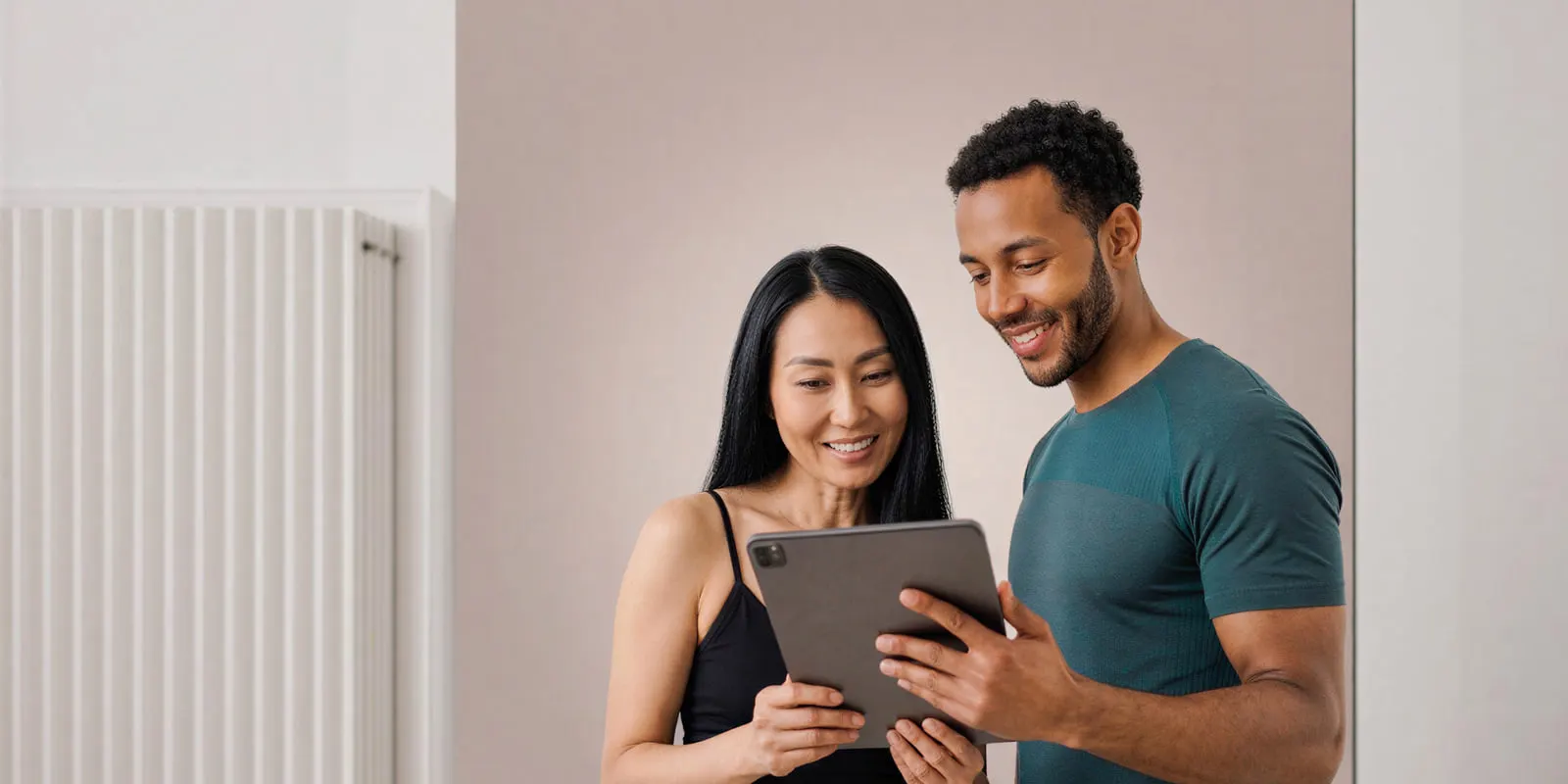
1. Build each character alone first. One reference set per person, generated and approved separately, before either appears in a shared frame. Skipping this is why most pair shots cannot be debugged: when both faces are wrong you have no idea which reference failed.
2. Give each character its own reference slot. Supply separate images per person rather than one photo containing both. A combined reference hands the model a scene to copy, which is a different instruction from holding two identities.
3. Give the model a spatial handle. Name each character and state where they stand: one on the left, one on the right. Position is the only lever most prompts have for attaching a description to a body, and it does more work than any amount of added facial detail.
4. Stage them apart, then close the distance. Side by side generates most reliably. Facing each other in conversation is harder. Contact is hardest of all: a hug, a hand on a shoulder, a product passed between them. Generate the easy staging first and confirm both identities hold before you ask for the difficult one.
5. Frame above the contact point where the shot allows. A two-shot cropped at the chest avoids the overlapping hands and touching sleeves that cause most bleed, and it costs you nothing a wider frame was going to deliver.
6. Promote the winner to a plate. Once a pair shot holds both faces, use that output as the reference for the rest of the set instead of regenerating from the two original sets each time. The approved pair carries the spatial relationship your separate references never had. The same logic applies to holding a set across shots, covered in keeping locations consistent.
Save that pass once it works. DesignerBox is AI creative production for brands and agencies. In DesignerBox you save the sequence as a workflow. The next pair of characters then runs through the same setup, and nobody rebuilds it from blank. That is worth more here than in single-character work, because the setup cost is roughly doubled. A campaign that needs the same two people across thirty frames should pay it once. Your brand sits in a record. The workflow reads it on every run, so the pair keeps one look across the campaign. The approved still is also the starting frame for video ad templates.
Cost of a two-character set
What sets the budget is how many generations you burn to get one you can use.
A single-character shot with a locked reference set lands often. A two-character shot lands considerably less often, because every one of the four failure modes above is an additional way for an output to be unusable. Plan several times the attempts per approved asset, and plan them per staging: your side-by-side shots will clear quickly and your contact shots will not.
That changes what to schedule rather than what to spend. Front-load the difficult staging, so the shots that need the most attempts are not the ones you are generating the night before the campaign ships.
Video is priced differently, and the model behind the step moves the number a long way. On DesignerBox, an 8-second clip costs 40 to 560 credits, depending on the model, and a multi-person sequence multiplies the retries. You see the cost before you press Run, so price the difficult staging before you queue it. Uploading your own photos and the commercial license start on the Pro plan. AI video, virtual try-on, upscaling, the image editor and the video editor start on the Premium plan, and the free plan cannot make video. Team features, shared brand kits and white label are on the Ultra plan, and every plan below Ultra is one seat. Current plans are on the pricing page.
The still and the clip also stay in one place. The image editor, the video editor, your character references in Assets and the AI models behind each step are all part of DesignerBox. The full workflow from the first product photo to the finished ad, in one subscription. An approved pair shot moves into the video step without leaving the workspace.
Where this still breaks
Honest limits, so the shot list is built around what holds.
- Three or more people compounds fast. Every additional character adds another identity to confuse and another contact point. Google documents up to five character reference images on Nano Banana Pro, and that is a documented input allowance, not a promise about a five-person group shot.
- Contact shots stay unreliable. Hugging, hand-holding, and handovers are the hardest staging in multi-character work, and we found no provider guidance for it, as of September 2026. Composite from two clean single-character frames when the shot has to happen.
- Similar-looking characters bleed more. Two people of the same apparent age, build, and hair color give the model less to separate them with. Design visible difference into the pair deliberately: hair length, wardrobe color, height.
- We found no identity-bleed spec. As of September 2026, we found no provider page that says what happens when two references compete, or how to bind one reference to one position. Everything in the method above is craft built on top of that silence, so test it against your own characters rather than assuming it transfers.
- Video multi-character is behind stills. ByteDance flagged multi-subject consistency as an optimization target at Seedance 2.0’s launch (seed.bytedance.com, February 2026), and Runway’s Gen-4.5 documentation notes it “currently offers Text to Video and Image to Video control, with support for additional inputs coming soon” (help.runwayml.com, September 2026).
Build the check in. Put every pair shot beside both original reference sets at full size and look at the jaw and the mouth on each person separately. Bleed is obvious in that comparison and nearly invisible in a contact sheet.
Start from a template, add your brand and your characters, and run it. See the templates.
FAQ
How many characters can one AI image hold?
We found no provider that publishes a hard maximum for people in one image, as of September 2026. Google documents up to 5 character reference images on Nano Banana Pro and describes maintaining resemblance for up to 5 people (ai.google.dev and blog.google, September 2026), which is the highest documented figure we found. In practice two characters usually works, three needs clean separation, and beyond that most teams composite.
Why do my two AI characters look like the same person?
The model collapsed two identities into one average. It happens most often when both characters are described in text rather than anchored to separate reference images, and when the two descriptions overlap. Give each character its own reference slot and design visible difference into the pair.
Can I use one reference image that already contains both characters?
It works differently from what you probably want. A combined reference reads as a scene to reproduce, which locks the pose and staging along with the faces. Separate references per person keep the identities portable across new staging.
Which AI model is best for two characters in one image?
Nano Banana Pro publishes the clearest per-character allowance, and Seedream 5 explicitly documents combining separate photos of different people into one scene. Both are worth testing against your own characters, since neither publishes an identity-bleed guarantee. Run the same pair through both and compare the jaw and mouth on each person.
Does this work in AI video?
Less reliably than in stills, and the documentation says so. Veo 3.1’s reference wording covers “a single person, character, or product” (ai.google.dev, September 2026). Kling 3.0 publishes a ceiling of 3 Elements per clip (kling.ai, September 2026). OpenAI’s two-character ceiling for Sora covered non-human subjects only, and OpenAI removed Sora 2 and Sora 2 Pro from its API on 24 September 2026. Generate an approved two-character still first, then animate from it.
Why do characters blend more when they touch?
Contact puts two identities inside overlapping pixels, so the model has to decide feature by feature which person each one belongs to. Hands in contact are the worst version, since hands are already the least reliable region. Frame above the contact point when the shot allows it.
Can I fix a blended image without regenerating everything?
Sometimes. If one character holds and the other is a hybrid, an edit pass conditioned on the failed character’s reference often recovers it without disturbing the one that worked. If both faces are wrong, regenerate, because an edit is working from a bad average.
Sources
- Gemini API image generation reference, character and object reference limits: ai.google.dev (accessed September 2026)
- Google, Nano Banana Pro announcement: blog.google (accessed September 2026)
- Gemini API Veo reference images: ai.google.dev (accessed September 2026)
- OpenAI image generation guide and model limitations: developers.openai.com (accessed September 2026)
- OpenAI images API reference, edit method, input image limit for GPT Image models: developers.openai.com (accessed 2 October 2026)
- OpenAI video generation guide, character ceiling and non-human characters: developers.openai.com (accessed September 2026)
- OpenAI API deprecations, Sora 2 and Sora 2 Pro removal on 24 September 2026: developers.openai.com (accessed September 2026)
- Black Forest Labs, FLUX.1 Kontext identity preservation: bfl.ai (accessed September 2026)
- Black Forest Labs, Kontext API input limit: docs.bfl.ai (accessed September 2026)
- ByteDance, Seedream 5.0 Pro launch post and multi-person composition: seed.bytedance.com (accessed September 2026)
- ByteDance, Seedance 2.0 launch notes: seed.bytedance.com (February 2026)
- BytePlus ModelArk, Seedream reference image limits: docs.byteplus.com (accessed September 2026)
- Runway, Gen-4.5 input support: help.runwayml.com (accessed September 2026)
- Kuaishou, Kling capability map and Kling 3.0 Elements: kling.ai capability map and kling.ai Kling 3.0 API (accessed September 2026)
- DesignerBox video credit range and plan gating: DesignerBox pricing page (designerbox.ai/pricing), September 2026
Model capabilities and reference limits verified against provider documentation as of September 2026. This category changes monthly, so re-check before relying on a number. Individual results vary.