GPT Image 2 prompt library
GPT Image 2 is the model to reach for when the image needs to carry words: ad layouts, packaging, posters, UI. It follows detailed instructions and renders typography cleanly. Be explicit about layout, exact copy in quotes, and hierarchy, and it will build a composed graphic rather than a vague illustration.
What makes a good GPT Image 2 prompt?
GPT Image 2 prompts should read like a design brief, not a photo description. State the format and canvas, put every word that must appear in quotes, and say where each element sits ("headline top-left, product centred, price pill bottom-right"). It follows layout instructions closely and renders typography more cleanly than most image models.
Treat GPT Image 2 as a junior designer rather than a camera. The prompts that work read like a brief: here is the canvas, here is the copy, here is where each element sits, here is the palette and the type feel. Prompts that describe a mood and hope for a layout come back as illustration with lorem-ipsum smears where the headline should be. The model can build a composed graphic, but only if you tell it what the composition is.
Exact copy in quotation marks is not a stylistic preference, it is the mechanism. Every string you want rendered goes in quotes, spelled the way it should appear, including capitalisation. Then refine in words: "make the headline larger", "move the product down", "increase the space between the title and the subtitle". For photoreal work with no type, FLUX and Nano Banana are the stronger picks, and the GPT Image 2 model page shows the side-by-side.
The anatomy of a GPT Image 2 prompt
Brief it the way you would brief a designer. Canvas, then content, then placement, then styling.
- 1Canvas
Format, ratio and background. "A vertical 9:16 social ad on a flat near-black background."
- 2Subject
The visual element and where it sits. "Centred product photo of a cream cosmetics jar."
- 3Copy
Every word in quotes, with its position. Headline at the top reading exactly "Skin, upgraded".
- 4Style
Type feel, palette and spacing. "Clean geometric sans-serif, generous spacing, premium minimal layout."
- 5Quality
The rendering instruction. "Render text crisply."
A vertical 9:16 social ad on a flat near-black background. Centred product photo of a cream cosmetics jar. Bold white headline at the top reading exactly "Skin, upgraded" and a magenta pink pill button at the bottom reading exactly "Shop the ritual". Clean geometric sans-serif, generous spacing, premium minimal layout. Render text crisply.
What to swap in every prompt
Change one of these at a time. Changing several at once makes it impossible to tell which edit improved the result.
| Variable | Options to try |
|---|---|
| Format | story ad 9:16, feed post 1:1, poster 4:5, web banner 16:9, packaging panel, app store graphic |
| Copy slots | headline, subhead, price pill, badge, button label, legal line, product name |
| Type feel | clean geometric sans, editorial serif, condensed display, hand-lettered chalk, technical mono |
| Palette | flat near-black and white, warm cream and clay, deep violet and white, sage and kraft, single accent on neutral |
How to write great GPT Image 2 prompts
Four rules that make the difference between a flat result and a usable one.
Put every word you want rendered in quotes and state where it sits. GPT Image 2 handles typography better than most models, so use it for anything with copy.
Describe the composition explicitly: "headline top-left, product centred, price pill bottom-right". It follows layout instructions closely.
Name the format (poster, story ad, packaging), the palette, and the mood. It responds to design language, not just photographic language.
Generate, then refine in words ("make the headline larger, move the product down"). It handles instruction-based edits reliably.
12 GPT Image 2 prompts to copy
Tap copy on any card, paste it into DesignerBox, and generate. Tweak the details to fit your product.
Story ad with headline
Ad creativeA vertical 9:16 social ad on a flat near-black background. Centred product photo of a cream cosmetics jar. Bold white headline at the top reading exactly "Skin, upgraded" and a magenta pink pill button at the bottom reading exactly "Shop the ritual". Clean geometric sans-serif, generous spacing, premium minimal layout. Render text crisply.
Packaging mockup
PackagingA matte kraft coffee bag standing on a wooden shelf, front label reading exactly "DAYBREAK ROASTERS" with a smaller line "Single Origin, Ethiopia", warm minimal branding in brown and cream, soft daylight, realistic product photography with legible packaging text.
Event poster
PosterA modern editorial poster on a deep violet background, large centred title reading exactly "DESIGN WEEK 2026", a subtitle below reading "Talks, workshops, showcase", a small date line "May 14 to 18". Clean grid layout, high contrast white type, restrained accent shapes, print-ready design.
Feature graphic, app
UIA clean app feature graphic on a soft gradient-free light grey background, a floating device showing a photo editing interface, headline to the left reading exactly "Studio shots in one tap", concise supporting line beneath, balanced whitespace, crisp legible UI text.
Menu board
SignageA cafe menu board with a chalk-on-slate look, heading reading exactly "TODAY", three items with prices reading "Flat White 4.0", "Cortado 3.5", "Cold Brew 4.5", tidy hand-lettered style, warm even lighting, fully legible text.
Comparison infographic
InfographicA minimal two-column comparison graphic on white, left column headed exactly "Before" with a plain product shot, right column headed exactly "After" with a styled scene, a thin divider between, clean sans-serif labels, restrained pink accent, crisp legible headings.
Sale badge creative
Ad creativeA square feed ad on a flat clay background, product centred with a soft contact shadow, a circular badge in the top-right reading exactly "30% OFF", a headline beneath the product reading exactly "Summer edit" and a small line reading "Ends Sunday". Bold clean sans-serif, high contrast, generous margins, crisp legible text.
Carousel cover slide
SocialA 4:5 carousel cover on flat off-white, a large left-aligned headline reading exactly "5 lighting setups that sell product" set in a condensed display sans, a thin accent rule beneath it, a small label in the bottom-left reading exactly "Swipe", generous negative space, editorial layout, fully legible type.
Label with ingredients
PackagingA cylindrical amber glass jar with a wrapped paper label, the label reading exactly "WILD HONEY" in a serif wordmark with a smaller line reading "Raw and unfiltered, 340g", set on pale grey seamless with even softbox light, realistic product photography, every character on the label sharp and readable.
Email header banner
EmailA wide email header on a flat deep green background, a product photographed at a slight angle on the right, a left-aligned headline reading exactly "The restock you asked for" with a supporting line reading "Back in three colourways", a pill button reading exactly "Shop now". Clean sans-serif, clear hierarchy, crisp legible text.
Price and plan card
UIA single pricing card on a flat near-black background, a plan name at the top reading exactly "Studio", a large price reading exactly "$35" with a smaller "per month" beneath, three short feature lines below reading "1,000 credits", "Every top model", "Brand kit locked", and a pill button reading exactly "Start free". Clean geometric sans, hairline border, generous spacing, crisp legible text.
Quote card, editorial
SocialA square quote card on flat warm cream, a large centred serif quote reading exactly "We shot a season in an afternoon", an attribution line beneath reading exactly "Mara, brand lead", a small mark in the corner, wide margins, restrained editorial layout, high contrast, fully legible type.
One prompt, four variations
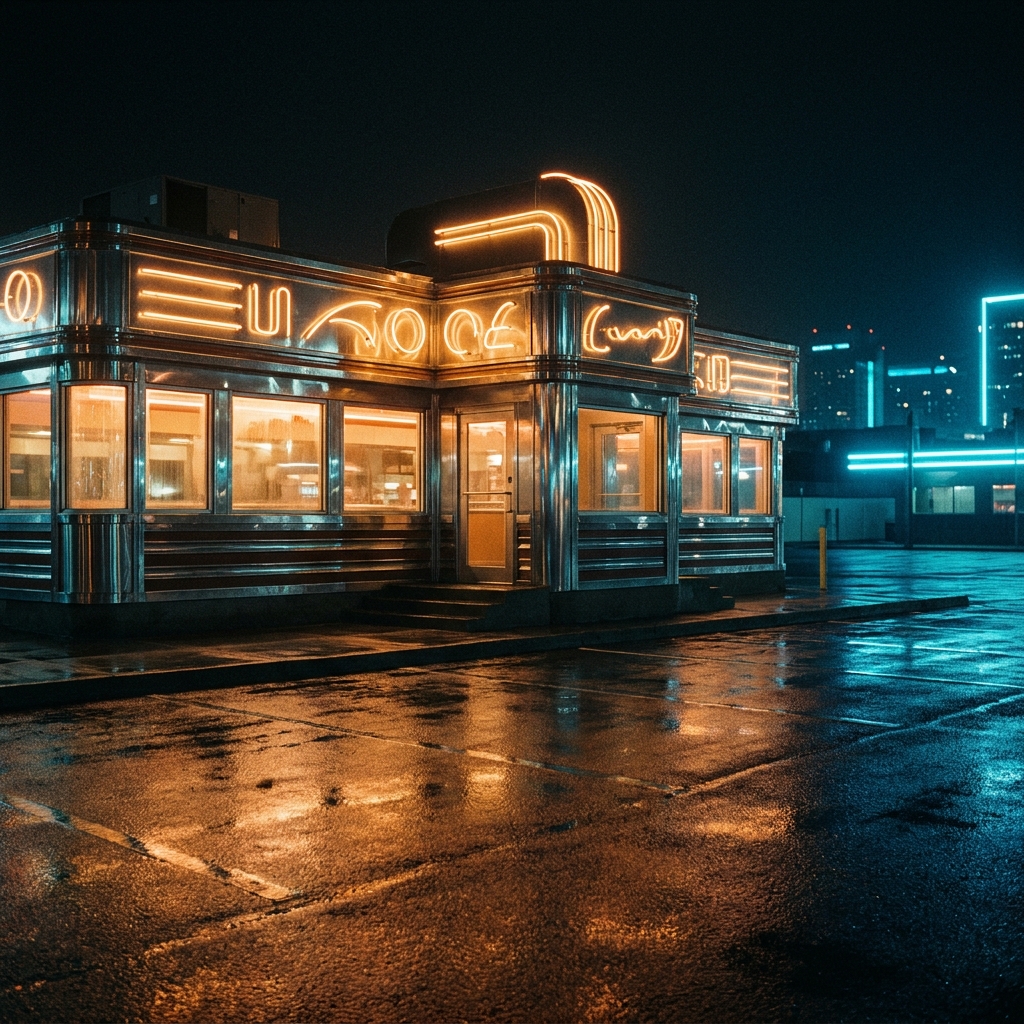
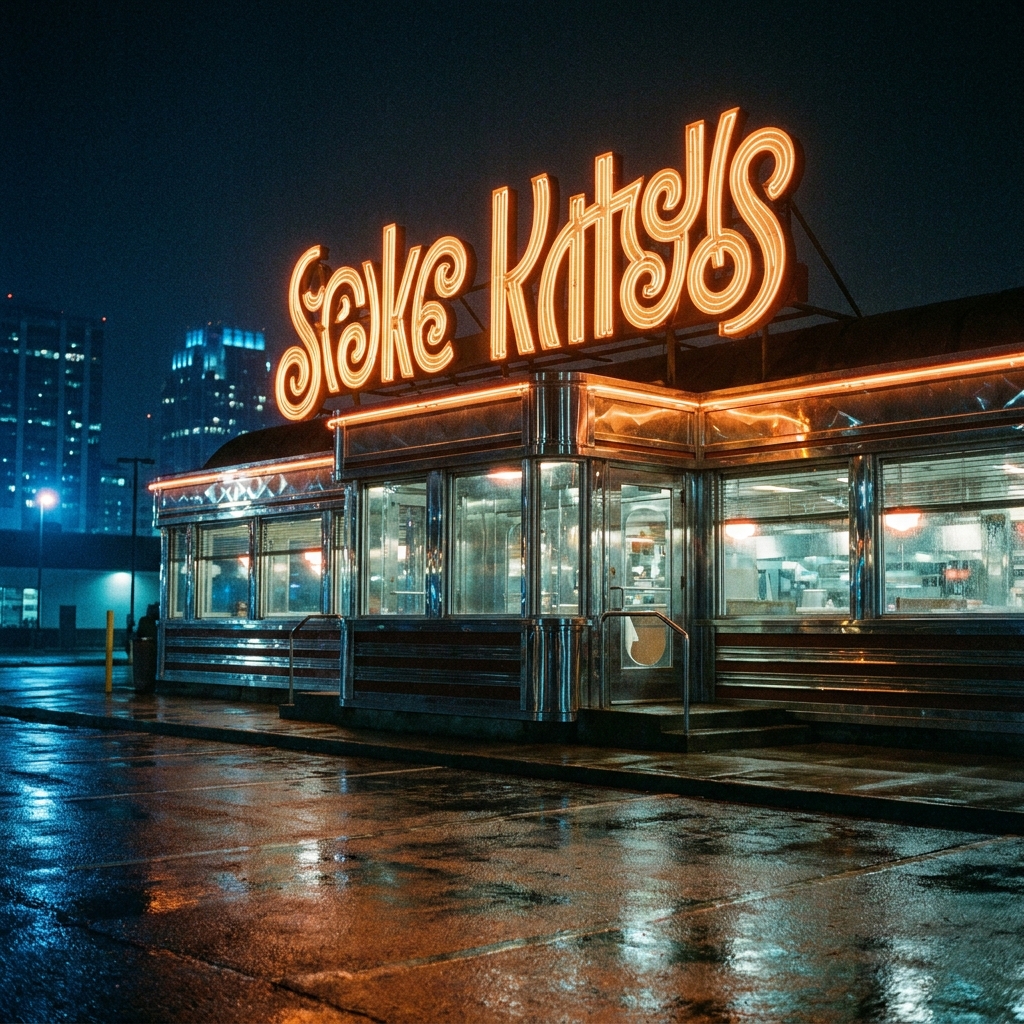
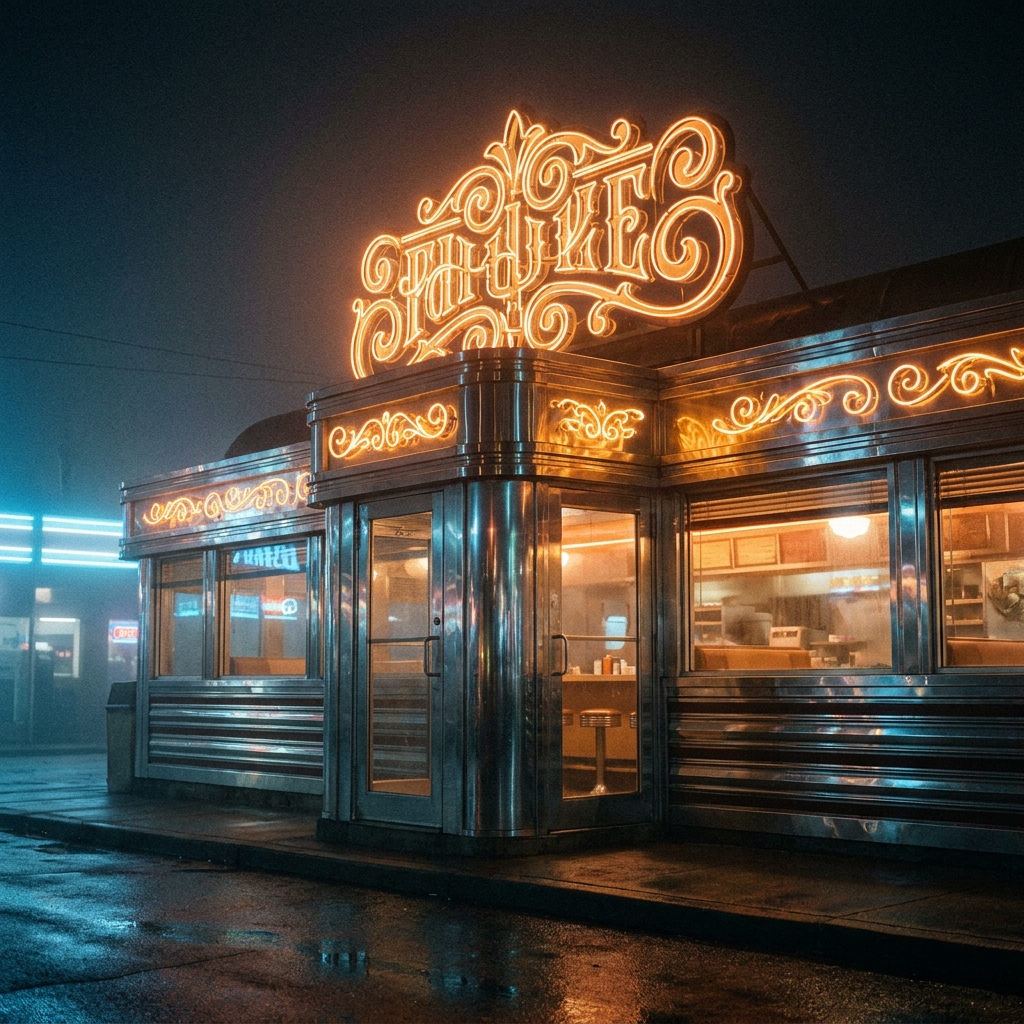
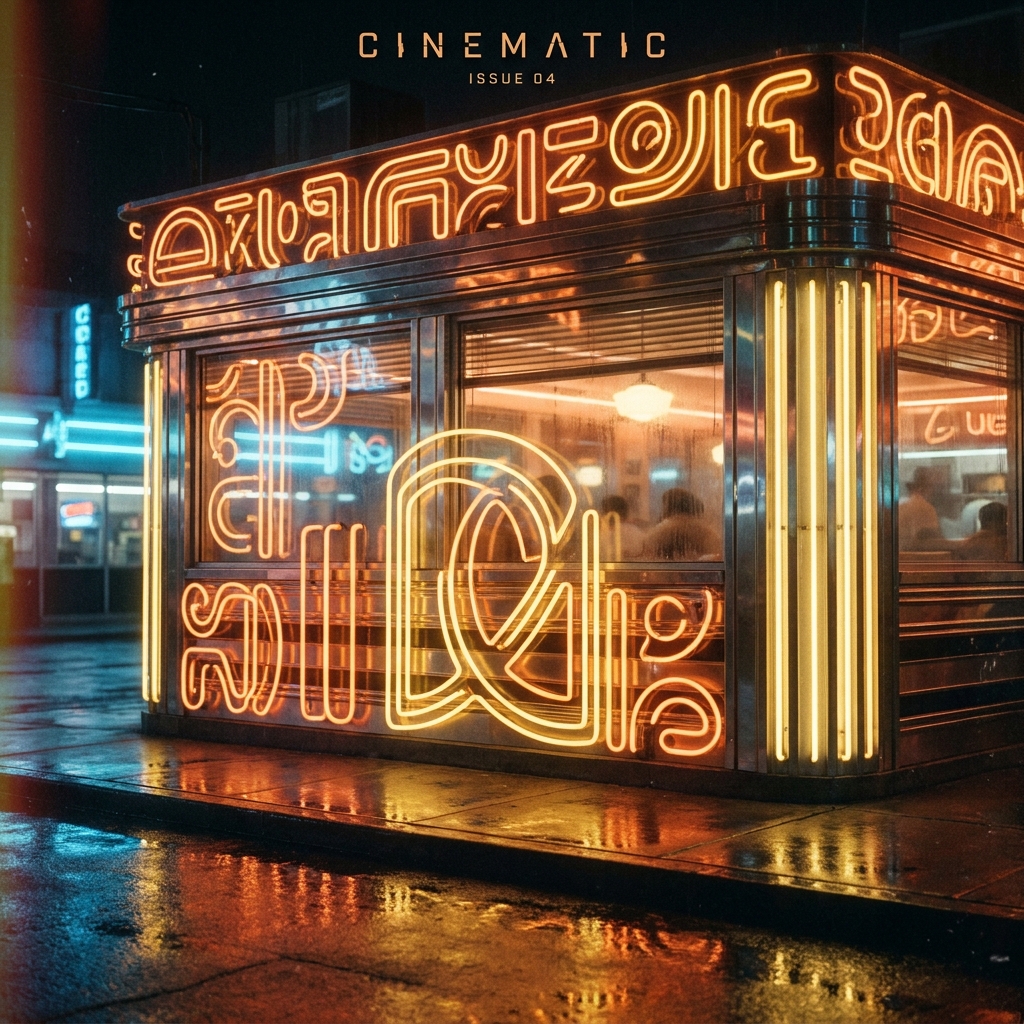
The same prompt run four times on GPT Image 2. Generate a spread and keep the strongest, rather than trying to engineer one perfect pass.
Three mistakes that ruin GPT Image 2 prompts
The failure modes that come up most often, and the one-line fix for each.
Describing copy rather than quoting it produces convincing gibberish. Every rendered word goes in quotes, spelled and capitalised exactly as it should appear.
If you do not say where the headline, product and button sit, the model guesses and usually centres everything. Placement is the cheapest instruction in the prompt.
Six separate text elements in one prompt is where errors creep in. Keep it to three or four and add the rest in a follow-up edit.
More prompt packs
Packs that pair well with this one.
Nano Banana
Product, packaging and portrait prompts written in the plain descriptive style Google’s image model rewards. Strong on legible on-pack text and subject consistency across edits.
View 12 promptsFLUX 2
Camera-language prompts with lens, aperture, film stock and a real lighting setup. The photorealism specialist, and the one that most rewards knowing photography terms.
View 12 promptsUGC ads
Hook, demo, proof and reaction beats written to look filmed on a phone. Includes the anti-polish rules that stop an AI creator reading as a glossy commercial.
View 12 promptsGPT Image 2 prompts, answered
Six questions that come up most often when people start prompting GPT Image 2.
When should I use GPT Image 2 over Nano Banana or FLUX?
How do I get exact text in the image?
Can I refine a layout after generating?
Can it match my brand fonts and colours?
Why does long text still come out wrong?
Where do I run these prompts?
Run these prompts in DesignerBox
Copy any prompt above, then generate it with the model of your choice. Free credits to start.