FLUX 2 prompt library
FLUX is a photorealism specialist. It loves photographic language: camera body, lens, aperture, film stock, and light. Where other models want plain description, FLUX rewards the vocabulary of a real shoot. Give it the technical setup and a clear subject and it returns images that read as genuine photographs.
What makes a good FLUX 2 prompt?
FLUX 2 prompts should be written in photographic language: name the camera and lens, the aperture, a film stock or grade, and the lighting setup. FLUX maps that vocabulary to real depth of field and colour. Avoid stacking tags like "8k, hyperdetailed, trending", which push it toward glossy digital renders.
FLUX responds to the technical half of photography in a way most image models do not. An 85mm at f1.8 produces a genuinely different falloff to a 24mm at f5.6, and the model honours the difference. That makes it the right tool when the brief is "this has to look like a photograph somebody took", and the wrong tool when the brief needs rendered typography or a designed layout.
The counterintuitive part is that adding quality tags makes FLUX output worse. "Hyperdetailed, 8k, ultra realistic, trending" pull it toward the over-sharpened digital look that reads as AI at a glance. Replace them with a film stock, a grade, and a request for real skin texture or fine grain. If the shot needs to carry words, hand that job to GPT Image 2; for a full comparison of falloff and skin rendering, see the FLUX 2 Flex model page.
The anatomy of a FLUX 2 prompt
Write the camera report, not the mood board. Subject, then the technical setup, then the grade.
- 1Subject
One clear subject with the physical detail that matters. "A woman with freckles and loose curls".
- 2Light
A real setup with direction and fill. "soft window light from camera-left with subtle fill".
- 3Optics
Lens and aperture. "shot on an 85mm lens at f1.8".
- 4Stock
A film stock or grade. "Kodak Portra tones, fine grain".
- 5Texture
The realism cue. "realistic skin texture with visible pores".
A natural editorial portrait of a woman with freckles and loose curls, soft window light from camera-left with subtle fill, warm neutral background, genuine relaxed expression, shot on an 85mm lens at f1.8, Kodak Portra tones, fine grain, realistic skin texture with visible pores.
What to swap in every prompt
Change one of these at a time. Changing several at once makes it impossible to tell which edit improved the result.
| Variable | Options to try |
|---|---|
| Lens | 24mm wide, 35mm reportage, 50mm natural, 85mm portrait, 100mm macro, medium format 80mm |
| Aperture | f1.4 for heavy separation, f1.8 to f2 for portraits, f4 for groups, f8 for landscape and interiors |
| Stock or grade | Kodak Portra tones, muted cinematic grade, high-contrast black and white, soft pastel daylight, rich warm restaurant grade |
| Light setup | single softbox camera-left, window light with reflector fill, hard back-left rim, overcast diffused, warm practicals in background |
How to write great FLUX 2 prompts
Four rules that make the difference between a flat result and a usable one.
Name a camera and lens ("shot on a 35mm lens at f1.8", "medium format, 80mm"). FLUX maps these to real depth of field and rendering.
A stock or grade ("Kodak Portra tones", "soft muted colour, fine grain") pushes FLUX toward believable photographic colour instead of digital gloss.
Describe the setup: "single softbox camera-left, subtle fill, warm practical in background". Specific lighting is where FLUX pulls ahead.
FLUX renders a single well-described subject beautifully. For busy scenes, state the focal subject first and let the rest fall into soft focus.
12 FLUX 2 prompts to copy
Tap copy on any card, paste it into DesignerBox, and generate. Tweak the details to fit your product.
Editorial portrait
PortraitA natural editorial portrait of a woman with freckles and loose curls, soft window light from camera-left with subtle fill, warm neutral background, genuine relaxed expression, shot on an 85mm lens at f1.8, Kodak Portra tones, fine grain, realistic skin texture with visible pores.
Product still, medium format
ProductA brushed steel watch on a dark slate surface, single softbox from the upper left creating a controlled gradient on the case, tiny reflections in the crystal, macro detail on the dial, shot on medium format with an 80mm lens, crisp commercial product photography.
Interior scene
InteriorA sunlit Scandinavian living room in bone and oat tones, morning light raking across a linen sofa, a ceramic vase and books styled on a low oak table, shot on a 24mm lens at f5.6, natural colour, architectural digest photography, clean believable space.
Street style, motion
FashionA man in a tailored grey overcoat crossing a city street, mid-stride, shallow depth of field isolating him against blurred traffic, overcast diffused light, shot on a 50mm lens at f2, muted cinematic grade, candid documentary fashion feel.
Food, dark and moody
FoodA rustic bowl of ramen on a dark wooden table, steam rising, a single hard light from the back-left rim-lighting the steam and broth, chopsticks lifting noodles, shot on a 100mm macro lens, moody restaurant photography, rich shadows, appetising detail.
Golden hour landscape
SceneA lone tree on a rolling hillside at golden hour, long warm shadows, soft haze in the distance, a 35mm lens at f8, subtle lens flare, Portra-like tones, fine grain, believable natural landscape photograph, no oversaturation.
Environmental portrait
PortraitA ceramicist standing at her wheel in a cluttered daylit studio, clay on her hands and apron, looking calmly toward the lens, window light from camera-right with a soft bounce fill, shot on a 35mm lens at f2.8, muted natural grade, fine grain, honest documentary portrait.
Cosmetics macro
ProductA macro shot of a lipstick bullet angled against a dark stone surface, a single hard light from the upper right sculpting the edge, the texture of the pigment visible, tiny specular highlight on the tip, shot on a 100mm macro lens at f5.6, crisp beauty product photography, rich shadows.
Hotel interior, wide
InteriorA boutique hotel lobby in walnut, brass and deep green, late-afternoon light entering from the left through tall windows, warm practical lamps glowing in the background, shot on a 24mm lens at f5.6, natural colour, straight verticals, architectural photography, believable materials.
Athlete, hard light
PortraitA runner catching her breath against a concrete wall in hard late-morning sun, sweat and skin texture visible, strong directional shadow across the wall behind her, shot on an 85mm lens at f2.8, high-contrast muted grade, fine grain, honest sports editorial feel, no retouching.
Still life, window light
Still lifeA simple still life of two pears and a linen cloth on a weathered oak table, soft window light from the left with deep natural falloff to the right, dust visible in the beam, shot on an 85mm lens at f2.8, muted painterly grade, fine grain, quiet classical composition.
Night street, practicals
SceneA narrow city street at night lit only by shop windows and a single street lamp, wet pavement holding the reflections, a figure walking away from camera in soft focus, shot on a 35mm lens at f1.4, cool grade with warm practicals, visible grain, believable available-light photography.
One prompt, four variations
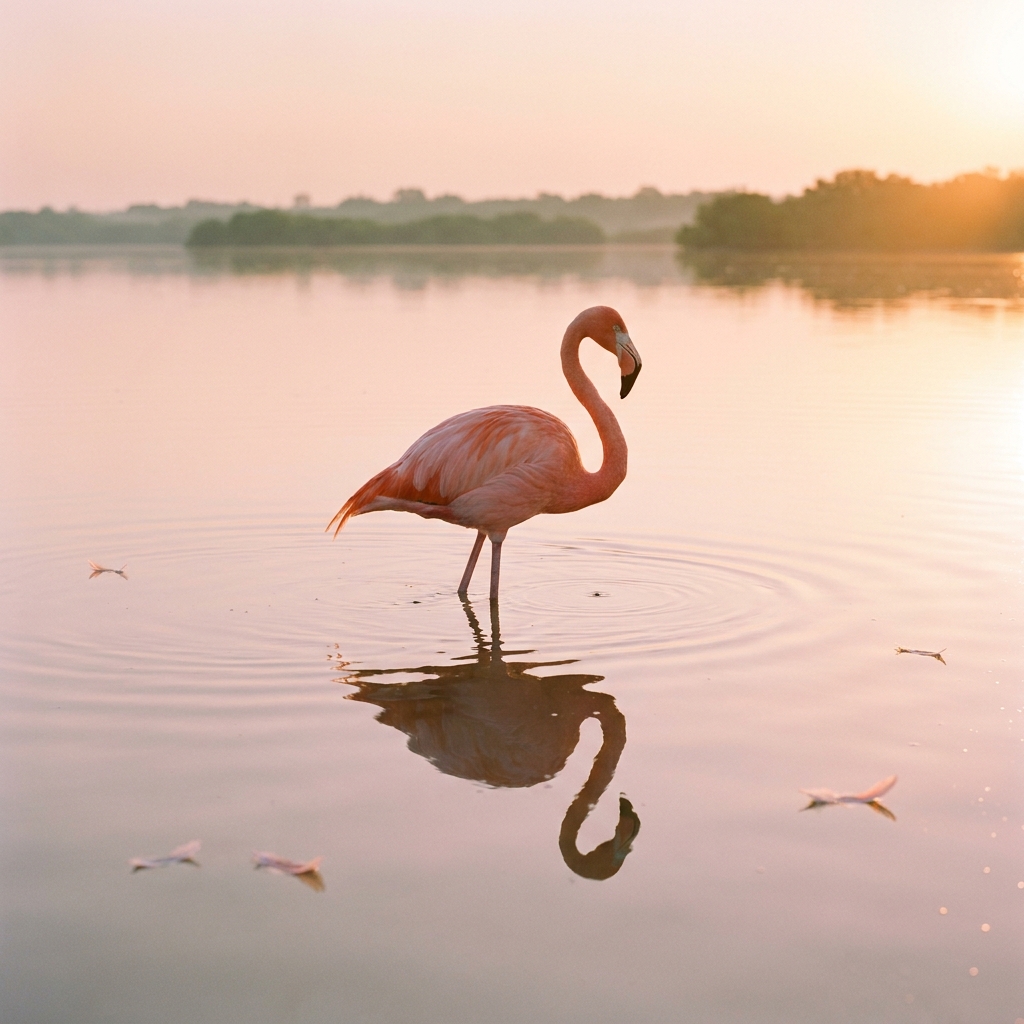
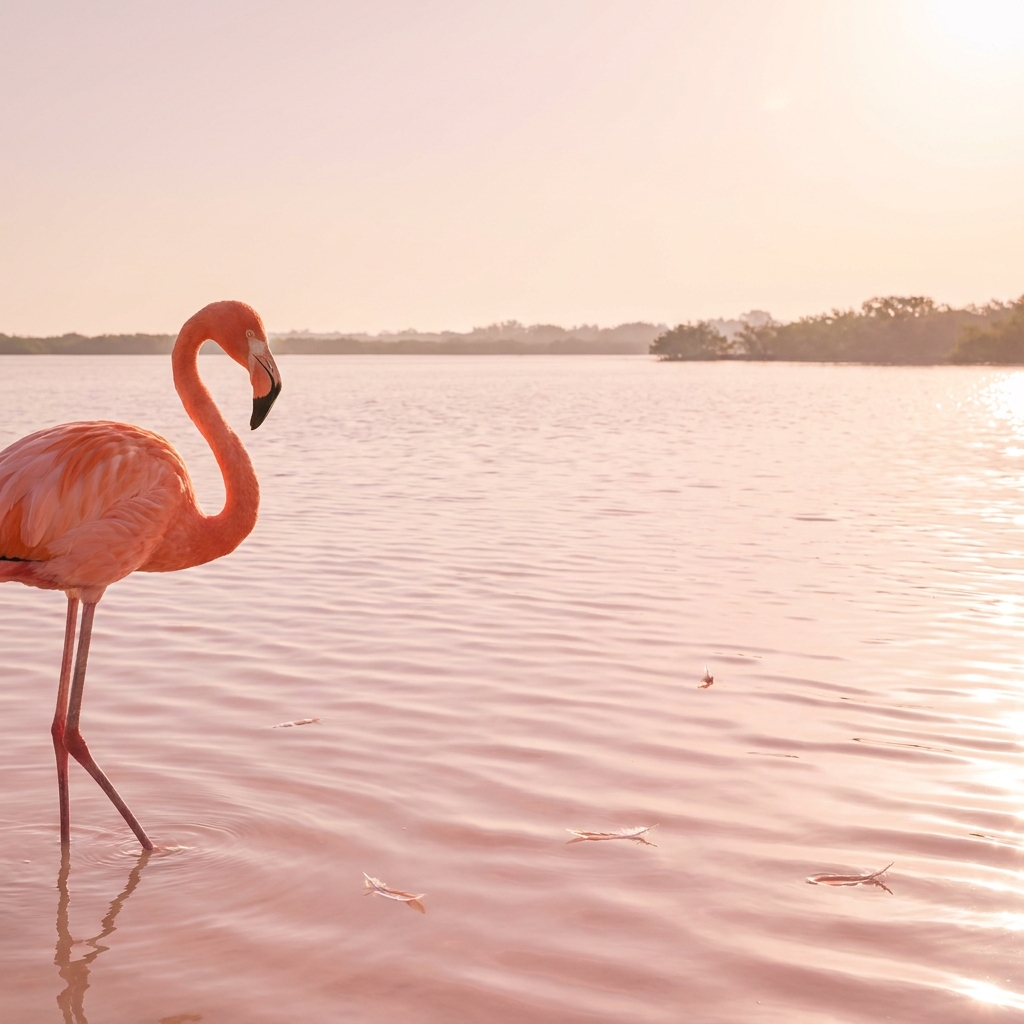
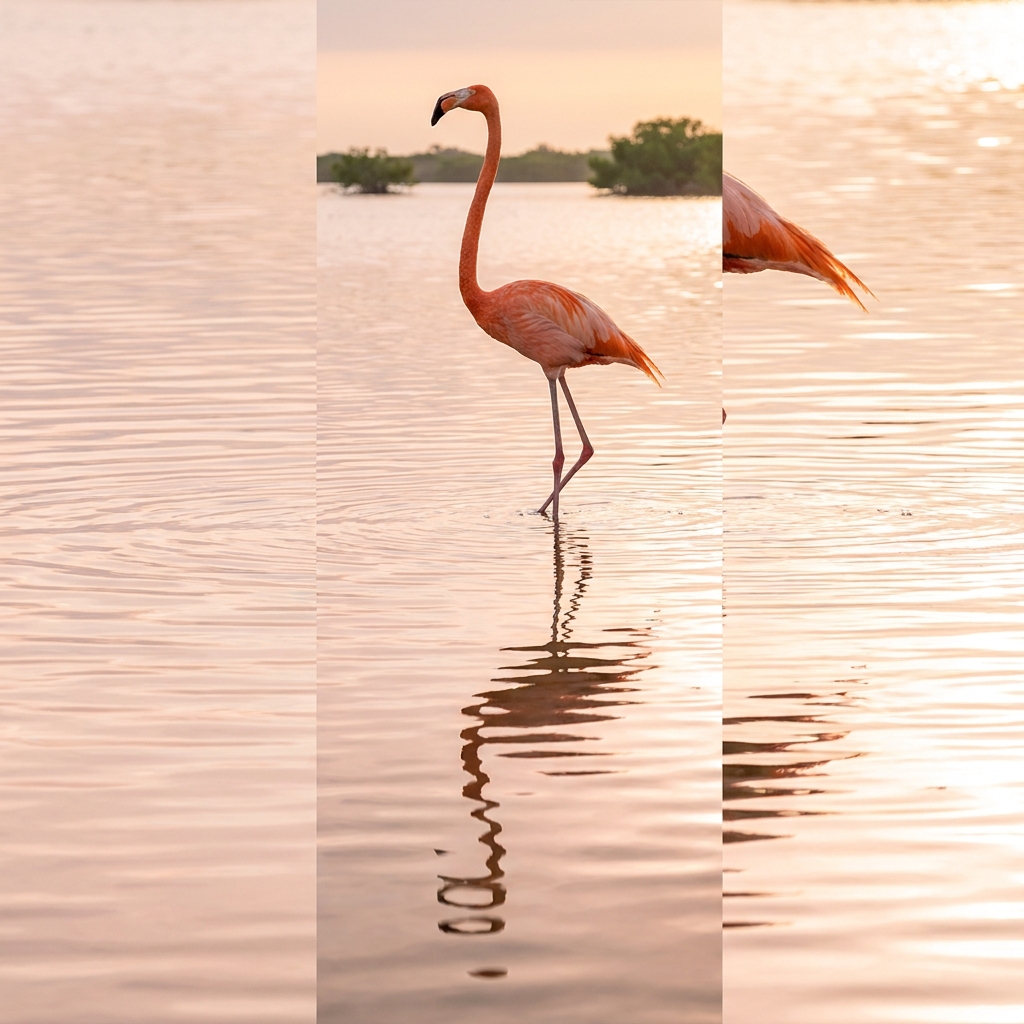
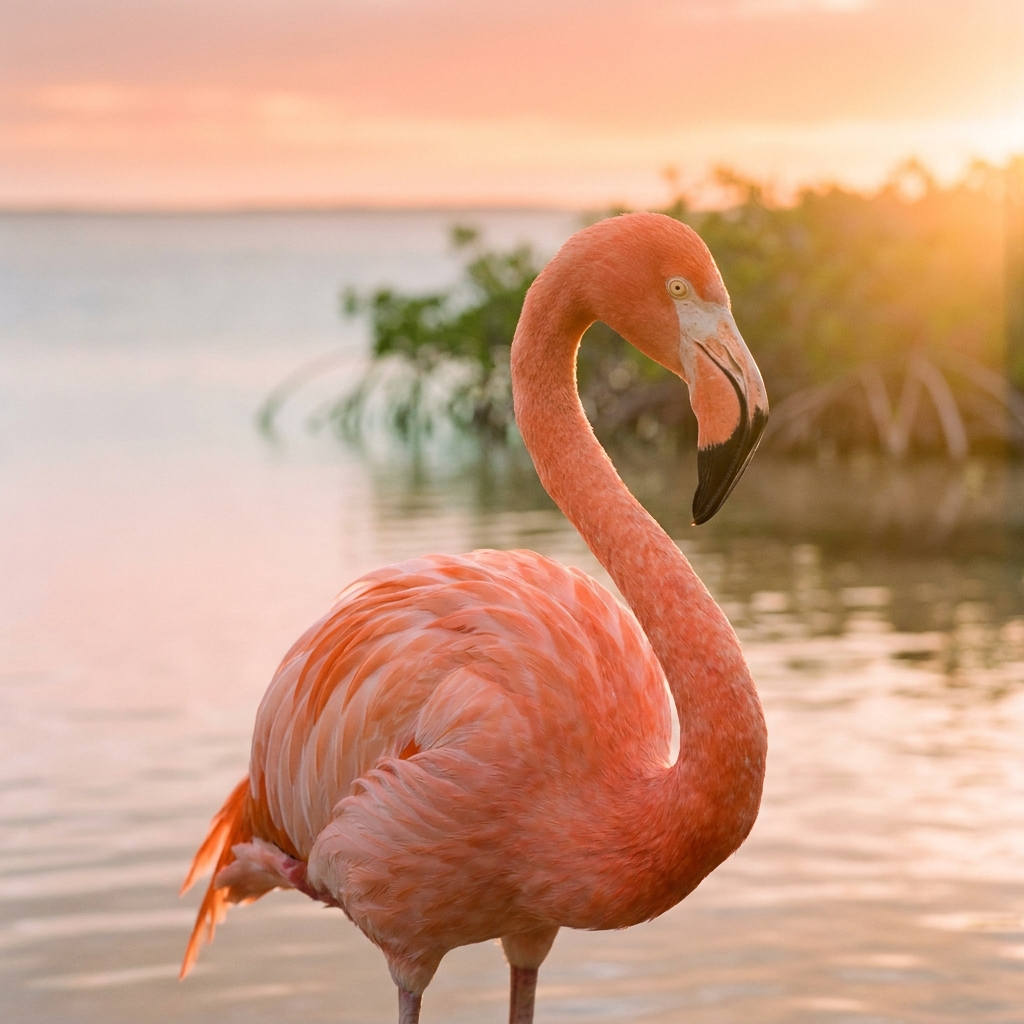
The same prompt run four times on FLUX 2. Generate a spread and keep the strongest, rather than trying to engineer one perfect pass.
Three mistakes that ruin FLUX 2 prompts
The failure modes that come up most often, and the one-line fix for each.
"8k, hyperdetailed, ultra realistic, trending" is the fastest way to make FLUX output look synthetic. Delete them and name a film stock instead.
Without an f-stop, depth of field is a guess. Naming f1.8 or f8 is what separates a portrait from a snapshot and an interior from a fisheye.
FLUX is a photography model. Anything with a headline, label or price belongs in GPT Image 2, then composited if you need both.
More prompt packs
Packs that pair well with this one.
Nano Banana
Product, packaging and portrait prompts written in the plain descriptive style Google’s image model rewards. Strong on legible on-pack text and subject consistency across edits.
View 12 promptsGPT Image 2
Layout-first prompts for anything that has to carry words: ad creative, packaging, posters and UI. The model to reach for when typography has to come out clean.
View 12 promptsAI headshots
Corporate, founder, creative and press portraits with the crop, background, lens and expression locked so results read as photographed rather than avatar-generated.
View 12 promptsFLUX 2 prompts, answered
Six questions that come up most often when people start prompting FLUX 2.
What kind of prompts work best for FLUX 2?
How do I make FLUX images look less "AI"?
Is FLUX good for portraits?
Which lens should I name for which shot?
Can FLUX render text on packaging?
Where do I run FLUX prompts?
Run these prompts in DesignerBox
Copy any prompt above, then generate it with the model of your choice. Free credits to start.