Nano Banana prompt library
Nano Banana (Google’s Gemini image model) rewards plain, descriptive language over keyword soup. It holds a subject across edits, follows real-world lighting, and keeps text legible. These prompts are written the way the model likes to be spoken to: one clear subject, the surface it sits on, the light, the lens, then the finish.
What makes a good Nano Banana prompt?
Nano Banana prompts work best as plain descriptive sentences rather than keyword lists. Name the subject, the surface it sits on, the light direction, then the lens. Put any on-image text in quotes. The model holds a subject consistently across edits, so reference the existing subject when you ask for a variation.
Most Nano Banana prompts fail for the same reason: they are written as tag lists inherited from older diffusion models. Strings like "mug, oak, window light, 4k, cinematic, trending" give the model a bag of nouns with no relationship between them. Nano Banana is a language model with an image head, so it parses grammar. A sentence that says what sits where, lit from which side, shot on which lens, gives it a scene to build rather than a mood board to average.
The second thing that separates a usable result from a throwaway one is editing discipline. Nano Banana is unusually good at keeping a subject identical while you change everything around it, which is what makes it the workhorse for catalog sets and campaign variants. Generate one hero you are happy with, then change only the background, surface, or light in the follow-up prompt and say explicitly that the product stays the same. Compare it against the alternatives on the Nano Banana Pro model page, or run the same brief through FLUX and GPT Image 2 and keep the winner.
The anatomy of a Nano Banana prompt
Every prompt below follows the same five-part order. Nano Banana reads it in sequence, so keep the order and swap the contents.
- 1Subject
The one thing the image is about, with material and finish named. "A cream matte skincare bottle with a brushed brass collar".
- 2Surface
What it sits on or stands in. This sets the whole mood before any style word does. "on warm white marble".
- 3Light
Direction plus quality. "soft natural daylight from the left, faint shadow to the right".
- 4Camera
Angle and lens. "eye-level three-quarter angle, photographed on an 85mm lens".
- 5Finish
The output standard and any text instruction. "editorial premium finish. Keep the label crisp and legible."
A cream matte skincare bottle with a brushed brass collar, centred on warm white marble with soft natural daylight from the left, faint shadow to the right, shallow depth of field, editorial premium finish, photographed on an 85mm lens. Keep the label crisp and legible.
What to swap in every prompt
Change one of these at a time. Changing several at once makes it impossible to tell which edit improved the result.
| Variable | Options to try |
|---|---|
| Surface | warm white marble, reclaimed oak, pale grey seamless paper, bone linen, black stone, brushed concrete |
| Light | soft window light from the left, single hard key from upper right, even softbox, overcast daylight, warm practical lamp |
| Lens | 35mm for context, 50mm for natural, 85mm at f2 for portraits, 100mm macro for detail |
| Finish | editorial premium, catalog-ready ecommerce, candid documentary, minimal luxury advertising |
How to write great Nano Banana prompts
Four rules that make the difference between a flat result and a usable one.
Write full sentences. Nano Banana parses natural description better than comma-separated keywords, so "a matte ceramic mug on warm oak, soft window light from the left" beats "mug, oak, window light, 4k, cinematic".
The two levers that make an image read as premium are the surface the subject sits on and the direction of the light. State both explicitly before you reach for style words.
When you want a variation, reference the existing subject ("keep the same bottle, change the background to a marble ledge"). Nano Banana keeps identity well across edits, which is where it beats most models.
It renders on-pack copy and signage cleanly. Put the exact words in quotes and say "crisp, legible" so labels do not smear.
12 Nano Banana prompts to copy
Tap copy on any card, paste it into DesignerBox, and generate. Tweak the details to fit your product.
Skincare hero on marble
ProductA cream matte skincare bottle with a brushed brass collar, centred on warm white marble with soft natural daylight from the left, faint shadow to the right, shallow depth of field, editorial premium finish, photographed on an 85mm lens. Keep the label crisp and legible.
CEO headshot, warm office
HeadshotA confident founder in a beige blazer, seated in a warm modern office with blurred bookshelves behind, soft key light from a large window, natural skin texture, direct calm eye contact, shot on a 50mm lens at f2, editorial corporate portrait.
Sneaker on seamless studio
EcommerceA single white leather sneaker on a pale grey seamless studio background, clean top-down three-quarter angle, even soft box lighting, subtle contact shadow, no props, catalog-ready product photography, sharp detail on the stitching.
Flat lay, camel coat capsule
Flat layA neatly arranged flat lay of a folded camel wool coat, brown leather shoes, a gold watch and a linen scarf on a bone linen surface, soft overhead daylight, warm neutral palette of bone cream sand and brass, styled editorial composition seen from directly above.
Cafe brand scene
LifestyleA takeaway coffee cup with the exact text "DAYBREAK" on the sleeve, on a reclaimed wood counter, morning light raking across the surface, a soft-focus barista in the background, warm film tone, believable everyday cafe moment, crisp legible logo.
Perfume, dark editorial
LuxuryA tall faceted glass perfume bottle on a black stone ledge, single hard light from the upper right creating a controlled highlight down the glass, deep shadow, condensation detail, minimal luxury advertising still, no background clutter.
Same product, new background
EditKeep the product in this image exactly as it is, including its label, proportions and finish. Replace only the background with a warm terracotta plaster wall and a narrow stone ledge, soft late-afternoon light from the left, gentle shadow to the right. Do not restyle or redraw the product.
Packaging with real copy
PackagingA matte kraft supplement pouch standing upright on pale grey seamless paper, front panel reading exactly "DAILY GREENS" with a smaller line reading "30 servings", warm minimal branding in sage and cream, even softbox lighting, subtle contact shadow, fully legible packaging text.
Three-up colour variants
EcommerceThree identical ceramic mugs in sage, clay and off-white, lined up evenly on a bone linen surface, shot straight on at eye level, even soft daylight, matching shadows under each, consistent scale and finish across all three, clean catalog row for a product listing.
Model holding the product
LifestyleA woman in a stone-coloured knit holds a small glass serum bottle up near her collarbone, soft window light from camera-left, warm neutral room softly out of focus behind, natural skin with visible texture, product label facing the lens and fully legible, shot on an 85mm lens at f2.2.
Seasonal scene swap
CampaignA candle in a ribbed amber glass on a dark oak table styled for late autumn, dried eucalyptus and a folded wool throw nearby, low warm lamp light from the right, soft shadows, cosy editorial interior scene, product label crisp and readable, nothing cluttering the foreground.
Top-down desk scene
Flat layA top-down view of a walnut desk with a leather notebook, a matte black pen, a small espresso cup and a pair of glasses arranged with generous negative space, soft overhead daylight, warm neutral palette, calm considered composition seen from directly above.
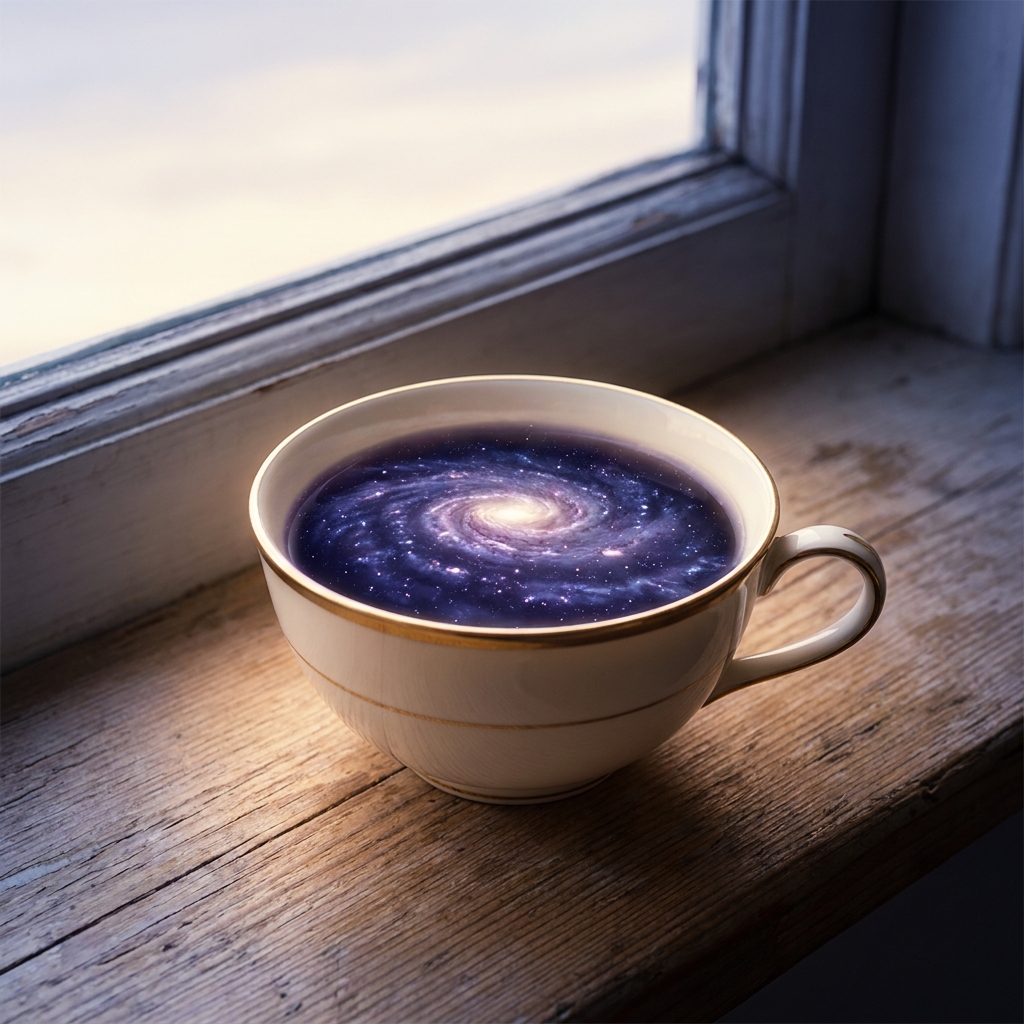
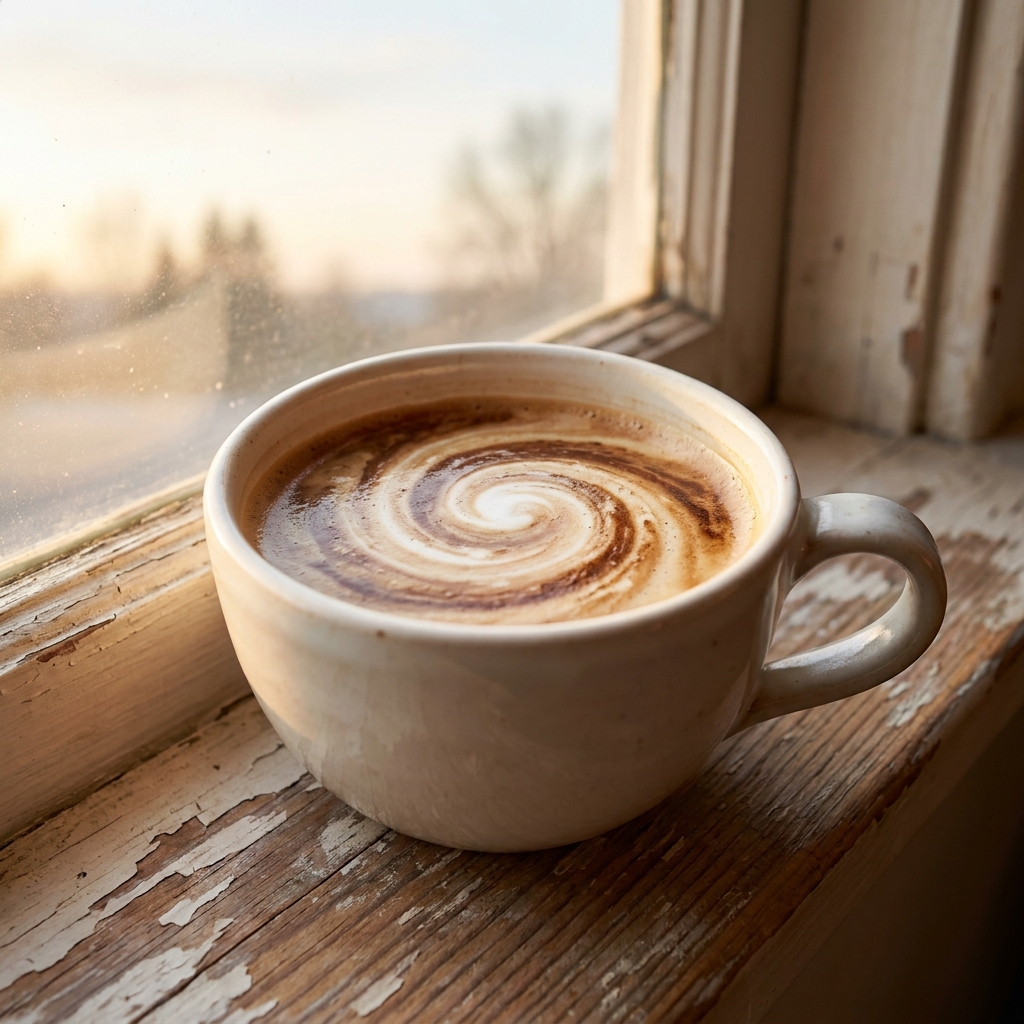
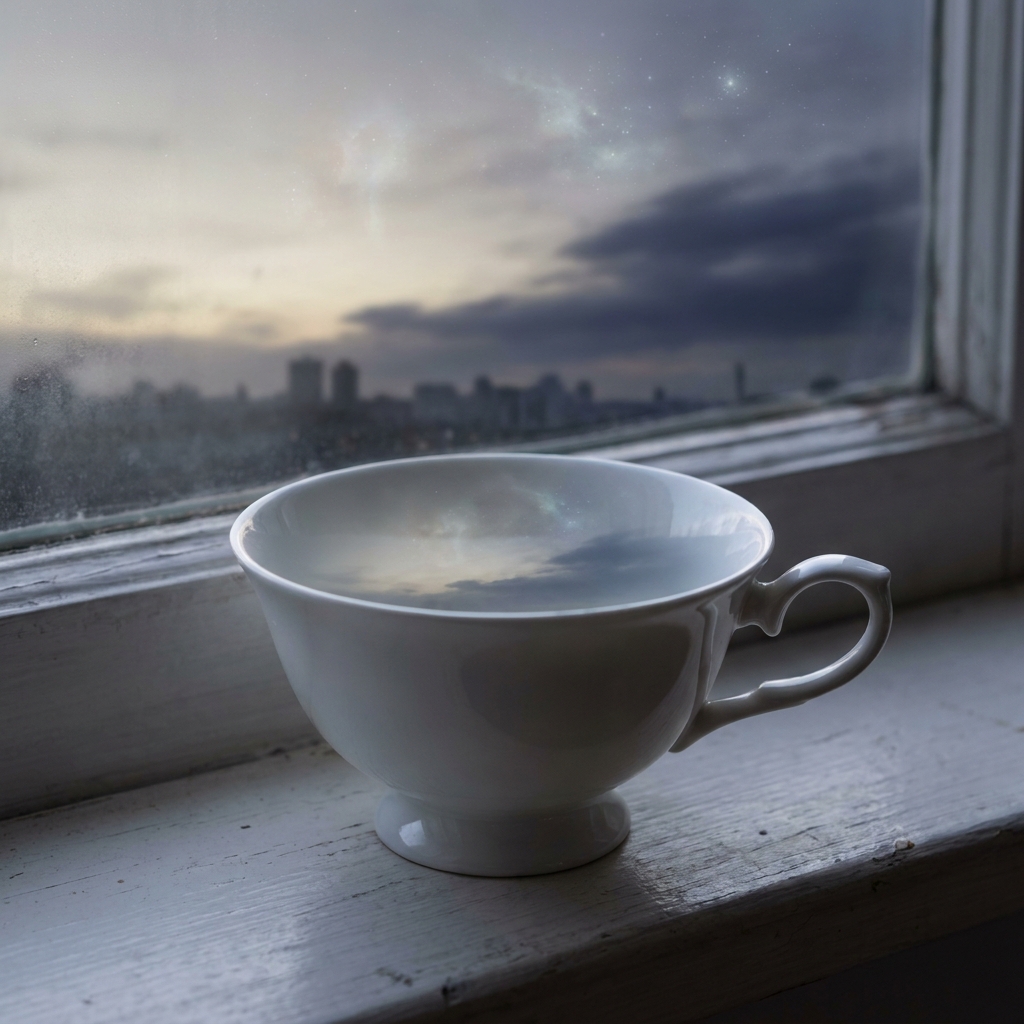
One prompt, four variations
The same prompt run four times on Nano Banana. Generate a spread and keep the strongest, rather than trying to engineer one perfect pass.

Three mistakes that ruin Nano Banana prompts
The failure modes that come up most often, and the one-line fix for each.
Tag strings like "8k, hyperdetailed, trending on artstation" push Nano Banana toward generic gloss. Delete them and spend the words on the surface and the light instead.
Without a direction the model defaults to flat, even lighting that reads as a render. "From the left", "from the upper right", "overhead" is the single highest-value phrase in the prompt.
Asking for "a coffee cup with the brand name on it" produces smeared pseudo-letters. Put the exact string in quotes and ask for crisp, legible type.
More prompt packs
Packs that pair well with this one.
GPT Image 2
Layout-first prompts for anything that has to carry words: ad creative, packaging, posters and UI. The model to reach for when typography has to come out clean.
View 12 promptsFLUX 2
Camera-language prompts with lens, aperture, film stock and a real lighting setup. The photorealism specialist, and the one that most rewards knowing photography terms.
View 12 promptsProduct photography
Catalog stills, marble heroes, flat lays and in-use lifestyle scenes. Model-agnostic, so run each one across two models and keep whichever reads more like a real shoot.
View 12 promptsNano Banana prompts, answered
Six questions that come up most often when people start prompting Nano Banana.
What is the best way to prompt Nano Banana?
Does Nano Banana handle text in images?
Can I edit a generated image and keep the product the same?
What is the difference between Nano Banana Pro and Nano Banana 2?
How many prompts do I need to get a usable product shot?
Where do I run these Nano Banana prompts?
Run these prompts in DesignerBox
Copy any prompt above, then generate it with the model of your choice. Free credits to start.