Turn it into ads and posts that ship this week
Take the product photo and the clip you already made, and turn them into video ads, creator-style UGC and social posts, so a small team ships more creative without a bigger team.
Free plan to start. Save a campaign once and rerun it per product.
Set up the campaign once, rerun it per product
Step three is the one that matters to an agency. The first campaign costs a setup, every campaign after it costs a rerun.
Bring the product in
Use the shot from the Photo Studio, the on-model frame from the Model Studio, or a clip from the Video Studio. Nothing needs re-uploading.
Pick the ad format
A video ad, a UGC clip with a presenter, a styled social post, or a static. Each one is a finished job, so you get creative rather than a starting point.

Save it as a workflow
Save the campaign in Canvas and rerun it for the next drop, product or client, so delivery becomes repeatable instead of bespoke each month.
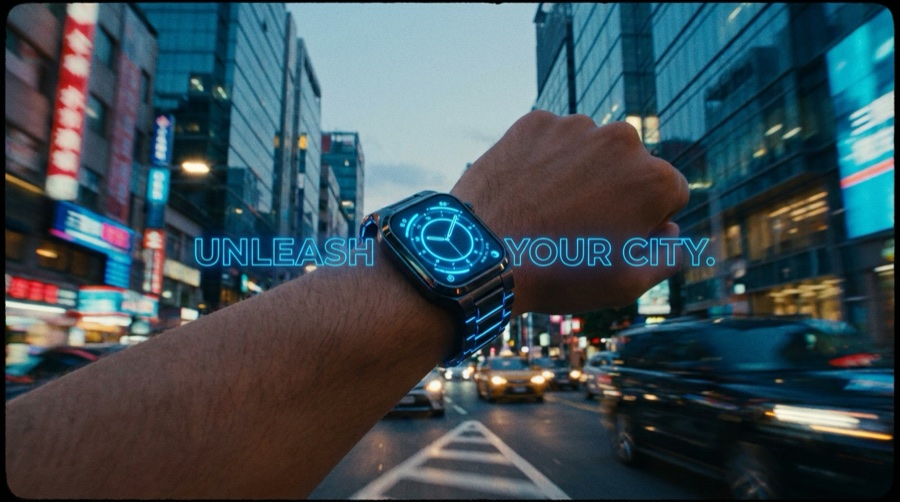
The creative a campaign actually needs
Each card links the feature or app that does the job.
Product ad generator
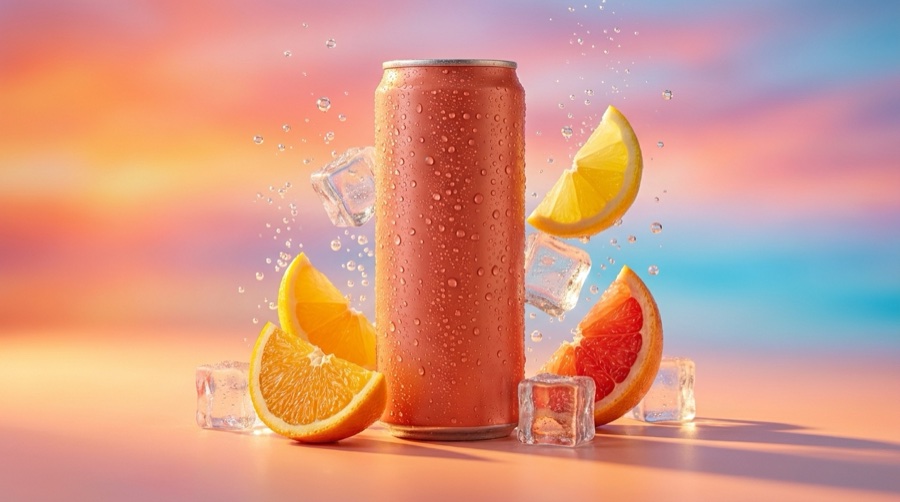
Turn the product photo into an ad, so a listing image becomes something you can run.
Social media ad studio
Make the post version of the campaign, so the feed and the ad set share a look.
Video ad composer
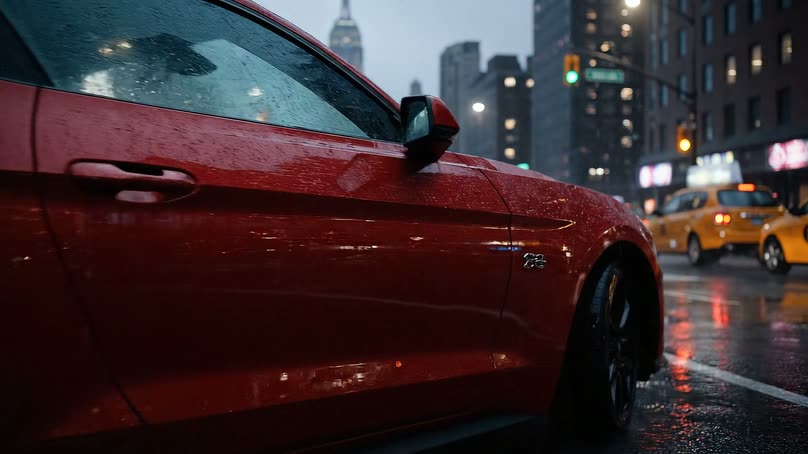
Cut generated shots into one ad, so a folder of clips becomes a piece of creative.
UGC with a presenter
Put a script in a presenter's mouth, so creator-style ads get made without filming.
Instagram 3D frame
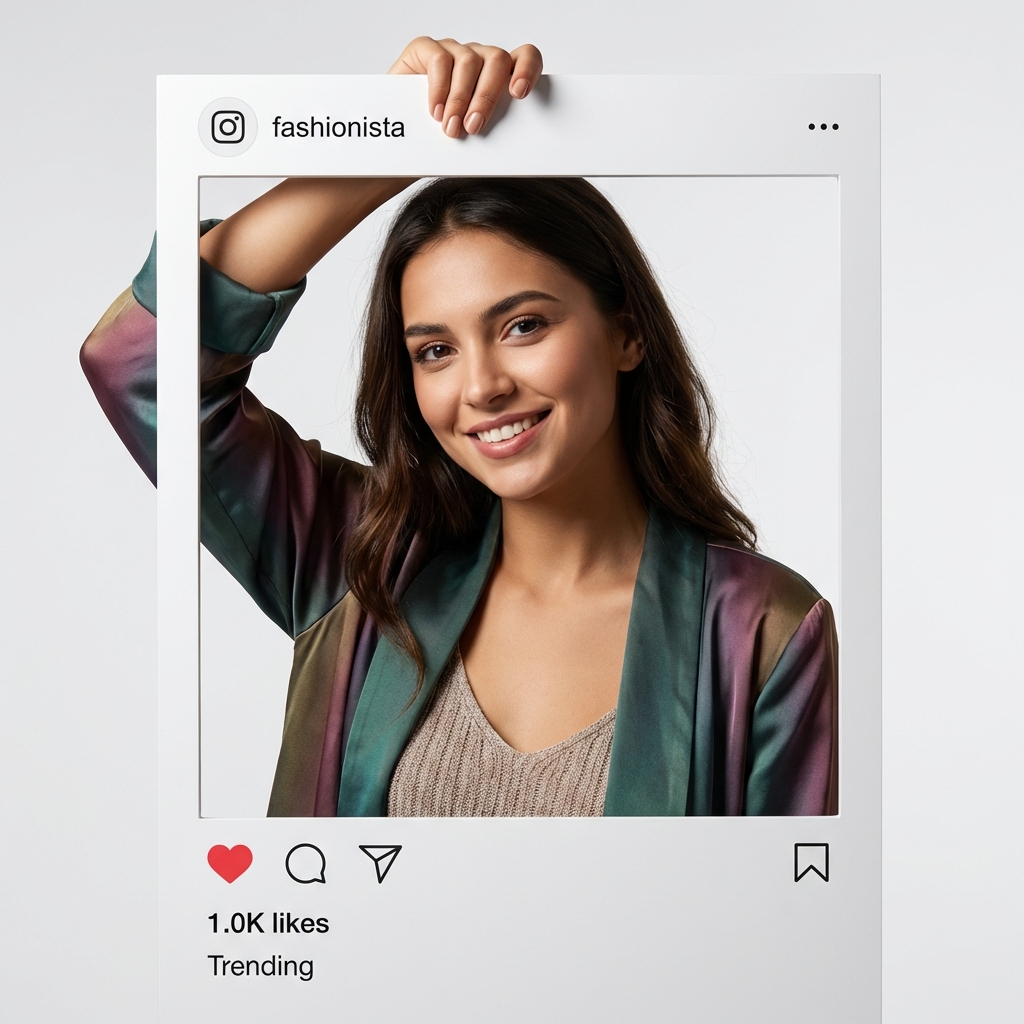
Give a post a pop-out effect, so a static frame stops a scroll.
Design editor
Lay the assets out on a canvas and export, so the final piece gets finished here.
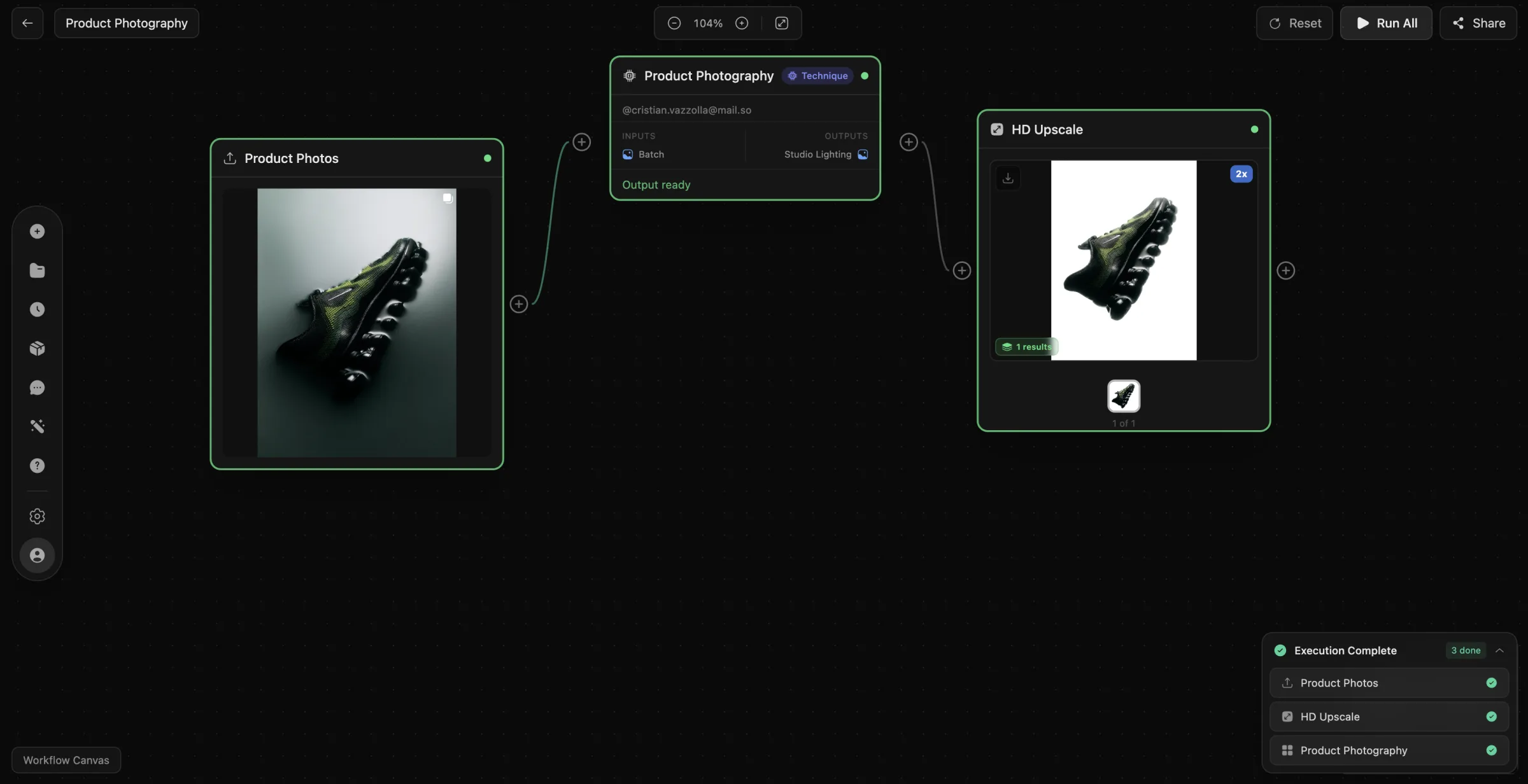
Set it up once, deliver it monthly
The first campaign for a client costs you the setup. Save it as a workflow and every month after that is a rerun with new products in it. That is the difference between billing for hours and billing for output, and it is why the same headcount can hold more clients.
- Save a campaign as a workflow and rerun it per client
- One library per brand, so nothing gets mixed up
- Run it from an agent or a script through MCP and the API
The models behind your ad creative
Pick the right engine per shot. Model line-up current as of August 2026.
| Model | Type | Provider | Best for |
|---|---|---|---|
| Veo 3.1 | Video | Video with synced audio | |
| Seedance 2.0 | Video | ByteDance | Fast product and ad video |
| Kling 2.6 Pro | Video | Kuaishou | Longer, dynamic clips |
| Nano Banana Pro | Image | Editing and 4K detail | |
| GPT Image 2 | Image | OpenAI | Text inside images, prompt fidelity |
One product, four studios
Shoot it, show it worn, set it in motion, turn it into ads. Each studio picks up where the last one left off, and they share one library.
Ad Studio questions
What marketing teams, agencies and creators ask before the first campaign.
Can I make an ad from one product photo?
What ad formats can I make?
Do the ads look obviously AI-made?
Can an agency reuse a campaign for another client?
Which AI models does the Ad Studio use?
Does DesignerBox write the ad copy?
Shoot it. Show it. Sell it.
Turn the product photo into ads and posts, then save the campaign and rerun it for the next product or the next client.
Free plan to start. Book a demo if you run a catalogue or an agency.