Shoot your product without booking a studio
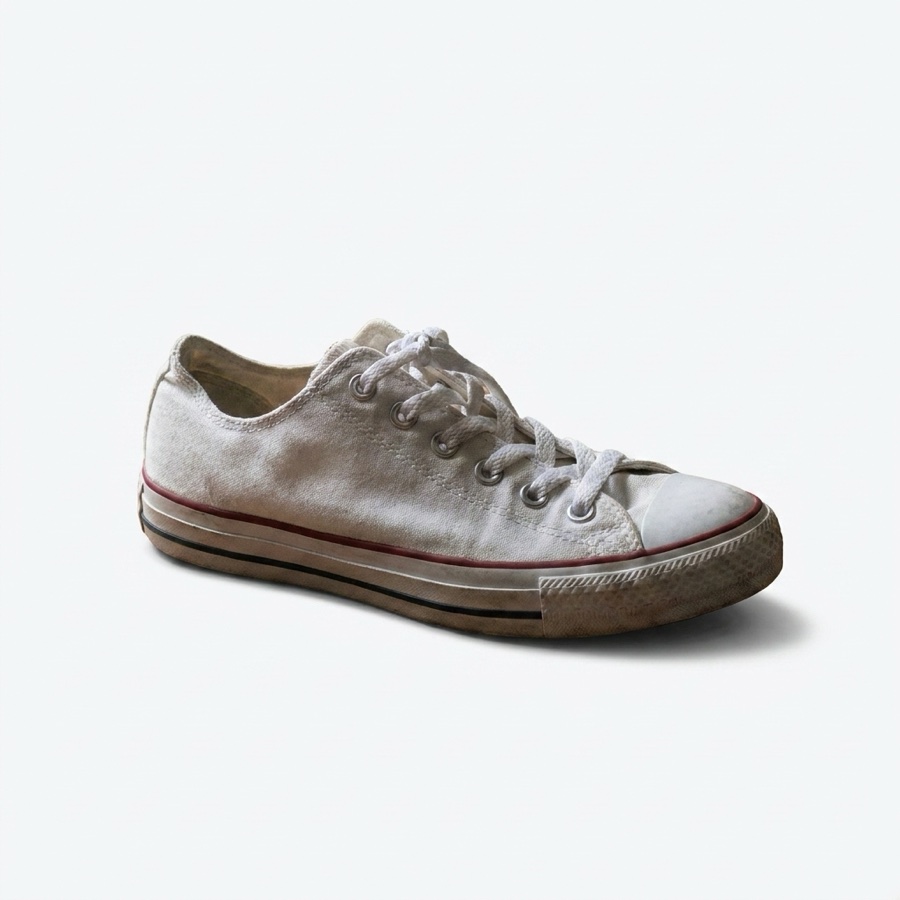
Upload one product photo. Get the cutouts, the extra angles, the flat lays and the styled scenes a product page needs, so every listing looks like it was shot on a set.
Free plan to start. Each technique runs at 4 to 10 credits.
Product shots made with DesignerBox
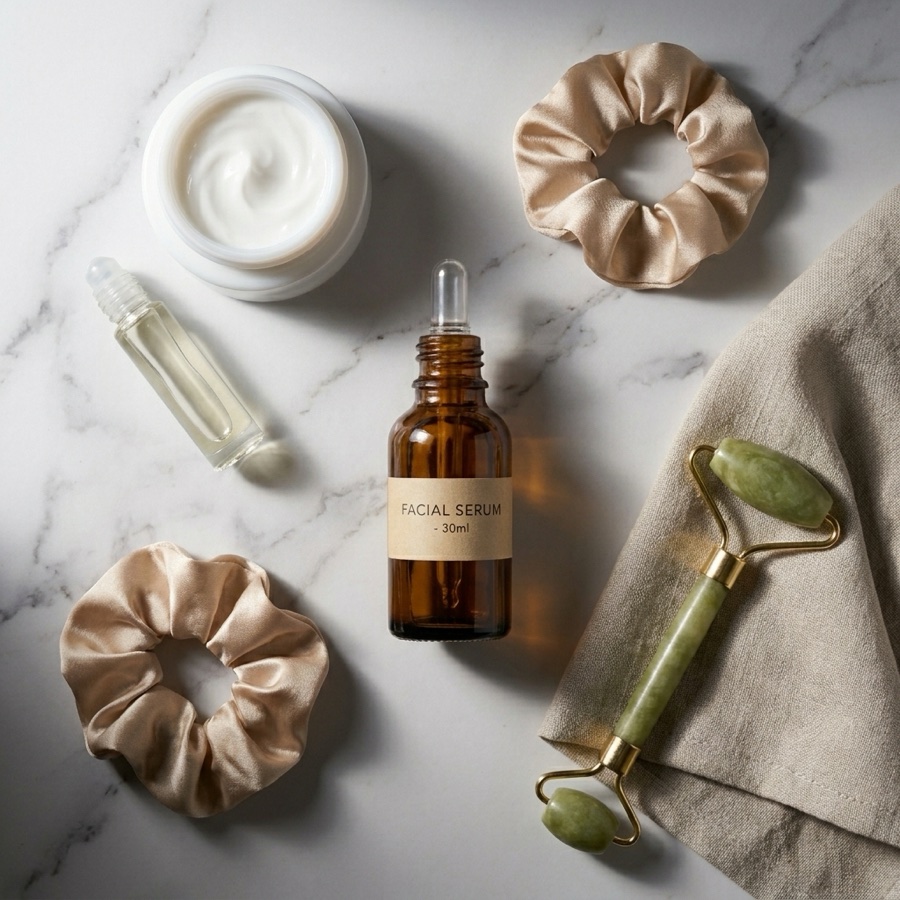
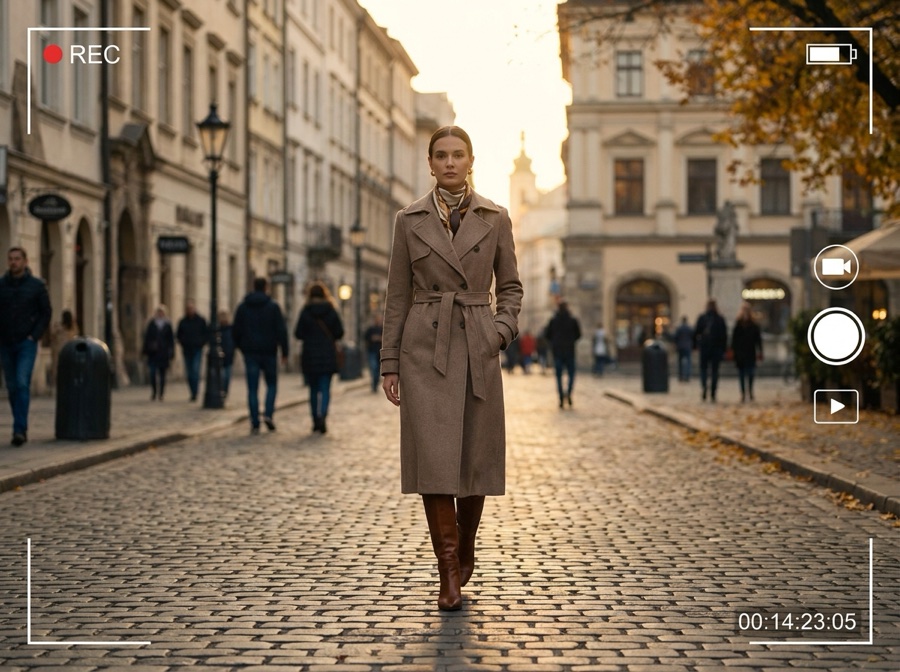
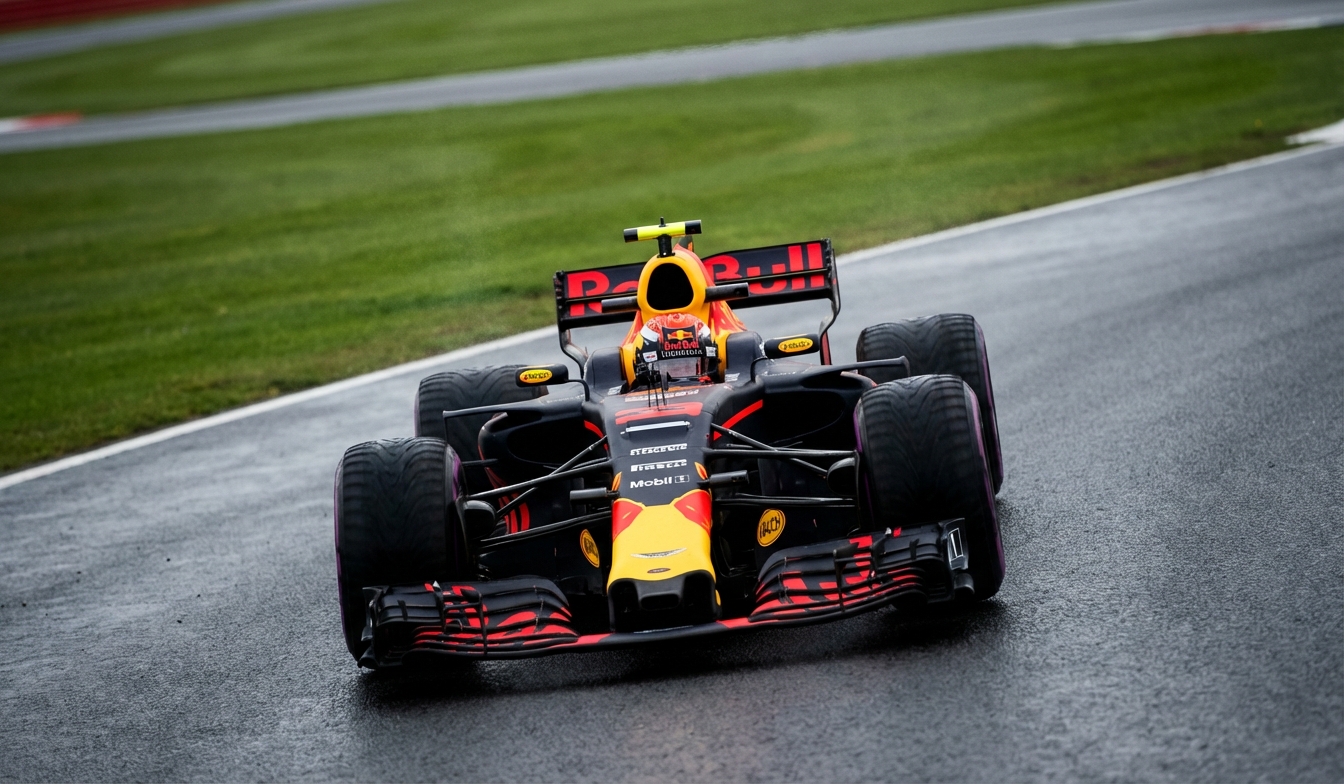
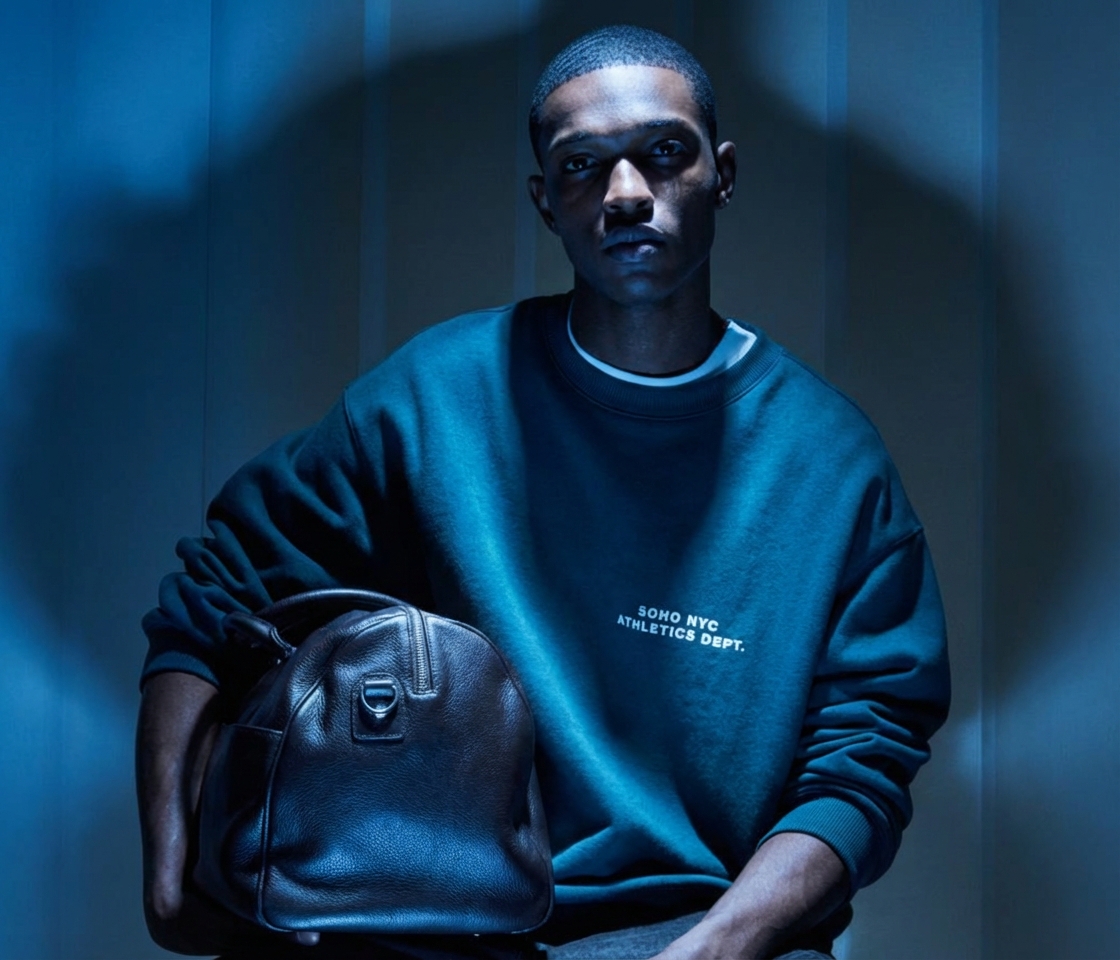
One photo in, a full shoot out
Three steps, from the shot on your phone to the images a product page needs.
Upload one product photo
A plain shot on any background is enough. That one image is everything the studio works from, so the product stays your product.
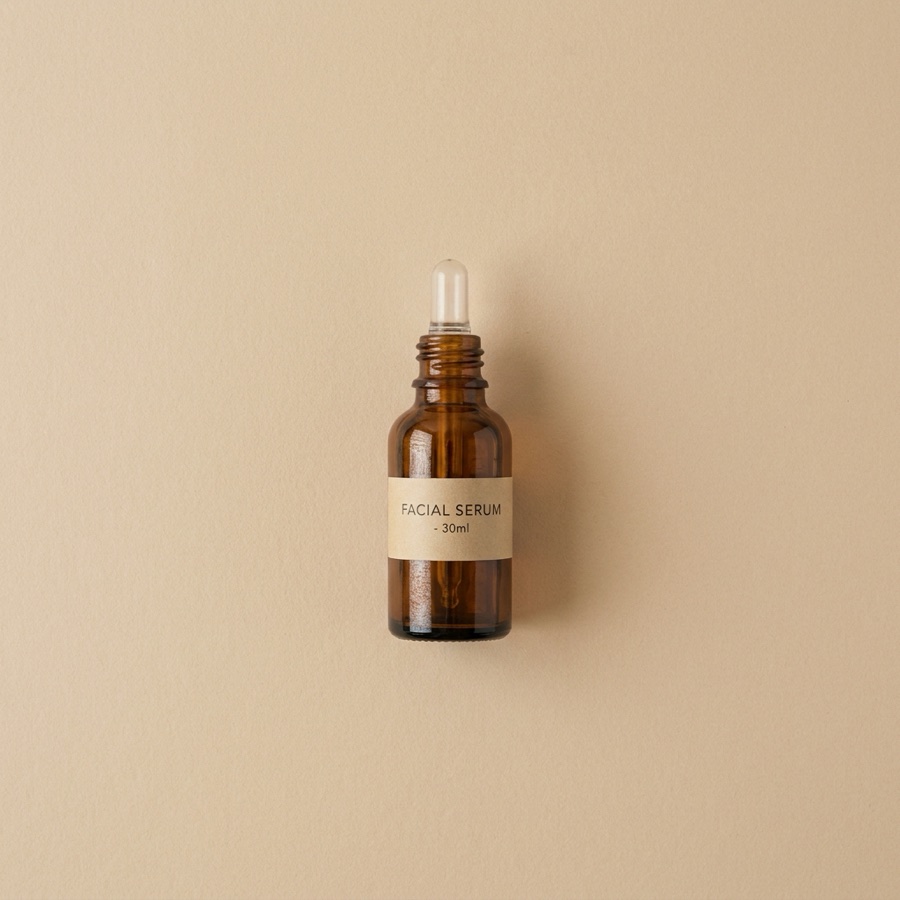
Pick the shot you need
A cutout, a new angle, a flat lay, a styled scene, or a relight. Each one is a finished job, so you get the image and not an attempt.
Save it as a workflow
Save the setup once and run it again for the next product, so the second SKU takes minutes instead of a repeat of step two.
Every shot a product page needs
Nine jobs, each one built from the photo you upload. Every card links the app that does it.
Product photography
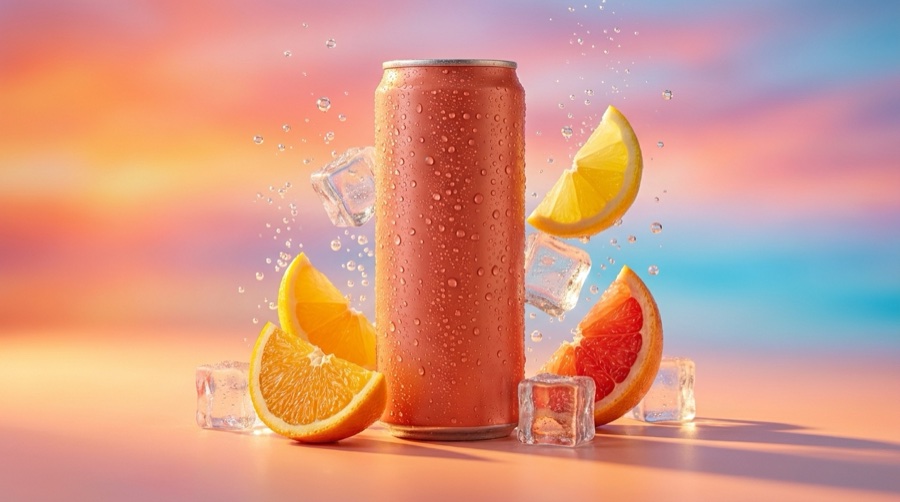
Hero shots and lifestyle images from one photo, so a listing looks shot rather than snapped.
Photo angles
Generate the front, back and side from a single view, so one image fills a whole gallery.
Flat lay
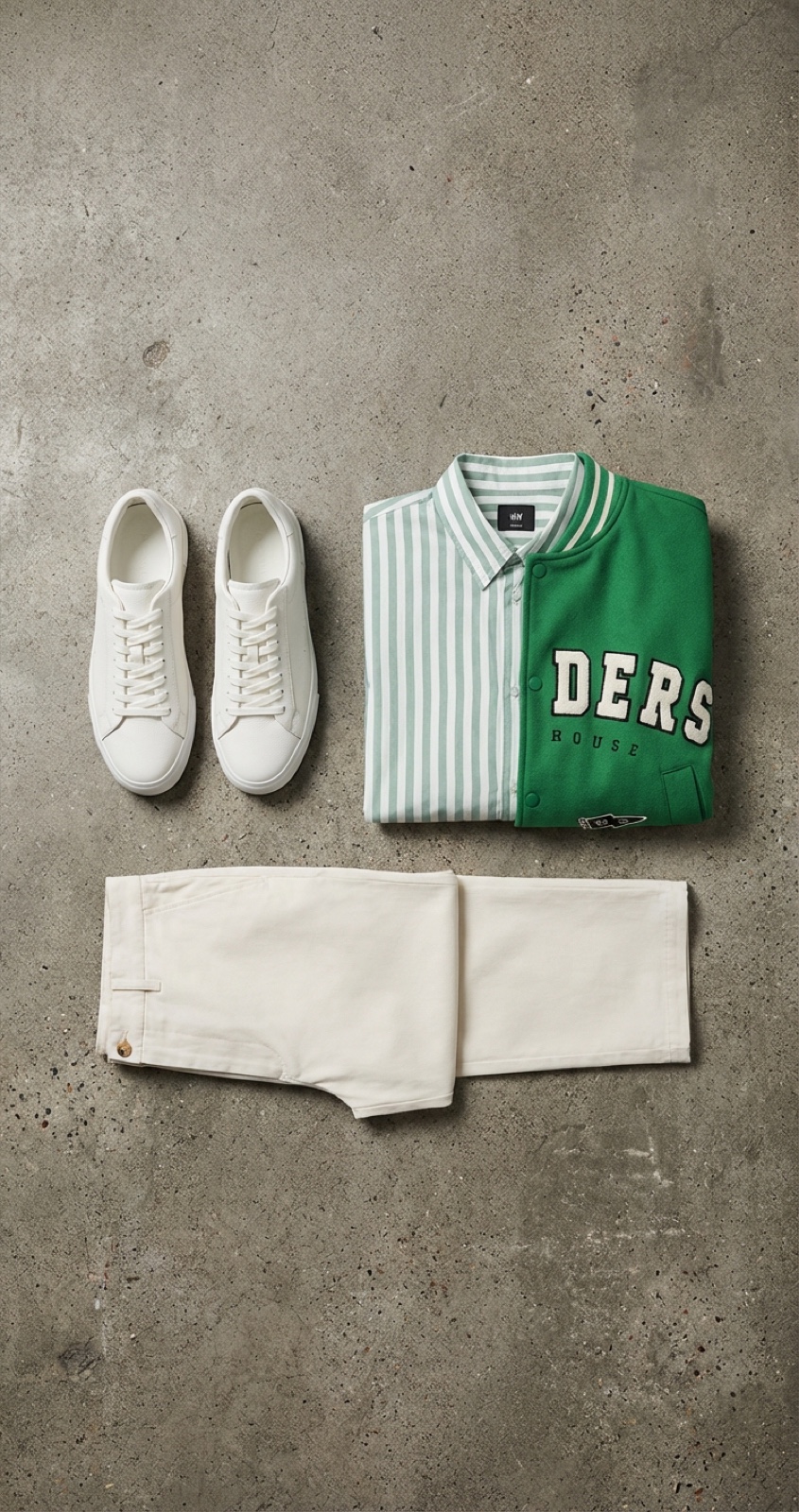
Lay the product out as a styled composition, so a catalogue page reads as one set.
Styled scene
Place the product in a room, on a surface or outdoors, so buyers see it in use.
Relighting
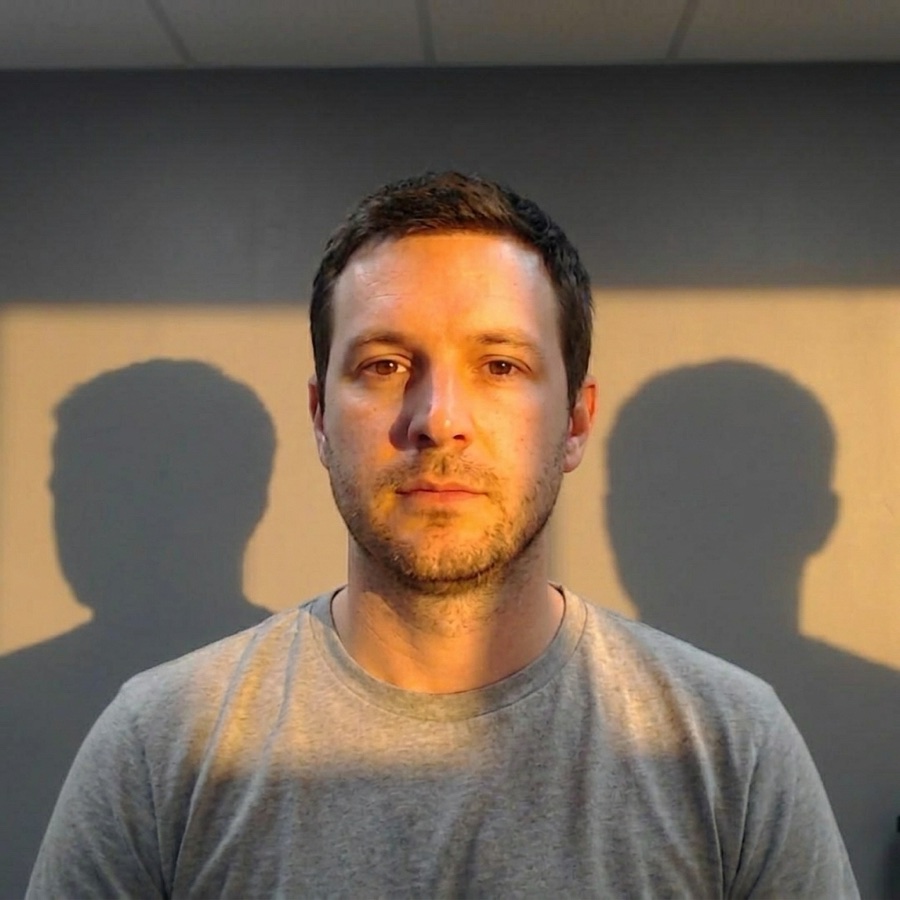
Change the light on the product you uploaded, so you fix a flat phone shot without reshooting.
Background remover
Cut the product out cleanly, so you can drop it on any background you like.
Upscale
Raise the resolution to 4K, so a small source photo still prints and zooms cleanly.
Material swap
Change the finish or fabric on the same shot, so one photo covers every variant.
Product swap
Drop a new product into a scene that already works, so a good set gets reused.
A product shoot for under $0.10
Each technique in the Photo Studio runs at 4 to 10 credits, and a credit costs about one cent. A cutout, three angles and a styled scene for one product therefore comes to under ten cents in credits. A booked shoot for the same set is a day and an invoice.
- No photographer, set or studio day to book
- Built from your real product photo, not from a description
- Save the setup and rerun it for the next product
Your photoFlat lay One angleNew angle
Every kind of product, not only clothes
Each category is lit, angled and cut out differently. The craft pages cover how.
The models behind your product shots
Pick the right engine per shot. Model line-up current as of August 2026.
| Model | Type | Provider | Best for |
|---|---|---|---|
| Nano Banana Pro | Image | Editing and 4K detail | |
| GPT Image 2 | Image | OpenAI | Text inside images, prompt fidelity |
| Seedream 5 | Image | ByteDance | Photoreal scenes |
| FLUX 2 Flex | Image | Black Forest Labs | Photorealism with control |
| FLUX Pro 1.1 | Image | Black Forest Labs | Crisp product stills |
The less serious shelf
Effects that are fun rather than useful for a listing. They live here, out of the way of the work.
One product, four studios
Shoot it, show it worn, set it in motion, turn it into ads. Each studio picks up where the last one left off, and they share one library.
Photo Studio questions
What sellers ask before they upload the first product.
What is AI product photography?
Do I need a real photoshoot first?
What does one product shoot cost?
Can I get more angles from a single photo?
Can I change the light instead of reshooting?
Which AI models does the Photo Studio use?
Shoot it. Show it. Sell it.
Upload one product photo and get the shots a product page needs, then save the setup and rerun it for the next product.
Free plan to start. Each technique runs at 4 to 10 credits.