Show it worn on a model you pick
Put your garment or product on a model, then use that same model for the next product, so a whole range reads as one shoot instead of ten.
No casting, no studio day, no reshoot when the colourway changes.
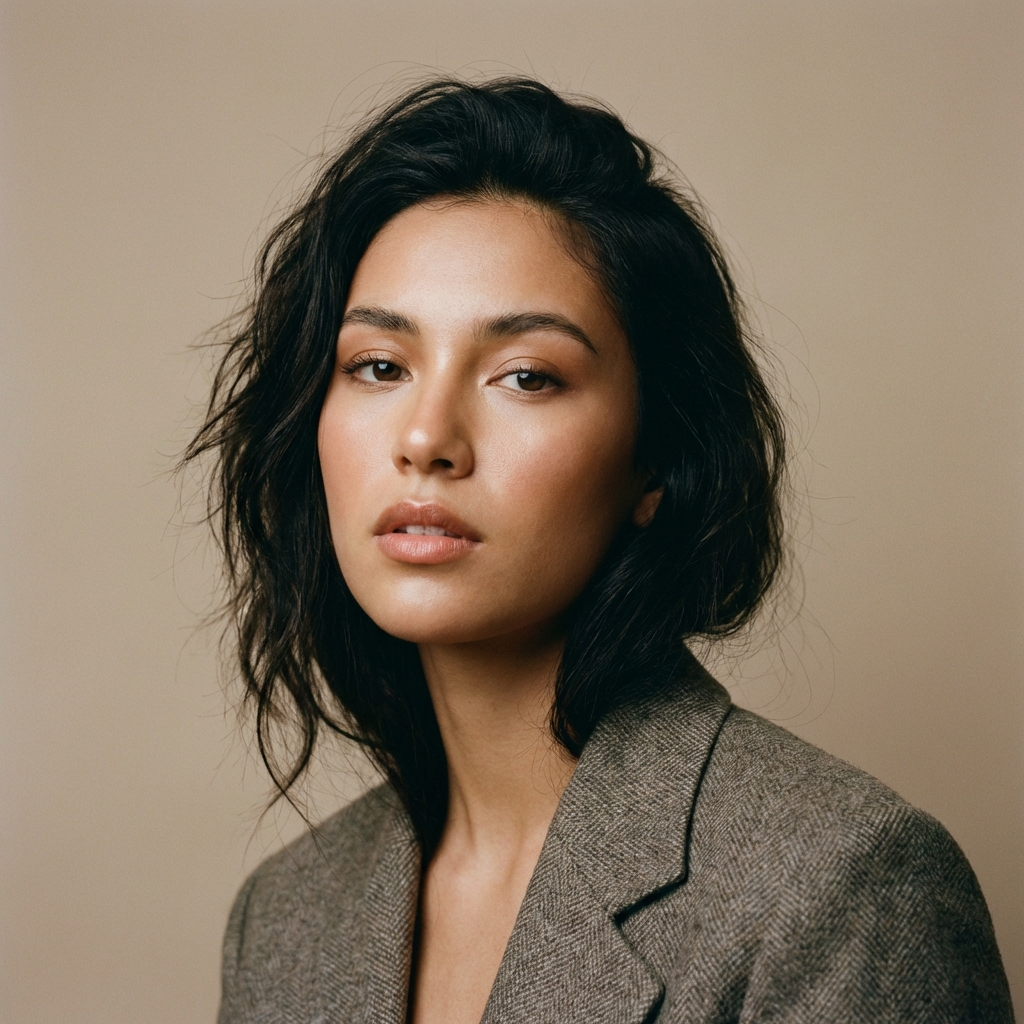
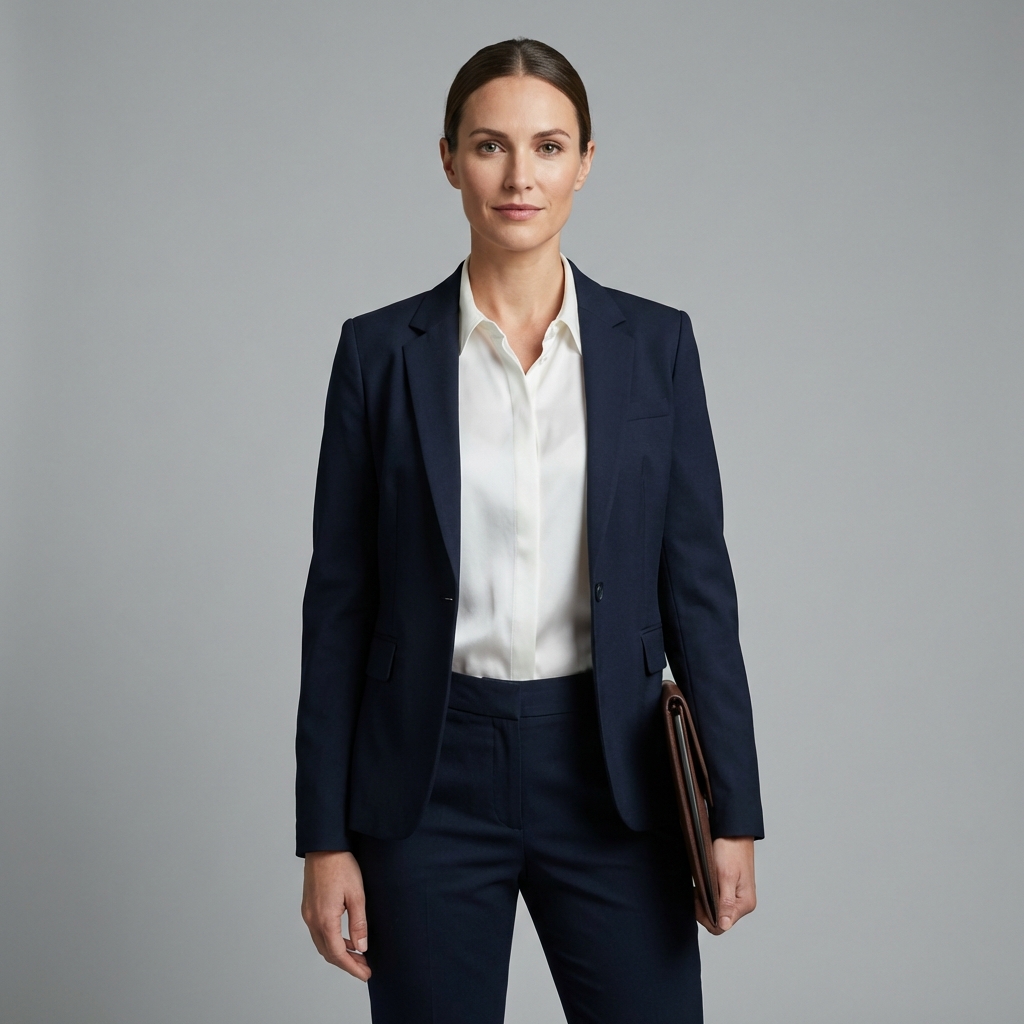
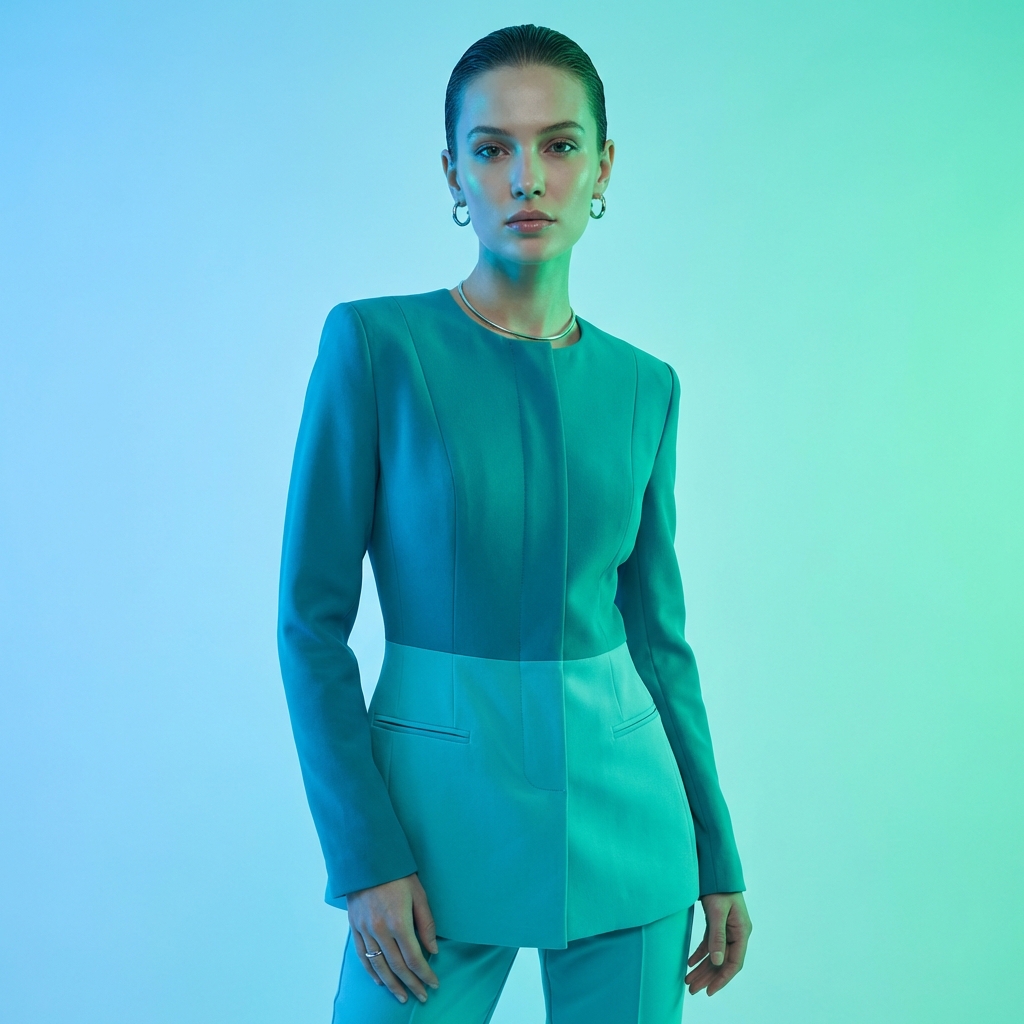
Pick the model once, use it for the range
The reuse step is what separates a set of on-model shots from a coherent catalogue.
Upload the product
A flat photo of the garment or item. The on-body shot is built from that photo, so what appears on the model comes from your product.
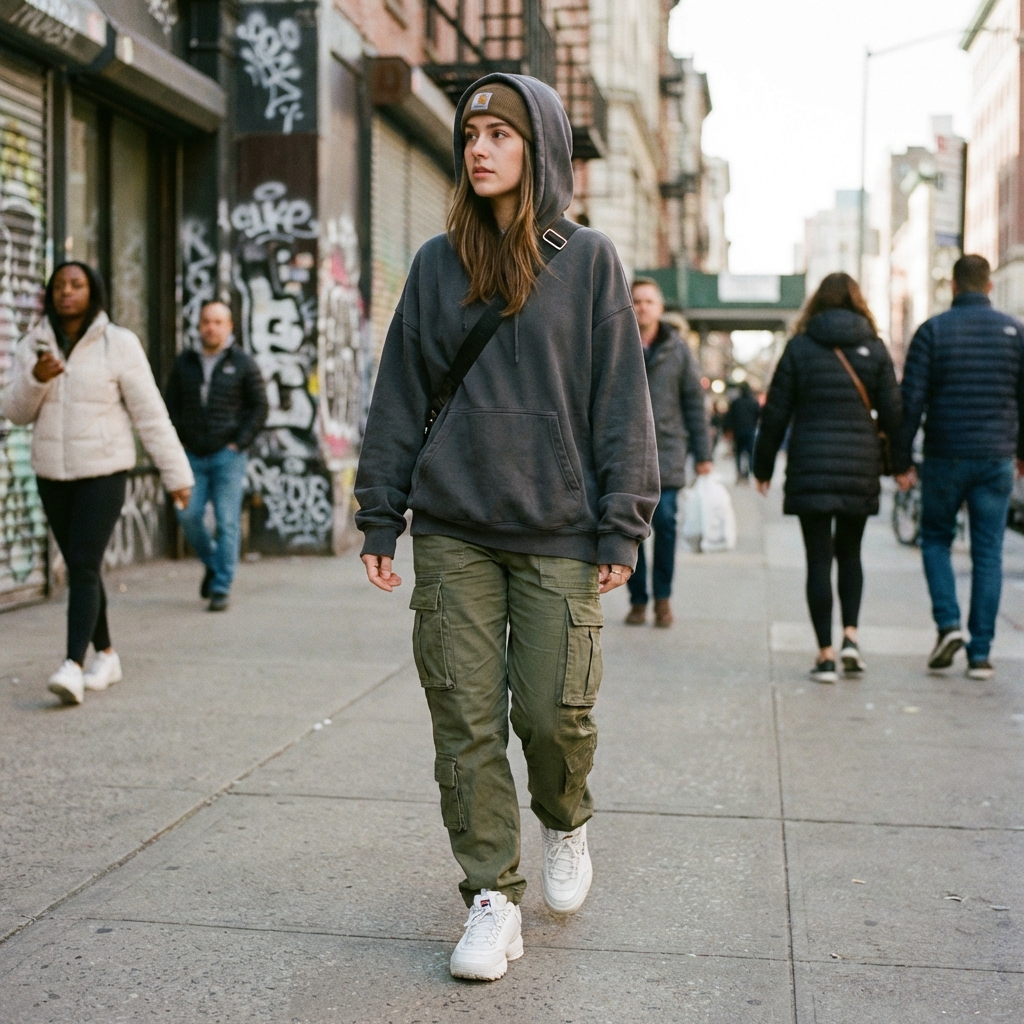
Choose or build a model
Pick a model, or build an AI character and save it. A saved character comes back the same every time, so the range stays consistent.
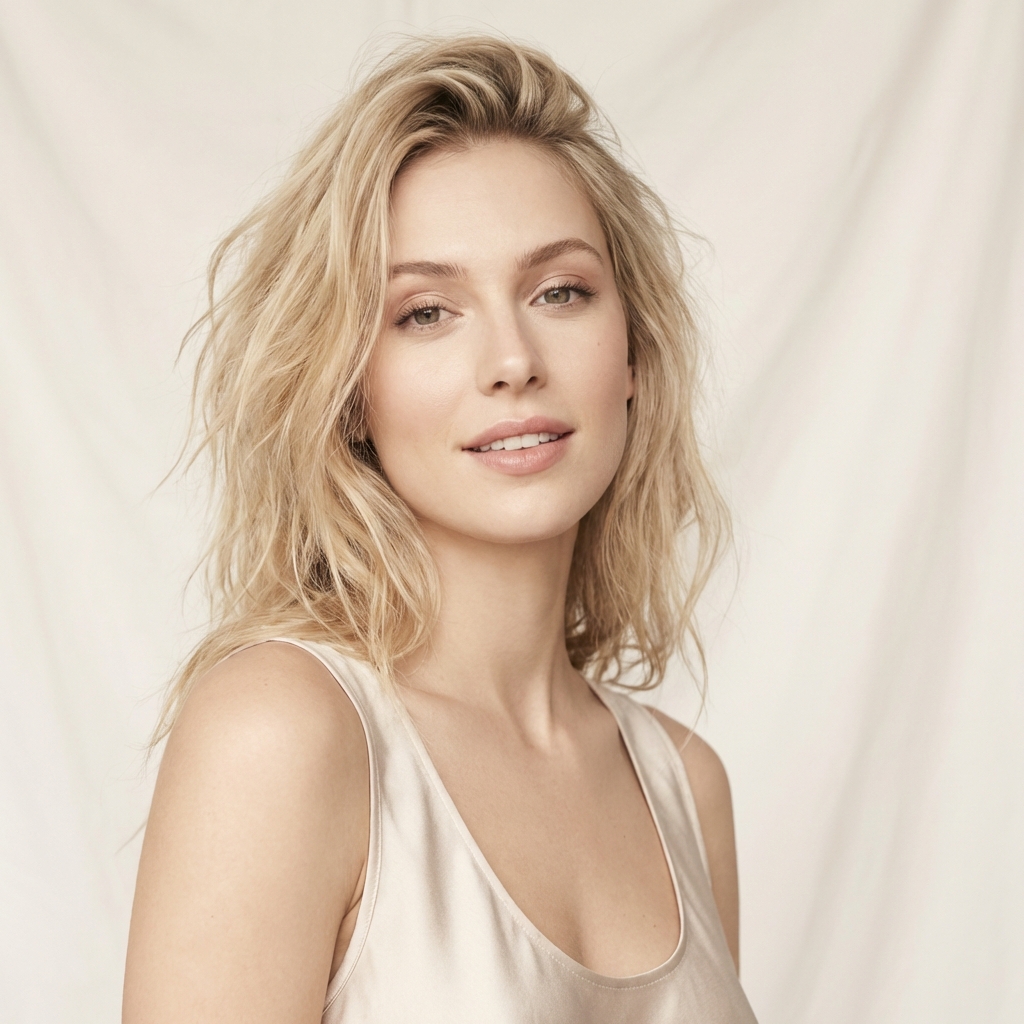
Run it for every product
Save the pairing as a workflow and rerun it per SKU, so the tenth product costs the same effort as the second.
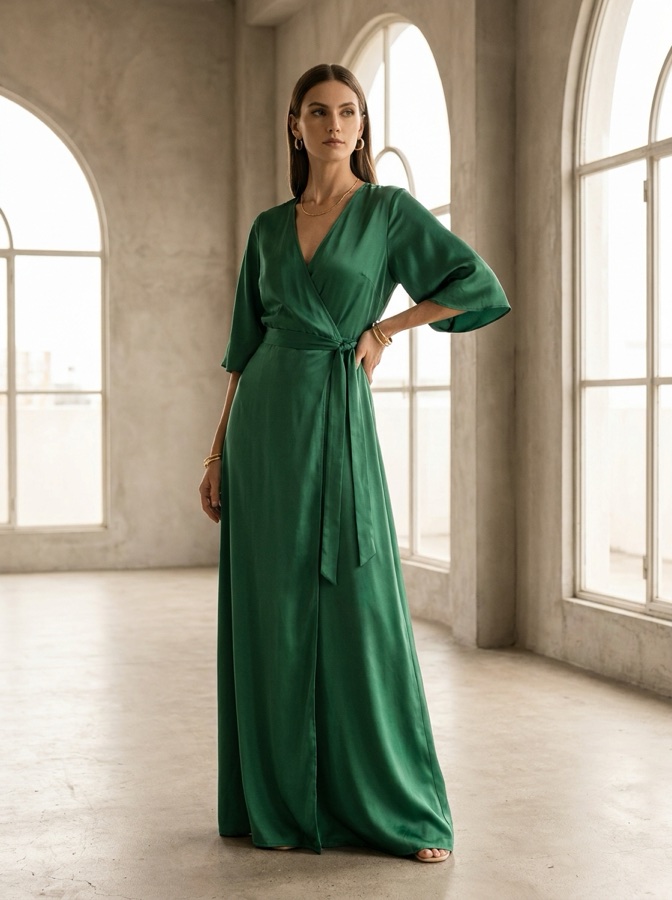
Every way to show a product being worn or used
Each card links the feature or app that does the job.
Virtual try-on
Place a garment on a model you choose, so a product page can show it worn without a shoot.
Ghost mannequin
Show the garment holding its shape with nobody inside it, which is the look most listings want first.
Outfit to image
Turn a set of pieces into one styled photo, so a whole look gets a single shot.
Fashion factory
Run a batch of on-model looks in one pass, so a drop gets its imagery in an afternoon.
AI character
Build a person once and reuse them, so the same face carries the whole range or the whole grid.
AI influencer
Give a brand account a consistent presenter, so posts look like one person rather than stock.
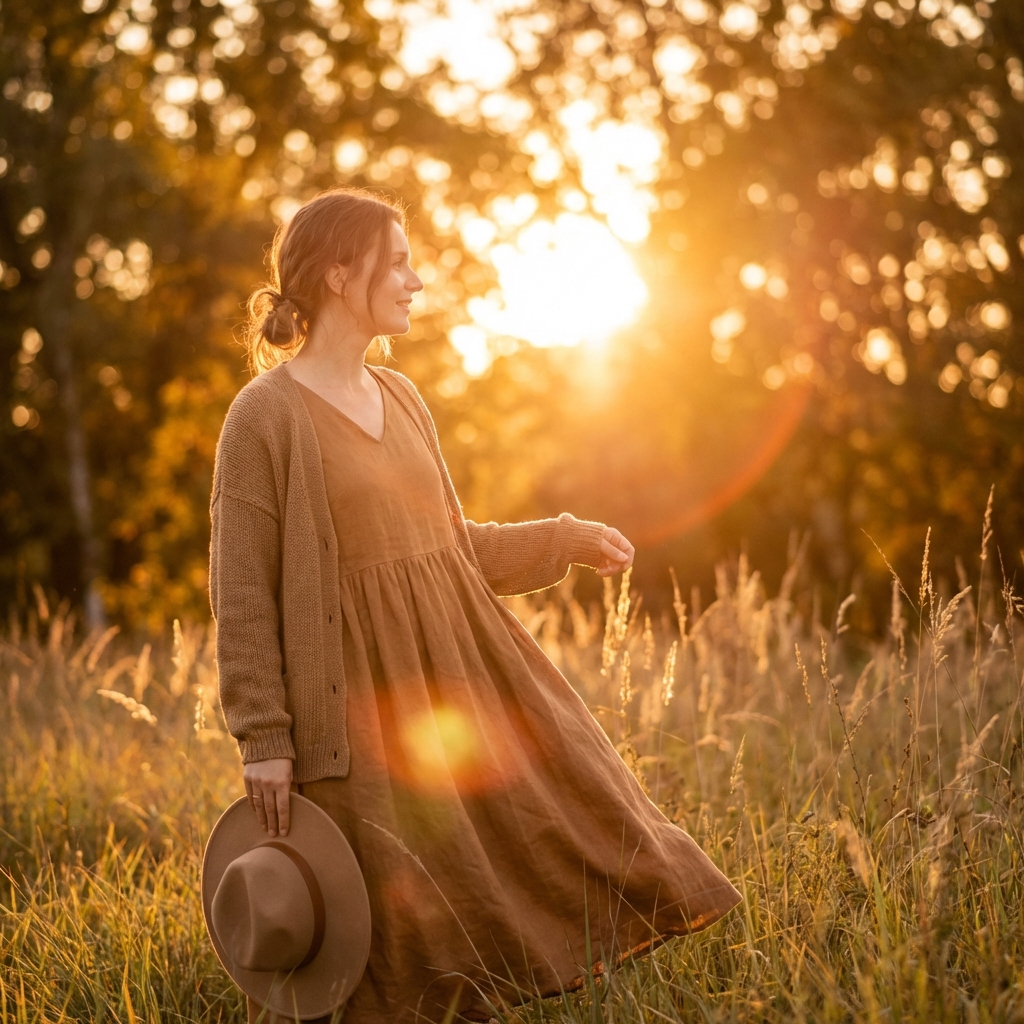
Every colourway, the same model
A shop page where each item is worn by a different person reads as a pile of stock photos. Reuse one model across the range and the page reads as one brand. When a colourway changes you rerun the pairing instead of booking the shoot again.
- One model across products, colourways and drops
- Ghost mannequin for the main listing image
- Lookbook frames for the campaign and the PDP

One face across a whole grid
A creator account works when it looks like one person made it. Save a character and put them in every scene, so the grid holds together across a month of posts. UGC creators can hold several characters and sell each one as its own format to brands.
- A saved character comes back the same every time
- Put the same person in a new scene without a reshoot
- Post daily without a shoot day in the week
The models behind your on-model shots
Pick the right engine per shot. Model line-up current as of August 2026.
| Model | Type | Provider | Best for |
|---|---|---|---|
| Nano Banana Pro | Image | Editing and 4K detail | |
| GPT Image 2 | Image | OpenAI | Text inside images, prompt fidelity |
| Seedream 5 | Image | ByteDance | Photoreal scenes |
| FLUX 2 Flex | Image | Black Forest Labs | Photorealism with control |
| Kontext Multi | Image | Black Forest Labs | Multi-reference edits |
One product, four studios
Shoot it, show it worn, set it in motion, turn it into ads. Each studio picks up where the last one left off, and they share one library.
Model Studio questions
What fashion sellers and creators ask before the first try-on.
What is an AI fashion model generator?
How does virtual try-on work here?
Can I keep the same model across a whole range?
What is ghost mannequin used for?
Does the output show my real product?
Can creators use this instead of sellers?
Shoot it. Show it. Sell it.
Put your product on a model, save that model, and use it again for the next product and the next drop.
Free plan to start. Try-on and on-model tools are on the paid tiers.