Set your product in motion from the photo you already have
Start from a product photo and get a clip, so you can post at the pace short-form needs without booking a shoot day or hiring an editor.
Five video models, one subscription. No crew, no set, no edit suite.
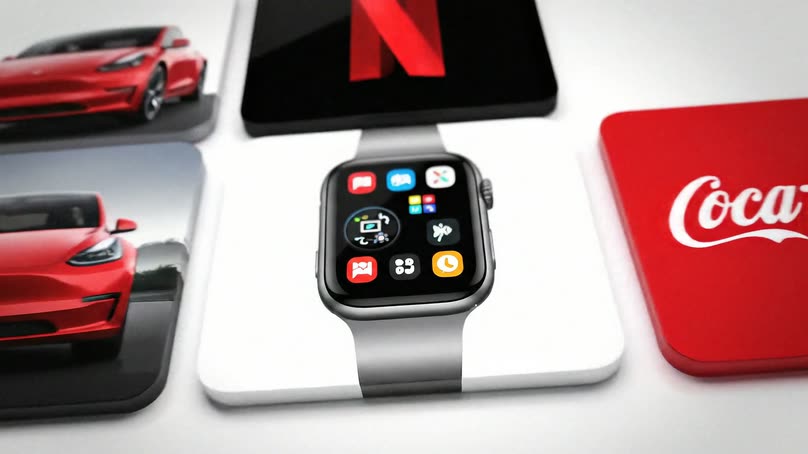
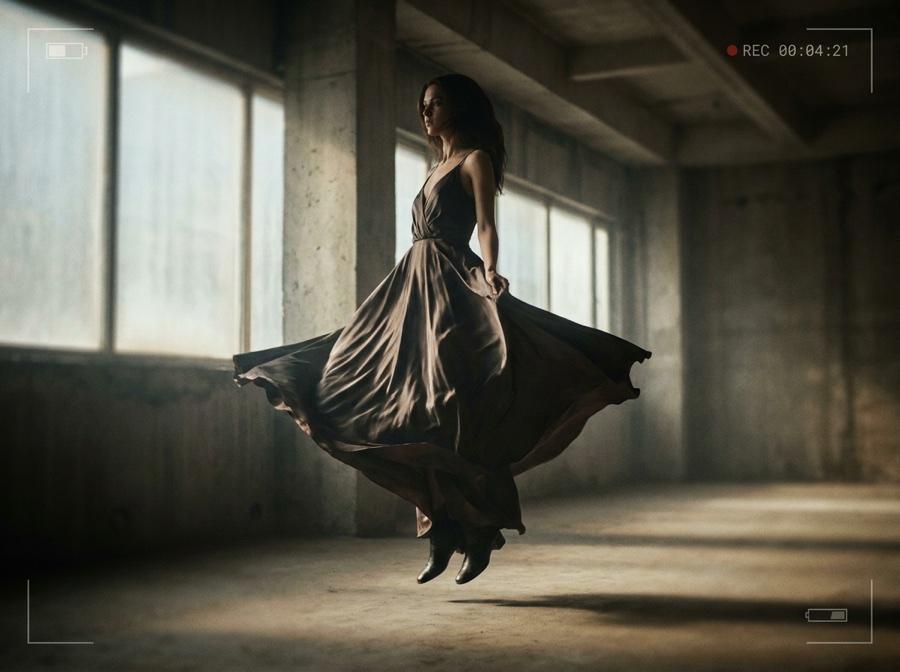
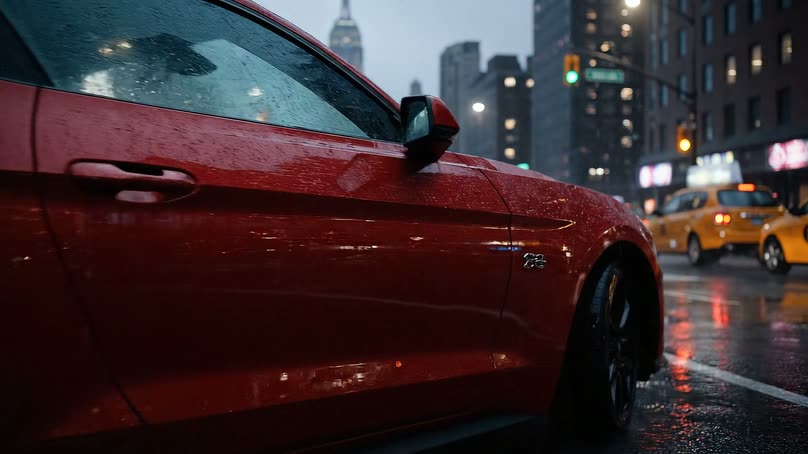
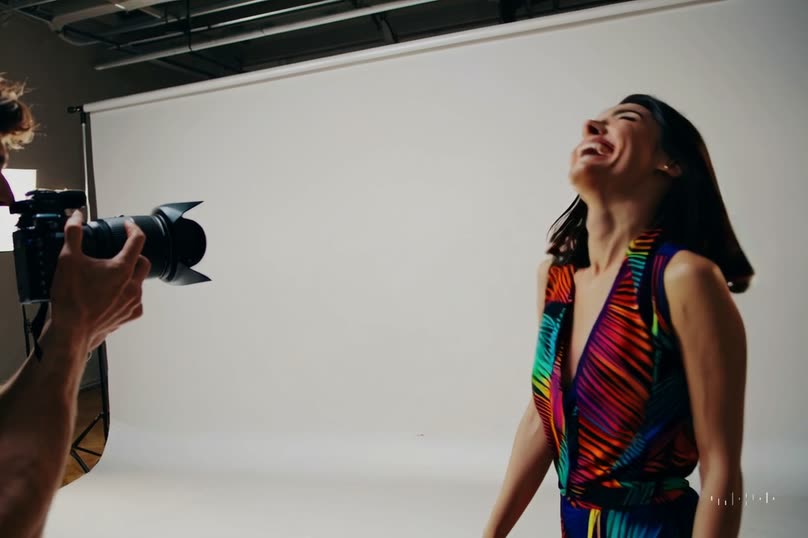
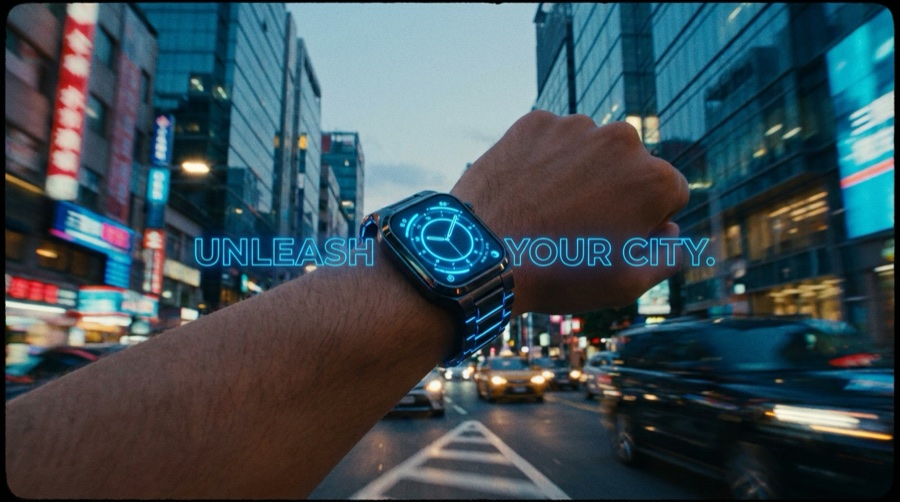
The clip and the photo come from one file
Most product-image tools stop at the still. The shot you made in the Photo Studio is the input here, so nothing gets re-uploaded, re-cut out or re-lit.
Two separate tools
- Export the still, upload it again somewhere else
- A second subscription for video, a third for editing
- One vendor, one model, whatever it happens to be good at
- The clip and the photo drift apart over a campaign
One workspace
- The still you already made is the input to the clip
- Generating and editing sit in the same subscription
- Five video models, so you pick per shot
- One library, so the campaign stays together
Five ways to put a product on screen
Each card links the feature or app that does the job.
Product video
Generate a clip of the product itself, so a listing or a post has motion to hold attention.
Image to video
Animate a still you already have, so a photo library becomes a video library.
Fashion video
Put a garment in motion on a model, so a drop gets a reel and not only a lookbook.
Talking avatars
Give a script a presenter, so creator-style ads get made without filming anyone.
Video editor
Trim, caption, score and grade the clip you generated, so it ships finished.
Video ad composer
Cut generated shots into an ad, so a set of clips becomes one piece of creative.
The video models behind your clips
Pick the right engine per shot. Model line-up current as of August 2026.
| Model | Type | Provider | Best for |
|---|---|---|---|
| Veo 3.1 | Video | Video with synced audio | |
| Veo 3.1 Fast | Video | Quick video drafts | |
| Seedance 2.0 | Video | ByteDance | Fast product and ad video |
| Kling 2.6 Pro | Video | Kuaishou | Longer, dynamic clips |
| Runway Gen-4.5 | Video | Runway | Stylized motion |
Start from one specific job
Each of these does one thing and nothing else. They all feed the same Video Studio.
One product, four studios
Shoot it, show it worn, set it in motion, turn it into ads. Each studio picks up where the last one left off, and they share one library.
Video Studio questions
What sellers and creators ask before the first clip.
Can I make a video from a product photo?
What kinds of video can I make?
Which video models are built in?
Why does the choice of model matter?
Can I edit the clip after it generates?
How long does a clip take to make?
Shoot it. Show it. Sell it.
Take the product photo you already have and turn it into a clip, then cut and caption it in the same place.
Free plan to start. Video generation is on the paid tiers.