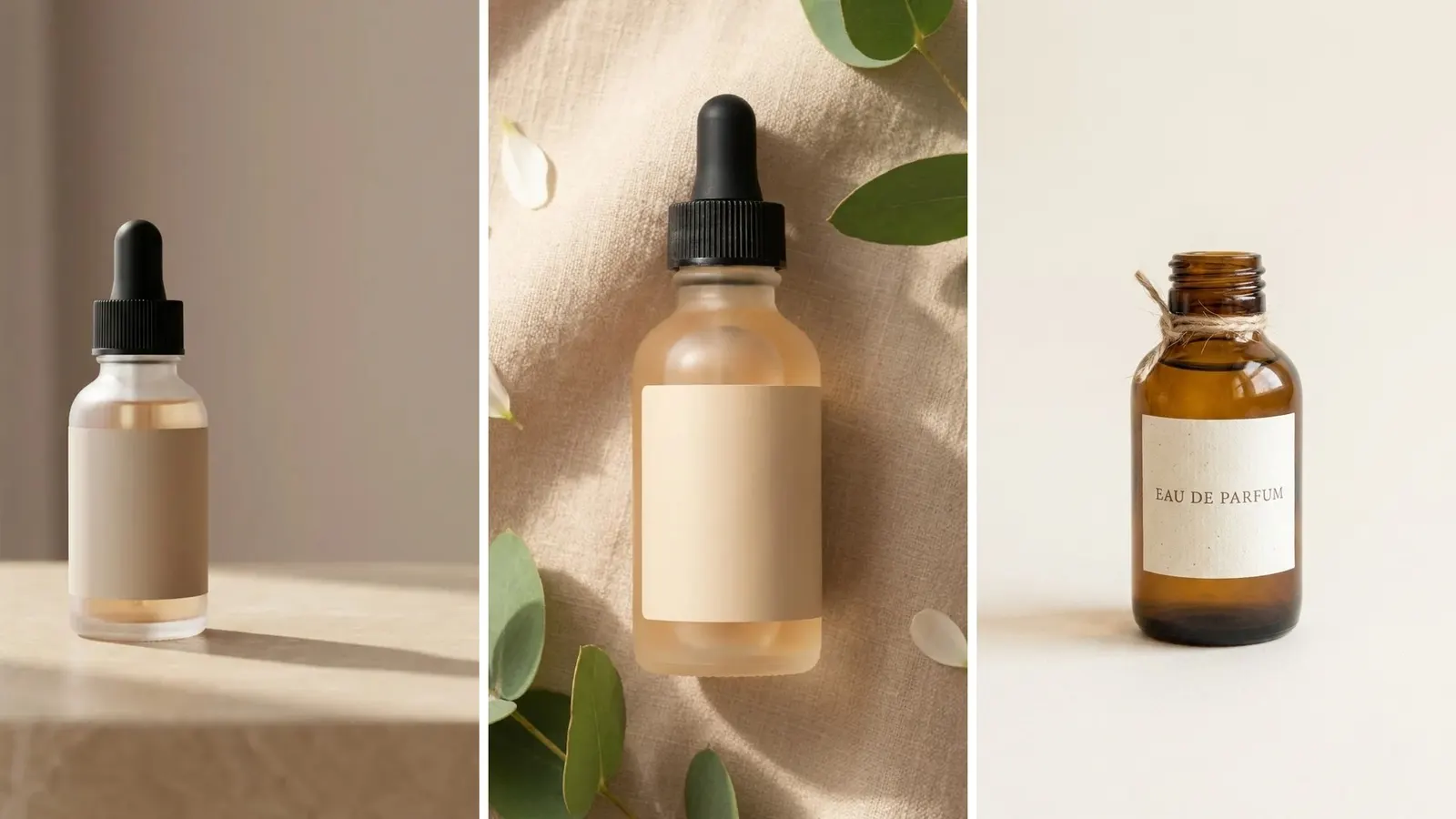
Bottle product photography is the image set that sells a drink online: a white-background packshot, a label-legible front panel, a chilled or poured hero, and a lifestyle frame. Glass makes it technically harder than most categories, because a bottle reflects the room it was shot in. What makes it expensive is different. On a drink, the label is a regulated artifact and the picture is a claim.
Lighting is the first problem with a bottle. Remove the hotspot, use a stripbox, flag the sides in black, and make the condensation with glycerin. Those steps solve the photography problem.
Lighting advice does not cover what gets a drink image rejected. If you sell alcohol, an advertisement that shows a label must show your approved label. If you sell on a marketplace, the main image rules do not allow most of what a styled drink shot contains. If you generate the frame with AI, the model often redraws the label, which breaks both. This guide covers the rules first, then the shot list, then where generative models fail on glass and liquid, then cost.
Key Takeaways
- The label is not a texture. For alcohol, a label shown in an advertisement must be a reproduction of an approved label. TTB lists labels in ads that do not match the approved labels (COLAs) as a common issue.
- Generative models often redraw labels. The correct workflow preserves the customer’s real label pixels and generates only the room around the bottle.
- A bottle reflects the studio. Much of bottle retouching is removing the softbox, the ceiling and the photographer from the glass.
- Marketplace main images leave no room for styling. Amazon wants a pure white background at RGB 255, 255, 255 with the product at 85% of the image and no props that do not come with it. So the ice, the garnish and the wet slate all belong in the secondary slots.
- Flavor extensions are the real budget line. A six-flavor range is six labels on one bottle shape, which is a reshoot in a studio and a re-run in a workflow.
- A drink SKU needs about seven frames. One packshot, one label panel, one scale reference, one chilled hero, one serve, one group shot, one social crop.
What is bottle product photography?
Bottle product photography is the production of commercial images of a bottled or canned product for a product page, a retail listing and paid social. It covers the white-background packshot that marketplaces require, the front-panel shot that makes the label readable at thumbnail size, and the styled frames that carry the brand. Glass is the hard surface because it is transparent, curved and reflective at the same time, so the lighting shapes the bottle by what it reflects rather than by what it illuminates.
The technique that separates a good bottle shot from a flat one is that you light the reflection, not the object. A bright surface placed to the side of the bottle appears in the glass as a clean vertical band, which reads as an edge and gives the shape volume. Black flags do the same job in reverse, drawing a dark edge that separates the bottle from a light background. Nearly everything else in bottle work is a variation on those two moves.
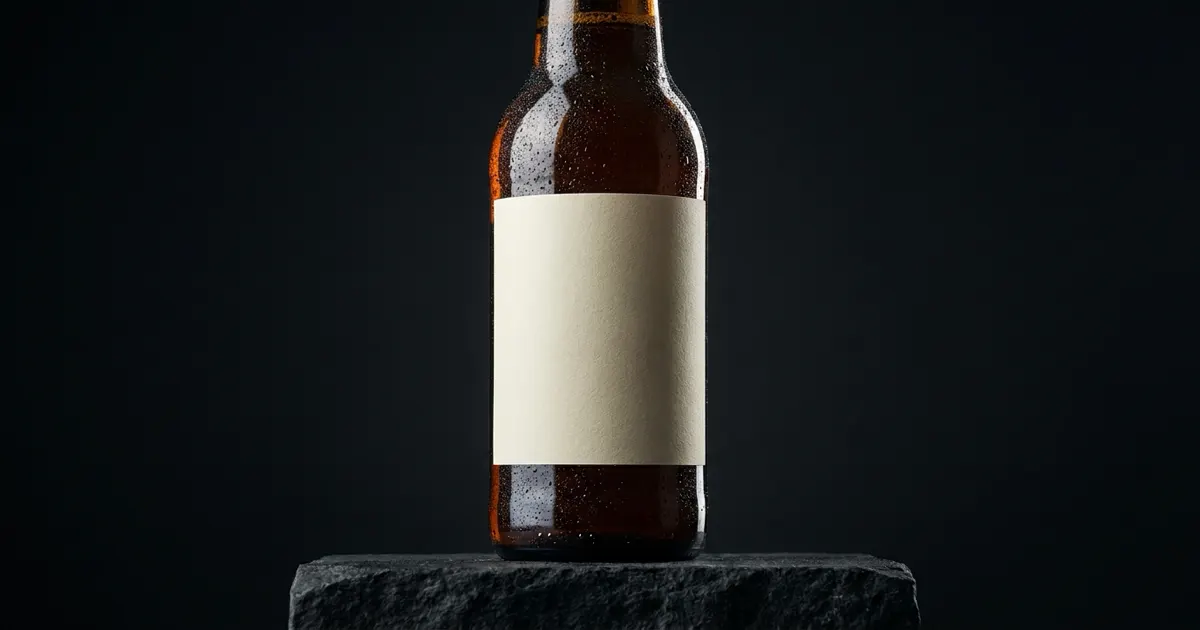
The frame above is a generated packshot, and it shows the single most useful habit in this category. The label is blank. A model that is not asked to invent lettering cannot get the lettering wrong, which is the whole reason the production order below puts the real label in last.
The label is a regulated surface, not a texture
This part decides whether a drink image can ship.
The Alcohol and Tobacco Tax and Trade Bureau defines an advertisement broadly. It is “any written or verbal statement, illustration, or depiction which is in, or calculated to induce sales in, interstate or foreign commerce, or is disseminated by mail” (27 CFR 4.61, 5.232 and 7.232, ttb.gov, accessed September 2026). A product photo on a paid social placement can fall under that definition, and so can the image on a retailer’s page.
Two consequences follow, and both are listed under prohibited practices at 27 CFR 4.64, 5.235 and 7.235.
Statements inconsistent with labeling are prohibited, and TTB states the rule for pictures directly: a label depicted on an advertisement must be a reproduction of an approved label (ttb.gov, accessed September 2026). Approved means it carries a Certificate of Label Approval (COLA). A generated label, a cleaned-up label, a label with the alcohol content moved for legibility, or a label taken from a different SKU does not reproduce the approved one.
TTB then names the failure in its own list of common issues: “Labels depicted in ads don’t match the COLAs” (ttb.gov, accessed September 2026). That line should guide how a drinks brand uses generative tools.
Advertisements also have to carry mandatory information, including the responsible advertiser’s name and address or contact details, and the class and type designation exactly as it appears on the label (27 CFR 4.62 for wine, ttb.gov, accessed September 2026). Social posts are covered by the same rules. TTB’s Industry Circular 2022-2 allows the mandatory information to sit in a readily apparent location such as an account’s About section or a clearly marked link.
TTB’s advertising rules cover alcohol drinks. Other drinks fall under general advertising law and the food advertising rules on nutrient and health claims. The FTC says it looks at an ad in context, including its words, phrases and pictures, to decide what the ad tells buyers (ftc.gov, accessed September 2026). Show ten blueberries beside a bottle whose fruit content is a flavoring, and the picture can make a claim the product cannot support. This is general information, not legal advice.
Platform policy sits on top of all of it. Google’s alcohol policy allows brand and informational advertising for alcoholic drinks only in approved locations and only when it does not target minors. Ads promoting online sale carry further location restrictions (support.google.com, accessed September 2026). None of that is about picture quality, and all of it can pull a campaign that has a perfect hero shot.
The shot list a drink SKU needs
Seven frames cover a product page, a marketplace listing and a paid social test. Shoot or generate in this order, because each one constrains the next. Packaged food that is not a drink has its own list in food product photography.
| Frame | Job | Hard constraint |
|---|---|---|
| White-background packshot | Pass marketplace main-image rules | Pure white, no props, no added text |
| Front label panel | Label readable at thumbnail size | Straight-on, no curl distortion |
| Scale reference | Stop the 250ml and 750ml problem | A hand, a glass or a stated size |
| Chilled hero | The category’s conversion shot | Condensation that follows gravity |
| The serve | Show the liquid out of the bottle | Correct color and head |
| Range or group shot | Sell the other flavors | Consistent height and spacing |
| Social crop | 4:5 and 9:16 versions | Label survives the crop |
The white-background packshot is the one with published rules. Amazon’s main image standard is a pure white background at RGB 255, 255, 255, the whole product at 85% of the image, and no props that do not come with the product. Images need at least 500 pixels on the longest side, and 1,000 pixels or more turns on the zoom function (sellercentral.amazon.com, accessed September 2026). Every styling decision that makes a drink photo attractive breaks that rule, so the styled work lives in the secondary images. The full rundown across channels sits in our guide to AI product photos and marketplace rules. The image specs for five channels are in our guide to ecommerce product photography.
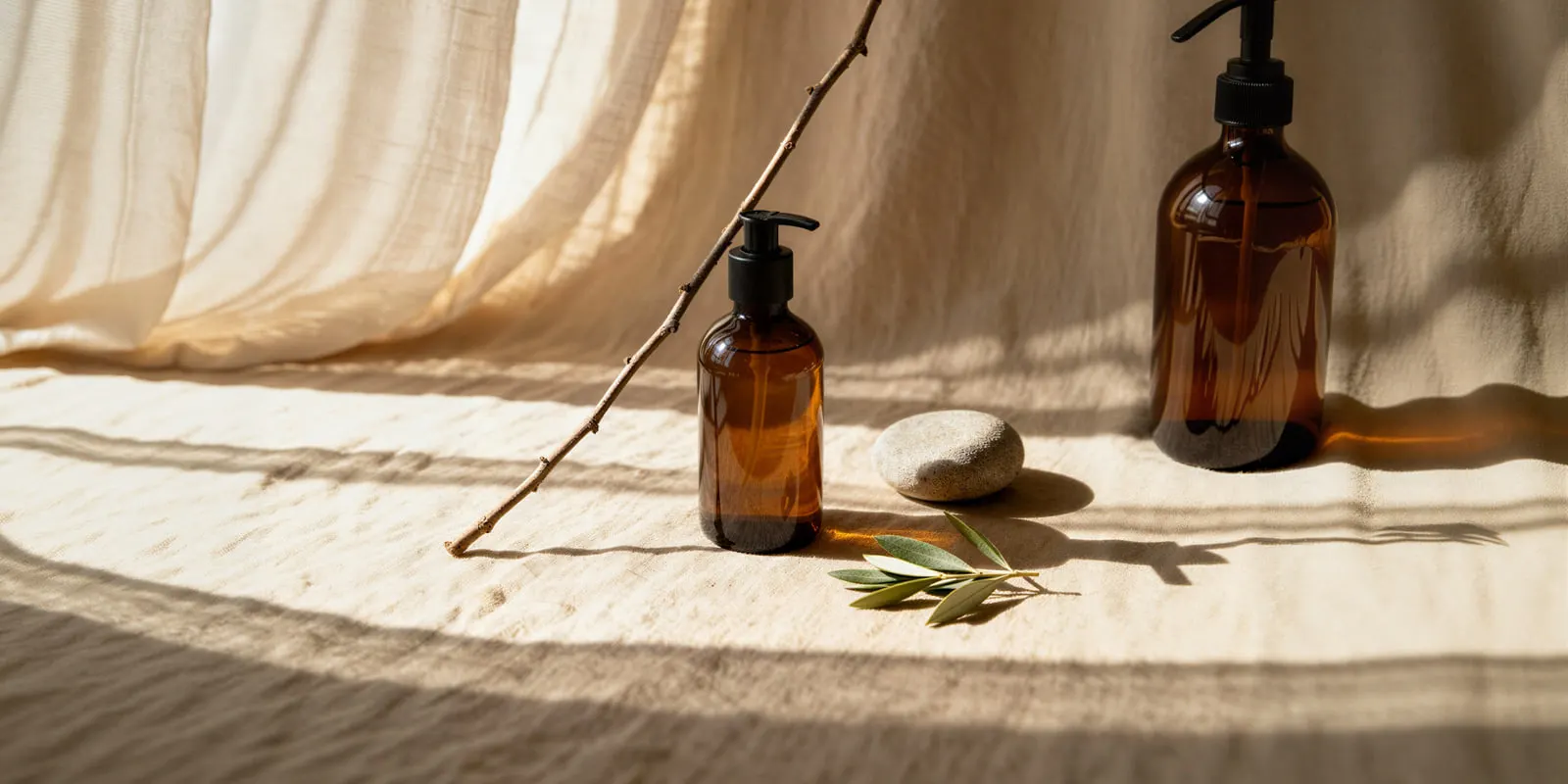
Scale is a category-specific trap. A 250ml can and a 750ml bottle photograph identically when they are alone on white, because nothing in the frame states the size. Returns and complaints can follow. One frame with a hand, a glass or a printed dimension solves it.
Condensation is the detail that shows a chilled hero is fake. Our drink photography ideas sort 16 scenes by what covers the label. Real condensation beads finely near the top of a cold bottle, gathers into larger drops lower down, and runs vertically. Beads of uniform size scattered evenly across the whole bottle read as fake to the eye before anyone can explain why.
Where generative models break on glass and liquid
Glass is one of the hardest common surfaces for image models, and the failures repeat in a predictable order.
Label text. Models rewrite lettering. A word becomes a near-word, a percentage moves, kerning drifts. On a drink this is the TTB problem above. Fix by preserving the label rather than generating it: keep the original label pixels and generate the scene around them.
The same failure has a different regulator behind it once the bottle holds a cosmetic. Perfume photography covers the fragrance version, where the claim rules apply to the picture itself. For the ads built from those photos, see perfume ads.
The fill line. Liquid level should sit at one height and stay there across the whole set. Models move it between frames, and a range shot with six different fill heights looks like six different fill volumes.
Refraction. Anything visible behind a bottle should bend and invert through the glass. Models frequently pass the background straight through, so the bottle reads as a flat sticker on the scene.
Cap and closure geometry. Crown caps, screw threads and tamper rings are small repeating structures. They smear first when the model is working at low resolution or the bottle is small in frame.
Condensation and ice. Physically wrong beading, and ice cubes that neither displace liquid nor cast a shadow. For pours and other liquid in motion, see the five food commercial shots.
Reflections of a room that does not exist. A generated bottle sometimes carries a reflected window or softbox that was never in the scene. On a product page this is a giveaway.
The workflow that avoids most of this inverts the usual instinct. Do not ask a model to make a bottle. Start from one real photo of your actual bottle, keep the label untouched, and use generation for the parts that are genuinely variable: the surface, the background, the light, the season, the crop. That is the same principle behind AI product photo accuracy, and DesignerBox product templates follow it: you start from your real product photo. An image template that starts from your photo makes new scenes from that one upload. A relighting template relights an existing frame when the problem is the hotspot and the set is fine.
What a bottle image set costs
A drink shoot often needs a stylist as well as a photographer, and styling, props and retouching add to the bill.
| Line item | Traditional range |
|---|---|
| Product photographer, day rate | $800 to $3,000 for an 8 to 10 hour day |
| Flat fee per product | $15 to $300 |
| Studio rental and equipment | Extra cost |
| Styling and props, including glassware and ice replicas | Extra cost |
| Liquid and label retouching | Extra cost |
| Flavor extension | A second shoot |
Snappr’s pricing guide puts a product photographer’s day rate at $800 to $3,000 for an 8 to 10 hour day, depending on experience and the complexity of the shoot, and a flat fee at $15 to $300 per product. It lists retouching, styling, props and studio rental as extra costs (snappr.com/blog/product-photography-pricing, accessed September 2026). Seven frames across six flavors is 42 finished images, which can take more than one shoot day before any retouching.
The flavor extension is the line that is easiest to under-budget. Six flavors of one drink share a bottle shape, a cap and a fill height. The only variable is the label. In a studio that is still a full reshoot, because the bottle has to be re-styled, re-lit and re-tethered for every SKU. In a saved workflow it is the same scene re-run against six label uploads. Our product photoshoot cost breakdown runs the same math across other categories.
On the AI side, cost is credits rather than day rates. Plans and credits are on the pricing page. What a frame costs depends on the model behind that step. The cost of a run is shown before you start it, so a pour clip is a decision rather than a surprise on the invoice. Video is the wider line: an 8-second clip costs 40 to 560 credits, depending on the model.
Three honest limits before you plan for it. Uploading your own photos and the commercial license start on the Pro plan. AI video, virtual try-on, upscaling, the image editor and the video editor start on the Premium plan. Team features, shared brand kits and white label are on the Ultra plan, which matters if a compliance reviewer needs to sit in the same workspace as the designer. Every plan below Ultra is one seat.
How to run a range of bottles end to end
- Shoot one clean reference per bottle shape. Straight on, evenly lit, label flat to the sensor, at the highest resolution you have. This is the only frame that has to be real, and it is the frame that carries the approved label.
- Photograph each label separately if the shape is shared. Six flavors on one bottle means one bottle reference and six label references.
- Build the white-background packshot first. Get it inside the marketplace rules before anything styled exists, because that image is the one that can block the listing.
- Generate the scenes around the preserved label. Surface, background, light direction, condensation, season. Do not regenerate the label at any point in this step.
- Check the fill line across the set. One height, every frame. This is the fastest visual tell that a range was generated rather than shot.
- Audit against the rulebook that applies. For alcohol: does every depicted label reproduce the approved label, and does the placement carry the mandatory information? For everything else: does any prop in frame make a claim the product cannot support?
- Save the pass as a workflow and re-run it for the next flavor. You do steps one to six carefully so that flavor seven needs only a new label photo.
Saving the sequence is the part that changes the economics. A drinks campaign template starts a styled set from one upload. A scene placement template builds the lifestyle variants once the packshot is locked. The page for food and drink brands covers the category. When the same set moves into paid placements, the static ad templates turn it into ads.
That is the shape of the whole job. Get one bottle right and save the steps as a workflow. Then run it again for flavor two and flavor thirty. A saved workflow runs the same way on the next product, with the same scene, light and crop. Your brand rules sit in one record, and the workflow reads them on every run, so the whole range keeps one look instead of thirty. The only new input is a label photo, and you still check the fill line on each result.
Batch runs one workflow over a whole sheet of flavors. The reference photo, the packshot, the styled scene and the ad are one subscription, so flavor seven does not start in a different tool from flavor one.
The pattern generalizes to any container-led category. Supplement product photography has the same shape with the FDA in place of TTB. Supplement advertising covers the claim rules for the ads, and skincare product photography shares the glass and reflection problems without the regulator. A polished watch case reflects its room the same way, and watch photoshoot ideas sorted by reflection plans each scene around what the glass shows. Glossy plastic and screens raise the same problem in tech product photography. If your issue is a single blown highlight rather than a whole set, start with the product photo lighting fix.
FAQ
How do you photograph a bottle without reflections?
You cannot remove reflections from glass, so you control what it reflects. Place a large diffused light source to the side of the bottle rather than in front of it. The glass turns that source into a clean vertical highlight down the shoulder. Add black flags on the opposite side to draw a dark edge. Shoot in a dark room, wear black, and keep the camera far enough back that it does not appear in the curve.
Can you use AI-generated product photos for alcohol advertising?
Use AI for the scene and keep the label real. TTB requires that a label depicted in an advertisement be a reproduction of an approved label. It lists labels in ads that do not match the COLAs as a common issue (27 CFR 4.64, 5.235, 7.235, ttb.gov, accessed September 2026). A workflow that preserves your real label pixels and generates only the background, surface and lighting keeps the approved label intact. A workflow that lets a model redraw the lettering does not. Check the finished frame at thumbnail size, because a label that is legible at full resolution can still fail at 200 pixels wide.
What background should a bottle product photo have for Amazon?
Pure white at RGB 255, 255, 255, with the bottle at 85% of the image and nothing else in shot. No ice, no garnish and no glass, because Amazon does not allow props that do not come with the product. Images need at least 500 pixels on the longest side, and 1,000 pixels or more turns on the zoom function (sellercentral.amazon.com, September 2026). Styled frames go in the secondary image slots where props are allowed.
How many photos does a drink product page need?
Seven covers it: a white packshot, a straight-on label panel, a scale reference, a chilled hero, a serve shot showing the liquid poured, a range or group shot, and a vertical social crop. Amazon recommends a main image plus at least six more images and one video (sellercentral.amazon.com, September 2026).
How much does beverage product photography cost?
Snappr’s pricing guide puts a product photographer’s day rate at $800 to $3,000 for an 8 to 10 hour day. It lists retouching, styling, props and studio rental as extra costs (snappr.com, accessed September 2026). A six-flavor range at seven frames each is 42 images, which can take more than one shoot day.
Do you need a new shoot when a flavor changes?
In a studio, yes. The bottle has to be re-styled, re-lit and re-tethered even when only the label changed. That is why flavor extensions can overrun their budget. In a saved workflow, a new flavor is one label upload run against a scene that already passed review, which is the whole argument for building the first set carefully.
Should you disclose that a drink image was generated with AI?
Check the placement rather than the image. Ad platforms set their own disclosure requirements and they change, and some markets add rules on top. A shared principle is that the picture must not create a false impression of the product, which is the same standard TTB and the FTC already apply. An image built from your real bottle and your real label is easier to defend on that test than one built from a prompt.
Sources
- TTB, Alcohol Beverage Advertising: What Every Industry Member Should Know, ttb.gov (accessed September 2026). Advertisement definition at 27 CFR 4.61, 5.232, 7.232; prohibited practices at 27 CFR 4.64, 5.235, 7.235; mandatory information at 27 CFR 4.62; social media at Industry Circular 2022-2.
- FTC, Advertising FAQs: A Guide for Small Business, on express and implied claims, ftc.gov (accessed September 2026).
- Google Ads alcohol policy, support.google.com (accessed September 2026).
- Amazon product image guide, background, frame fill, props, pixel range, zoom and image count, sellercentral.amazon.com (accessed September 2026).
- Snappr, product photography pricing guide, day rates, per-product fees and extra costs (snappr.com/blog/product-photography-pricing), accessed September 2026.
- DesignerBox feature gating and the 8-second video credit range (designerbox.ai/pricing), September 2026.
Regulatory and platform requirements were read from TTB, the FTC, Google Ads policy and Amazon seller documentation in September 2026. Rules change, and state law adds requirements on top of the federal ones. Verify against the current source before publishing an alcohol campaign. This is general information, not legal advice. Individual results vary.