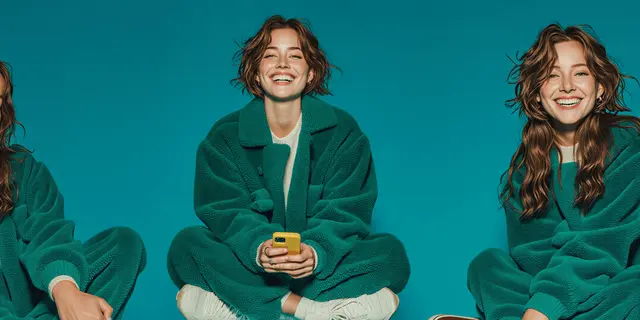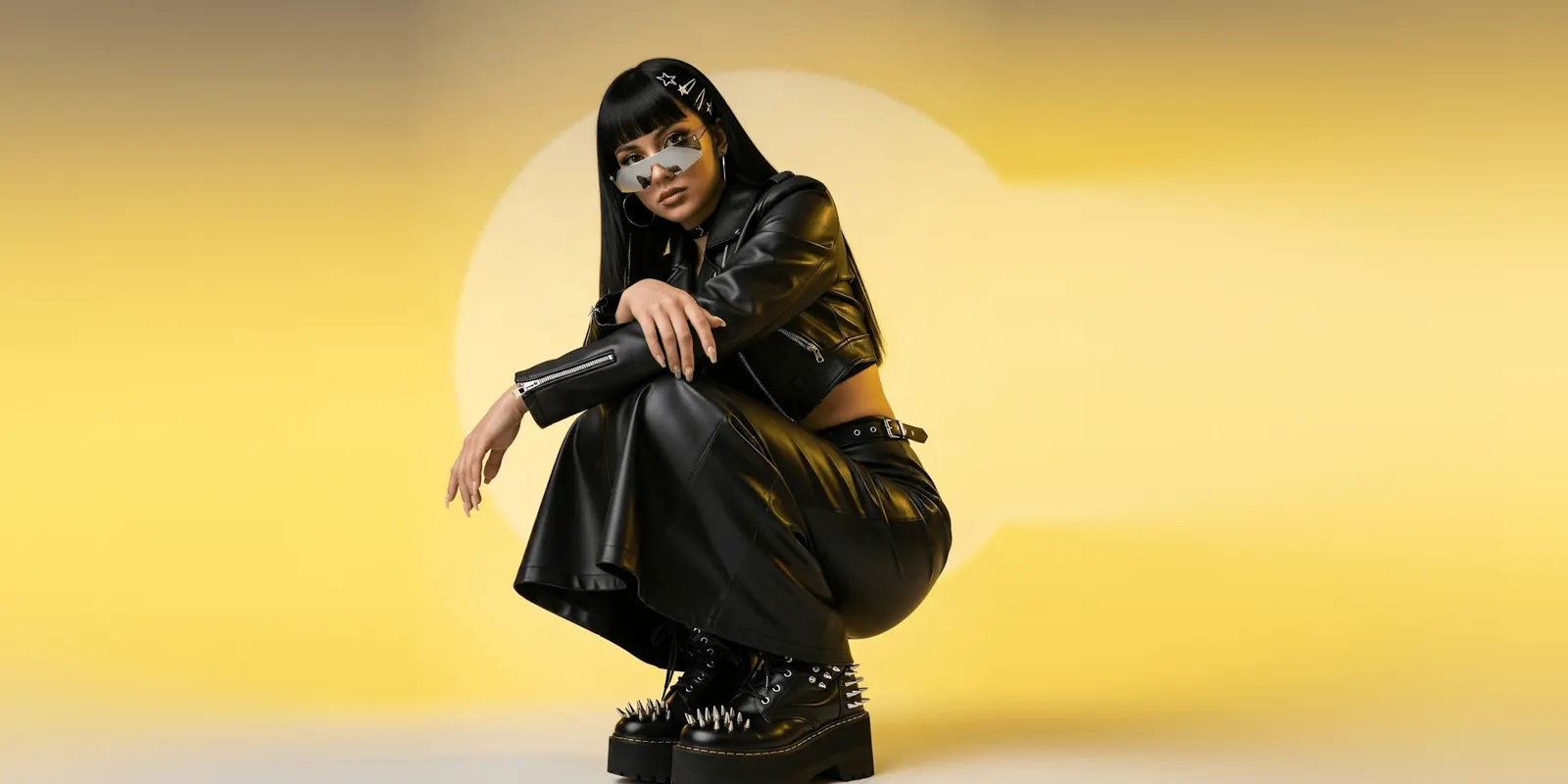
Generative AI fashion turns one garment photo into on-model imagery, flat lays and video without a shoot. Staying on brand across channels takes more than one good result. Each placement crops differently, so a look that holds on a product page breaks in a 9:16 Reel. Lock the model, the light and the garment once, then generate each ratio from that source. Build the pass once and rerun it.
You have a drop landing in five weeks and 40 SKUs to cover. The on-model set comes back and it looks right. Then paid social asks for 4:5, Reels asks for 9:16, Pinterest asks for 2:3, and the Shopping feed rejects two images for being under the minimum. Nobody generated bad imagery. The drift arrived in the re-crops.
This guide covers what breaks when generative AI fashion imagery leaves the folder it was made in. It sets out the specs each placement enforces, which elements to lock and which to let move, and what the ratio count does to your budget. It is written for fashion and apparel brand leads who ship a drop calendar, not a one-off campaign.
Key Takeaways
- Budget on the ratio count. 40 SKUs at three shots is 120 base images. Ship them to four placements and you are producing 480 assets.
- Check the cost before the pass. In DesignerBox the cost of a run depends on the model, and the cost is shown before the run.
- Crop-down is where brand drift starts. A 4:5 cropped from a square loses the garment hem. Generate each ratio from the same locked source instead.
- Google is retiring the separate apparel image minimum. Google will require 500 x 500 pixels for every product image from January 31, 2027 (Google Merchant Center Help, as of September 2026).
- Lock four things, vary three. Model identity, garment, light direction and color grade hold. Pose, background and camera distance move, or the catalog reads as a catalog.
- Same person, same light, same grade, different poses. Forty images in an identical pose read as stock. Forty that vary inside a locked look read as a collection.
- More than 35% of fashion executives report using generative AI in areas such as image creation and copywriting, and the report says many companies are stuck in pilot mode (McKinsey, The State of Fashion 2026, as of September 2026).
What is generative AI fashion?
Generative AI fashion is the use of image and video models to produce garment imagery from a photo or a brief, instead of from a shoot. A flat product shot becomes an on-model image, a styled scene, a packshot, or a short video. The garment stays anchored to your real photo. The model, the setting and the light are generated around it.
The category splits into two jobs that get conflated. One is creation: getting a usable image out of one garment photo. The other is production: getting that image into every size, ratio and placement a drop needs, with the brand intact. Most brands solve the first and get hurt by the second.
Why generative AI fashion goes off brand after the first generation
Generative AI fashion imagery usually goes off brand when one good generation is asked to be six things.
A production team generates the hero look once, at whatever ratio the tool defaults to. Then the asset gets pulled into six briefs. Paid social crops it to 4:5. Reels crops it to 9:16. The Shopping feed takes the square. Email takes a wide banner. Each crop is made by a different person, on a different day, with a different sense of where the garment matters.
By the time the drop is live, the same jacket appears cropped at the shoulder on Meta, full-length on the product page, and centered with dead space on Pinterest. The model is the same. The light is the same. The brand still reads as three brands, because framing carries as much brand signal as color does.
The second failure is regeneration. Someone needs a vertical, regenerates rather than crops, and the new output has a different face, a warmer key light, or a seam the garment does not have. That drift is the one covered in detail in holding one look across a drop. Cross-channel work compounds it, because every extra ratio is another chance to regenerate off-standard.
The channel specs your drop has to survive
Publish to the spec, not to a guess. These are the values each platform states in its own documentation, checked in September 2026.
| Where it runs | Ratio | Pixels | Source |
|---|---|---|---|
| Google Shopping listing | Square is safest across surfaces | 500 x 500 minimum for all product categories from January 31, 2027 | support.google.com/merchants, September 2026 |
| Meta Feed image ad | 4:5 | 1440 x 1800 recommended, 600 x 750 minimum | facebook.com/business/ads-guide, September 2026 |
| Pinterest standard Pin | 2:3 | 1000 x 1500 | help.pinterest.com, September 2026 |
| Pinterest Idea ad, full screen | 9:16 | 1080 x 1920 | help.pinterest.com, September 2026 |
| Your own product page | Set by your theme | Usually square or 4:5 | Your platform settings |
Two details in that table cost people money. Meta’s Feed guidance allows a 3% aspect ratio tolerance, so a near-miss crop can pass review and still show the garment hem clipped. And Pinterest’s 2:3 is the one ratio in this table that nothing else shares, so a 4:5 asset stretched to fit it is a common shortcut.
Four ratios is the realistic floor for a fashion brand running paid social, Shopping and Pinterest. Add wholesale line sheets and email and it is six.
What to lock and what to vary
The question every guide raises and then skips: if you lock everything, the collection page looks like a spreadsheet. Locking is not the goal.
| Element | Lock or vary | Reason |
|---|---|---|
| Model identity | Lock | A face change inside one grid reads as a different brand, not a different shot |
| Garment | Lock, always from the real photo | The garment is the product. Nothing about it is a creative decision |
| Light direction and quality | Lock | Key light moving from soft to hard is the drift buyers notice first |
| Color grade | Lock | Half a shade of warmth separates your PDP from your paid social |
| Pose | Vary | Identical poses across 40 SKUs read as stock, and buyers scroll past them |
| Background | Vary inside a stated palette | Three approved backdrops beat one, and beat unlimited |
| Camera distance | Vary by placement | A 9:16 needs a tighter crop than a product page. That is a framing decision, not a crop |
The last row is the one that changes a workflow. Camera distance should vary by placement, which means each ratio needs its own generation from the locked source, not a crop of the master. A 9:16 generated at the right distance shows the garment. A 9:16 cropped from a square shows a torso.
That distinction is also what separates brand consistency from brand sameness. The person, the light and the grade carry the brand. The pose and the setting carry the interest.
The Google Shopping image change landing January 2027
Google starts to enforce a new Shopping image minimum on January 31, 2027. Put the date in a calendar now, because it lands in the middle of most drop calendars.
Google is moving to a single 500 x 500 pixel minimum for product images across every category and marketing method. That retires the lower apparel-specific floor of 250 x 250 pixels brands have been shipping against. Google announced the change on April 14, 2026 (Google Merchant Center Help, as of September 2026). Merchant Center shows warnings for small images before enforcement starts on January 31, 2027. Google says that in some cases it may serve an optimized version of an image below 500 x 500. Treat that as a safety net, and do not plan on it.
For generative AI fashion specifically, this is easier to meet than it looks and easy to miss. Models output well above 500 x 500. The images that fail are the ones that were cropped tight for a placement and then reused in the feed. Generate the feed asset at feed spec and the problem does not exist.
A generative AI fashion pass that reruns
The version of this that works is a saved pass, not a set of instructions in a doc.
- Fix the source. One clean garment photo per SKU, shot or supplied to the same standard. Everything downstream inherits its quality.
- Lock the model and the set once. Build the reference set, fix the light and the grade, and treat those as version one of the brand’s look. A saved workflow holds this step, so you set it once.
- Put the garment on a model from the flat. The Dress my model app puts the garment on a person from the flat photo, so the garment stays anchored to your real product rather than being described in words.
- Generate each placement ratio separately from the same locked source, at the spec in the table above. Do not crop the master.
- Check against the real garment, not against the last generation. Color, hem, seam placement, hardware.
- Save the pass. For the next drop, you run the same saved workflow for each new SKU, with the same locked look. A campaign ends. A saved workflow runs again.
The workflow holds the light, the grade and the crop. Your brand record holds the rules, and the workflow reads it on every run. Style forty then looks like style one. For a week-by-week version of this around one launch, see the streetwear drop campaign plan.
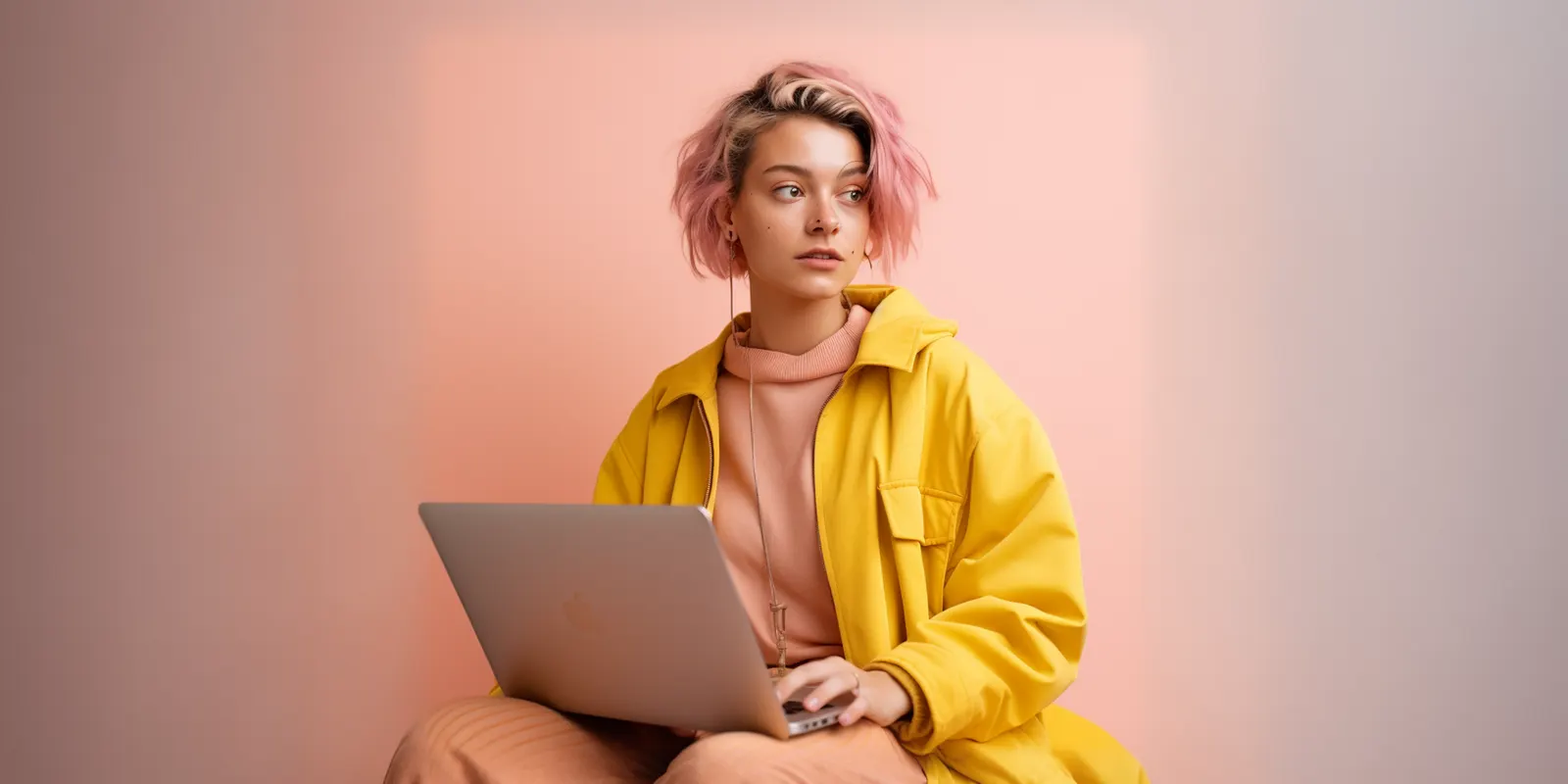
Anchor the garment to your photo first, then pick the model. DesignerBox runs image models, listed on the model list. In a workflow, the model is one step, and you can change it without rebuilding the rest. The still, the try-on and the clip for the same garment stay in one subscription, so the drop does not move between four tools on its way out. If you run content for a brand team, the brand team page shows the same job in the product.
What cross-channel consistency costs
Here is the number that surprises teams. The ratios multiply your shot count. They do not add to it.
A 40-SKU drop at three shots per SKU is 120 base images. That is the figure most brands budget. Ship those to four placements at their own ratios and you are producing 480 assets.
The second multiplier is the model. DesignerBox has no flat per-image price. The cost of a run depends on the model you pick, and the cost is shown before the run. So you can check what each run costs before you start the pass.
The plan gates are the part worth knowing: the commercial license starts on the Pro plan, AI video and virtual try-on start on the Premium plan, and team features, shared brand kits and white label are on the Ultra plan. Every plan below Ultra is one seat. Plans and credits are on the pricing page.
Match the plan to the whole drop, and not to one test image. The practical answer is to split the pass: drafts and secondary ratios on a lower-cost model, the hero and anything with visible branding on the model that renders it best. For fashion work, virtual try-on is the surface that sits on the Premium plan. Confirm the current terms before you commit a season to any plan.
Set that against the alternative. The comparison that matters is the second shoot day, booked because the drop needed a ratio nobody briefed. What a product photoshoot costs breaks that down. A reshoot for a missing vertical is another day on the invoice.
More than 35% of fashion executives report already using generative AI in areas such as image creation, copywriting and customer service. The same report says many companies are stuck in pilot mode, testing AI in silos with limited impact (McKinsey, The State of Fashion 2026, as of September 2026). For imagery, the production step is often where a pilot stalls.
For teams weighing which platform fits, AI fashion model generators compared covers what each category of tool is built for. If the drift you are fighting shows up across tools rather than inside one, where brand drift starts is the closer read. To start, open a template and run it on one garment photo. The cost is shown before the run.
FAQ
Does generative AI fashion imagery work for Google Shopping listings?
Yes, provided the file meets the spec. Google will require a 500 x 500 pixel minimum for all product categories from January 31, 2027. Google announced the change on April 14, 2026, and Merchant Center shows warnings before enforcement starts (support.google.com/merchants, September 2026). Generate the feed asset at feed spec rather than reusing a crop made for a social placement, and the requirement is met without extra work.
How many image versions does one fashion drop need?
Four ratios is the realistic floor for a brand running paid social, Shopping and Pinterest: square for the feed, 4:5 for Meta, 2:3 for Pinterest, 9:16 for full-screen placements. Add email and wholesale line sheets and it reaches six. Multiply that by your shots per SKU before setting a budget.
Can one AI model stay the same across a whole collection?
Yes, if identity is conditioned on a reference set rather than described in a prompt. Words drift between generations. A fixed reference set does not. Build the set once, treat it as version one of the brand’s look, and regenerate against it rather than rewriting the description each time.
Do I need a commercial license for generative AI fashion images?
For any image running on a product page or in paid media, yes. In DesignerBox the commercial license starts on the Pro plan. Verify the current terms on the pricing page before a season goes live, since license scope is the claim most worth checking directly rather than taking from an article.
Should I crop a product page image down for Reels, or generate a new one?
Generate a new one. A 9:16 cropped from a square keeps the center and loses the hem, the shoes and usually the silhouette, which is most of what a garment image is doing. Generating at 9:16 from the same locked source lets the camera distance change with the ratio, which is the point of the vertical.
What breaks first when generative AI fashion imagery scales?
Framing, then light. Model identity gets the attention because a changed face is obvious, but identity is the easiest element to lock. Framing drifts silently because every crop is a small decision made by a different person, and inconsistent key light is the thing buyers register as “cheap” without being able to name it.
Is generative AI fashion cheaper than a photoshoot?
For the first pass the comparison is close enough to argue. For the second pass it is not. A shoot prices per day and cannot be rerun for a ratio somebody forgot. A generated pass reruns against the same locked look, and you see the cost of each run before you start it. That difference grows with every drop on the calendar.
Sources
- Merchant Center image size change, 500 x 500 pixel minimum across all categories, enforcement January 31, 2027, and the optimised-image note: Google Merchant Center Help, answer 12159030, September 2026
- Merchant Center announcement of the change on April 14, 2026: Google Merchant Center Help, answer 16989427, September 2026
- Meta Feed image ad ratio 4:5, 1440 x 1800 recommended, 600 x 750 minimum, 3% aspect ratio tolerance: Facebook Ads Guide, Feed image ad specs, September 2026
- Pinterest standard Pin 2:3 at 1000 x 1500, Idea ad 9:16 at 1080 x 1920: Pinterest Business Help, product specs, September 2026
- More than 35% of fashion executives already using generative AI for image creation, customer service, copywriting and product discovery, with many companies stuck in pilot mode: McKinsey, The State of Fashion 2026, September 2026
- DesignerBox plan gating and how run cost is shown: DesignerBox pricing page (designerbox.ai/pricing), September 2026
Google image specifications verified from support.google.com as of September 2026. Meta and Pinterest specifications verified from facebook.com/business and help.pinterest.com as of September 2026. Fashion industry adoption data from The State of Fashion 2026, McKinsey and The Business of Fashion. DesignerBox pricing as of September 2026. Individual results vary.