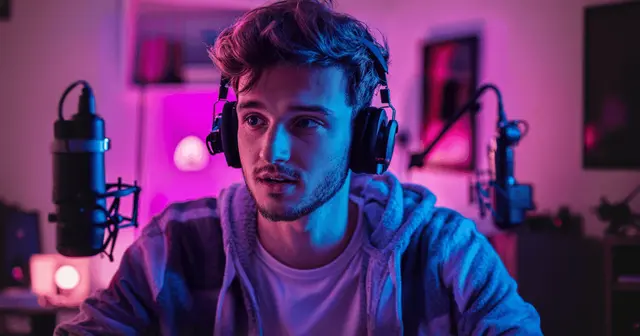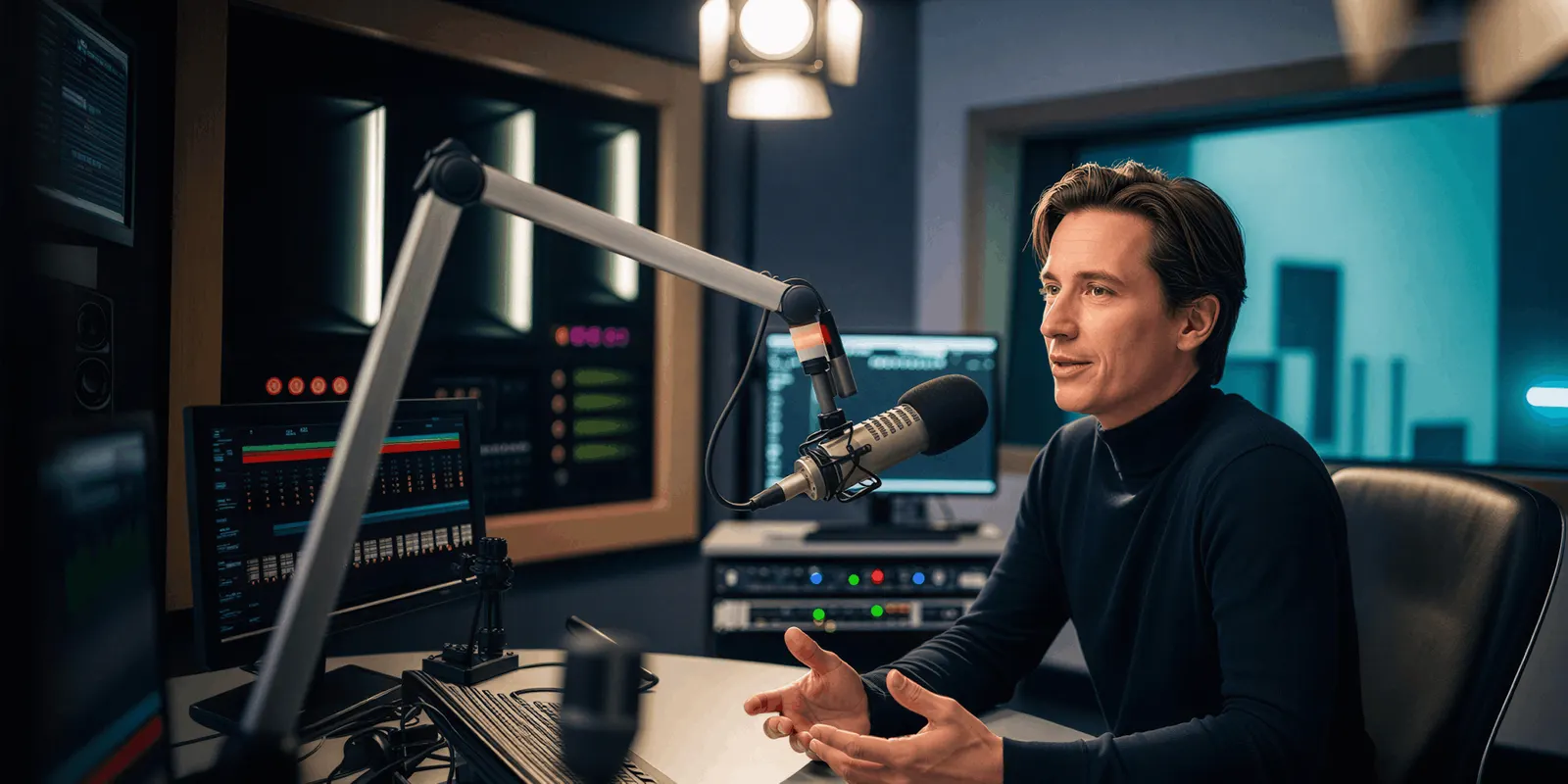
Realistic AI lip sync fails when the mouth is accurate but the performance is not. Current models hit sync tolerances the human eye cannot resolve. What reads as fake is everything around the mouth: a face that holds one expression, eyes that blink on a timer, and a body that gestures without emphasis. Those come from generating the picture before the audio exists.
You have probably seen the result in your own feed. The mouth tracks the words correctly. The voice is clean. Something is still wrong, and nobody in the review call can name it, so the note comes back as “it feels off” and you re-roll the clip. Three generations later it still feels off, because the thing you keep changing is not the thing that is broken.
This covers what viewers really detect, the millisecond budget broadcast engineers have measured for sixty years, the four tells that give away a blind performance, and the generation order that removes them. It is about output quality. If you are still deciding whether your ad needs a lip sync pass at all, when a video ad needs AI lip sync covers that question and the consent rules attached to it.
Key Takeaways
-
Sync accuracy is not your problem. Broadcast standards put the detectability threshold at 45 milliseconds of audio lead to 125 milliseconds of lag (ITU-R BT.1359-1). Generated mouths land well inside that window. The fake read comes from somewhere else.
-
Vision overrides hearing in speech perception. In the original McGurk study, 98% of participants heard a syllable that was never played, because the mouth showed a different one (McGurk and MacDonald, Nature, 1976). Viewers read the mouth for intent.
-
Blink rate is a measurable tell. Speaking raises spontaneous blink rate to about 26 per minute, against 17 at rest and 4.5 while reading (Bentivoglio et al., Movement Disorders, 1997, n=150). An 8-second talking clip should show roughly three to four blinks. Two reads as a mask.
-
The cause is generation order. A model that renders the picture before the audio exists cannot place emphasis, breath, or expression against a line it has not heard. Every downstream fix patches a symptom.
-
Native-audio models remove the ordering problem by design. In the Gemini API, Veo 3.1 audio is always on, with no switch (ai.google.dev, September 2026). Seedance 2.0 generates picture and synchronized audio in a single pass.
Why does AI lip sync look unrealistic when the mouth matches the audio?
AI lip sync looks unrealistic because viewers do not audit the sync frame by frame. They read a face for intent, and intent lives in timing, not in phoneme shapes. A mouth can form every sound correctly while the face behind it communicates nothing that matches the words.
The perceptual research here is old and settled. When Harry McGurk and John MacDonald dubbed the audio of one syllable onto the video of another, 98% of participants reported hearing a third syllable that was present in neither track (McGurk and MacDonald, Nature, 1976). The paper has been cited more than 4,800 times (nature.com, October 2026). What it established is that vision is not a secondary channel in speech perception. It actively rewrites what people believe they heard.
That has a direct consequence for generated video. Your viewer’s brain is fusing the face and the voice into one judgment. When the face carries no emphasis and the voice does, the fusion fails, and the failure surfaces as a vague sense of wrongness rather than a specific complaint. This is why creative feedback on AI talking video is so often unhelpful. The viewer is detecting something real and has no vocabulary for it.
How far off can lip sync be before a viewer notices?
Lip sync can be off by 45 milliseconds of audio lead or 125 milliseconds of lag before viewers detect it (ITU-R BT.1359-1). The tolerance is asymmetric. Sound travels slower than light, so human perception is built to expect audio slightly after vision, and it forgives lag far more than lead.
Broadcast engineering has measured this precisely:
| Standard | Audio may lead by | Audio may lag by | What it measures |
|---|---|---|---|
| ITU-R BT.1359-1 | 45 ms | 125 ms | Threshold of detectability |
| EBU R37 | 40 ms | 60 ms | End-to-end program tolerance |
| ATSC IS-191 | 15 ms | 45 ms | Broadcast operating limit |
| Film practice | 22 ms | 22 ms | Theatrical projection |
At 24 frames per second, one frame is about 42 milliseconds. The ITU detectability window spans roughly four frames, one of lead and three of lag. Generated output from current models sits inside it comfortably.
That settles the diagnostic question. If your clip reads as fake, measuring the sync is wasted effort. The error sits in what the rest of the face was doing while the mouth moved.
What realistic AI lip sync depends on
Realistic AI lip sync depends on one decision, made before anyone writes a prompt. The decision is whether the picture comes before the audio.
Two pipelines exist for talking video. In the first, a model generates the picture, then a second pass animates the mouth to a supplied audio track. In the second, one model generates picture and audio together in a single pass.
The first pipeline has a structural gap. At the moment the video is generated, the line does not exist yet. The model chooses a facial performance, a blink cadence, a gesture rhythm, and a breath pattern with no information about what is being said, where the stress falls, or how long the sentence runs. The lip sync pass then arrives and corrects the mouth. It corrects only the mouth. Everything else in the frame was decided blind and stays blind.
Model strength is beside the point here. A stronger model generating blind produces a more convincing face doing the wrong thing. Adding prompt detail about expression does not close the gap either, since a prompt describes an average intention across the whole clip while emphasis is a per-word event.
That reframes the fix. The four tells below are four readings of one missing input, so one fix covers them.
Four tells, and the one decision behind all of them
Each of these is what a blind performance looks like from the outside. Check a suspect clip against them in order.
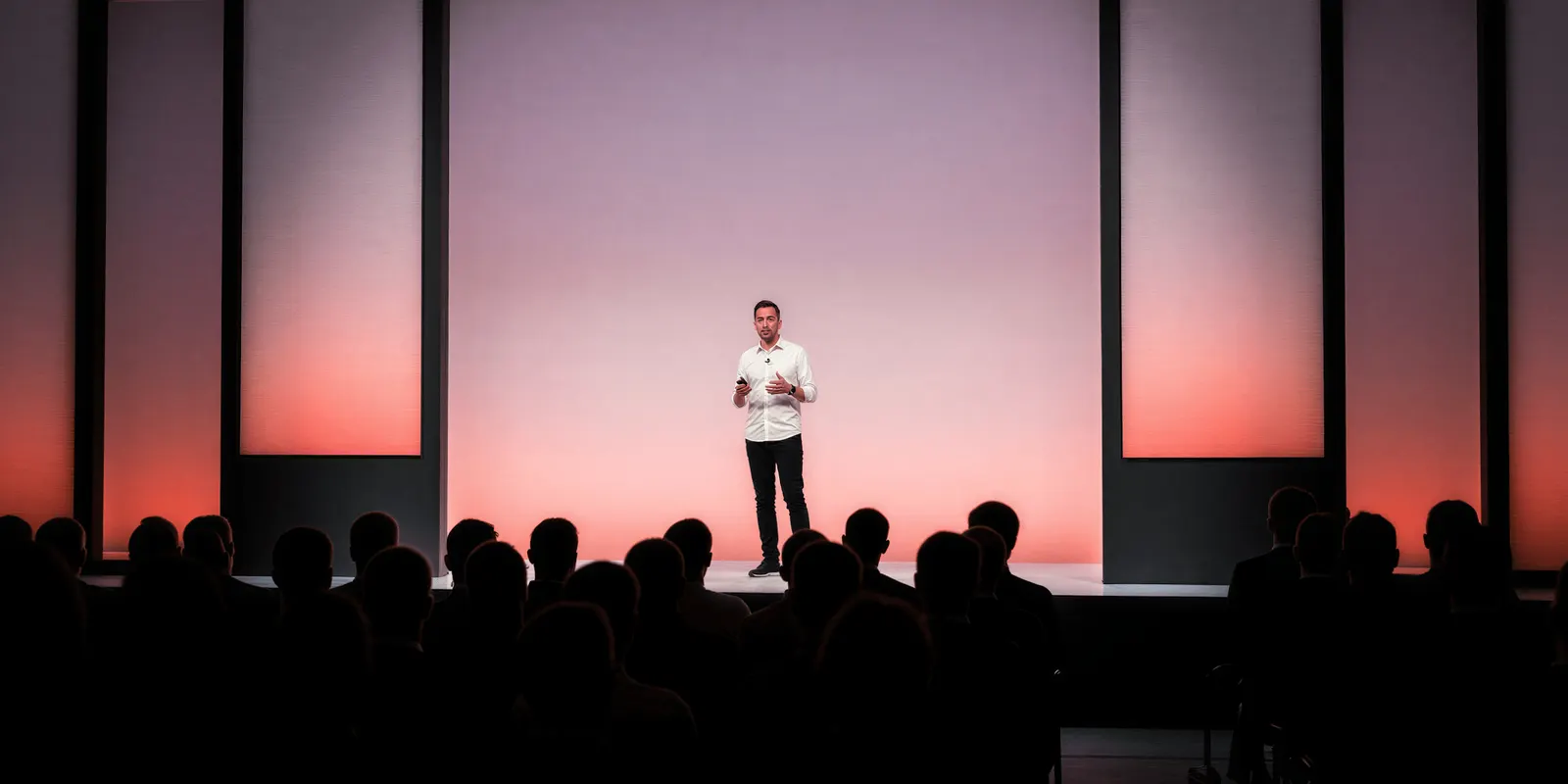
Emphasis lands flat. Real speech puts weight on one or two words per sentence, and the face moves with it: a brow lift, a head dip, a widening on the stressed syllable. A performance generated before the line existed distributes movement evenly, because it had no way to know which word mattered. Watch a clip with the sound off. If you cannot tell where the sentence peaked, the viewer cannot either.
The blink clock runs at rest. Spontaneous blink rate is task-dependent and well quantified: about 17 blinks per minute at rest, rising to 26 during conversation, and dropping to 4.5 while reading (Bentivoglio et al., Movement Disorders, 1997). Speaking is the high-rate state. An 8-second clip of someone talking should carry roughly three to four blinks. Generated talking heads routinely deliver two, evenly spaced, which reads as a mask rather than a face. Count them. It takes one pass.
Breath is missing. Speech is a physical act with preparation. A long sentence starts with an inhale, the shoulders and chest move, and a pause before an important line is loaded rather than empty. Generated performances tend to have pauses that are only gaps. This is the tell viewers are least able to articulate and the one that most reliably makes a clip feel synthetic.
Expression is averaged across the clip. A line that opens skeptical and closes warm needs the face to travel. A model working from a prompt applies one emotional setting to the whole generation. The result is a face that is consistently pleasant across a sentence that was not consistently pleasant.
Two related failures sit outside this list. A face drifting into a different face across a multi-clip sequence is a consistency problem, covered in how to keep characters consistent in AI video. Body motion that reads as weightless is a physics problem rather than a speech one, and why realistic AI human movement fails covers that separately.
How to generate talking video audio-first
The correction is an ordering change. Give the model the line before it commits to a performance.
- Write and lock the script first. Not a topic, the actual words, punctuated as they will be spoken. The script is now an input to the picture, so it cannot be finalized afterwards.
- Mark the stress. Pick the one or two words per sentence that carry the point. This is the information the model is otherwise missing, and it is the difference between a face that agrees with the voice and one that runs beside it.
- Generate the audio, or let the model generate both. Either produce the voice track before any picture exists, or use a model that generates speech and video jointly so the two are never decided separately. The cost and read-length trade-offs between those two options are compared in AI voiceover for UGC ads.
- Write the prompt around the delivery, not the appearance. Describe the breath before the second line, the brow on the stressed word, where the eyes go on the pause. Appearance detail is cheap and the model handles it. Delivery detail is what is scarce. Our guide to writing realistic AI video prompts covers the layer structure this fits into.
- Cut the line to the model’s duration before you generate. A script that overruns forces the delivery to compress, and compressed delivery is the first thing to read as synthetic. Count the words against the clip length rather than trimming after.
- Review with the sound off, then with picture off. Two passes, two different faults. Silent review exposes flat emphasis and blink rate. Audio-only review exposes a read that was never going to sit on a human face.
Do not skip step six. A clip that survives both passes separately will survive them together.

Once an order works, save it as a workflow with the brand, the voice and the delivery notes already set. The next script starts from that instead of a blank prompt, which is what keeps the tenth clip in a campaign performing like the first one.
Which models generate picture and audio in one pass
Joint generation is the architectural version of audio-first. The model is never in a position to decide the performance blind, because the speech is part of the same generation.
| Model | Native audio | Duration | Source |
|---|---|---|---|
| Veo 3.1 | Always on in the Gemini API, no switch | 4, 6 or 8 seconds | ai.google.dev, September 2026 |
| Seedance 2.0 | Yes, on by default | 4 to 15 seconds | docs.byteplus.com, September 2026 |
| Kling 2.6 Pro | Yes, at 1080p only, off by default | 5 or 10 seconds | kling.ai, September 2026 |
| Runway Gen-4.5 | Announced in December 2025, not documented as shipped | 2 to 10 seconds | docs.dev.runwayml.com, September 2026 |
Check three details before you plan a talking clip.
Veo 3.1’s audio is not optional. Google’s documentation lists native audio as always on, with durations of 4, 6 or 8 seconds, and 8 required for 1080p and 4K output (ai.google.dev, September 2026). The parameter that governs whether people appear is also regionally constrained: in the EU, UK, Switzerland and MENA, only the adult setting is permitted (ai.google.dev, September 2026).
Sora 2 Pro would not take a photograph of a real person. OpenAI removed Sora 2 and Sora 2 Pro from its API on 24 September 2026 (OpenAI API deprecations, accessed September 2026). Until then, OpenAI’s video guide stated that real people, including public figures, could not be generated, and that input images with human faces were rejected (OpenAI video generation guide, September 2026). Plan a talking clip on a model that is still available. Sora alternatives by job lists the options.
Kling 2.6 makes audio only at 1080p, and audio is off by default (Kling 2.6 API, September 2026). Check which resolution you run at before you plan a sound-on clip around it.
Cost of a talking clip
Ordering the work correctly costs nothing. Running video does. In DesignerBox an 8-second clip costs 40 to 560 credits, depending on the model.
That range is why audio-first matters commercially and not only aesthetically. A blind take you throw away still costs credits. Lock the script, the stress marks and the delivery on a low-cost model, then run the premium model once on the take you already know works. Every run shows its cost before you start it, so you make this choice with the price in front of you.
Uploading your own photos and the commercial license start on the Pro plan. AI video, virtual try-on, upscaling, the image editor and the video editor start on the Premium plan, and the free plan cannot make video. Plans and credits are on the pricing page. Our breakdown of AI video generation cost covers what drives the cost of a shot list.
When you cannot go audio-first
Three cases, and in all three the ordering fix does not apply.
The footage already exists. If the ad was shot last quarter and the offer changed, no generator helps you. That is a dubbing or lip sync job on the original file, and the performance you are correcting was captured by a human, so the four tells above do not arise.
A real, identifiable person appears. Veo 3.1 constrains it regionally, and OpenAI removed Sora 2 and Sora 2 Pro from its API on 24 September 2026, so neither is a plan for this. Generating a real person also carries consent and disclosure obligations that sit outside output quality entirely.
The read runs long. The native-audio models in the DesignerBox catalog stop well short of a 30-second presenter script. Veo 3.1 stops at 8 seconds, Kling 2.6 Pro at 10 and Seedance 2.0 at 15 (Kling 2.6 API, October 2026). A long read needs either a dedicated avatar tool or several clips cut together in the video editor, and a multi-clip sequence brings the consistency problem back. Agencies can compare avatar tools on seats and white label in the best AI UGC video tools for marketing agencies.
Where DesignerBox fits
DesignerBox is AI creative production for brands and agencies. It runs new video, and several of its video models make speech with the picture. It does not re-sync mouth movements in footage you already shot. If that is your job, a dedicated dubbing tool fits better, and this article’s ordering advice does not apply to you.
DesignerBox also has a talking avatar with lip sync, and a talking avatar app runs the presenter step. DesignerBox vs HeyGen compares it with a dedicated avatar platform, and HeyGen alternatives compares the tools that handle the presenter step. Starting points for spoken ads are in the video ad templates. For a recurring presenter, see how a talking avatar series stays consistent.
What DesignerBox covers is new video with speech, from your own product or character reference. You set the brand, the voice and the delivery notes once as a workflow. A saved workflow runs the same way on the next script. The models, the brand rules, the talking avatar and the video editor sit in one place. The full workflow from the first product photo to the finished ad, in one subscription. See the templates.
FAQ
Why does my AI lip sync look fake even though the mouth matches?
Because the fake read is not coming from the mouth. Current models land inside the 45 to 125 millisecond detectability window that broadcast standards define (ITU-R BT.1359-1), which the eye cannot resolve. What viewers detect is flat emphasis, a resting blink rate during speech, absent breath, and a single averaged expression across a line that should have travelled.
Should I generate the audio before or after the video?
Before, or jointly. A model generating picture first has no access to the line, so it places emphasis, blinks, breath and expression with no information about what is being said. Generating audio first, or using a model that produces both in one pass, removes that gap rather than patching it downstream.
How many times should a character blink in an 8-second clip?
Roughly three to four. Spontaneous blink rate during conversation averages 26 per minute against 17 at rest (Bentivoglio et al., Movement Disorders, 1997), which works out to about 0.43 blinks per second while speaking. Two blinks in 8 seconds is a resting cadence on a talking face, and it reads as a mask.
Does DesignerBox do lip sync?
Not on footage you already shot. DesignerBox runs new video with speech through models such as Veo 3.1, Seedance 2.0 and Kling 2.6 Pro, and it has a talking avatar with lip sync. For an existing file, a dedicated dubbing tool is the correct buy.
What does an 8-second talking clip cost?
Depending on the model, an 8-second clip in DesignerBox costs 40 to 560 credits. The cost appears before you run it, so draft the delivery on a low-cost model and run the premium model on the take you intend to ship. AI video starts on the Premium plan.
Can I use Veo 3.1 for a talking video?
Yes, within its limits. In the Gemini API, audio generation is always on and has no switch, and durations are 4, 6 or 8 seconds, with 8 required for 1080p and 4K (ai.google.dev, September 2026). Person generation is regionally restricted to the adult setting in the EU, UK, Switzerland and MENA.
Does a longer script make AI lip sync worse?
Yes, indirectly. Every native-audio model caps at a short duration, so an overlong script forces the delivery to compress, and compressed speech is one of the first things viewers read as synthetic. Cut the line to the clip length before generating rather than trimming the output afterwards.
Sources
- Audio-to-video synchronisation tolerances: ITU-R BT.1359-1, EBU R37 and ATSC IS-191, accessed July 2026
- Cross-modal speech perception, the basis for why a mismatched mouth reads as wrong, and the paper’s citation count: McGurk and MacDonald, Nature, 1976 (nature.com, accessed October 2026)
- Spontaneous blink-rate data used for the blink tell: Bentivoglio et al., Movement Disorders, 1997, n=150
- Veo 3.1 always-on audio generation, 4, 6 and 8 second durations, and the regional restriction on person generation: ai.google.dev, accessed September 2026
- Sora 2 and Sora 2 Pro removal from the API on 24 September 2026: OpenAI API deprecations, accessed September 2026
- Sora 2 Pro limits on real people and on input images with human faces: OpenAI video generation guide, accessed September 2026
- Seedance 2.0 durations and audio on by default: docs.byteplus.com, accessed September 2026
- Kling 2.6 audio at 1080p, off by default, and its 5 or 10 second clips: Kling 2.6 API, accessed October 2026
- Runway Gen-4.5 durations and spec, which document no audio output: docs.dev.runwayml.com, accessed September 2026
- DesignerBox plans, credit allocations and the video credit range: DesignerBox pricing page (designerbox.ai/pricing), September 2026
Synchronisation tolerances from ITU-R BT.1359-1, EBU R37 and ATSC IS-191. Perceptual findings from McGurk and MacDonald (Nature, 1976) and Bentivoglio et al. (Movement Disorders, 1997). Model capabilities verified against provider documentation from Google, OpenAI, ByteDance, Kuaishou and Runway as of September 2026. Google’s Veo guide, Kling’s 2.6 API page, OpenAI’s deprecations page, the DesignerBox model list and the Nature citation count were re-checked on 2 October 2026. DesignerBox plans from the DesignerBox pricing page, September 2026. Model specs in this category change monthly. Verify before committing a campaign. Individual results vary.