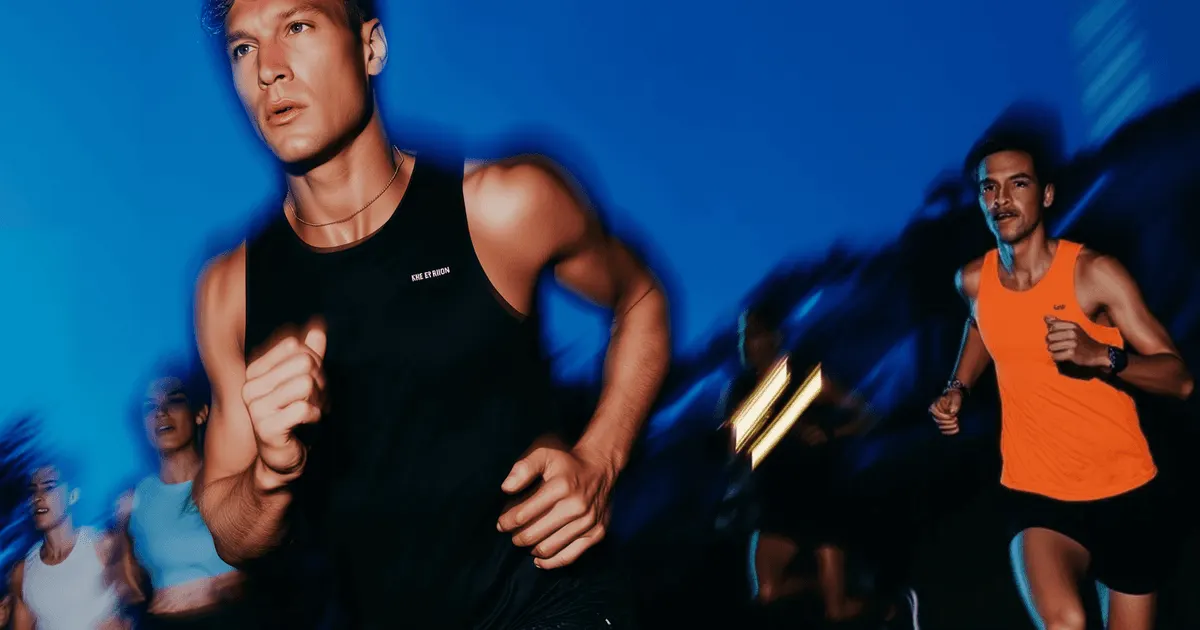
Realistic AI human movement fails for one main reason. Video models predict likely frames, and the likeliest version of a human action is the easy one. Effort gets averaged out, so bodies move without weight. The fix is structural. Supply the motion as a reference, put the load in the first frame, and cut the take short.
You have a six-second clip of a model lifting your bottle off a shelf. Nothing is distorted. The hand is intact, the face holds, the shelf stays a shelf. It still reads wrong, and nobody on the team can say why. The arm never loads. The bottle arrives in her hand at the weight of an empty one.
That is a different failure from visual distortion, and it takes a different fix. This guide separates the two, explains why your eye catches it so fast, and gives you four levers in the order that costs least.
Key Takeaways
- Motion realism is not visual quality. A clip can be clean at every frame and still move wrong. The two failures live on separate axes and respond to separate fixes.
- The tell is missing effort. Runway names “success bias” as a known limitation of Gen-4.5: actions disproportionately succeed, so a poorly aimed kick still scores (runway.com, September 2026). Effort disappears with it.
- Your eye is specialized for this. Observers read a person, their action, and their emotional state from 12 moving dots alone. A single frozen frame of the same dots reads as nothing (Johansson, 1973).
- Transfer the motion instead of describing it. Kling 2.6’s Motion Control replicates specific movements from an uploaded video (kling.ai, September 2026). A reference clip carries physics a prompt cannot.
- Shorten the take before you rewrite the prompt. Error accumulates along a sequence. Three short shots, each cut to its best two seconds, hold better than one six-second shot.
Why is realistic AI human movement hard?
Realistic AI human movement is hard because video models render the body without weight, and that makes the clip look fake. Joints travel smoothly, feet skim the floor, an arm lifts a heavy object at the speed of an empty hand. Nothing in the frame is broken, so the clip passes a visual check and fails a human one. The cause is that video models predict probable pixels, and probable motion is motion without strain.
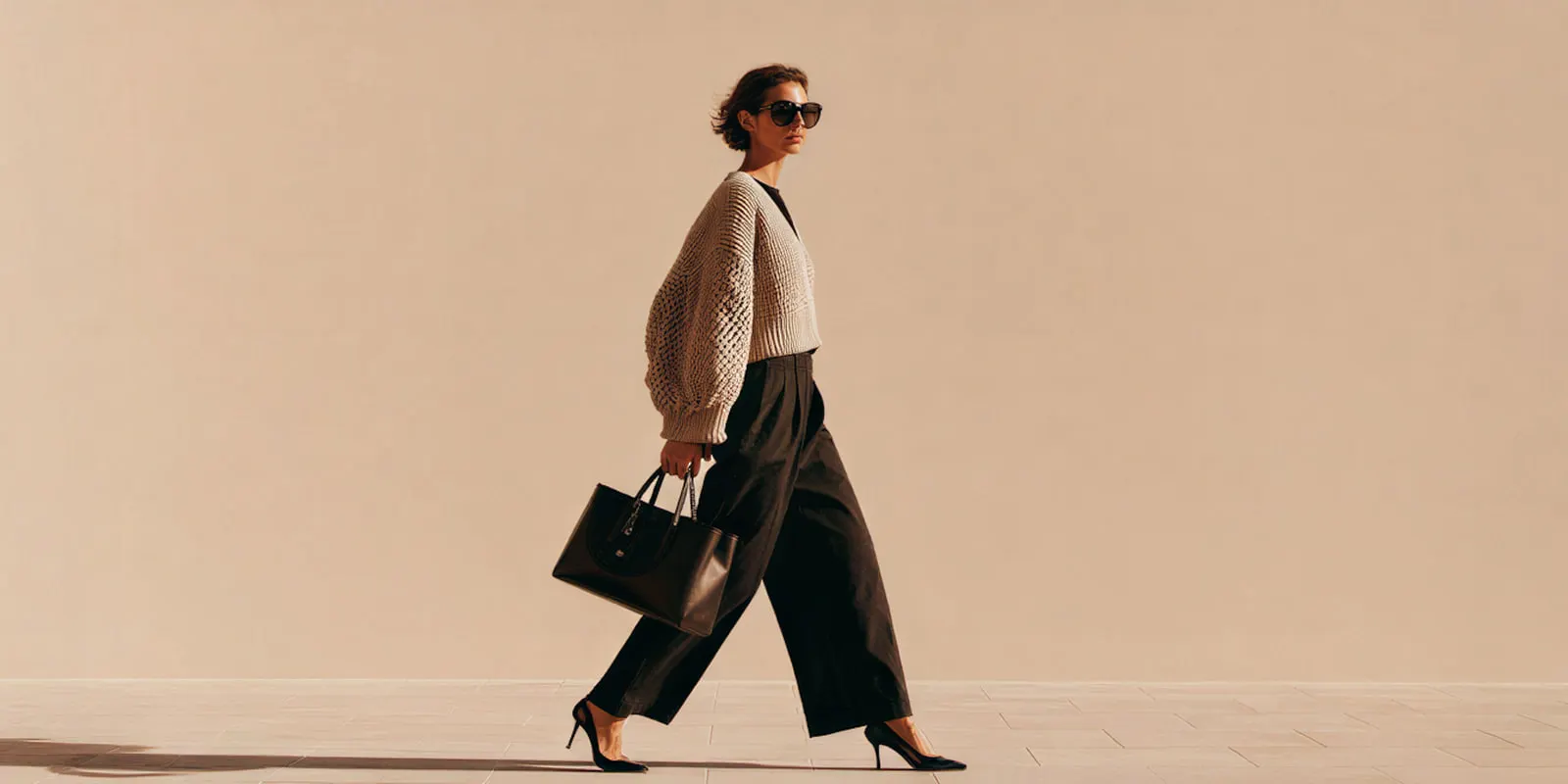
That distinction matters commercially, because the standard advice stack acts on the wrong layer. Write a richer prompt, upgrade to the premium model, add more adjectives about realism. All three improve how the frame looks. None of them change the physics the model is extrapolating, because the model was never failing to understand your words.
Why your eye spots unrealistic human movement first
Your eye spots unrealistic human movement first because human motion perception is a specialized system, and it is unusually hard to fool. The classic demonstration is the point-light walker, introduced by Johansson in 1973: 12 lights attached to the joints of an otherwise invisible person. Observers read a walking human immediately, and from those dots alone they can identify the action, the gender, the emotional state, and sometimes the individual. Motion is one of the eight signs viewers use to spot AI video.
The part that matters for AI video is the control condition. Shown a single still photograph of the same 12 lights, observers extract nothing. No figure, no person, no read at all. The percept only appears once the dots move.
That tells you where the realism signal lives. It sits in the relationships between frames rather than inside any one of them, in how a knee leads a foot and how a torso counterweights an arm. Every viewer of your ad has a lifetime of training on exactly that signal, which is why a clip with flawless skin and perfect lighting can still get flagged as off within a second.
It also explains a common review dynamic. Your designer sees a clean frame and approves it. Your customer sees six seconds of motion and bounces. They are reading different information from the same file.
Missing effort is the tell, not broken anatomy
Missing effort is the tell in AI human movement, and a model vendor states the mechanism about its own model. Runway published three persistent limitations alongside Gen-4.5, a model it describes as moving objects with “realistic weight, momentum and force” (runway.com, September 2026):
- Causal reasoning. Effects sometimes precede causes, such as a door opening before the handle is pressed.
- Object permanence. Objects disappear or appear between frames, such as a cup vanishing after it is hidden.
- Success bias. Actions disproportionately succeed. Runway’s own example is a poorly aimed kick that still scores.
Success bias is the one that governs human movement. A generative model resolves an action toward its completed, successful state, because completion is the likelier outcome in the training data. Struggle, hesitation, near-miss, and correction are all lower-probability paths.
Strip those out and you strip out effort. Effort is the visible cost of moving mass, and it is most of what makes movement look real. A person lifting something heavy braces first, moves slowly through the hardest part, and resets. A model that skips to the successful outcome renders the lift without the bracing, which is precisely the weightless quality people describe when they say a clip looks generic AI.
The practical read: stop asking the model to depict effort and start supplying it. Effort is structure, and structure comes from inputs.
Why fixing the still frame does not fix the movement
There is good advice in circulation that says repair the source image before you animate it. That advice is correct, and it is for a different problem. In DesignerBox a still edit is one small image run. Catching a bad hand or a warped label in the still is the cheapest fix available. We cover that workflow in the four distortion modes, and the same logic drives why hands and faces break first. The still does set which camera moves are possible, which is a separate question handled in how to animate a photo with AI.
Motion realism does not respond to it. A perfect still contains zero biological motion information, as the point-light control condition shows. You can iterate the source frame 50 times and the clip will still move without weight, because you have been improving a layer the failure does not live on.
Use this split when you triage a clip:
| What you see | Which failure | Where the fix goes |
|---|---|---|
| Warping, morphing, duplicated background, hand through product | Distortion | The source still, or the take length |
| Face changes across the clip | Identity drift | A reference image, not a description |
| Clean frames, floaty movement with no strain | Motion realism | The motion input and the first frame |
| Action completes too easily, no strain visible | Success bias | Cut around the effort, or transfer real motion |
Two clips can look equally polished and need opposite work. Naming the mode first is what stops the blind re-roll.
Four fixes, in the order that costs least
Work down this list. Each step is cheaper than the one after it. All four are really one decision, which input mode the shot starts from, applied to motion.
1. Transfer the motion instead of describing it
The strongest lever is handing the model real movement. Kling 2.6 added Motion Control in December 2025 (Kling release history, September 2026). Kuaishou says it “enables users to replicate specific movements from uploaded videos or from the online motion library” (Kuaishou results release, March 2026). Seedance 2.0 takes up to 9 images, 3 video clips and 3 audio clips in one request, and ByteDance says it “can reference composition, motion, camera movement, visual effects, audio and other elements from input assets” (seed.bytedance.com, September 2026).
A four-second phone clip of someone performing the action gives the model a weight profile no sentence can. This is the single highest-yield change on the list. Fitness and activewear clips need it most, because the product is a body under load. AI video tools for fitness brands sorts the tools for that work.
2. Put the load in the first frame
Anchor the start of the shot on a body that is already under strain. Veo 3.1 accepts a first frame and a last frame and generates the move between them. Veo 3.1 and Veo 3.1 Fast also accept up to three reference images of a single person, character or product (ai.google.dev, September 2026). Google now names Gemini Omni Flash its default video model, and keeps Veo 3.1 for scene extension and last-frame control (ai.google.dev, October 2026). Google lists 22 October 2026 as the earliest shutdown date for the Veo 3.1 preview models in the Gemini API, and names Gemini Omni Flash as the replacement (Gemini API deprecations, October 2026).
A first frame showing a braced stance, a bent knee, or a tensed forearm sets the physical state the model extrapolates from. Start on a neutral standing pose and it will extrapolate neutral.
3. Cut on the effort, not through it
Success bias is worst across the moment an action resolves. Do not ask a model to render the whole lift. Render the brace, cut, then render the object already in hand. The viewer supplies the middle, which is what film editing has always relied on.
This is also the fix for anything that should shatter, pour, or collide. Cutting around the event costs one extra short take and removes the failure entirely.
4. Shorten the take
Error compounds along a sequence, so the tail of a clip degrades before the head does. Three short shots, each cut to its best two seconds, hold motion better than one six-second shot. Most models set a minimum clip length, so you trim each take in the edit. You also get three chances to keep a good one instead of one all-or-nothing take.
Prompt refinement sits below all four. It helps framing, subject, and camera, and the seven layers of a realistic AI video prompt is the right reference once the structural work is done.
Which models give you a motion lever
The question is which model lets you supply motion as an input. Verified from each provider, as of September 2026:
| Model | Motion lever it exposes | Source |
|---|---|---|
| Kling 2.6 | Motion Control replicates specific movements from an uploaded video or a motion library. First and last frame control runs at 1080p, silent | kling.ai, September 2026 |
| Veo 3.1 | First and last frame control; up to 3 reference images of a single person, character or product | ai.google.dev, September 2026 |
| Seedance 2.0 | Up to 9 images, 3 video clips and 3 audio clips as references; references motion and camera movement from the input | seed.bytedance.com, September 2026 |
| Runway Gen-4.5 | A first frame only, with success bias named as a known limit | runway.com, September 2026 |
Read the fourth row as the honest one. Runway publishing its own failure modes is more useful to you than any marketing claim about realism, because it tells you exactly which shots to plan around.
In DesignerBox a model is one step in a workflow. You pick the model for each step when you build the workflow, and every run after that uses it. A template comes with its model already picked. The model list shows which ones you can pick. To test another model, you swap the model in that step, and the rest of the setup that produced a good take stays the same.
Cost of motion tests
In DesignerBox an 8-second clip costs 40 to 560 credits, depending on the model. Every run shows its cost before you start it. That is why the ordering above matters: the cheap levers come first.
Plans and credits are on the pricing page. AI video starts on the Premium plan, the free plan cannot make video, and every plan below Ultra is one seat.
Run motion tests on the cheapest model that exposes the lever you need. Confirm the movement holds. Then run the approved setup once on the model you plan to ship. Full breakdown in what AI video really costs.
Where this still breaks
Four things resist every fix above, and you should plan shots around them rather than budget for them.

Sustained fine motor work. Tying, threading, fastening, buttoning. High structural detail in few pixels, held over many frames.
Two people making contact. Handshakes, passes, embraces. Two bodies plus an occluded contact point is the hardest case in the frame.
Anything that must fail. A drop, a stumble, a spill, a missed catch. Success bias points directly against you, and no prompt overrides it.
Long continuous performance. Character identity holds better than motion quality over duration. Past a few seconds, plan cuts. Anchoring a character to a reference image solves identity across those cuts, which is a separate job from motion.
None of this is a reason to skip AI video for people. It is a reason to write shot lists that avoid the four cases, which is what a competent director does with a real crew and a real budget anyway. The shot rules for a clip built around a product are in the six rules for AI product video.
A setup you run again
Motion realism is a directing problem wearing a technical costume. Supply the movement, set the physical state in frame one, cut on the effort, and keep takes short. Those four decisions do more than any prompt rewrite or model upgrade.
Which models hold a shot across a full clip, and which fail predictably, is ranked in which AI video generator repeats a shot.
Then stop directing it twice. Once a shot moves right, the first frame, the model and the take length become a workflow you save. A saved workflow runs the same way on the next product. You set the brand record once and the workflow reads it on every run. You cut the short takes together in the video editor, which is a real timeline with several tracks, transitions, animated text and audio. The stills, the video, the editors, the brand record and the Assets library all sit in DesignerBox. The full workflow from the first product photo to the finished ad, in one subscription.
Start from a template, add your brand and your products, and run it. See the templates.
FAQ
Why does AI video movement look floaty or weightless?
Because generative models predict probable frames rather than simulating physics, and probable motion is motion without strain. Runway names success bias as a known limitation of Gen-4.5, where actions disproportionately succeed (runway.com, September 2026). When the struggle is averaged out, the visible cost of moving mass goes with it, and bodies read as weightless.
Can a better prompt fix unrealistic human motion?
Not on its own. Prompts control framing, subject, camera, and style, and they help those layers reliably. Motion realism comes from what the model has to extrapolate, so it responds to inputs: a reference video, a loaded first frame, a shorter take. Rewrite the prompt after the structural work, not instead of it.
Which AI video model handles human movement best?
The better question is which model lets you supply the motion. Kling 2.6 exposes Motion Control for replicating movement from an uploaded video (kling.ai, September 2026). Veo 3.1 takes a first and last frame plus up to three reference images (ai.google.dev, September 2026). Seedance 2.0 takes video clips as references, and ByteDance says it can reference motion from them (seed.bytedance.com, September 2026). A model with a motion input beats a model with a higher benchmark score.
Does a longer clip make motion worse?
Yes. Error accumulates along a sequence, so the end of a clip degrades before the beginning does. Three short shots, each cut to its best two seconds, hold movement better than one six-second shot.
Is motion transfer the same as image-to-video?
No. Image-to-video animates a still and invents the movement. Motion transfer takes a separate reference video and applies its movement to your subject, so the weight profile comes from real footage rather than from prediction. Transfer is the stronger tool when the movement itself is the point.
Can I fix bad motion in post instead of re-generating?
Rarely. Color, speed, and cuts are adjustable in post. Weight is not, because it is encoded in the relationships between frames. Trimming to the strongest second and cutting away is usually faster and cheaper than any correction attempt.
How do I test motion without burning a month of credits?
Test on the cheapest model that exposes the lever you need, at the shortest duration that shows the movement. A short take on a low-cost model proves whether the motion holds. Only then run the approved setup on the model you plan to ship. In DesignerBox an 8-second clip costs 40 to 560 credits, depending on the model, and you see the cost before each run.
Sources
- Runway Gen-4.5’s three published limitations, including success bias, and its description of weight, momentum and force in object motion: runway.com, accessed September 2026
- Kling 2.6 Motion Control release date: Kling release history, accessed September 2026
- Kling 2.6 Motion Control, replicating specific movements from an uploaded video or the online motion library: Kuaishou fourth quarter and full year 2025 results, March 2026
- Kling 2.6 first and last frame control at 1080p: Kling capability map, accessed September 2026
- Veo 3.1 first and last frame control, and up to three reference images of a single person, character or product: ai.google.dev, accessed October 2026
- Gemini Omni Flash as Google’s default video model: ai.google.dev, accessed October 2026
- Veo 3.1 preview models listed for shutdown from 22 October 2026 at the earliest: Gemini API deprecations, accessed October 2026
- Seedance 2.0 reference inputs, and the elements it can reference from input assets: seed.bytedance.com, accessed September 2026
- The point-light walker experiment and the still-frame control condition: Johansson, 1973, and subsequent point-light display research
- DesignerBox plan gates and the video credit range: DesignerBox pricing page (designerbox.ai/pricing), September 2026
Model capabilities verified from Runway, Google, ByteDance Seed and Kuaishou pages as of September 2026. Google’s Veo guide, video overview and deprecations page, Runway’s Gen-4.5 research post and the Kuaishou results release were re-checked on 2 October 2026. Biological motion findings from Johansson (1973) and subsequent point-light display research. DesignerBox plans from the DesignerBox pricing page, September 2026. Individual results vary.