For beverage and drinks brands

Shoot the pack once. Serve it everywhere.

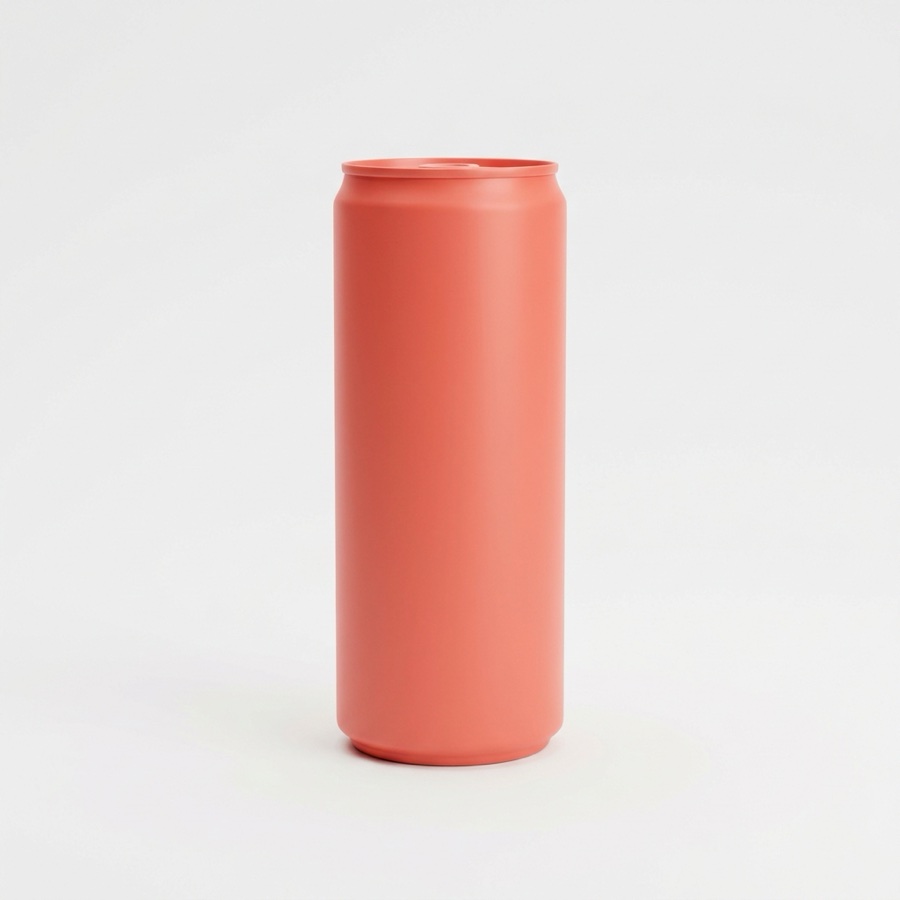
Your can or bottle already exists in one photograph. DesignerBox puts it on a bar rail, in a fridge door, on a beach towel and under festival lights, then cuts every crop your retailers, marketplaces and paid social placements ask for. No studio day, no second pack sample.

Start free

DesignerBox is an AI image and video workspace beverage brands use to turn one packshot into every context that pack has to sell in. You ship a single format, a 330ml can or a 75cl bottle. Then you need it on a bar rail, in a fridge door, on a beach towel, at a desk at 3pm, under festival lights and in a Christmas serve. Each of those used to be a separate shoot. Liquid work is harder again: the pour, the splash, the condensation and the way light reads through glass and off a printed label are a specialist studio discipline with a day rate attached. Start from the pack photo you already own and generate the rest.

What drinks teams use it for

Four jobs that used to need a studio booking and a stylist.

One pack, a hundred contexts

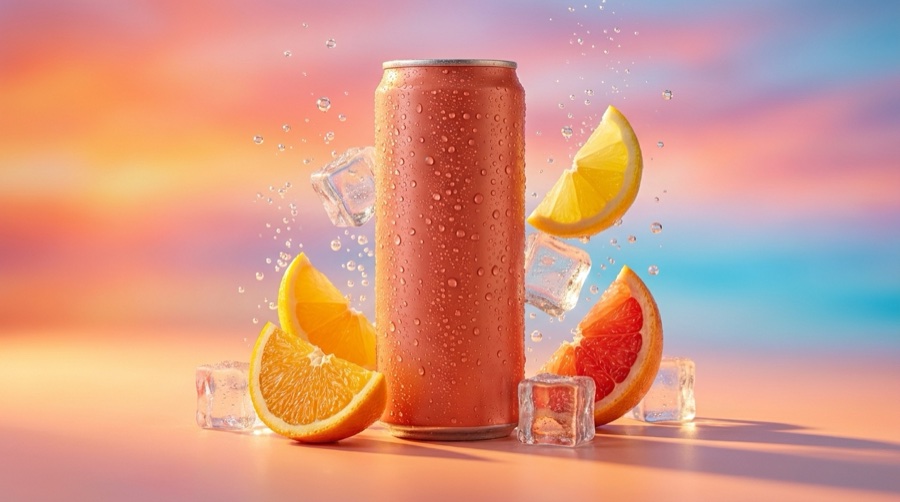
Your can sits on a bar rail, in a cooler of ice, on a picnic blanket, beside a laptop, on a festival bar at dusk. Generate each setting from the same packshot instead of booking a location, a stylist and a day of daylight. Seasonal versions come from the same source when the calendar turns.

Liquid, glass and label light

Condensation beads, a clean pour, backlight through amber glass, a label that stays legible instead of blowing out. These are the frames that make drinks photography a specialist skill. Spotlight relighting gives you the control a studio charges a day rate for, applied to the photo you already have.

Every crop the listing asks for

One image rarely fits two places. A marketplace wants the pack square on white with room to zoom. A grocery portal wants the front facing and nothing else in frame. Paid social wants 4:5 and 9:16. Produce all of them from one source rather than re-cropping and losing half the pack.

Stills that turn into motion

A can opening, a pour landing in a glass, condensation forming, a slow push onto the label. Turn existing stills into short video for Reels, TikTok, a paid placement or the opening of a trade deck, without hiring a motion crew for a six second clip.

Try it on your own pack

Four tools, each one working from a photo you already have.

Product Ad Generator - Before
Before
Product Ad Generator - After
After
Product Ad Generator

Product Ad Generator

Upload one packshot and get a finished ad frame: pack, background, headline space and a composition that holds at thumbnail size. Useful when a listing goes live on Friday and the media plan wants six variants of the same SKU by Wednesday.

Open the tool
Styled Scene Generator

Styled Scene Generator

Place the bottle or can in a setting you never shot. A slate bar top, a hotel minibar, a summer table, a gym bag, a chilled shelf at golden hour. The pack stays yours, the room around it changes per campaign and per season.

Open the tool
Spotlight Relight - Before
Before
Spotlight Relight - After
After
Spotlight Relight

Spotlight Relight

Take control of how light hits the glass and the label. Add condensation, kill a hot reflection off a foil neck, warm a beer to amber or cool a can to fridge blue. Same pack, different mood, matched to where the frame runs.

Open the tool
Video Ad Composer
Video Ad Composer

Video Ad Composer

Turn a set of stills into a short video ad: a pour, a slow drift across a chilled multipack, a push onto the label before the end card. Enough motion for a Reel, a TikTok placement or a shelf screen, with no shoot day.

Open the tool

Each before and after above demonstrates the tool named on the card, using that app's own sample image, so the subject you see may not be from this industry. Run the same tool on your own photos to see it on your work.

From packshot to published asset

Four steps, repeatable across every SKU in the range.

1
Bring the pack photo you have
A supplier packshot, a studio file from the last shoot, or a phone photo of the can on a windowsill. The source only needs to show the pack clearly, in focus, with the label facing you.
2
Save the brand profile
Load your label colours, typefaces, logo, tone and a few reference shots once. Every later generation reads from it, so the eighth SKU looks like it came from the same brand as the first.
3
Generate the set
Pick the scenes, serves and seasons the campaign needs, then produce them together. Review each frame for label accuracy, volume marks and pack proportions before anything moves to the next step.
4
Export to spec and ship
Cut each asset to the size its destination asks for: marketplace, retailer portal, PDP, paid social, trade sell sheet. You upload them to those places, DesignerBox produces the files.

Where beverage creative has to land

Every surface wants something different from the same pack.

Your site and the product page

A beverage product page needs a clean pack image on a plain background, at least one serve shot with the drink poured, and a format or multipack view so the shopper knows exactly what arrives. Keep the label facing forward and readable at thumbnail size, because the category grid is where most shoppers decide. Generating the plain and the styled versions from one packshot keeps them matched across the whole range.

Marketplace and grocery listings

Marketplace and grocery listings run on strict image rules. Amazon wants the main image on a pure white background with the product filling most of the frame and at least 1000 pixels on the long edge so zoom works, with 1600 or more preferred. Grocery retailers usually ask for a front facing pack on white plus angle and back panel views for the ingredient copy. Produce each variant from one source instead of re-shooting per retailer.

Paid social and creator formats

Paid social eats formats fast. An Instagram feed post is 1080x1350, Stories and Reels are 1080x1920, and a Meta feed placement usually runs 1:1 or 4:5. Drinks creative also lives or dies on the first frame, so the pack should be readable before anyone reads a word. Building the same serve in every ratio at once beats letterboxing a horizontal frame into a vertical slot on deadline.

Trade, shelf and on-trade collateral

Trade collateral is the quiet half of beverage marketing. A distributor sell sheet, a shelf talker, a case card, a bar menu insert, a stand graphic for a trade show, the slide in the range presentation that wins the listing. These want the pack large, clean and consistent across every SKU. Generating the full range in one pass makes the line-up read as one family on the page and on shelf.

Brand profiles and repeatable sets

A drinks range is repetition by design: one brand, six flavours, three formats, four seasons. Saving a brand profile (logo, label palette, typefaces, tone, reference shots) means the eighth SKU comes out looking like the first without anyone rewriting the brief. Workflows save the sequence itself: remove the background, place the can in the chilled bar scene, add condensation, cut the marketplace square and the 4:5 paid social frame, upscale. Run it once on the lead SKU, then rerun it across the rest of the range. When a new flavour lands or a seasonal multipack ships, the same workflow produces the full asset set in a single pass. An MCP server and an API are there if you want this called from your own stack.

The models behind beverage work

Different drinks problems want different models, and one subscription covers all of them. Nano Banana Pro and Nano Banana 2 from Google hold a pack's proportions and label geometry when you move it into a new scene. GPT Image 2 from OpenAI is strong when a frame carries type, a claim panel or a price flash. FLUX 2 Flex, FLUX Pro 1.1 and Kontext Multi from Black Forest Labs handle edits where the pack must survive untouched while the room around it changes. Seedream 5 from ByteDance covers stylised campaign frames. For motion, Veo 3.1 and Veo 3.1 Fast, Sora 2 Pro, Seedance 2.0, Kling 2.6 Pro and Runway Gen-4.5 turn a still pour into a six second clip. Test two on the same can and keep the one that reads best.

Beverage brand questions

What drinks teams ask before they run their first pack through it.

Can I use AI images of my own cans and bottles in advertising?
Yes. DesignerBox works from a photo of your actual pack, so the can or bottle in the frame is the one you sell. The scene around it is generated, the pack is yours. Check the finished frame the way you would check a retoucher's file: label legible, volume and ABV marks correct, no distortion across the print. Advertising rules for your category still apply to the finished creative.
Will the label stay accurate when the background changes?
The label comes from your source photo, so it holds as long as you review the output. Small print can soften when an image is heavily reworked, and that matters on drinks because volume, ABV, allergen and nutrition marks are printed for a reason. Generate at high resolution, zoom to the panel, and regenerate anything where the pack copy is not clean. Treat it as a proofing step.
Can AI produce condensation, pour and splash shots?
It can, and this is where the saving is biggest, because liquid photography is a specialist studio discipline billed by the day. Spotlight relighting adds condensation, controls how light passes through glass, and manages reflections off a foil neck or a chilled can. Pours and splashes can be generated as stills or animated from a still into short video. Start from your pack photo so the shape and label are real.
What are the rules for advertising alcohol or making health claims on a drink?
Alcohol advertising is restricted in most markets, and those restrictions apply to AI creative exactly as they do to a studio shoot. Common rules: age gate paid placements, do not depict excessive consumption, do not show or appeal to anyone who looks under 25, and follow each platform's own alcohol policy. Health, nutrition and functional claims on drinks are regulated separately. Clear every frame against the code that applies where it runs.
Can I get every image size my retailer and marketplace listings need?
Yes. You can produce the same serve as a marketplace square on white, a PDP hero, 1080x1350 for an Instagram feed post, 1080x1920 for Stories and Reels, and the flat front facing pack a grocery portal asks for. DesignerBox makes the files, it does not upload or syndicate them. Your team or your agency loads them into each retailer portal and ad account.
How much does this cost for a beverage brand?
There is a free tier at 112 credits a month, so you can run your own packshot through before paying anything. Paid plans are BASIC at $15 a month for 500 credits, PRO at $35 for 1,000, PREMIUM at $75 for 2,500 and ULTRA at $200 for 8,000. Set that against a single day rate for liquid photography and the arithmetic answers itself.

How these products are shot

This page covers how a business like yours works. These cover the craft: lighting, angle, background and the shot list.

Put your pack through it

Bring one packshot, a can or a bottle, and generate the scenes, crops and video the next campaign needs. The free tier is 112 credits a month, enough to see how your own label holds up.

Start free