 For pet food, treat, toy, accessory and pet tech brands

Four usable frames from shoot day. Build the whole campaign.

Pet brands post most days and run paid creative all month, and nearly every asset needs an animal in it. Start from the pack shot you already own, place the product in a real kitchen or on a real trail, keep the same dog recognisable across the set, and export the sizes each surface asks for.

Start free

This page covers commercial creative for pet brands: product photos, styled scenes, paid social ads and video for pet food, treats, toys, harnesses, litter, grooming kit and pet tech. Pet creative lives or dies on the animal, and animals are the hardest subjects to shoot. A shoot day with a handler costs real money, the schedule bends around one dog, and you go home with the frames that dog felt like giving. The product still has to sit in the same picture, lit, legible and on brand. DesignerBox works from images you already own: a supplier pack shot, a phone photo of the bag on a kitchen floor, a frame from the last shoot. Generate, edit, relight, replace a background, change the camera angle, place the product in a new scene, and turn a still into video.

What pet brands make here

Four jobs that used to wait for a booked studio and a cooperative dog.

Pack shots that look shot, not scanned

A supplier pack shot of a kibble bag or a treat pouch arrives flat and grey. Relight it, clean or replace the background, change the camera angle, and put the label where a pet parent can read it. One source file becomes the hero frame, the detail crop and every size variant.

The same dog in every asset

Save a reference of the animal once and apply it to everything you generate. Breed, coat and markings hold, so the retriever in the hero shot is the retriever in the carousel, the paid ad and the box insert. A campaign reads as one story instead of a different dog per frame.

Real rooms, real trails

Put the harness on a hallway hook, the litter tray in a tiled bathroom, the travel bowl on a muddy path. Styled scenes give the product a setting a pet parent recognises, and you can rerun the same scene in summer light or winter light without booking anything.

Enough creative for a daily feed

Pet accounts publish most days and paid creative wears out fast. Produce a month of feed posts, story frames and short video from one product set, in the ratios each placement wants, then refresh the batch when performance drops rather than waiting for the next shoot window.

See it run on your own product

Four tools pet teams open most. Bring one pack shot and watch the before and after.

Product Ad Generator - Before
Before
Product Ad Generator - After
After
Product Ad Generator

Product Ad Generator

Feed it one pack shot of the treat pouch and it returns finished ad creative: product, background, headline space and the framing a paid placement expects. Useful on the Monday your media buyer wants six new concepts and the studio is booked out for the quarter.

Open the tool
Styled Scene Generator

Styled Scene Generator

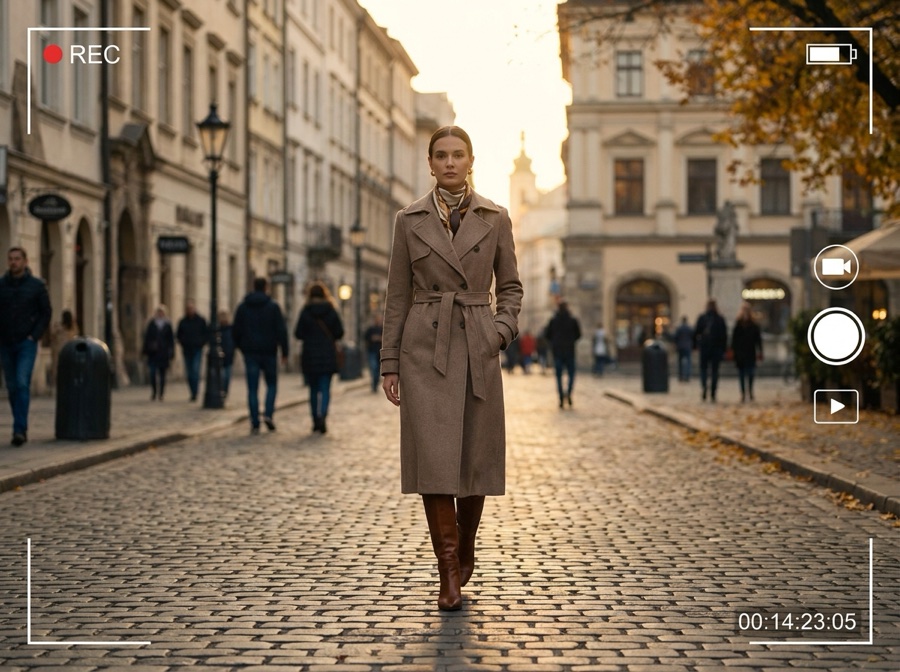
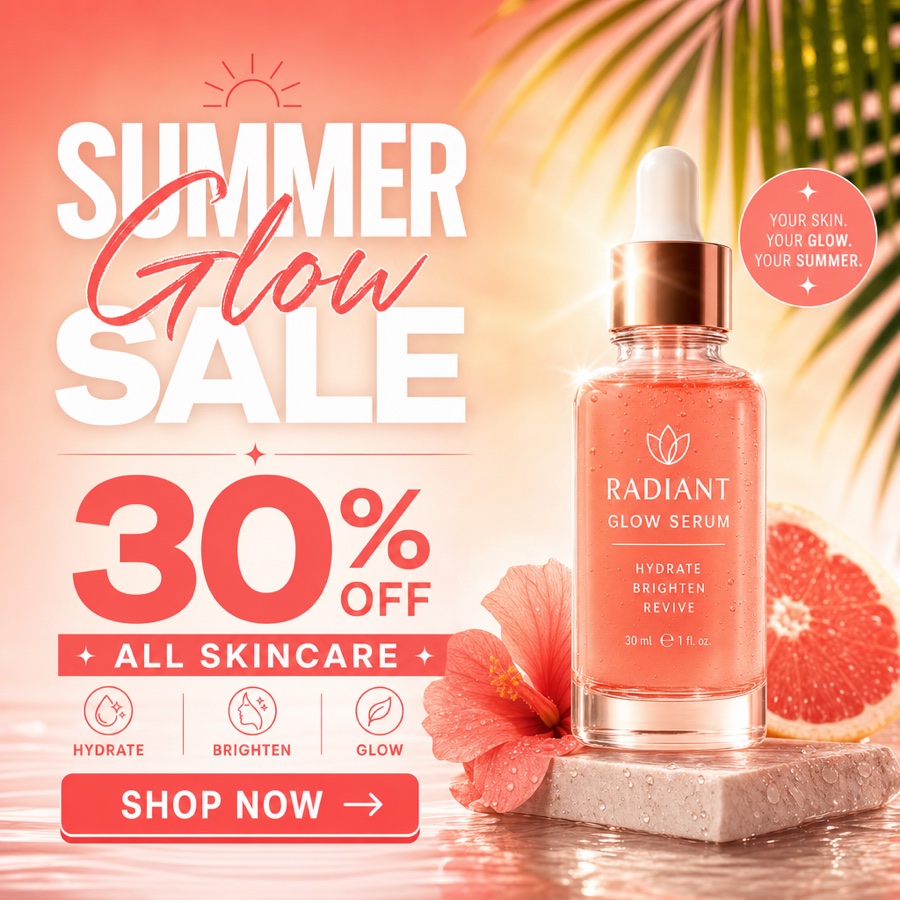
Place the product where it gets used. The automatic feeder in a kitchen corner, the chew toy on a living room rug, the collapsible bowl at a trailhead. Pick the room or the outdoor setting, keep the label sharp, and get a run of scenes from one file.

Open the tool
Social Media Ad Studio

Social Media Ad Studio

Build social ad creative in the ratios each placement runs: 1080x1350 for the feed, 1080x1920 for stories and reels, square for the rest. Swap the flavour, the bag size or the seasonal hook and get the next batch without rebuilding the layout.

Open the tool
Brand Story Creator
Brand Story Creator

Brand Story Creator

Pet brands sell on why the founder started, what goes in the kibble and which dog the food was made for. This turns that story into a set of visual assets you can run as a carousel, a subscription box insert or an about page block.

Open the tool

Each before and after above demonstrates the tool named on the card, using that app's own sample image, so the subject you see may not be from this industry. Run the same tool on your own photos to see it on your work.

From pack shot to published asset

Four steps. No handler to book, no studio hire, no waiting for the dog to sit.

1
Bring what you already have
Upload the supplier pack shot, a phone photo of the product on your kitchen floor, or a frame from the last shoot. Weak lighting and a cluttered background are fine at this stage.
2
Set the brand and the character
Save your logo, palette, fonts and reference shots as a brand profile, then save the animal you want recognisable across the campaign. Both get applied to everything you generate after that.
3
Generate the set
Relight, cut the background, change the angle, drop the product into a room or onto a trail, then turn the strongest still into video. Export every ratio on the placement list.
4
Check the claims, then publish
Read the copy against what the product does and what your market permits, pick the final cuts, and upload them yourself. DesignerBox makes the assets, you own the publishing.

Where pet brand creative has to work

Every surface wants a different frame. Here is what each one asks for.

Your site and the product page

A pet product page needs a clean hero, a scale shot showing the bag or harness next to a dog, a texture crop of the kibble or the webbing, and one lifestyle frame. Square crops sit best in most storefront themes. Carry the same set through every flavour and size variant, so a shopper switching options never lands on a blank image or a photo of the wrong bag.

Marketplace and retailer listings

Marketplaces are strict about the main image. Amazon wants a pure white background with the product filling about 85 percent of the frame, and a longest side of at least 1600 pixels so zoom works. Secondary slots take lifestyle, scale and ingredient panels. Retailer portals ask for their own crops and a legible ingredient or spec panel, so keep a high resolution master of every SKU.

Paid social formats

Paid social eats creative. One Meta or TikTok test needs the same concept at 1080x1350 for the feed, 1080x1920 for stories and reels, and a square cut, each with the product readable at thumbnail size and safe margins for captions and platform chrome. Plan several variants per concept, because a pet ad usually tires out before the offer does.

Subscription boxes and retail collateral

Subscription boxes and shelf space need print, not pixels. Insert cards, sticker sheets, the next box reveal, shelf talkers, wholesale line sheets and trade deck slides all pull from one product set. Generate at high resolution and keep palette, logo and type consistent through a saved brand profile, so the files you hand a printer match what the pet parent saw online.

Save the sequence, rerun it for the next flavour

Pet catalogues repeat. A treat line ships in four flavours and three bag sizes, a harness comes in six colourways, a subscription box changes theme every month. The work per SKU is the same sequence every time: cut the background, relight, set the angle, place the product in a scene, bring in the animal, export the ratio list. A workflow saves that sequence once and reruns it. Point it at the next pack shot and it produces the same set, in the same style, with nobody rebuilding the steps. Brand profiles carry the logo, palette, fonts and reference shots through each run, so the January box and the June box still look like the same brand. There is also an MCP server and an API when you want a run triggered from your own tooling.

One subscription, every model worth using

Different pet jobs want different models. A kibble bag carrying dense ingredient and legal text needs a model that holds type: GPT Image 2 from OpenAI, or Nano Banana Pro and Nano Banana 2 from Google. A styled scene with an animal in it rewards FLUX 2 Flex or FLUX Pro 1.1 from Black Forest Labs, and Kontext Multi when you are editing an existing frame rather than starting over. Seedream 5 from ByteDance suits bold campaign imagery. For motion there is Veo 3.1 and Veo 3.1 Fast from Google, Sora 2 Pro from OpenAI, Seedance 2.0 from ByteDance, Kling 2.6 Pro and Runway Gen-4.5. One workspace and one subscription covers the roster, so you test which model renders your label best instead of buying a licence to find out.

Pet brand questions

What pet teams ask before their first batch.

Can I use AI generated images on my pet product listings?
Yes, for the imagery you would otherwise shoot: hero frames, styled scenes, lifestyle shots and paid social creative. Accuracy is the rule that matters. The product in the image must be the product in the box, with the right bag size, colourway and label copy. Marketplace main image rules still apply too, so a white background listing shot has to meet the marketplace spec whether a camera or a model made it.
How do I keep the same dog looking the same across a campaign?
Save a reference of that animal in your workspace and apply it to every generation. Breed, coat, markings and build stay recognisable, so the retriever in the hero shot is the retriever in the carousel, the paid ad and the box insert. Without a saved reference you get a different looking dog in each asset, which is the fastest way to make a campaign feel assembled rather than shot.
What can I make if all I have is a supplier pack shot?
A full campaign set. From one pack shot you can relight the product, cut or replace the background, change the camera angle, generate flavour and size variants, place the item in a kitchen or on a trail, bring in an animal, and turn the strongest still into video. Weak source lighting is workable. What you cannot do is invent a product feature the item does not have.
What should I avoid showing a pet doing in an ad?
Do not depict a pet doing something your product does not enable. A harness that is not escape proof should not be shown holding a lunging dog, and a toy rated for light chewers should not be shown surviving a heavy one. Keep every nutritional or health claim to what you can substantiate and what is permitted where the ad runs. If you use a real customer's pet, get their permission first.
Do I still need a shoot day with a handler?
Sometimes, and that is fine. Book a handler when you need documentary footage of a real animal using the product, or a founder story with your own dog in it. Use DesignerBox for the volume around it: pack shots, scene variants, seasonal refreshes, flavour and size permutations, and the paid social batch. Most pet teams find the shoot day gets shorter rather than disappearing.
What does this cost for a small pet brand?
Plans run from FREE at $0 with 112 credits a month up to ULTRA at $200 with 8,000. BASIC is $15 with 500 credits, PRO is $35 with 1,000, and PREMIUM is $75 with 2,500. A treat brand refreshing a few SKUs a month sits comfortably on BASIC or PRO. Start free, run one product through it, and pick a plan once you know your monthly volume.

Run one pack shot through it

Upload a bag, a toy or a harness and see what comes back before you book the next shoot day. The free plan gives you 112 credits a month to test with.

Start free