Documentation framework for AI productions

The honest production diary template for AI filmmaking

A working filmmaker's framework for documenting an AI-augmented short from script to delivery. Six weeks of structured decisions, model choices, costs, and the failures nobody else will tell you about.

An AI production diary and shot logDocumentation framework for AI productions
The problem

Why the production diary never gets written

The most useful document in AI production is the one almost nobody keeps. By the time a short is delivered, the settings that produced the hero shot are gone, the prompt that finally worked is buried in a chat window, and the thirty failed generations that taught you the most were deleted to save space. Reconstructing an honest record after the fact means guessing at numbers you no longer have.

The fix is to stop treating the diary as a separate writing task and start treating it as a record you capture while you work. This guide gives you the framework: what to log per shot, how to break cost down by category, how to sort failure modes, and what an honest postmortem actually includes. Every section is built so the data exists at the moment you generate, not after.

The six-week production arc

An AI short is not a one-weekend project. The honest arc breaks into structured phases, each with its own decisions and failure modes.

Week 1: Pre-production and shot list

Lock the script. Break into a shot list with mood, camera move, reference image, and initial model assignment per shot. Cast characters via reference photos and custom LoRA training. Lock the visual style and brand-style framework. No actual shots generated yet.
Week 2: First generation pass

Start with easier shots (establishers, atmospheric) to build momentum and debug workflow. Use Veo for cinematic stillness, Kling for character action, Seedance for high-volume coverage. Log iterations per shot, model used, and what worked or failed.

Week 3 to 4: Character work and complex shots

Hero character shots, multi-character interactions, action sequences. The hardest shots in the project. Iterate heavily. Plan to re-generate some shots dozens of times before they land. Maintain character LoRA discipline.

Week 5: Refinement and rescue

Refinement passes for shots that almost-but-not-quite landed. Cinematic relight. Background fixes. Composite generated elements into plate footage where needed. The week where the project goes from rough cut to defensible.

The honest postmortem structure

Five sections every production diary should include. The structure forces honesty about what worked, what did not, and what a future production should change.

01

Per-shot generation log

Every shot in the film logged: description, model used, iteration count, final selection generation number, issue encountered, resolution. The cumulative log is the most useful artifact of the diary.

02

Cost breakdown by category

Platform credits per shot type (hero, establisher, character interaction). Operator hours. Subscription amortization. Per-minute final cost of delivered film. Compare against a traditional production estimate.

03

Failure modes by category

Where shots broke and could not be saved (regenerated, dropped, rewritten). Character drift incidents. Lip-sync misses. Continuity errors. The shots that taught you something about the platform are the most valuable diary entries.

04

Workflow changes mid-project

What you started doing that worked. What you stopped doing that did not. The implicit playbook the project taught you. Future productions will start from this playbook, not the marketing material.

05

Honest verdict on the project

Could this story have been told traditionally? Was AI the right call? What would you do differently? Where did AI add capability vs add complexity? The reader is making their own production decision; give them a real signal.

What separates a useful diary from marketing copy

Six markers of a production diary readers will actually trust.

Specific iteration counts

Not just shipped great shots, but the iteration count to get there. A shot that took 32 generations to land is honest data. Hiding the count is marketing.

Documented failures, not just successes

Multiple shots that did not work. Days when nothing landed. Workflow patterns that broke. A diary that only shows wins reads as fake. A diary that shows failures reads as useful.

Real cost numbers

Platform credits consumed, subscription tier, operator hours. The cost of the project, not a marketing estimate. Readers compare against their own constraints.

Identifiable director

A named, credible filmmaker with verifiable prior work. Anonymous diaries lose credibility. The diary is the director's professional reputation, not a content-marketing artifact.

Watchable final film

The diary refers to a watchable result. Without the film to evaluate, the diary is theory. With the film, readers can compare claimed quality against the actual artifact.

What changes for the next production

The lessons applied to the next project. A diary without a next-time section is incomplete. The reader is making decisions about their own next production, not yours.

Who this is for

Who should keep a production diary

Anyone whose next project depends on remembering what the last one really cost and how it was made.

Solo AI filmmakers

You are the director, the operator, and the editor. The diary is the only institutional memory the project has, and it decides how the next short starts.

Studio production leads

You approve budgets and then defend them. Per-shot cost and iteration counts turn a vague AI experiment into a line you can plan against.

Teams scaling AI output

You are moving from one-off shots to repeatable work. The diary is where the implicit playbook gets written down before the team forgets it.

Educators and reviewers

You publish breakdowns for other filmmakers. A diary grounded in real settings and documented failures is the only version readers trust.

How DesignerBox solves it

Your workspace already keeps the diary for you

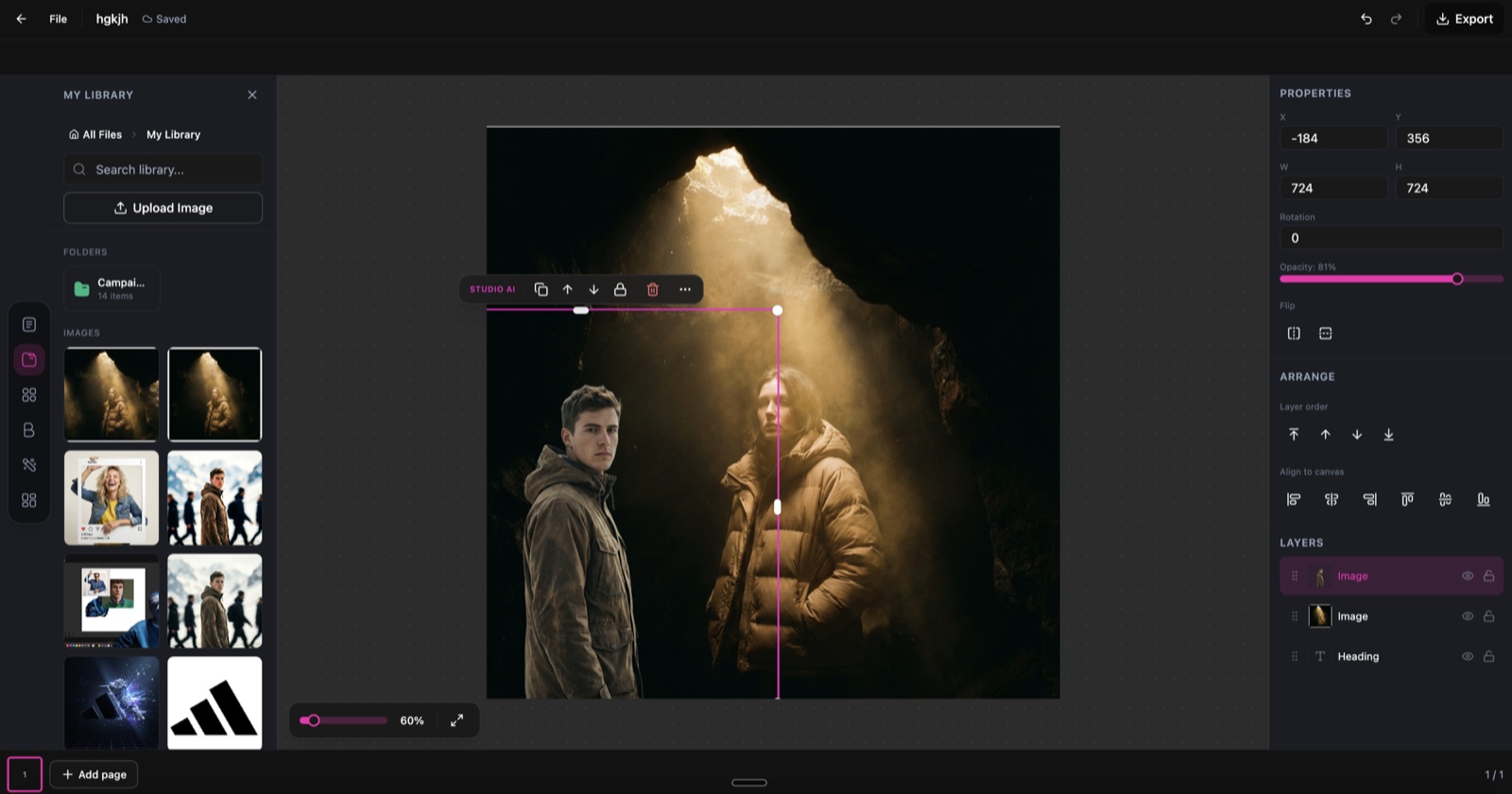
The reason production diaries stay unwritten is that the data lives in too many places: prompts in a chat window, settings in a model UI, costs on a credit-card statement. The DesignerBox shared asset library keeps every generation with its model, settings, prompt, and credit cost attached. Nothing is deleted to save space and nothing has to be transcribed by hand. The diary stops being extra admin and becomes a byproduct of how the workspace already stores your work.

  • Every generation is saved with its model, prompt, and settings, so the per-shot log writes itself as you go.
  • Credits are shown before you generate and recorded after, so the cost breakdown is real numbers, not an estimate.
  • Failed and retired generations stay in the library, so the failure-mode section has actual evidence instead of memory.
  • The whole team reads from one shared library, so the postmortem reflects the real production, not one person's recollection.
The DesignerBox studio workspace

Frequently asked questions

What filmmakers ask before committing to an AI-augmented production.

How long does an AI short film really take?
A 10 to 15 minute AI-augmented short typically runs six weeks of focused work for one director. Pre-production takes one week, generation passes take three weeks, refinement and delivery take two. Less than a traditional indie short, but not the weekend project some demos suggest.
What is a typical iteration ratio for AI film shots?
Hero shots: 8 to 20 generations per shipped shot. Establishers: 3 to 8. Character interaction: 15 to 40. Complex action: 20 to 50. Plan your credit budget around iteration ratios, not headline cost per generation.
How much does the platform cost over six weeks?
Most working filmmakers run on Premium or Ultra tiers for higher concurrency and priority queueing during heavy generation phases. Total subscription plus credit overage for a 10-15 minute short is typically a fraction of the equivalent traditional production budget.
What do you do when character LoRAs drift?
Re-train with broader angle coverage. Generate problem shots with explicit reference images alongside the prompt. Break multi-character scenes into pairwise compositions and assemble in post. Some shots will not be saveable; budget for re-conception.
Should I publish the diary while the film is in production or after?
After. In-production diaries get optimistic. Post-delivery diaries get honest. Wait until the film has shipped and you know what worked. The reader trusts retrospective honesty more than in-progress enthusiasm.
How do you handle cinematic camera moves?
Camera language is exposed through model prompts and platform controls. Veo handles dolly and crane work best. Kling handles handheld and dynamic moves. Document which prompts produced which camera language. Reuse the prompt formulas across shots.
What gets composited vs fully generated?
Plate footage of locations or props you have access to gets composited with AI elements. Fully generated when the location or element cannot be filmed traditionally. The mix is per-shot; budget plate-day shooting if the look benefits from it.
Can a working filmmaker actually do this solo?
Yes, for short-form. A 10-15 minute short can be made solo by an experienced filmmaker. Longer work (30+ minutes) starts to need a collaborator for the volume. Editing, sound design, and color benefit from specialists even on AI-led projects.

Document your AI production the honest way

Start free with credits and the workflow library a working filmmaker uses for pre-viz, character casting, cinematic generation, and delivery. Then write the diary the AI filmmaking community actually needs.