Cinematic ad prompts
A cinematic ad reads as a small film, not a slideshow. It has intentional camera language, sculpted light, and a controlled pace. These prompts are written as shot-list entries you can string into a spot: a hero product move, a lifestyle beat, a reveal. Generate each as its own shot and assemble them in the edit.
What makes a good Cinematic ads prompt?
A cinematic AI ad is built shot by shot, not prompted as a whole. Write each generation as one shot with one camera move and motivated directional light, keep the pace slow and deliberate, repeat the palette and product description across every shot so the world stays consistent, then assemble the clips in the edit.
The mistake that ruins most AI commercials is asking one prompt to deliver a whole ad. Models handle a single beat well and a sequence badly, so a prompt containing hook, demo and logo returns three rushed fragments in one clip you cannot cut. Treat the model as a camera that shoots one setup at a time. Twelve prompts becomes twelve clips becomes an edit, and the edit is where the ad actually gets made.
What makes a cut feel like a film rather than a montage of tests is consistency across shots. Repeat the same palette, the same product description, the same grade and the same light style in every prompt, even when it feels redundant. Veo 3.1 adds synced audio per shot, Seedance is the most precise on camera moves, and Sora 2 handles believable world motion, so it is common to shoot different beats on different models and grade them together in the edit.
The anatomy of a Cinematic ads prompt
One shot per generation. The shot list below is a working structure for a fifteen to thirty second spot.
- 1Shot
Framing and subject, one beat only. "A slow low-angle push in on a premium watch on black stone".
- 2Light
Motivated and directional, never flat. "a single hard key light from the upper right travelling across the case, deep shadow".
- 3Move
One camera behaviour with a stated pace. "One continuous move".
- 4World
The palette and grade repeated across every shot. "filmic grade".
- 5Guard
The short constraint. "no cuts, no warping".
A slow low-angle push in on a premium watch on black stone, a single hard key light from the upper right travelling across the case, deep shadow, dust motes drifting, shallow depth of field racking into focus. One continuous move, filmic grade, no cuts, no warping.
What to swap in every prompt
Change one of these at a time. Changing several at once makes it impossible to tell which edit improved the result.
| Variable | Options to try |
|---|---|
| Shot role | hero open, lifestyle beat, macro detail, accent motion, environment reveal, proof beat, end card |
| Light | single hard key with deep shadow, soft window spill, warm backlight and haze, hard rim from behind, practical lamps only |
| Pace | slow and deliberate, real time, one fast accent, settling to a hold |
| Grade | filmic muted, warm and rich, cool high contrast, monochrome with a single colour accent |
How to write great Cinematic ads prompts
Four rules that make the difference between a flat result and a usable one.
Write each generation as one shot with one camera move. A commercial is a sequence of clean shots, so produce them individually and cut them together.
Cinematic means directional, motivated light: a hard key, a rim, deep shadow. Flat even light looks like stock footage.
Slow, deliberate moves read as premium. Reserve fast motion for a single accent beat, not the whole spot.
Repeat the palette, product, and grade across shots so the cut feels like one film rather than a montage of tests.
12 Cinematic ads prompts to copy
Tap copy on any card, paste it into DesignerBox, and generate. Tweak the details to fit your product.
Hero product open
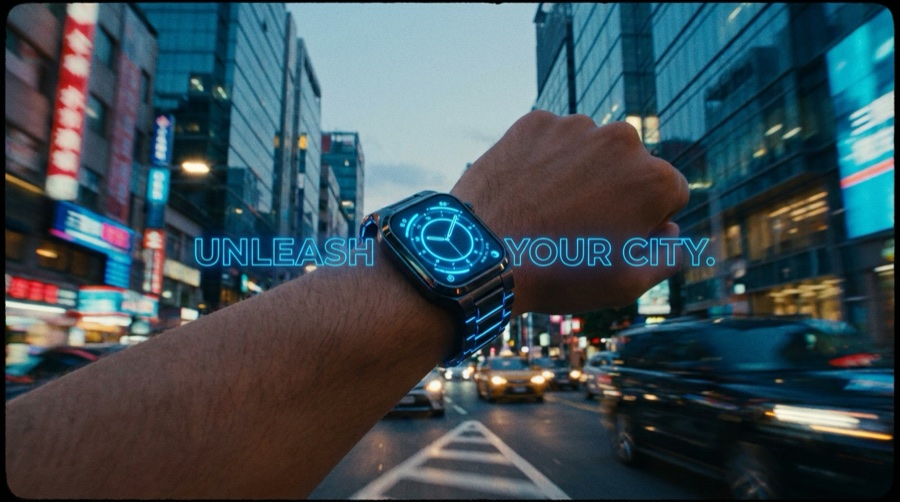
HeroA slow low-angle push in on a premium watch on black stone, a single hard key light from the upper right travelling across the case, deep shadow, dust motes drifting, shallow depth of field racking into focus. One continuous move, filmic grade, no cuts, no warping.
Lifestyle beat
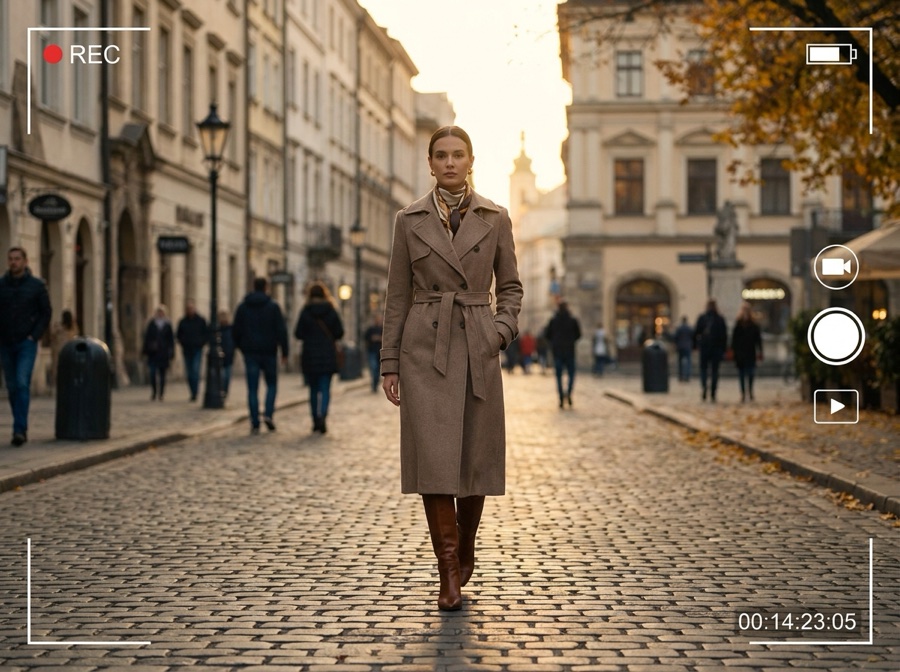
LifestyleA woman in a camel coat steps into a sunlit doorway holding the product, warm backlight and soft haze, she pauses and looks off-frame, camera slowly tracks in, believable natural motion, cinematic muted grade. Consistent face and wardrobe, natural skin.
Macro texture
DetailAn extreme macro shot slowly drifting across the surface of the product, catching the material texture and a controlled highlight, soft directional light, rich shadow detail, tactile premium feel. Smooth slow move, stable focus, appetising finish.
Accent motion
AccentA single fast whip pan that resolves onto the product landing on a surface with a satisfying settle, hard sculpted light, dust puffing on contact, then holds. Realistic physics, one accent beat, sharp resolve, no morphing.
Environment reveal
RevealA crane up from the product on a table to reveal a warm styled interior around it, soft window light spilling in, gentle atmosphere, controlled reveal at a deliberate pace, cinematic depth. Coherent geometry, consistent palette, no distortion.
Closing logo beat
End cardA slow settle on the product perfectly lit against a clean dark background, a soft light bloom rising behind it, everything coming to rest for a confident end frame, shallow depth of field. Static hold, premium finish, room for a logo, stable framing.
Hands and craft
ProofA close shot of hands finishing the product with care, turning it once to check the surface before setting it down, warm directional light from the left with deep falloff behind, shallow depth of field, filmic muted grade. Slow deliberate motion, natural hands, no distortion.
Cold open, negative space
HeroThe product alone in the lower third of a mostly empty dark frame, a single hard rim light defining its edge, a slow push in that gradually gives it more of the frame, dust drifting through the beam, filmic grade. One continuous move, deep shadow, stable geometry.
Motion transition, whip
AccentA fast whip pan across a dark surface that blurs almost entirely and resolves onto the product already lit and settled, hard key from the upper right, brief motion streak then stillness. One accent beat, sharp resolve, consistent palette, no morphing during the blur.
Two-up comparison beat
ProofTwo identical surfaces side by side in one frame, the left plain and the right showing the product in use, a slow lateral drift from left to right across both, motivated hard light from above, filmic muted grade. One smooth move, consistent lighting across both halves, stable geometry.
Atmosphere insert
B-rollA slow tilt down through a shaft of hard light where dust and faint steam drift, revealing the edge of the product at the bottom of the frame, deep shadow filling the rest, no other subject, filmic grade. One slow move, believable particle behaviour, no flicker.
Wide world, product small
RevealA wide static frame of a styled interior at late afternoon with the product small but clearly lit on a table in the middle distance, warm light raking across the floor, everything still except dust in the beam, cinematic depth on a 24mm lens. Locked-off hold, coherent geometry, consistent palette.
Made on the same models
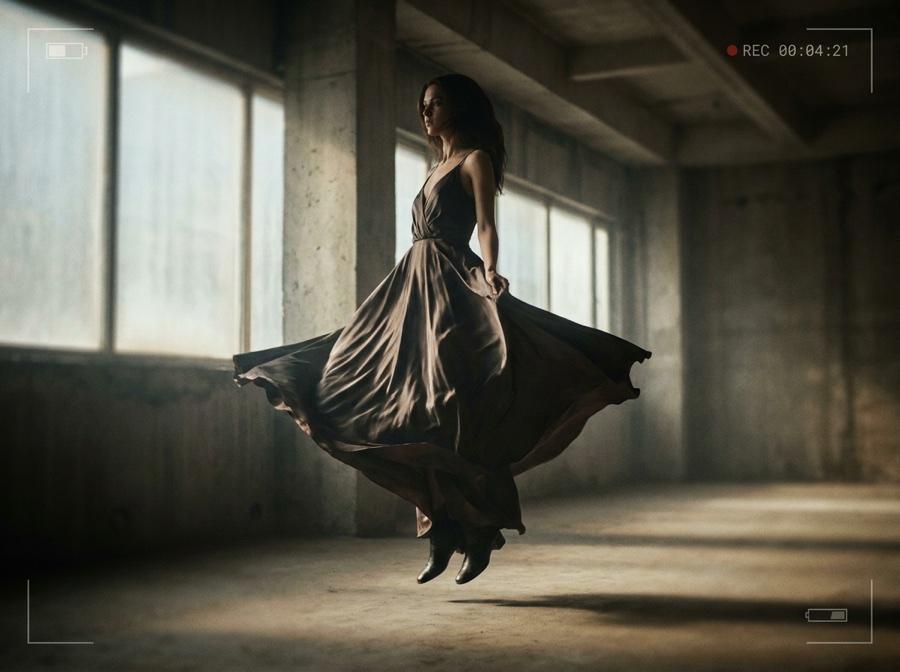
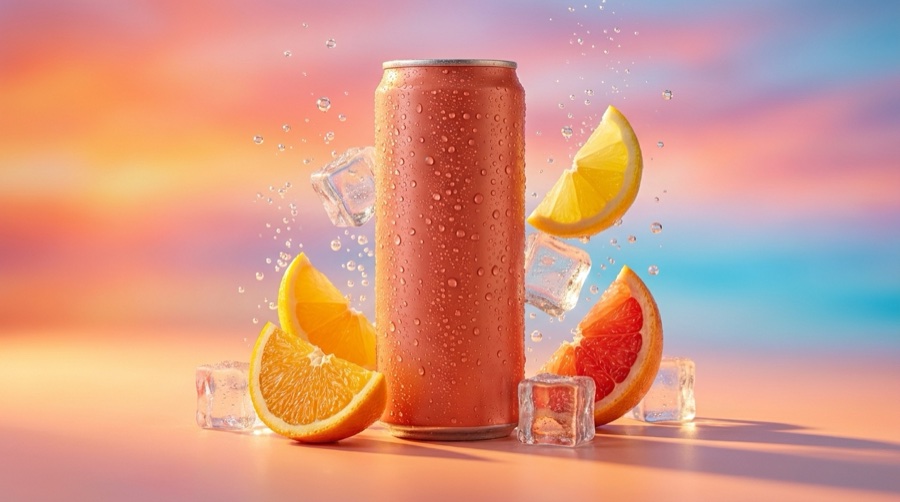
Real output from the DesignerBox models these prompts run on.
Three mistakes that ruin Cinematic ads prompts
The failure modes that come up most often, and the one-line fix for each.
One prompt containing hook, demo and logo returns three rushed fragments in a single clip. Generate one beat at a time and assemble.
Even light is what stock footage looks like. A hard key, a rim, and real shadow is the entire difference between cinematic and generic.
If the palette, grade and product description change between prompts, the cut reads as a reel of tests. Repeat them verbatim across the shot list.
More prompt packs
Packs that pair well with this one.
Veo 3.1
Shot-list style prompts with real film language and a soundscape line, because Veo is the model that generates synced audio alongside the picture.
View 12 promptsSeedance 2.0
Camera-directed video prompts built in four layers, with a constraint tail that cleans up warping. The precision pick when you know the exact move you want.
View 12 promptsUGC ads
Hook, demo, proof and reaction beats written to look filmed on a phone. Includes the anti-polish rules that stop an AI creator reading as a glossy commercial.
View 12 promptsCinematic ads prompts, answered
Six questions that come up most often when people start prompting Cinematic ads.
How do I make an AI commercial look cinematic?
Which model is best for cinematic ads?
How do I keep shots consistent across the spot?
How many shots does a 30-second spot need?
Can I mix models within one ad?
How do I assemble the final ad?
Run these prompts in DesignerBox
Copy any prompt above, then generate it with the model of your choice. Free credits to start.