Veo 3.1 prompt library
Veo 3.1 is a director’s model. It reads shot language (dolly, crane, rack focus), it respects lighting terms, and it can generate synced audio when you describe the soundscape. Write it like a shot list entry: framing, subject, motion, light, and sound. The more it reads like real film direction, the closer the output lands.
What makes a good Veo 3.1 prompt?
Veo 3.1 prompts read like a shot list entry: shot type and camera move, subject and action, lens and lighting, then the sound. Veo understands real film language, so "low-angle dolly in" outperforms "cinematic camera movement". It also generates synced audio, so describe the soundscape and say "no music" when you want it quiet.
The single biggest upgrade you can make to a Veo prompt is replacing mood words with shot names. "Cinematic" tells the model nothing it can act on. "Low-angle dolly in on a 35mm lens" tells it the height, the move, and the field of view, and it will honour all three. Anyone who has read a shot list already knows the vocabulary; anyone who has not can learn the ten terms that matter in an afternoon and get most of the value.
Audio is the second lever and the one most people skip. Veo can produce synced sound, which means a prompt that ends with "sound of tyres on wet asphalt and distant city hum" comes back with a bed you can actually cut against. It also means silence has to be requested. Say "no music" or "room tone only" or you will get a stock score under a shot that did not want one. For a picture-only comparison, run the same beat through Seedance 2.0, and see the full spec on the Veo 3.1 model page.
The anatomy of a Veo 3.1 prompt
A Veo prompt is a shot list entry with a sound line bolted on. Five parts, in this order.
- 1Shot
Framing and height. "Low-angle shot", "medium close-up", "wide establishing shot".
- 2Subject
What is in frame and what it does, in one clear beat. "a sleek smartwatch on a dark reflective plinth".
- 3Move
The camera behaviour in real terms. "slow crane up and push in".
- 4Look
Lens plus light quality. "shallow depth of field on a 35mm lens, soft rim light rising behind".
- 5Sound
The audio bed, including what you do not want. "Ambient low synth hum, no voiceover."
Low-angle shot of a sleek smartwatch on a dark reflective plinth, slow crane up and push in as a soft rim light rises behind it, shallow depth of field, moody premium tech aesthetic on a 35mm lens. Ambient low synth hum, no voiceover. Clean geometry, controlled reflections.
What to swap in every prompt
Change one of these at a time. Changing several at once makes it impossible to tell which edit improved the result.
| Variable | Options to try |
|---|---|
| Shot type | wide establishing, medium, medium close-up, extreme close-up, low-angle, over the shoulder |
| Move | dolly in, crane up to reveal, handheld tracking, rack focus, locked-off, slow orbit |
| Light | soft overcast, hard noon sun, warm practical lamps, golden hour backlight, single hard key |
| Sound | room tone only, ambient rain and traffic, crisp footsteps on gravel, low synth hum, no music |
How to write great Veo 3.1 prompts
Four rules that make the difference between a flat result and a usable one.
Veo understands "low-angle dolly in", "crane up to reveal", "handheld tracking". Naming the actual shot type gets you far more control than "cinematic camera movement".
Veo can add synced audio. Add a line for it: "ambient sound of rain and distant traffic, no music" or "crisp footsteps on gravel". Silence the parts you do not want.
Give focal length and light quality (soft overcast, hard noon sun, warm practical lamps). These carry more weight than generic "beautiful lighting".
One action, one reveal. Veo handles a single clear beat per generation cleanly. Save the multi-beat sequences for the edit.
12 Veo 3.1 prompts to copy
Tap copy on any card, paste it into DesignerBox, and generate. Tweak the details to fit your product.
Product reveal, crane up
ProductLow-angle shot of a sleek smartwatch on a dark reflective plinth, slow crane up and push in as a soft rim light rises behind it, shallow depth of field, moody premium tech aesthetic on a 35mm lens. Ambient low synth hum, no voiceover. Clean geometry, controlled reflections.
Coastal lifestyle, handheld
LifestyleHandheld tracking shot following a woman in a linen dress walking along a sunlit beach path at golden hour, warm backlight, gentle lens flare, natural hair movement in the breeze. Sound of soft waves and wind, no music. Believable travel-brand energy, natural skin.
Cafe pour, macro
FoodMacro rack focus from steam to a barista pouring latte art into a ceramic cup, warm window light, wisps of steam rising, slow and deliberate motion. Crisp sound of milk pouring and cafe ambience, no music. Realistic liquid physics, appetising finish.
City drive, night
AutomotiveTracking shot alongside a black SUV driving through a neon-lit city at night, reflections of signage streaking across the wet paint, shallow depth of field, cinematic 2.39 framing feel. Sound of tyres on wet asphalt and distant city hum. Stable motion, no warping of the car body.
Founder to camera, interview
Talking headMedium close-up of a founder in a charcoal sweater speaking directly to camera in a warm studio with soft key light and a blurred plant behind, natural expressions and micro-gestures, 50mm lens at f2. Clear spoken delivery, quiet room tone, no background music. Keep the same face throughout.
Sneaker drop, studio
FashionA running shoe falls and lands on a seamless coloured studio floor in slow motion, dust puffing on impact, hard sculpted lighting, camera locked-off at product height. Satisfying impact thud sound only. Sharp detail, believable physics, no morphing on landing.
Workshop craft, over shoulder
B-rollOver-the-shoulder medium shot of a maker sanding the edge of a walnut board in a sunlit workshop, dust catching the light, slow handheld drift to the right, 35mm lens, warm natural grade. Sound of sanding and faint radio, no music. Natural hand motion, consistent workspace.
Doorway reveal, crane
RevealCrane up and forward through an open doorway to reveal a warm styled living room beyond, late-afternoon light spilling across the floor, soft haze in the air, deliberate unhurried pace on a 24mm lens. Quiet room tone and distant birdsong, no music. Coherent geometry, no distortion.
Beach picnic, wide to medium
LifestyleWide establishing shot of two friends setting out a picnic on a windswept beach at golden hour, slow dolly in toward them as they sit, warm backlight and long shadows, 35mm lens. Sound of wind and gentle surf, faint laughter, no music. Natural motion, consistent wardrobe.
Lab or clinic, clean tech
ProductMedium shot of a gloved hand placing a small device onto a white lab bench under even clinical lighting, gentle rack focus from the hand to the device, cool neutral grade on a 50mm lens. Soft equipment hum and a single click, no music. Stable geometry, crisp detail, no warping.
Rain window, mood beat
B-rollExtreme close-up on rain running down a window at dusk, a warm interior lamp reflected in the glass, city lights soft beyond, camera locked-off with an almost imperceptible push in. Sound of steady rain on glass and distant traffic, no music. Realistic water behaviour, no flicker.
End card, product hold
End cardMedium shot of the product centred and perfectly lit against a clean dark background, everything settling to a hold, a soft rim light defining the edge, shallow depth of field on an 85mm lens. Single low sustained tone then silence. Static hold, room in frame for a logo, stable framing.
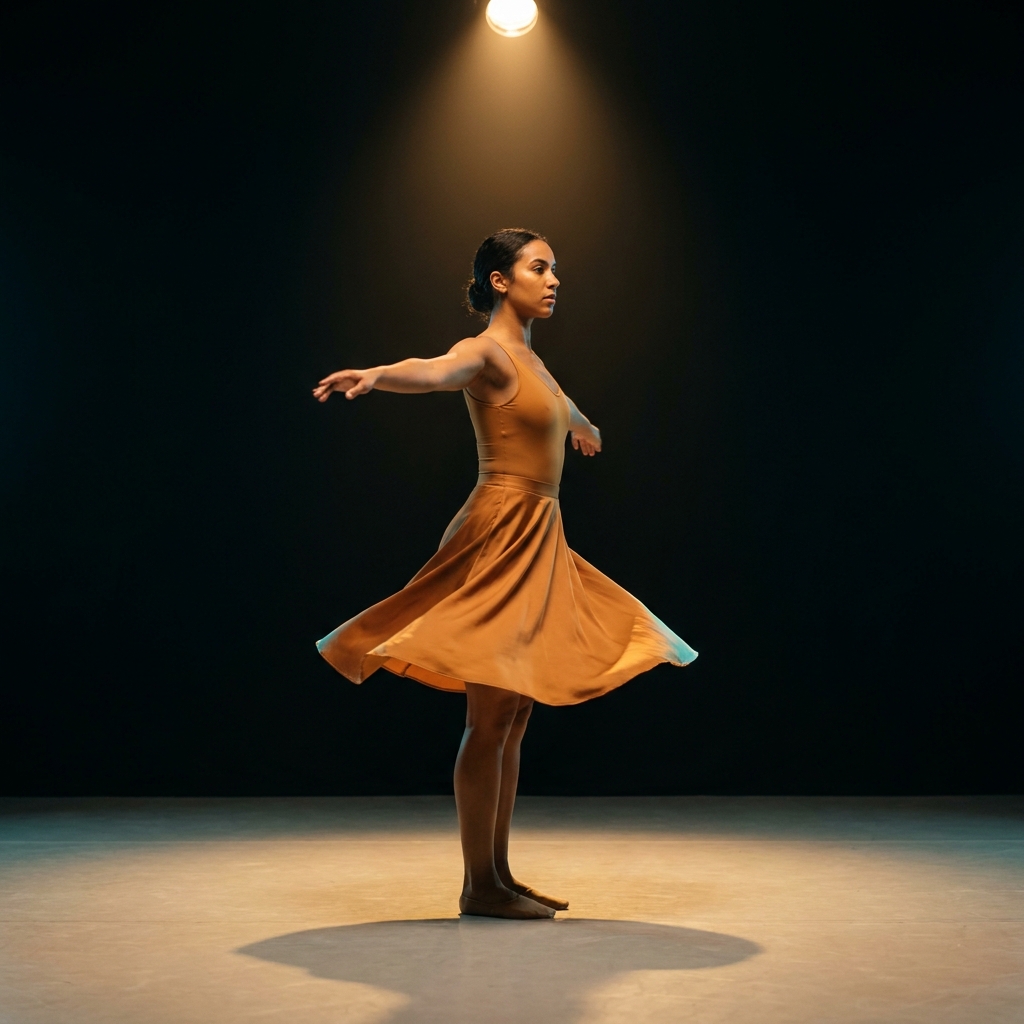
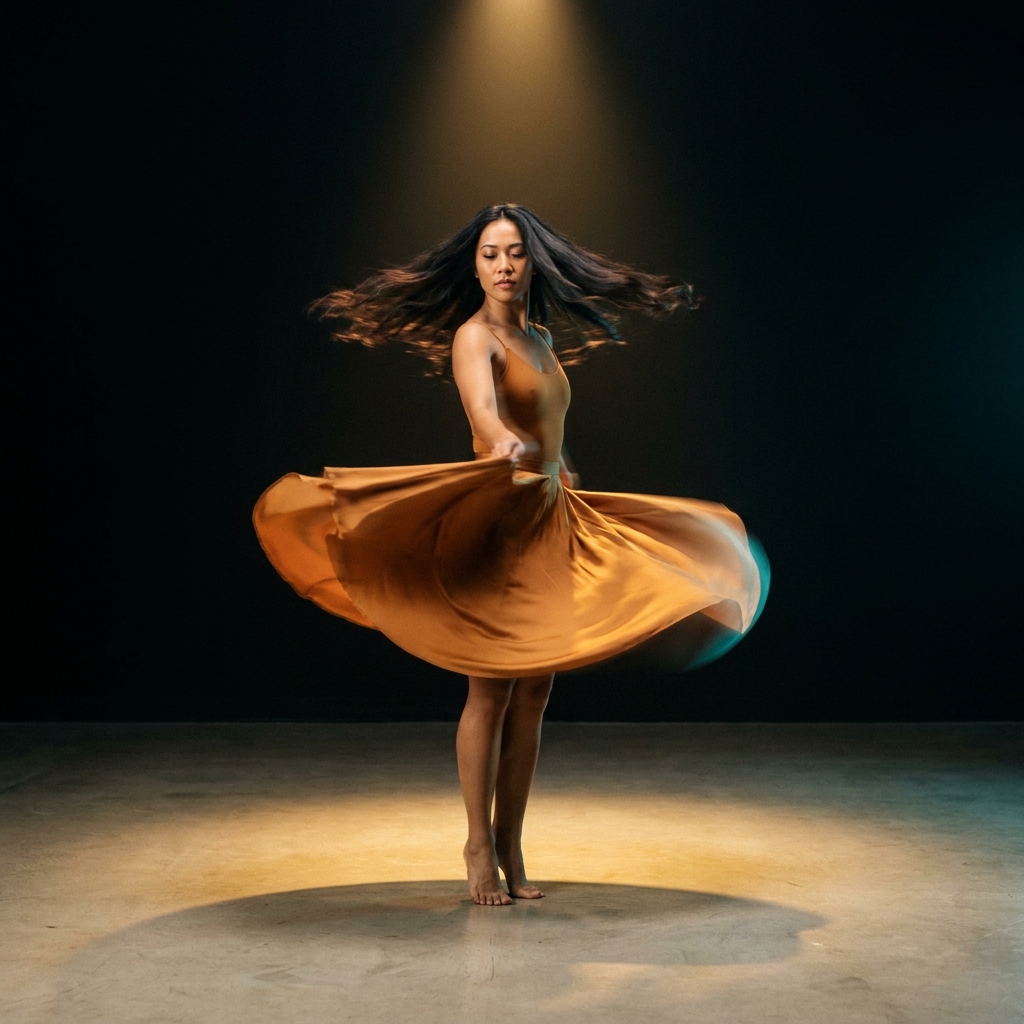
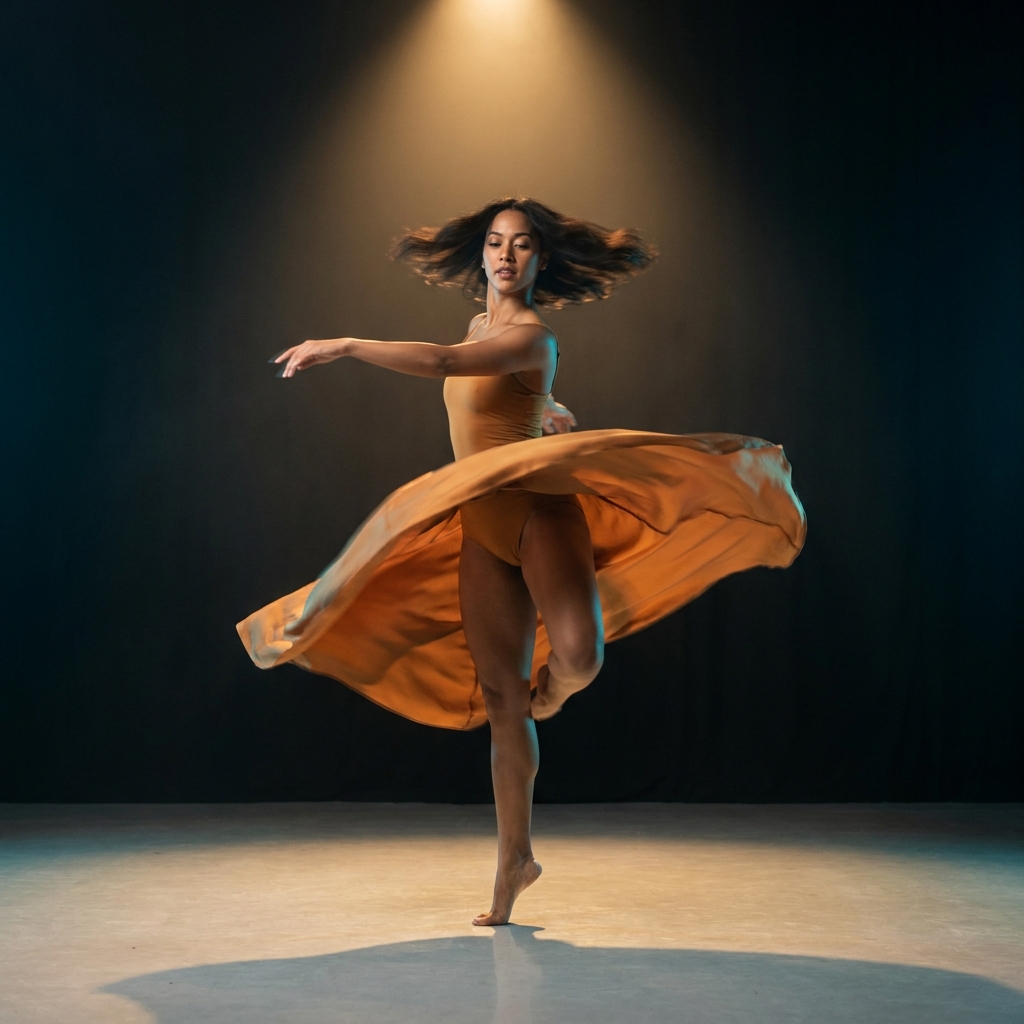
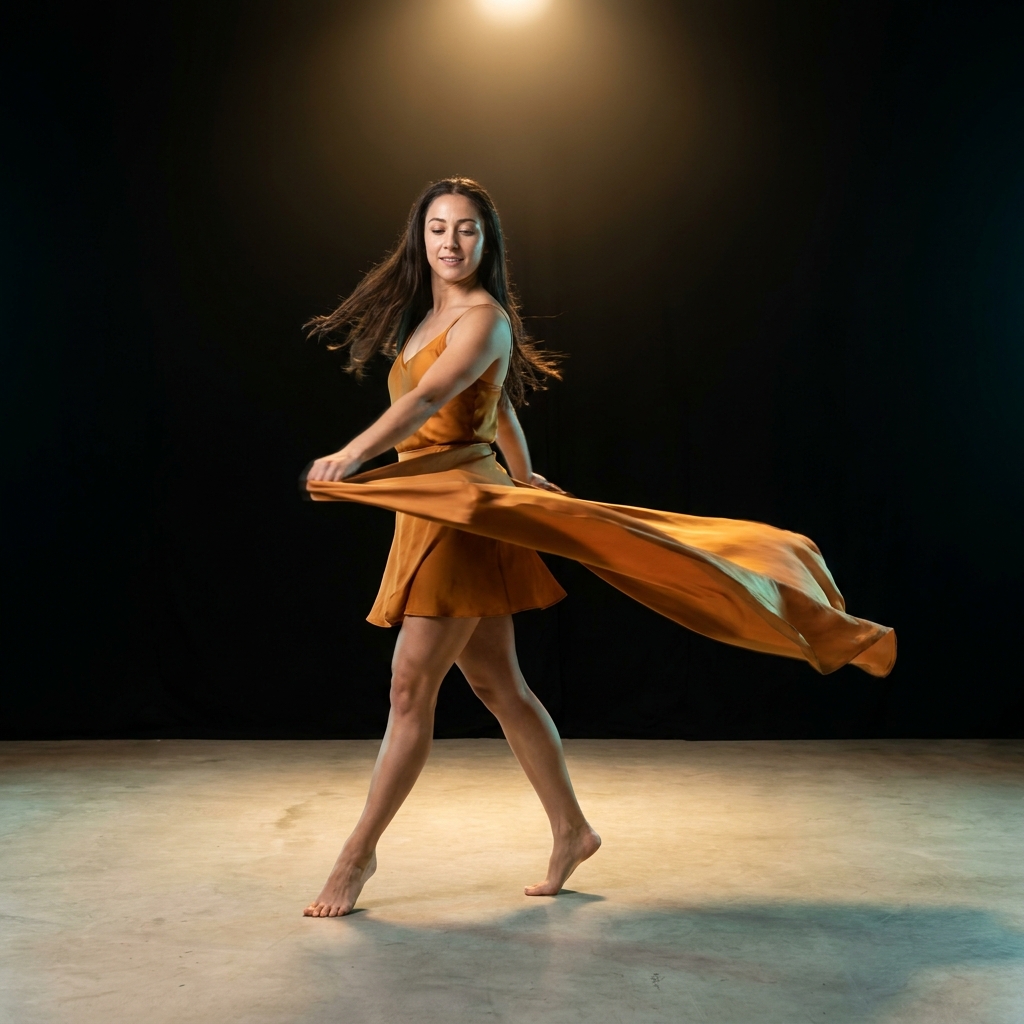
One prompt, four variations
The same prompt run four times on Veo 3.1. Generate a spread and keep the strongest, rather than trying to engineer one perfect pass.
Three mistakes that ruin Veo 3.1 prompts
The failure modes that come up most often, and the one-line fix for each.
"Cinematic and beautiful" gives Veo nothing to execute. Swap every mood word for a shot type, a move, and a lens and the hit rate climbs immediately.
Veo will score a shot if you do not tell it not to. Add "no music" or "room tone only" whenever the clip has to sit under a voiceover.
One action or one reveal per generation. Asking Veo to open, demo and close inside one clip produces three rushed half-beats instead of one clean one.
More prompt packs
Packs that pair well with this one.
Seedance 2.0
Camera-directed video prompts built in four layers, with a constraint tail that cleans up warping. The precision pick when you know the exact move you want.
View 12 promptsSora 2
Scene-driven prompts that give the model a reason for the action, which is what makes Sora’s world simulation and cause-and-effect look filmed rather than generated.
View 12 promptsCinematic ads
A full shot list for a spot: hero open, lifestyle beat, macro texture, accent motion, reveal and end card. Generate each separately and cut them into one film.
View 12 promptsVeo 3.1 prompts, answered
Six questions that come up most often when people start prompting Veo 3.1.
What makes a strong Veo 3.1 prompt?
Can Veo 3.1 generate audio?
How long should a Veo clip be?
What is the difference between Veo 3.1 and Veo 3.1 Fast?
Which shot terms does Veo actually understand?
Where can I run Veo 3.1 prompts?
Run these prompts in DesignerBox
Copy any prompt above, then generate it with the model of your choice. Free credits to start.