Seedance 2.0 prompt library
Seedance 2.0 responds to direction, not description. It wants one camera move, one clear subject action, and a physical world it can obey. Write prompts in ordered layers: subject and wardrobe, environment and light, the single camera move, then the constraint tail. Keep one motion per shot and the output stays stable.
What makes a good Seedance 2.0 prompt?
A Seedance 2.0 prompt works in four ordered layers: subject and wardrobe, environment and light, one camera move, then a short constraint tail such as "no warping, natural motion blur only". Keep a single motion per shot. Stacking pan, zoom and tilt in one prompt is the main cause of drift.
Seedance behaves like a camera operator who follows instructions literally. Give it one move and it executes cleanly. Give it three and it tries to blend them, which is where limbs stretch and backgrounds slide. The fix is not a better adjective, it is fewer instructions per generation. A ten-second spot is five or six separate two-second generations cut together, not one prompt asking for a sequence.
The other half of the job is physics. Seedance simulates what you name and improvises what you leave out, and improvised physics is where the AI tell appears. Say that fabric settles, that liquid catches the light as it pours, that steam rises slowly. Then close with a short negative tail. If you want the same beat with a different look, run the identical prompt through Veo 3.1 or Kling 2.6 and pick the take that cuts best, or read the capability breakdown on the Seedance 2.0 model page.
The anatomy of a Seedance 2.0 prompt
Four layers in this order. The constraint tail is short and always last, so it reads as a rule rather than as scene content.
- 1Subject
Who or what, plus the wardrobe and material detail that has to stay consistent. "A model in a sand-beige trench coat".
- 2World
Where it happens and how it is lit. "on a wet cobblestone street, overcast soft light".
- 3Move
Exactly one camera behaviour. "camera trucks backward at walking pace keeping her centred".
- 4Tail
The short negative rule. "Consistent face and wardrobe, natural gait, no limb distortion."
A model in a sand-beige trench coat walking toward camera on a wet cobblestone street, overcast soft light, the coat moving naturally with each step, camera trucks backward at walking pace keeping her centred, shallow depth of field. Consistent face and wardrobe, natural gait, no limb distortion.
What to swap in every prompt
Change one of these at a time. Changing several at once makes it impossible to tell which edit improved the result.
| Variable | Options to try |
|---|---|
| Camera move | slow push in, static locked-off, orbit left, truck backward, crane up, whip pan |
| Pace | slow and deliberate, walking pace, real time, slow motion |
| Physics cue | fabric settles, liquid pours and pools, steam rises slowly, dust puffs on impact, hair shifts in the breeze |
| Constraint tail | no warping, no extra fingers, natural motion blur only, stable geometry, consistent face throughout |
How to write great Seedance 2.0 prompts
Four rules that make the difference between a flat result and a usable one.
Name a single move (slow push in, orbit left, static locked-off). Stacking "pan then zoom then tilt" is where Seedance drifts. If you need more moves, make more shots.
Tell it what should move and how (fabric settles, liquid pours and catches the light, steam rises slowly). Concrete physical cues read as real footage rather than AI slide.
Continuity comes from naming traits, not from invented lock codes. Repeat the key wardrobe and face details in each shot so the character holds.
End with what you do not want: "no warping, no extra fingers, no text artifacts, natural motion blur only". A short negative tail cleans most defects.
12 Seedance 2.0 prompts to copy
Tap copy on any card, paste it into DesignerBox, and generate. Tweak the details to fit your product.
Product push-in, luxury
ProductA slow cinematic push-in on a faceted perfume bottle sitting on black stone, single hard rim light from the upper right, dust motes drifting slowly, shallow depth of field racking into focus on the label, controlled reflections on the glass. One continuous move, no cuts, no warping, natural motion blur only.
UGC unboxing, handheld
UGCHandheld phone footage, a young woman at a sunlit kitchen counter opening a small cream product box, natural morning light, slight camera shake, she smiles and lifts the product toward the lens, believable everyday vlog energy, 30fps look. Keep the same face and hoodie, no smoothing, no plastic skin.
Pour shot, food ad
FoodA macro shot of golden honey pouring slowly onto a stack of pancakes, warm side light catching the drip, steam rising, butter glistening, camera holds locked-off as the pour lands and pools. Realistic viscosity and physics, appetising commercial finish, no morphing, no floating artifacts.
Fashion walk, street
FashionA model in a sand-beige trench coat walking toward camera on a wet cobblestone street, overcast soft light, the coat moving naturally with each step, camera trucks backward at walking pace keeping her centred, shallow depth of field. Consistent face and wardrobe, natural gait, no limb distortion.
Car detail orbit
AutomotiveA slow orbit around the front wheel of a matte grey sports car in a concrete studio, hard directional key light sweeping across the paint as the camera moves, reflections travelling along the body, subtle tyre and brake detail. One smooth orbit, no cuts, stable geometry, no warping.
Skincare application, beauty
BeautyA close-up of a woman applying serum along her cheekbone, soft beauty light, dewy natural skin with real texture and pores, the droplet catching the light, gentle head turn toward camera. Camera static, keep the same face throughout, no smoothing, no over-retouched plastic look.
Fabric drop, textile
FashionA folded linen throw is lifted and released above a bed, the fabric unfurling and settling into place, soft window light from the left picking out the weave, camera static at bed height. Realistic cloth physics with a natural settle, no morphing of the folds, natural motion blur only.
Steam and coffee, static
FoodA ceramic cup of black coffee on a dark oak counter, steam rising slowly and curling through a shaft of hard morning light from the right, everything else still, camera locked-off in a tight medium shot. Believable steam behaviour, stable cup geometry, no drifting background.
Sneaker rotate, studio
EcommerceA white leather sneaker on a pale grey seamless studio floor rotating slowly on the spot, even softbox light with a subtle contact shadow tracking the rotation, laces and stitching holding detail. One continuous slow rotation, stable product geometry, no warping of the logo.
Two-shot conversation
Talking headTwo colleagues at a bright office table, one speaking and gesturing while the other listens and nods, warm window light from the left, camera static in a medium two-shot at eye level. Distinct consistent faces, natural hand motion, believable pacing, no limb distortion.
Rain on window, mood
B-rollRain running down a window pane at dusk with a soft-focus city beyond, droplets merging and sliding, cool blue light with a warm interior lamp reflected in the glass, camera static with a very slow push in. Realistic water behaviour, no flicker, natural motion blur only.
Product drop, accent beat
AccentA small glass jar falls a short distance and lands on a stone surface with a satisfying settle, fine dust puffing outward on contact, then everything comes to rest, hard sculpted light from the upper right, camera locked-off at product height. Realistic impact physics, one beat, no morphing on landing.
One prompt, four variations
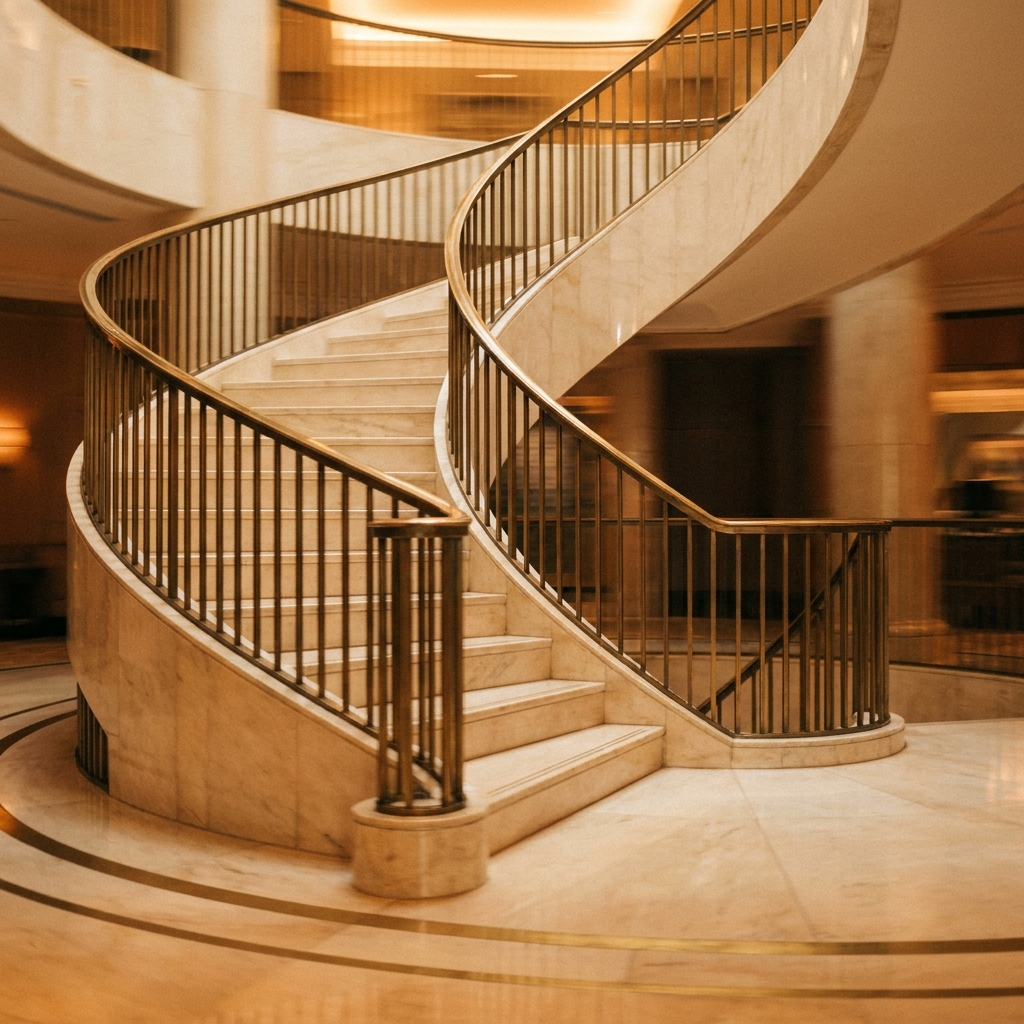
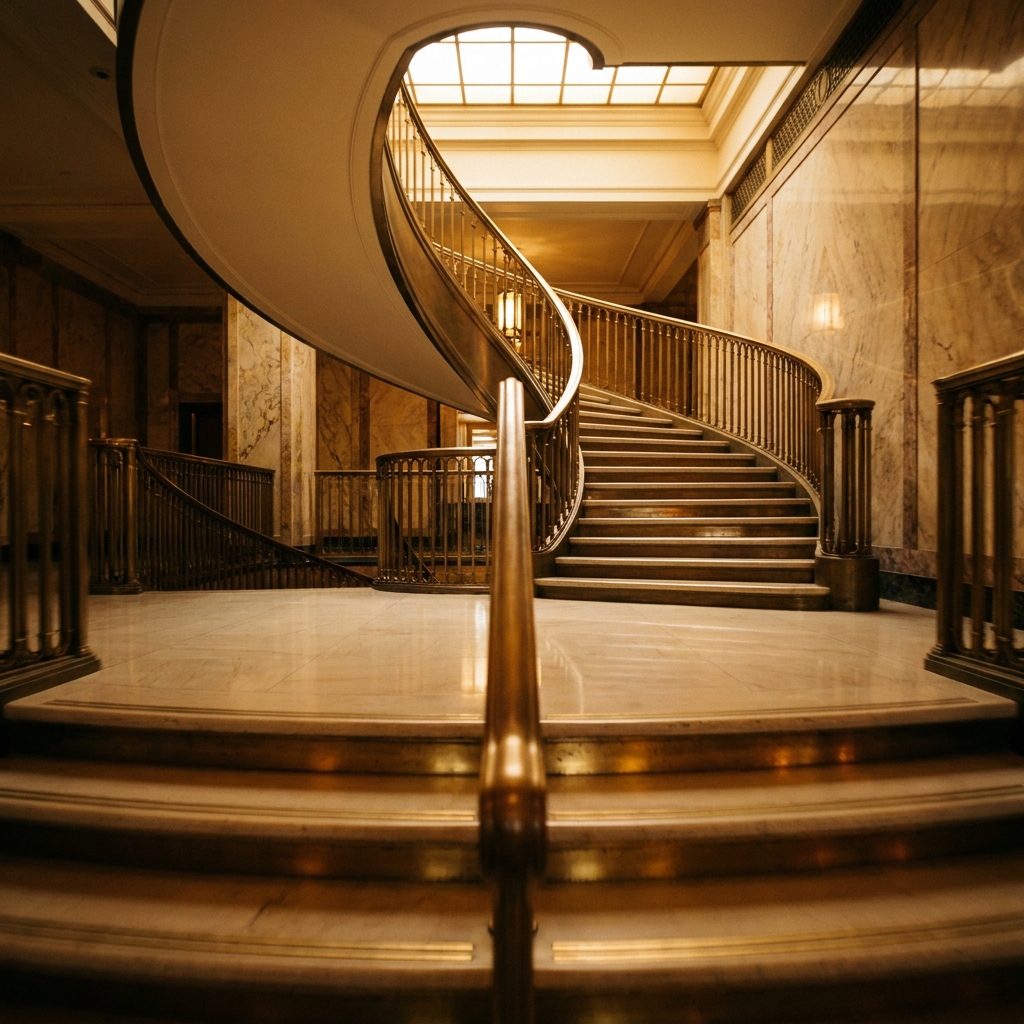
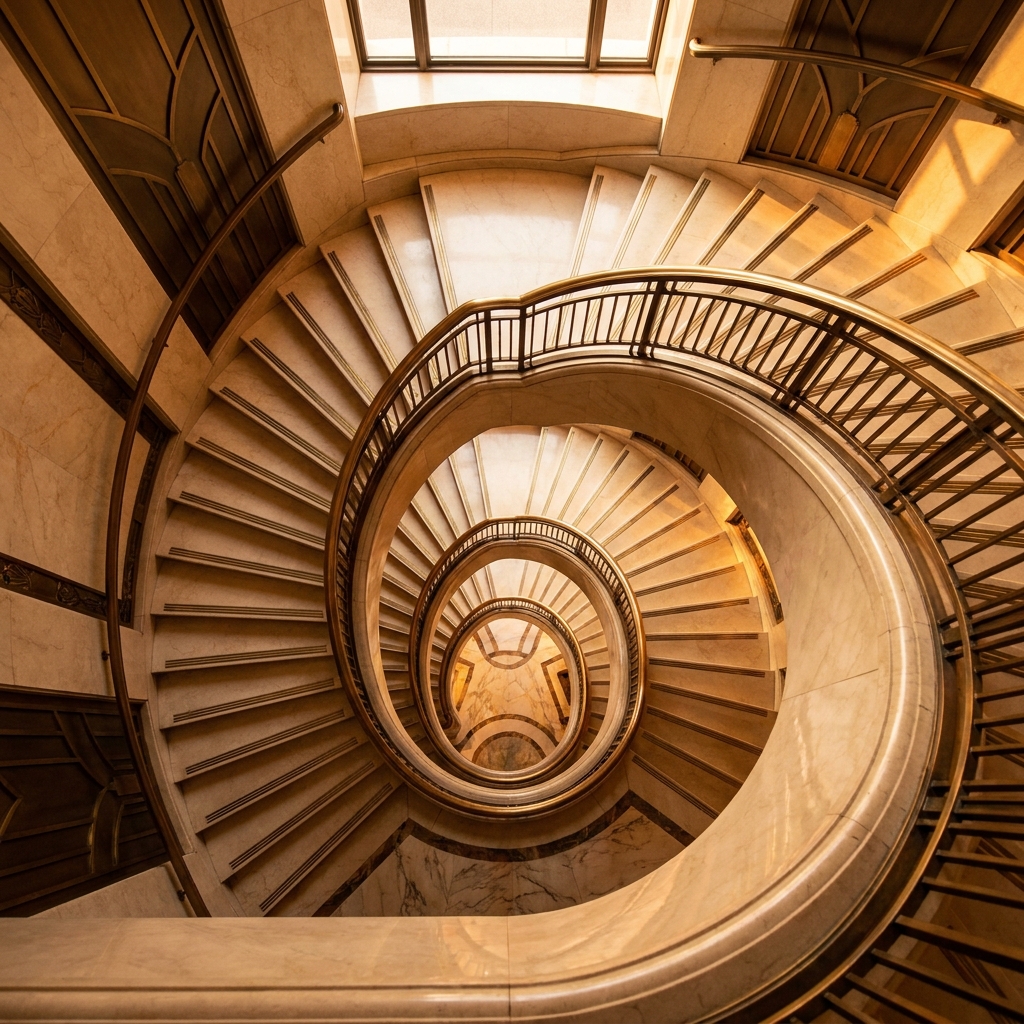
The same prompt run four times on Seedance 2.0. Generate a spread and keep the strongest, rather than trying to engineer one perfect pass.

Three mistakes that ruin Seedance 2.0 prompts
The failure modes that come up most often, and the one-line fix for each.
Pan then zoom then tilt in a single prompt is the number one cause of warping. Pick one move, generate, then make the next move a separate shot.
Asking for "hook, demo, then logo" produces a slideshow of half-formed beats. Generate each beat separately and assemble them in the edit.
Without a closing negative line, small defects such as extra fingers and text smears pass through. Eight words at the end fixes most of them.
More prompt packs
Packs that pair well with this one.
Veo 3.1
Shot-list style prompts with real film language and a soundscape line, because Veo is the model that generates synced audio alongside the picture.
View 12 promptsKling 2.6
Motion-only prompts for image-to-video: describe what moves, not the scene the frame already shows. The workhorse for creator footage and product-in-hand reveals.
View 12 promptsUGC ads
Hook, demo, proof and reaction beats written to look filmed on a phone. Includes the anti-polish rules that stop an AI creator reading as a glossy commercial.
View 12 promptsSeedance 2.0 prompts, answered
Six questions that come up most often when people start prompting Seedance 2.0.
How do I write a good Seedance 2.0 prompt?
Why does my Seedance clip warp or morph?
How do I keep a character consistent across shots?
What aspect ratio should I use?
Does Seedance 2.0 generate audio?
How many shots does a short ad need?
Run these prompts in DesignerBox
Copy any prompt above, then generate it with the model of your choice. Free credits to start.