Sora 2 prompt library
Sora 2 is strongest when you give it a scene with intent, not just a look. It handles world consistency, believable motion, and cause and effect. Describe who is in the shot, what they are doing and why, then the camera and the light. A little narrative logic goes a long way toward footage that feels shot rather than generated.
What makes a good Sora 2 prompt?
Sora 2 prompts work best when the scene has intent. Describe who is in frame, what they are doing and why, then the physical consequences (liquid splashes and settles, a door swings and light spills in), then the framing and one camera move. Narrative logic is what makes Sora motion read as filmed rather than generated.
The difference between a Sora clip that works and one that floats is almost always intent. "A chef in a kitchen" gives the model a setting and no reason for anything to happen, so it invents idle motion. "A chef plating a dish with care before a service rush" gives it a goal, and goal-directed motion is coherent in a way ambient motion never is. This is the opposite of how you prompt a still-image model, and it is the adjustment most people miss.
Cause and effect is the second lever. Sora simulates consequences well when you name them: the splash that settles, the door that swings and lets light in, the fabric that catches on a shoulder. Naming one consequence per shot is usually enough. If a beat needs precise camera choreography instead of believable world behaviour, Veo 3.1 is the better tool, and the Sora 2 Pro model page covers where each one wins.
The anatomy of a Sora 2 prompt
Sora reads intent first and look second. Put the reason for the shot before the styling.
- 1Who
The subject with enough wardrobe detail to stay consistent. "A woman in a cream robe".
- 2Doing what, and why
The goal-directed action. "makes pour-over coffee in a sunlit kitchen ... she glances out the window while it brews".
- 3Consequence
One physical result the model can simulate. "steam rising as water hits the grounds".
- 4Frame
Composition plus one move plus lens. "medium shot with a slow push in on a 35mm lens".
- 5Guard
The continuity rule. "Believable unhurried motion, natural skin, consistent wardrobe."
A woman in a cream robe makes pour-over coffee in a sunlit kitchen, steam rising as water hits the grounds, she glances out the window while it brews, warm morning light, medium shot with a slow push in on a 35mm lens. Believable unhurried motion, natural skin, consistent wardrobe.
What to swap in every prompt
Change one of these at a time. Changing several at once makes it impossible to tell which edit improved the result.
| Variable | Options to try |
|---|---|
| Intent | before a rush, while waiting for someone, checking their work, showing it to a friend, finishing up for the day |
| Consequence | steam rises, water ripples outward, dust lifts in the light, fabric catches and falls, reflections shift |
| Framing | wide establishing, medium, close, extreme close-up, low at ground height |
| Grade | warm natural, filmic muted, cool overcast, high-contrast night, soft pastel daylight |
How to write great Sora 2 prompts
Four rules that make the difference between a flat result and a usable one.
Sora rewards intent. "A chef plating a dish with care before a service rush" carries more coherent motion than "a chef in a kitchen".
Describe consequences: liquid splashes and settles, a door swings and light spills in. Sora simulates these believably when you name them.
Name the wardrobe and setting so a subject stays consistent across a beat. Restate the essentials rather than assuming memory.
State framing (wide, medium, close), one camera move, and lens feel. Sora responds to composed direction more than to adjective stacks.
12 Sora 2 prompts to copy
Tap copy on any card, paste it into DesignerBox, and generate. Tweak the details to fit your product.
Morning routine, narrative
LifestyleA woman in a cream robe makes pour-over coffee in a sunlit kitchen, steam rising as water hits the grounds, she glances out the window while it brews, warm morning light, medium shot with a slow push in on a 35mm lens. Believable unhurried motion, natural skin, consistent wardrobe.
Product in the wild
ProductA stainless water bottle sits on a mossy rock beside a mountain stream, a hand reaches in and lifts it, water droplets falling back into the current, soft overcast light, shallow depth of field, camera tilts up slightly to follow. Realistic water physics, stable product geometry.
Retail moment, believable
RetailInside a warm boutique, a customer takes a folded knit sweater off a shelf and holds it up to the light, other shoppers softly out of focus behind, natural store lighting, handheld medium shot following her movement. Consistent faces, natural fabric behaviour, no warping.
Pet content, playful
UGCA golden retriever bounds across a green backyard toward the camera in slow motion, ears flapping, afternoon sun backlighting the fur, low camera at grass height tracking back as it runs. Joyful believable motion, realistic fur, no extra limbs.
Cinematic city open
B-rollA wide establishing shot of a rain-soaked city street at dusk, neon reflections on the pavement, pedestrians with umbrellas crossing, a bus passing through frame, slow dolly forward at eye level. Coherent crowd motion, believable reflections, filmic colour.
Skincare story, close
BeautyExtreme close-up of a serum drop forming at the tip of a glass dropper and falling onto an open palm, soft diffused beauty light, the droplet spreading on the skin, gentle hand tilt. Realistic fluid behaviour, natural skin texture, camera locked-off.
Kitchen service, intent
FoodA chef plates a dish with quiet concentration just before a service rush, wiping the rim of the plate and setting a herb leaf in place, steam still rising from the food, hard overhead kitchen light with warm practicals behind, medium shot with a slow push in. Purposeful motion, consistent hands, no morphing.
Studio to street, doorway
LifestyleA man pushes open a heavy studio door and steps out onto a bright street, daylight flooding in and blowing out the interior for a moment before the exposure settles, camera follows him through in one handheld move. Believable light change, consistent wardrobe, natural gait.
Workshop hands, craft
B-rollClose on a pair of hands wrapping twine around a bundle of dried flowers, pulling it tight and tying it off, loose stems shifting as the bundle compresses, soft window light from the left, camera static on an 85mm lens. Realistic material behaviour, natural hand motion, no extra fingers.
Kids and dog, backyard
LifestyleTwo children throw a ball for a dog across a sunlit lawn, the dog turning sharply and grass kicking up as it changes direction, late-afternoon backlight, low handheld camera tracking with the action. Coherent multi-subject motion, distinct consistent faces, no extra limbs.
Cafe window, waiting
NarrativeA woman waits at a cafe window seat, checking the door each time it opens, cup untouched in front of her, warm interior light against a cool grey street beyond, medium shot with an almost imperceptible push in on a 50mm lens. Purposeful looks, believable idle motion, consistent face and wardrobe.
Unboxing, real hands
ProductA pair of hands lifts the lid off a rigid gift box on a wooden table, tissue paper shifting and settling as the lid comes away, revealing a folded scarf beneath, soft daylight from the right, camera slightly above looking down. Realistic paper and fabric behaviour, natural hands, stable framing.
One prompt, four variations
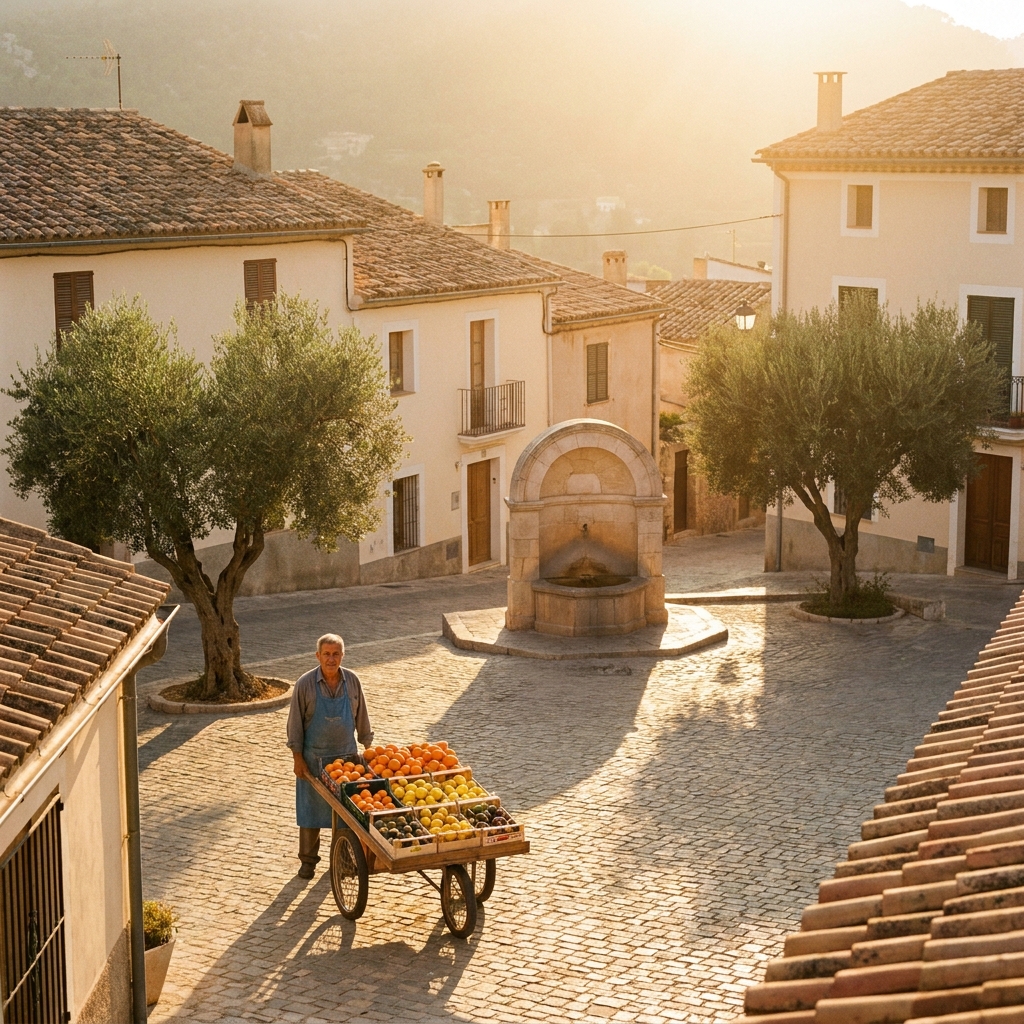
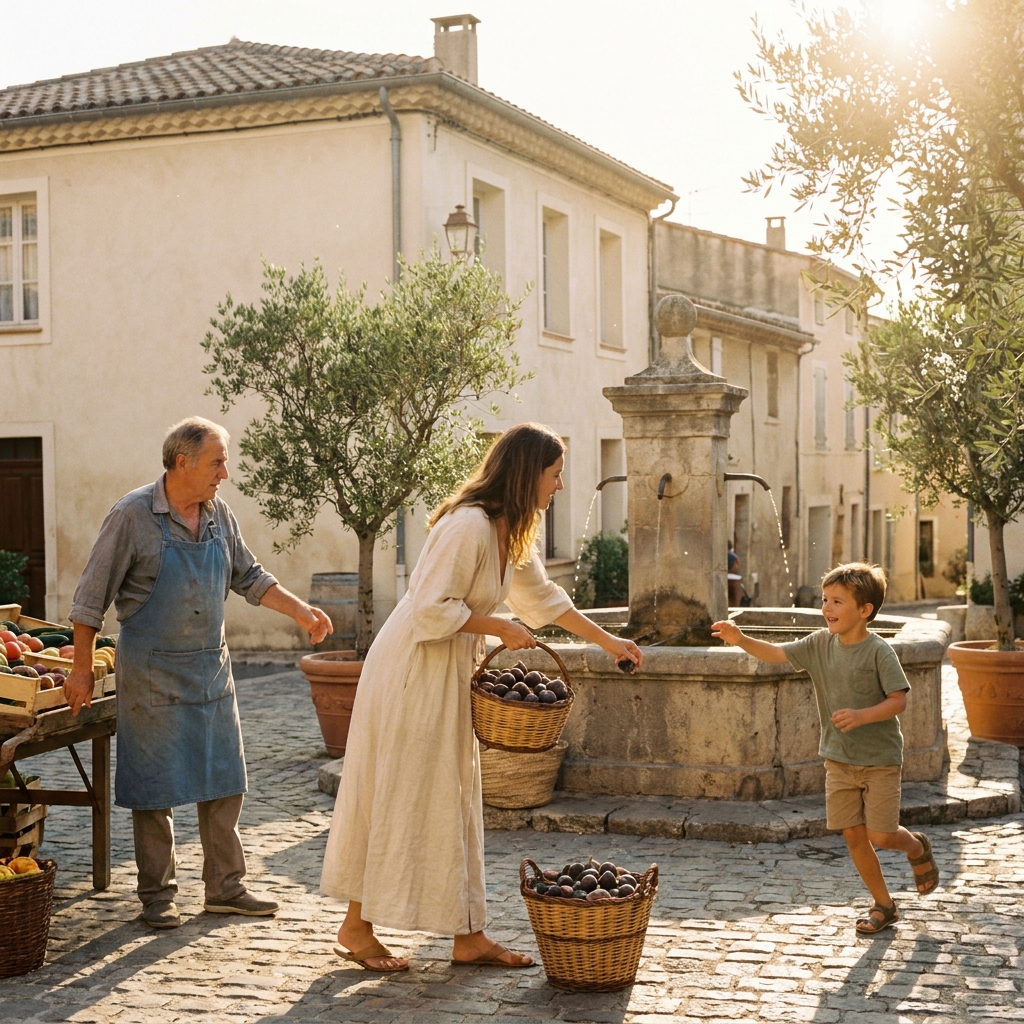
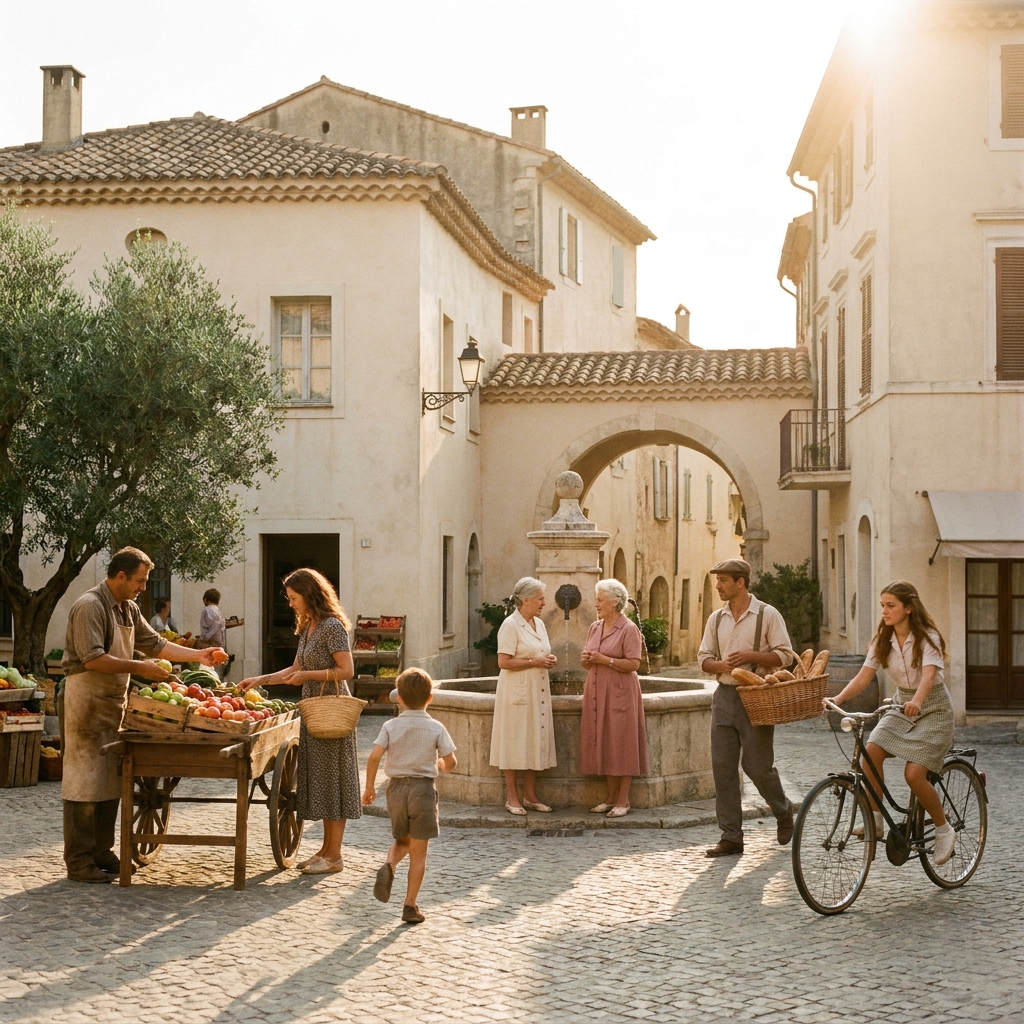
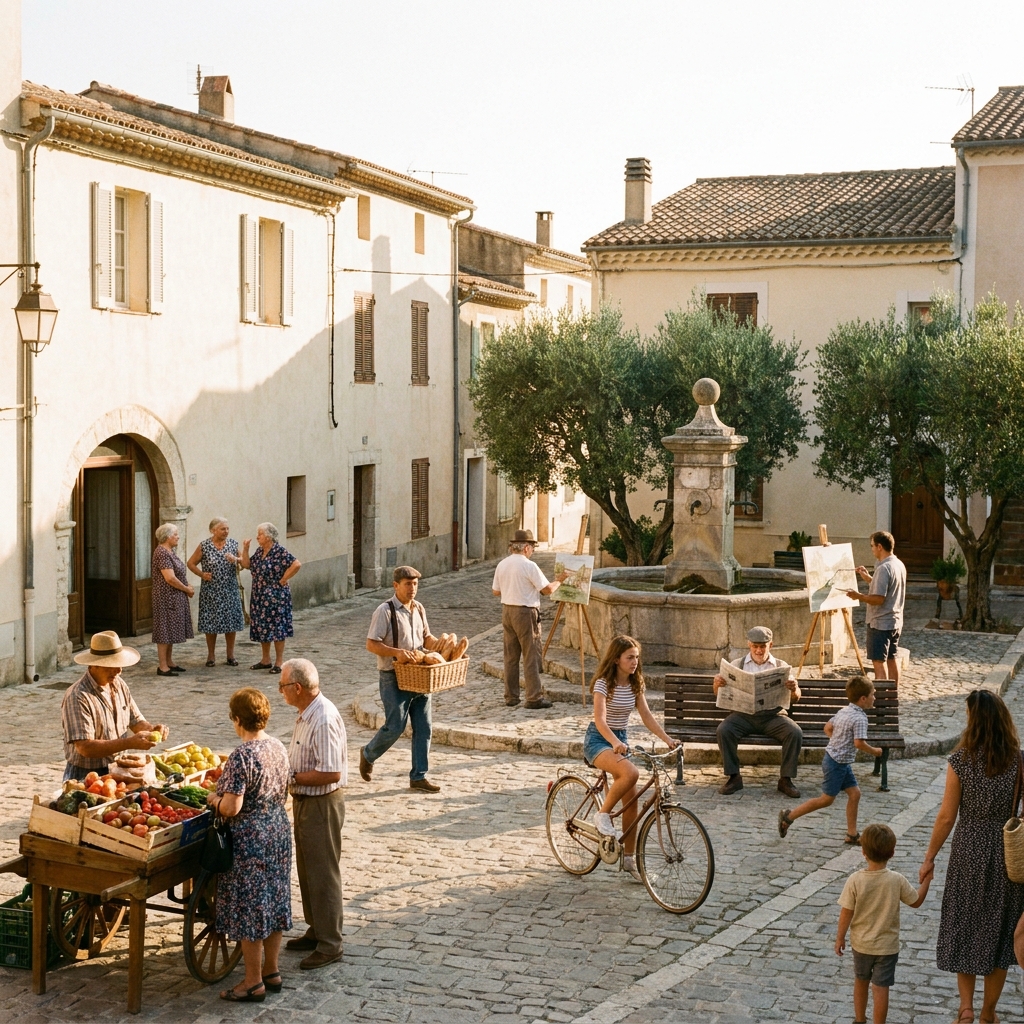
The same prompt run four times on Sora 2. Generate a spread and keep the strongest, rather than trying to engineer one perfect pass.
Three mistakes that ruin Sora 2 prompts
The failure modes that come up most often, and the one-line fix for each.
"A chef in a kitchen" has no goal, so Sora invents motion that goes nowhere. Give the subject something they are trying to finish.
Continuity is not carried between generations. Restate wardrobe, setting and lighting in every shot prompt or the character drifts between clips.
Ten style words compete with each other. One framing, one move, one grade, and a named consequence beats a paragraph of atmosphere.
More prompt packs
Packs that pair well with this one.
Veo 3.1
Shot-list style prompts with real film language and a soundscape line, because Veo is the model that generates synced audio alongside the picture.
View 12 promptsSeedance 2.0
Camera-directed video prompts built in four layers, with a constraint tail that cleans up warping. The precision pick when you know the exact move you want.
View 12 promptsCinematic ads
A full shot list for a spot: hero open, lifestyle beat, macro texture, accent motion, reveal and end card. Generate each separately and cut them into one film.
View 12 promptsSora 2 prompts, answered
Six questions that come up most often when people start prompting Sora 2.
How is prompting Sora 2 different from other models?
How do I keep Sora clips consistent?
What framing works best?
Sora 2 or Veo 3.1, which should I use?
Can Sora handle crowds and multiple people?
Where do I run Sora 2 prompts?
Run these prompts in DesignerBox
Copy any prompt above, then generate it with the model of your choice. Free credits to start.