AI product photography prompts
Great product imagery comes down to three decisions: the surface, the light, and the angle. These prompts fix those choices for the most common ecommerce shots, from clean catalog stills to styled lifestyle scenes. They are model-agnostic, so run them on Nano Banana Pro, FLUX, or GPT Image and pick the winner.
What makes a good Product photography prompt?
A good AI product photography prompt fixes three decisions before any style word: the surface the product sits on, the direction and quality of the light, and the camera angle. Name all three explicitly, then add the finish standard. Catalog work wants a seamless background and even light; lifestyle wants one or two props that imply use.
The photographers who charge the most for product work are not buying better cameras, they are making better decisions about surface, light and angle before anyone presses a shutter. A prompt is the same set of decisions written down. Once you name the surface as warm white marble rather than leaving it open, and the light as coming from the left rather than leaving it open, most of what people call "the AI look" disappears, because the AI look is mostly what a model produces when it has to guess.
The second habit worth borrowing is the set. A listing needs a hero, two or three angles, a scale reference and a lifestyle frame, and they have to look like one shoot. Fix the surface, the light and the grade in the prompt, then vary only the angle and the styling. If you would rather skip the prompting entirely for a specific job, Flat Lay Studio and Product Ad Generator run this workflow from one uploaded photo, and the product photography use case walks through the whole pipeline.
The anatomy of a Product photography prompt
Three decisions, then the finish. This order works on every image model, which is why these prompts are portable.
- 1Product
The item with material and finish. "A premium cosmetics jar with a brass lid".
- 2Surface
What it sits on, named specifically. "on warm white marble".
- 3Light
Direction, quality, and where the shadow falls. "soft natural daylight from the left, gentle shadow to the right".
- 4Angle
Where the camera is. "eye-level three-quarter angle" or "seen from directly above".
- 5Finish
The standard the image has to meet. "editorial hero product shot, legible label".
A premium cosmetics jar on warm white marble with a brass accent, soft natural daylight from the left, gentle shadow to the right, shallow depth of field, a sprig of eucalyptus softly out of focus behind, editorial hero product shot, legible label.
What to swap in every prompt
Change one of these at a time. Changing several at once makes it impossible to tell which edit improved the result.
| Variable | Options to try |
|---|---|
| Surface | pale grey seamless, warm white marble, reclaimed oak, bone linen, black stone, brushed concrete, coloured acrylic |
| Angle | eye level, slight three-quarter, straight on, directly above, low hero angle, 45 degrees |
| Light | even softbox, single hard key from upper right, soft window light from the left, bright overcast, dramatic side light |
| Context | no props, one prop implying use, full styled scene, in-hand, on a shelf, floating on colour |
How to write great Product photography prompts
Four rules that make the difference between a flat result and a usable one.
Marble, oak, seamless paper, or linen sets the whole mood before you touch style words. Name it explicitly at the start of the prompt.
State the direction and quality: "soft window light from the left" or "single hard key from the upper right". This is the difference between flat and premium.
Bottles and cans read best at eye level or a slight three-quarter; flat lays and food from directly above. Say the angle out loud.
For catalog, use a clean seamless. For lifestyle, add one or two props that imply use without cluttering the hero.
12 Product photography prompts to copy
Tap copy on any card, paste it into DesignerBox, and generate. Tweak the details to fit your product.
Clean catalog still
CatalogA single product bottle centred on a pale grey seamless studio background, eye-level three-quarter angle, even soft box lighting, subtle contact shadow, no props, sharp detail, catalog-ready ecommerce product photography, true-to-life colour.
Marble hero shot
HeroA premium cosmetics jar on warm white marble with a brass accent, soft natural daylight from the left, gentle shadow to the right, shallow depth of field, a sprig of eucalyptus softly out of focus behind, editorial hero product shot, legible label.
Styled flat lay
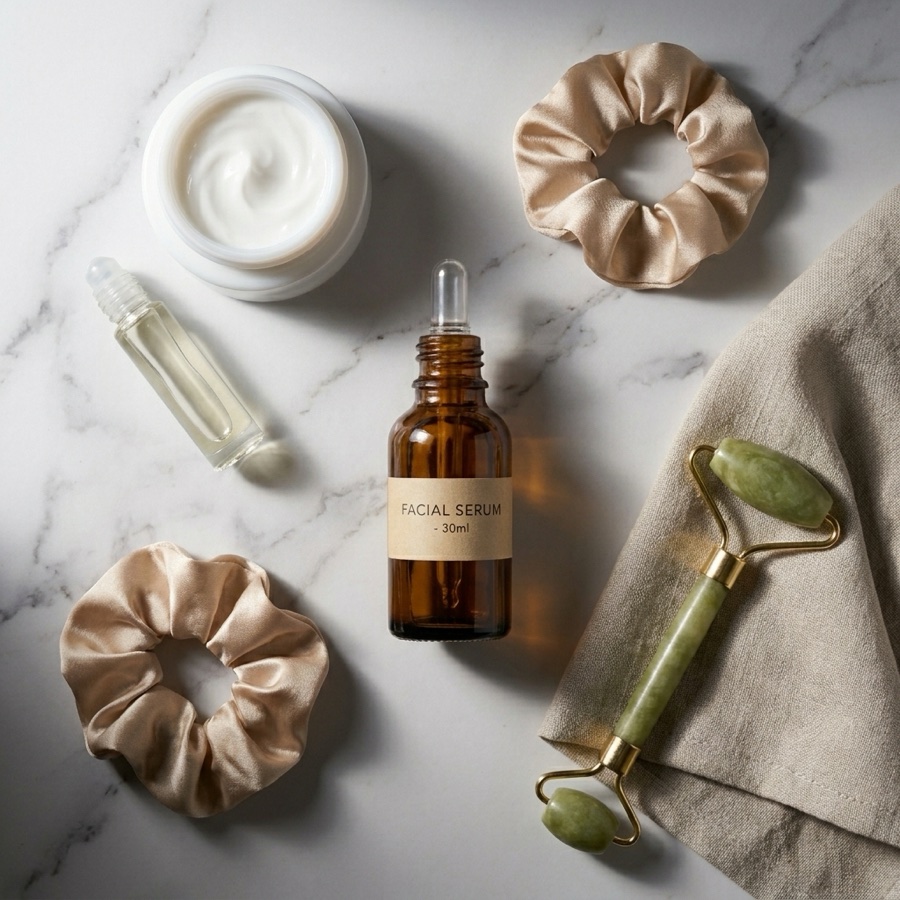
Flat layA top-down styled flat lay of a skincare set arranged on bone linen with dried flowers, a folded towel, and a small dish, soft overhead daylight, warm neutral palette, balanced negative space, editorial flat lay composition seen from directly above.
Lifestyle in use
LifestyleA ceramic coffee mug held in two hands over a wooden breakfast table with a book and soft morning light through a window, cosy believable moment, product in focus, background gently blurred, warm lifestyle product photography.
Floating on colour
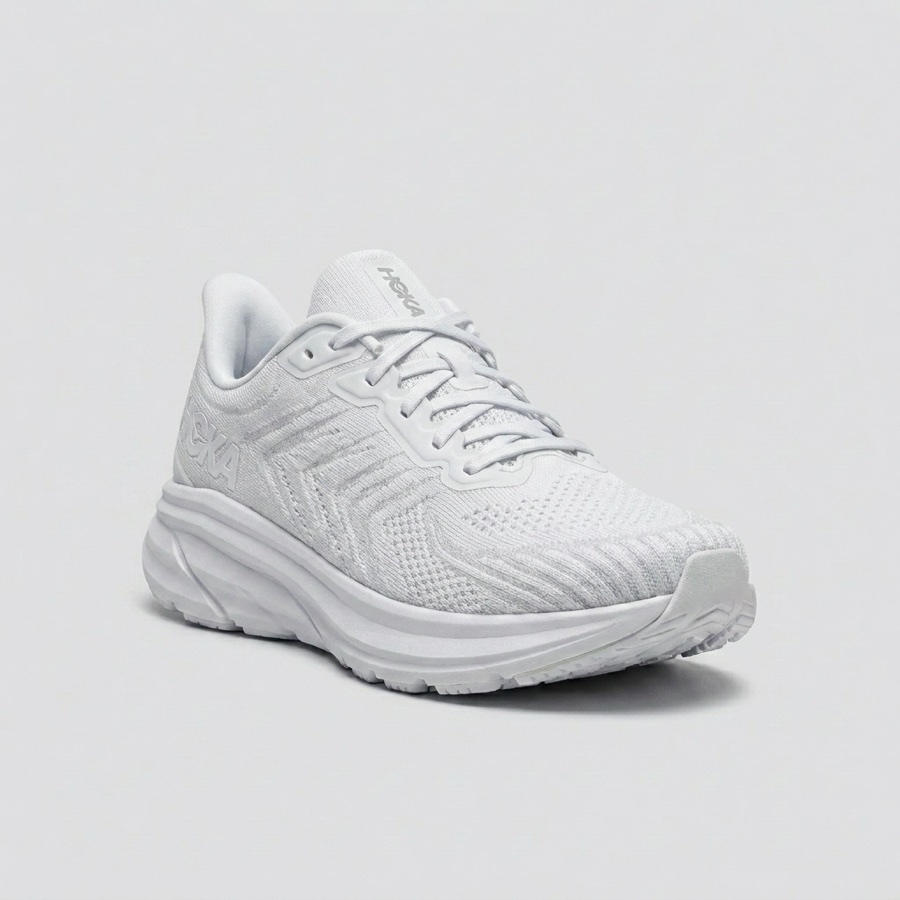
CreativeA sneaker floating against a solid pastel background with a soft drop shadow beneath, hard sculpted studio light, playful minimal advertising still, crisp product edges, bold single-colour backdrop, no clutter.
Splash and motion
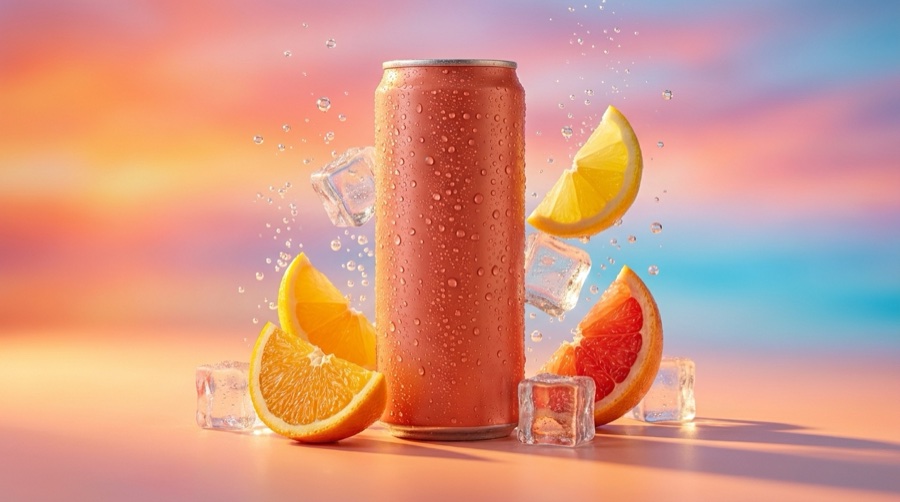
BeverageA canned drink with a dynamic water splash frozen around it, hard directional light catching the droplets, dark moody background, condensation on the can, high-energy beverage advertising still, sharp frozen motion, appetising finish.
Scale reference, in hand
CatalogA hand holding a small glass serum bottle against a plain off-white background, natural even light, the fingers giving a clear sense of scale, product label facing the lens and fully legible, clean ecommerce scale shot, no distracting jewellery or background.
Detail macro, texture
DetailA tight macro crop on the closure and material of a product, showing the stitching, thread or thread-count detail, single soft light from the upper left with rich falloff, shallow depth of field, crisp commercial detail shot for a product listing gallery.
Shelf context, retail
LifestyleThe product on a styled wooden shelf beside a small ceramic vase and two books, warm interior daylight from the right, other objects softly out of focus, the product sharp and centred, believable home retail context, uncluttered composition.
Group shot, full range
CatalogFive products from the same range lined up on pale grey seamless at even spacing, shot straight on at eye level, even softbox lighting with matching shadows under each, consistent scale and finish across the row, clean range shot for a category page.
Dark luxury still
HeroThe product on black stone with a single hard light from the upper right creating a controlled highlight down its edge, deep shadow filling the rest of the frame, a faint reflection beneath, minimal luxury advertising still, nothing else in shot.
Outdoor natural light
LifestyleThe product resting on a weathered stone ledge outdoors in soft overcast daylight, greenery blurred well behind it, tiny natural imperfections on the ledge, honest available-light product photography, product sharp and label readable, no studio gloss.
Made on the same models
Real output from the DesignerBox models these prompts run on.

Three mistakes that ruin Product photography prompts
The failure modes that come up most often, and the one-line fix for each.
A prompt that says only "product photography" hands the surface decision to the model and it defaults to a grey void. Name marble, oak, linen or seamless every time.
If the second generation changes the surface, the light and the angle at once, you cannot tell which change helped. Move one variable per iteration.
Three props and a shadow pattern make a nice picture and a bad listing image. For catalog, remove everything that is not the product.
More prompt packs
Packs that pair well with this one.
Nano Banana
Product, packaging and portrait prompts written in the plain descriptive style Google’s image model rewards. Strong on legible on-pack text and subject consistency across edits.
View 12 promptsFLUX 2
Camera-language prompts with lens, aperture, film stock and a real lighting setup. The photorealism specialist, and the one that most rewards knowing photography terms.
View 12 promptsAI headshots
Corporate, founder, creative and press portraits with the crop, background, lens and expression locked so results read as photographed rather than avatar-generated.
View 12 promptsProduct photography prompts, answered
Six questions that come up most often when people start prompting Product photography.
Which model is best for AI product photography?
How do I keep my product looking accurate?
What resolution should product images be?
Can I make a whole set from one product photo?
How many images does a product listing need?
Is AI product photography allowed on marketplaces?
Run these prompts in DesignerBox
Copy any prompt above, then generate it with the model of your choice. Free credits to start.