AI headshot prompts
A professional headshot is a set of controlled choices: framing, background, wardrobe, light, and expression. These prompts lock those so you get a clean, credible portrait instead of an over-stylised avatar. Start from a clear reference photo for likeness, then change the setting and light to match the context.
What makes a good AI headshots prompt?
A professional AI headshot prompt fixes five things: a head-and-shoulders crop, a portrait lens between 50mm and 85mm at a shallow aperture, a simple controlled background, real skin texture, and a calm genuine expression with direct eye contact. Start from a clear front-facing reference photo to keep an actual likeness.
The reason most AI headshots fail a credibility test is not resolution, it is framing and skin. A generic portrait prompt returns a chest-up composition with airbrushed skin and studio-perfect symmetry, and every recruiter who has looked at a hundred profiles reads that as synthetic instantly. Asking for a head-and-shoulders crop on an 85mm at f2.8 with visible pores fixes most of it in one line.
The other half is consistency, which matters more for teams than for individuals. A team page where six portraits have different backgrounds, crops and colour temperatures looks worse than six phone snaps. Fix the background, the framing and the light in the prompt and vary only the person. FLUX is the strongest choice for skin rendering, Nano Banana holds identity best across variations, and Skin Retouch handles the final pass if a real photo just needs cleaning up rather than replacing.
The anatomy of a AI headshots prompt
Five controlled choices. Change the wardrobe and setting between prompts, never the crop or the lens.
- 1Crop
Always state it. "A professional head-and-shoulders headshot".
- 2Wardrobe
One specific garment, so the portrait reads intentional. "in a navy blazer".
- 3Background
Simple and named. "against a soft grey studio background".
- 4Light
Key direction plus fill. "key light from camera-left with gentle fill".
- 5Optics and skin
Portrait lens, aperture, and the realism cue. "shot on an 85mm lens at f2.8, natural skin texture".
A professional head-and-shoulders headshot of a person in a navy blazer against a soft grey studio background, key light from camera-left with gentle fill, calm confident expression, direct eye contact, shot on an 85mm lens at f2.8, natural skin texture, clean corporate portrait.
What to swap in every prompt
Change one of these at a time. Changing several at once makes it impossible to tell which edit improved the result.
| Variable | Options to try |
|---|---|
| Background | soft grey studio, blurred warm office, neutral outdoor greenery, clean white, dark neutral, textured plaster wall |
| Wardrobe | navy blazer, fine-knit sweater, crisp white shirt, linen shirt, black roll-neck, denim shirt |
| Expression | calm and confident, approachable half-smile, warm genuine smile, thoughtful and still, direct and serious |
| Light | key from camera-left with fill, bright even soft, single side key for drama, golden hour backlight with front fill |
How to write great AI headshots prompts
Four rules that make the difference between a flat result and a usable one.
Specify a head-and-shoulders crop and a portrait lens (50mm to 85mm) with a shallow aperture. This is what separates a headshot from a generic AI face.
Name a simple background (soft grey studio, blurred office, neutral outdoor). Busy backgrounds undercut credibility.
Ask for real skin texture and a calm, genuine expression with direct eye contact. Over-smoothed skin reads as fake.
For a real person, start from a clear front-facing photo so the portrait keeps their actual features.
12 AI headshots prompts to copy
Tap copy on any card, paste it into DesignerBox, and generate. Tweak the details to fit your product.
LinkedIn, grey studio
CorporateA professional head-and-shoulders headshot of a person in a navy blazer against a soft grey studio background, key light from camera-left with gentle fill, calm confident expression, direct eye contact, shot on an 85mm lens at f2.8, natural skin texture, clean corporate portrait.
Warm office context
FounderA relaxed founder portrait in a warm modern office with blurred bookshelves behind, soft window light, an approachable half-smile, wearing a fine-knit sweater, shot on a 50mm lens at f2, realistic skin, believable environment, editorial business portrait.
Creative, outdoor
CreativeAn outdoor headshot of a person in a linen shirt against soft blurred greenery, golden hour backlight with a fill from the front, natural windswept hair, genuine relaxed expression, shot on an 85mm lens at f1.8, warm natural colour, real skin texture.
Editorial black and white
PressA dramatic black and white editorial portrait, single soft key light from the side sculpting the face, dark neutral background, thoughtful expression, sharp catchlights in the eyes, medium format look, fine grain, timeless press headshot.
Medical or trust, clean
ProfessionalA trustworthy professional headshot of a person in a crisp white shirt against a clean light background, bright even soft lighting, warm genuine smile, direct eye contact, shot on a 50mm lens, natural skin, approachable and credible.
Team page consistency
TeamA team-page headshot with a consistent look: person centred against a neutral soft grey background, even studio lighting, natural friendly expression, shoulders squared, shot on an 85mm lens at f2.8, realistic skin, matching framing for a uniform team grid.
Speaker and conference bio
PressA confident conference-speaker headshot against a dark neutral background, a single key from camera-right with subtle rim separation on the shoulder, direct eye contact and a slight smile, shot on an 85mm lens at f2.8, natural skin texture, crisp catchlights, editorial press portrait.
Trades and services, on site
ProfessionalAn honest working portrait of a tradesperson in a work shirt, standing in a softly blurred workshop, overcast daylight from a doorway with gentle fill, calm direct expression, shot on a 50mm lens at f2.2, real skin and hands, believable environment, no studio gloss.
Author jacket portrait
PressA quiet author portrait beside a window, three-quarter turn with the face toward the lens, soft directional daylight falling off into shadow on the far side, a plain wall behind, thoughtful still expression, shot on an 85mm lens at f2, muted natural grade, fine grain.
Academic and clinical
ProfessionalA composed head-and-shoulders portrait against a clean pale background, even soft frontal lighting with a gentle shadow under the chin, neutral professional wardrobe, calm and credible expression with direct eye contact, shot on a 50mm lens, realistic skin, no retouching gloss.
Real estate agent, warm
CorporateAn approachable agent portrait in a blazer over an open-collar shirt, standing in front of a softly blurred bright interior, warm window light from camera-left with a soft fill, genuine smile and direct eye contact, shot on an 85mm lens at f2.5, natural skin, welcoming and credible.
Bold single-colour backdrop
CreativeA modern headshot against a flat deep-teal backdrop, a single soft key from camera-right with a controlled shadow on the wall behind, direct confident expression, wearing a plain black roll-neck, shot on an 85mm lens at f2.8, real skin texture, clean contemporary brand portrait.
Made on the same models
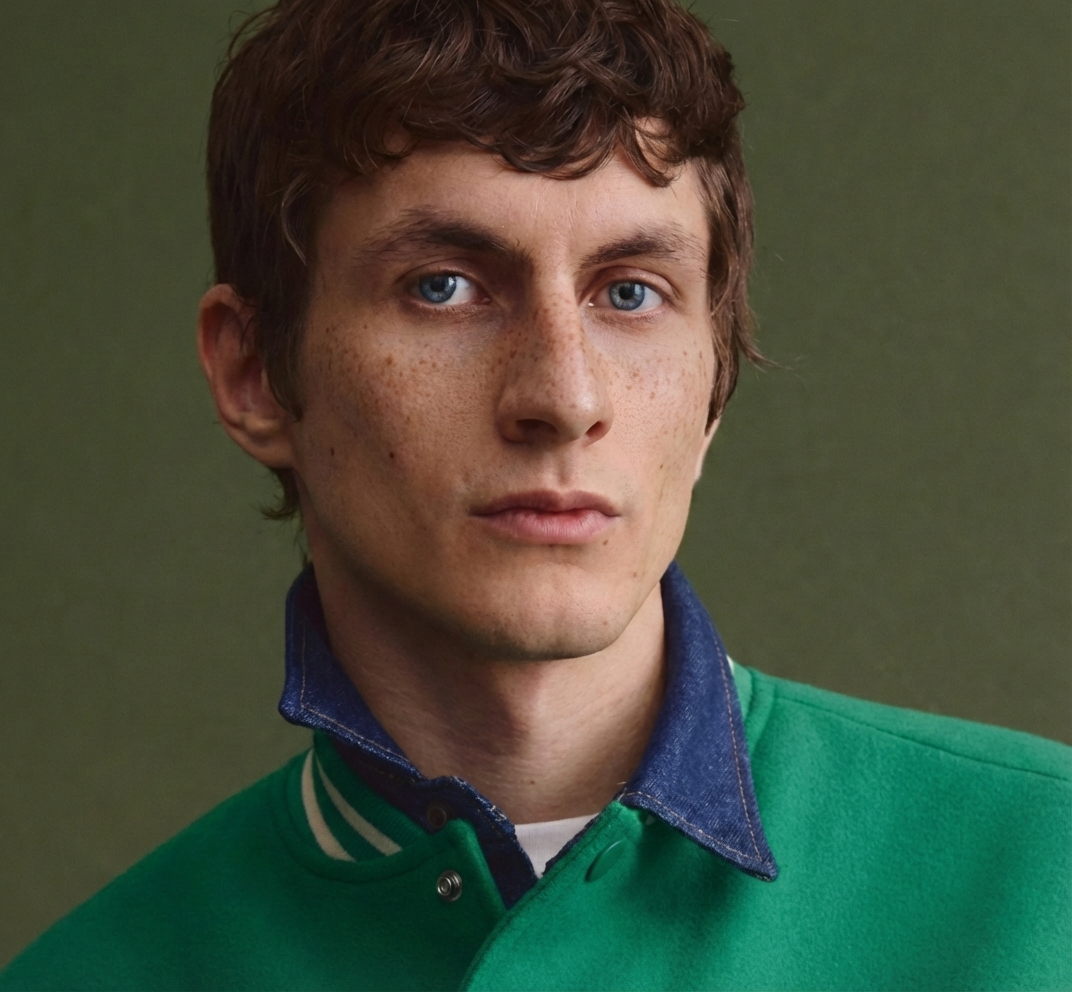
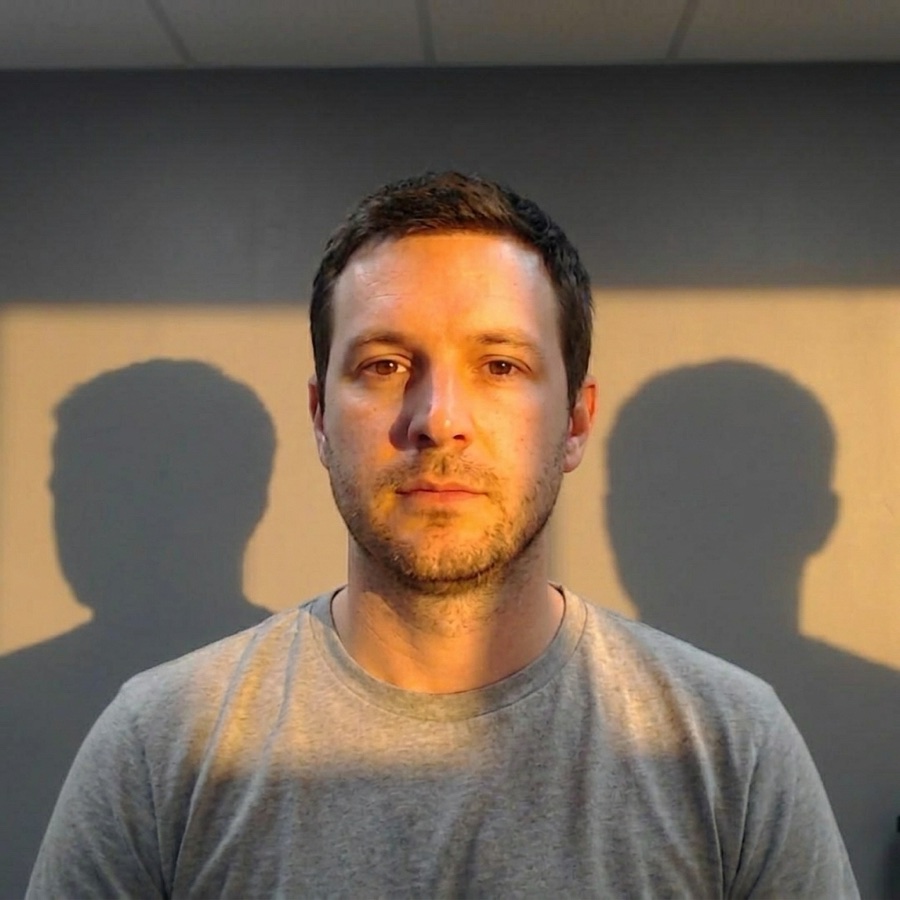
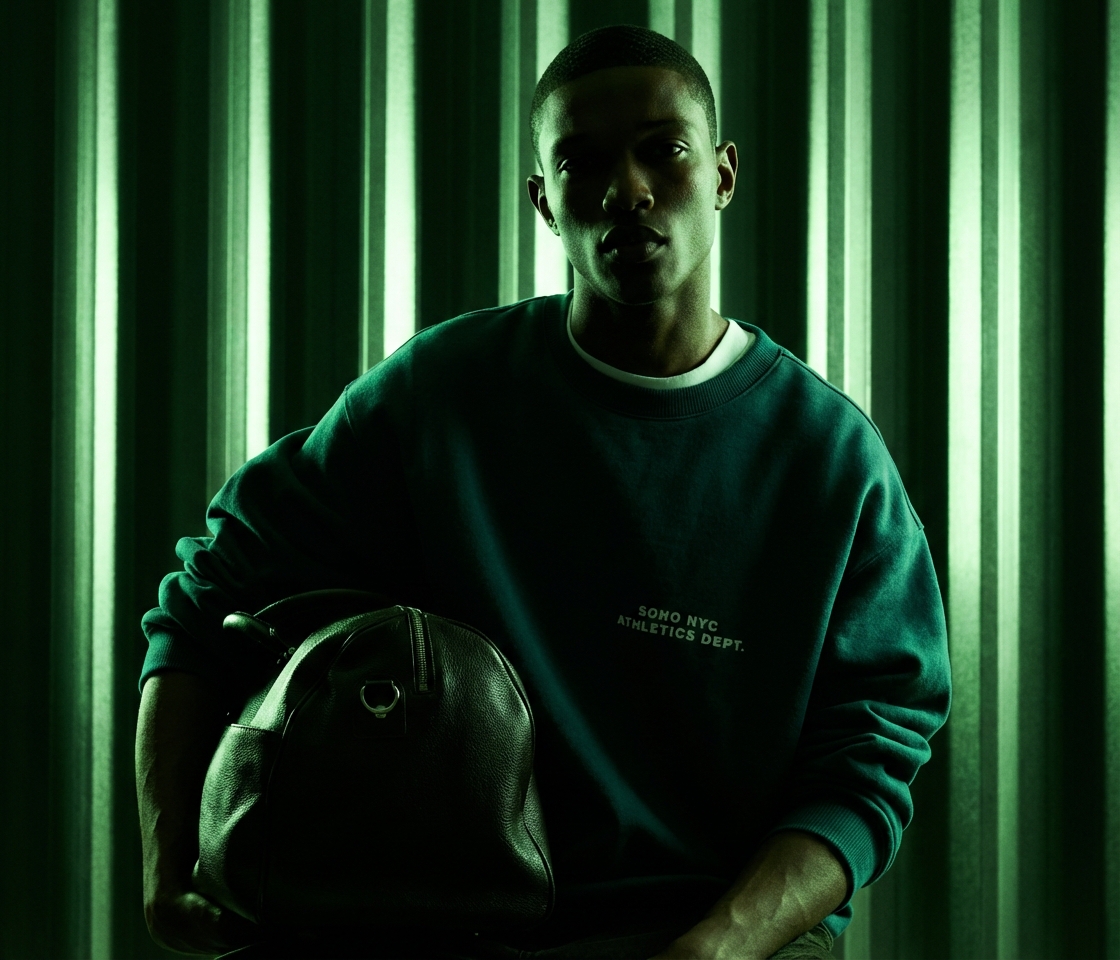
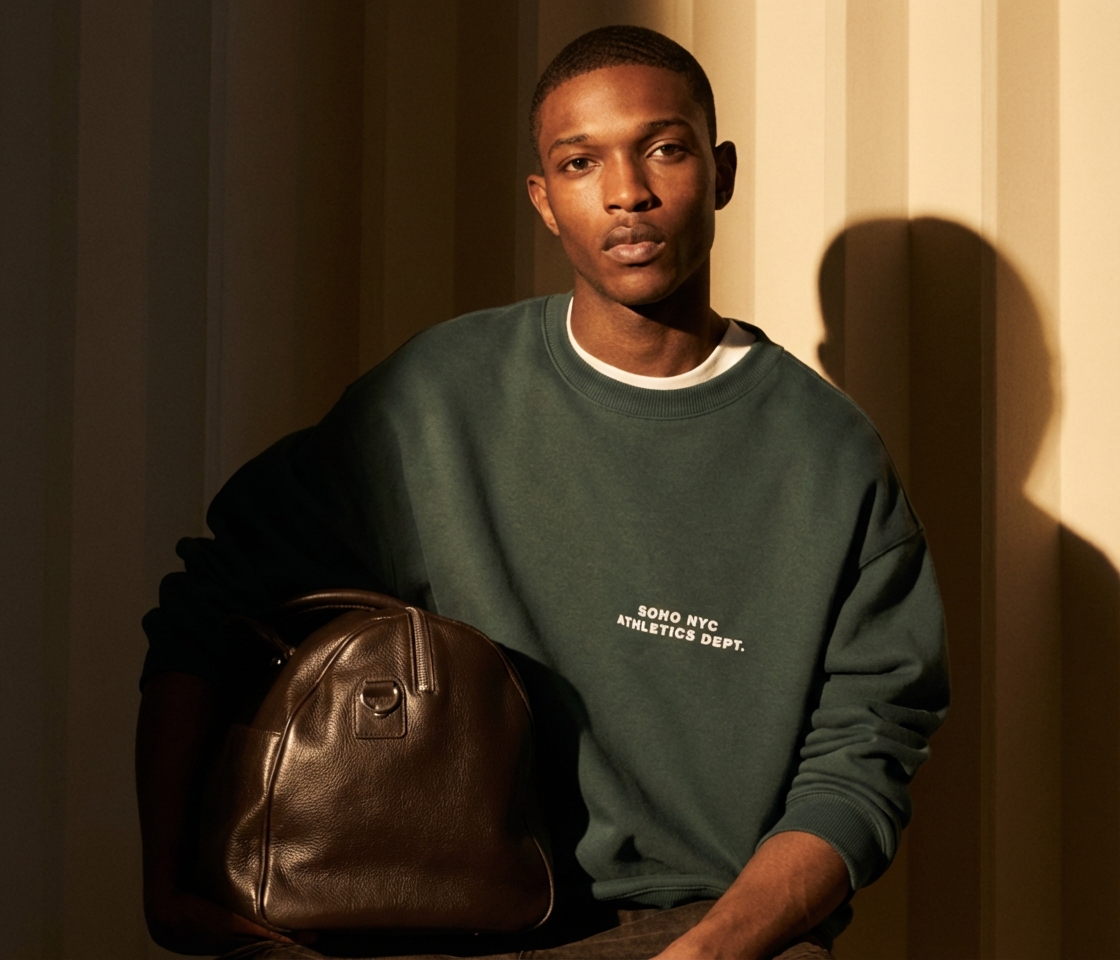
Real output from the DesignerBox models these prompts run on.
Three mistakes that ruin AI headshots prompts
The failure modes that come up most often, and the one-line fix for each.
The smoothest result in the batch is almost always the least credible. Always ask for natural skin texture, and prefer a portrait with visible pores over a flawless one.
Without a stated head-and-shoulders crop, models default to a wider, weaker composition. State the crop in the first clause.
For team grids, the background, crop and light stay identical across every portrait. Only the person changes.
More prompt packs
Packs that pair well with this one.
FLUX 2
Camera-language prompts with lens, aperture, film stock and a real lighting setup. The photorealism specialist, and the one that most rewards knowing photography terms.
View 12 promptsNano Banana
Product, packaging and portrait prompts written in the plain descriptive style Google’s image model rewards. Strong on legible on-pack text and subject consistency across edits.
View 12 promptsProduct photography
Catalog stills, marble heroes, flat lays and in-use lifestyle scenes. Model-agnostic, so run each one across two models and keep whichever reads more like a real shoot.
View 12 promptsAI headshots prompts, answered
Six questions that come up most often when people start prompting AI headshots.
Are AI headshots good enough for LinkedIn?
How do I keep my real likeness?
Which model gives the most realistic headshots?
Can I make a matching set for a whole team?
How many reference photos do I need?
Should I retouch a real photo instead?
Run these prompts in DesignerBox
Copy any prompt above, then generate it with the model of your choice. Free credits to start.