
Mavely pays creators on conversion, so Mavely creator content needs volume at a cost a small commission can carry. A brand in the program should photograph its products in one session, make a week of variations from those source photos, and give creators the pack with usage terms. Creators then post images they have the right to use, and your products stop appearing as the same brand PNG on every account.
Mavely gives creators access to thousands of brands, a MyShop storefront, a browser extension and a mobile app, and says creators do not need a massive following to start earning (Mavely creator guide, accessed September 2026). On 1 September 2026, Later announced that Mavely is now Later, and said links, commissions and payout schedules stay the same (later.com, accessed September 2026). None of that is the bottleneck. The bottleneck is that creators promote products they do not physically own, cannot photograph and cannot restage, while every other creator with the same link posts the identical brand asset. That is why a proper creative pack for partners is worth a brand’s time.
This guide is for a brand or agency that supplies Mavely creators with a week of assets. It also lists the parts a creator pack should leave to the creator.
Key Takeaways
-
Commission-based means volume-based. A post that does not convert costs the creator the time it took, so cheap and fast beats polished and rare.
-
Every creator on the same link has the same brand asset. Differentiation comes from restaging, grouping and context. A better crop of the same PNG changes nothing.
-
Batch by scene. One background setup carries eight products. One product per session carries one.
-
Creators photograph what they own and reference what they do not. The line matters legally, and it matters to their audience. A brand pack fills the gap for products they never hold.
-
Price the week’s pack before you run it. Creators post it to sell, so the license must cover commercial use.
-
Video is a separate budget. For short-form, a creator’s phone often works better than a generated clip.
Why does Mavely creator content need a different approach?
Mavely creator content needs a different approach because of the ownership gap. An ecommerce brand photographs its own inventory in its own studio. A Mavely creator promotes products spread across thousands of brands. Many of those products never arrive at the creator’s door, and the ones that do often arrive one at a time.
That produces three specific problems that a brand never has:
- The creator has no source photograph for most of what they link.
- What the creator does have is the brand’s own asset, which every other creator on the same program also has.
- The commission per post is small, so a production process that costs more than a few minutes per asset destroys the economics.
The last point governs everything else. For example, a 5% commission on a $40 order is two dollars. Content that takes forty minutes to produce needs to drive a lot of sales to make sense. Content that takes four minutes does not.
What can you make from products you do not own?
A creator’s link list splits into two piles, and they get completely different treatment.
Pile one: products in the creator’s hands. Anything the brand sent, anything the creator bought, anything already at home. This is the highest-value content and it deserves the real work. Photograph it once, properly, and then produce variations from that single photo: different backgrounds, seasonal settings, grouped with other items, close on the texture. One good source photo supports a month of posts. When the brand sends a product, it can send the photo pack with it.
Pile two: products the creator only has a link for. The creator cannot photograph these and should not pretend to. This is where a brand pack does the most work. What a creator can legitimately produce is content about the category rather than the object: a flat lay of their own items in the same category, a styled scene, a comparison of things they do own, a get-ready-with-me where the linked product is named rather than shown as theirs.
The line between the piles is a claim about possession rather than an aesthetic choice. Presenting a generated or brand-supplied image as the creator’s own photograph of a product they have never held is the thing to avoid, and audiences can notice it. Labeling AI-generated images covers the disclosure rules, which get stricter the moment a person appears in the frame and stricter again when the audience includes the EU.
Many brands publish affiliate asset guidelines that state what creators may and may not do with supplied imagery. If you run a program, write yours down, because the answer varies by brand and Mavely spans thousands of them.
How do you batch a week of content in one session?
Batch by scene, not by product. For most sessions, this change adds the most output.

The instinct is to work product by product: pick item one, set it up, shoot it, pack it away, pick item two. That charges you the setup cost every single time. Instead, build one surface and run everything you own through it before you take it down.
A workable session looks like this:
- Set one ground and one light. A window, a board, ceiling lights off. Fifteen minutes, once.
- Photograph every physical product you have, flat, on that ground. Two minutes each, no styling. This is your source library, not your content.
- Produce the variations from those source photos. Same product, autumn scene. Same product, bathroom shelf. Same product, grouped with two others. This is where one source photo carries a week of posts.
- Write the captions in one pass, not one at a time.
- Queue the week.
Steps two and three are the split that matters. Step two is photography and needs hands. Step three is production, and a brand can do it once for all its creators. In DesignerBox, a product scene template and a flat lay template each take one product photo and return a different setting, which is the step-three job. Content batching covers the scheduling side of the same discipline.
A brand saves the scene setup as a workflow the first time it builds it. A saved workflow runs the same way on the next product, and batch runs it over the whole sheet at once. Next week’s new products get the same light and surface, so the pack stays consistent in month three.
Cost of a creator asset pack
In DesignerBox the model you pick sets the cost of a run. The cost is shown before the run, so a brand can price the whole pack before it runs anything.
Uploading your own photos and the commercial license start on the Pro plan. AI video, virtual try-on, upscaling, the image editor and the video editor start on the Premium plan. Team features, shared brand kits and white label are on the Ultra plan, and every plan below Ultra is one seat. Plans and credits are on the pricing page.
A creator pack is commercial use, so Pro is the first plan that covers this job. An agency that builds packs for several brands as a team needs Ultra, for the shared brand kits and the extra seats.
Video is a separate budget. An 8-second clip costs 40 to 560 credits, depending on the model. A Mavely creator can film short video on a phone, so a brand can spend its credits on the stills creators cannot make themselves. Where a brand does supply clips, shoppable video clips for LTK and Mavely creators covers the formats. What AI video costs covers the wider video budget.
Which posts convert on a link-based program?
The posts that convert on a link-based program show the product doing its job, in a context the viewer recognizes as their own. That is a different target from content that looks expensive.
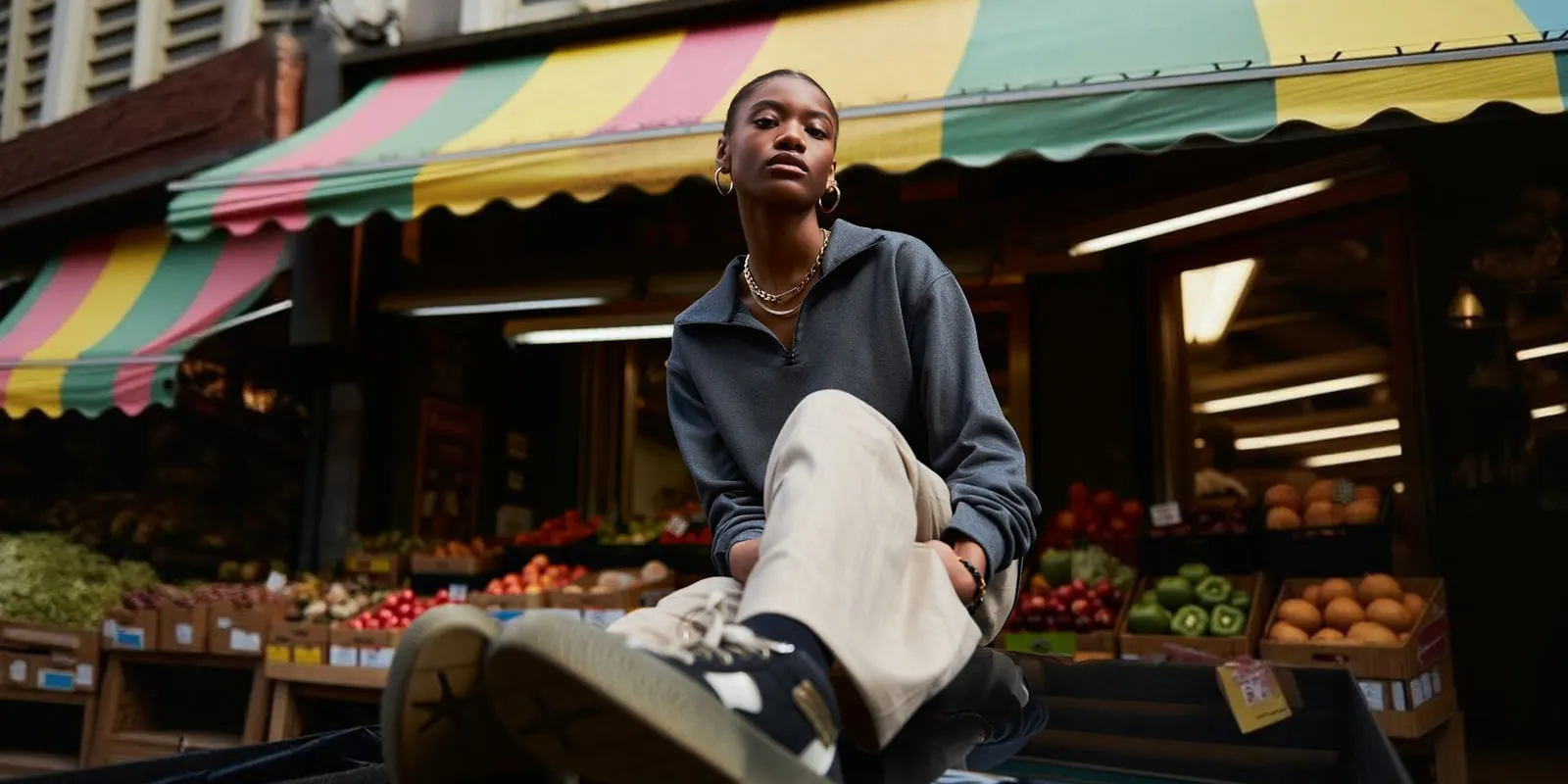
A few patterns that suit affiliate mechanics specifically:
- The grouped roundup. Five products in one frame, one link each in the caption or storefront. One post carries five links.
- The single-product context shot. The item where it would live: on a counter, in a bag, on a shelf.
- The seasonal restage. The same source photo, moved to a new setting each month. Cheap once the source exists.
- The comparison. Two products the creator owns, side by side. It helps a viewer make a decision, where a single post only announces a product.
Affiliate roundup images goes deeper on the first pattern. LTK creator content covers the same asset problem on a different platform, and most of it transfers directly. ShopMy vs LTK for creators compares how those two platforms accept and pay creators.
What does not convert is a reposted brand asset with no context added. The creator’s audience has seen it, and so has the algorithm. It adds nothing of the creator’s own view, and that view is why people follow a creator.
What should you not automate?
Three things stay with the creator, and a brand should write them into the pack terms. They are the three that make a creator’s account worth following.
The creator’s face and voice. A Mavely link converts through a creator because the audience trusts that creator’s judgment. Generated presenter footage of the creator undermines that trust, so the pack should never ask for it.
Claims about a product the creator has not used. The pack supplies images. It should not supply claims the creator cannot stand behind. No production quality fixes a recommendation the creator does not believe, and on a commission program reputation is the creator’s main asset.
Condition, fit and color on anything secondhand or size-dependent. A creator who also resells keeps those photographs untouched, because they are evidence. Poshmark listing photos covers where that line sits.
Everything else is production work that no one follows a creator for: the backgrounds, the seasonal restaging, the fifth variation of a flat lay. A brand can do that half once, for all its creators.
Anyone can make an AI picture. Making hundreds that still look like your brand is the hard part. In DesignerBox the source photos, the scenes, the brand rules and the Assets library sit in one place. The full workflow from the first product photo to the finished ad, in one subscription. To build the first pack, start from a template, add one product photo and run it.
FAQ
What is Mavely?
Mavely is an affiliate platform that lets creators make trackable product links across thousands of brands and earn a commission when their audience buys through them. It provides a MyShop storefront, a browser extension and a mobile app for making links (joinmavely.com, accessed September 2026). On 1 September 2026, Later announced that Mavely is now Later, with links, commissions and payout schedules unchanged (later.com, September 2026).
How do Mavely creators make money?
Mavely creators earn a commission when their audience buys through their trackable product links. The program pays on conversion, so a post earns only when it sells. That makes cost per asset the number to watch. A 5% commission on a $40 order is two dollars, so content that takes forty minutes to make needs many sales to cover its cost.
Can I use AI-generated images for Mavely affiliate posts?
For products you own and have photographed, restaging your own photo is ordinary production work. For products you have never held, generating an image that implies you own it is the thing to avoid. The FTC’s Endorsement Guides say that an advertiser may keep running an endorsement only while it has good reason to believe the endorser is still a real user of the product (16 CFR 255.1, accessed September 2026). The Endorsement Guides are guidance rather than a rule. The guide on when a casual product photo becomes a testimonial sets out where it falls. Individual brand programs also set their own rules about their supplied assets. Check the terms of the specific program, because one answer does not cover Mavely’s whole catalog. This is general information, not legal advice.
How many posts a week does a Mavely creator need?
Start from the cost per asset. The right post count changes with your audience size and your category. The program pays on conversion, so the question is whether a post costs less to make than it returns. Batching by scene lowers the cost side of that ratio.
How can a brand supply affiliate product images to its creators?
Photograph each product once, on one fixed background, and run the same saved workflow for the variations. Give creators the pack with written usage terms, so they know where they may post it. A creator pack is commercial use, and in DesignerBox the commercial license starts on the Pro plan.
Should I make video for Mavely?
Film it rather than generate it, in most cases. A phone shoots good short-form, and a creator’s own footage carries the trust the link depends on. If a brand makes a clip for its pack in DesignerBox, an 8-second clip costs 40 to 560 credits, depending on the model. AI video starts on the Premium plan.
How do I make my content look different from other creators promoting the same product?
Change the context, not the crop. Everyone has the same brand PNG, so any edit of that asset lands in the same place. Restaging a product you own into your own setting, grouping it with other items, or shooting it in genuine use are the things another creator cannot copy from the shared asset pack.
Sources
- Mavely creator guide (joinmavely.com, accessed September 2026)
- FTC Endorsement Guides, 16 CFR 255.1 (law.cornell.edu, accessed September 2026)
- Later, “Mavely is now Later” (later.com, 1 September 2026)
- DesignerBox plan gates for the commercial license, video, try-on, team features and seats (DesignerBox pricing, designerbox.ai/pricing, September 2026)
Mavely platform details verified from joinmavely.com and later.com as of September 2026. Check the commission rate on the specific link rather than a published average. DesignerBox plan gates read from the DesignerBox pricing page in September 2026. This is general information, not legal advice.